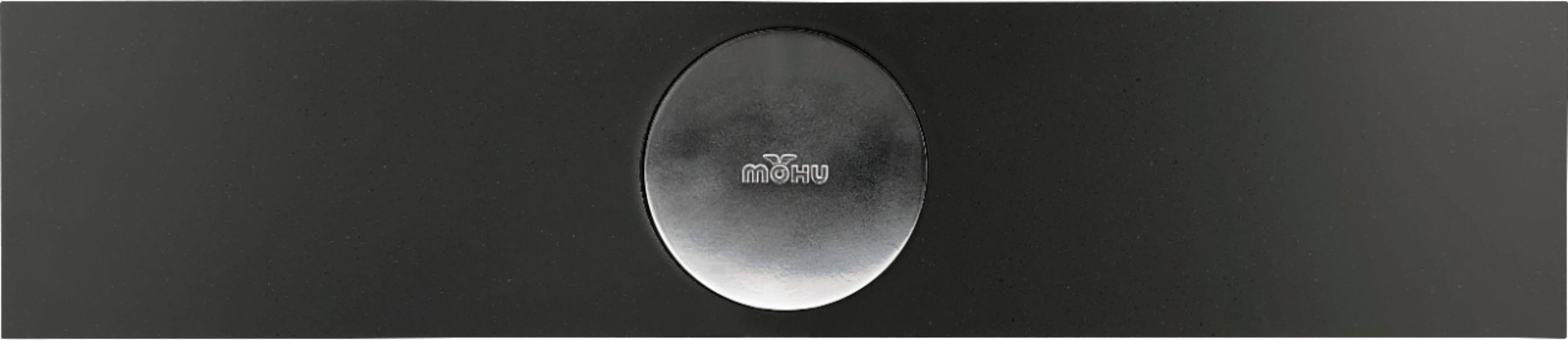
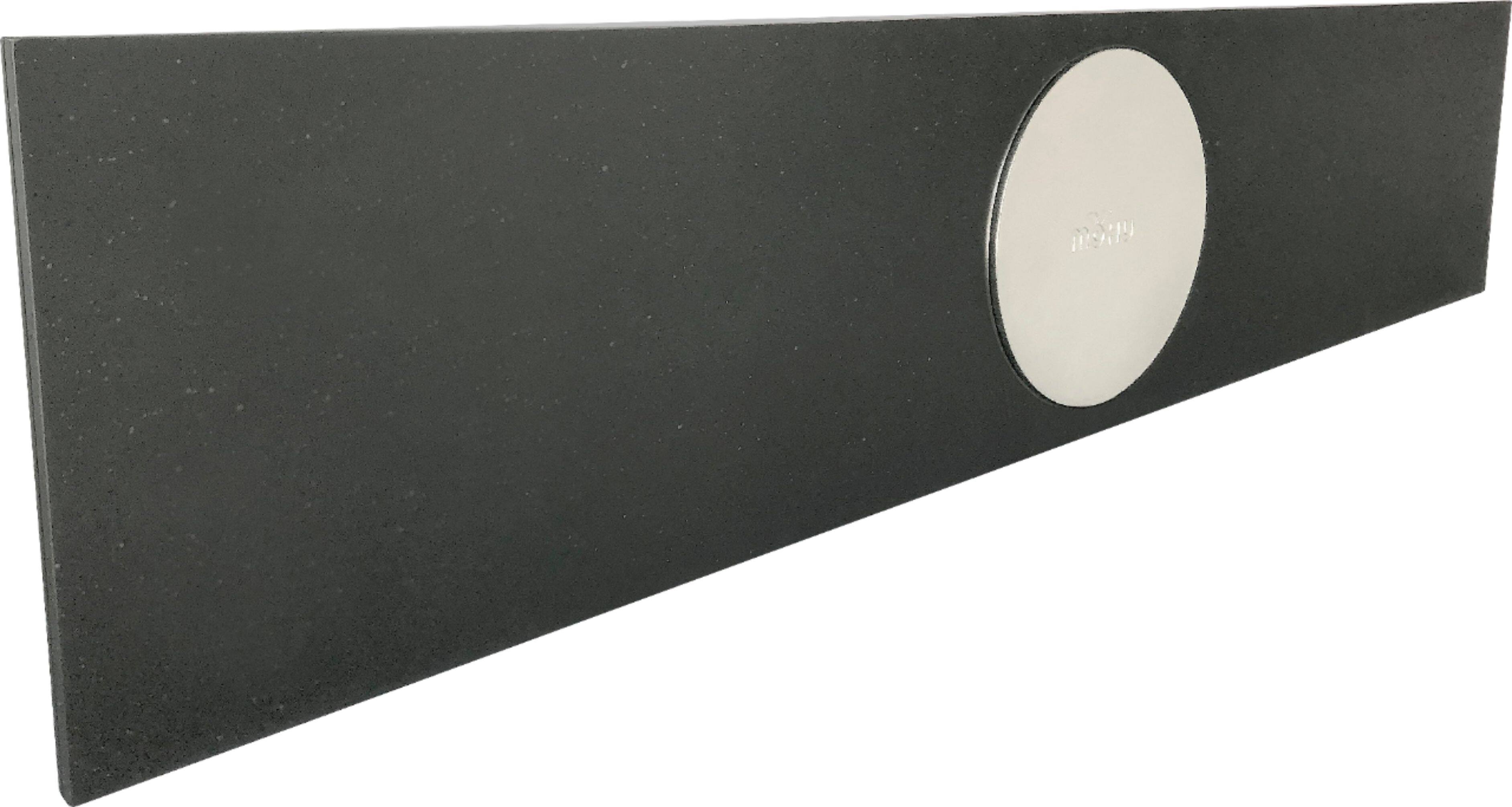
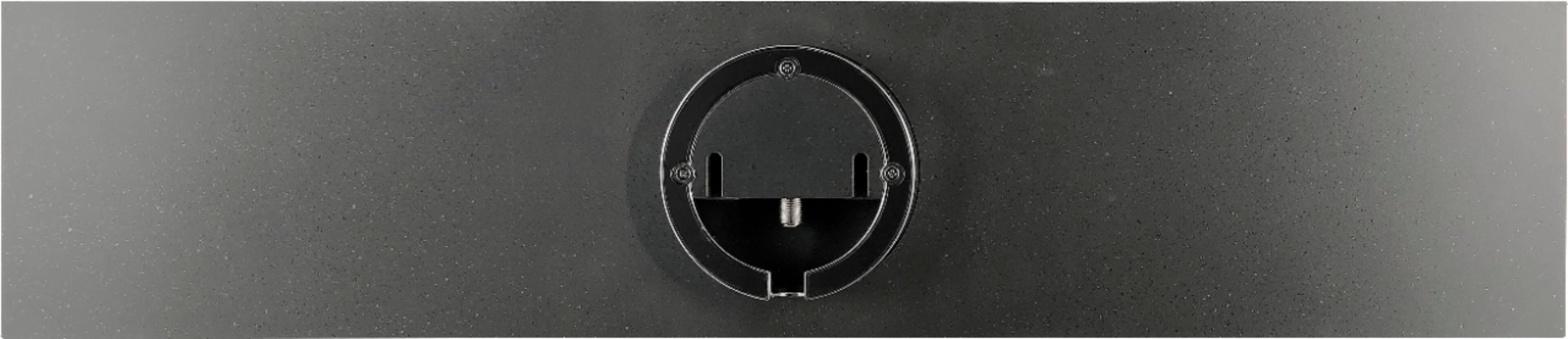
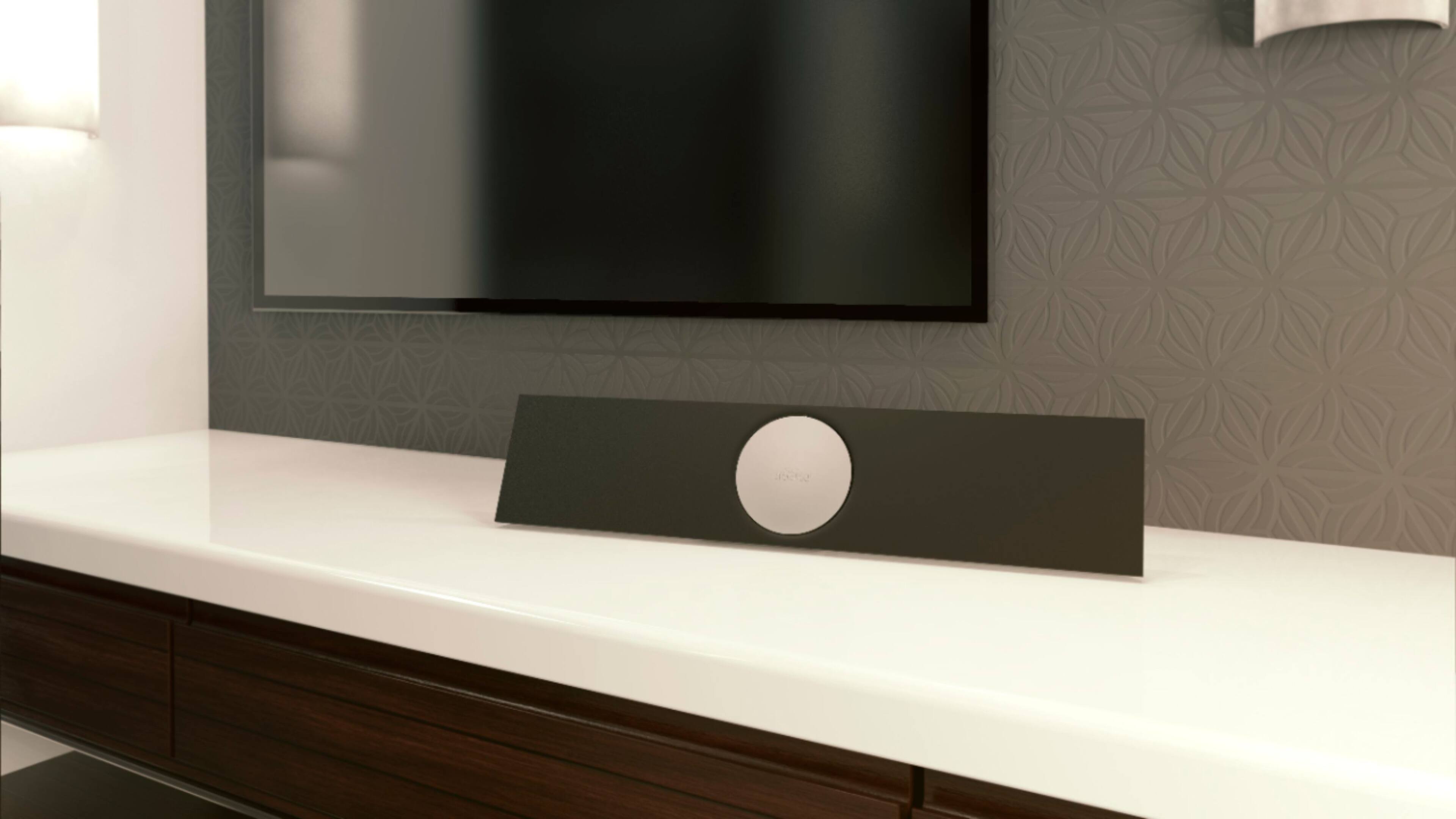
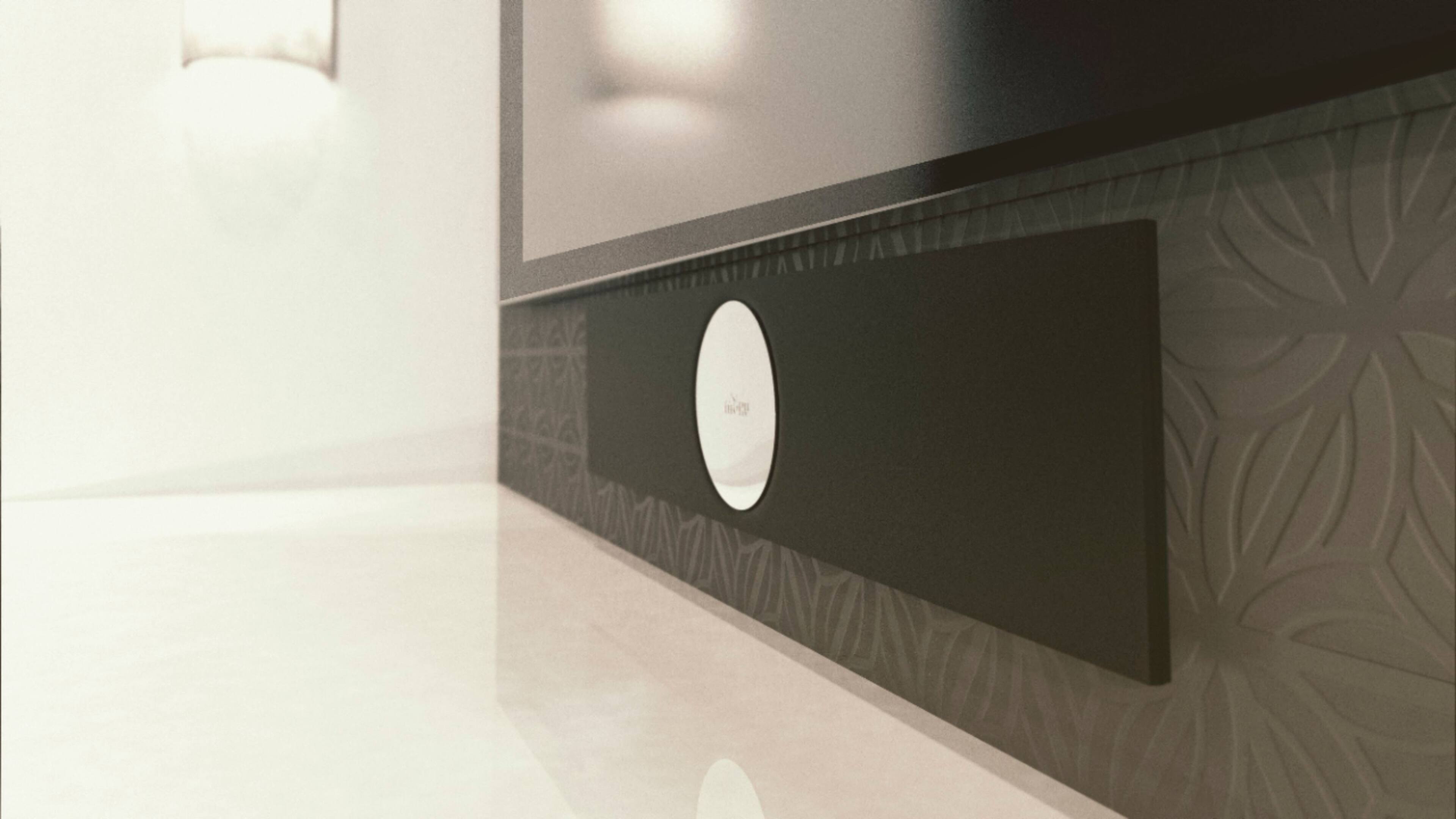
A:AnswerThe device is approx. 2ft long and less than 6" wide. The total depth is just over 2"
The entire package weighs just 2.4 lbs - Its exceptionally light for its bulk.
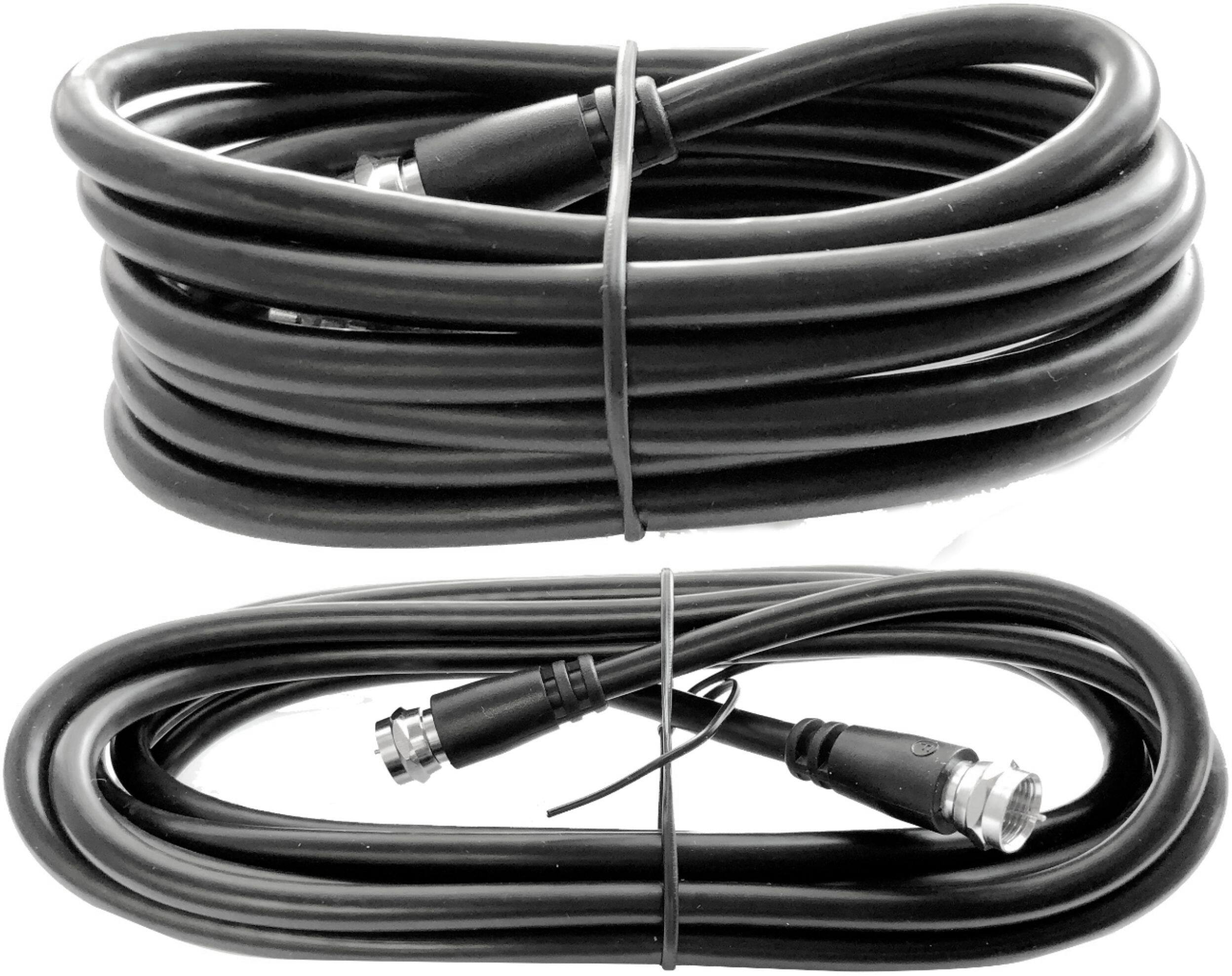
The package also comes with 10ft and 6ft coaxial cables.
A:AnswerThat is totally dependent on what signals are transmitting in your area. You can google "what ota channels can I get at my location" and find a site tool that allows you to enter in your complete address for a channel scan.
A:AnswerIf your cable/satellite box connects with HDMI/USB you would simply switch the source using your TV's remote to switch between sources as the antenna connects via the coaxial port. If your box is connected via the coaxial port you may try adding an a/b splitter so you can "switch" between the antenna and the cable/satellite box. A/B splitters are inexpensive and can be purchased at most electronics stores.
A:AnswerThere’s no way to know with certainty how many channels one would get in any zip. How far are you from local towers?? You need to find out then buy an antenna based on distance.
A:AnswerI am afraid that this is not a good location to use an antenna. Lots of terrain blockages and very weak signal strength are showing up on the report.
A:AnswerYes, the amplifier can actually be attached or detached, depending on your preference, and its simple to do. Just a device that you screw the coaxial into for amplification.
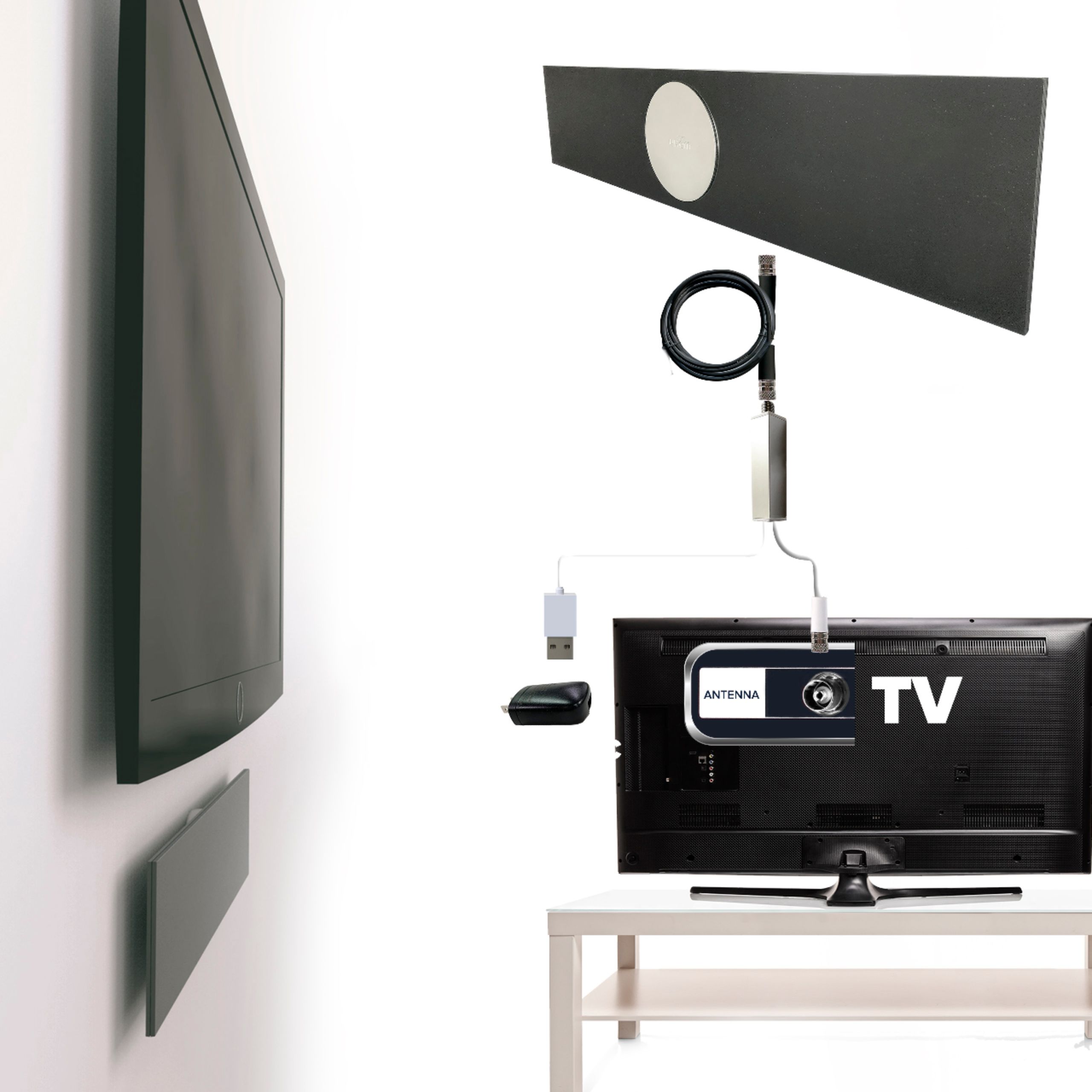
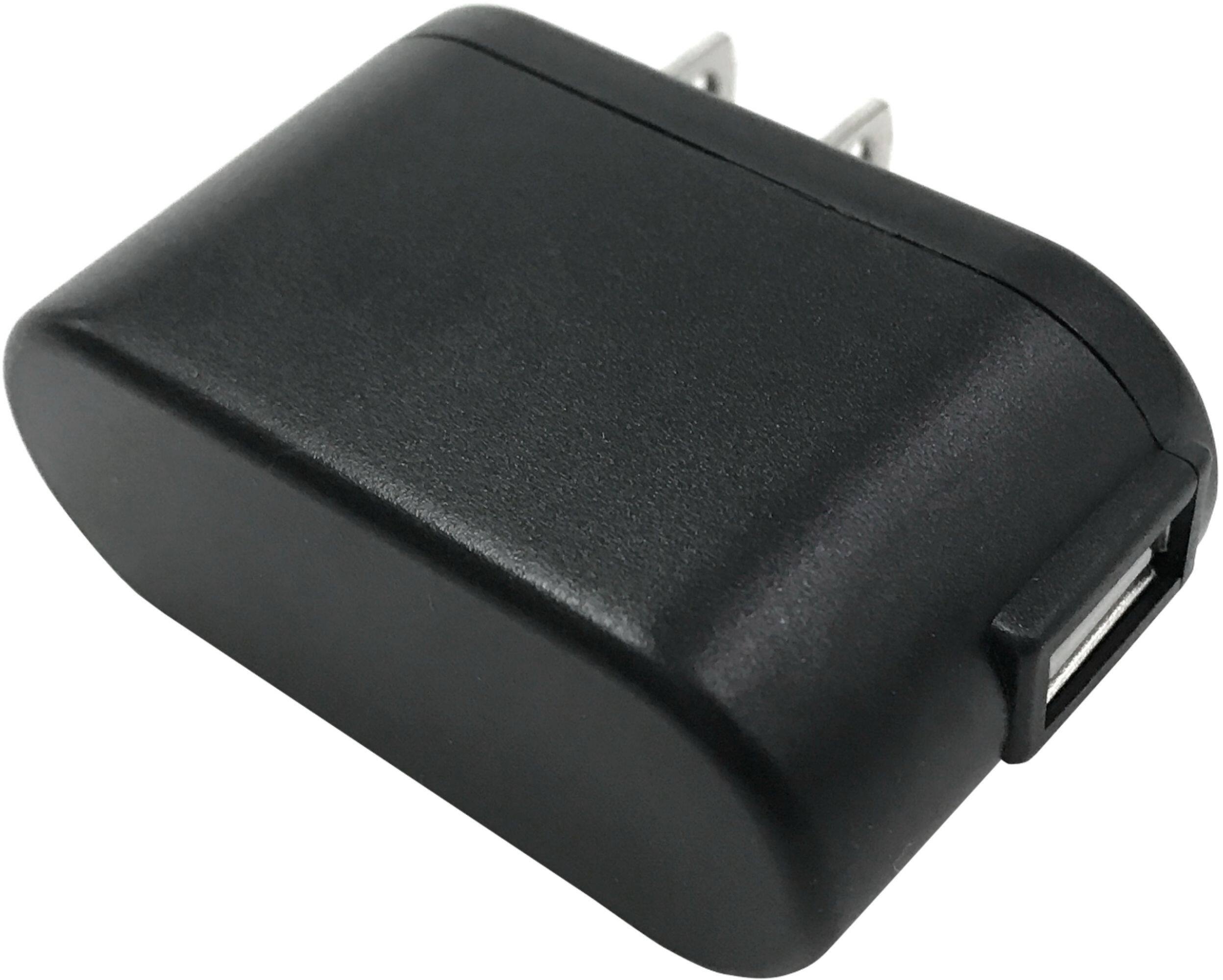
A:AnswerJust screw it into the antenna to your input on your TV. You can either plug the antenna into an outlet or use the adapter for a USB connection.
A:AnswerI can’t help with dB signal strength, but for me, this antenna was not worth the expense.
1. It did not work indoors at all
2. When I placed it outside, it lost signal every time a vehicle passed in front of my house. I was only able to place the antenna about 6 Ft above ground because after seeing how it performed, I didn’t want to waste any more time mounting it higher.
It may work well for others, but I wouldn’t recommend it.