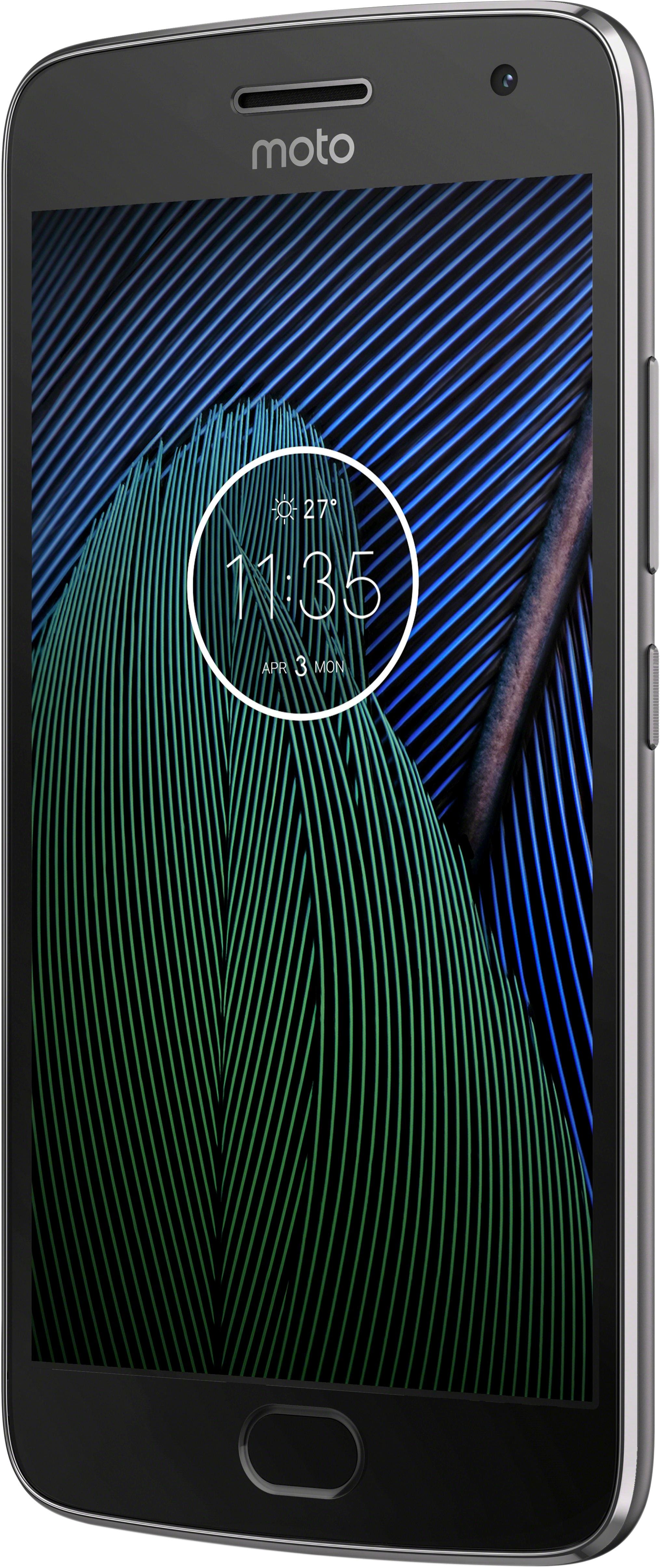
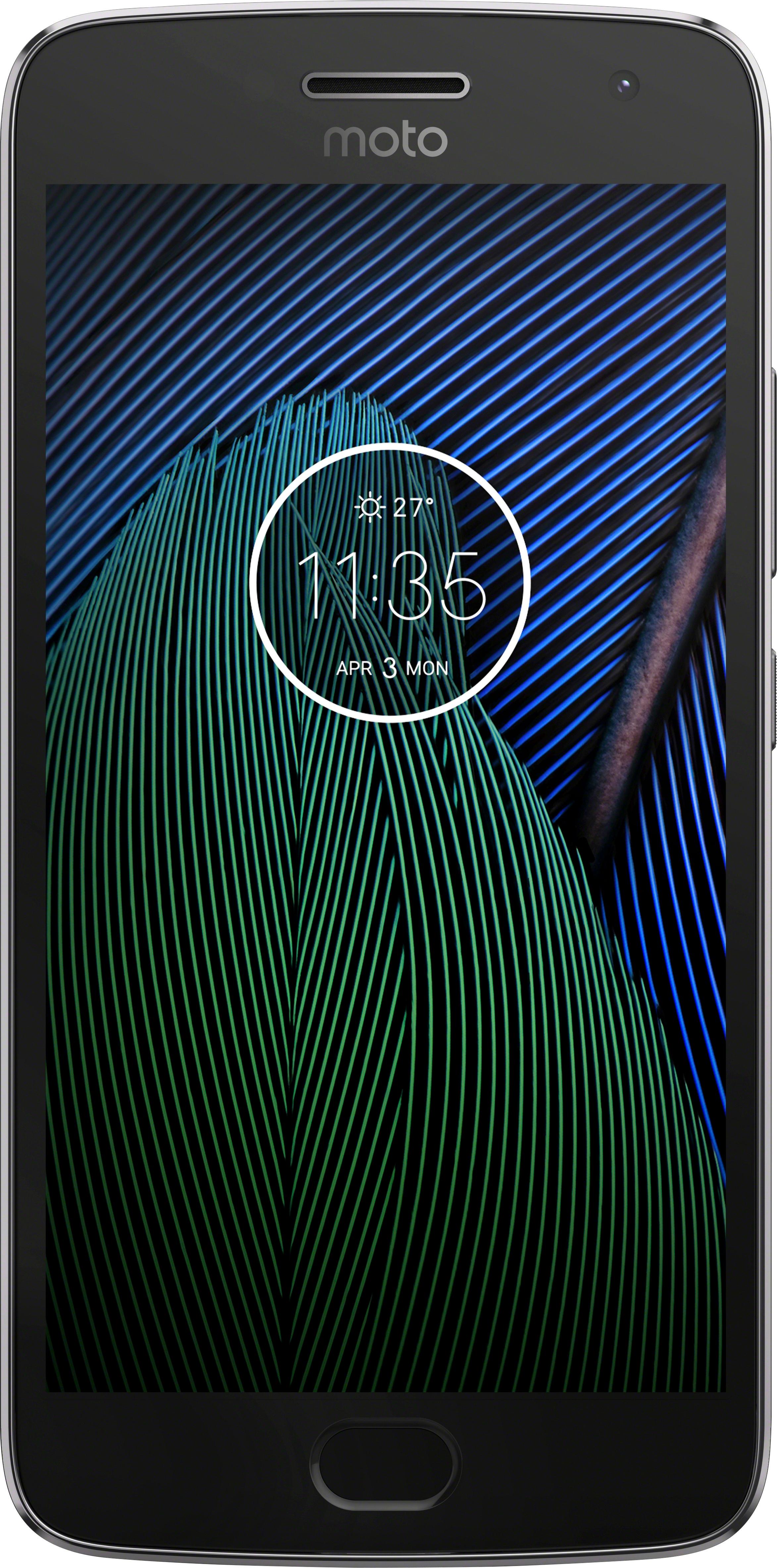
A:AnswerThe one at Best Buy is as if you were buying it straight from Motorola. No Amazon offers to deal with. The only way you get the annoying Amazon Offers is if you buy that version on Amazon at their discounted price.
A:AnswerBattery life is likely a bit better than the Moto X Pure, and the new Moto G5+ has an octa core processor. Is it an upgrade? Debatable. The G5+ is going to get OS updates longer than the Moto X from 2015, for sure. Not sure if that alone is worth it, but I think if you look at the whole package, buying is the right thing to do, unless you can wait for the next Moto X.
A:AnswerHello.I have used this on both the Verizon and the T mobile network. I had zero issues on the Verizon network with wifi calls dropping out, and no voice quality issues. when I went to T mobile, however, initially I had no dropped calls, but after 3 weeks i did have issues with wifi drop outs. I only have this issue at home the phone has issues with transition between wifi and cellular calls ( at least my phone does)
A:AnswerGo into "Settings" then "Backup and Reset" on your G4 and ensure the "Back up my data" is "On." If not, turn it on and establish a backup account on Google. Your phone info will then be backed up to the Google "cloud" and can be brought over to your G5 during setup. I am not sure what the lag time is between setting up a new account and allowing sufficient time for your data to be backed up--might want to give it a day or two. If you have a SDC (mini-memory card) installed in your G4, make sure you "unmount" your SDC card from your G4 before you transfer it and your SIM card to your G5. Go to "Settings" and then select "Storage." Your SDC card will be at the bottom of the section. You should be able to "unmount" it there. Hope this helps.
A:AnswerYou can use it on a contract or prepaid line, it's as simple as doing a device swap on Verizon's site or stopping into a Best Buy and they can do it for you.
A:AnswerI don't think it's entirely true that it won't work overseas. Looking at the different frequency bands it supports, it looks like it should work in a wide variety of countries. You will need to check your individual country and network to see which technology and frequency it uses.
Here are the bands it supports, from the Motorola USA website:
CDMA (850, 850+,1900 MHz)
GSM/GPRS/EDGE (850, 900, 1800, 1900 MHz)
UMTS/HSPA+ (850, 900, 1700, 1900, 2100 MHz)
4G LTE (B1, 2, 3, 4, 5, 7, 8, 12, 13, 17, 25, 26, 38, 41, 66)
A:AnswerI have AT&T and this phone works as a hotspot for my daughter's iPad. I had to drop my unlimited data plan to activate the hotspot feature, but it works great.
A:AnswerI have two of these phones, and one is on Tracfone but I'm using their AT&T chip in it. Have had no issues. My other one is on Verizon and to be honest the AT&T version maybe has *slightly* better call quality, at least in my area.
A:Answerhttps://www.motorola.com/we/products/moto-g
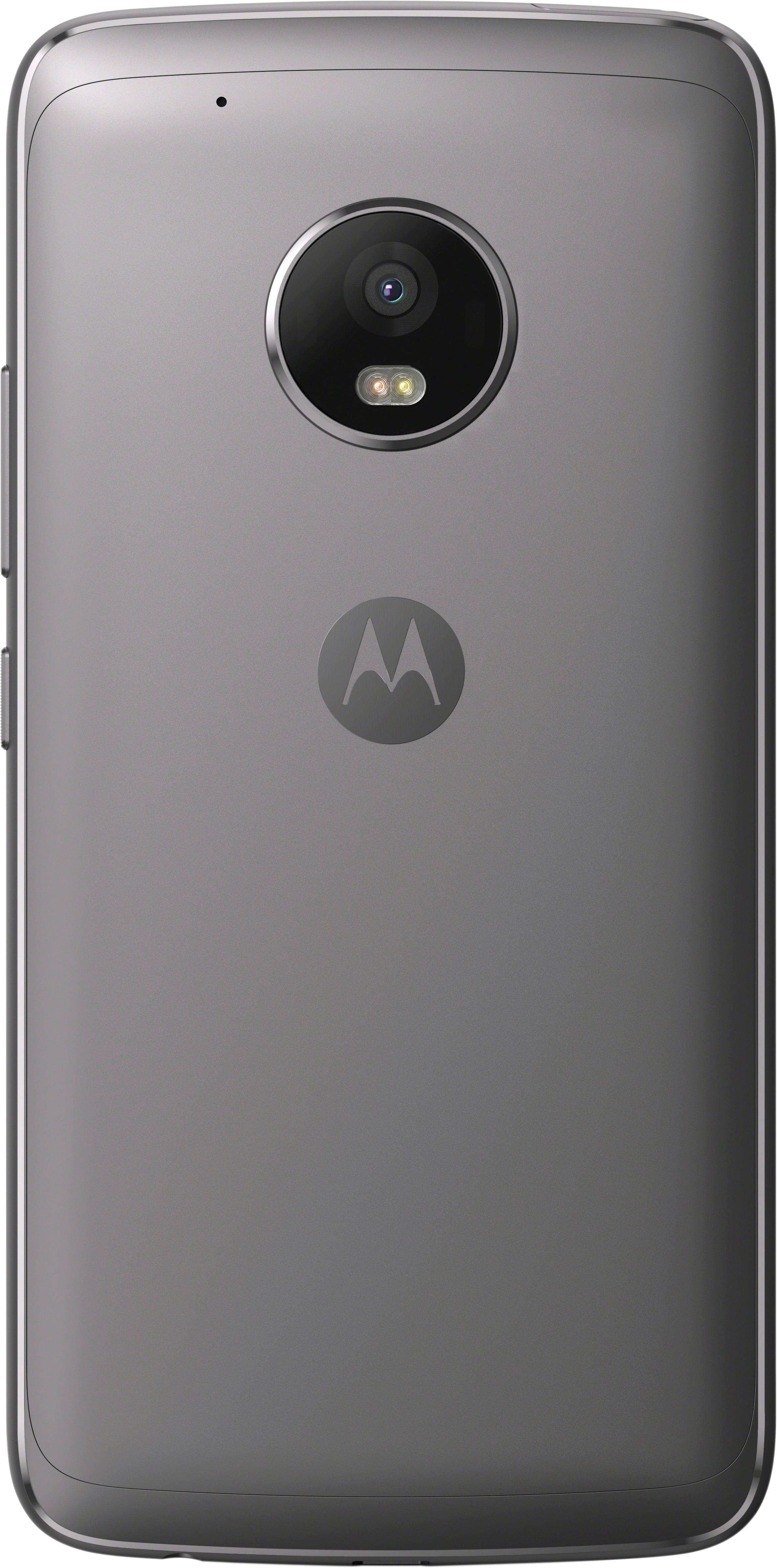
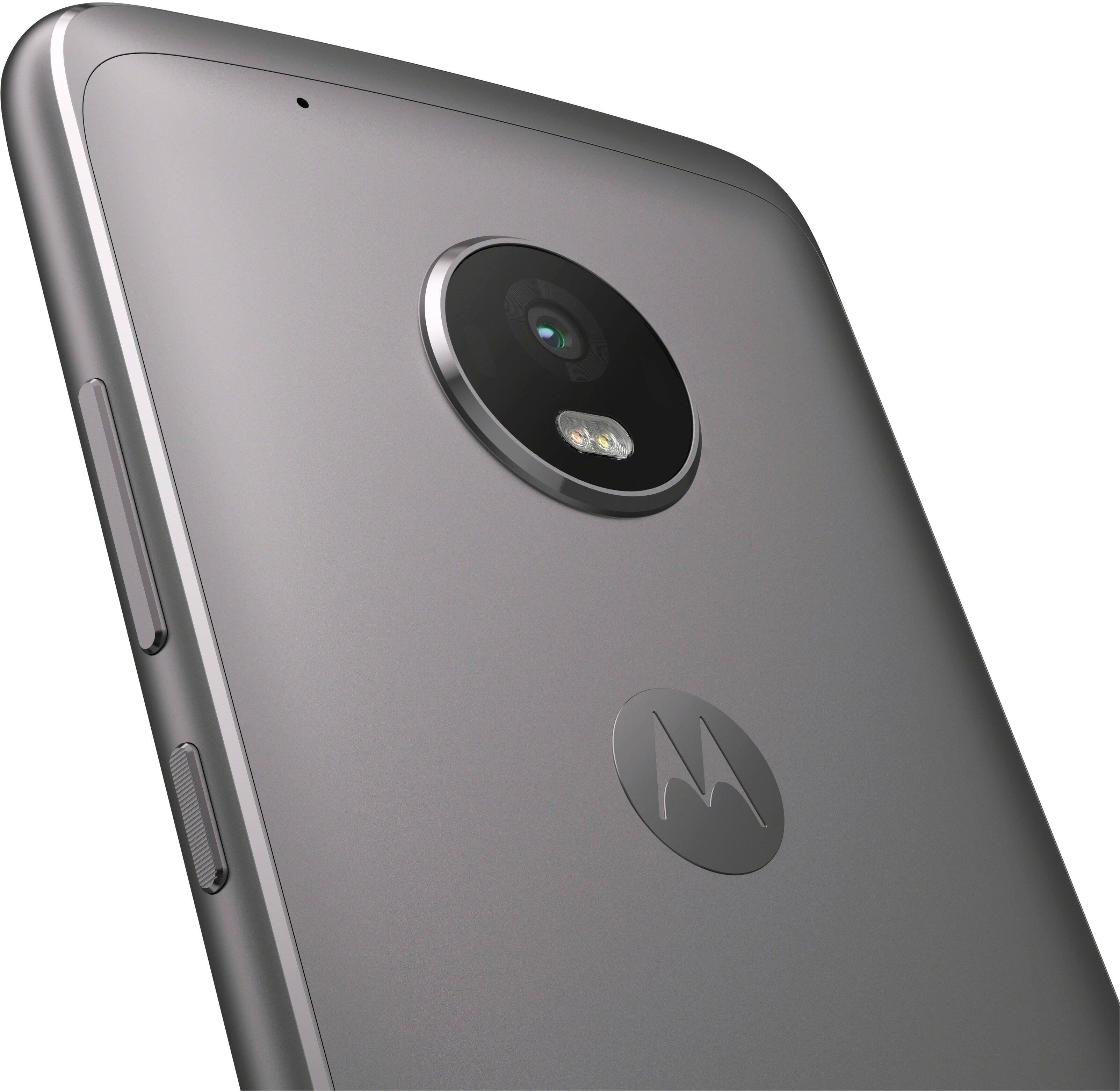
Rear Camera
13 MP
Phase detect auto-focus (PDAF)
ƒ/2.0 aperture
LED flash
8x digital zoom for photos, 4x digital zoom for video
Drag to focus & exposure
Quick Capture
Tap (anywhere) to capture
Best Shot
Professional mode
Burst mode
Auto HDR
Panorama
Video stabilisation
Slow motion video
1080p HD video (30 fps)
Front Camera
5 MP
Wide-angle lens
ƒ/2.2 aperture
Display flash
Professional mode
Beautification mode