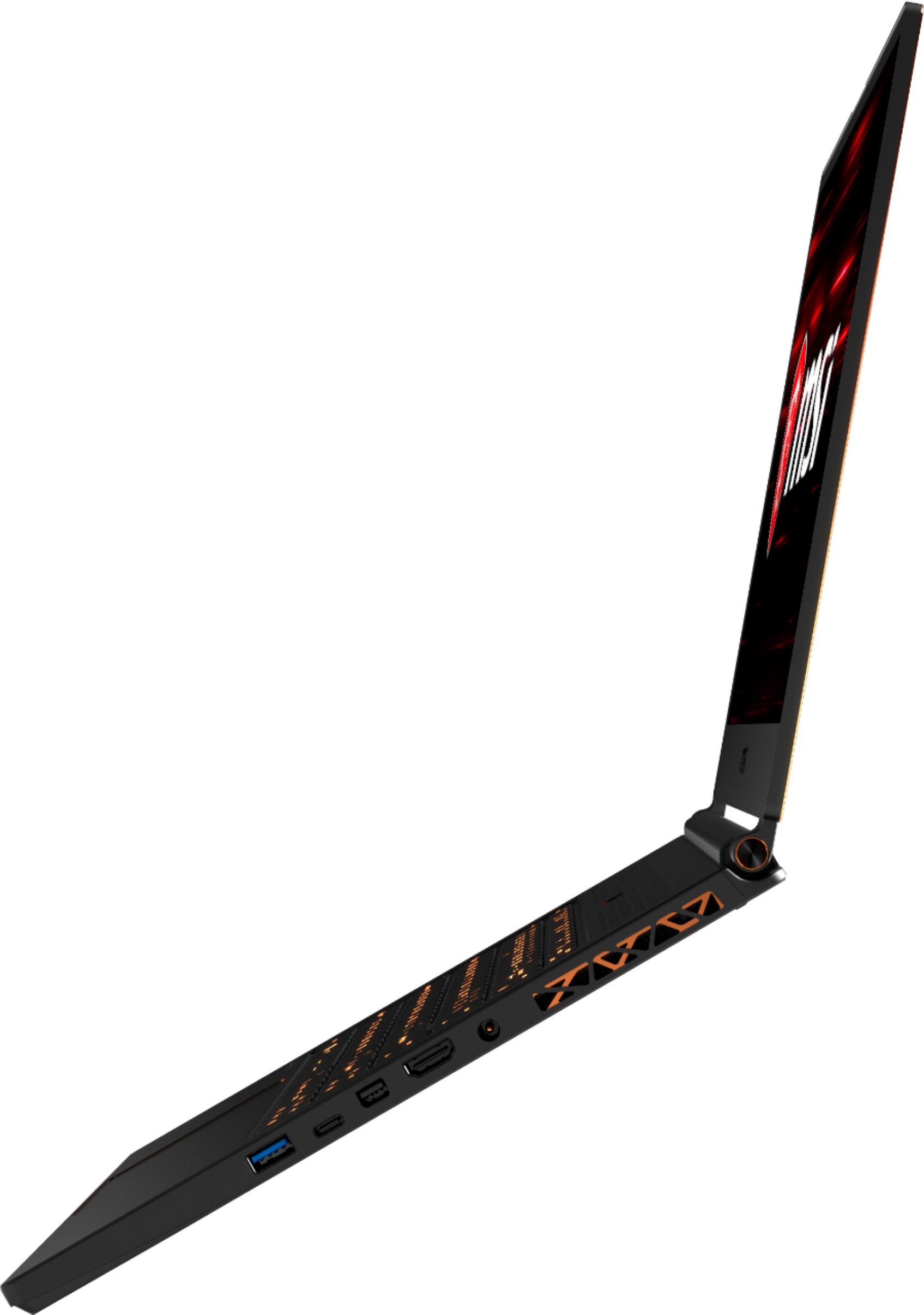
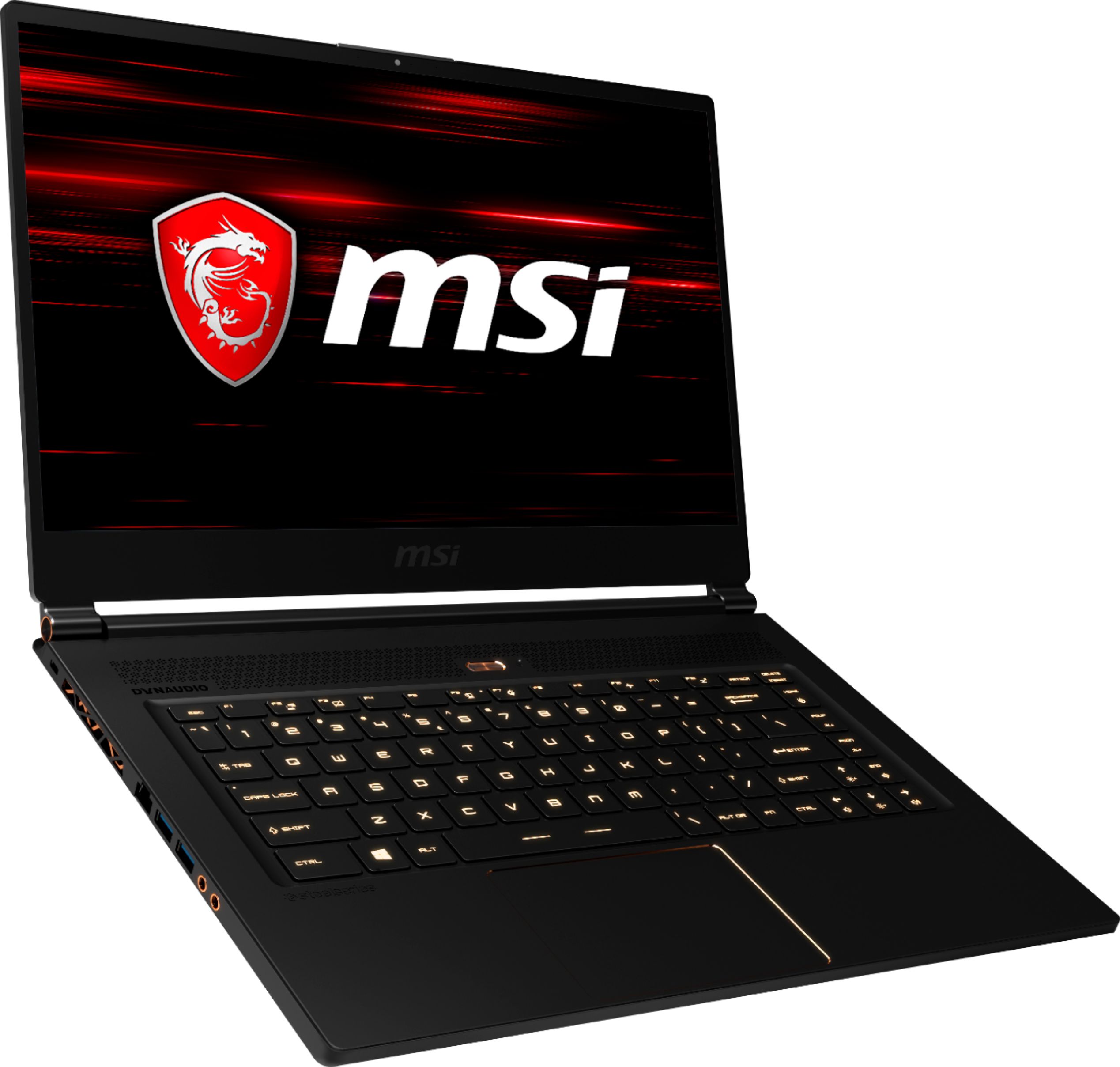
A:AnswerAll of them can boost to 3.9, when the processor demands more processing, the clock of every core can achieve its maximum. They all don't keep on 3.9 due to a heat problem.
A:AnswerThis is a laptop all best buys should carry as i work at one, if they are out of stock any associate i'm sure would be glad to order it for you.
A:Answerit will support all but the fastest is the NVME using pcie - 1 notch can reach speeds up 3200 mb/s the 2 notch typical m.2 can only support around 500mbs.
A:AnswerI believe it has 2x NVME supported slots inside, however the motherboard is upside-down and really hard to access for upgrades. I'll attach a photo off the web so you can see. Hope this helped!
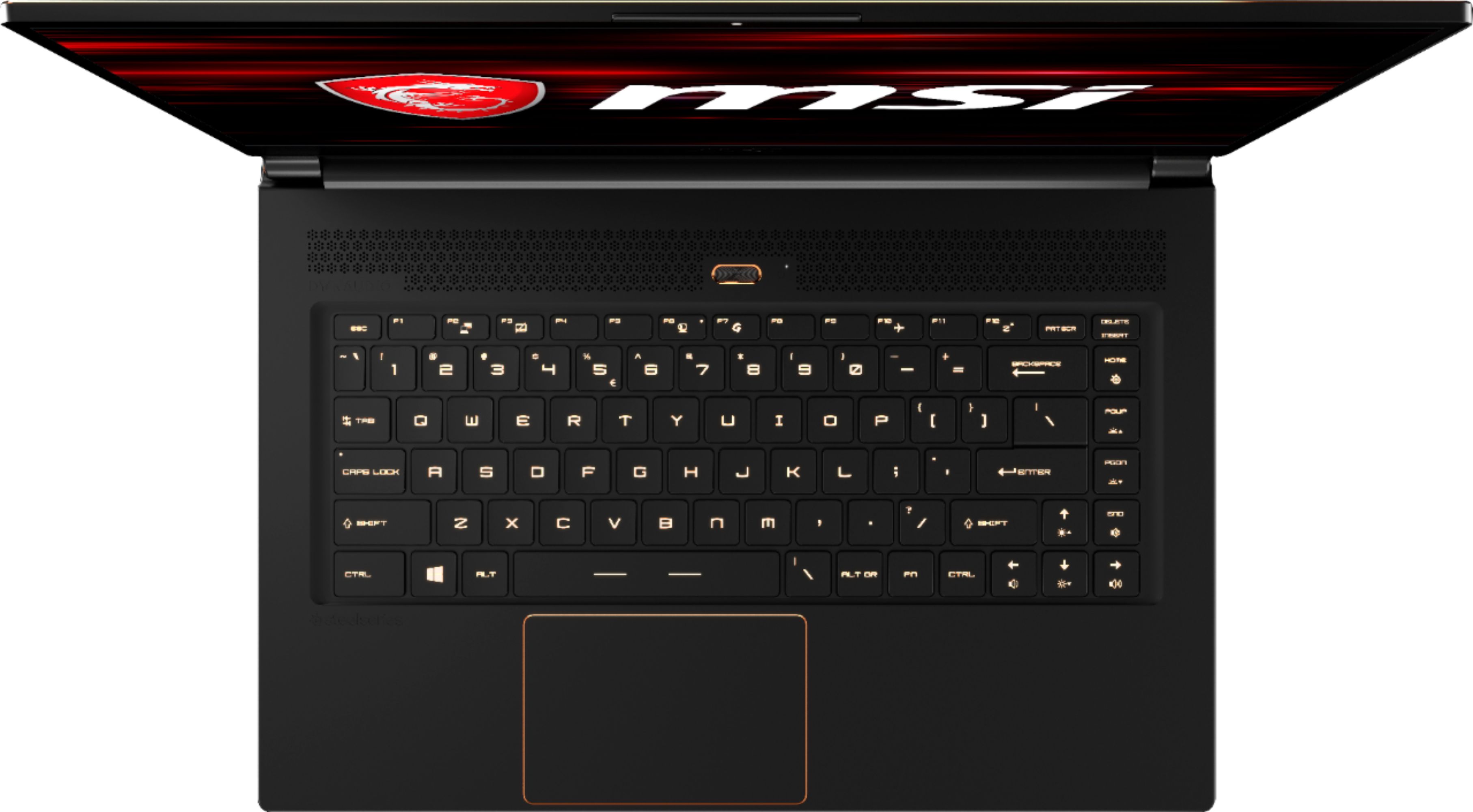
A:AnswerThey are not missing. They are located between the m and ? keys but require using SHIFT to access them as they are overloaded with the , and . symbols. The : key is next to the l key and is overloaded with ;
A:AnswerI've had zero overheating issues and I've been playing Deus Ex on ultra on a 120mhz LG 21:9 gaming monitor. it's not hitting 120 fps, but it's running 60 and over.
A:AnswerMine creaks too when applying pressure to palm area. I first thought it was the battery packaging, but turns out not.
A Reddit user found the problem and the solution. After opening the bottom panel, there are 5 tabs (I think) that stick out and suppose to go into the upper case upon closing. Those make the creak sound. Simply use scotch tape to cover them before closing. I did that and no more creak!
There are YouTube videos showing teardown and how to upgrade memory and SSD and pasting liquid metal. But all is needed here is removing the 14 or so screws.
A:AnswerThere is a 1060 version already on display. Although its not the one with the gold trim I believe it is an older version but it does have a 1tb sata drive in it if you need more storage.