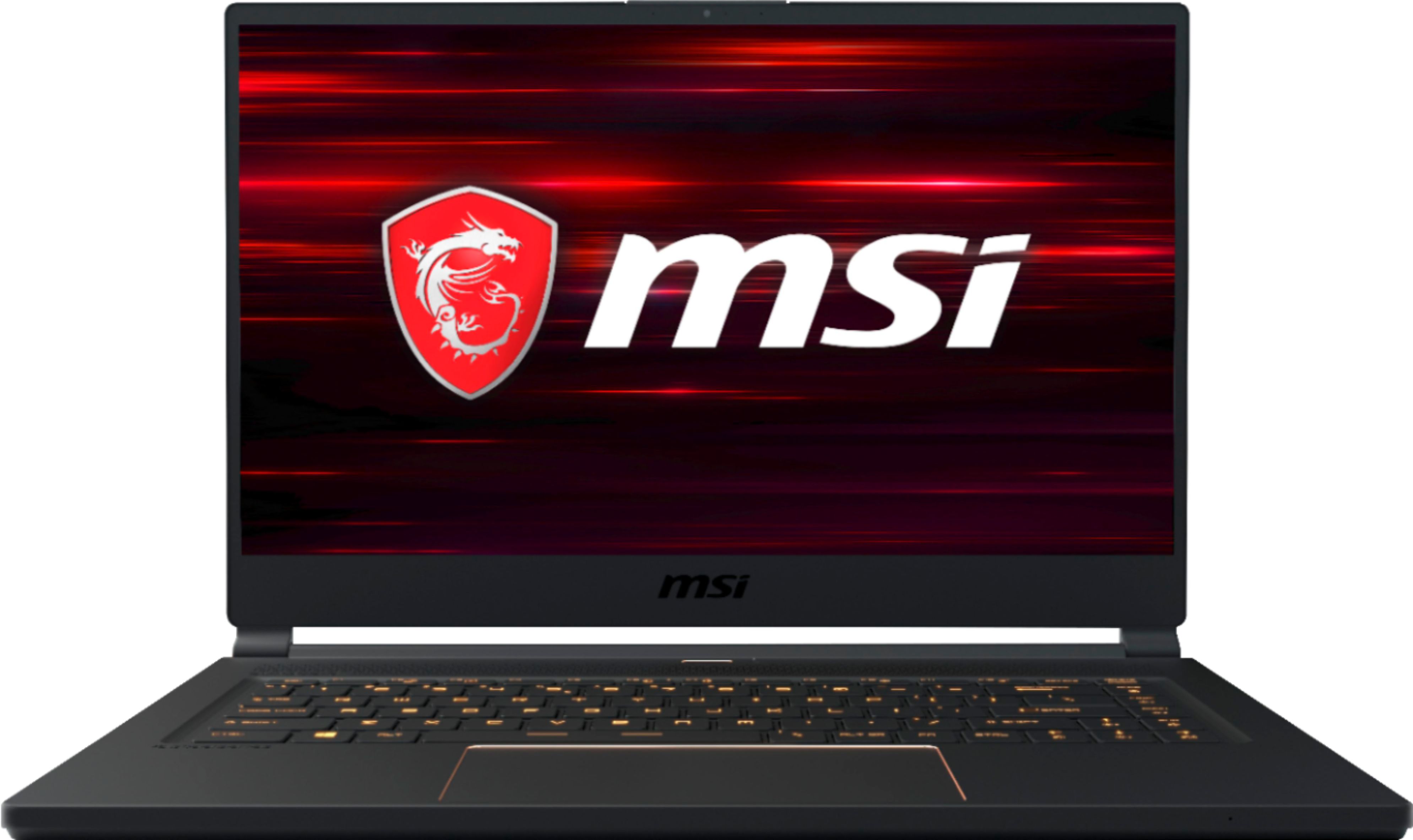
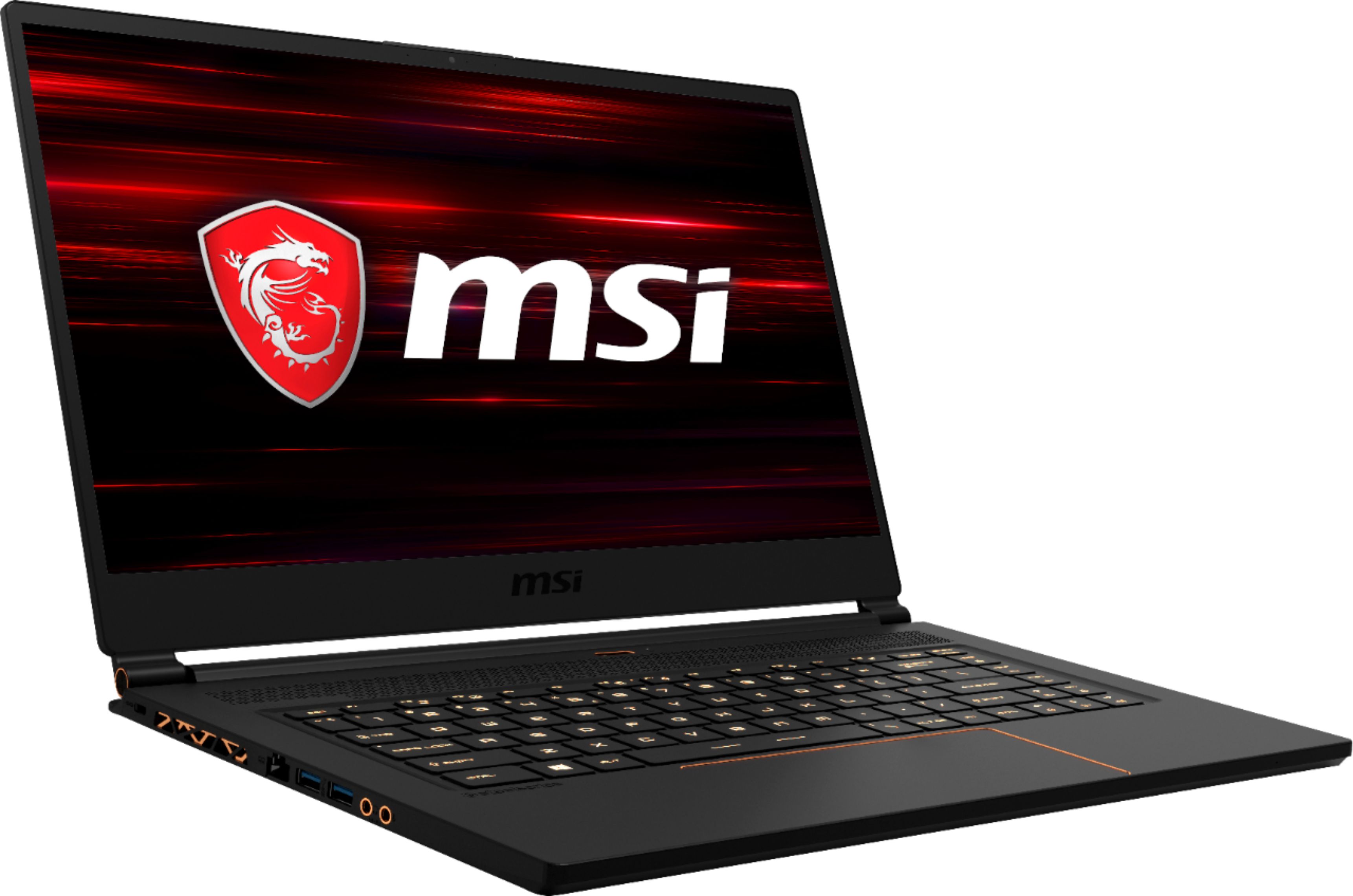
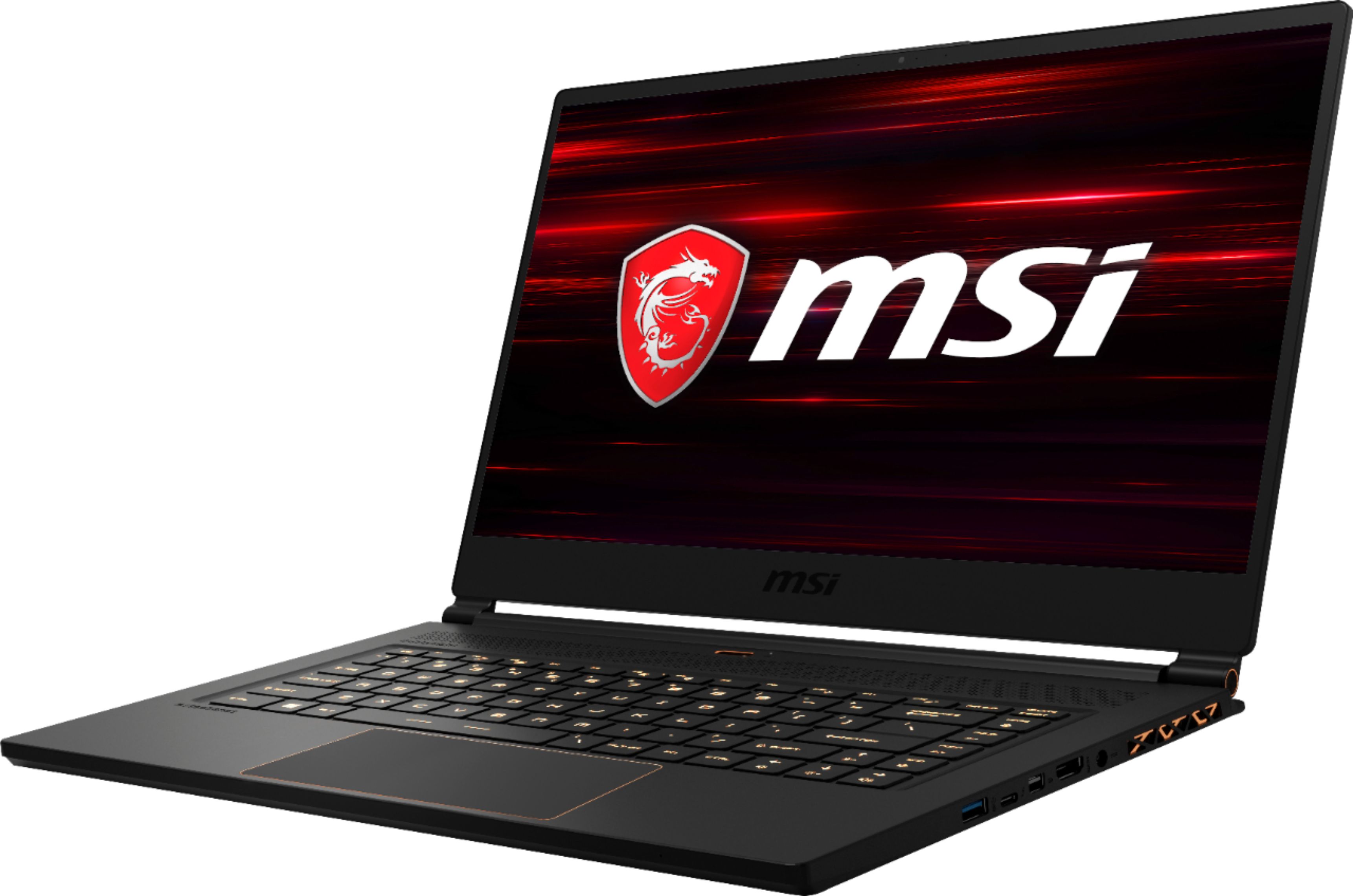
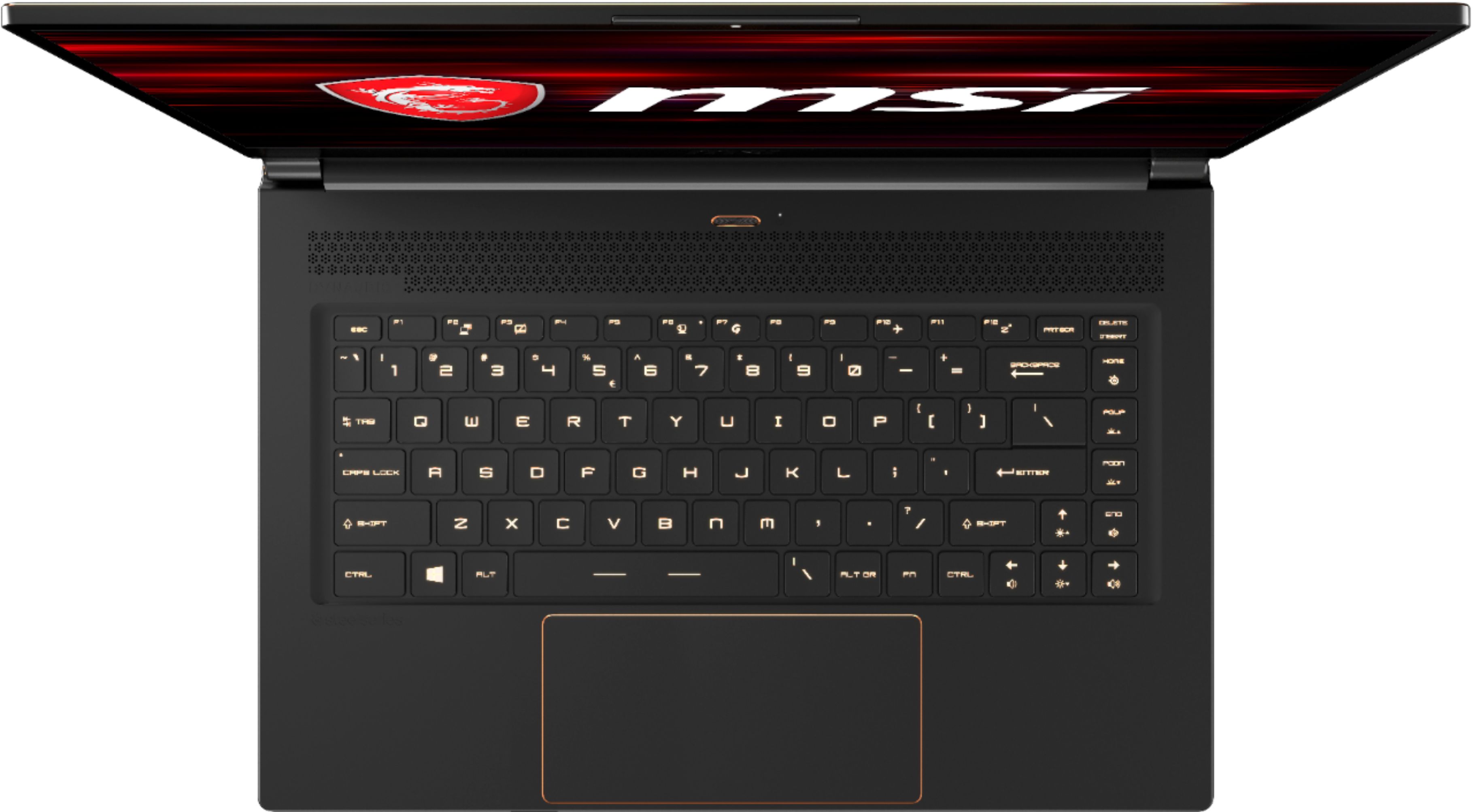
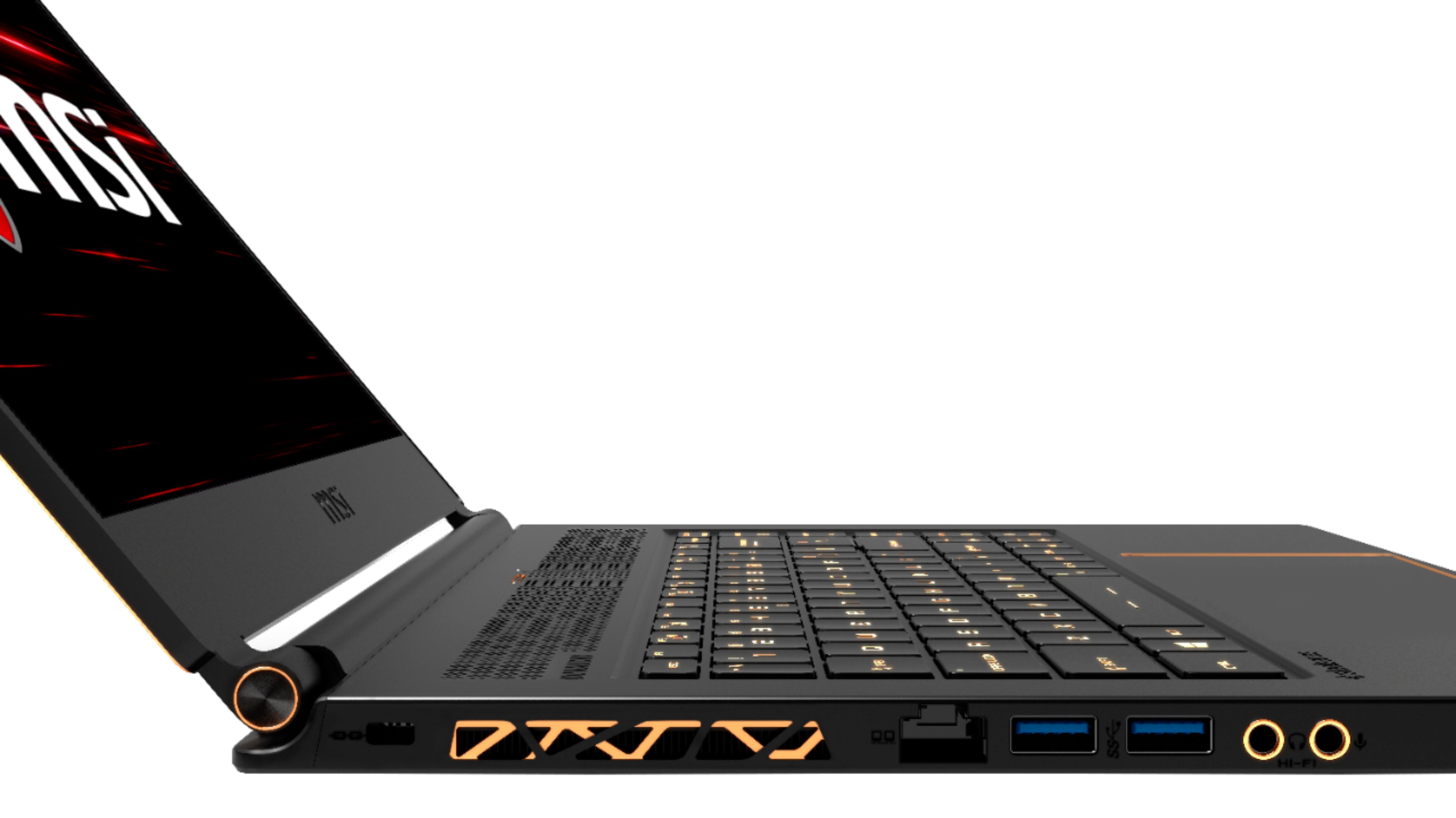
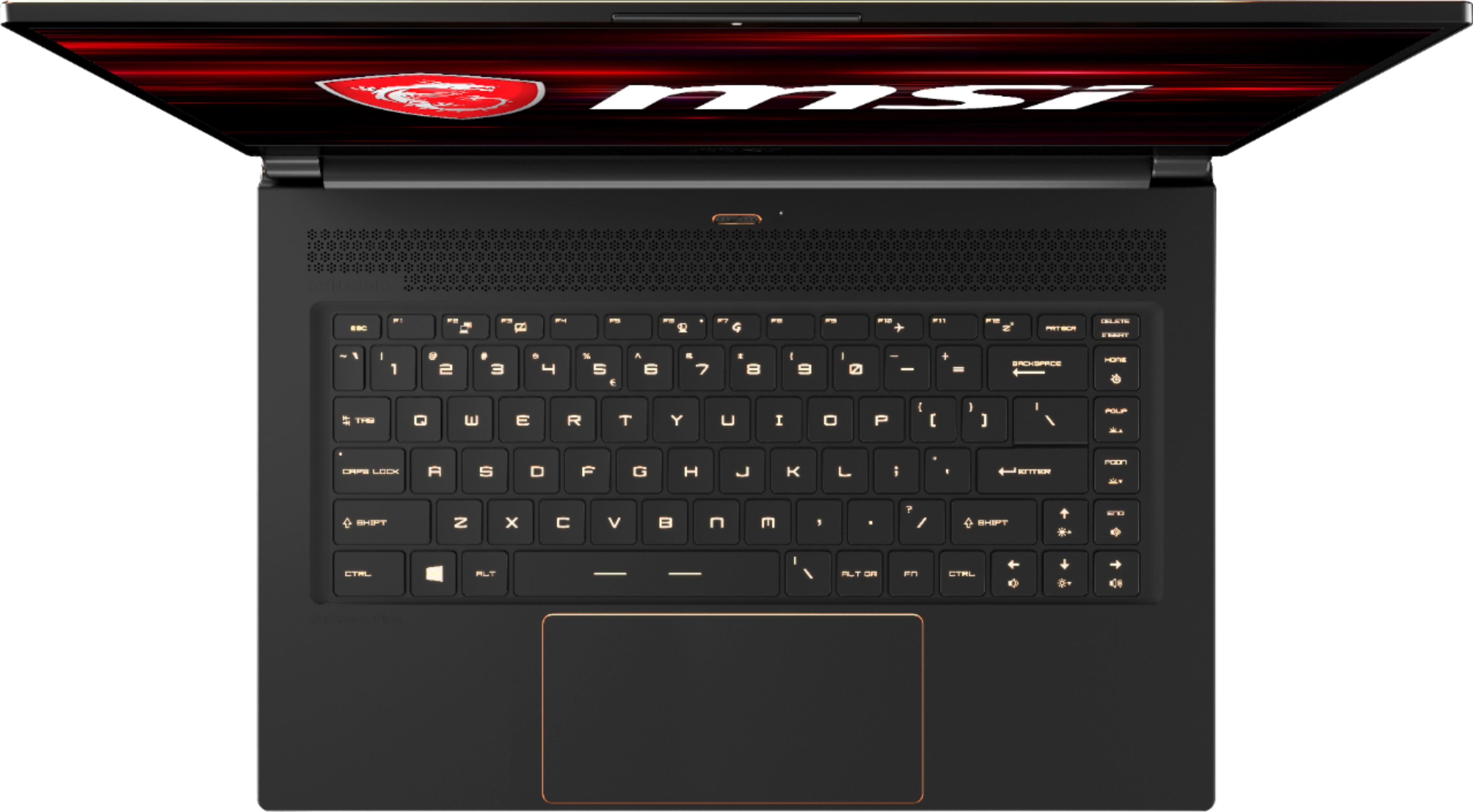
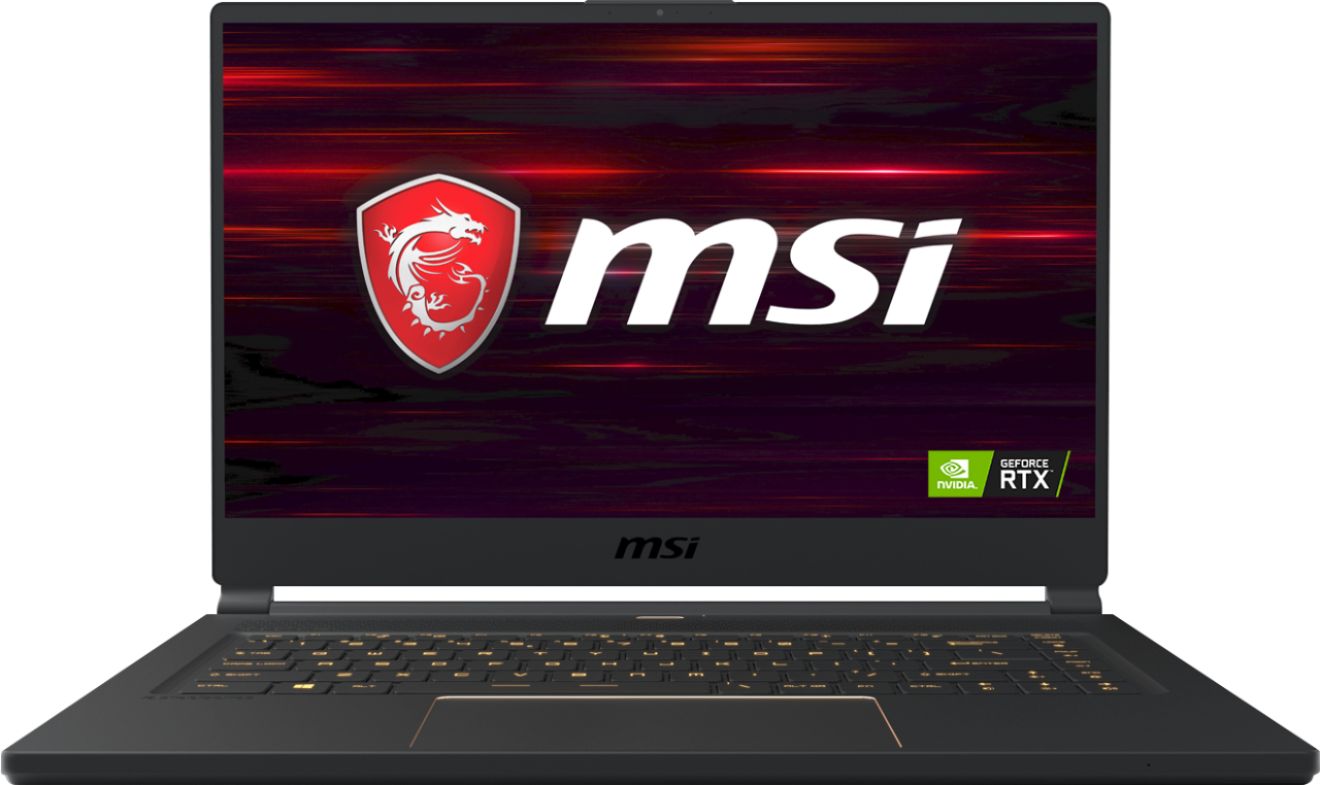
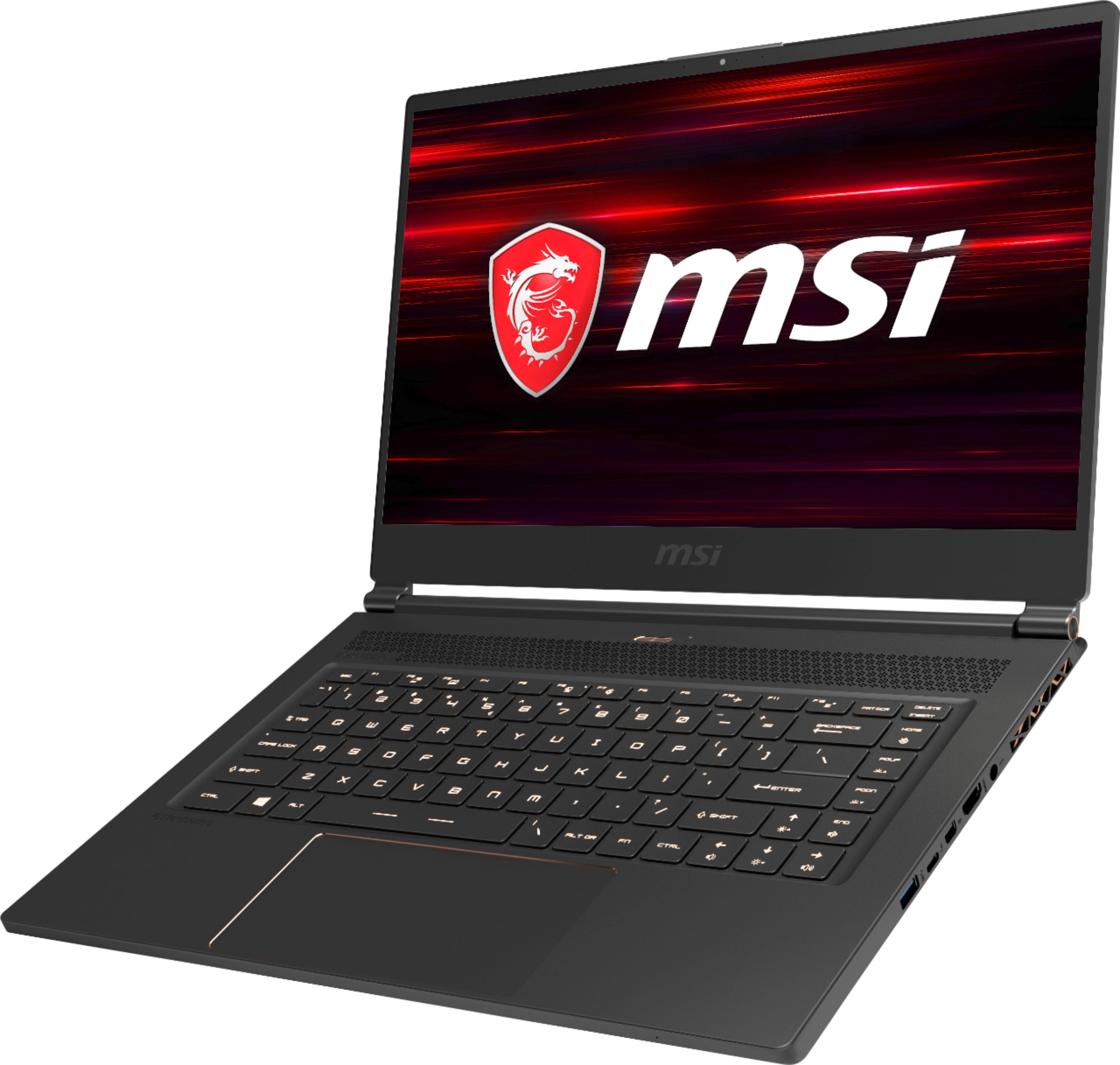
A:AnswerI'm guessing you're partially correct. According to MSI's website here:
https://us.msi.com/Laptop/GS65-Stealth-8SX/Specification
This model (GS65-006) should indeed come with a 512 GB NVMe SSD, likely the same Samsung that powers a lot of other high-end laptops.
However, you are correct that it doesn't come with the Killer Wireless AC-1550, though the Intel AC-9560 is actually, from my understanding, the same card. Intel AC-9260 and Intel AC-9560 should be exactly the same chip in a slightly different form factor, and Killer Wireless AC-1550 was the result of a partnership with Intel and is really nearly identical to the Intel AC-9260 (and therefore the AC-9560)---the Killer has its own proprietary drivers that enable a few features like Advanced Stream Detection a d Wireless xTend, though to be honest (in my opinion) these are niche features and not particularly useful. Do note that you are apparently able to use the stock Intel drivers if the Killer ones cause issues (which have been reported in the past). To make a long story short, yes, this model doesn't come with a Killer card---but the card you do get is identical in terms of latency, throughput, etc. and only differs in drivers which enable a few gimmicks on the Killer card. Also, if you wanted to buy the Killer card yourself, it seems to be about $30.
(It was noted in the Best Buy features list here that it comes with an Intel WLAN card---I thought I might give you all the details.)
The only other difference is that this model comes with Windows 10 Home instead of Windows 10 Pro. Pro enables a very specific feature set that most people don't need. As a general rule of thumb, if you don't know the difference between Home and Pro, you don't need Pro.
TL;DR Yes, this model has an NVMe SSD. No, it doesn't come with a Killer Wireless card, but the Intel card it does have is fundamentally the same, and core specifications will be identical. Also, this model comes with Windows 10 Home instead of Pro.
A:AnswerIt is definitely a 144hz screen. I will admit that it is a sight to behold. Colors pop, blacks are black, and the clarity at which the games flow is wonderful.
A:AnswerThe answer online websites and MSI official website says 2 x 8 GB =16GB. However, when I was in the BIOS setting, it says there is only 1 slot populated for 16GB. Using CPU Z application, it sees the memory on single channel mode vice dual channel mode which would suggest only 1 ram stick. So without opening up the laptop, I am going to say my laptop only has 1 x 16GB ram stick.
A:AnswerYup! Do animations with Blender 3D and After Effects and it runs them well. The processor does throttle about 30% out of the box though so undervolting or repasting is necessary.
I've added some good alternatives to this laptop below, you'd most likely want an RTX 2060 or a GTX 1660 Ti.
If Maya supports ray-tracing RTX would be the way to go, for usage in Blender, I get my renders done about 30% faster. If not or you do not plan to use ray tracing in your workflow I'd go for a laptop with a 1660 Ti.
RTX 2070 isn't worth the money, you're looking at ~15% performance gains for about $300+.
A:AnswerWell it depends on what you are running the computer on... If you are using the laptop's screen, it is only rated up to 144 frames per second and that is the maximum that it will go but if you connect another monitor, I believe it can easily go over 200 frames per second.
A:AnswerThe m.2 ssd is mid range but not bad. The only stick I have found and now use as my primary drive is a Samsung 970 evo 500gb drive. The original is now my secondary drive. I must note that the newer drive added only 100 points to my benchmark to equate to about a 3% change. To really boost your speed do the ram and drive at the same time. This is only because changing hardware is not for novice users... This is a board flip.
A:AnswerWifi is on the system. Most electronic devices have this to include cell phones and TVs. Just do not strap this to your body 24_7 and ignore this.