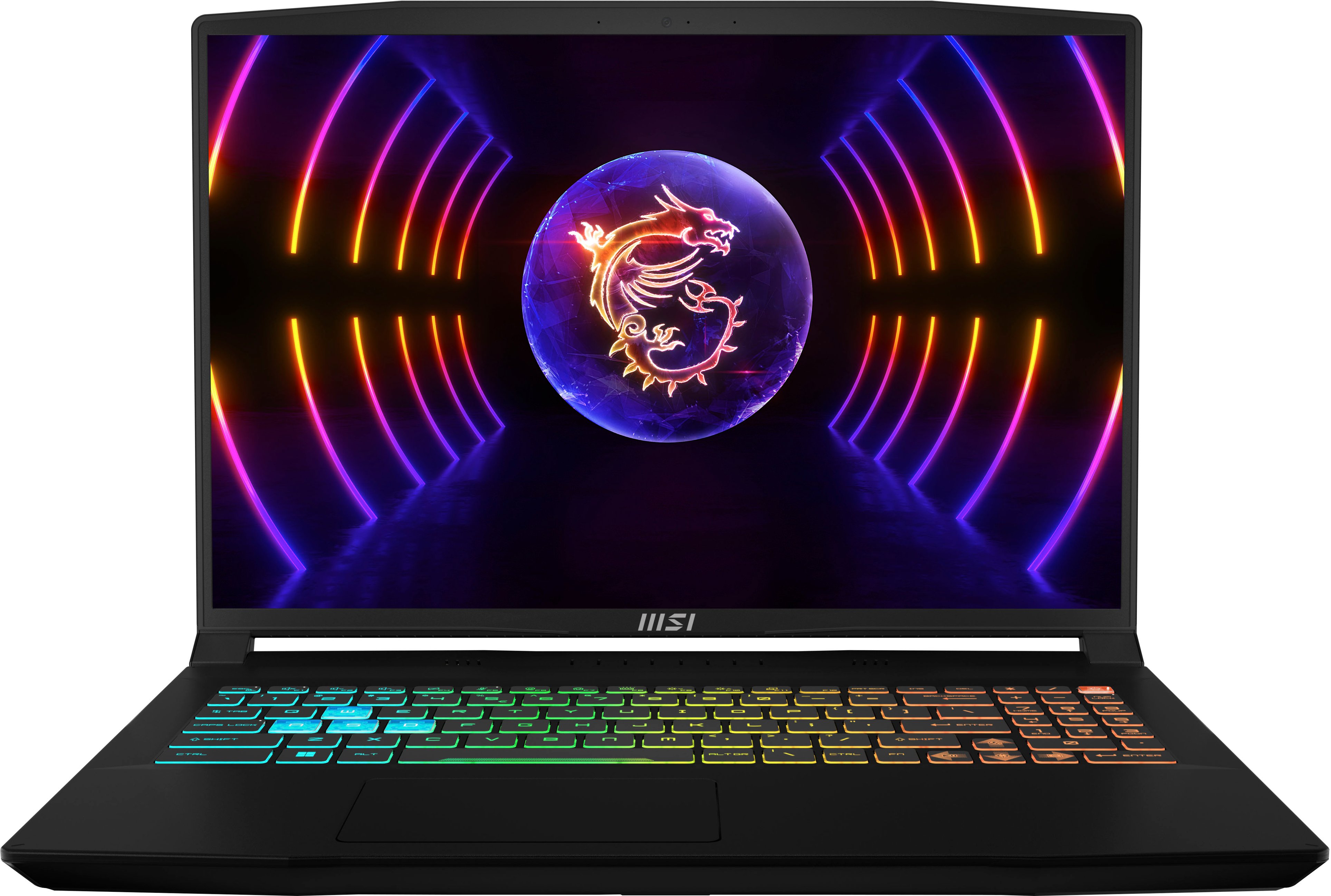
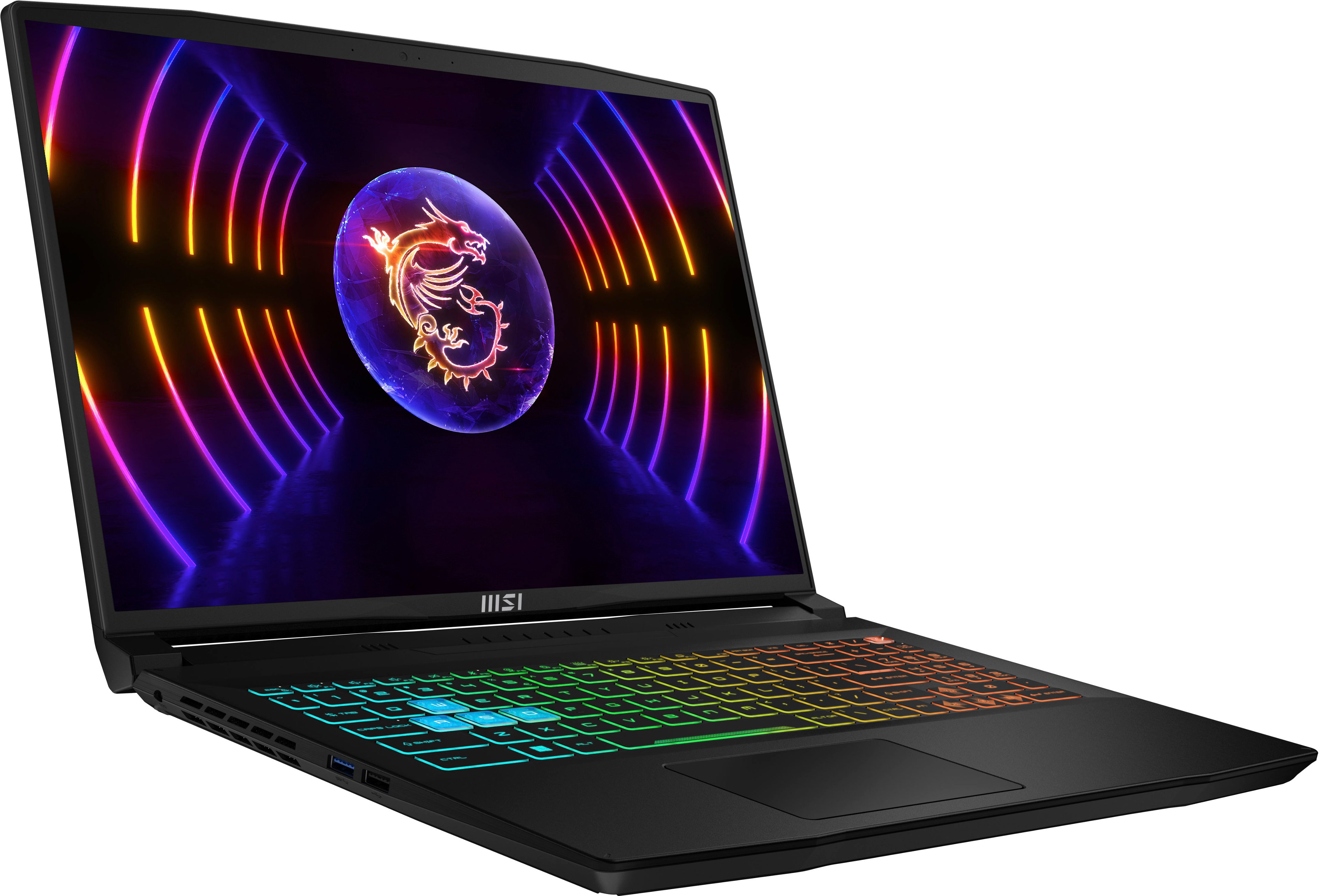
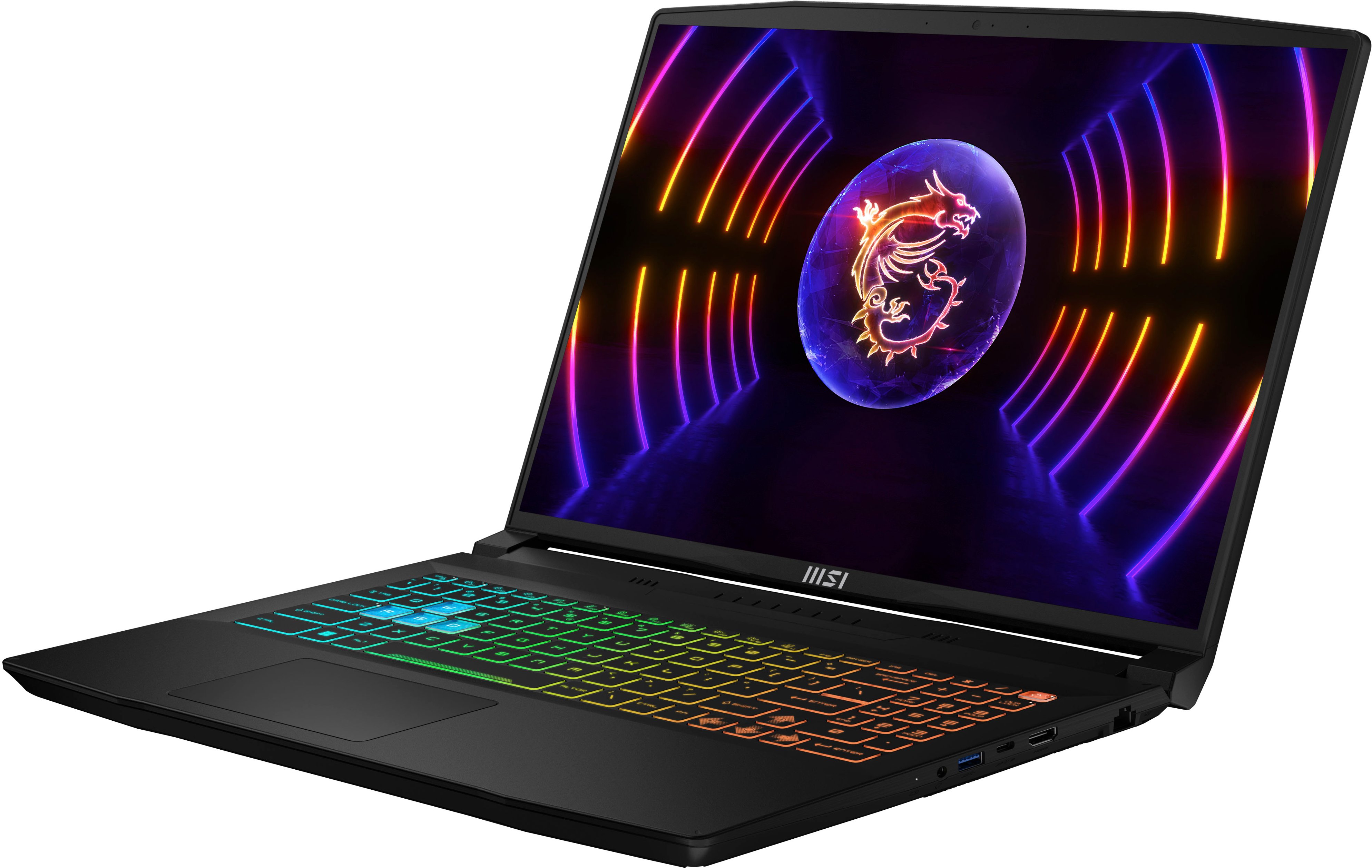
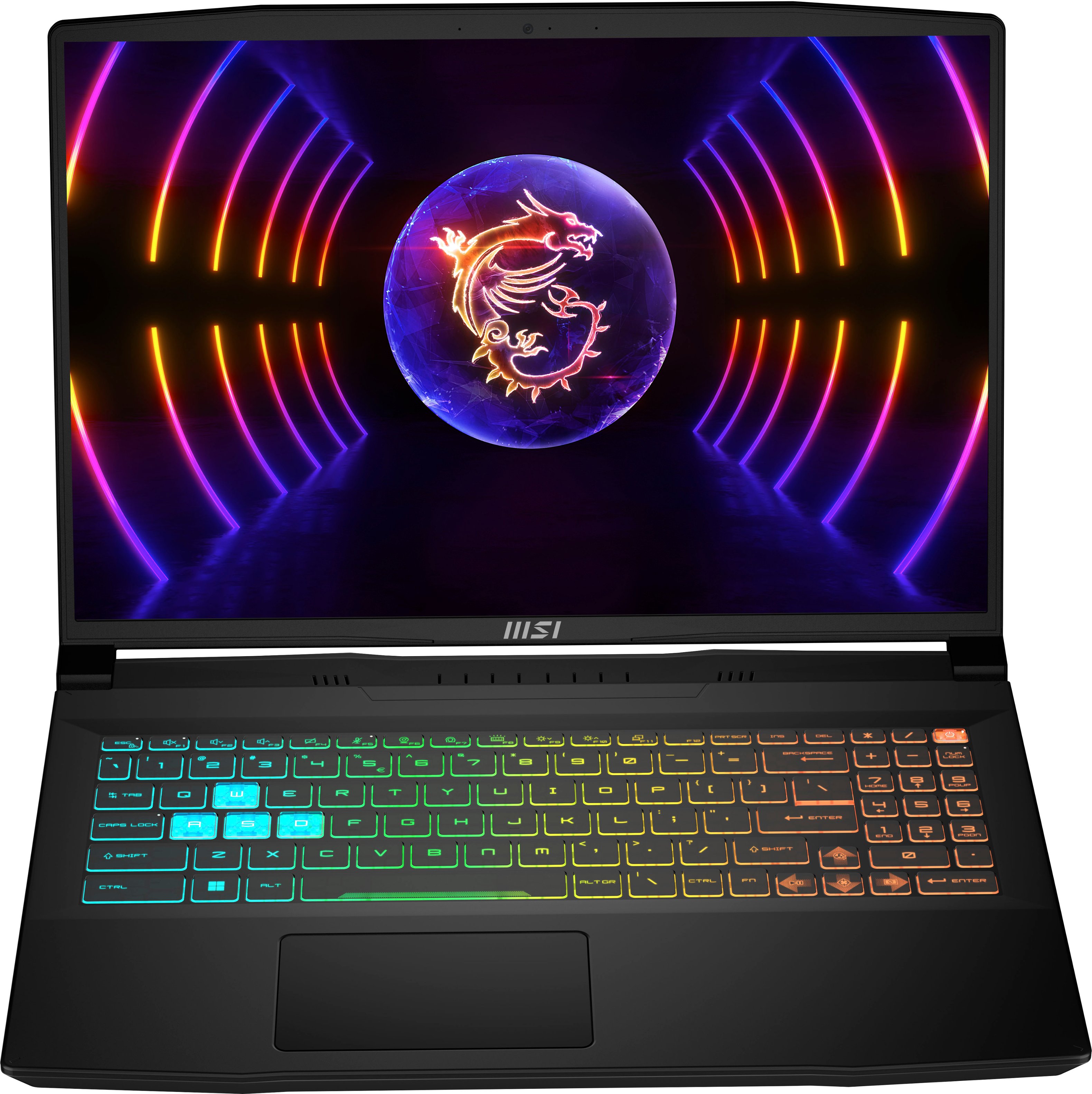
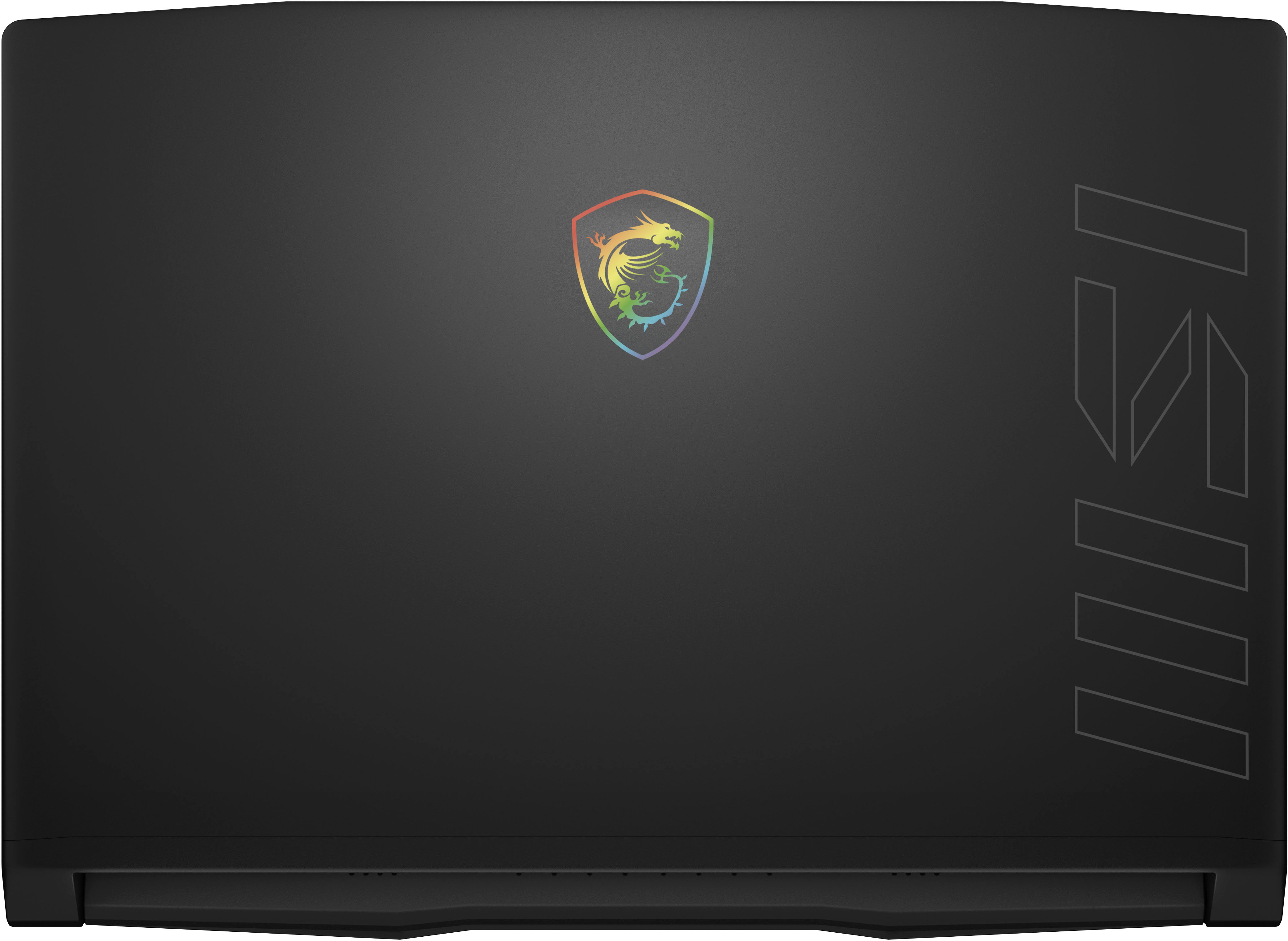
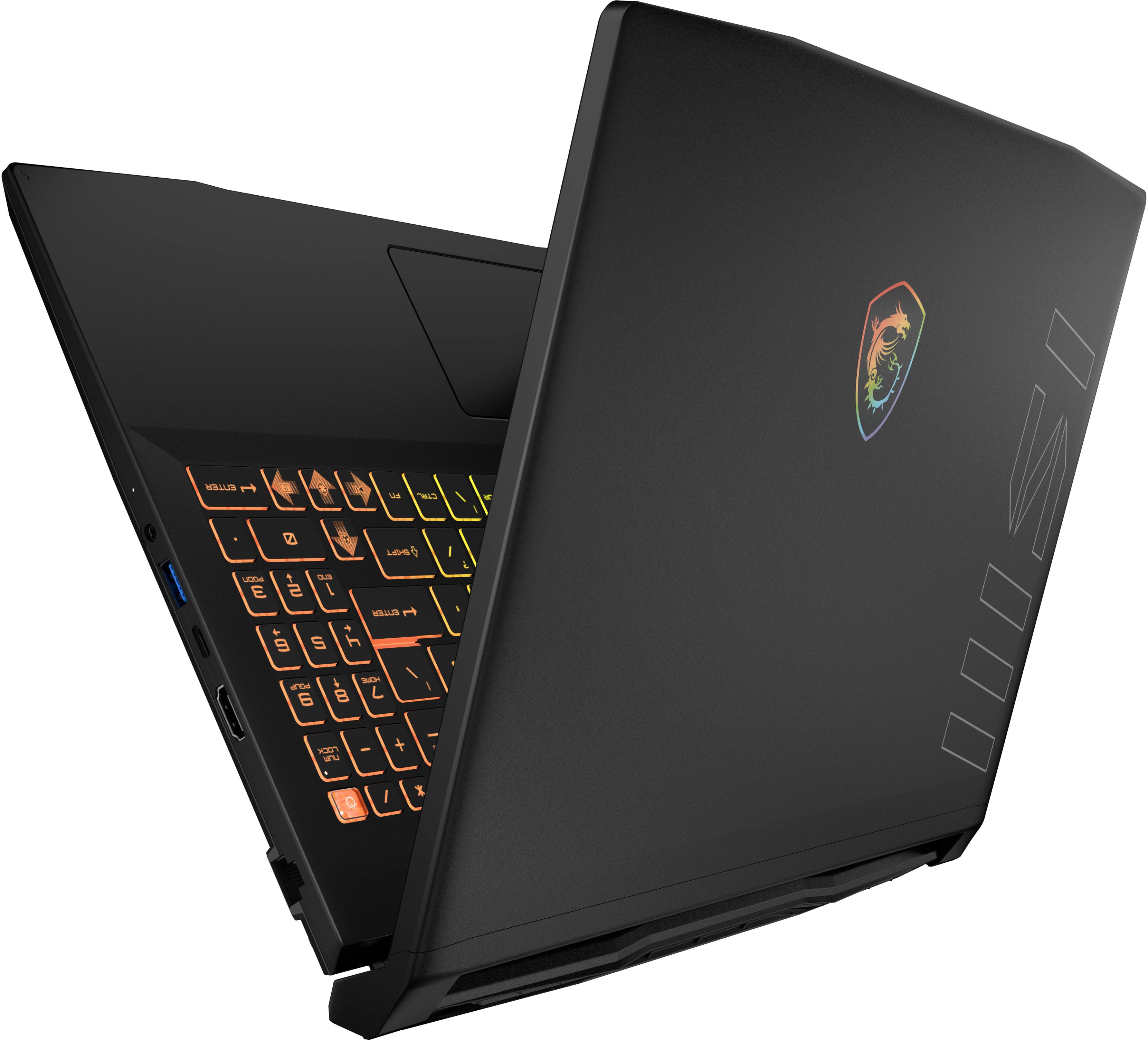
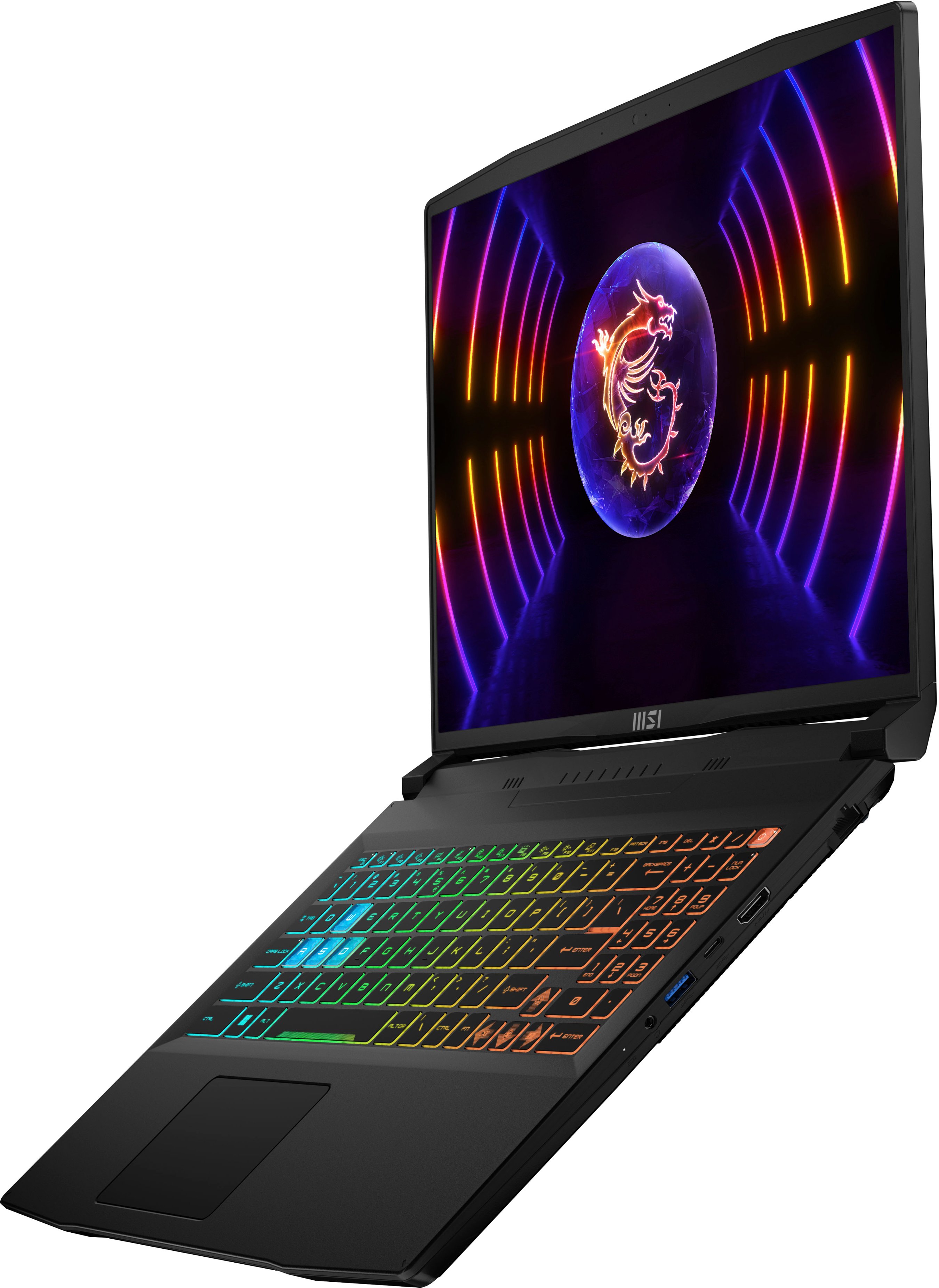
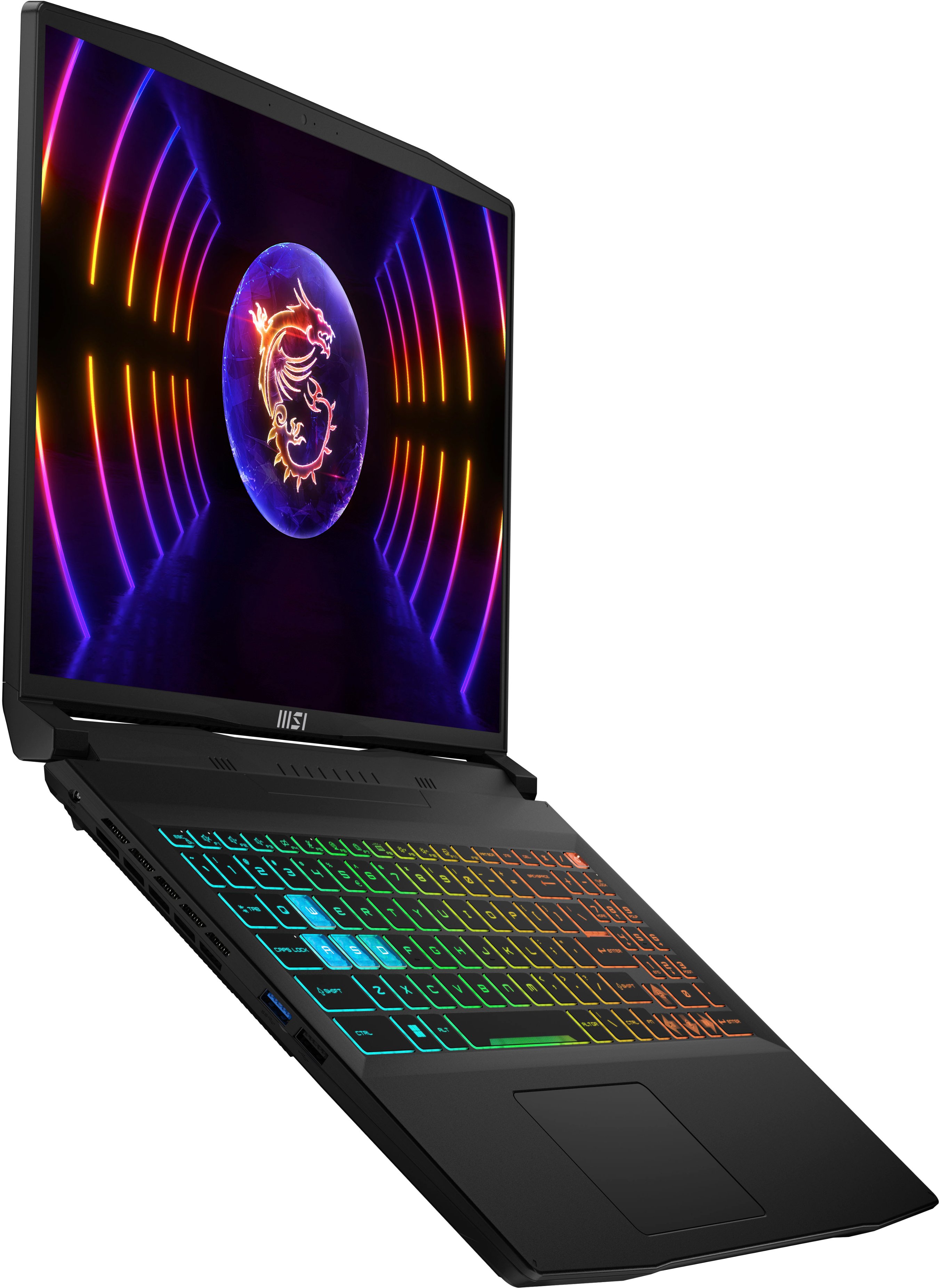
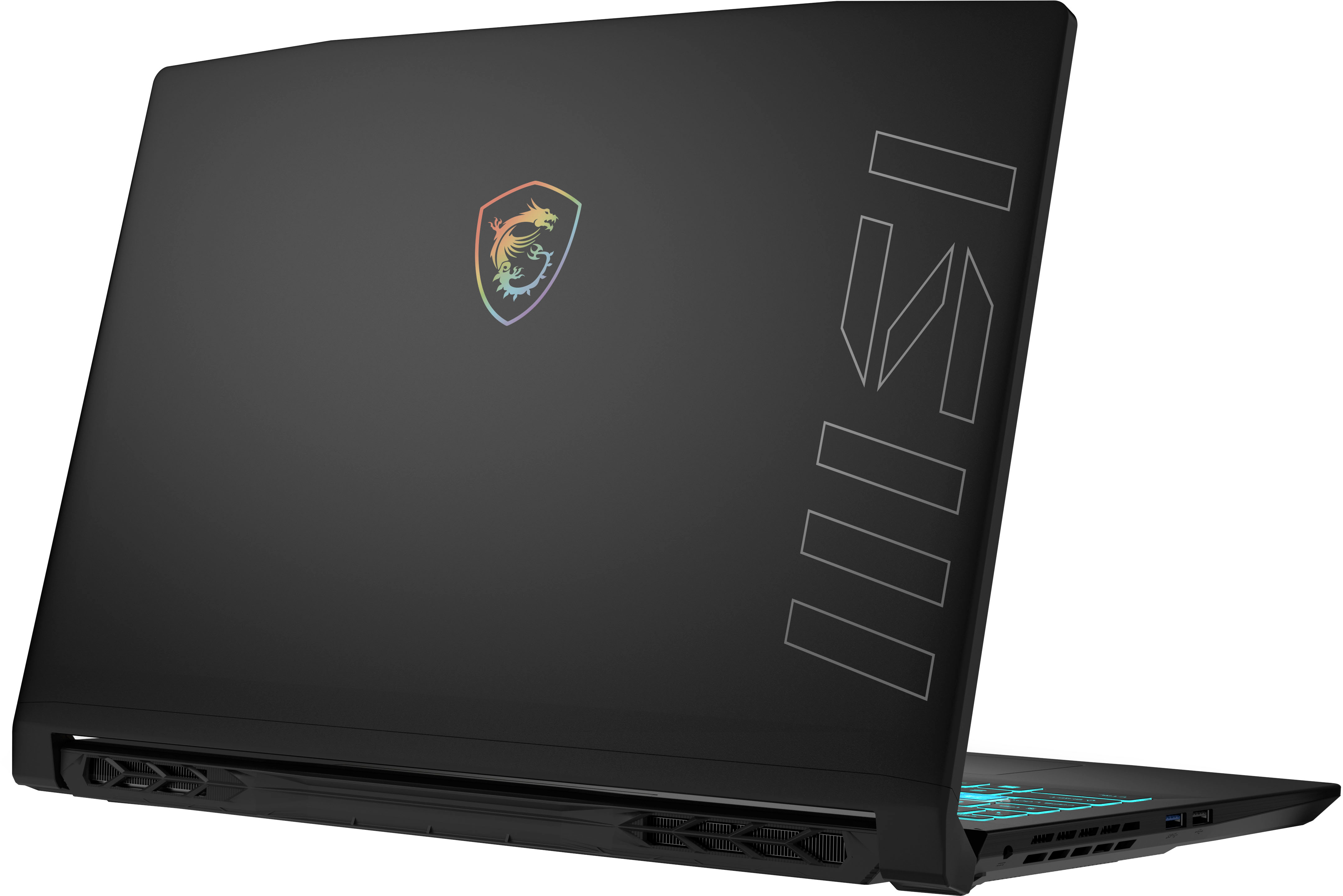
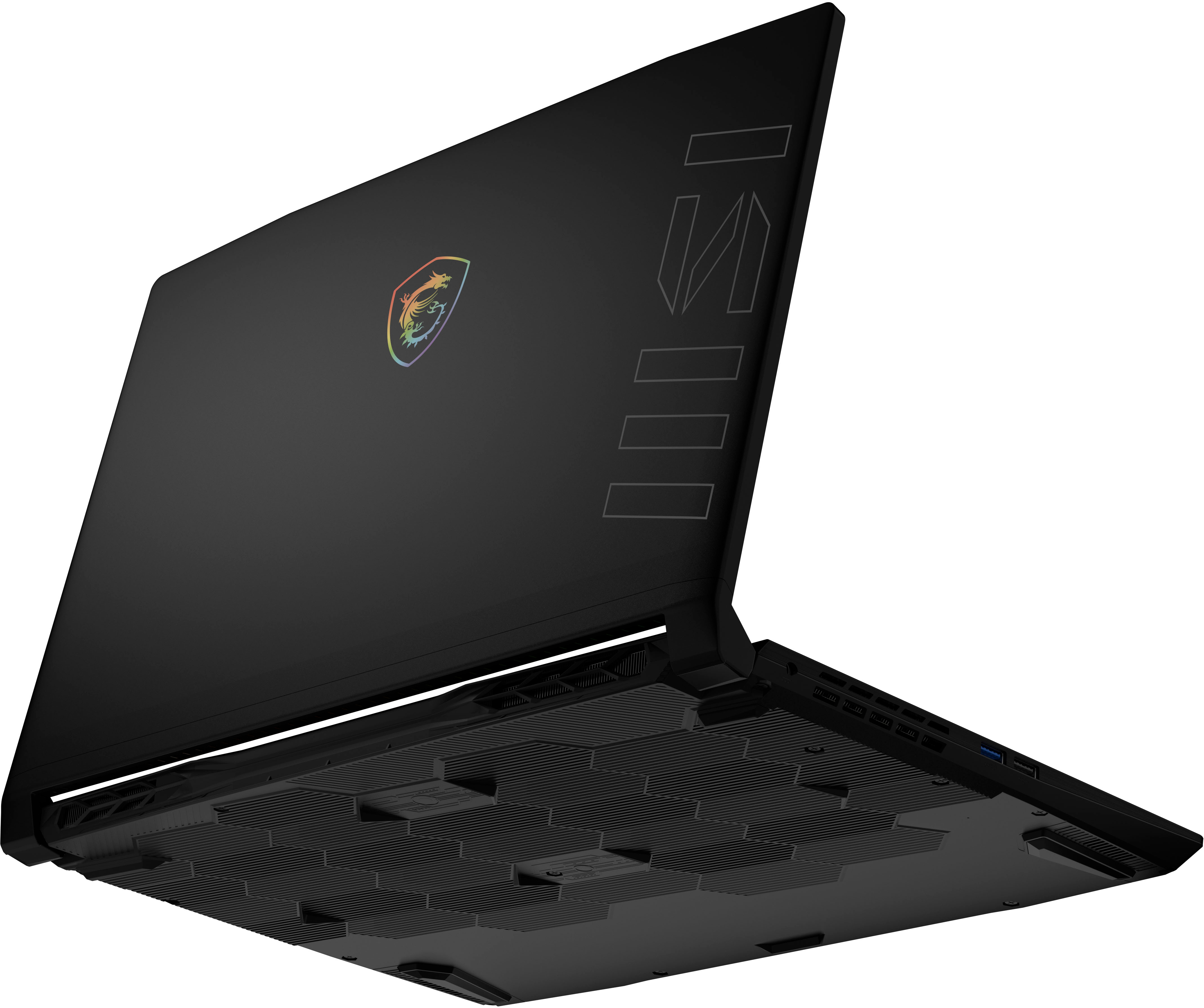
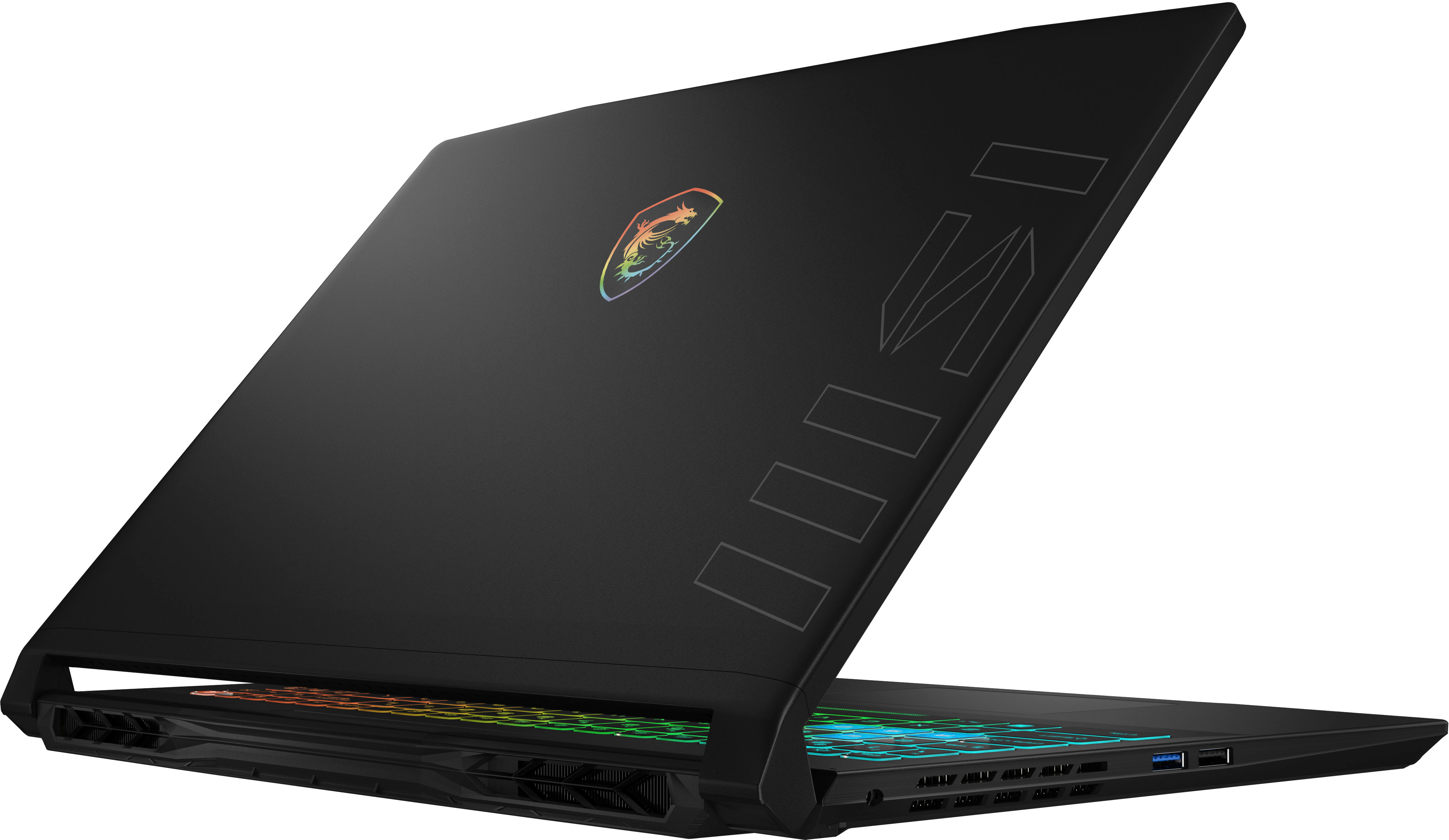
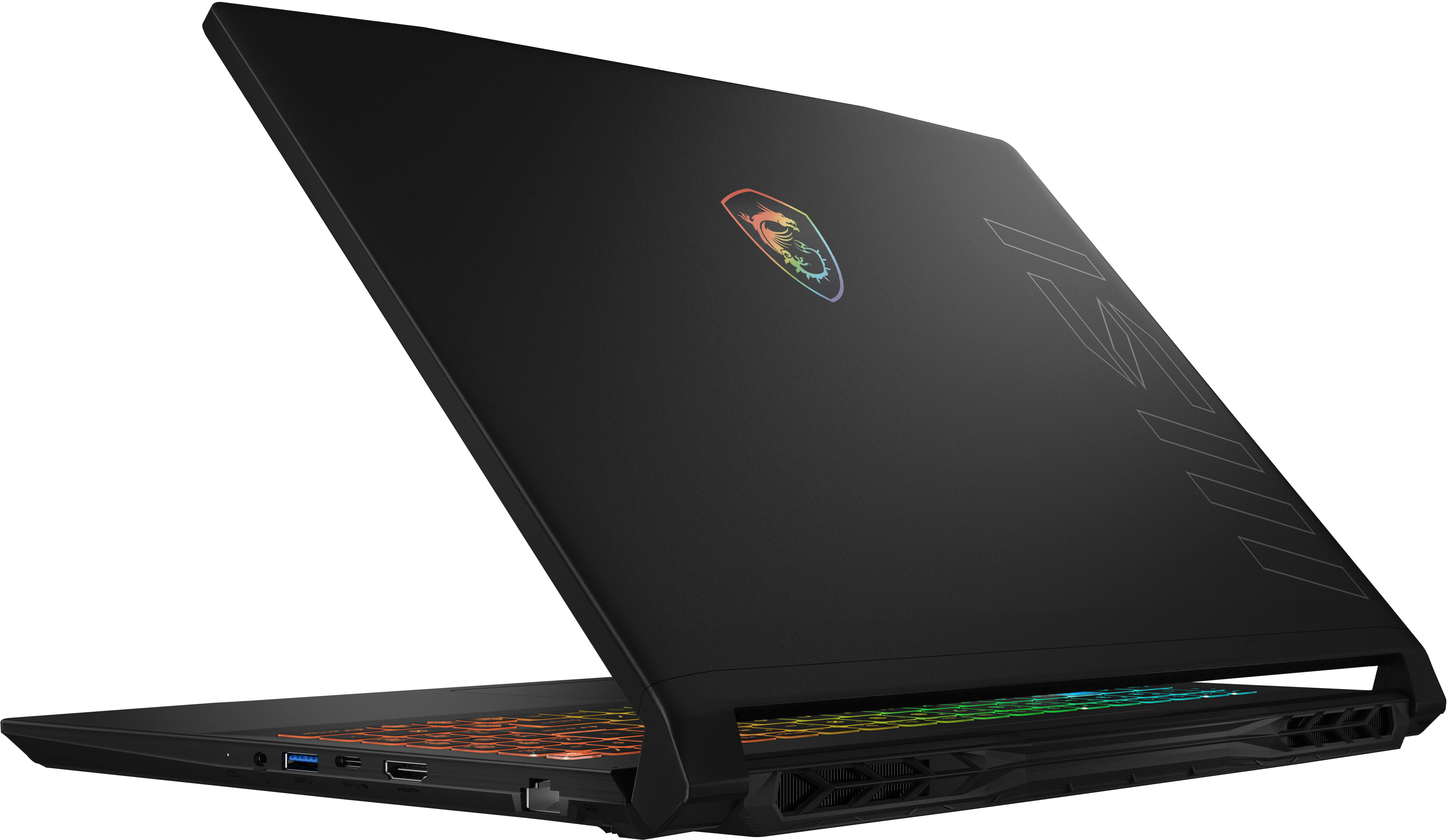
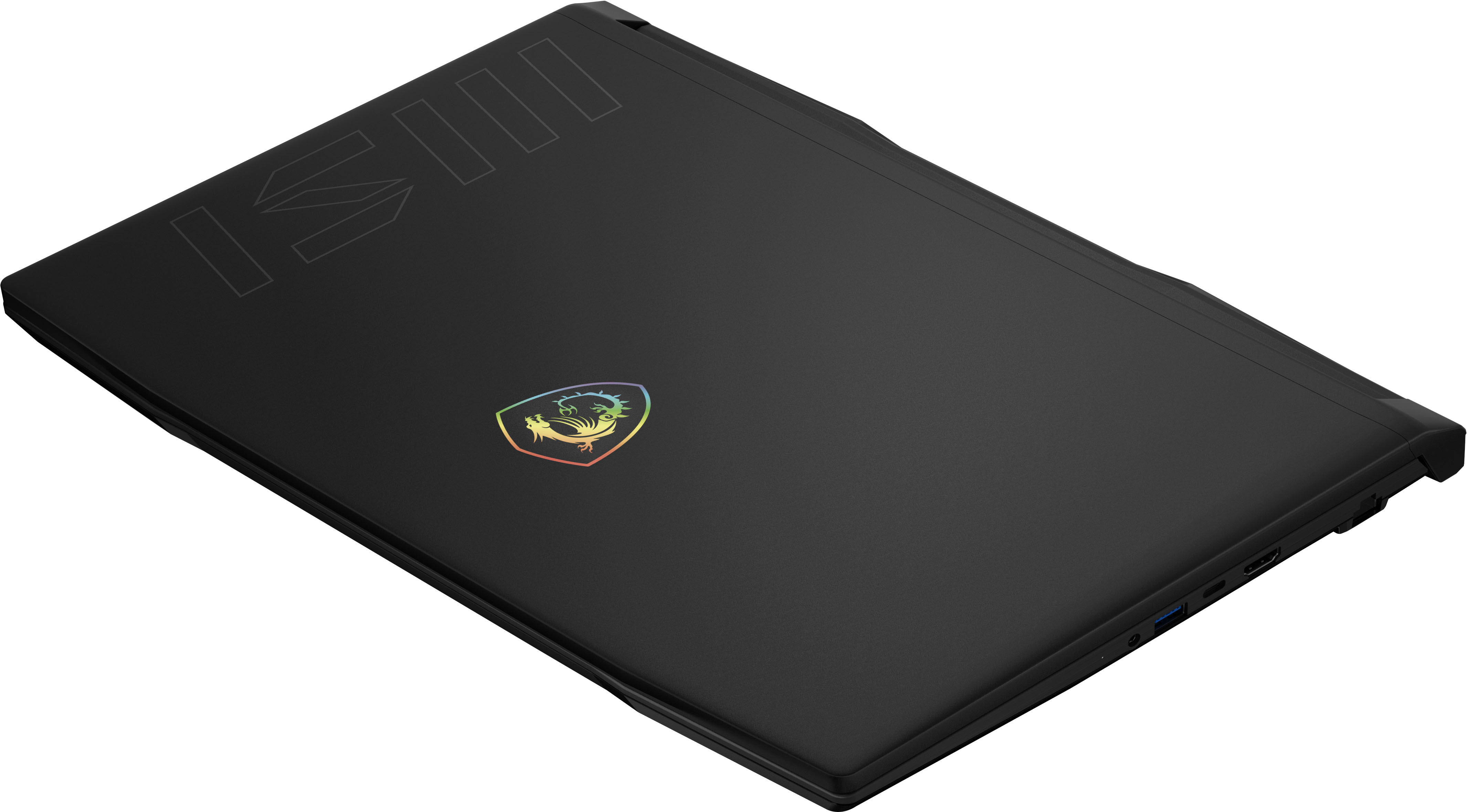
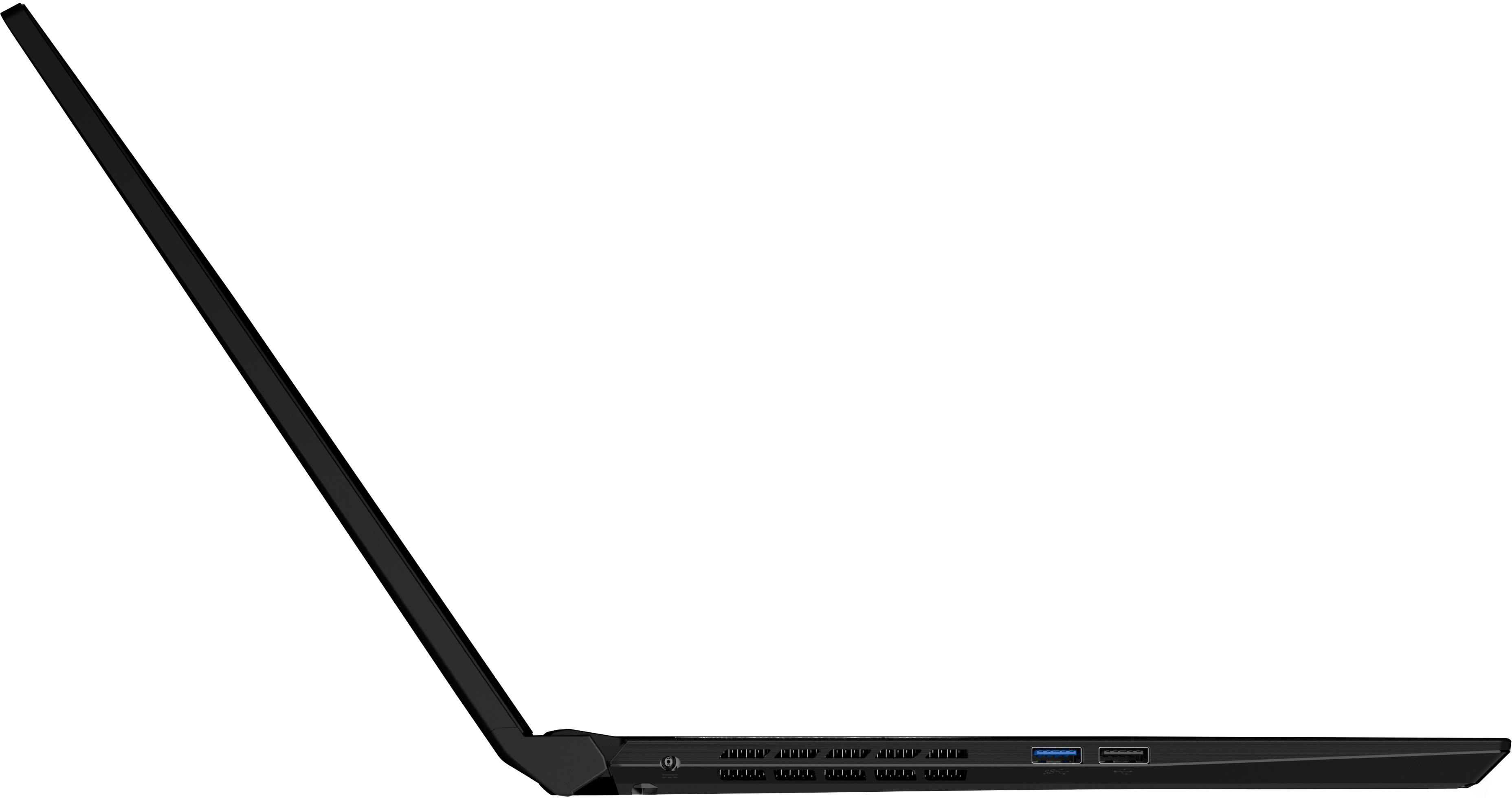
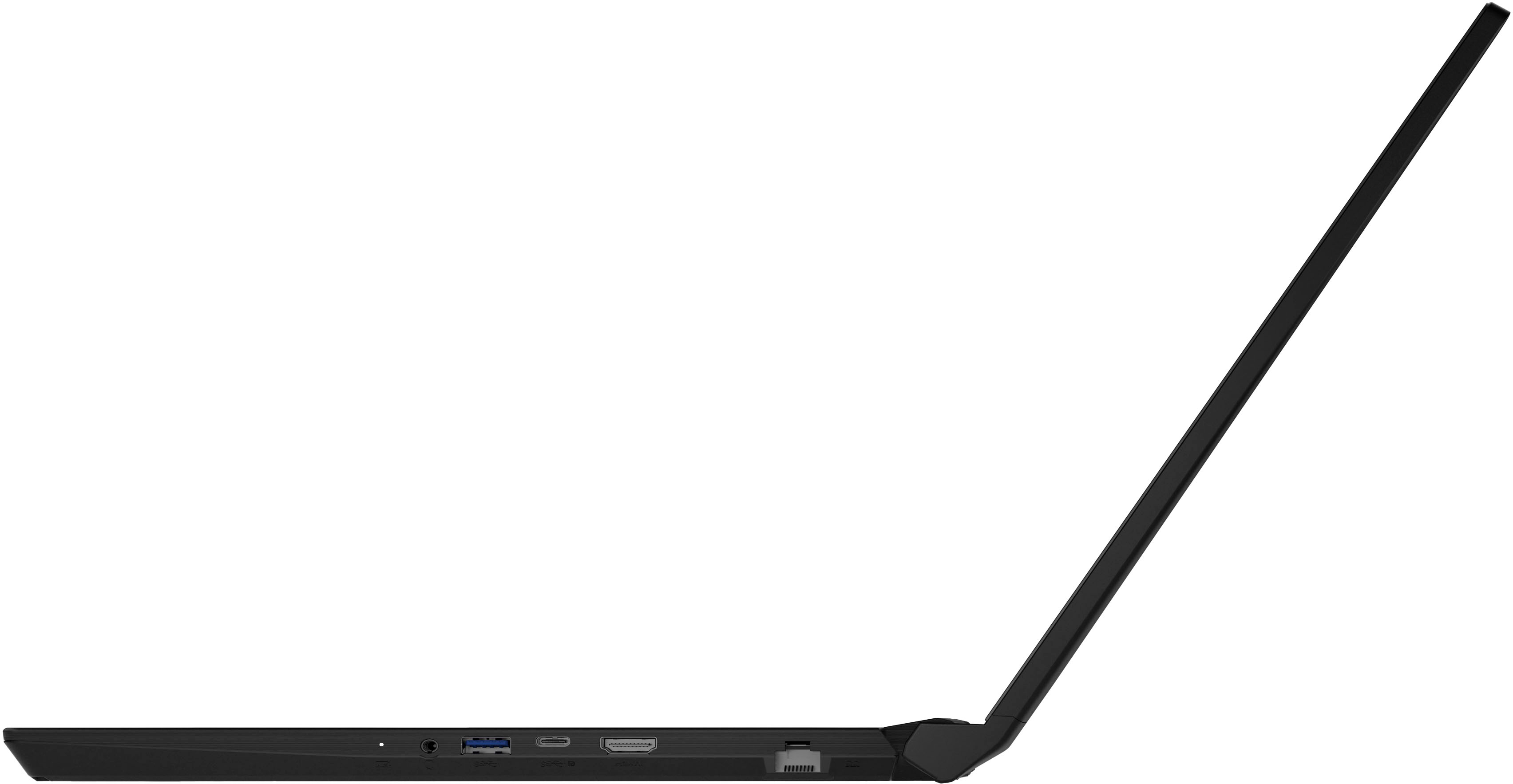
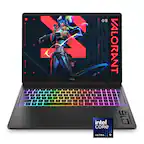
A:AnswerEverything on that MSI Katana is 1-2 generations ago. The processor is 2 generations ago. The graphics card and RAM are last gen. That means it is significantly slower and less powerful than the Crosshair.
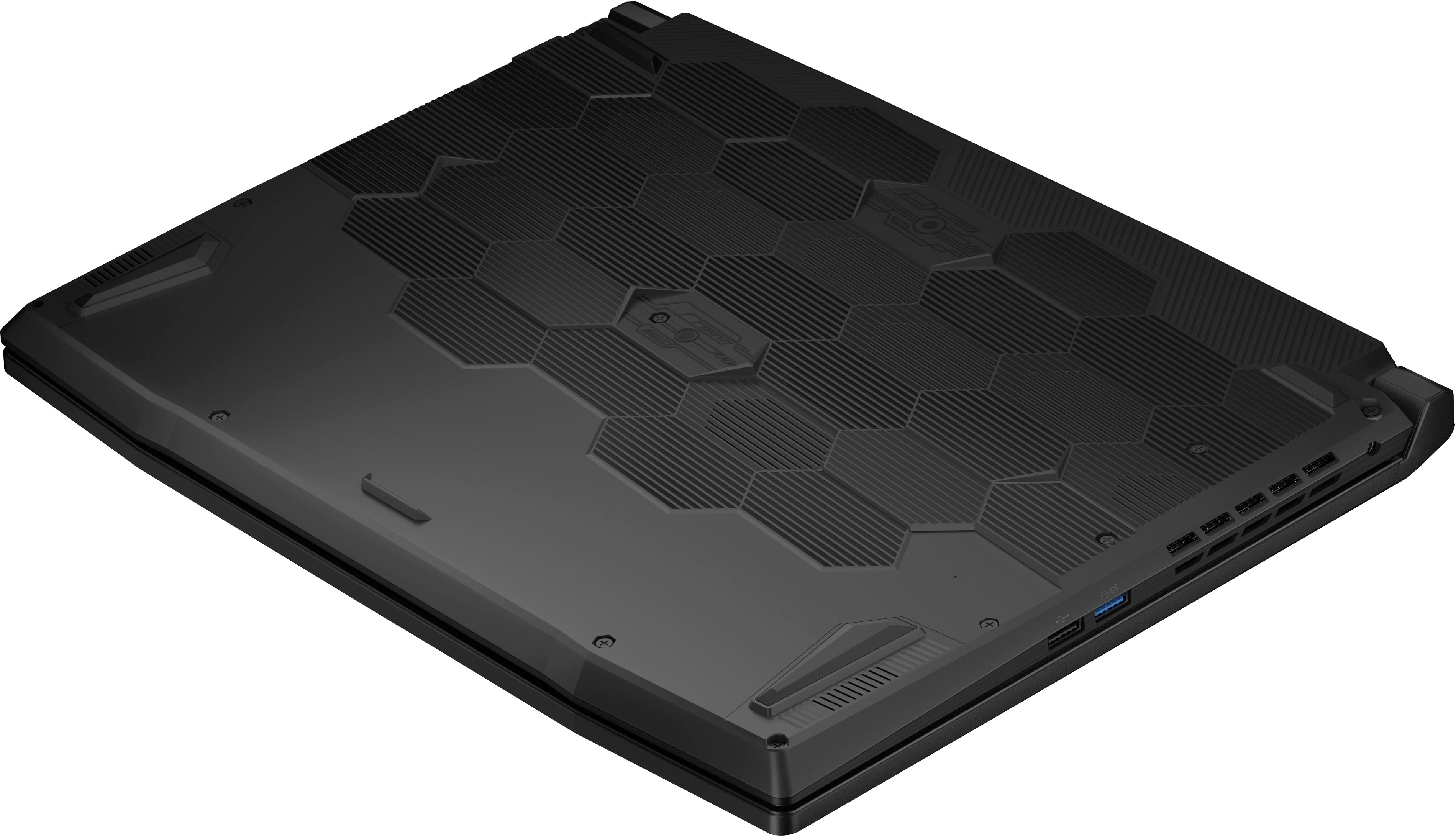
A:AnswerThe port is there for a second SSD NVME M2 Drive. However, you will need to secure the drive with double sided tape or reach out to MSI for a mounting kit. I called the MSI North American Division using the number on their website and they sent me with an email address on who to contact. I sent the person an email with my model and serial number. They replied with shipping confirmation the same day.
A:AnswerThis laptop supports M.2 2280. The Crosshair 16 can support an additional M.2 SSD, please contact MSI Customer Support to request for the additional bracket free of charge to complete the storage upgrade.
A:AnswerHello Lionheart - For optimal performance, it's best to use RAM sticks of the same size, speed, and type, especially if you intend to utilize dual-channel mode
A:AnswerI use it casually game when on work trips. Runs escape from tarkov, fortnite, and helldivers 2 without and issues. Even on less great wifi... pleased in every way for my needs.