A:Answeryes... in some cases, much better that Alexa... also better with map related questions. When Alexa fails, Google always seems to help. I use both of them.
A:AnswerI can access my other google devices through it such as my google nest doorbell and my google thermostat, so maybe that is why. Other than that, I can connect my phone to it and display things through bluetooth.
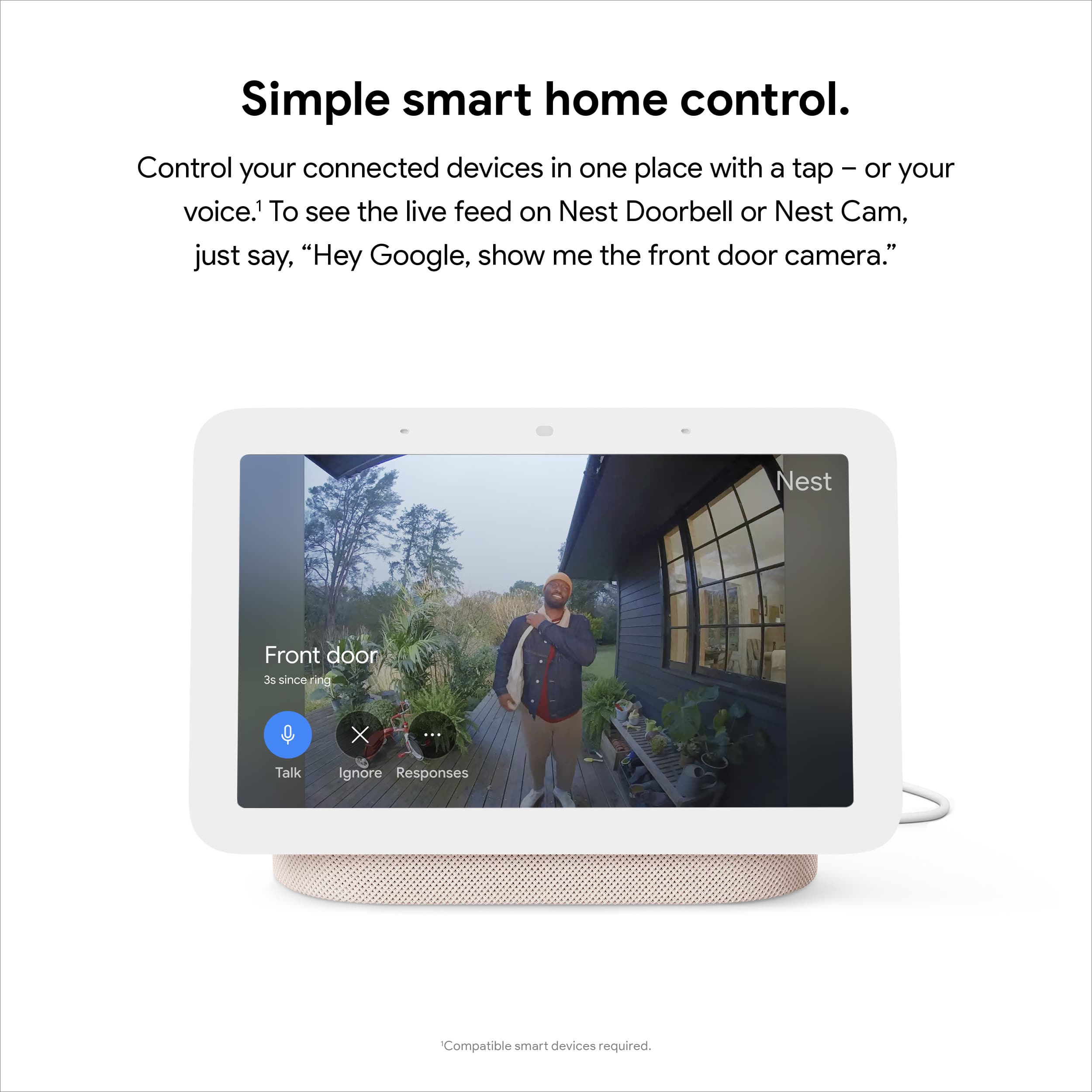
A:AnswerYes. It displays who is there (live video) and you can talk to whomever is at your door via this device. Personally, I prefer to use this to interact with the doorbell vs the phone. I find there's a delay and decrease in volume (I can hear them clearly, but my voice is low on their end- they wind up putting their face close to the doorbell - although not a bad thing in another sense). That may just be an issue with my own phone and not something in general. In the app, you can view and download the entire interaction as well.
A:AnswerYes, it will rotate the photos. I have Google Photos album linked and it will rotate through all the photos (there's +1k photos in there). At this point since I've had this for quite some time, I recognize the photos and for sure know which photo comes next.
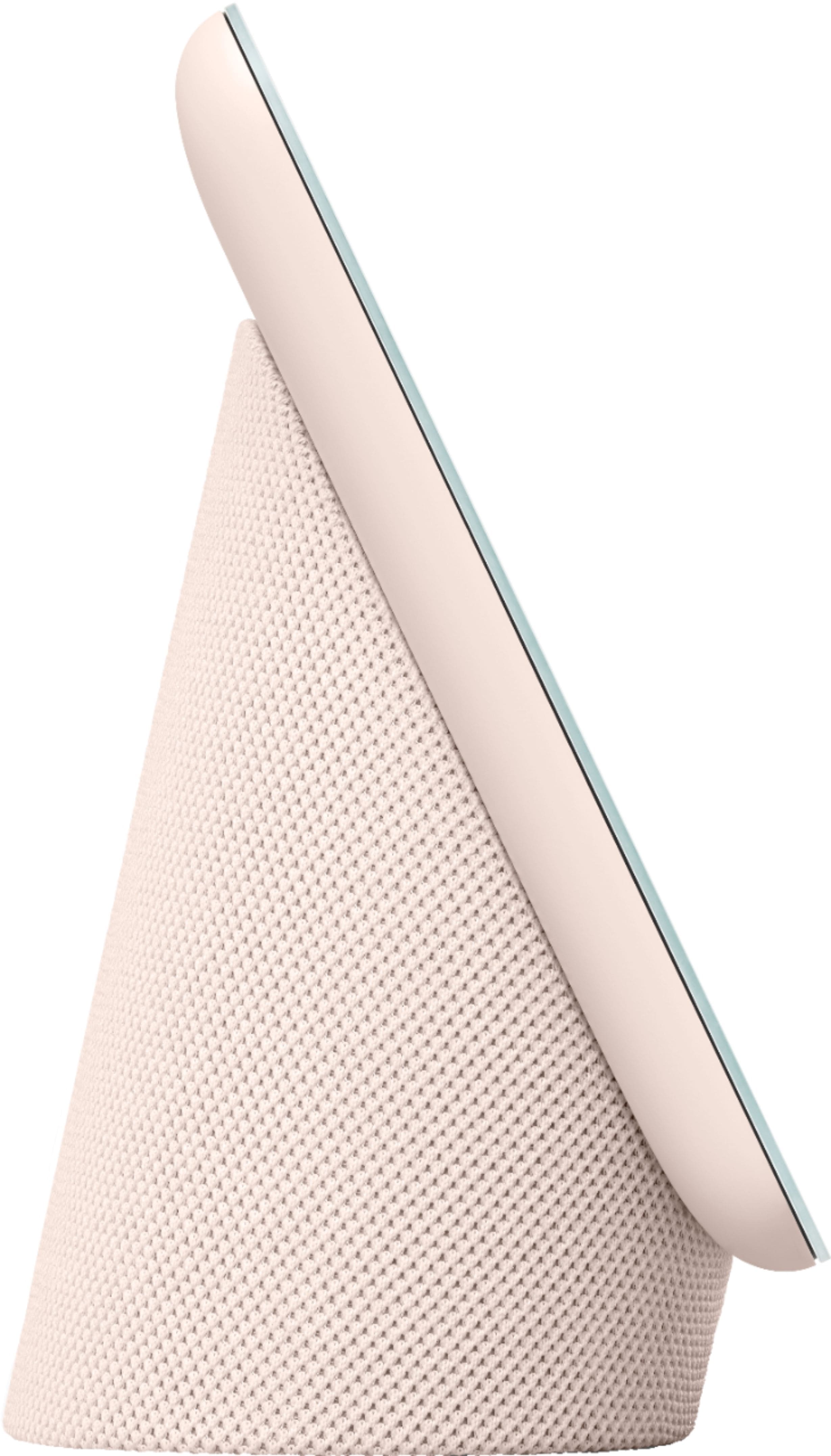
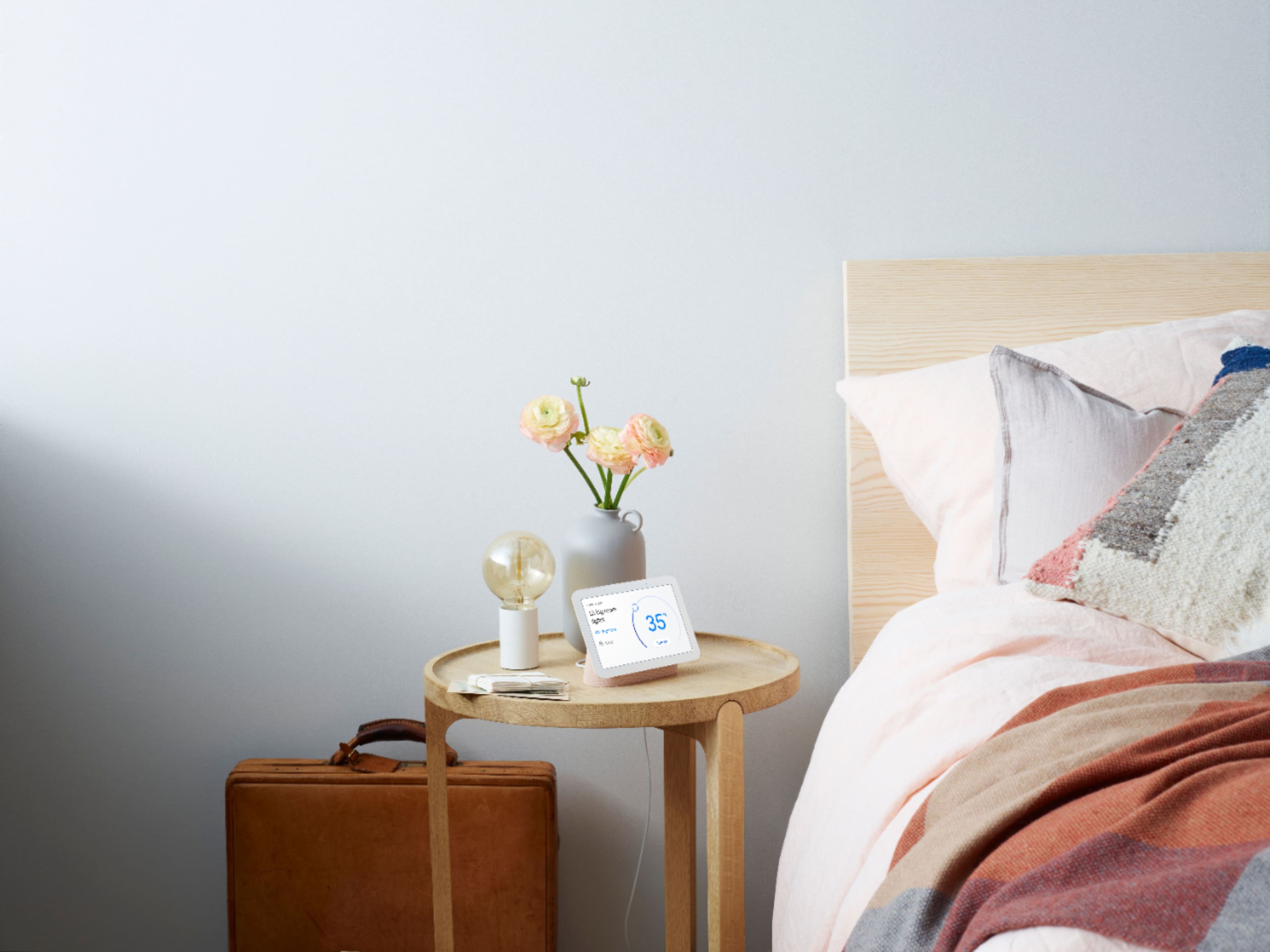
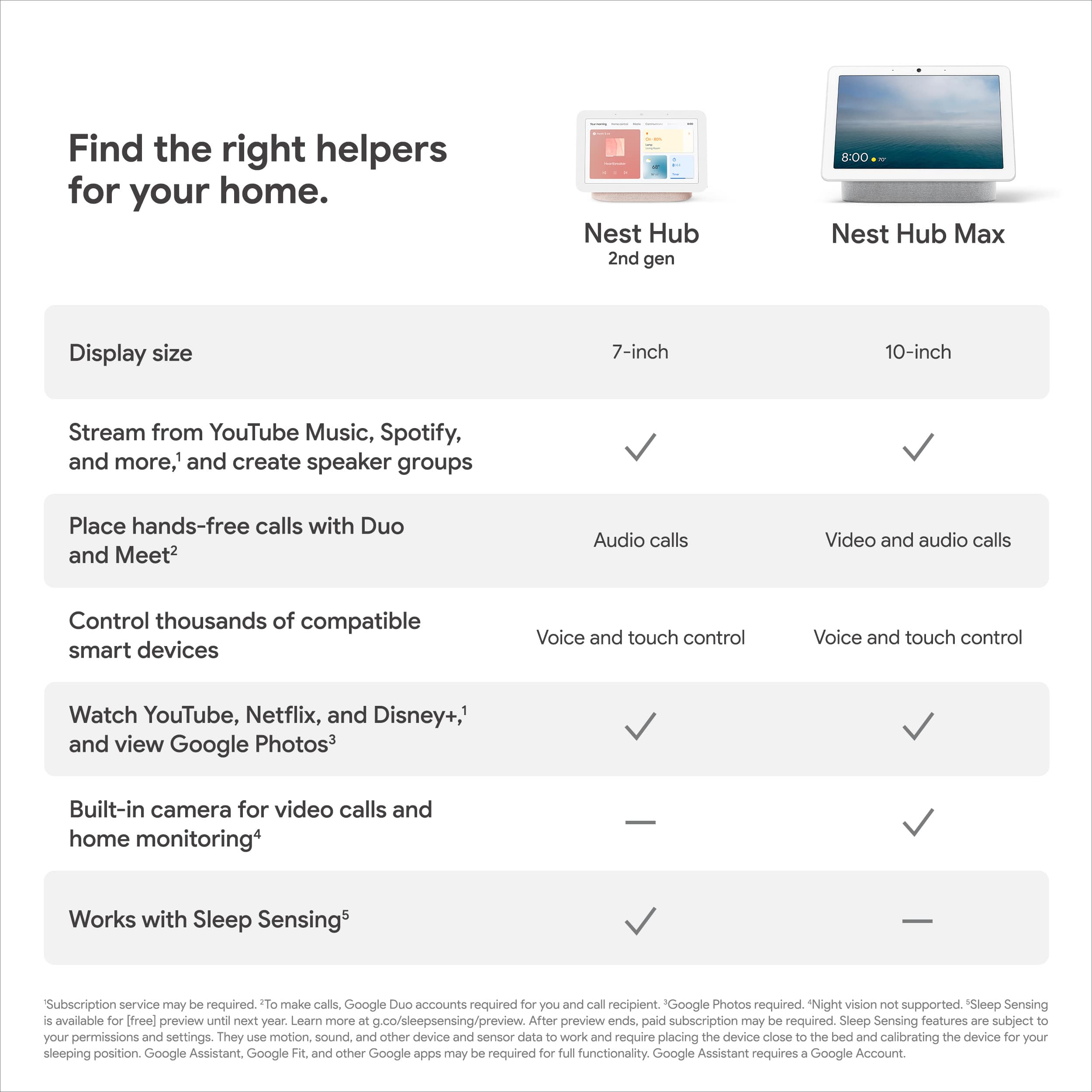
A:AnswerHi NG, thanks for your inquiry. Unfortunately, the Nest Hub ((2nd gen) is not designed to be mounted on the wall, though some retailers offer wall mounts and wall mount holders. The Nest Hub (2nd gen) is designed to be installed by placing it on a shelf, desk or counter.
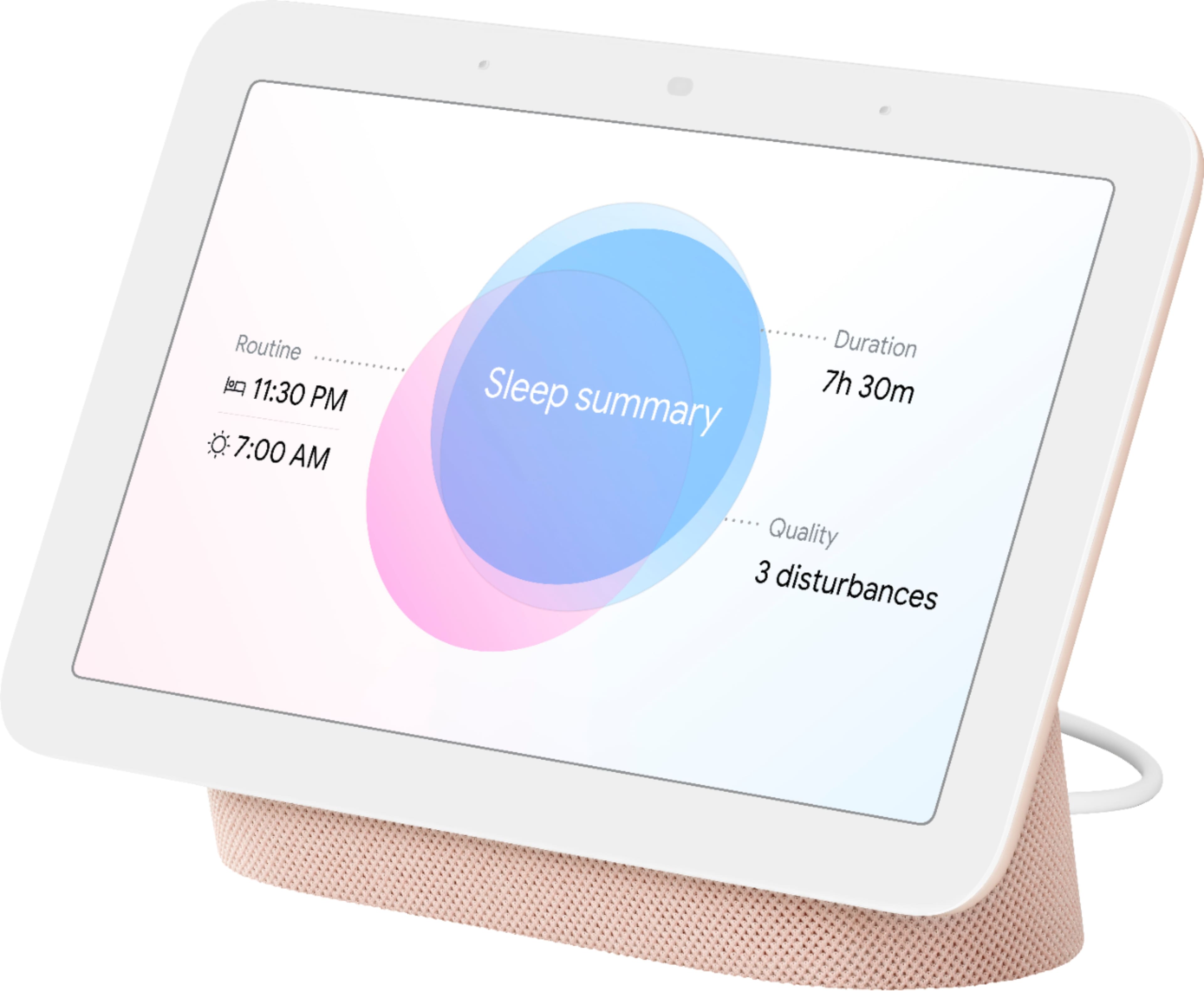
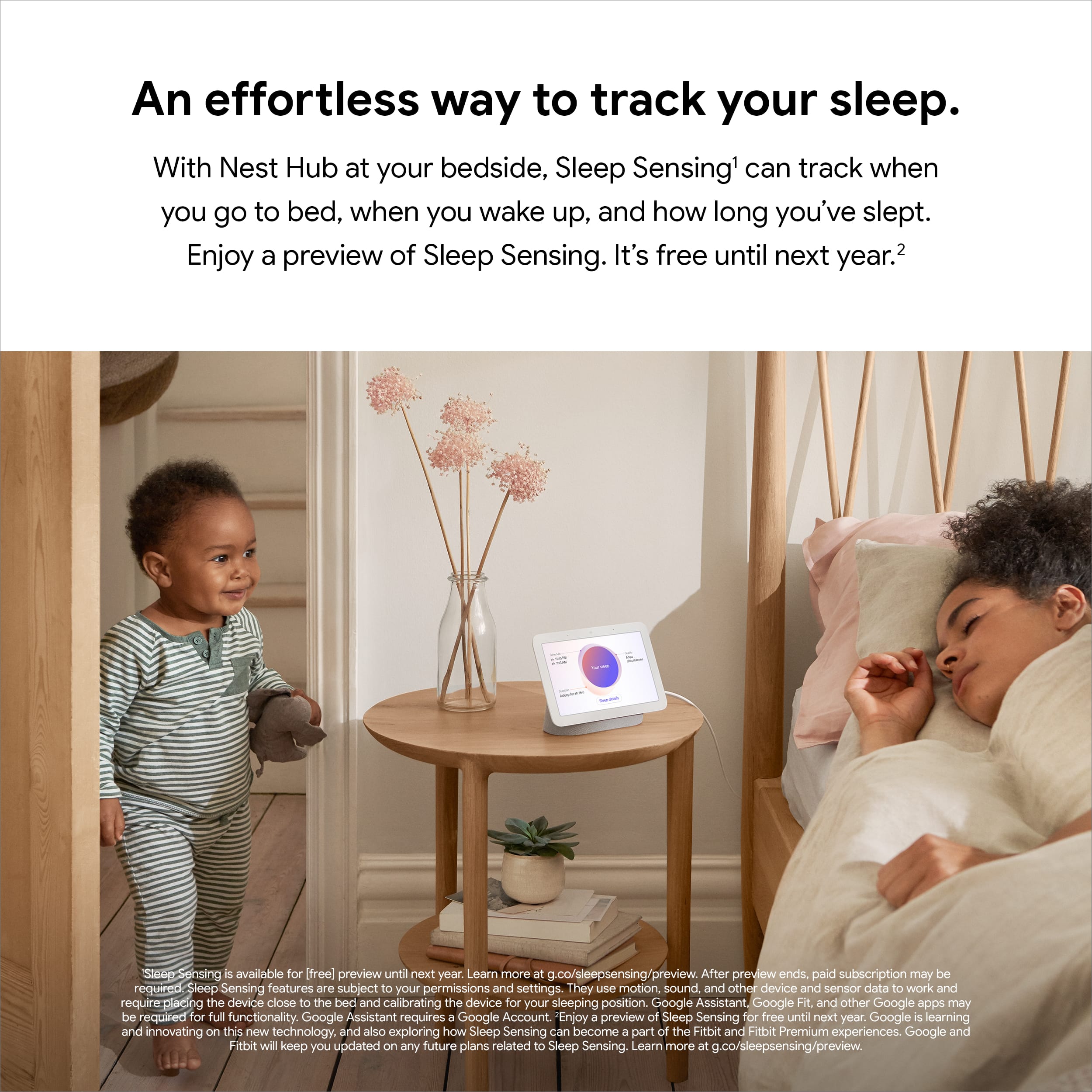
A:AnswerTechnically, it is designed to detect and track the sleep of one person only. If you sleep with someone else or a big dog, even a cat, the results might in include data that's not related to your sleep.
A:AnswerI believe you're talking about the same thing. Just that the last one says "with Google assistant". The only differences exist between Nest Hub Max and the Nest Hub Gen 2. However, they both have Google Assistant.