A:AnswerBill,
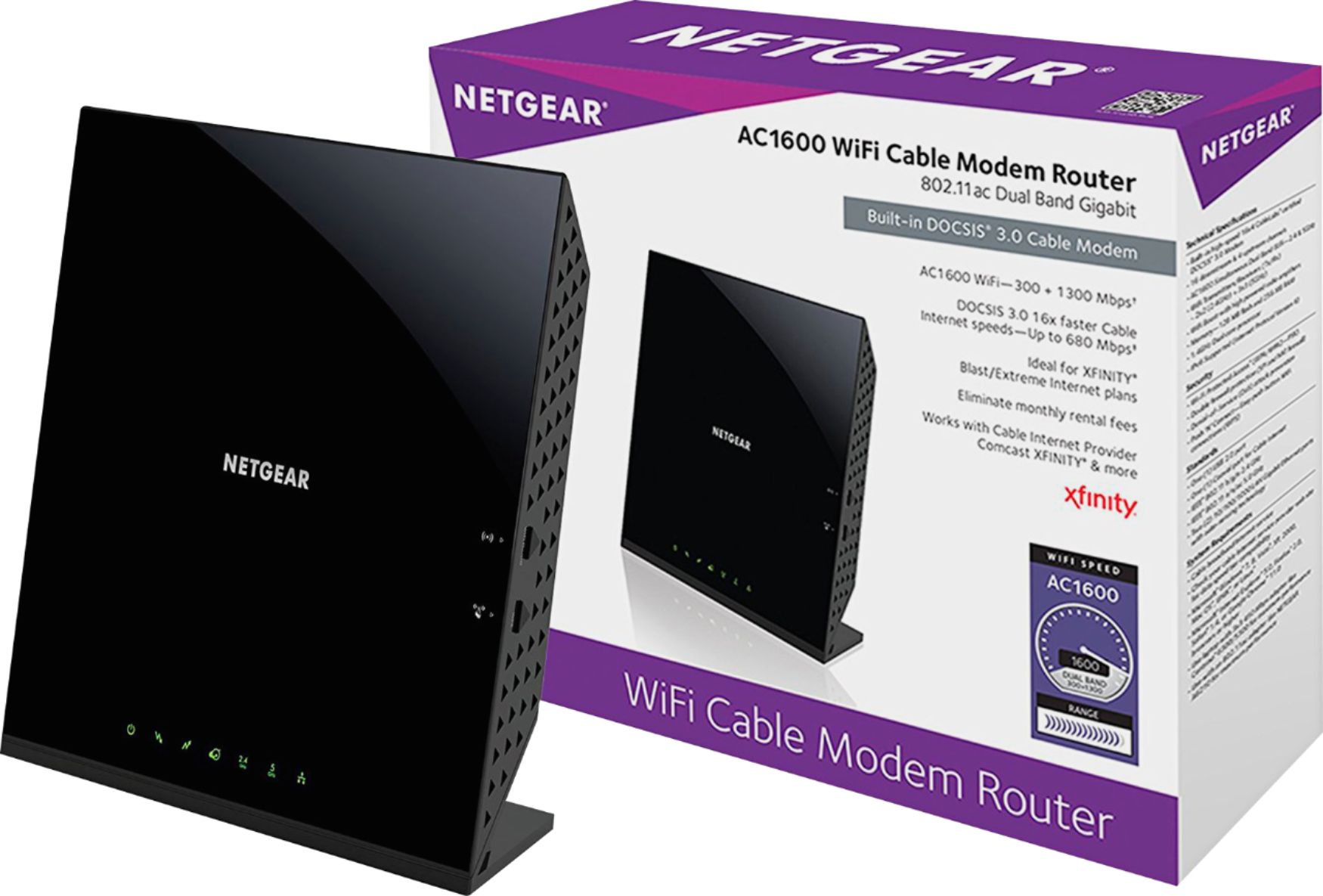
Placed on the lower level, it will cover things fine. IF your Comcast router is actually a modem, the answer is NO. If it is a separate router, the answer is YES. The Comcast modems typically offer some type of routing and some wireless functionality, but the router in question will provide additional options, range and security.
A:AnswerHow many of those items are in operation at the same time? If they are in operation at the same time, you will need one that can handle the gaming demands of the PlayStations, Xbox and any streaming that may be going on for all your items, you will need a more heavy-duty router. It will happen to be a very good router if they are not all at once and if only one or two of the tame systems are in use at the same time.
A:AnswerJerry,
Some Modems will serve as a router and some even provide wireless connectivity. This wireless router will provide more options, better wireless signal and security. However, it is not a Modem. Charter Spectrum may supply an additional router with the modem for more money each month (rental). In the long run, it may pay to do do a little research and asking what is provided. But, it may be more cost effective in the long run to become just tech savy enough to make the right choice.
A:AnswerThe wireless (WiFi) portion of the Modem can be turned off and the router can be used to add more items to your network. it will be more secure, greater range, better options and reliability.
A:AnswerYes, it should work. Netgear is pretty friendly with all forms of cable and satellite services. Give it go. You can always call Comcast and ask for their recommendation.
Good luck with your set up.
A:Answerjlynn,
If your connection is based on a login to 'authenticate' to the provider before allowing internet services, that login info will be on your computer. IF you can change how your DSL modem connects, you can have it authenticate (login) for you. Alternatively, you can have the router do the same thing IF your modem is set as pass-through configuration. Ask ATT how your modem is setup. This will tell you what you need to do to connect.
Happy networking!
A:AnswerIt depends on other routers in the area, what channels they use, what are the structures you are trying to get the signal past. It will vary greatly depending upon your your computers as well depending on their age and what they support (A, G, N, etc.).
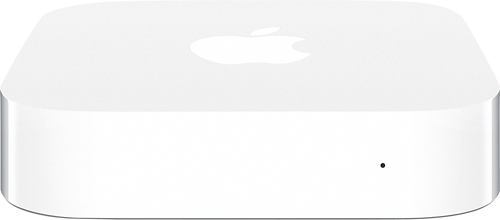
A:AnswerJust cuz it's same manufacturer I would have to say apples airport products. That being said, net gear products will work with them as well it's just a little trickier when adjusting advanced settings sometimes. But I run a MacBook Pro , hp all in one, hp laptop, 2 iPads, several iPhone and android phones. Also playstation4 and Xbox one and a surveillance system on my net gear modem n router with no problems. Any (1) of the recommendations below would work.
A:AnswerYou need to clarify how you currently get internet. If you currently have no internet, this device will NOT supply you with internet. You will need a modem (DSL, Cable, Satelite or even some sort of cellular (cell phone type) before you can connect. You will have to have internet for the Roku to work at all.
Will it work with your Roku? Yes. Will it supply internet? No.