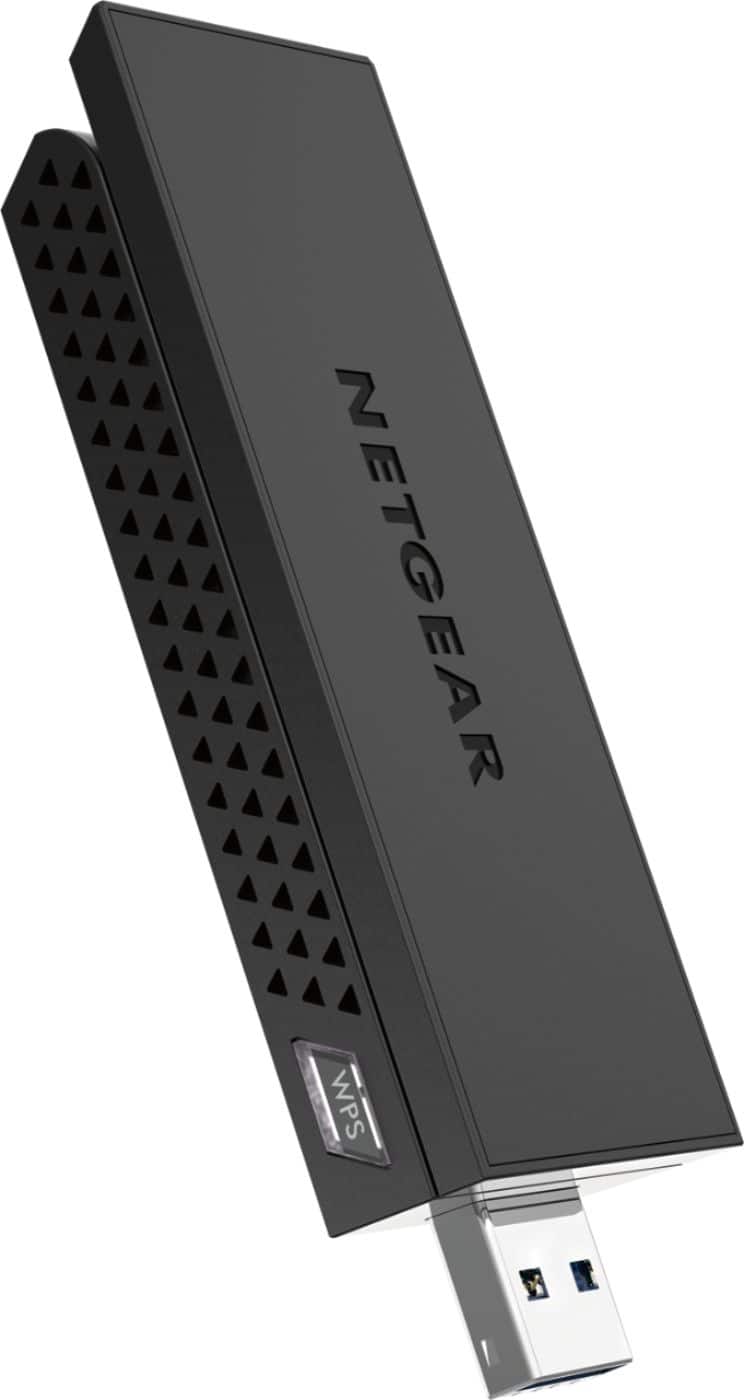
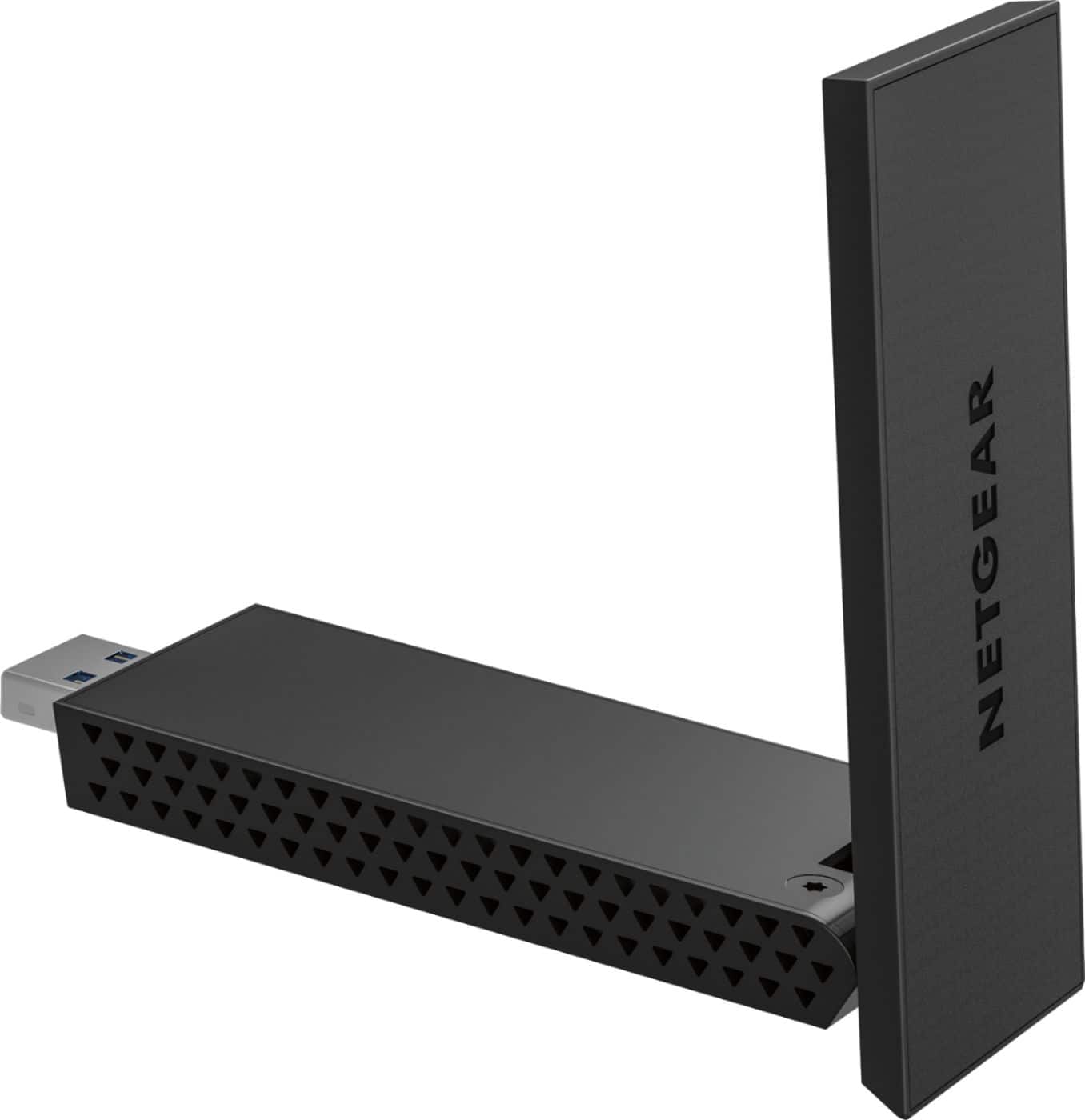
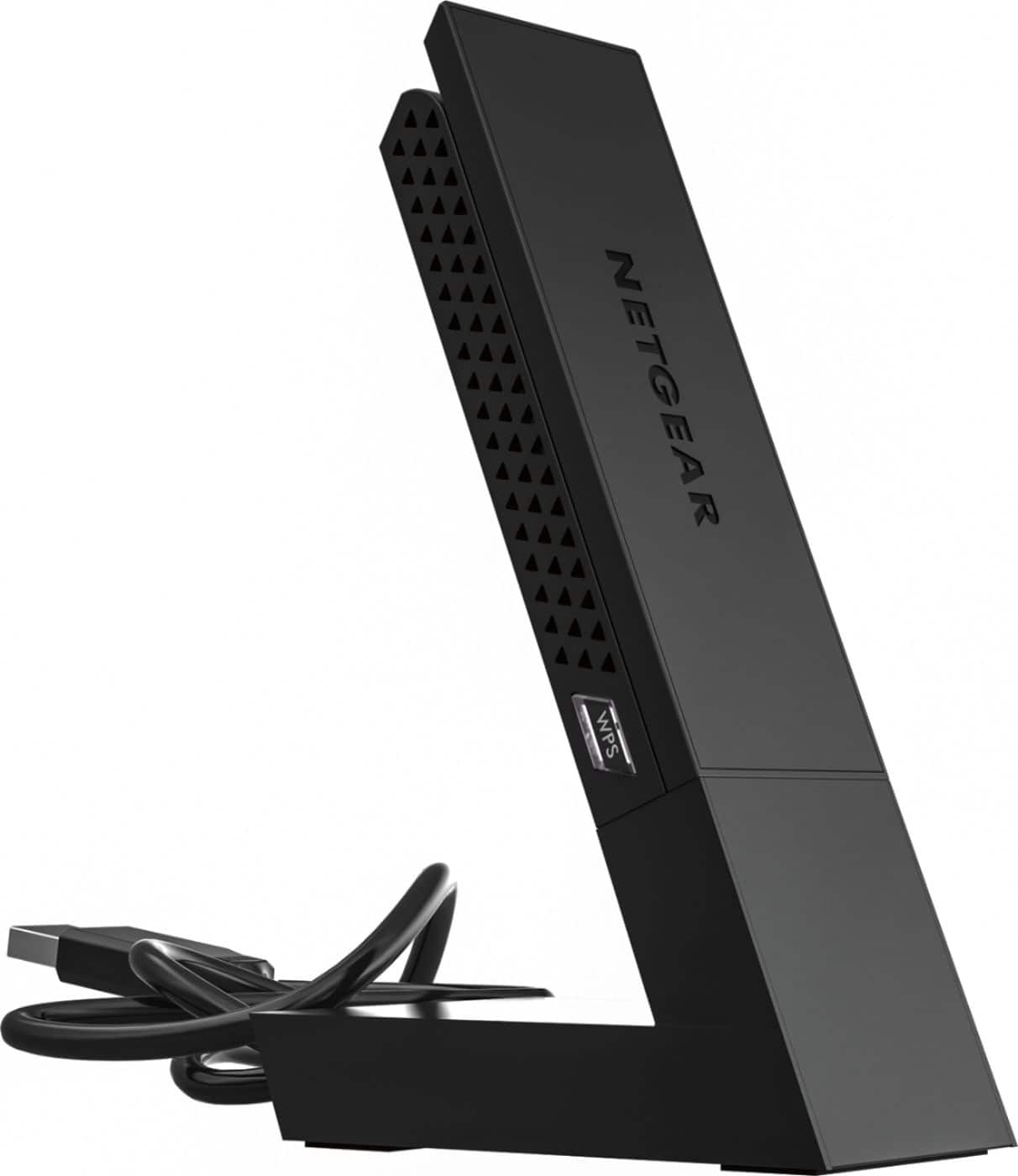
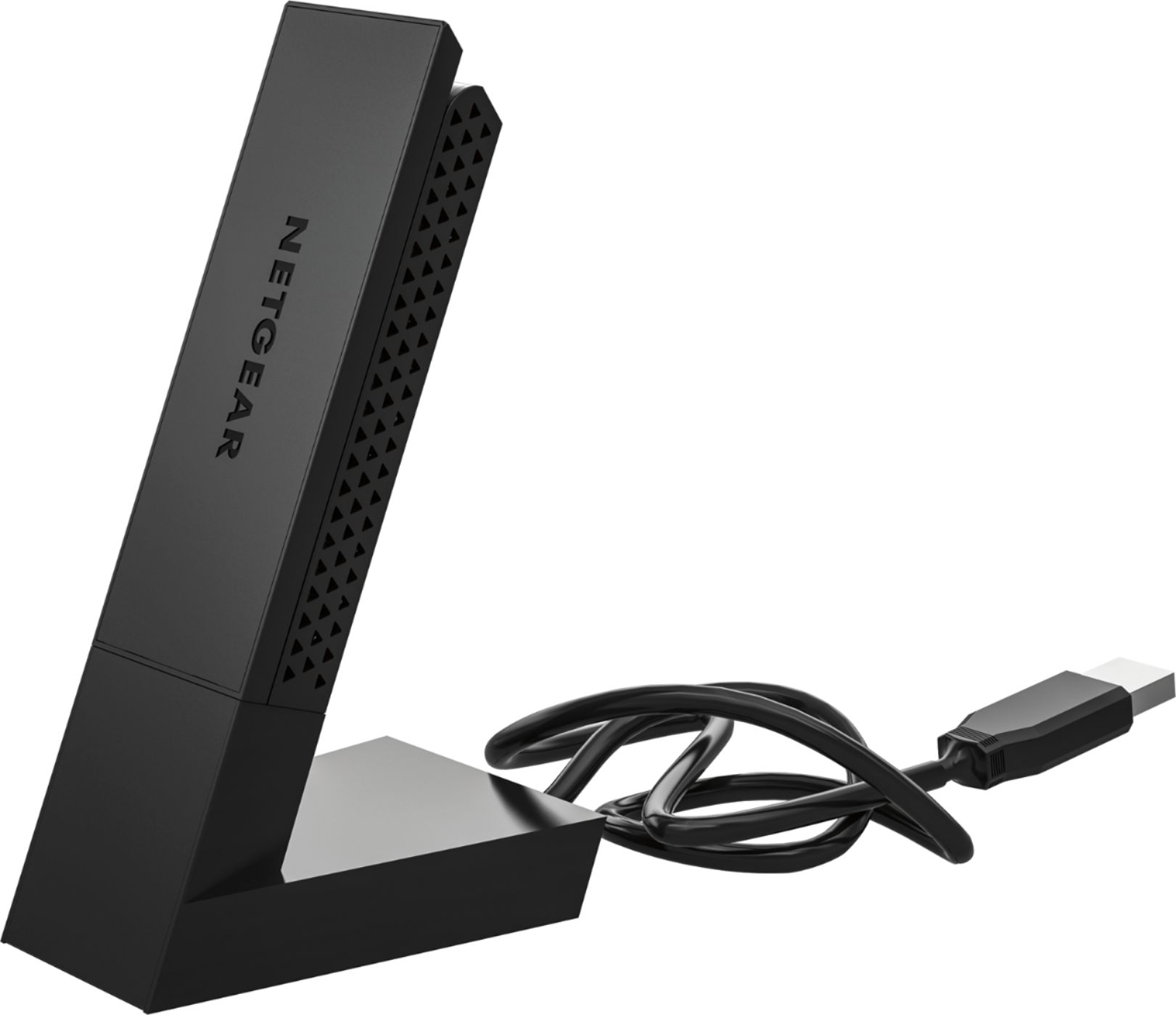
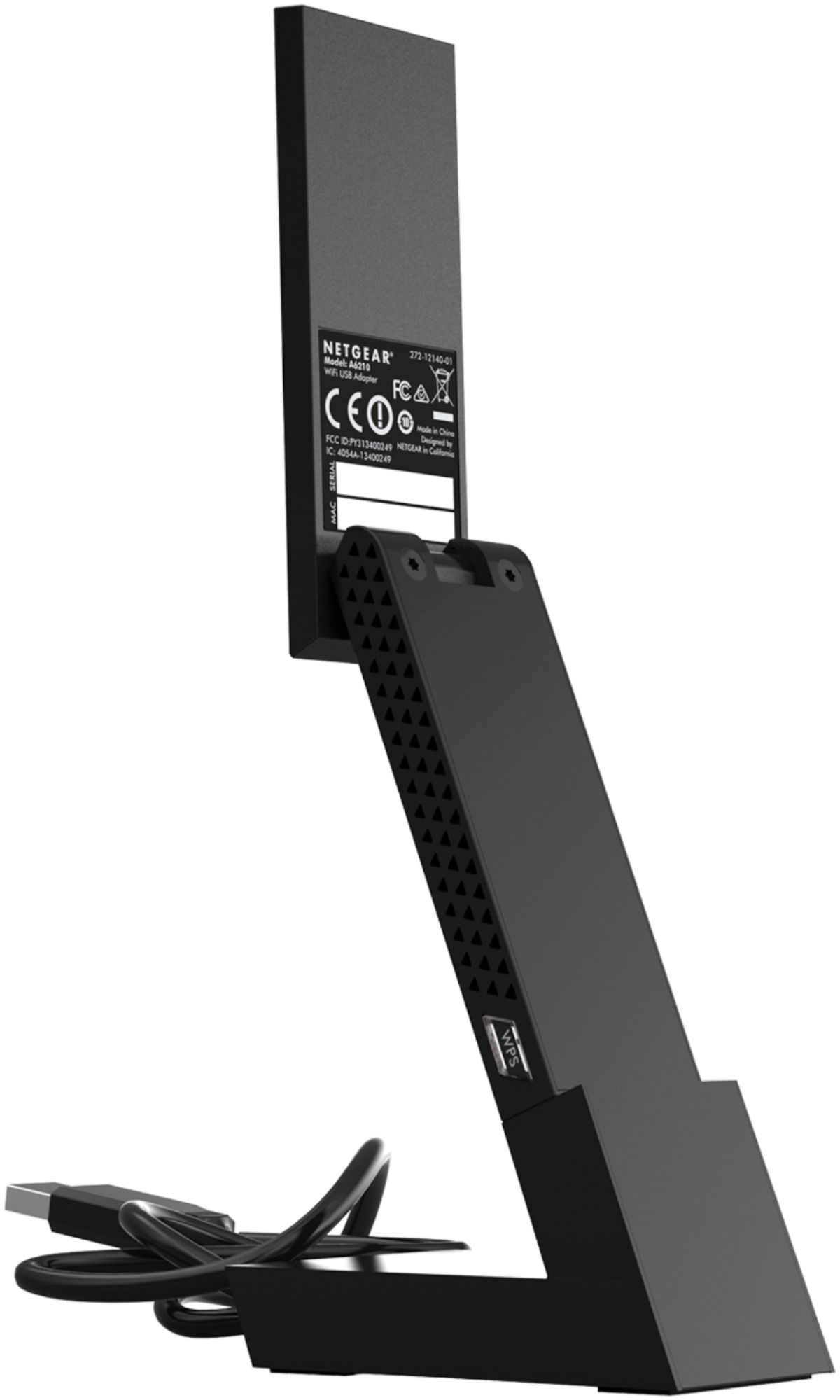
A:AnswerYou should be able to get connected this way. Connection will be slower than a hard wired internet router but if all you need is functional internet, you should be good to go.
A:AnswerIf you are using a windows machine, somewhere in the bottom right of the screen should show a network symbol, of you click on this it should say if you are connected to WiFi and what the signal strength would be.
A:AnswerYou can do this but you have to use your pc to extend/ share the wireless network. Windows 10 makes this easy. However if your pc is having a hard time with the camp ground wifi then it will still be an issue. Chances are however that this wifi adapter will be better at picking up wifi then your fire stick.
Here are the instructions.
Press Windows key + X to open the Power User menu and select Network Connections.
Right-click the network adapter with an Internet connection (Ethernet or wireless network adapter), then select Properties.
Click Sharing.
Put a check mark on Allow other network users to connect through this computer’s Internet connection.
From the Home networking connection drop-down menu, select the Microsoft Hosted Virtual Adapter.
Click OK to finish.
A:AnswerWill allow your laptop to connect to a WiFi router that has internet access or a optimum.net account. this adapter will pick up optimum online WiFi .. you’ll need a provider to access internet on the go. straight from your laptop like....I like the ease of xfinity no contact service http://wifi.xfinity.com/ but there are other companies that provide services as well at&t, Verizon , T-Mobile
A:AnswerI don't know the answer to that question. I bought mine to help boost the power from my desk top, hard wired, comcast to my lap top in another room with two walls in between.. It helped but very little. Running a speed test using Comcast test it really didn't improve it that much Down load speed is still under 20 and the up load speed is 12. I had a tech out here and he didn't help the speed at all.
Leroy
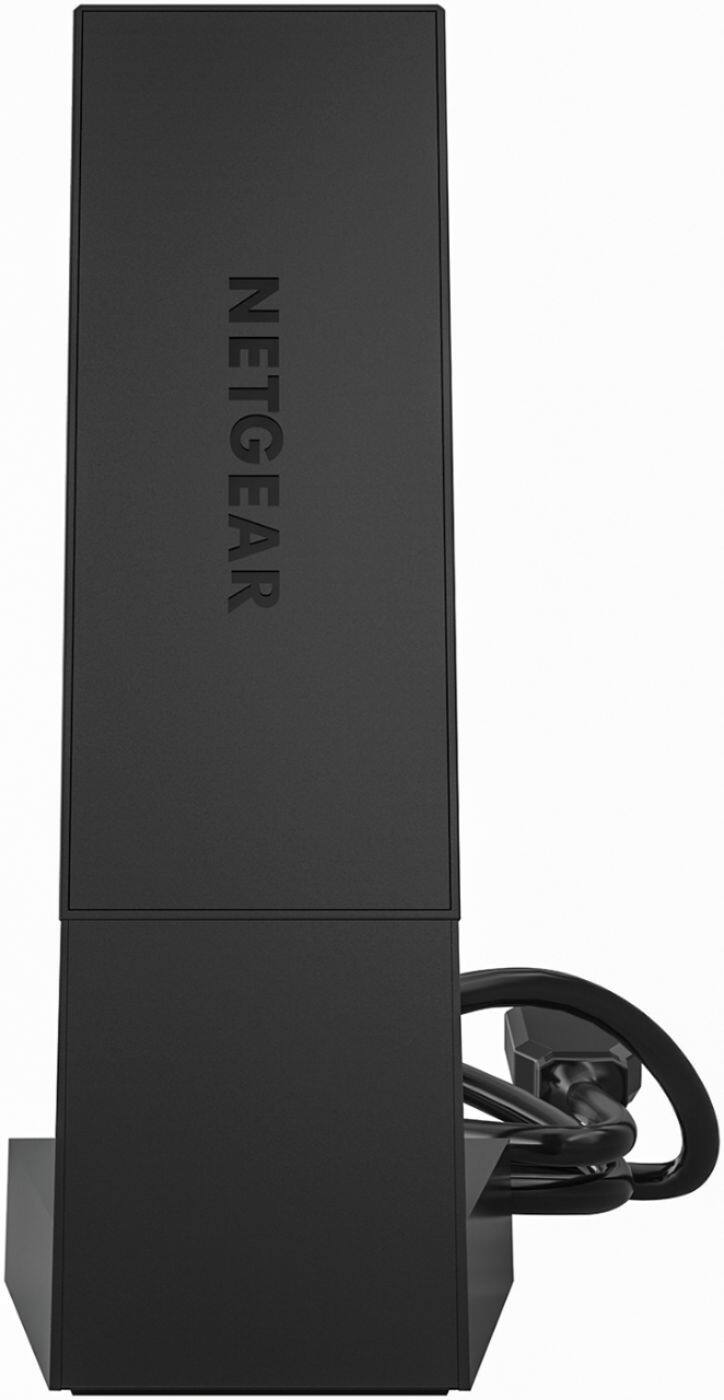
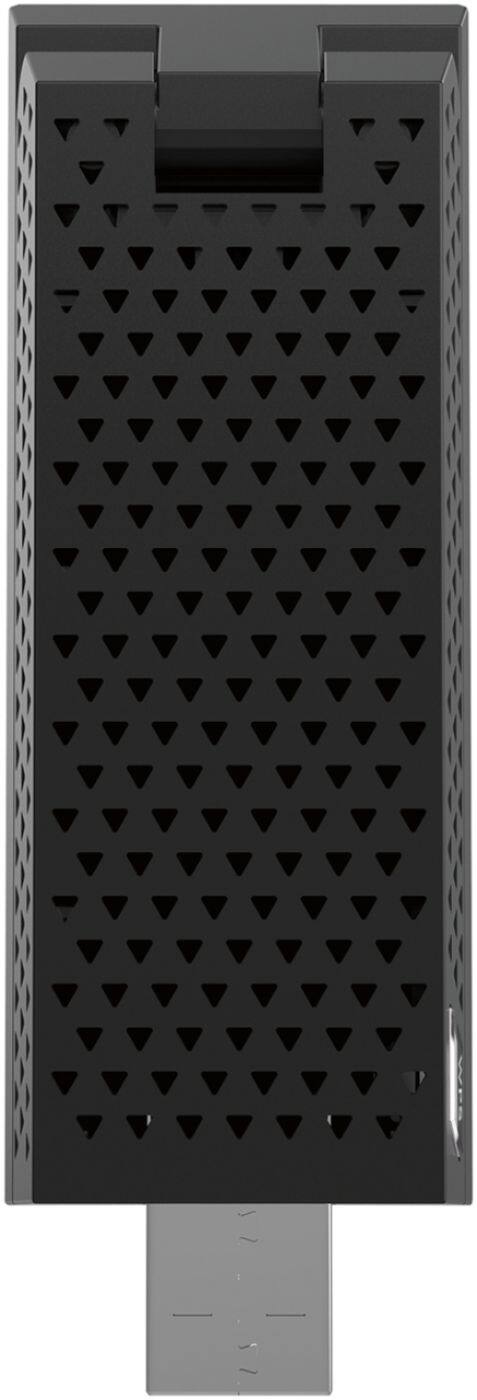
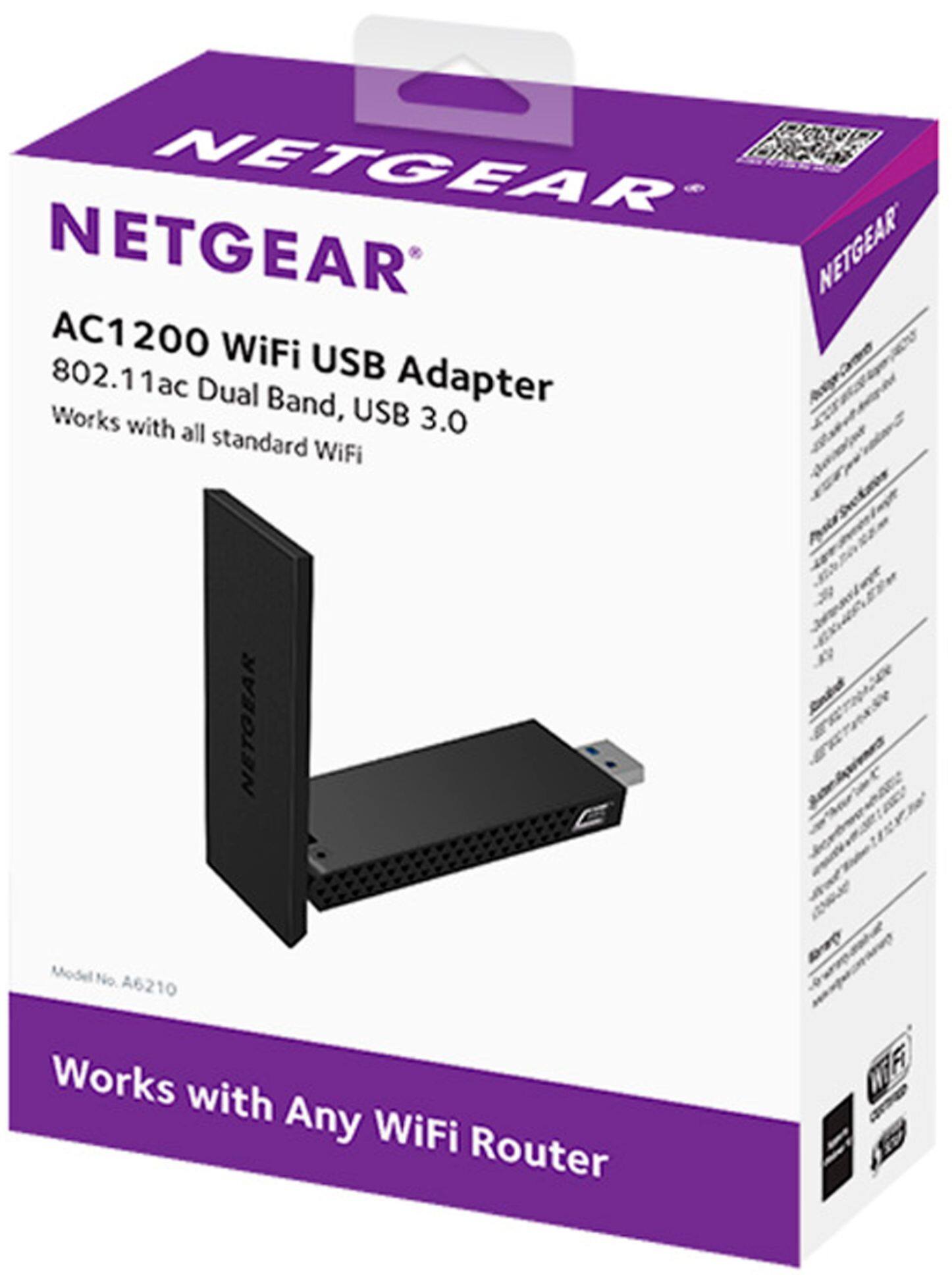
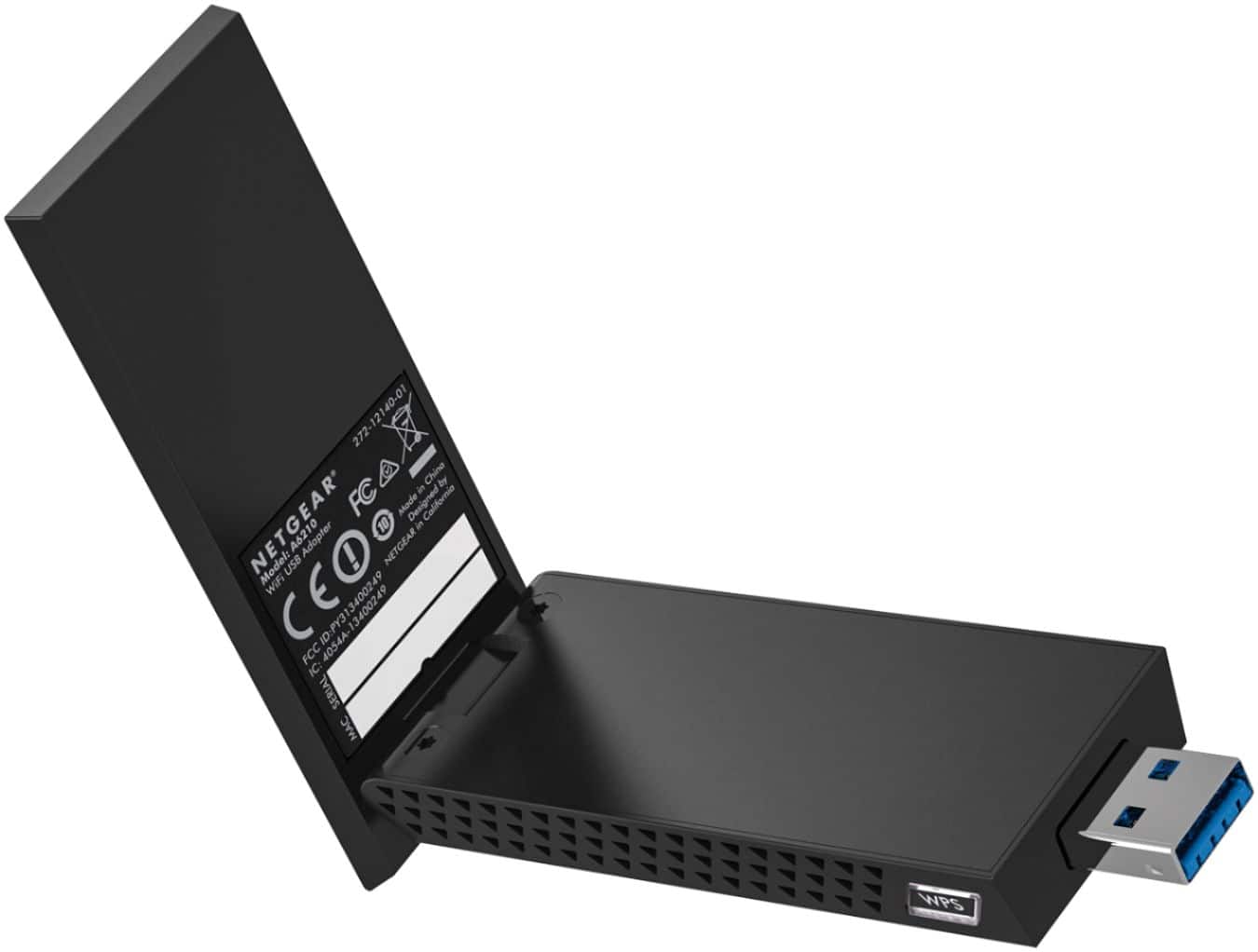
A:AnswerIt's a 802.11ac WiFi adapter that connects your Windows computer to any other WiFi device operating on any compatible WiFi network using the same SSID (e.g. the SSID defined on your google fiber WiFi access point.)
https://www.netgear.com/home/products/networking/wifi-adapters/a6210.aspx#tab-techspecs
A:AnswerYes and no.. if you smart box let you use usb other than memory or copying to a external devices (usb).. then the answer is Yes.. If working correctly, You'll have to navigate to WiFi setting after inputting the adapter and restarting the system for the first use.. You should see your home WiFi access point if not than you are gonna need to download the the netgear app Note:(That you will not see Netgear you should only see the WiFi available to you).. I’ve tried this thing on just about everything I own with WiFi capability and it has not failed. The common thing I’ve noticed, was that I needed to restart almost all of the items I’ve tried it on...even tho it was required in the instructions but I recommend getting a usd splitter(NOT A USB SWITCHER SINCE A USB SWITCHER WILL DISCONNECT YOU WIFI WHEN YOU SELECT A DIFFERENT PORT) aswell just Incase something happens that you need to download to a usb slick you have a uninterrupted usb access