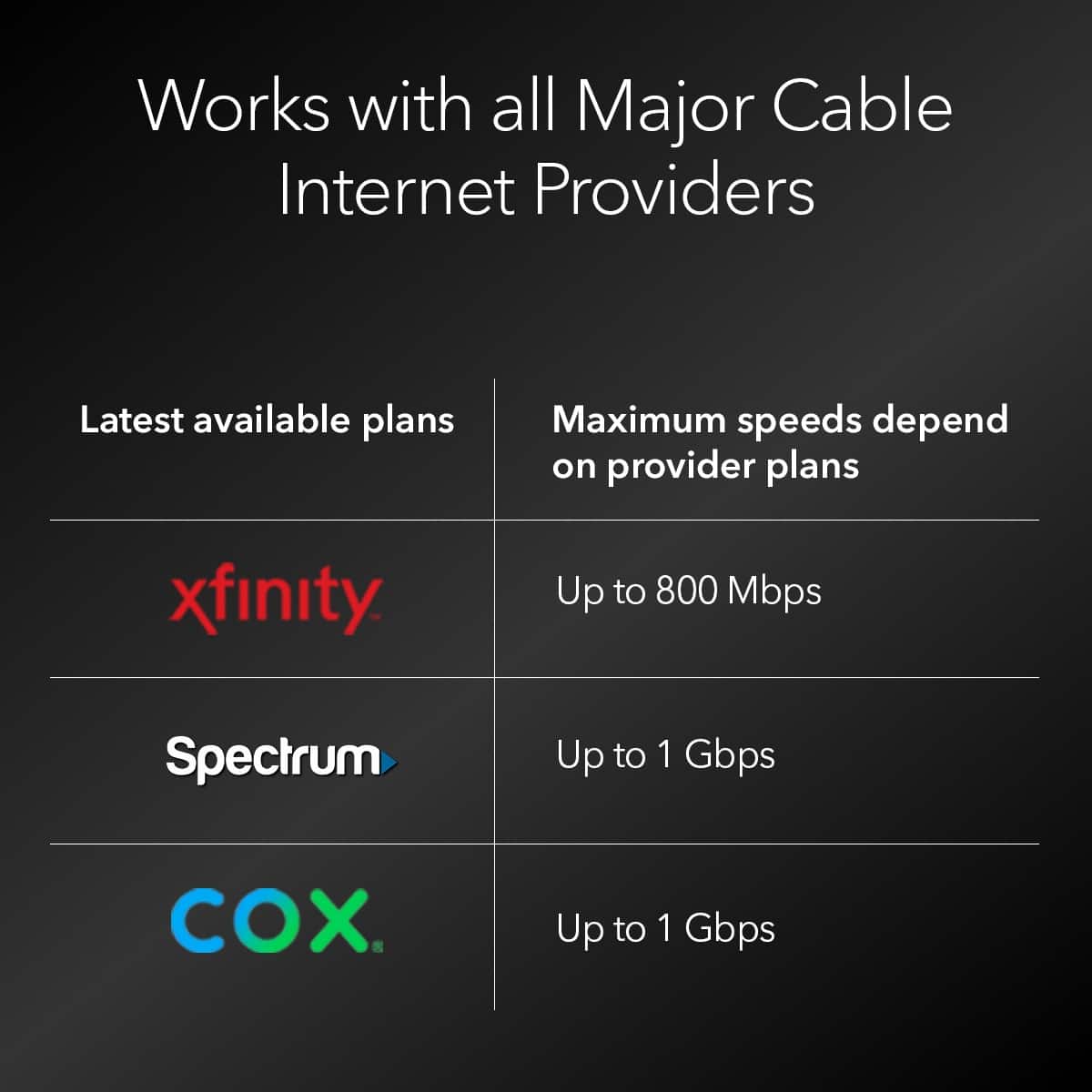
A:AnswerI believe that Frontier is a 'Fios/DSL' type of service so if that is the case, this modem would not be compatible as it is strictly for Cable Internet.
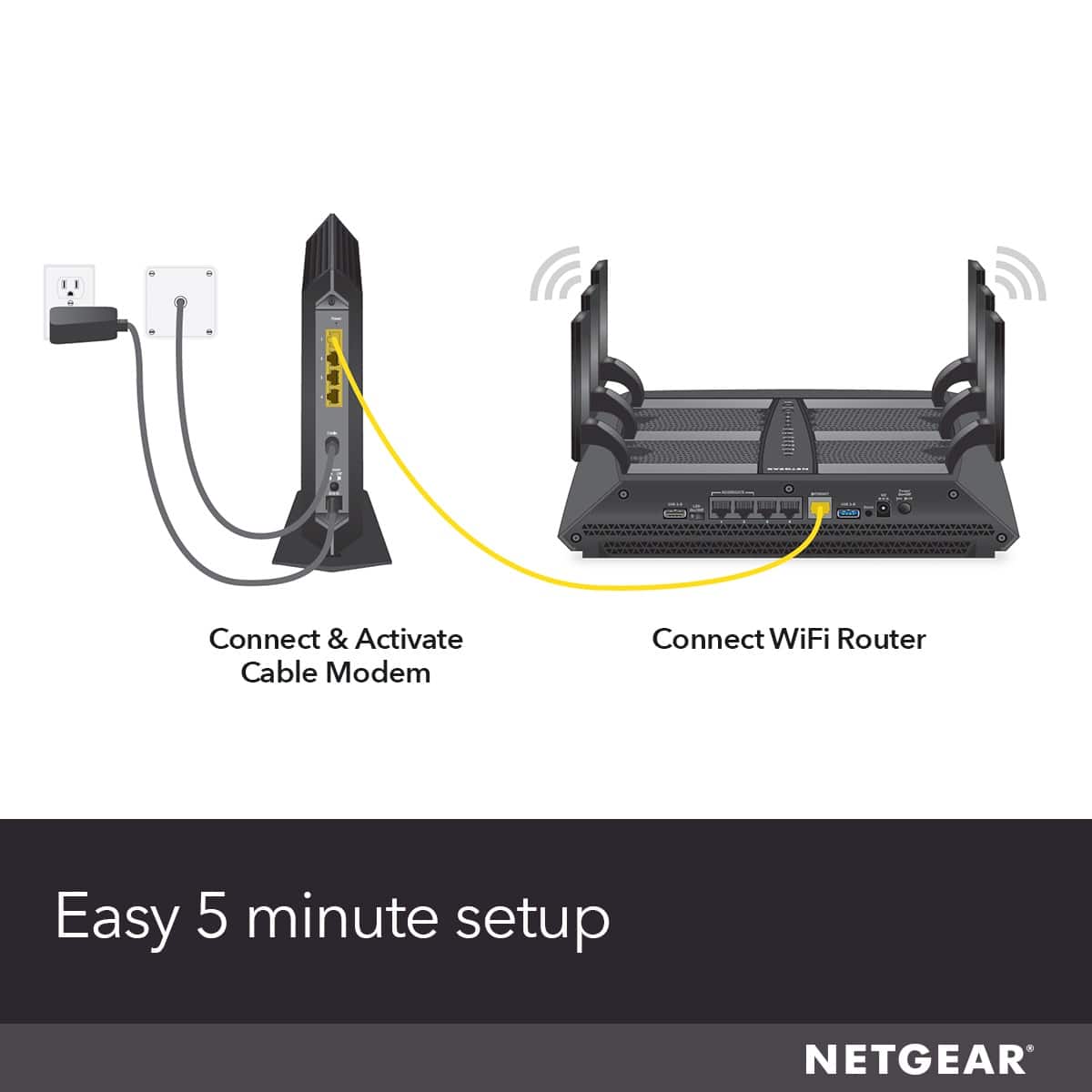
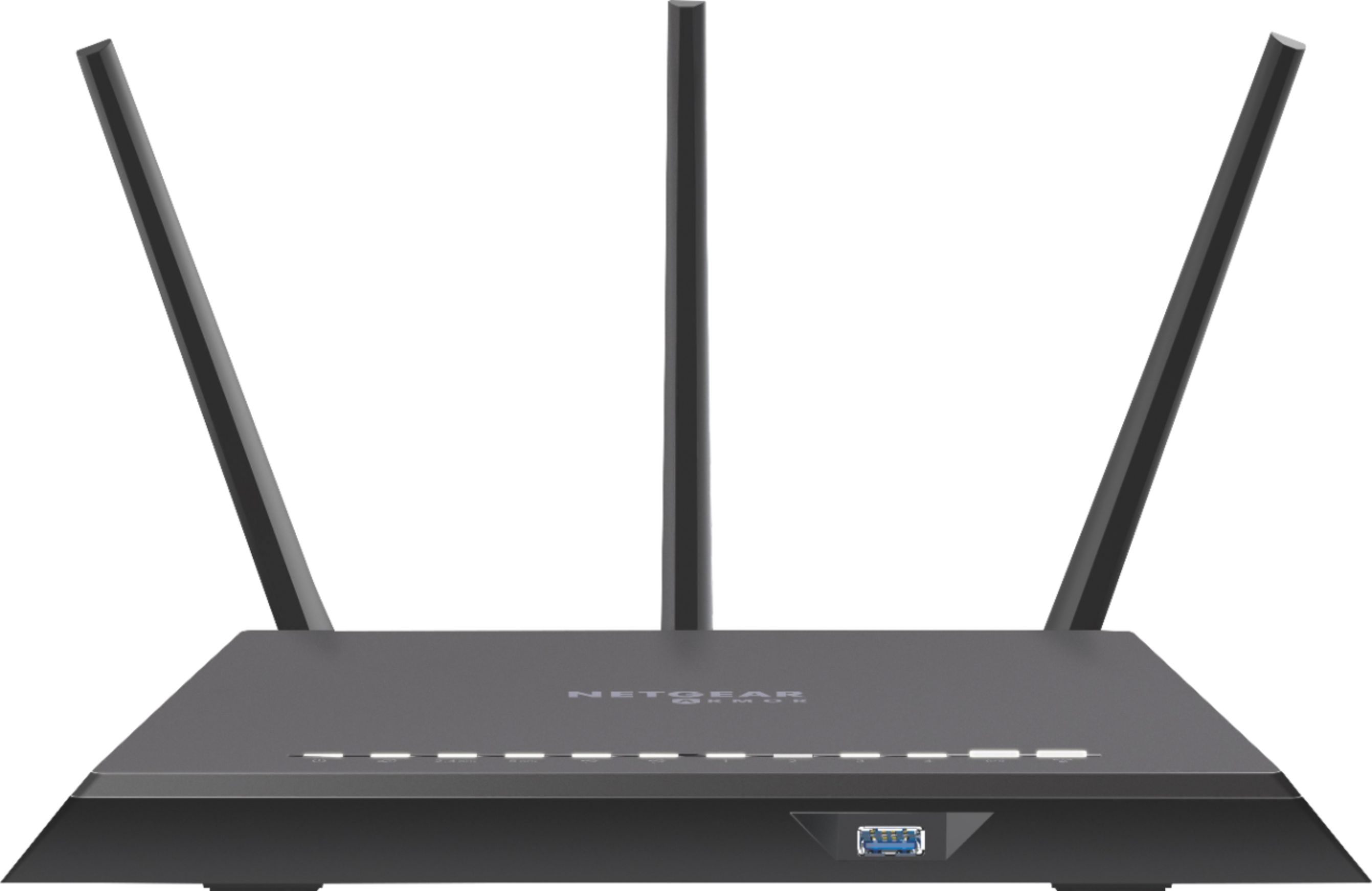
A:AnswerIt will work, but that router is not capable of supporting the speeds that this modem is capable of (docsis 3.1 vs docsis 3.0) If you want to get the most out of the modem, you should also upgrade the router.
A:AnswerYou can install it using the self install option as well. It will take a try or two but would work. The optimum customer service refused to activate the modem but i was able to install myself
A:AnswerYes. I use Xfinity Comcast too and this router did not play well with anything else on our system, including Google WiFi. I returned this one and instead bought the Arris SBG8300 which has a built-in router and worked super easily on a plug and play basis.
A:AnswerYes however if you isp is like mine then you will have to pay for a second address or your internet will just continually reboot because both routers would be on same address. Must have 2 ip to do what your asking.