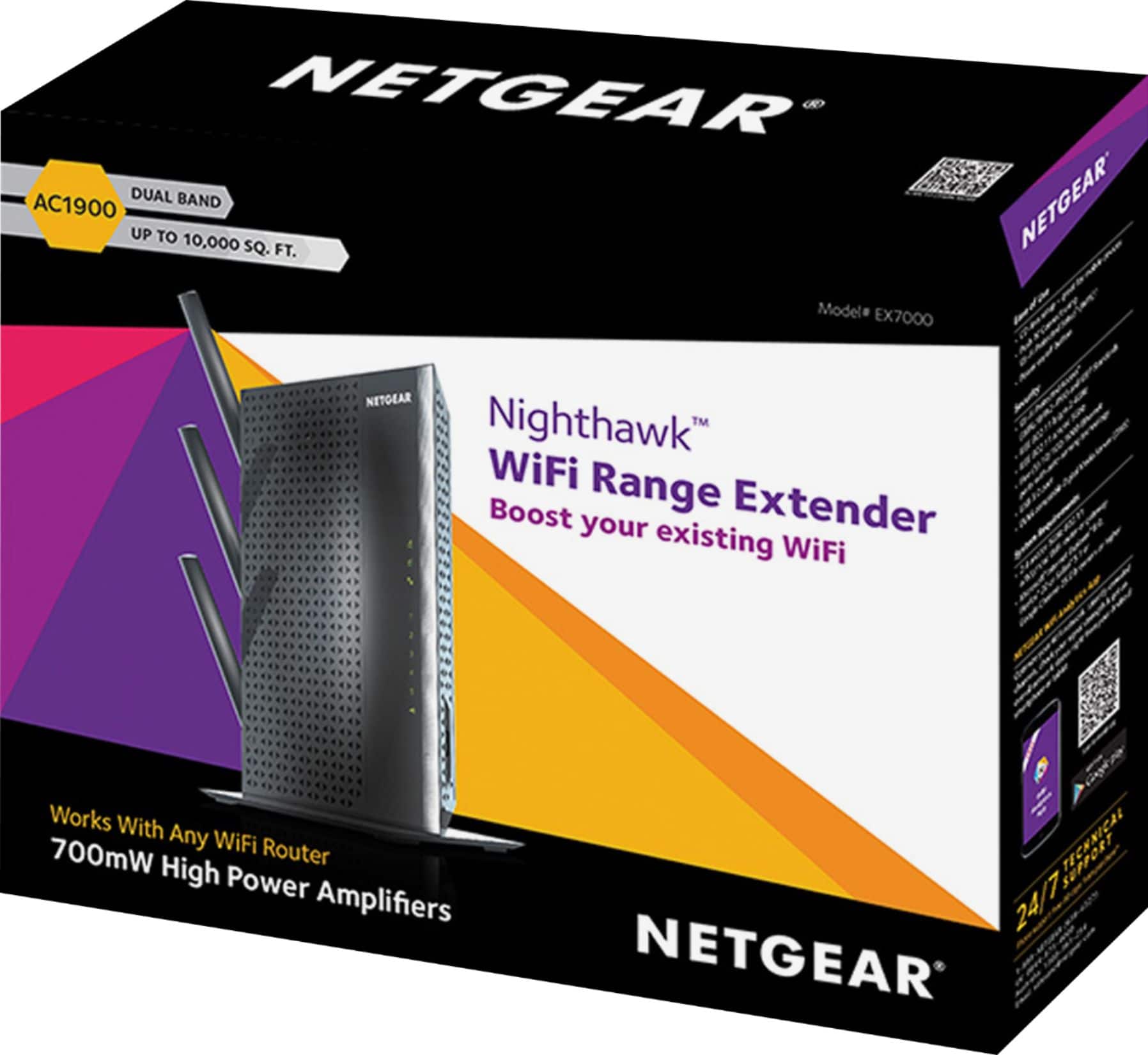
A:Answer1900 Better range and coverage while only able to possibly provide up to 1900 mbps
2200 Little less range while only able to possibly provide up to 2200 mbps
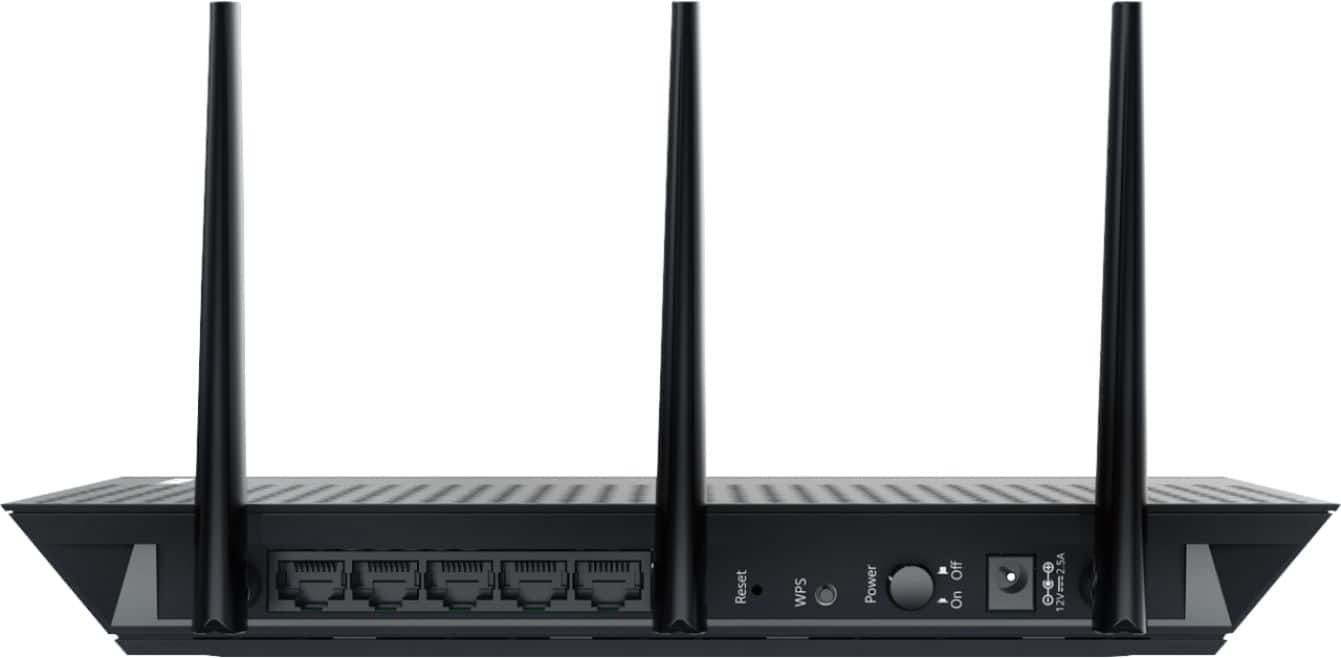
Also 1900 gives you many additional ports to plug Ethernet cables into if you need multiple hard wire access.
A:AnswerYou can have all with WiFi speed in the world and it will not help if your internet provider is slow. Think of it like you have a garden hose feeding the water to your home and 12" pipes going to the faucet, will you get more water out of the faucet if the pipe is 24"? Nope, because the garden hose can only supply so much.
A:AnswerIt works on any network as long as you have a fiber optic or cable modem from to parse from provider but this unit is garbage and not recommended. Reboots constantly and won’t hold connection
A:AnswerMy advice would be to contact netgear support! Setup is done through your current router for the access point setup. Contact support and they will help you figure it out.
A:AnswerIt works on any network as long as you have a fiber optic or cable modem from to parse from provider but this unit is garbage and not recommended. Reboots constantly and won’t hold connection
A:AnswerHugh's net isn't good won't fix your speed I use to install Hugh's net for dish Network I would only recommend Hugh's net for those with no other option still really slow. So in short chances are Hugh's net is your main issue. I use to talk customers out of it because if they have other options. Best internet is spectrum Armstrong and Comcast. If you don't have that option then att uverse. Spectrum Armstrong and Comcast use Hardline which are the best. Att uverse and Windstream uses phone lines which still isn't the best l. Hugh's net and dish net and wild blue use satalite which is the worst options. I'm a experienced dish tech and cable tech. But if you had a company that uses hard line and a big house or want signal to basement use this product will work wonders
A:AnswerI'd just make sure that your AT&T wi-fi router is equal to or faster than AC1900, or you will not get the full bandwidth-benefit of the extender... If the AT&T device is not AC1900, you can:
1. look for an extender that is it's equal
2. upgrade your primary router to a faster speed and also has better coverage/range; i.e. self-purchase/install OR see if AT&T has a better option without having to rent the equipment
A:AnswerNot sure I understand the question. However, we have IOS phones and tablets as well as Windows laptop and PC's. WIFI is WIFI and does not care about the source signal.
We can log onto the device to manage it from IOS and Windows devices without any issues.
Hope this helps.