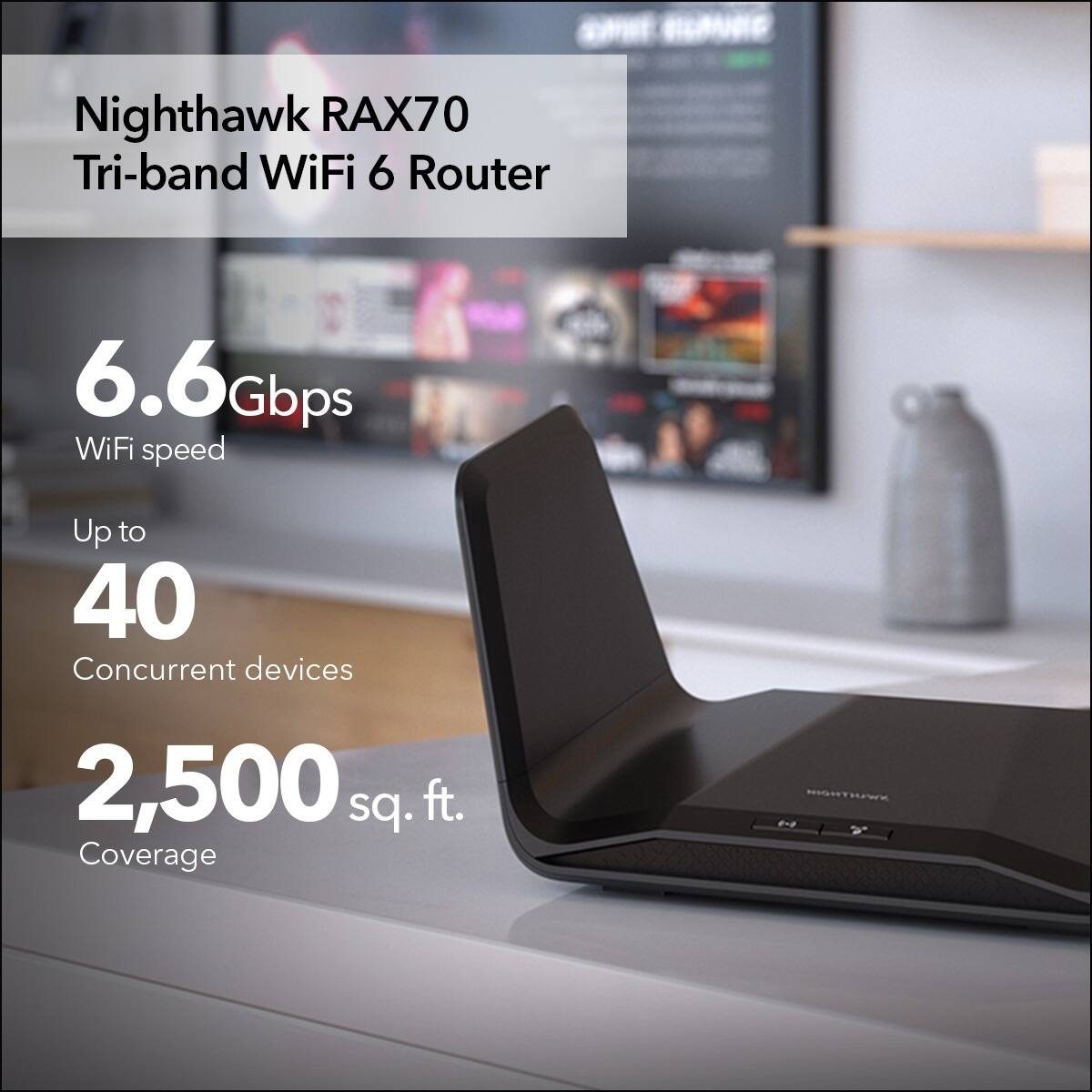
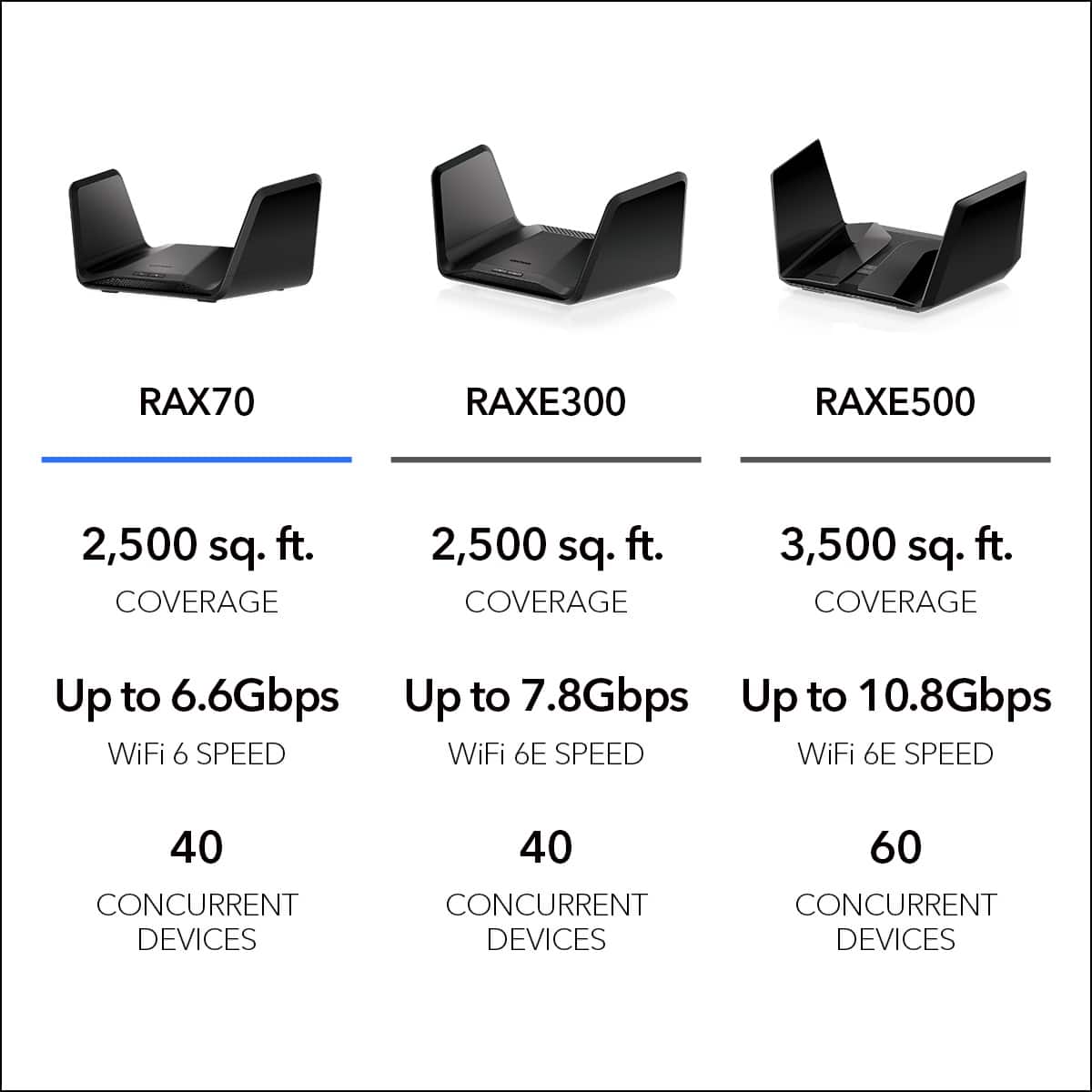
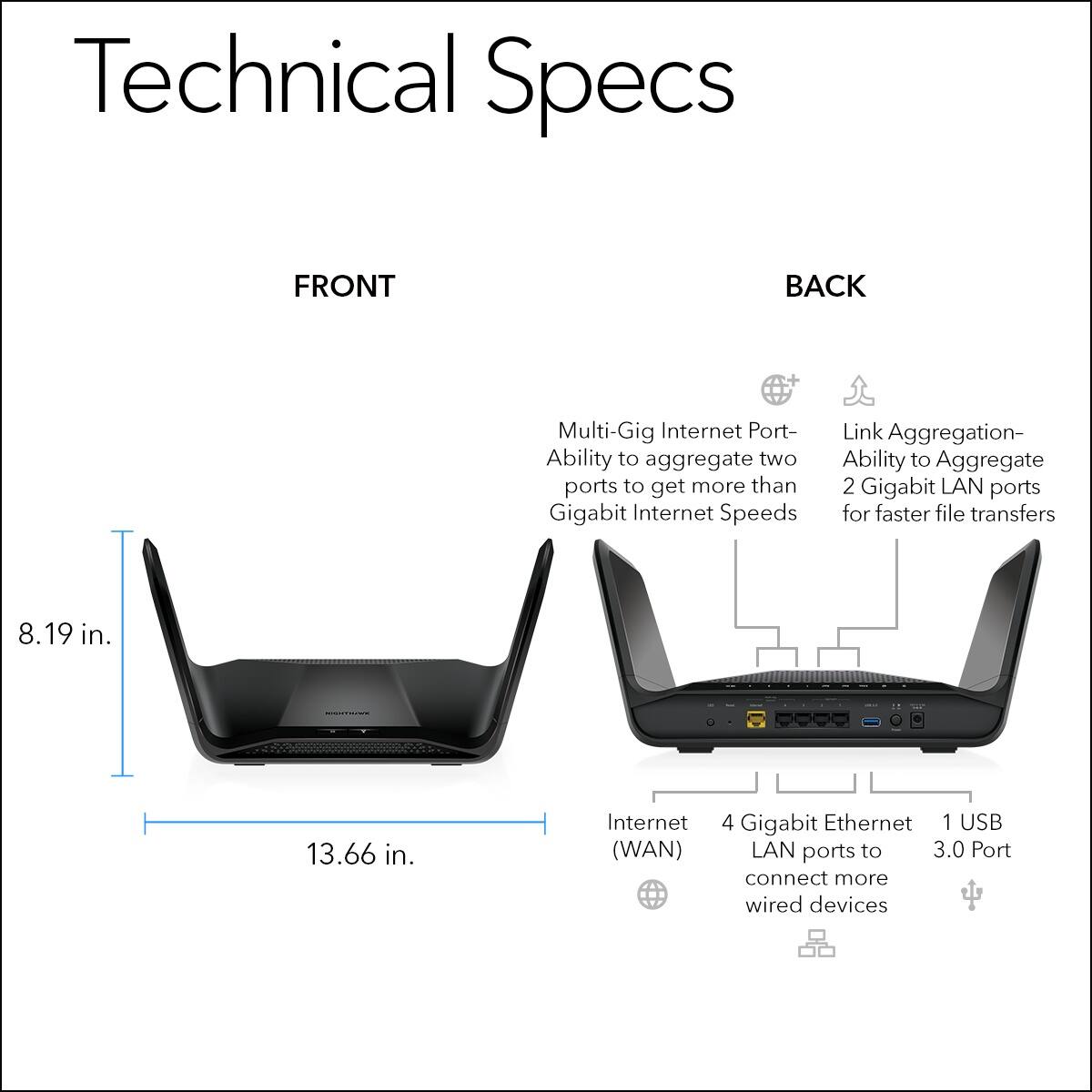
A:AnswerIt should work fine with any ISP. I was kinda having the same issue as far is many devices on my network. This router handles them all and plenty of room for more. If your current setup is a modem/router combo, you should be able to connect the AX6600 to the network output on the combo and basically bypass the built in router. Hope this answers your question.
A:AnswerBecause this product supports gig speed, I believe it should work. I have altice, which is basically optimum and it worked for me. Probably won’t work if you have the phone service as well though because that gave us a headache.
A:AnswerNeither. Don't try this. It will not work. This router is not very good. I returned two of them. Purchase anything else except Asus, they are equally bad. Terrible products.
A:AnswerThis router is equipped with smart connect that will allow your connected device to select the best network for it. If you choose you can disable smart connect on this model so that you have separate SSIDs
https://www.downloads.netgear.com/files/GDC/RAX70/RAX70_RAX78_UM_EN.pdf
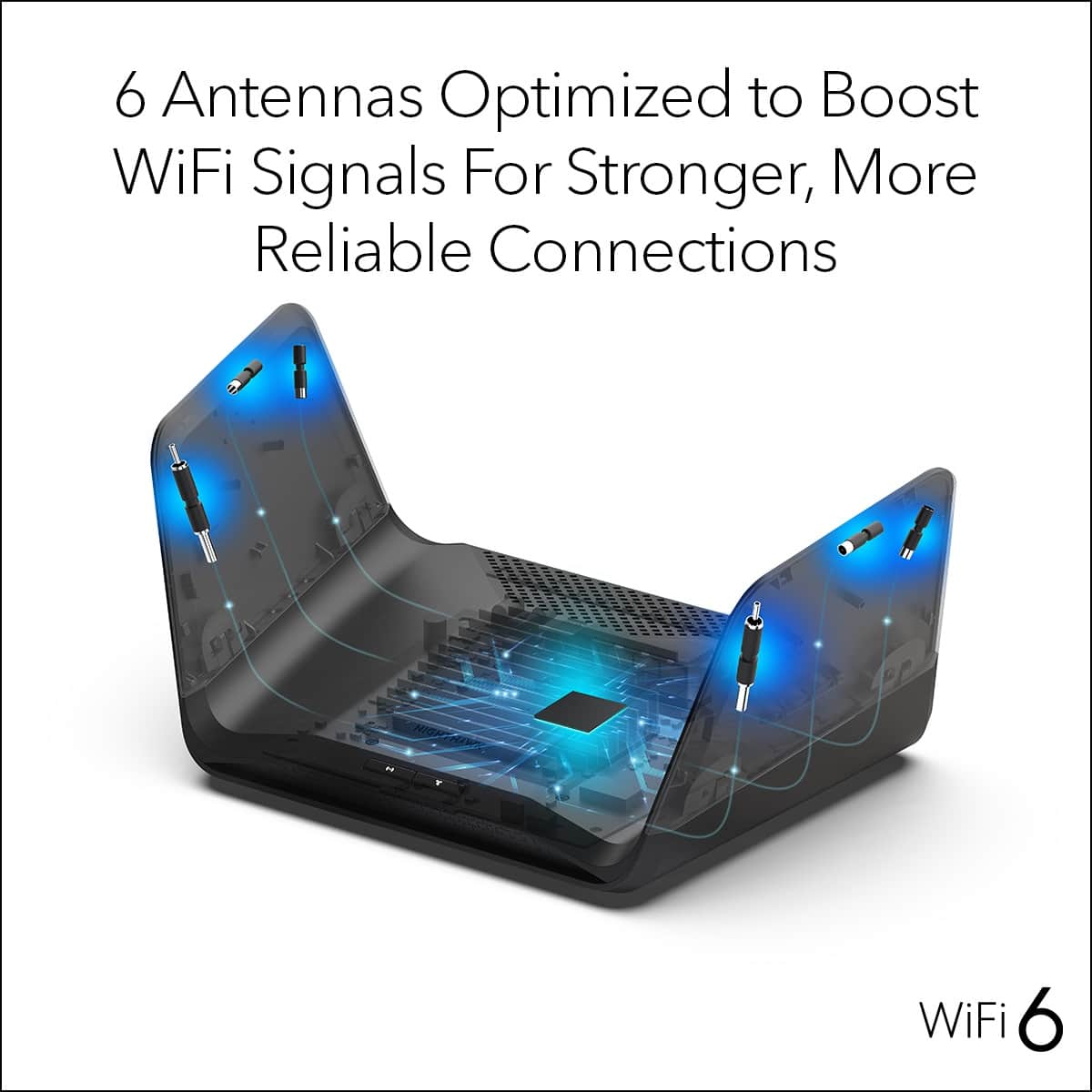
A:AnswerHello. This router uses the MU-MIMO smart antenna design to deliver an improved range while eliminating drops. This router is good for the distance, but other connections and objects may interfere with the signal.
A:AnswerYou can set up QOS on a per device level giving the highest priority to those devices. Additionally you can put your preferred devices on the fastest SSID by themselves.
A:AnswerWe recommend contacting your service provider to confirm compatibility prior to purchasing the product. But for most cable internet services you will need a cable modem.