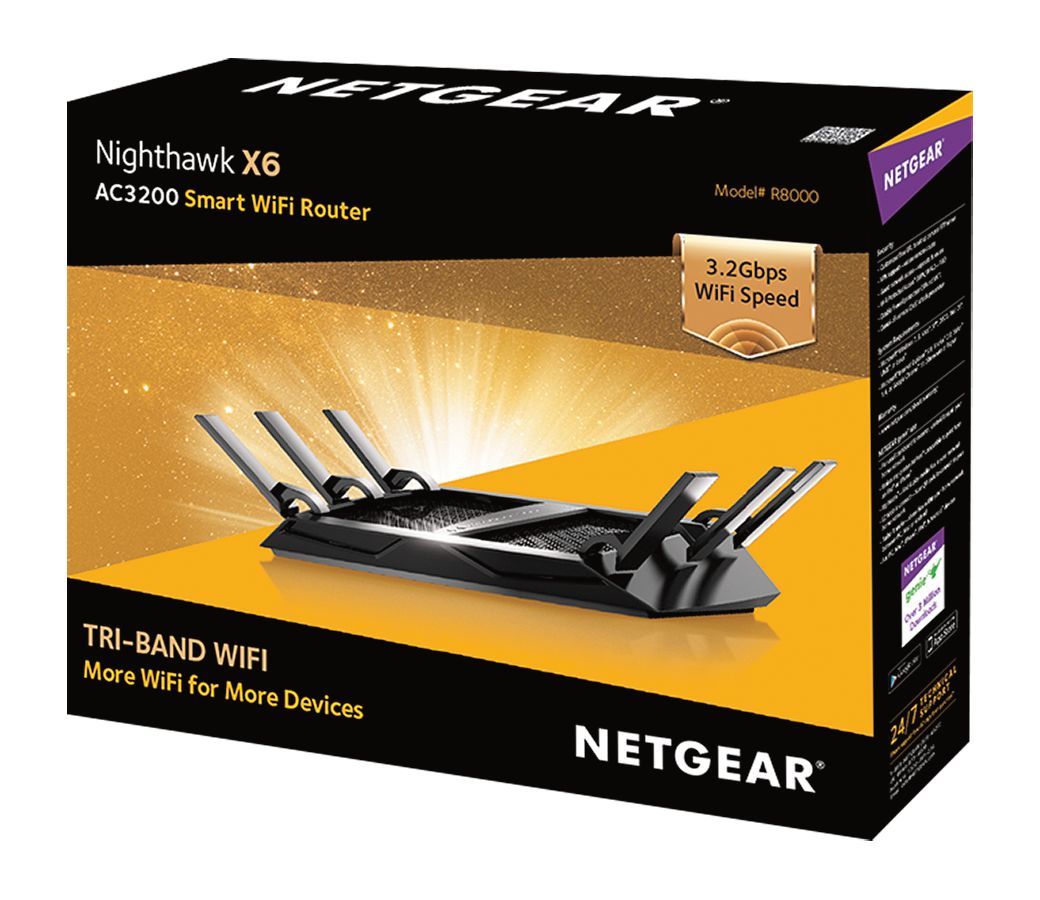
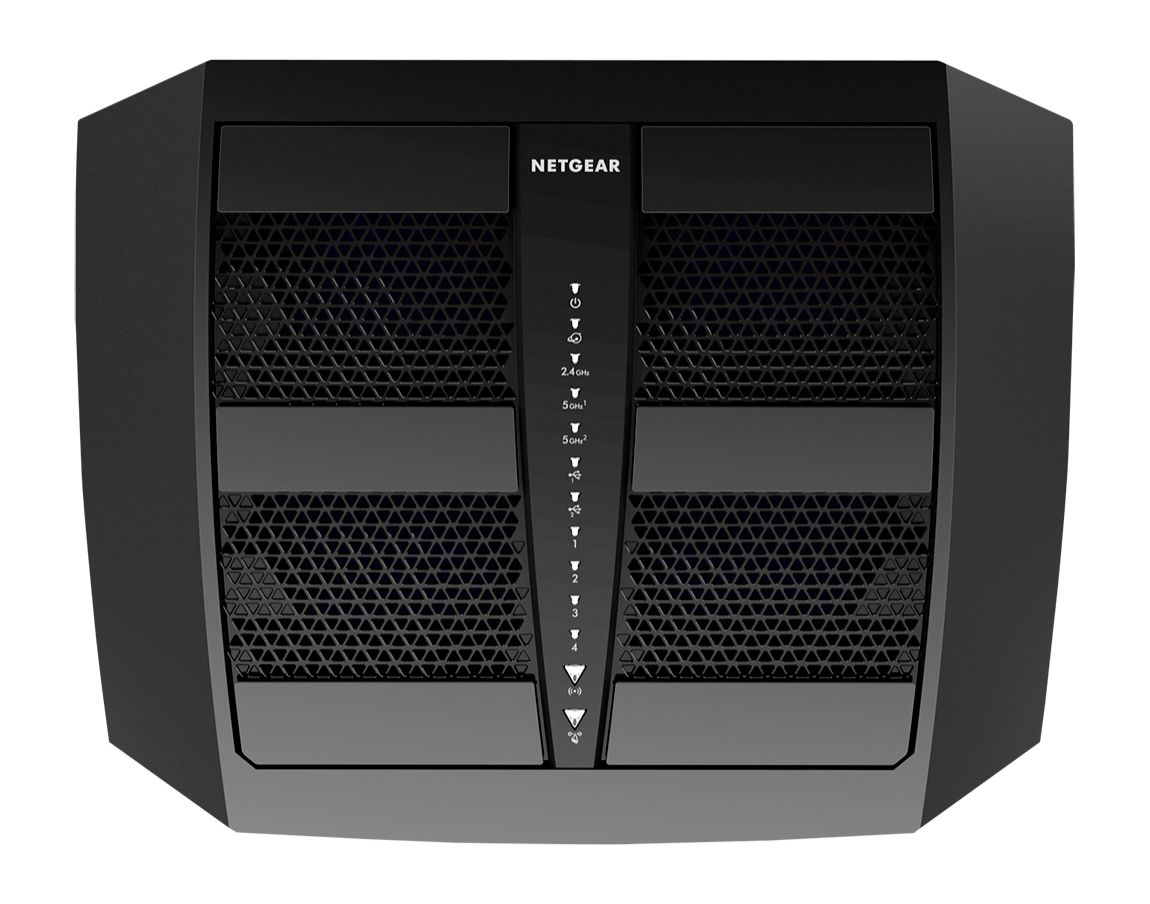
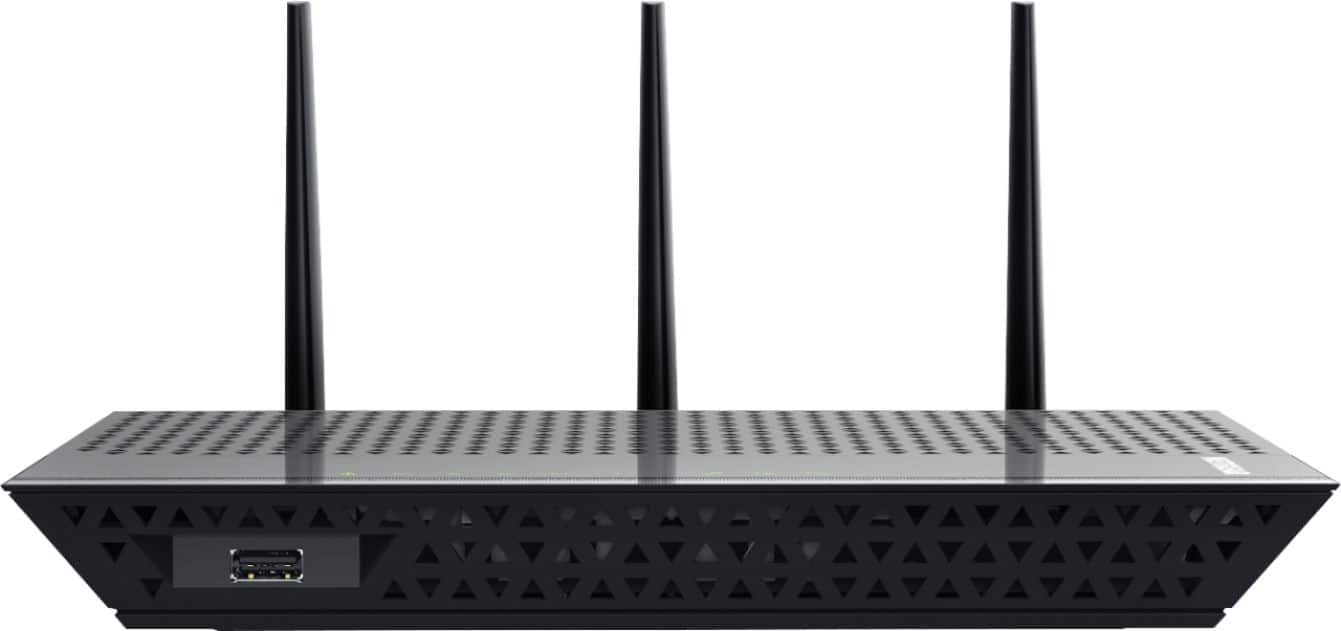
A:AnswerProbably! I plugged the Nighthawk into my existing DSL modem and i had a wireless network. Installed the app on my iPhone and iPad and I’m able to manage it.
A:AnswerIt should have range but if your modem and your ISP don't provide enough speed and bandwidth you could spend $1000 on a router with minimal improvement
A:AnswerWorks reliably for streaming with other computers running and multiple smart devices. Be sure to also check your modem and your ISP to be sure you have access to enough speed there
A:AnswerTry hard wiring it into your gaming system. Using WiFi only will always give you lag because your signal is bouncing around. Hardwire is direct.
A:AnswerWorks great...Just make sure you have decent internet speed..min 60 - 100 mbps..If you have more than 8 devices connected to your Wifi go to 200 mbps on your internet speed.
A:AnswerYou could try using it as a bridge! Any router can extend your WiFi when adding it as a bridge. I have been testing mine out in my house to see how much I like it. It has good signal and a broad area covering 3,400 sf of my home. I will be converting mine into bridge in my barn adjacent to my house. You can find several videos on how to covert them. It’s really not that difficult! Good luck!