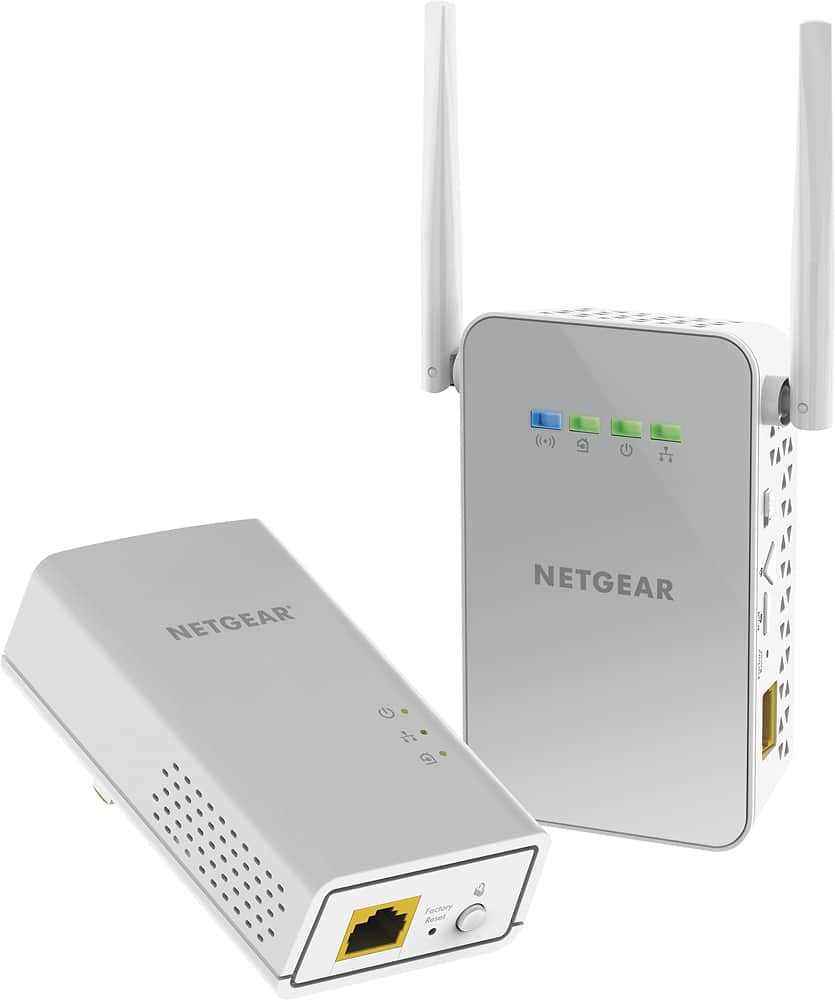
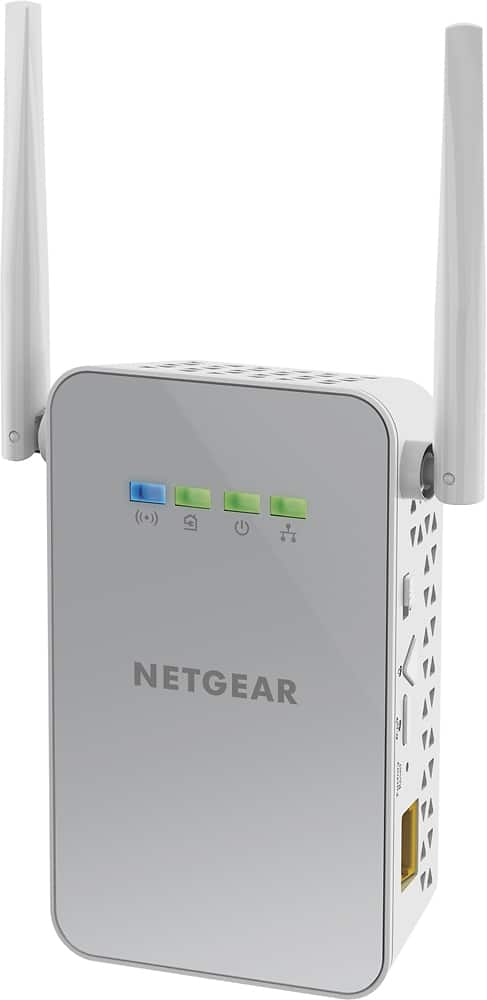
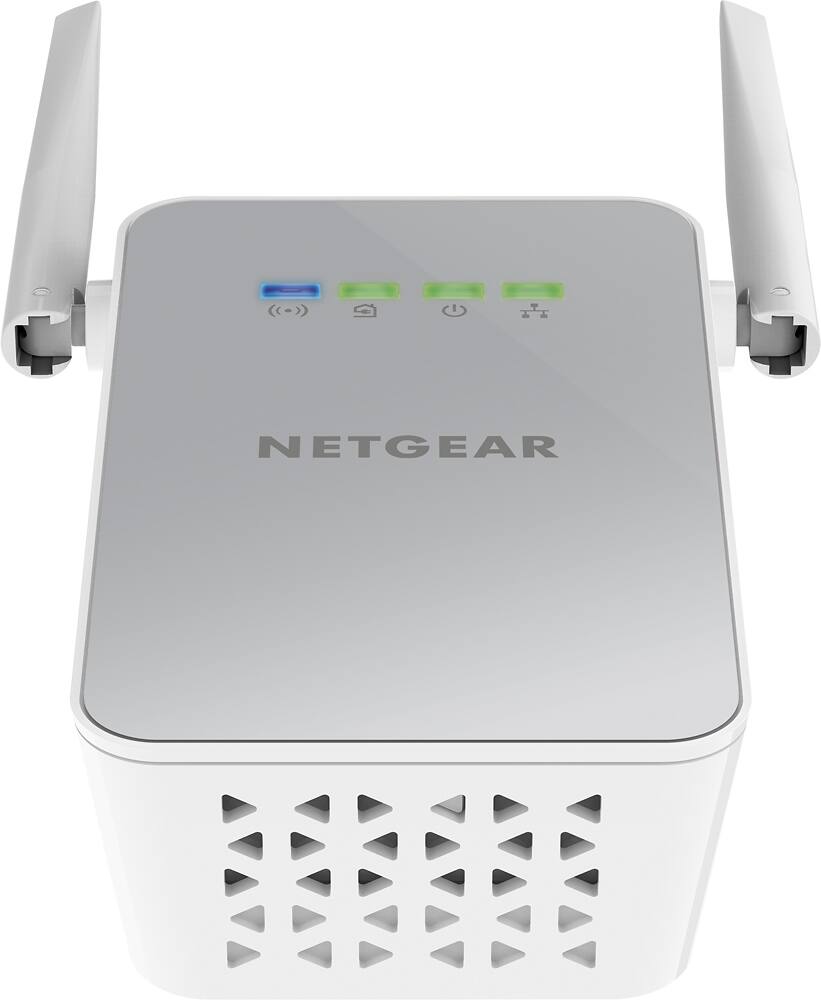
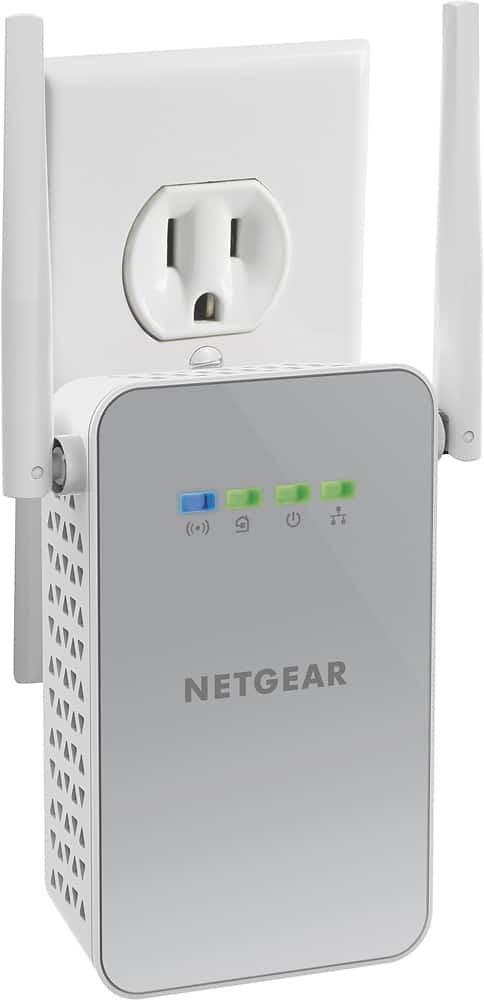
A:AnswerTry other electrical outlets to see which color of lights you get. The quickstart booklet tells you what the lights mean, but the red just means your link is less than 50Mbps. I recommend the booklet for all information,
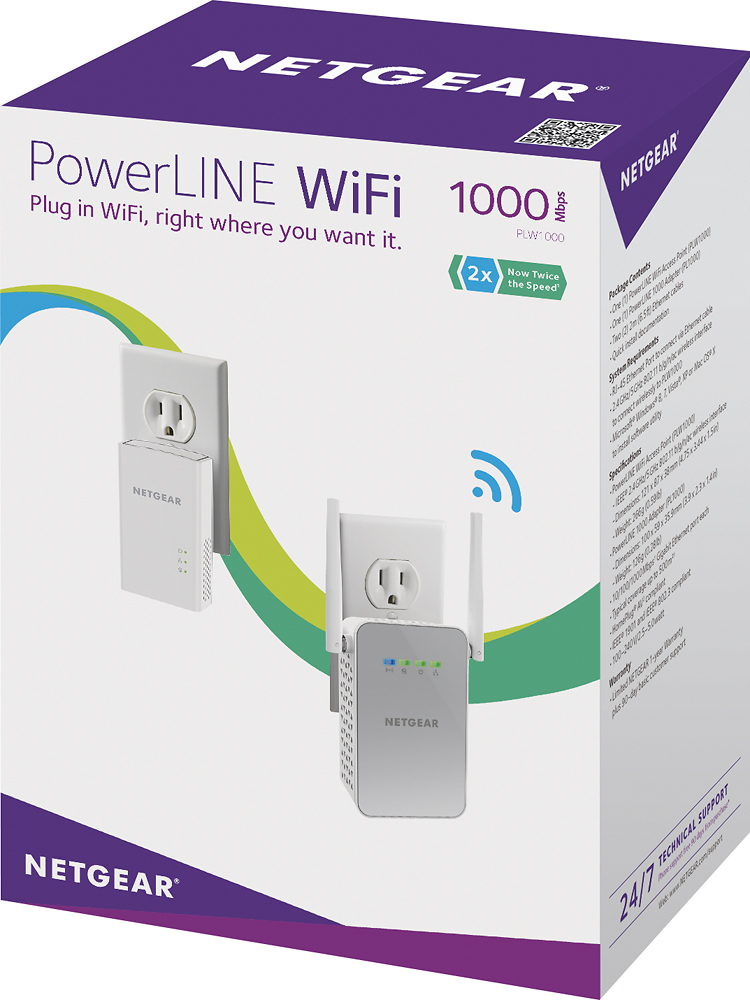
A:AnswerIf I remember correctly you can connect a total of 10 devices (combination of PowerLine WIFI and PowerLine ethernet.) We went the opposite direction and connected multiple PowerLine WIFI devices all feeding back to one PowerLine ethernet device hardwired into our router and it is working great.
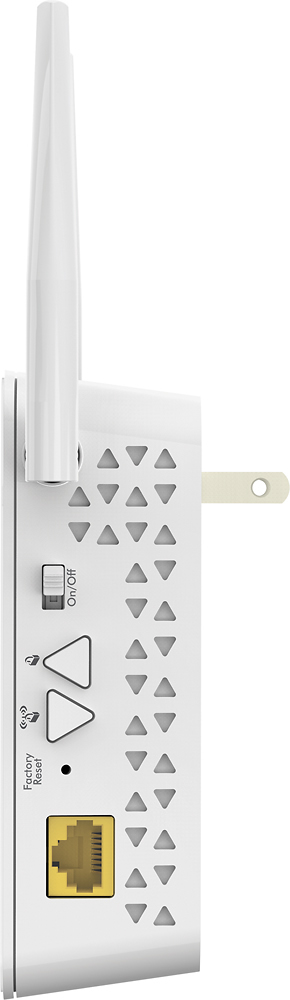
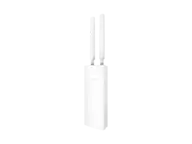
A:Answerthere is no set up needed. the device has the wifi signal name / password printed on the actual device with the antennas. You can then log in via tablet or any other device on the network to do advanced configurations. This would work the exact same way as with any other router where you log in by typing the i.p address usually 192.168.1.1.
A:AnswerI bought a pair to add to my existing pair of power line adapters. I have two with wifi and two with just a network plug. I haven't tried the second adapter that only has a cable plug.