A:AnswerIt should, but you can call HughesNet customer support to make sure. As for making the internet faster, no. That depends on your modem. Routers don't generally affect your internet speed.
A:AnswerI’m not sure I understand the question exactly. Are you trying to connect to a ‘hot spot’ wireless like what’s available in Starbucks and other public establishments? If that’s the case you only need to have a WiFi device like a laptop, phone, etc.
If you’re looking to creature your own wireless ‘hot spot’ then you’d need to have a router and high speed internet connection. It’ll be either DSL or Cable Modem depending on what’s available in your area. Not all wireless routers have the same capabilities. Most routers nowadays have what’s called a ‘guest’ network you can configure. This is typically used for situations like your kids friends come over and want to get online. You’re providing them a way to connect but at the same time you’re separating those devices from the ones you use.
In addition there are some routers that have the capability to provide a ‘guest’ network and a configuration that allows you to charge for it. This is similar to what you have when you go to some hotels, airports, and other places that don’t provide free internet or if they do they also have a higher tier internet for a cost.
I hope this helps a bit.
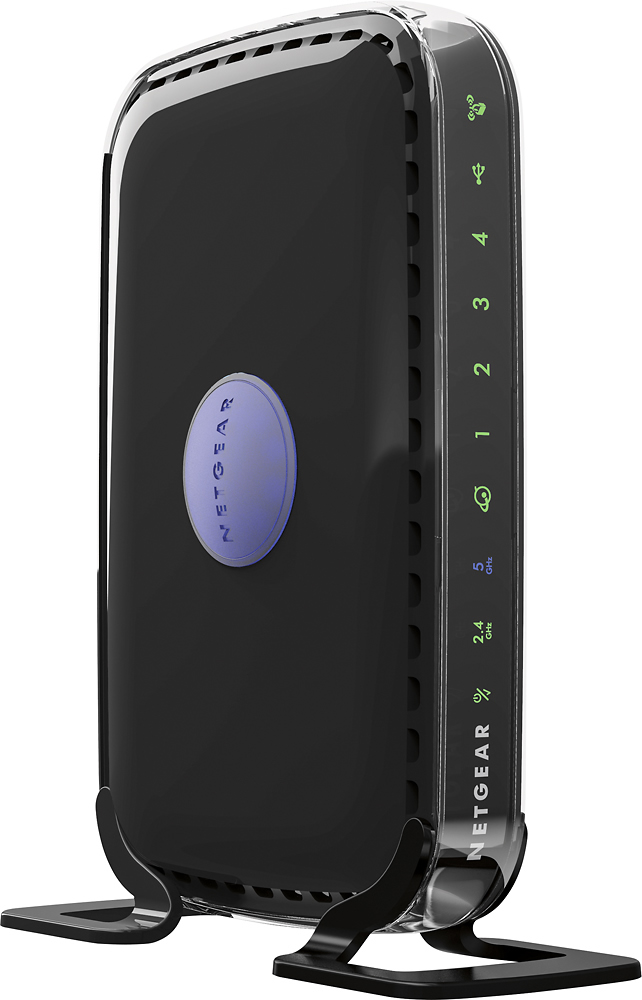
A:AnswerArri's makes several modem/router combo in 1 unit - also believe several others also do - Motorola or others - look at Cox site and they have a list of compatible units - suggest spending few $$$ more for Docsis 3.1 model - probably @ $175 to $200 but you don't pay $10 per month lease fee to Cox
A:AnswerYou should be able to. I have a smart TV and I can get Netflix on mine. If your TV shows Netflix in the guide,you should be able to.You have to pair your TV with your router first.
A:AnswerDoubt it as it uses an Ethernet cable from the modem to change the signal to WiFi
Your cell phone hot spot is its own WiFi router - you can probably connect a WiFi extender to your phone
A:AnswerThat really depends on your house, the size, the thickness and materials of the walls, etc.
For a modern 3 room apartment, the signal is excellent on all rooms.
If you just want to increase the signal power, maybe a wifi amplifier suits best your need.
A:AnswerI don't think it'll work that way. You'll have to plug this into your home's internet provider connection for it to work. If you're looking for something to give you more range you'd want to purchase additional eero mesh system devices to place in your home for more coverage. I have about 10-15 devices connected to just this one and don't really see any issues. If you have a large number of devices that take a lot of constant data, like in a small office situation, you'd want to go with something on the commercial side.