


Main Content

Questions & Answers

$149.99
Page Showing 1-20 of 35 questions
  • QuestionDoes the Nextbase Piqo 2K dash cam have a screen?

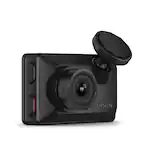
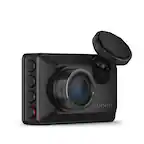
    • Answer No, the Piqo 2K does not have a display screen, making it less distracting and more discreet in your vehicle.
    This question and answer was generated by AI based on customer and product data.

  • QuestionWhat is the field of view of this dash cam?

    • Answer The Nextbase Piqo 2K dash cam has a 145-degree field of view.
    This question and answer was generated by AI based on customer and product data.
  • QuestionCan I start Witness Mode with my voice?

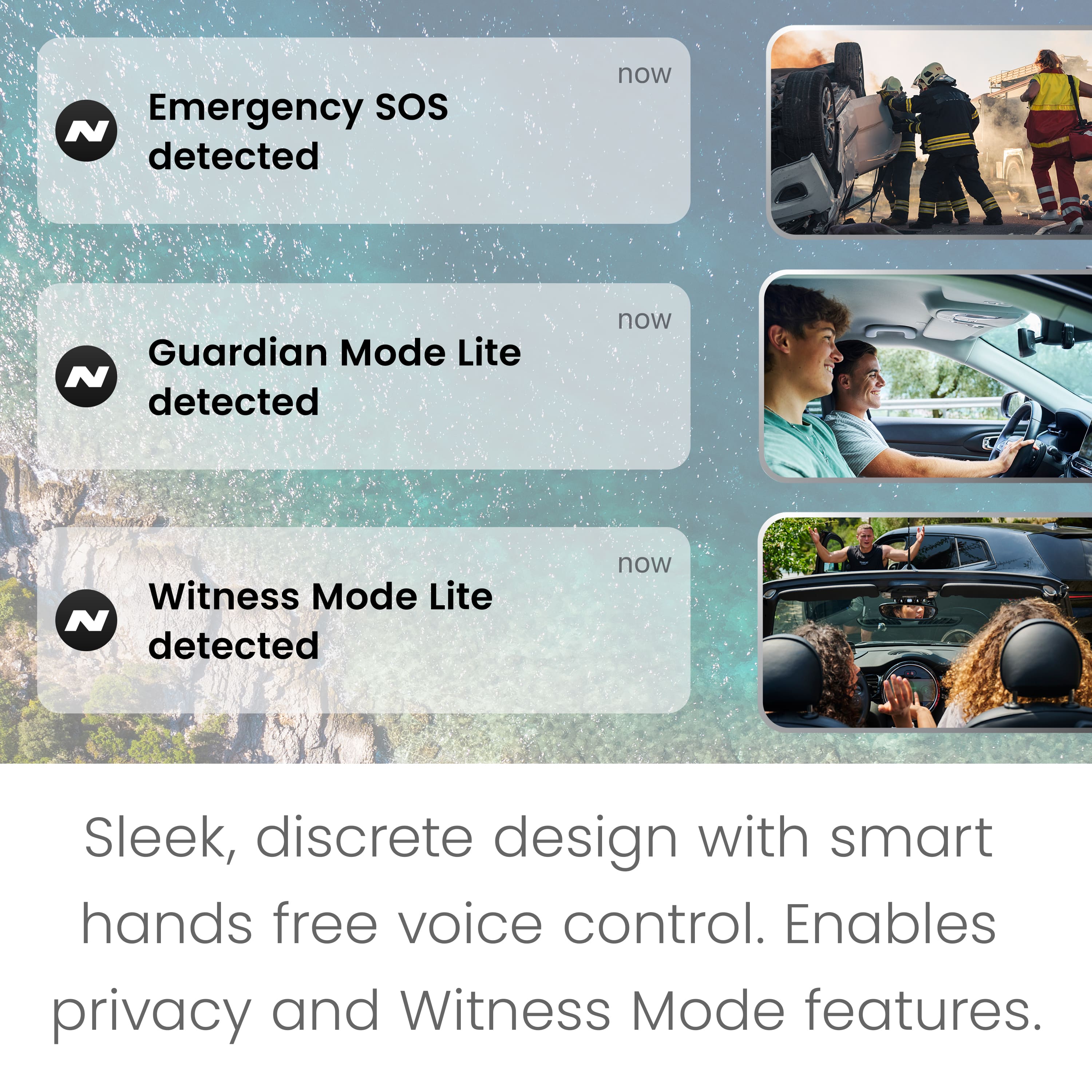
    • Answer Yes, the video captions mention using a voice command to start Witness Mode.
    This question and answer was generated by AI based on customer and product data.

  • QuestionWhat is the video resolution of the Piqo 2K Dash Camera?

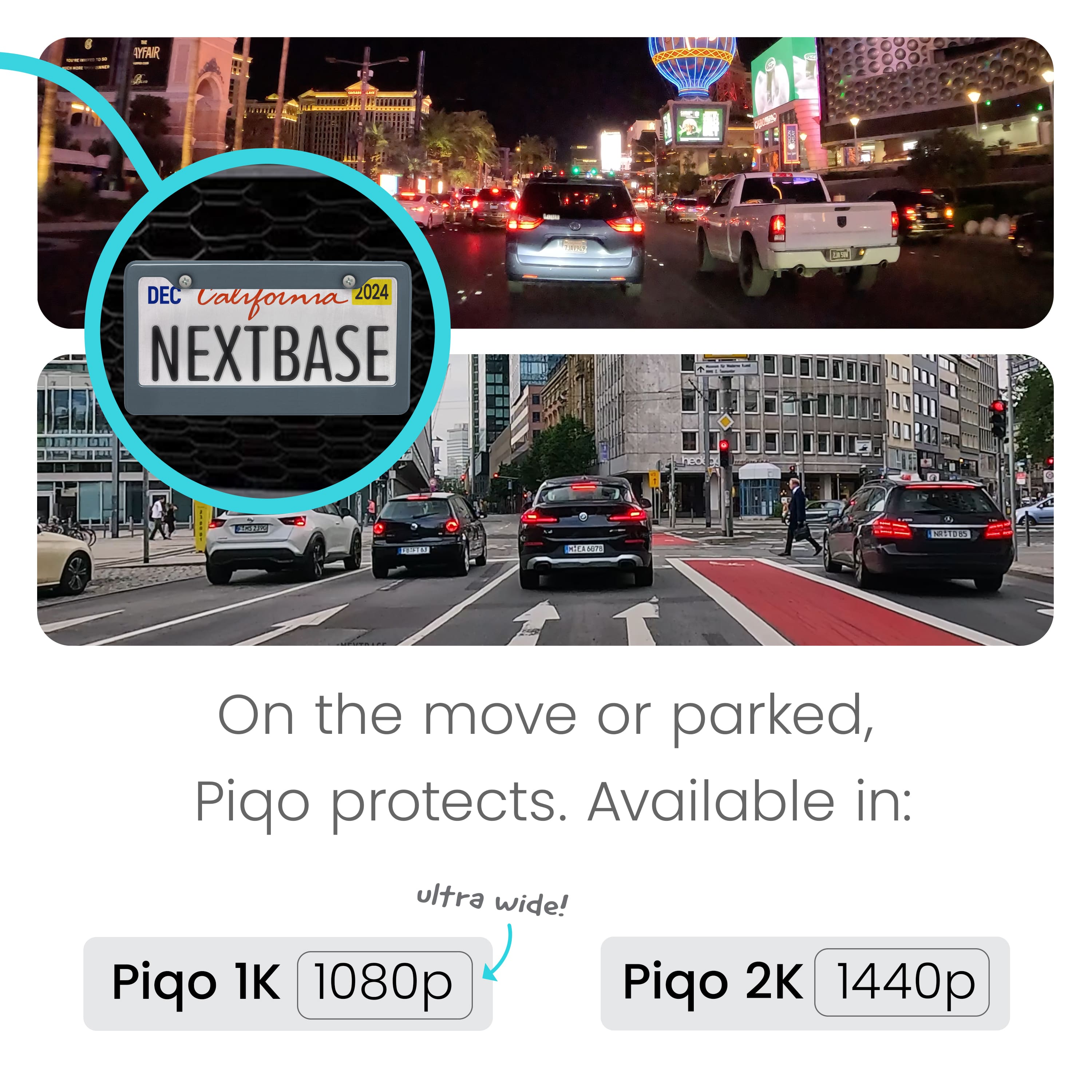
    • Answer This dash cam records videos at a resolution of 2560 x 1440.
    This question and answer was generated by AI based on customer and product data.

  • QuestionHow do I adjust the camera angle on the Nextbase Piqo 2K?

    • Answer You can adjust the camera angle using the Live View feature in the Nextbase App.
    This question and answer was generated by AI based on customer and product data.
  • QuestionDoes this dash cam offer any parking mode features?

    • Answer Yes, the Piqo 2K has a Smart Parking feature that records any bumps or knocks while your car is parked and sends you an alert.
    This question and answer was generated by AI based on customer and product data.

  • QuestionCan I use voice commands with this dash camera?

    • Answer Yes, the Piqo 2K has Nexy Voice Control, allowing you to start and stop recordings, control audio, and activate features like Witness Mode Lite with your voice.
    This question and answer was generated by AI based on customer and product data.

  • Question1. I bought two Piqo 2K cameras, can I use them both in one car? I want to monitor front and back, both being powered by separate power sources (I have a 12V socket in the trunk area). 2. Does the camera work in horizontal position?

    Asked by Fauxnym.

    • Answer Hello, Thank you for your questions! We’ve designed the camera to be used as a front camera, and while it is technically possible to use two cameras, we can’t guarantee functionality when used as a rear camera, nor do we recommend it. Additionally, the app allows you to link only one camera at a time, so it wouldn’t be possible to monitor both the front and back simultaneously through the app. The camera is specifically designed to be mounted vertically. If installed horizontally or upside down, it may struggle to dissipate the heat it generates efficiently, which could impact its performance and longevity. For the best results, we recommend following the vertical installation guidelines. If you have any further questions or need assistance, feel free to reach out! -The Nextbase Reviews Team

      Answered by Nextbase

  • QuestionCan this camera function without a wifi connection?

    Asked by LisaPh.

    • Answer Hello Lisa, Thank you for your question, To clarify, the camera is designed to work independently without needing a constant Wi-Fi connection. It will turn on and record successfully, capturing all important moments. However, to review the footage, you’ll need to connect the camera to Wi-Fi to access the recorded files. We're here if you have any more questions or need further assistance. Thank you for being a valued customer! - The Nextbase Reviews Team

      Answered by Nextbase

  • Questioncan you mount this in lower corner of windshield state law does not allow behind rear view mirror, does it swivel on the base for adjustments

    Asked by bob1.

    • Answer Hello, Thank you for your inquiry! Yes, the base of the PIQO camera does swivel, allowing for flexible adjustments to ensure optimal positioning. This feature helps you set the camera at the best angle for your needs while staying within the guidelines of state law. If you have any more questions or need further assistance with installation, feel free to reach out!

      Answered by Nextbase

  • QuestionDoes it record inside the car

    Asked by Bobby.

    • Answer Hello Bobby, Thank you for your question! The Piqo only records from the front view. It does not have an interior-facing lens for recording inside the car. If you're looking for an interior camera, we offer other models that feature both front and rear or additional interior camera options. Let us know if you'd like more details! - The Nextbase Reviews Team

      Answered by Nextbase

  • Questioncan i plug in my battery pack?

    Asked by joe.

    • Answer Hello Joe, Thank you for your question! The only three power methods we recommend are: 1. The 12V power cable (supplied in the box) 2. An official Nextbase Hardwire Kit (sold separately).  3. An official Nextbase OBD power cable. Please avoid powering the camera win an external source as this could damage the device. Let us know if you have further questions! Kind regards, - The Nextbase Reviews Team

      Answered by Nextbase

  • QuestionCan you give voice instructions if audio is switched off?

    Asked by Anonymous.

    • Answer Hello, Yes, even if the audio is switched off, you can still use voice commands. Turning off audio means the camera won't record audio for the clip, but you can still initialize voice commands by saying "Hey Nexy," and the camera will start listening for your command. If you have any other questions, feel free to ask! -The Nextbase Reviews Team

      Answered by Nextbase

  • QuestionHello. Dash Cams aren't allowed on any part of the windshield in my state. Can the camera be attached to the dashboard and swiveled to get the optimal view of the road?

    Asked by BigE.

    • Answer Hello, Thank you for your question! For optimal performance and safety, this camera is designed specifically to be mounted on the windshield, as the angle and field of view are optimized for that position. It is not intended to be attached to the dashboard. We understand that regulations vary by state, and we recommend checking with local authorities to see if alternative mounting options are allowed in your area. If you have any other questions or need assistance with installation, feel free to reach out! -The Nextbase Reviews Team

      Answered by Nextbase

  • QuestionDoes this dash cam have to be plugged in the whole time to have power to it, or can charge it and use it?

    Asked by Pablo.

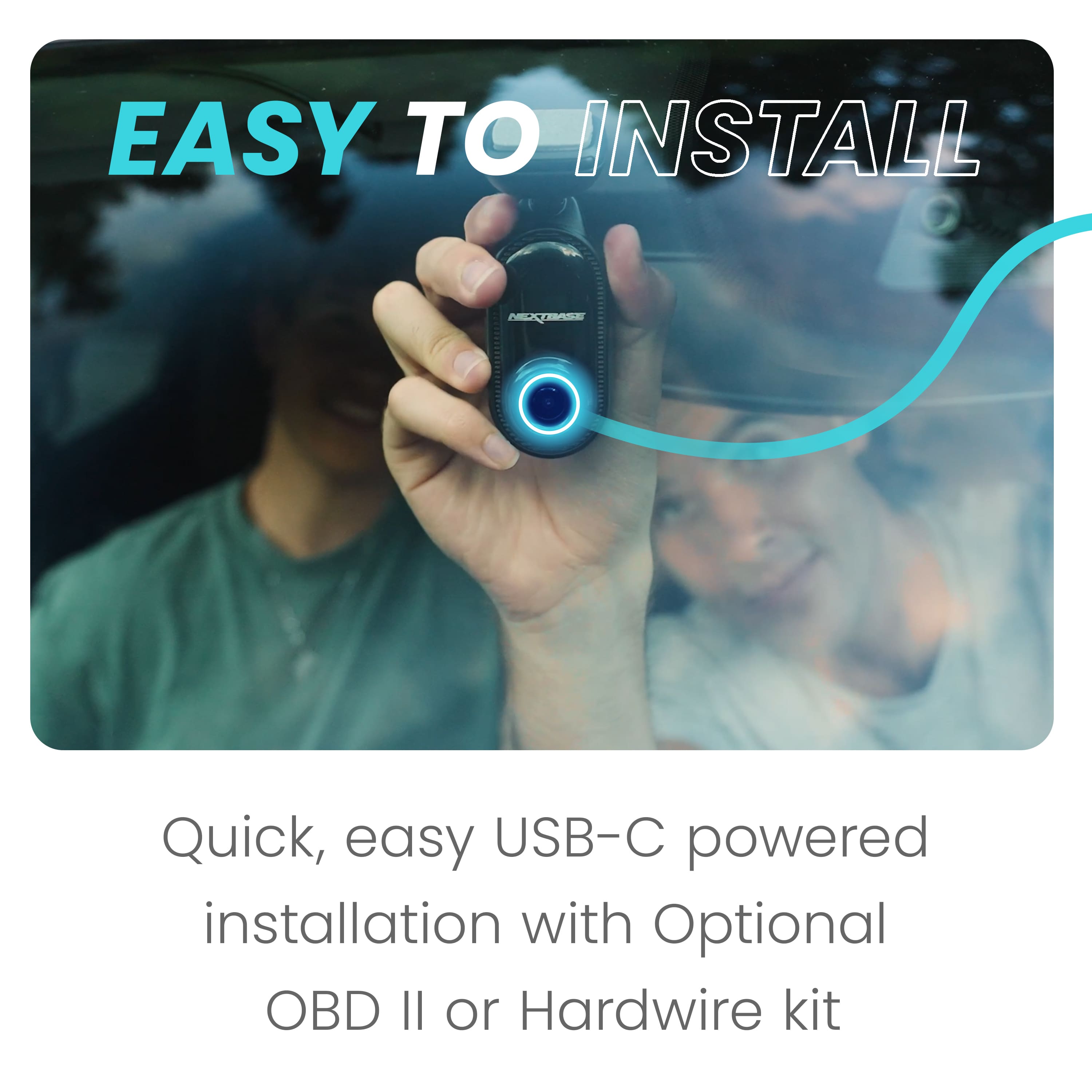
    • Answer Hello Pablo, Thank you for your question! Yes, the dash cam needs to be plugged into a constant power source in order to operate. It can be powered either through the 12V cigarette port cable provided with the camera or by using the hardwire kit (sold separately), which connects directly to your vehicle’s fuse box for continuous power, even when the engine is off. If you have any further questions or need assistance, feel free to reach out. We're here to help! -The Nextbase Reviews Team

      Answered by Nextbase

  • QuestionDoes this just records video or voice too? If it does record voice can it be turned off?

    Asked by Pahca.

    • Answer Hello, Great question! Yes, the dash cam does record both video and audio. However, if you prefer to turn off the audio recording, you can easily do so using the voice command feature at any time. Just give the command to disable the microphone, and it will stop recording audio while continuing to capture video. If you need any further assistance or have other questions, feel free to reach out—we’re here to help! -The Nextbase Reviews Team

      Answered by Nextbase

  • QuestionDoes the unit come with a wiring harness?

    Asked by WiringHarness.

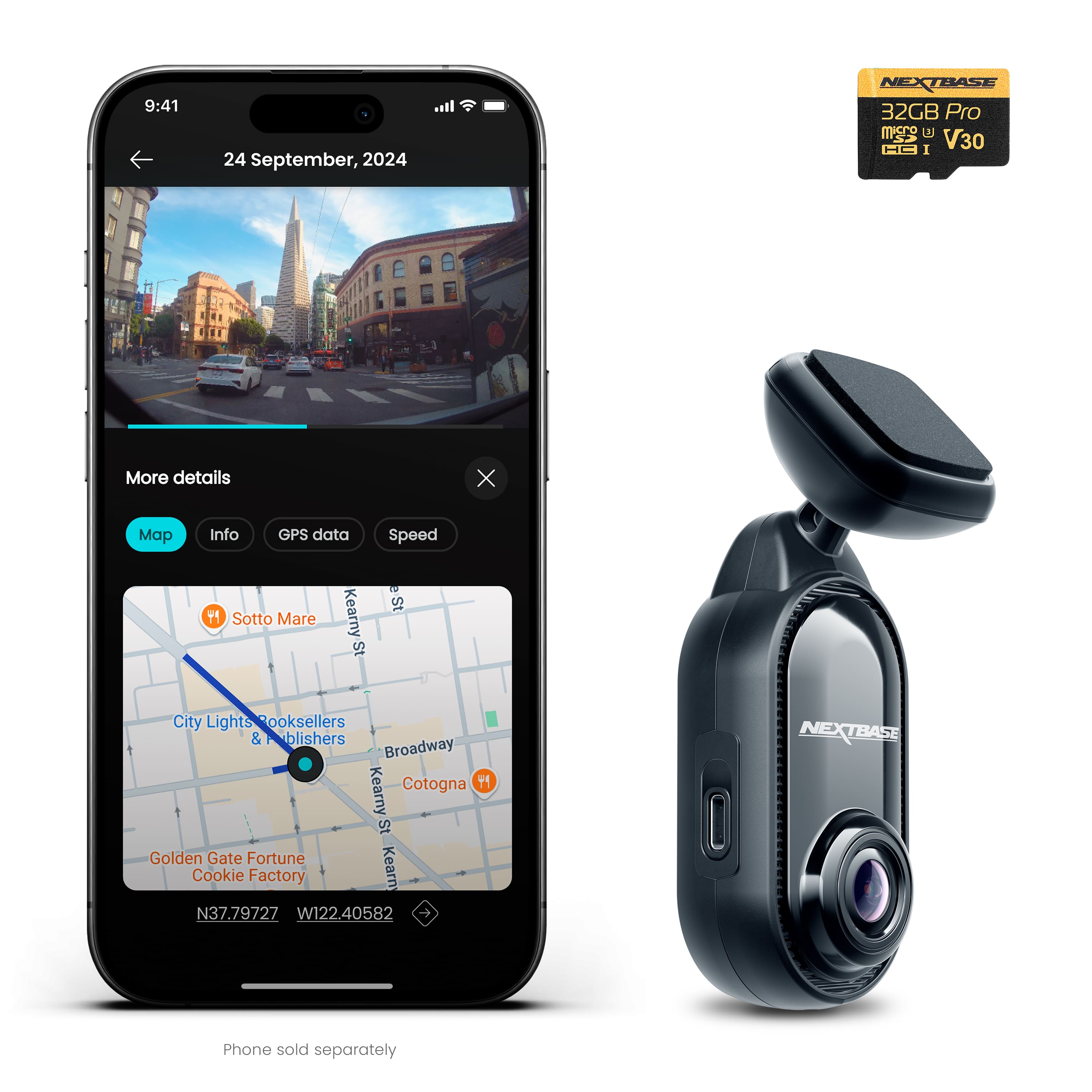
    • Answer Hello, Thank you for your question! The unit comes with a 12V cigarette lighter power cable. If you decide you prefer to use the hardwire kit you can purchase this separately. -The Nextbase Reviews Team

      Answered by Nextbase

  • Questionno setup instructions

    Asked by ChuckM.

  • QuestionIs this 100% wireless

    Asked by Bri.

  • QuestionMy camera doesn't connect blue light on ignition on is there a correct way

    Asked by Enoch.

    • Answer Hello Enoch, Thank you for your question. If your camera shows a blue light when the ignition is on, this usually indicates the camera may be in Bluetooth pairing mode or not currently recording. Normally, once the camera powers on and begins recording, you should see a slow flashing red light. It may help to check that the SD card is properly inserted and that the camera has fully powered on. You can also try pairing the camera with the Nextbase app on your phone, as the blue light can appear during the Bluetooth connection process. If the camera still does not appear to be recording or connecting properly, please reach out to our support team at [email protected] and mention that our reviews team referred you. Our team will be happy to help troubleshoot the issue with you. -The Nextbase Reviews Team

      Answered by Nextbase