A:Answer Hello Scott,
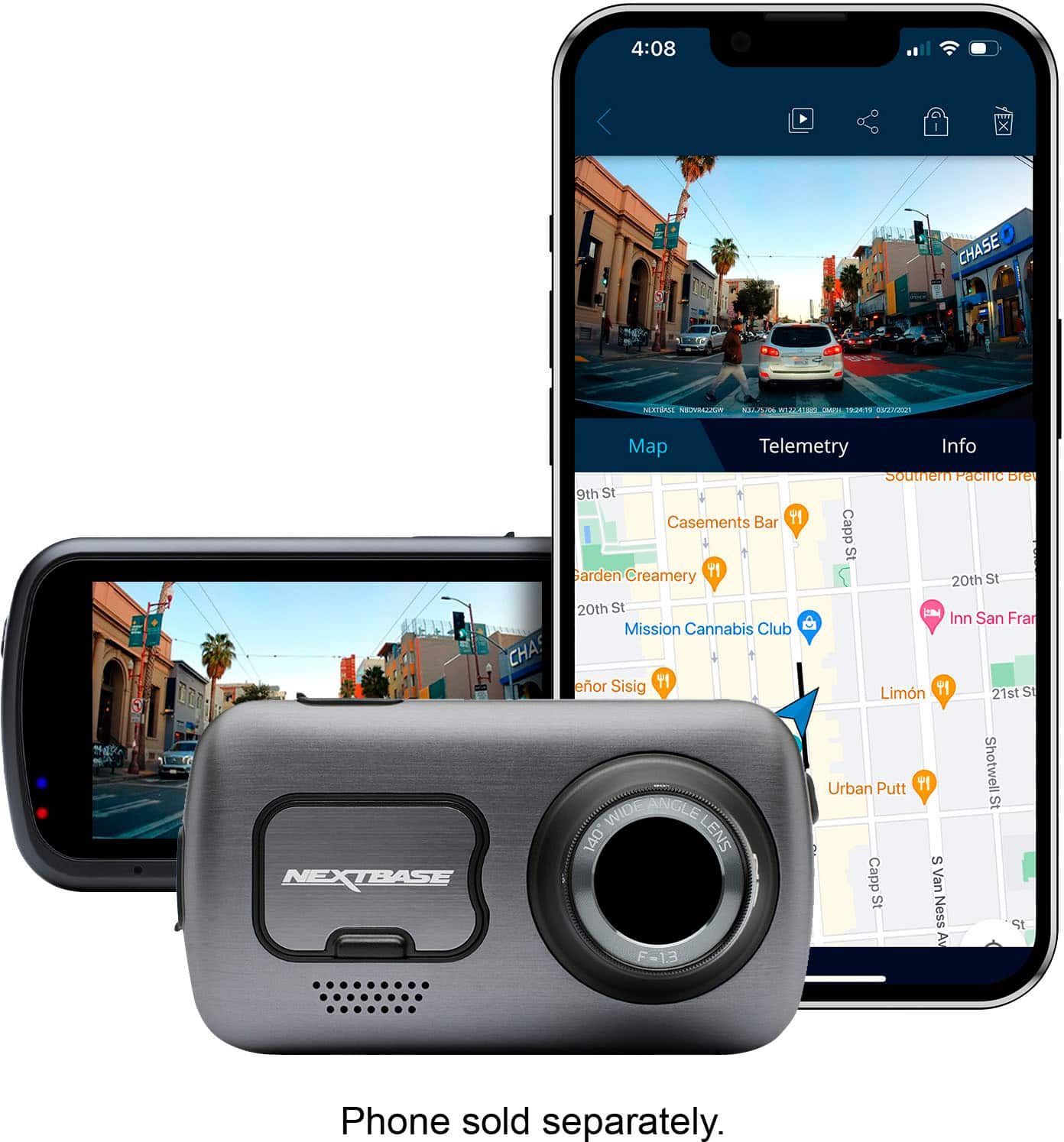
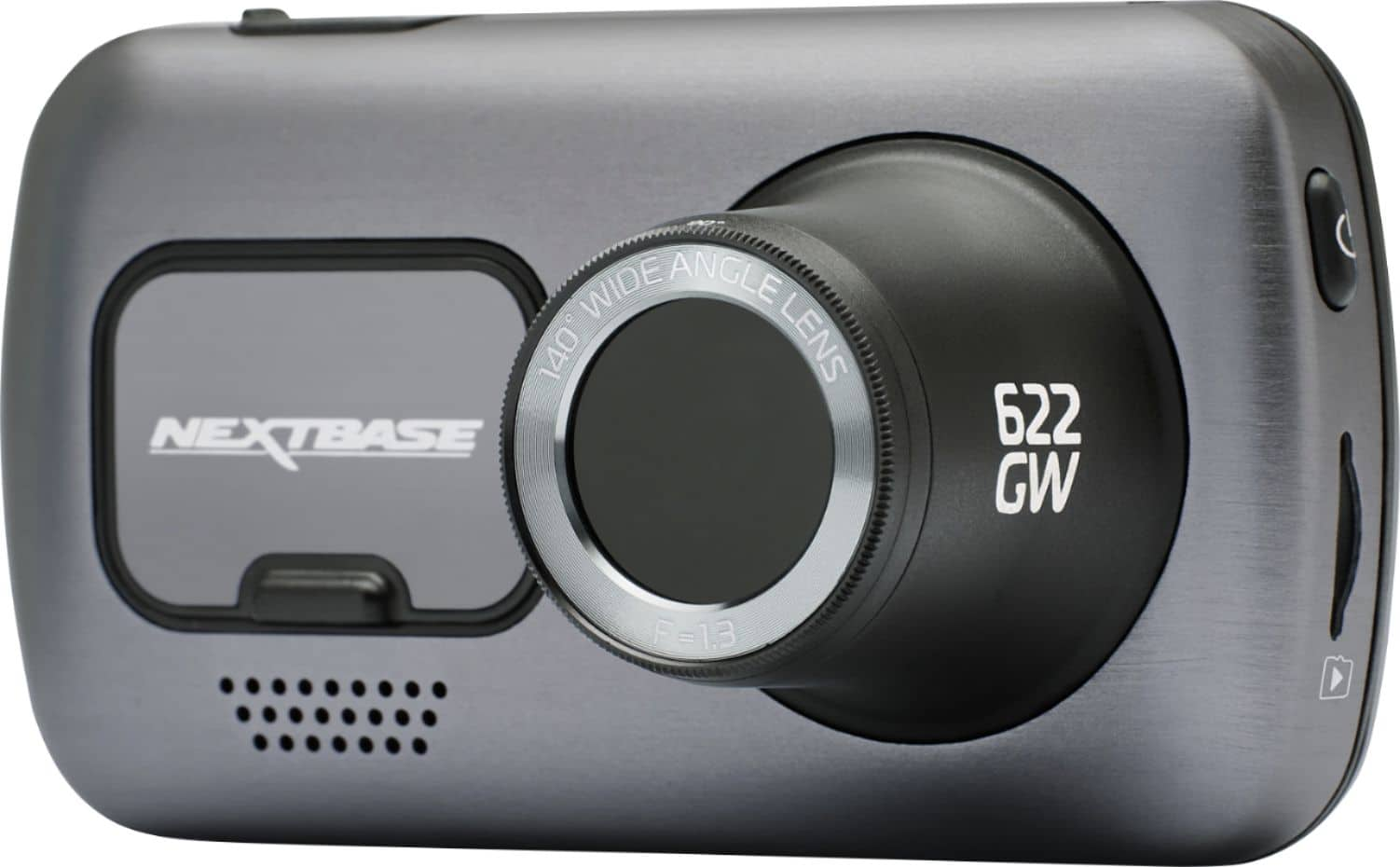
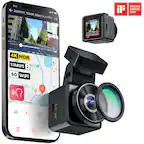
If you suddenly see something during a normal recording that you would like to manually save, this can be done by pressing the 'Protect' button. This is the long 'Nextbase' button at the bottom of the 622GW's screen. Once clicked, the button will illuminate red.
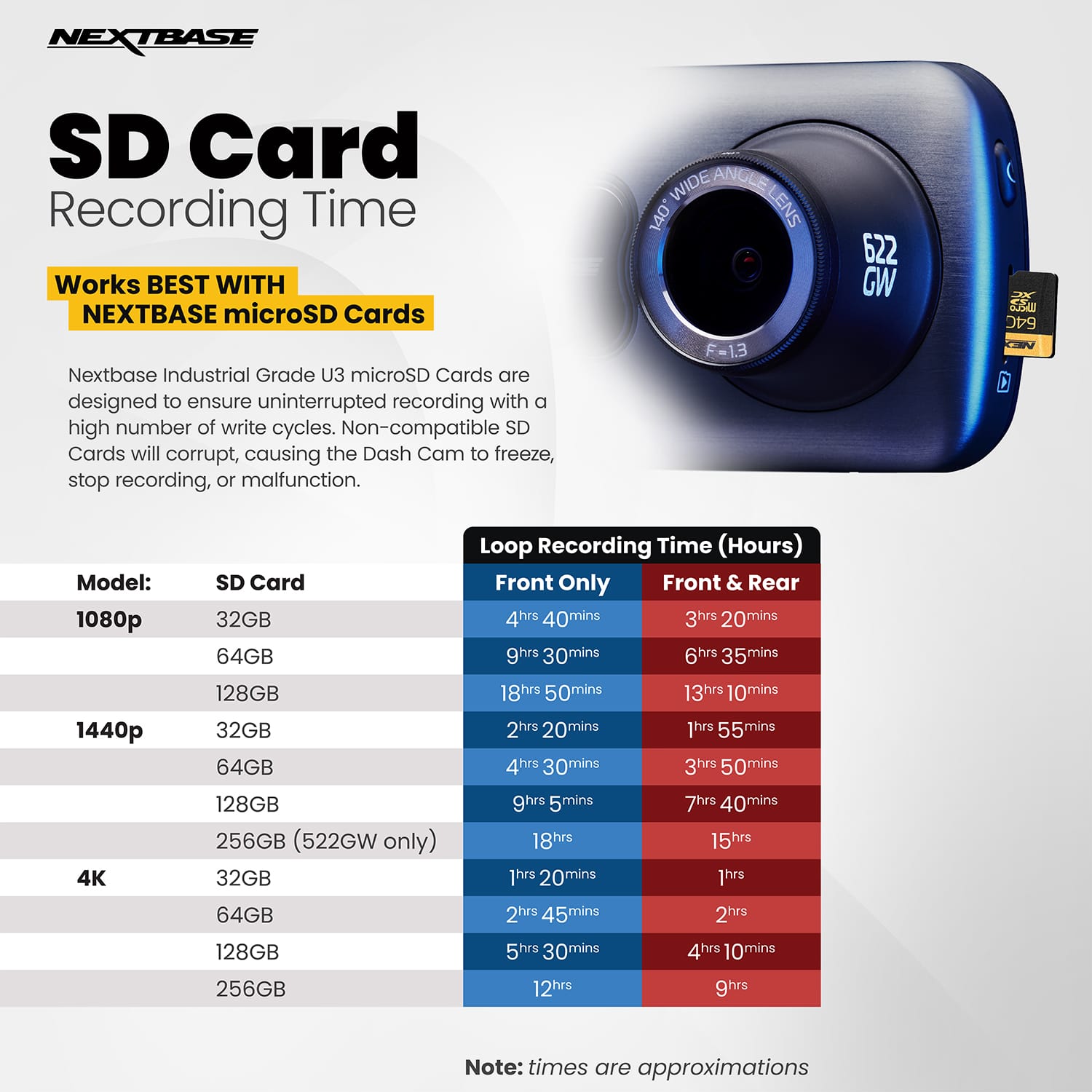
During a normal recording, the dashcam will recording in 1, 2 or 3 minute time slots until the card is full. The card will the overwrite. However, for a 622GW Protected footage is only 45 second long and is saved separately on the SD card. The recording is made up of 15 seconds before you click the Protected button, and 30 seconds after. When you then look at the footage on your phone or computer, you will see that the footage is stored in a separate folder and is easily identifiable.
We recommend formatting the SD card every 2 weeks. This deletes all the old footage, including any older protected footage. We recommend saving any required footage to your phone or computer before formatting,
if you have any further questions, please contact our Support Team at support@nextbase.com.