A:AnswerHello Aspen,
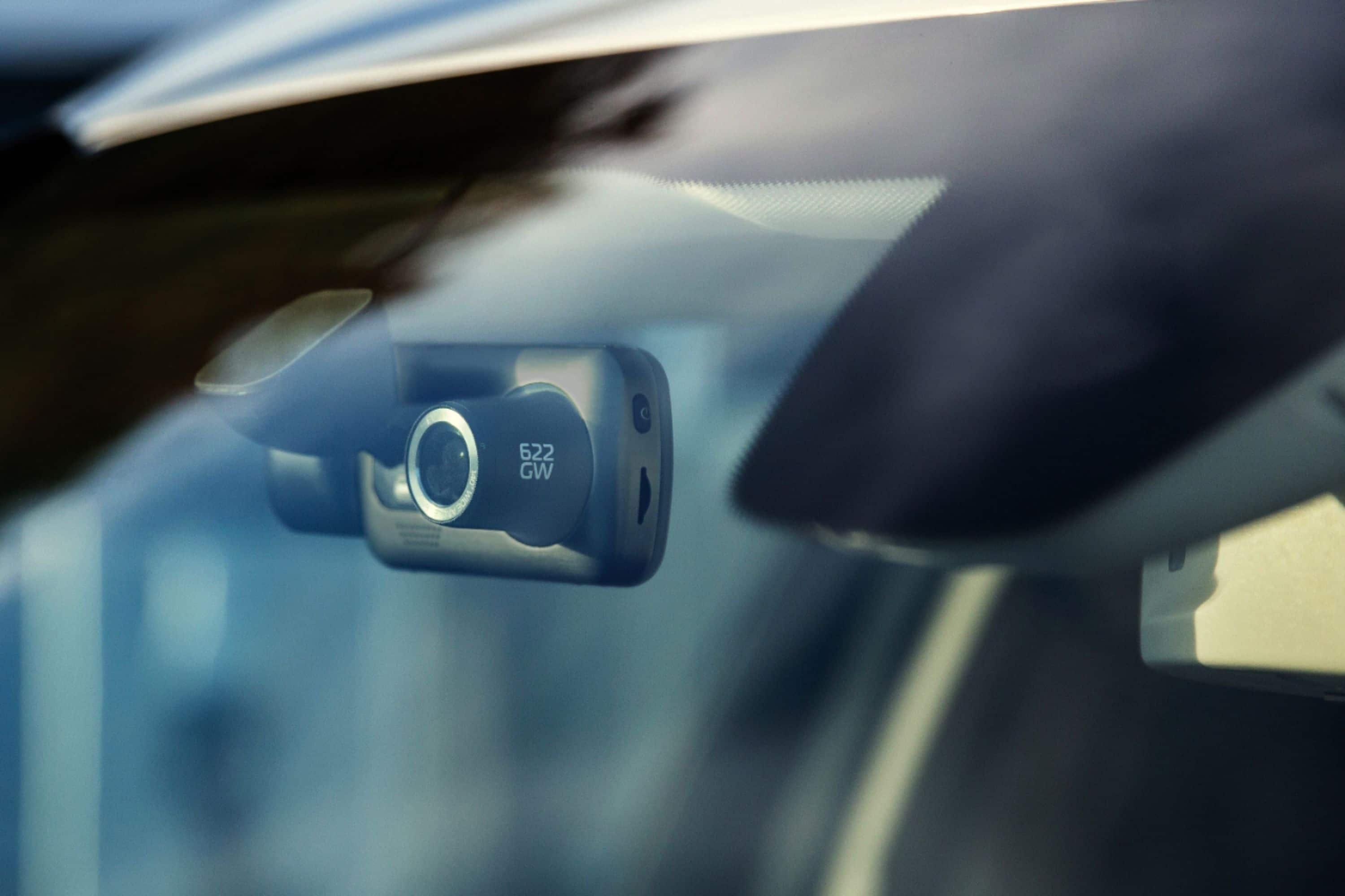
All of our cameras are tested between -20'C (-4F) to +45'C (113'F), although if the car temperature exceeds this you could potentially experience issues. We'd recommend removing the Dash Cam and placing in the glove compartment when the Dash Cam is not in use to prevent it being unnecessarily heated on the windscreen. When storing the Dash Cam for an extended time period, store within the following temperature range: from 0° to 25°C (from 32° to 77°F).
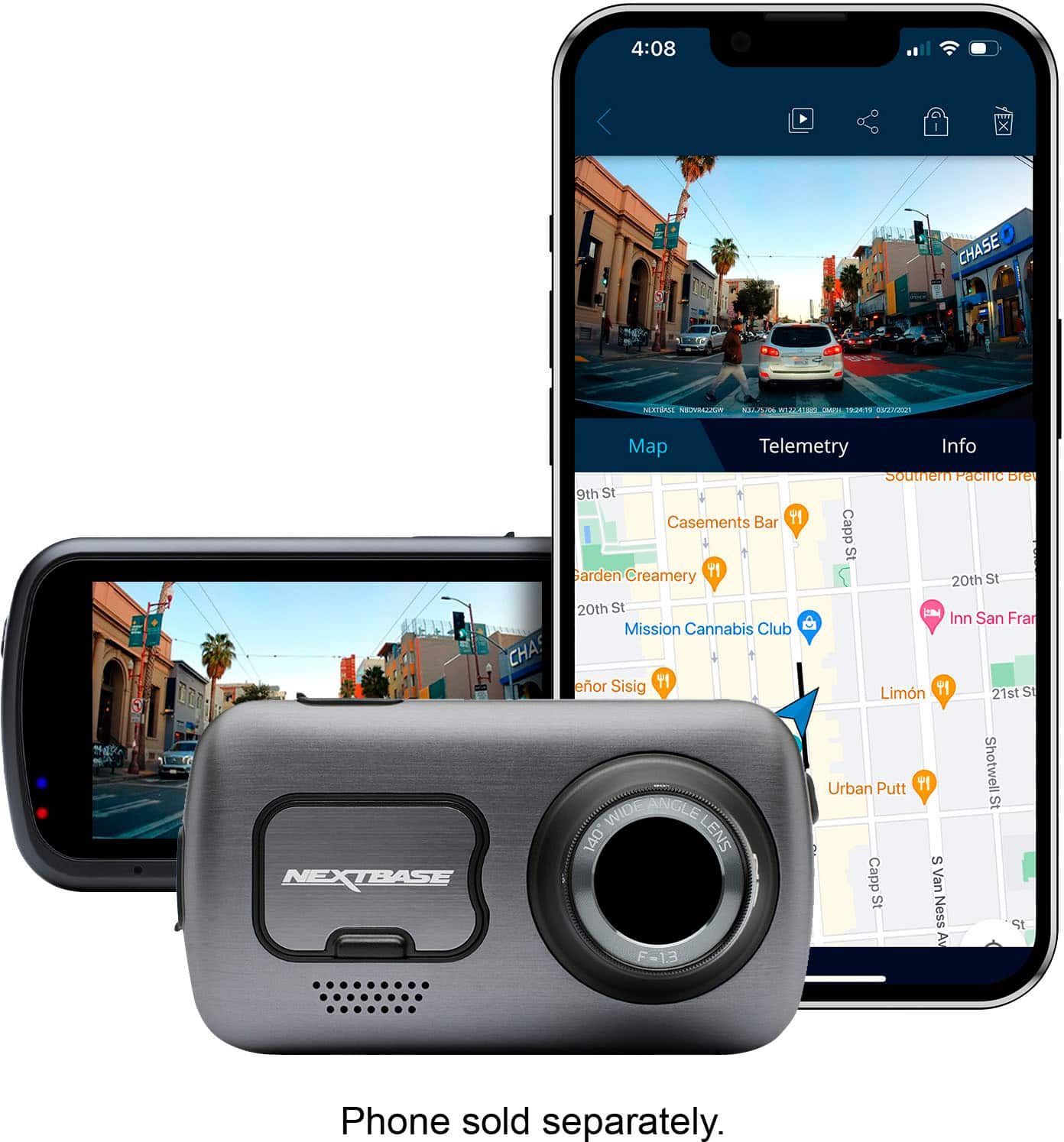
A:AnswerThe Michael pick up anything, including whatever music you’re playing in the background, you can make great clips of what you’re doing and having a tune play in the background at the same time
A:AnswerGood Morning Sir,
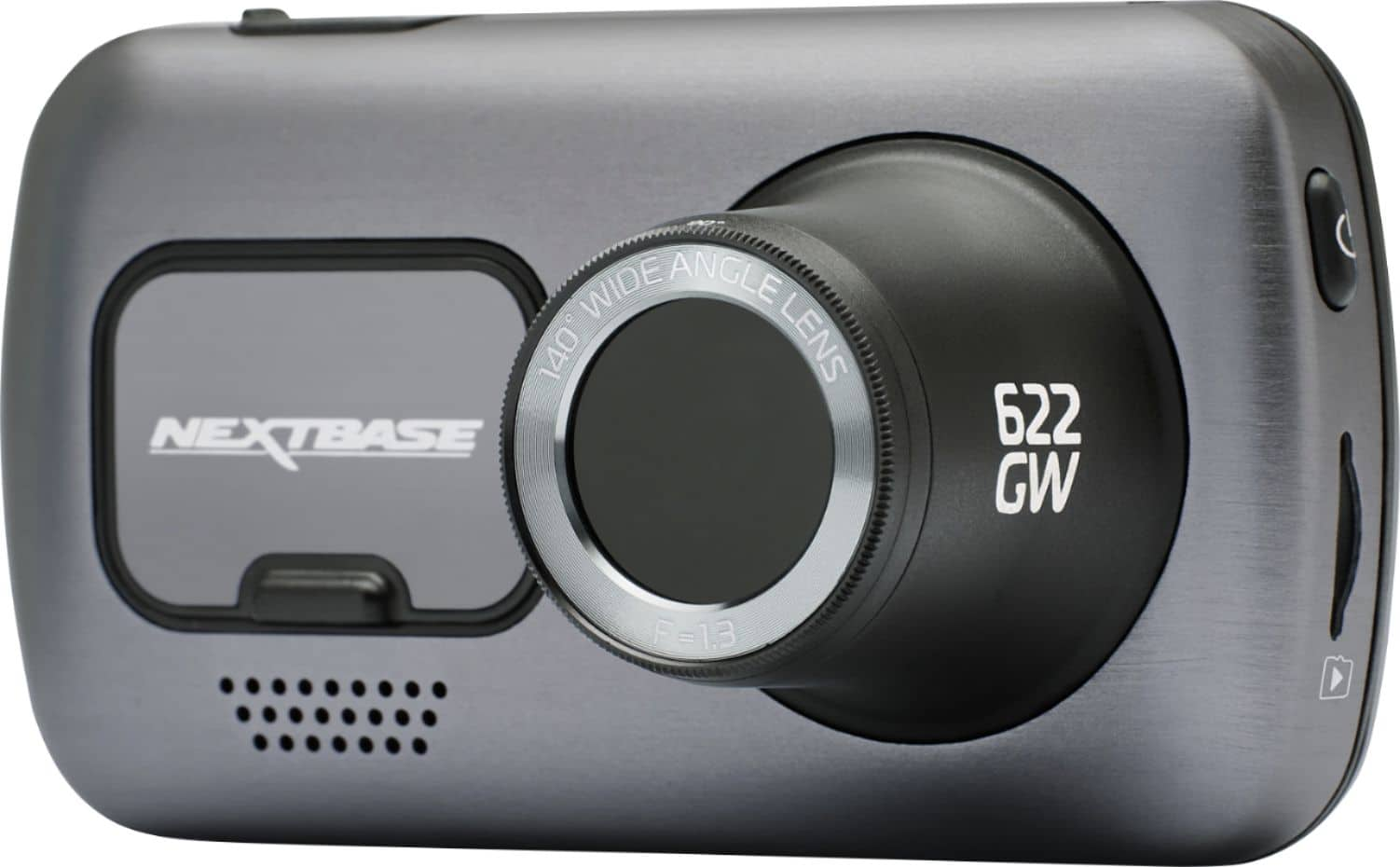
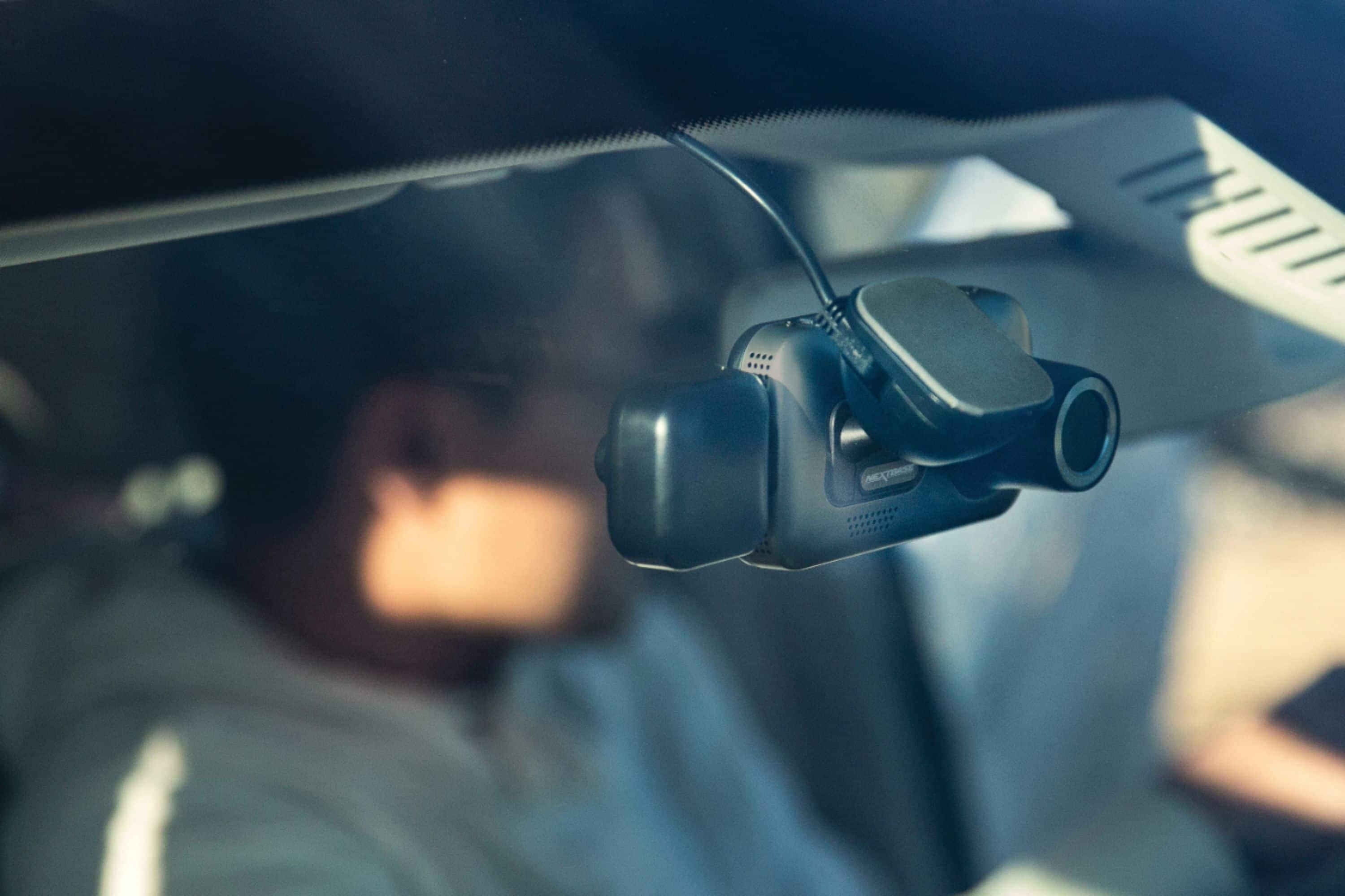
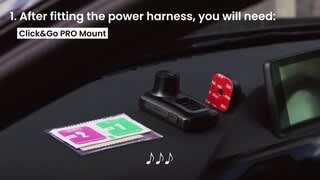
This is Charles Federick from C F Electrical Service and my reason for my email is to let you know that it, attach to the part that sticks to the front window and it's like a suching cup. remove the paper in front that say nextbase and that where it goes to, if anything you can call me .
203-565-4506
Charles F
A:AnswerI updated it via direct connection to my computer using their application. Go to their support website for instructions. https://nextbase.com/help-and-support/dash-cams/622gw-dash-cam-support/#FirmWare
A:AnswerHello Scott,
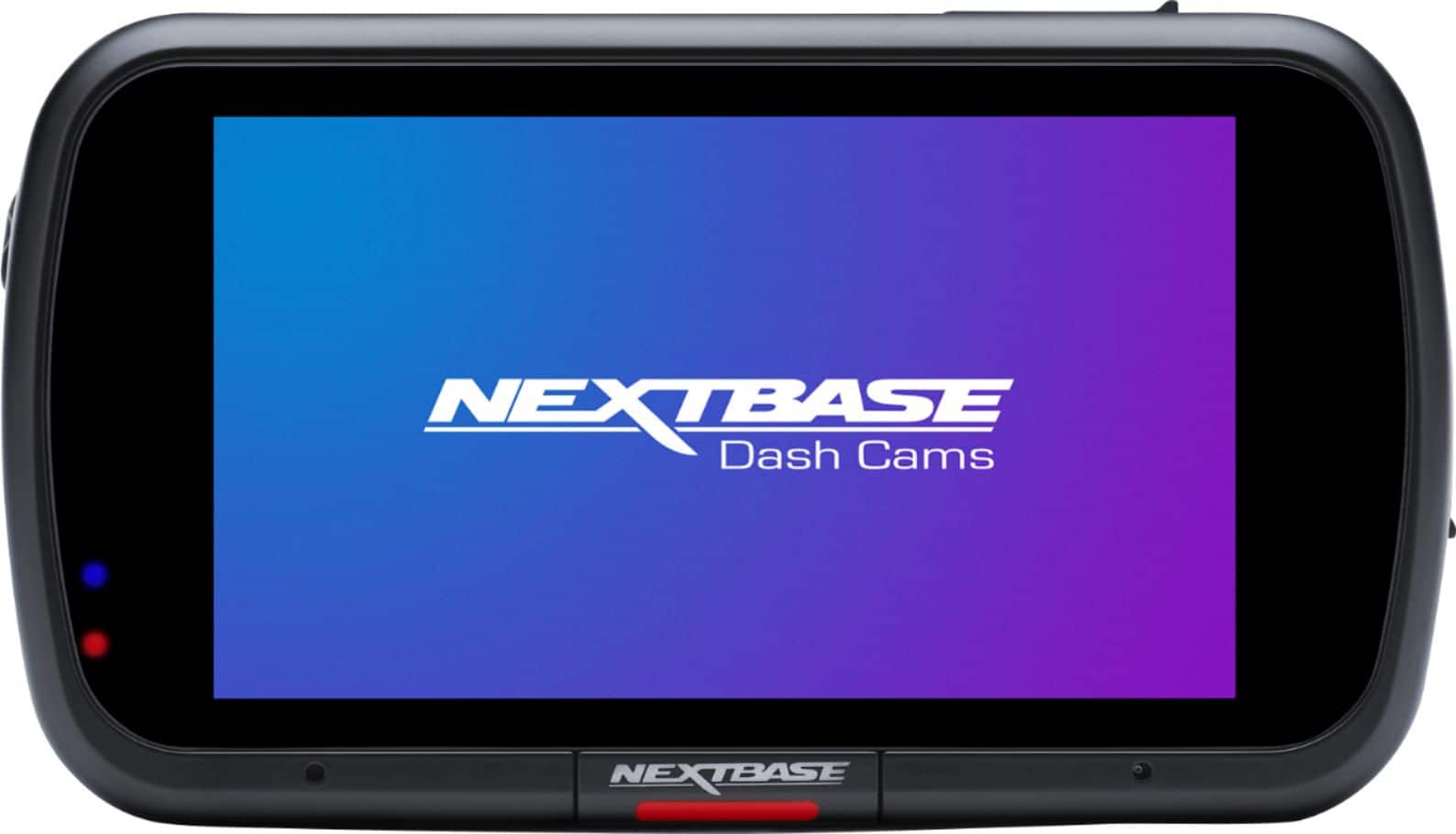
If you suddenly see something during a normal recording that you would like to manually save, this can be done by pressing the 'Protect' button. This is the long 'Nextbase' button at the bottom of the 622GW's screen. Once clicked, the button will illuminate red.
During a normal recording, the dashcam will recording in 1, 2 or 3 minute time slots until the card is full. The card will the overwrite. However, for a 622GW Protected footage is only 45 second long and is saved separately on the SD card. The recording is made up of 15 seconds before you click the Protected button, and 30 seconds after. When you then look at the footage on your phone or computer, you will see that the footage is stored in a separate folder and is easily identifiable.
We recommend formatting the SD card every 2 weeks. This deletes all the old footage, including any older protected footage. We recommend saving any required footage to your phone or computer before formatting,
if you have any further questions, please contact our Support Team at [email protected].
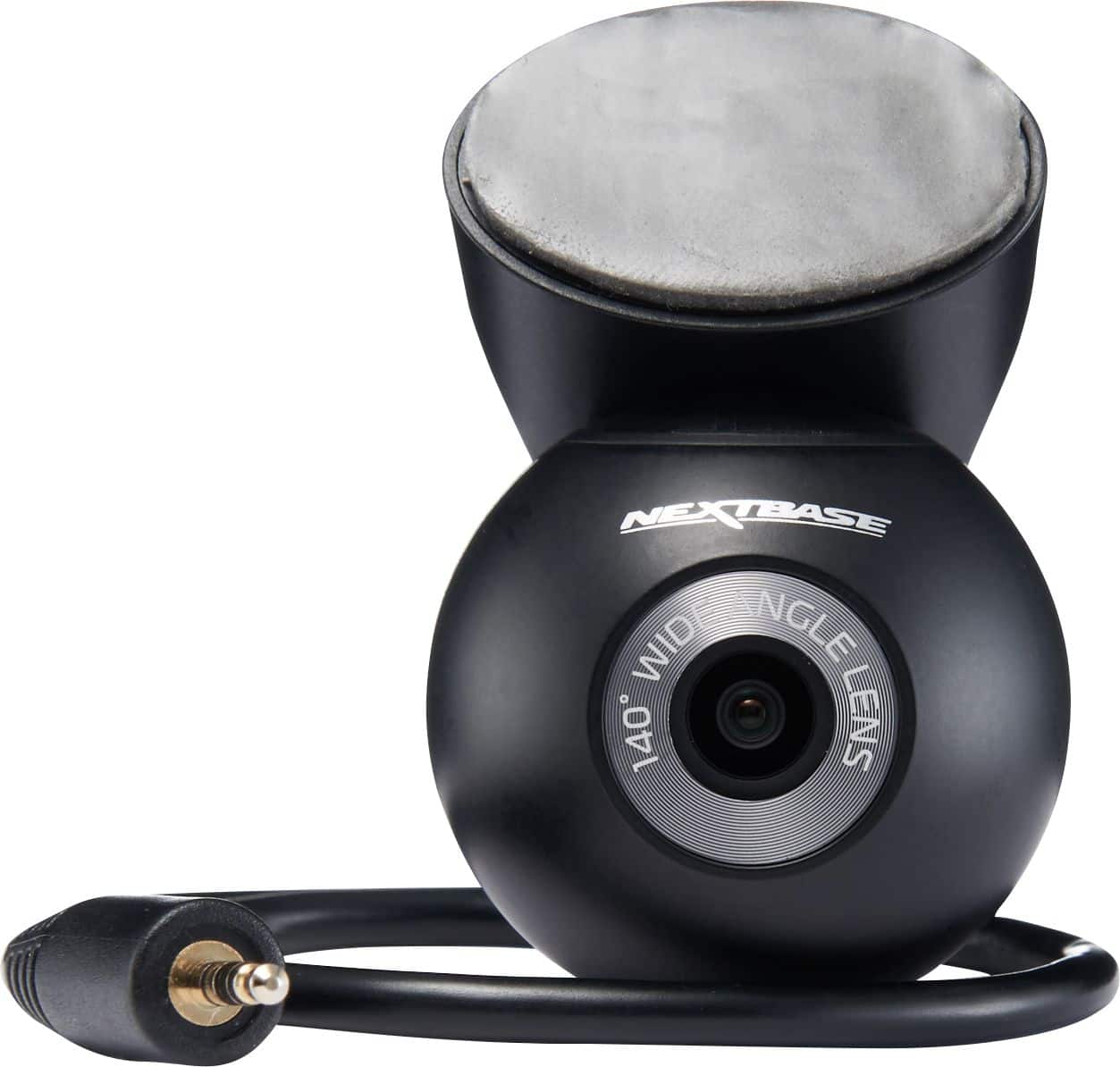
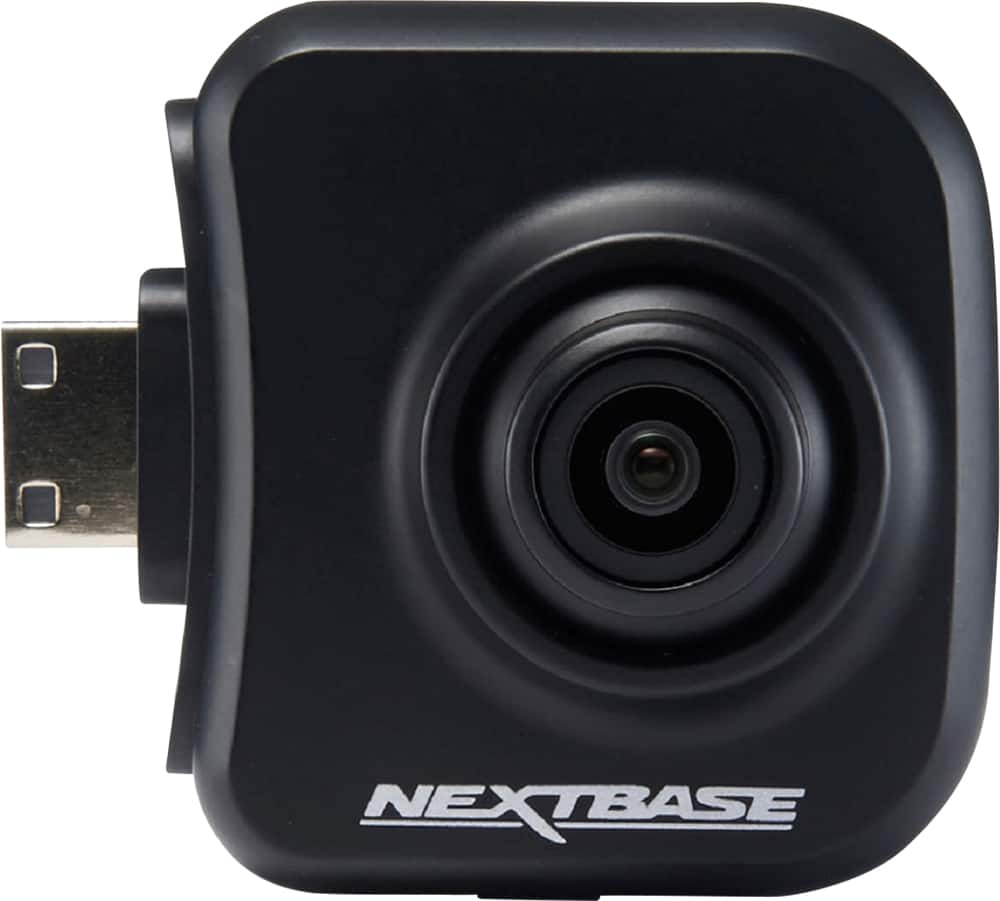
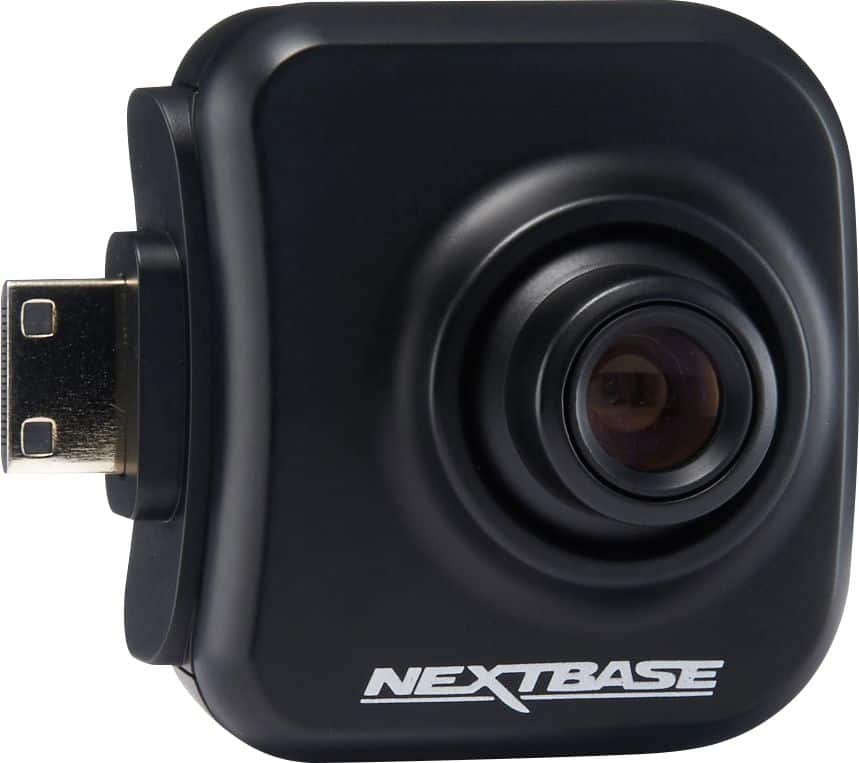
A:AnswerThis only comes with the front camera, but additional rear camera's can be purchased separately. There's also a kit that comes with both I can find elsewhere on the internet - but the bestbuy kit I purchased was only the front camera.
A:AnswerHello Roger,
Please contact our Support Team at [email protected]. We'll then be able to troubleshoot the issue and send you the correct instructions on how to resolve the problem.
A:AnswerHi Mary,
The only subscription service for the 622GW is for the Emergency SOS service. Using the dash camera is free after the initial purchase, and you'll only incur a charge if you subscribe to the ESOS service via the mobile app.
https://www.nextbase.com/en-us/dash-cam-features/emergency-sos/
For the 622GW you can choose any of the three rear camera modules. I'd recommend the Rear Window Camera for your usage requirements.
https://www.nextbase.com/en-gb/help-and-support/dash-cams/series-2-accessories-support/
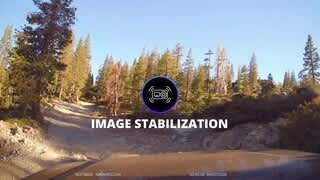
A:AnswerAny ruff riding vehicle will have image problems. The supplied mount doesn't offer the stability required. With image stability on, I still have a picture that is "shakey". There is no fix for this without some modification. You will find with Protect feature on it will have the red lock on the screen for most of the record time.