A:AnswerHi there,
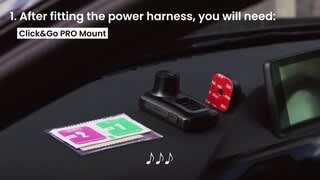
The included 12v power supply has a cable length of 4m which allows you to route from the 12v adapter in your vehicle to the dashcam, general fitting instructions will be shown in the user manual for this which can be downloaded from the support pages of our website.
If you have any further questions, feel free to see our Nextbase website or contact our Nextbase Support Team at [email protected].
A:AnswerNextbase does make a 64Gb and 128Gb card but they have just starting selling them in the US around Christmas 2020 and only at Best Buy. There is a UK site you can access where you can purchase and they will ship them to you in the US: https://nextbaseshop.co.uk/category/dash-cams/dash-cam-accessories/dash-cam-sd-cards/
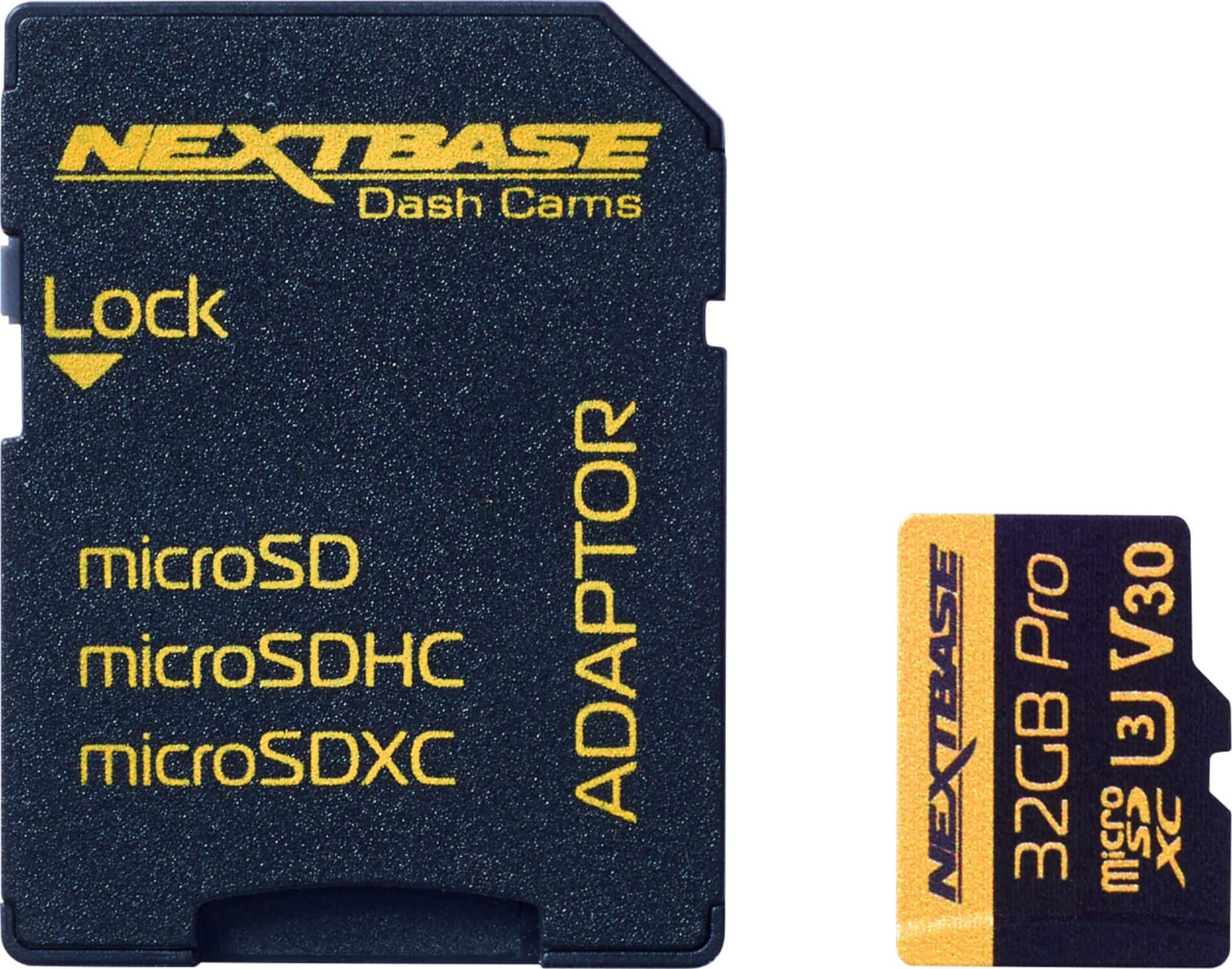
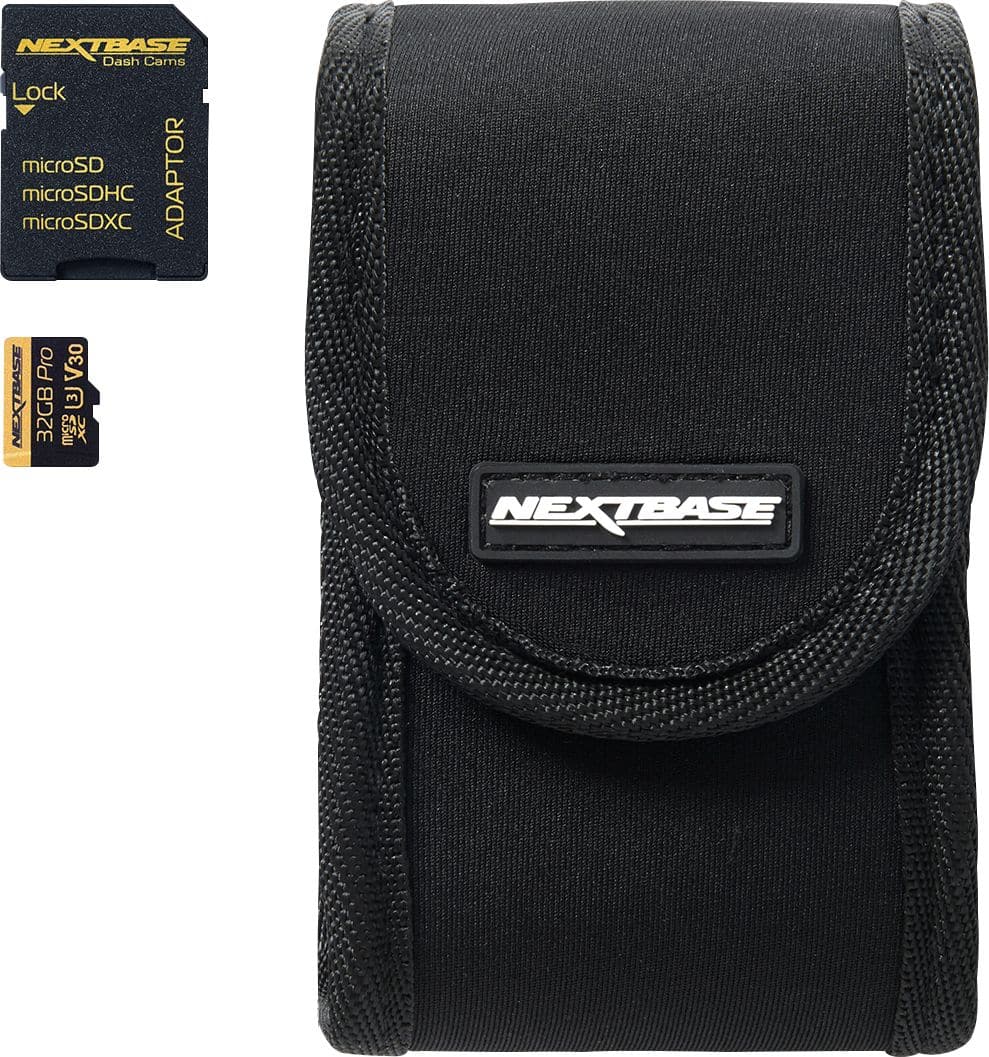
The 32Gb that comes with the bundle is only good for about 2 hours according to Nextbase when used with a rear camera as well (4 hours if there is no rear camera).
A:AnswerHI Mike,
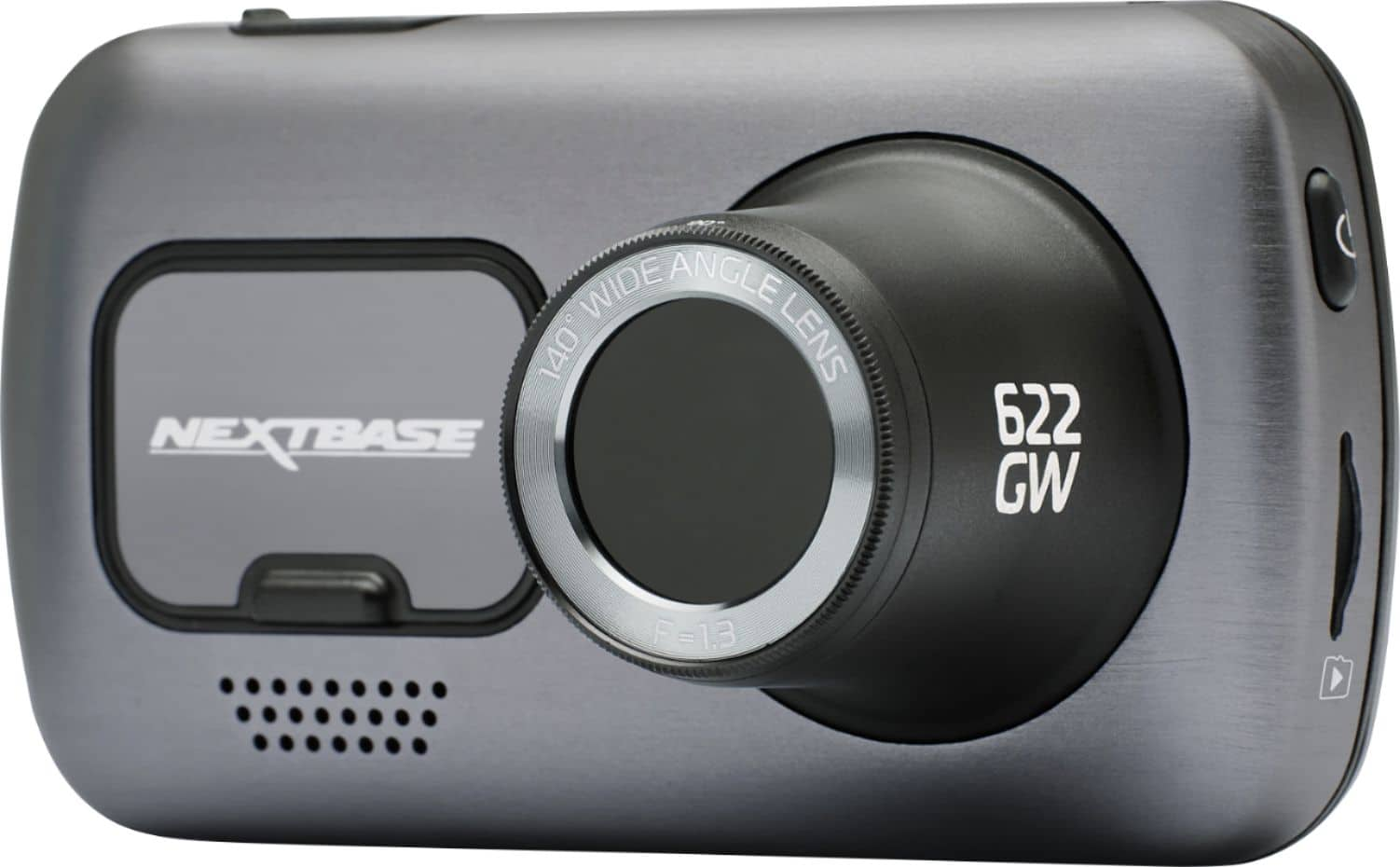
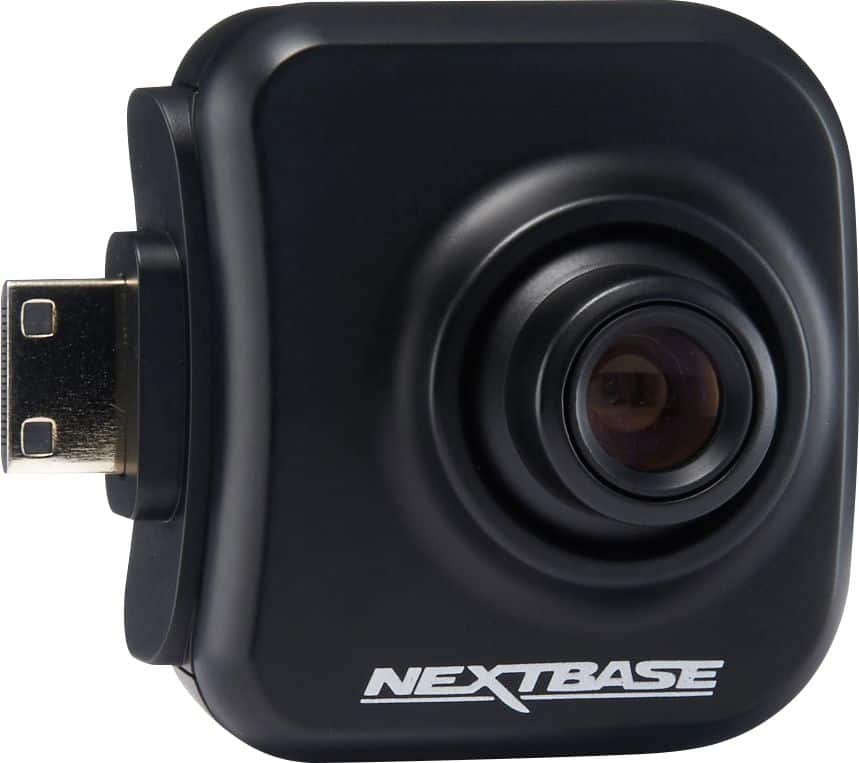
The camera does not record continuously when the car's ignition is off. It will only record when it feels a bump or impact. You can use the Nextbase Hardwire Kit to connect the camera to your car's fuse box. There is circuitry that prevents the camera from fully draining your car's battery. The field of view on the front camera is 140 degrees, so if you want to capture the sides of the vehicle I'd recommend the rear camera attachment that films the interior of the vehicle as that would also capture to the sides and rear.
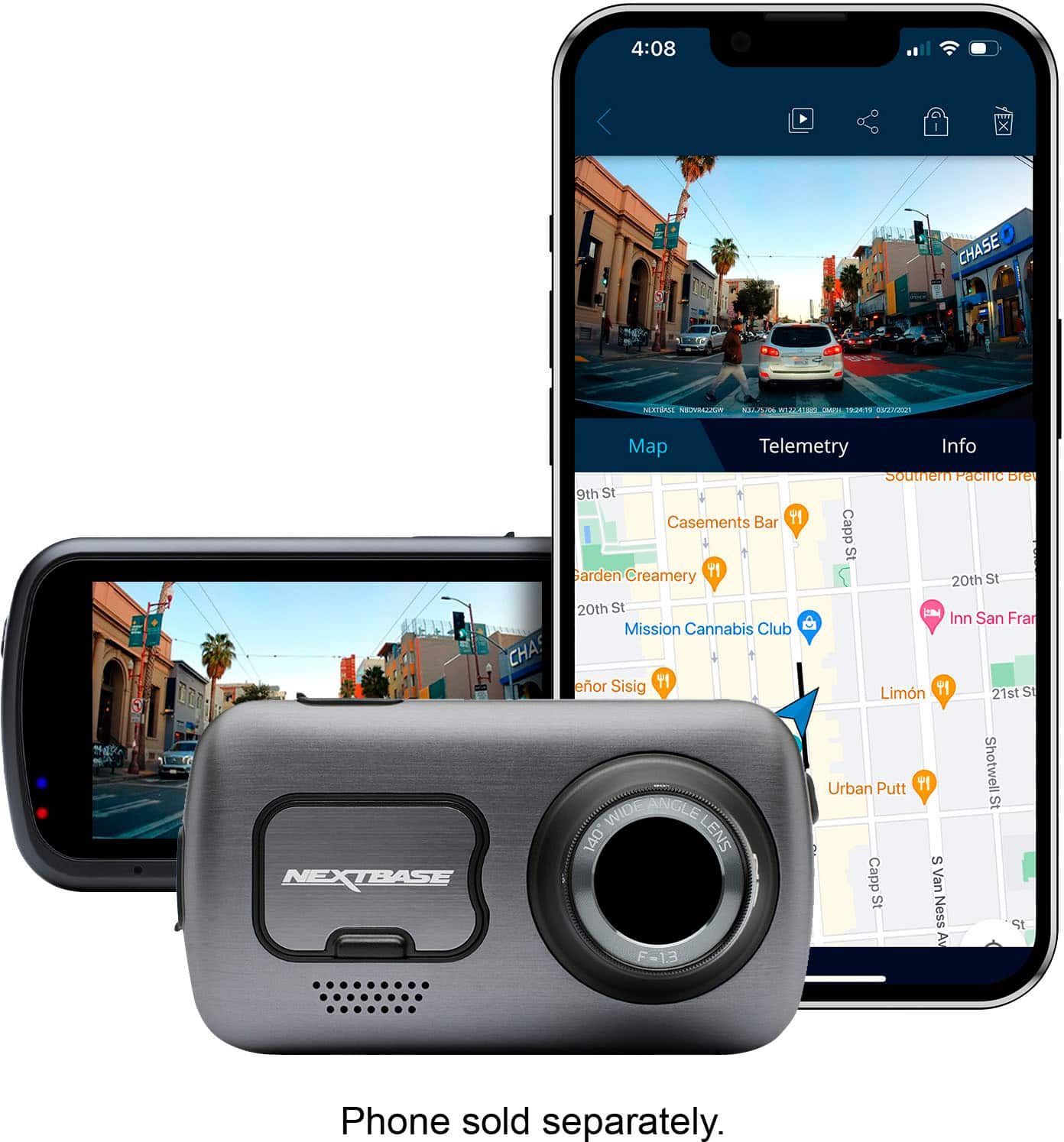
A:AnswerNo WiFi needed. It will connect to your phone w/ Bluetooth or, when using the app it will make a dedicated WiFi connection with your phone.
The rear camera is an accessory that is purchased separately and does not come with it.
A:AnswerHello,
The 622GW should be fully compatible with your Lexus 2018 RX350, this can be powered using the cigarette lighter 12V cable or the Nextbase hard wire kit. The dashcam does not come with a suction mount, however if you email us at [email protected] we can help further with a suction mount.
A:AnswerHello Pony,
We only recommend powering the dashcam using the provided cables- either cigarette lighter cable or hard wire kit. We wouldn't recommend using a third party cable to power the dashcam as we cannot guarantee it's functionality or longevity.
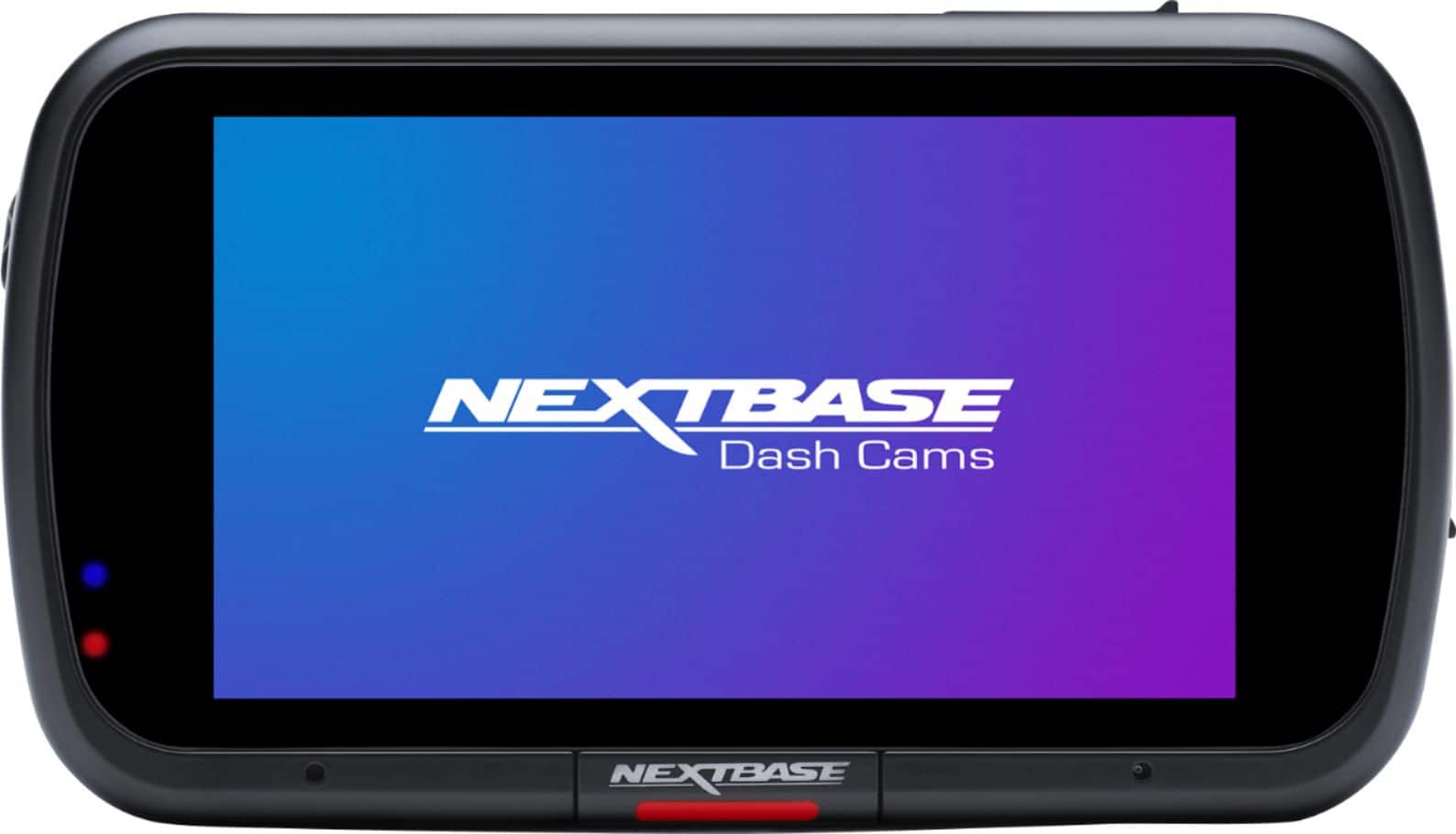
A:AnswerThese types of settings are easiest completed on the Dash Cam screen. Stop any current recording, press on the settings gear, and swipe through the settings pages until you find, set date/time.
A:AnswerHello,
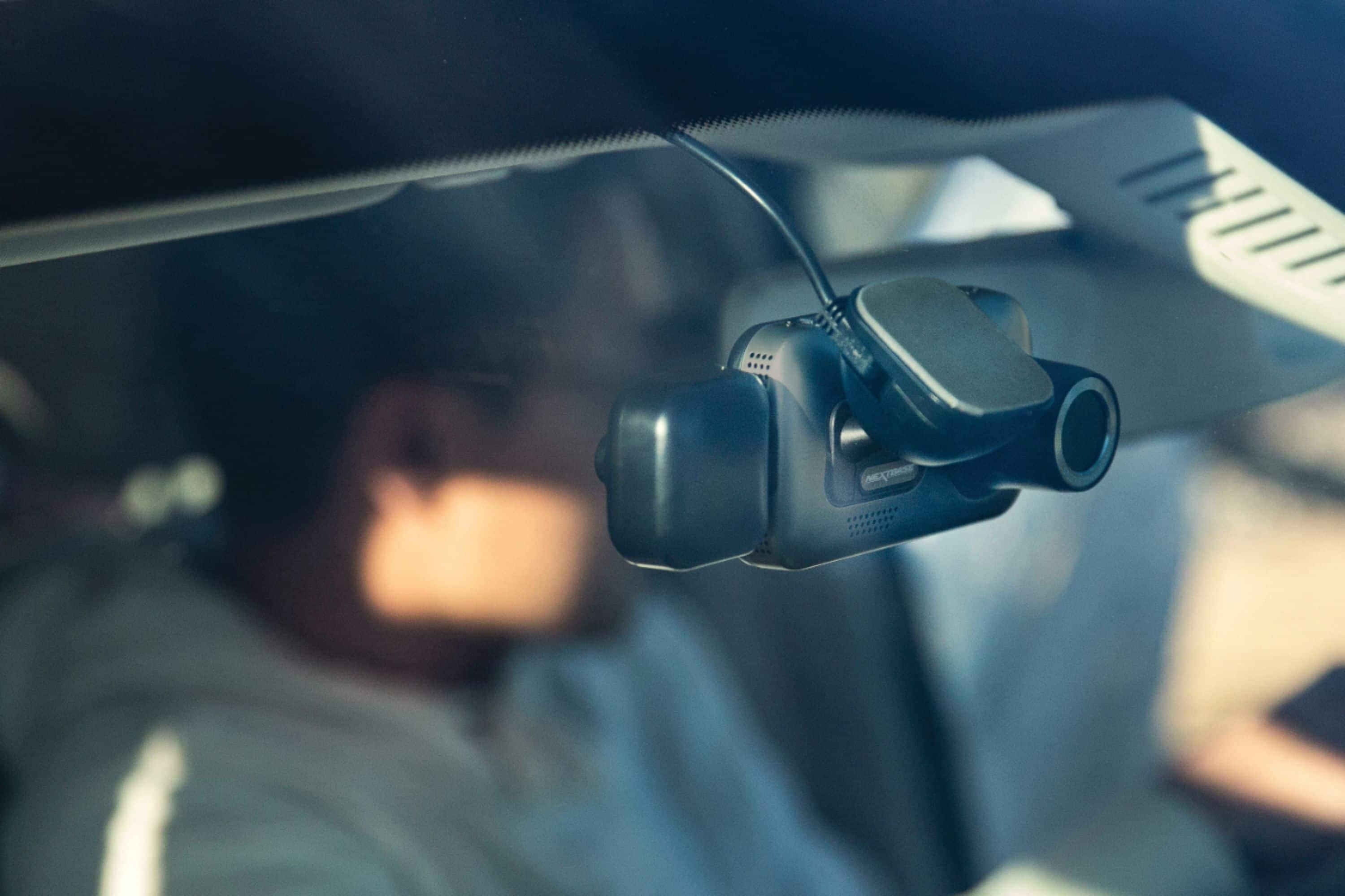
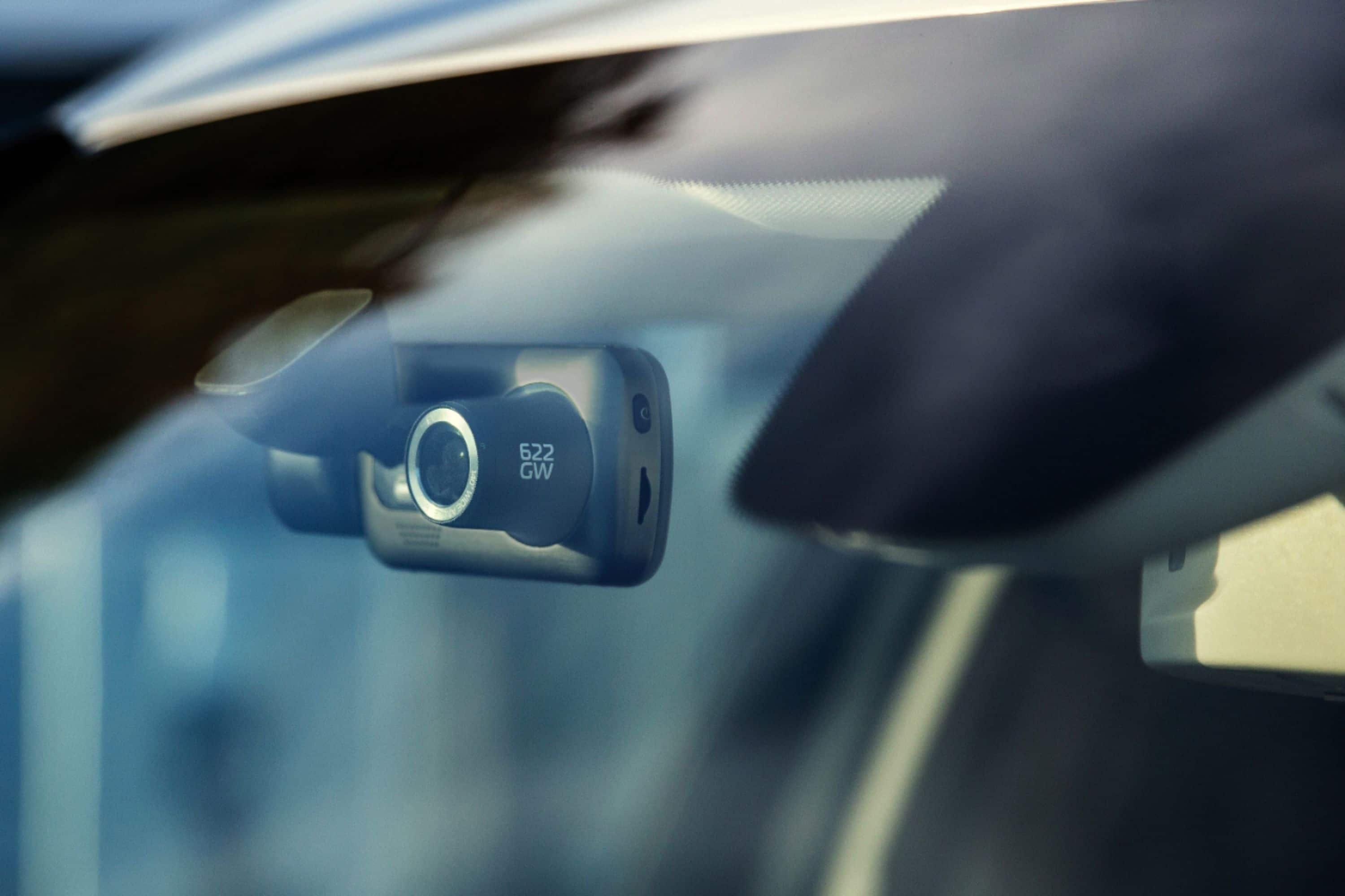
The 622GW comes with a suction mount and an adhesive mount. You can use either of these to attach the dash cam to the windscreen.
The camera comes with a 12V cigarette lighter cable, or you can use the Nextbase Hard Wire Kit to power the camera directly from the car's fuse box.
A:AnswerThe camera can be hooked up so that it is always hot (on) but you can install it also where the camera turns off with your car engine. It sounds as though you have it hooked up hot. This camera has a feature where it will continue to record in the hot mode charging itself off the car’s battery even when you turn off the car’s engine. But when the camera detects the car’s battery will go below 12 volts it will shut itself off. This protects your car battery. You can also shut the camera off manually by hitting the power button on the side of the camera.
A:AnswerTurn off the camera. Turn it on again. Tap the recording blinking red light in the left lower hand corner. Tap the upper left hand corner light to turn on the settings. Scroll with your finger until you get to the 3rd or 4th screen to see the calendar. Tap the left upper corner light or return to regular screen
A:AnswerHi, Thanks for the question. The Series 2 Dash Cameras are only single device compatible, this means that one Dash Cam can be connected to one mobile phone and vice versa.
Althought it was something that the development team explored it has proved not to be possible to connect multiple phones to one camera, or multiple cameras to one phone. This is due to the ESOS and Alexa subscriptions which are single camera and phone dependent.
If you have any further questions please let us know.
A:AnswerHello. The 622GW recording at 4K will record around 8 hours (480 mins) before looping. A 32GB U3 will record up to 2 hours and a 64GB around 4 hours. We recommend using a Nextbase microSD card, these are sold at Best Buy. Thanks. Nextbase
A:AnswerThe 622GW can use a 8GB to 128GB U3 SD card. It requires a Dash Cam compatible U3 SD card, specifically designed for Dash Cam or CCTV usage. Using a dash cam compatible SD card instead will then allow your Dash Cam to function as designed. For guaranteed functionality and warranty, I'd suggest a Nextbase SD card.