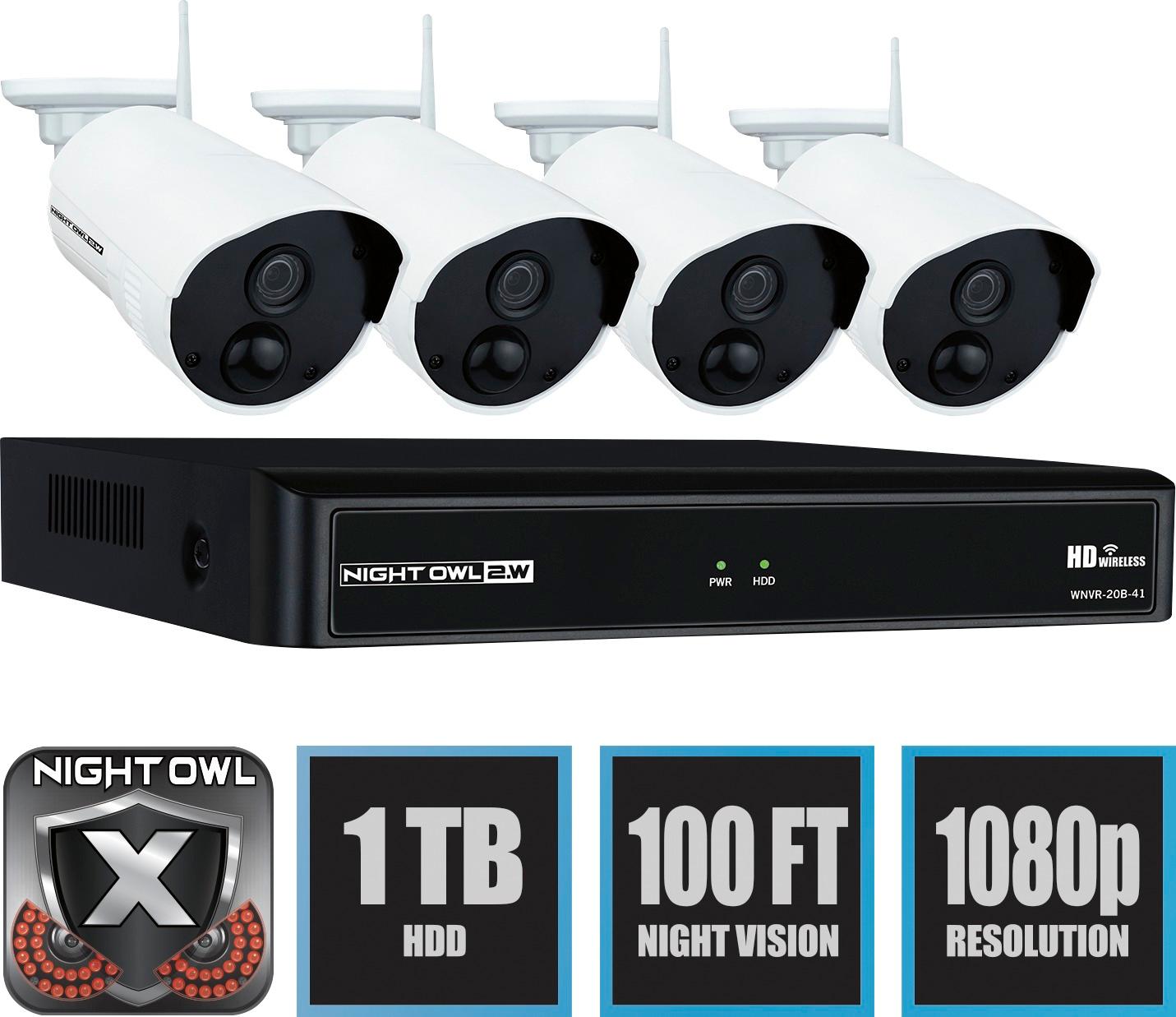
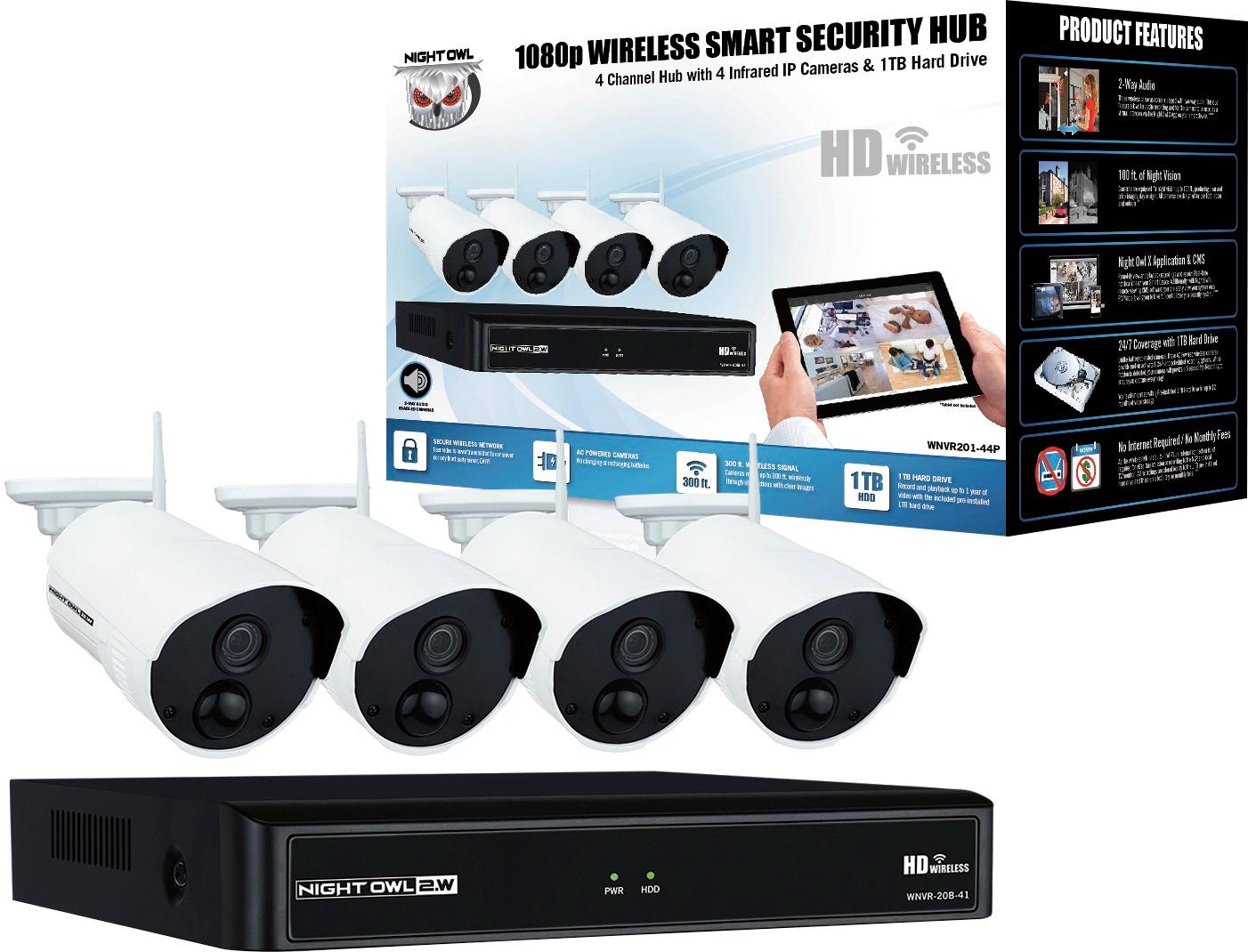
A:AnswerEach camera comes with its own power supply that you have to plug into an electrical outlet close to the camera location as soon as we get there
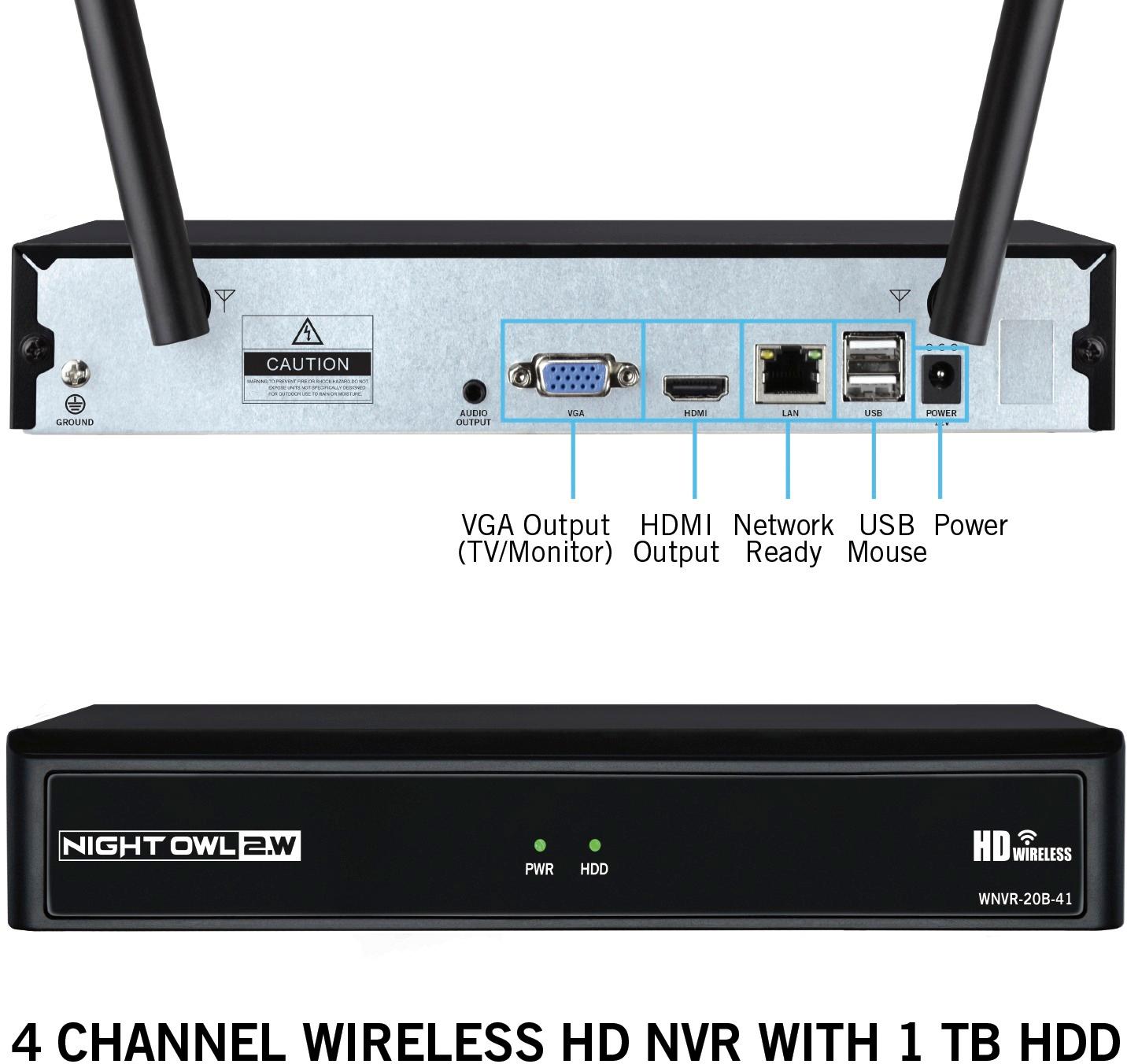
A:AnswerYou do not have to connect the NVR to a router. You can locally view the system on a TV or monitor using the included HDMI cable. Internet is only required if you want to remotely view the system on a smart device or computer and to receive Firmware updates. Thank you!
A:AnswerHello Phil, this Night Owl DVR is only capable of having 4 cameras connected to it since its a 4 channel system. Thank you for choosing Night Owl.
A:AnswerMuch of this depends on where the camera is installed and what type of environment it is in. Is there any available ambient light in the are? What angle is the camera installed at? How high up is the camera? There are numerous factors that play a role in how well a camera will distinguish unique facial features. Thank you for choosing Night Owl!
A:AnswerHi Ran. The cameras are pre-paired to the NVR's Built-in WiFi. If you are experiencing an issue with viewing, please contact our technical support team at 1-866-390-1303. They will perform troubleshooting steps and provide a warranty claim if necessary. Prior to calling, you may opt to download a Wi-Fi analyzer app and see what channels are best for the system. You can then log into the NVR and change the Wi-Fi channel to the most optimal channel. Thank you for choosing Night Owl!
A:AnswerThe camera power adapters are each 9 ft. If you have an outlet that is further away, you have the option of using a high quality extension cord. Thank you for choosing Night Owl!
A:AnswerNo. For remote viewing on a Smart Device, PC or Mac, you will need to hardwire the Wireless NVR to your router using Ethernet cabling. Thank you for choosing Night Owl!