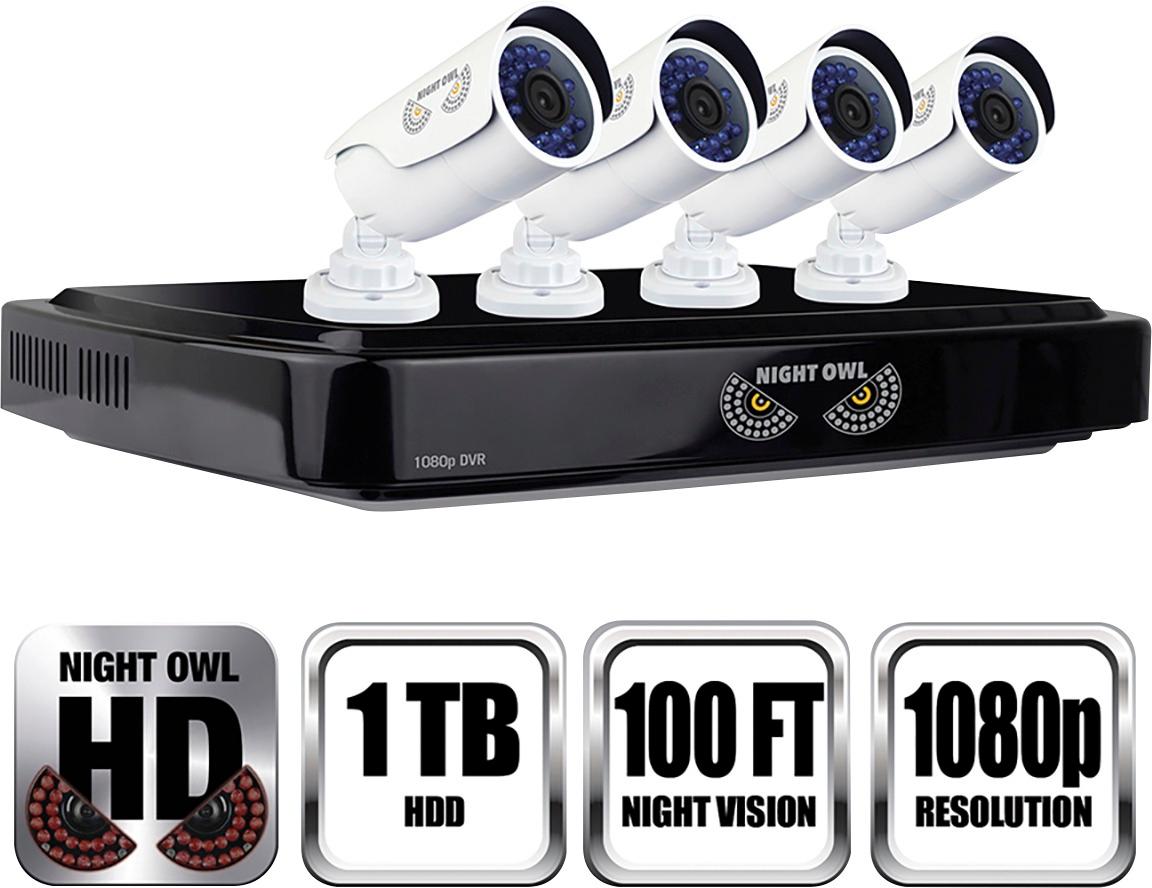
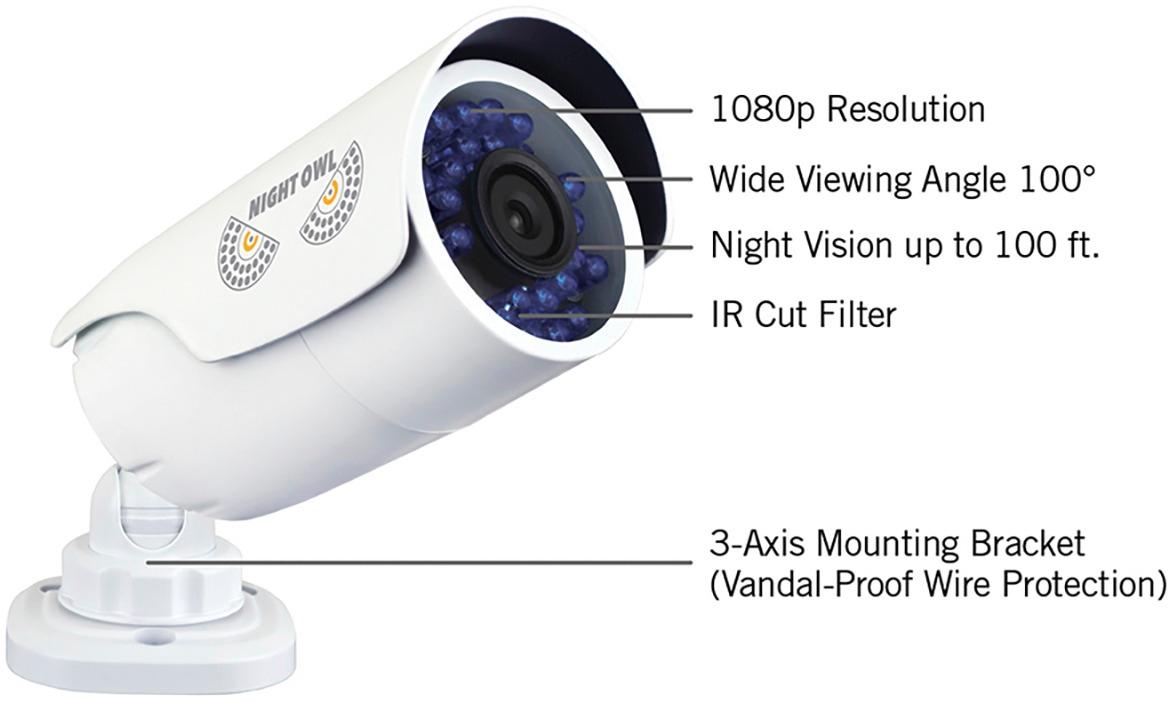
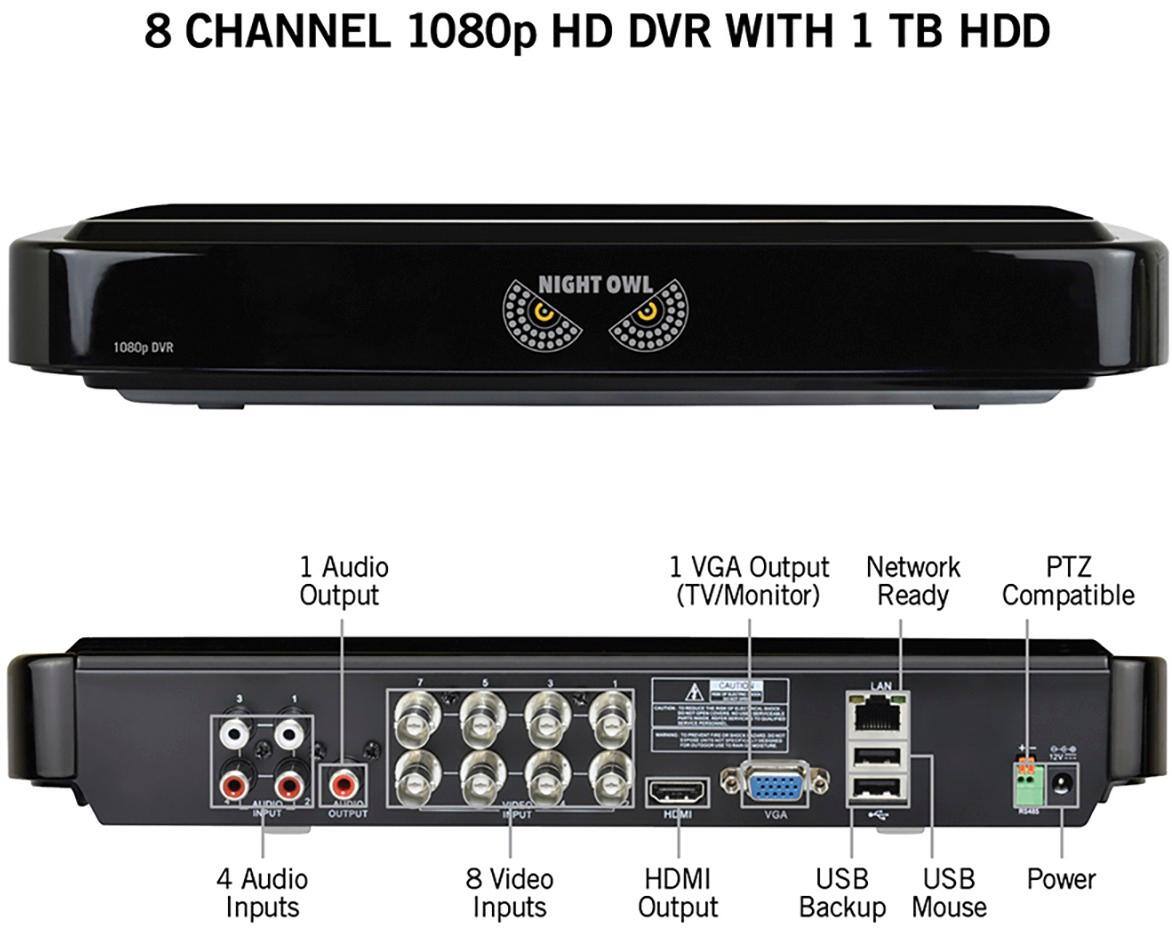
A:AnswerThe cameras included with this system are metal housed. They are powered through coax, but you can convert the BNC connectors to Ethernet ports if you wish to use Ethernet cabling. The cameras are 2MP or 1080p. The HDD can be upgraded to a MAX 6TB internal SATA HDD. We also sell a 8CH 8CAM wireless kit on Bestbuy.com and a 4CH 4CAM wireless kit in Best Buy stores. Thank you for choosing Night Owl!
A:AnswerYou can remotely view this system on Apple and Android smart devices (phones and tablets) and on PCs and Macs. However, the DVR must be connected to your router or modem via Ethernet cabling in order to do so. Thank you for choosing Night Owl!
A:AnswerCurrently our systems are not cloud compatible. We are working to launch this as a viable option in 2018. As of now, the best method for backing up recordings is saving them to a USB flash drive. Additionally, you can save videos and images directly to your PC or Mac via the CMS software or to our mobile app's album. Thank you for choosing Night Owl!
A:AnswerYes. you need to purchase "Power Through BNC BALUNS." One is required at each end. the Cat5 plugs into the Balun amd on the other side of it is two wires for power and a BNC.
A:AnswerGood Afternoon. Viewing angle and "field of view" are the same thing. For this particular system, the field of view is 100 degrees. We are immediately having the 70 degree error corrected. Thank you!
A:AnswerIt can be viewed through their mobile app (night owl app on android or ios). I have done it with both, best part is you don't have to pay for the app or a monthly subscription like most of them do. The app is pretty responsive and easy to use. I would recommend these cameras, they are great.
A:AnswerNight Owl does not offer an installation service. However, you may contact your local Best Buy's GeekSquad to discuss their installation services. Thank you for choosing Night Owl!
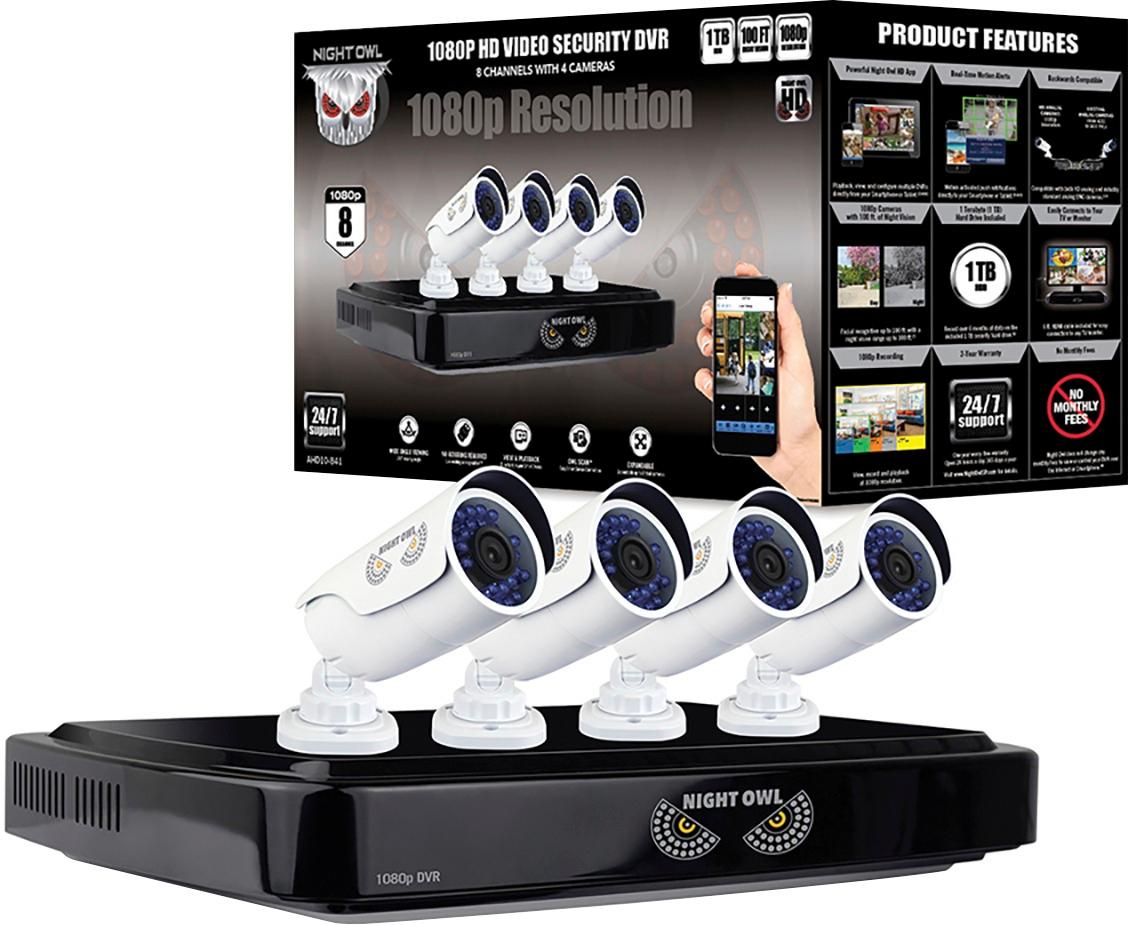
A:AnswerThe system only needs to be connected to a modem/router if you wish to view it remotely on a PC/MAC or a smart device. In order to remotely view your system, you must manually connect an Ethernet cable from your modem/router to the DVR. If you do not want remote viewing, you can simply connect the system to a TV or monitor to view live video feed and recordings. Thanks for choosing Night Owl.
A:AnswerWe are not able to recommend third party products for use with our cameras. Installation using anything not included with the system is outside of our domain. Sorry for the inconvenience. Thank you for choosing Night Owl!