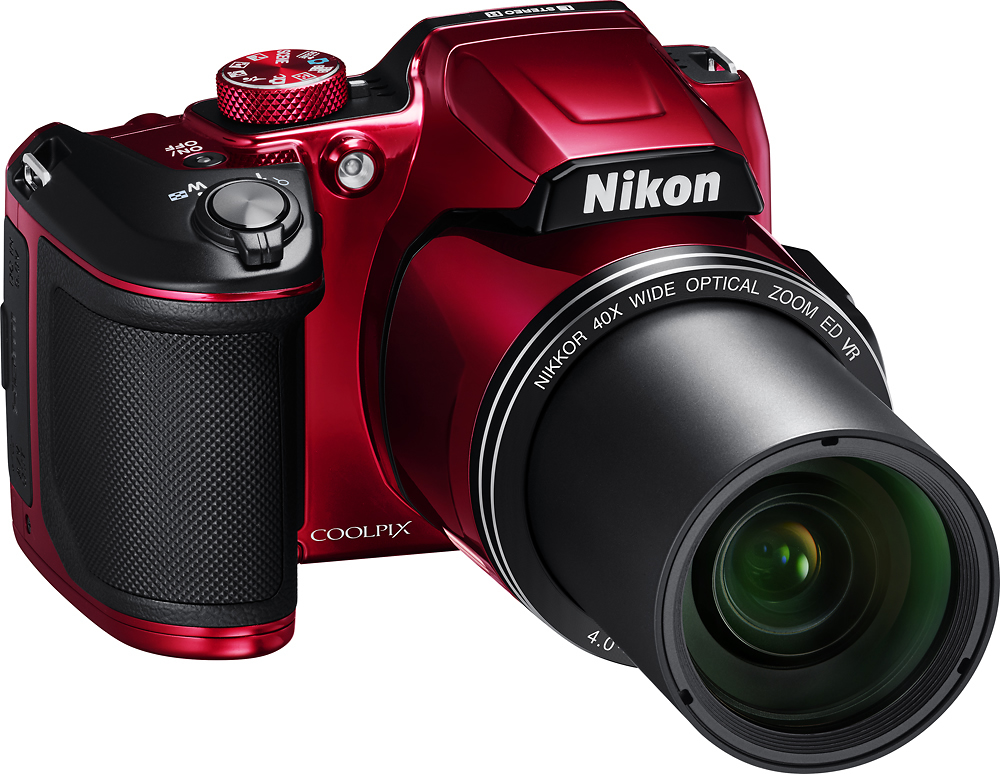
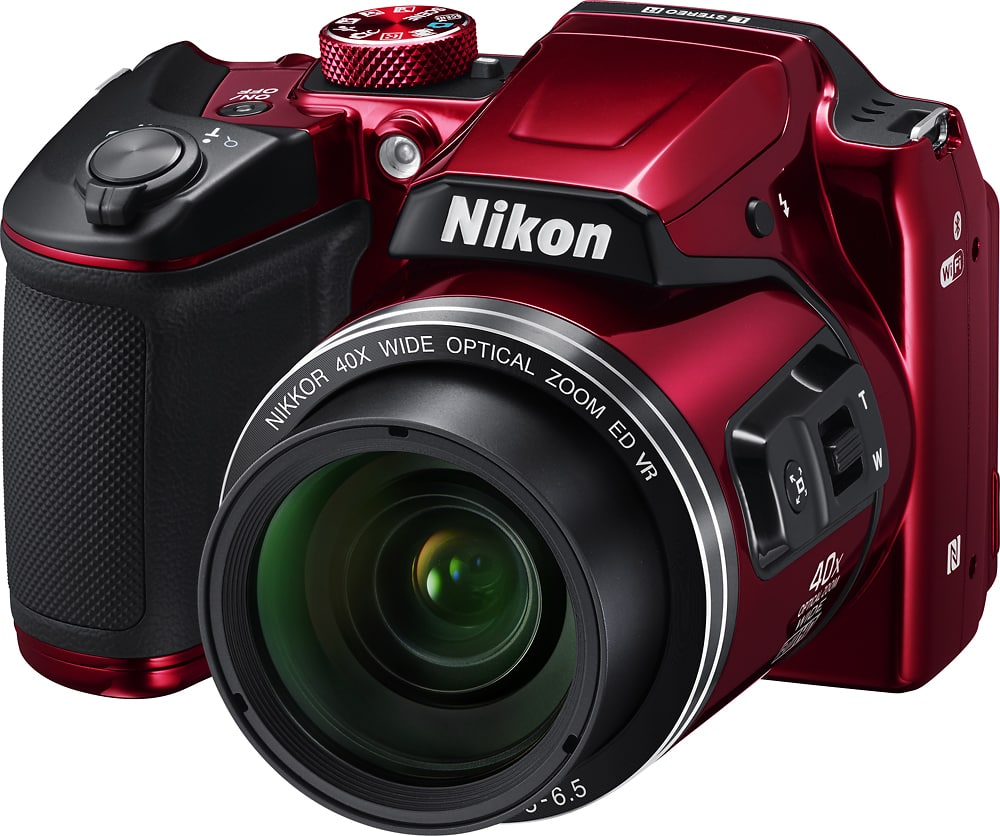
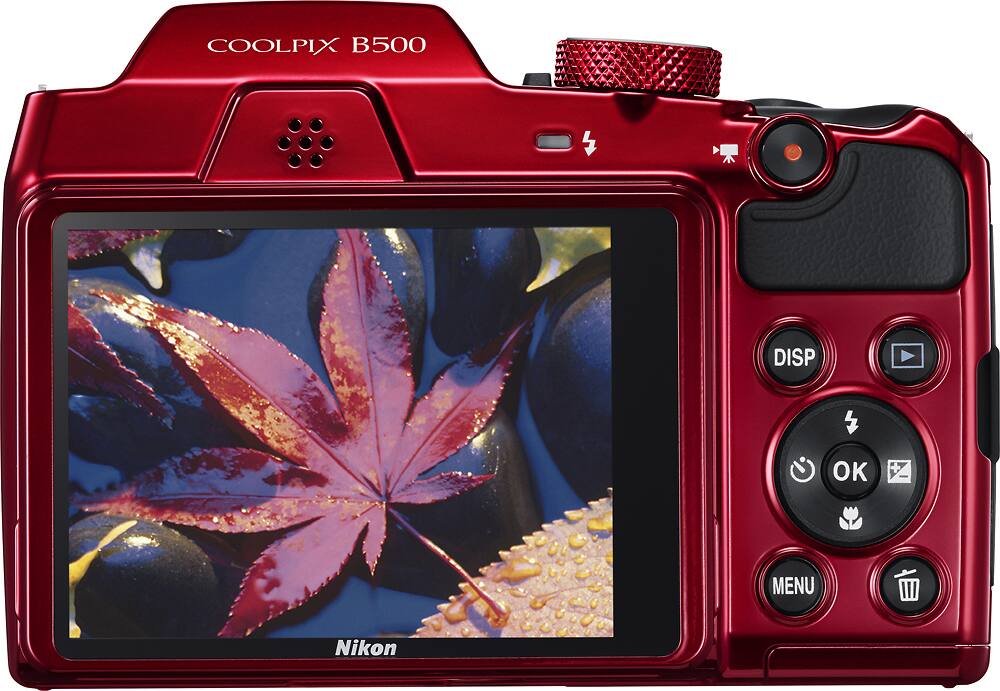
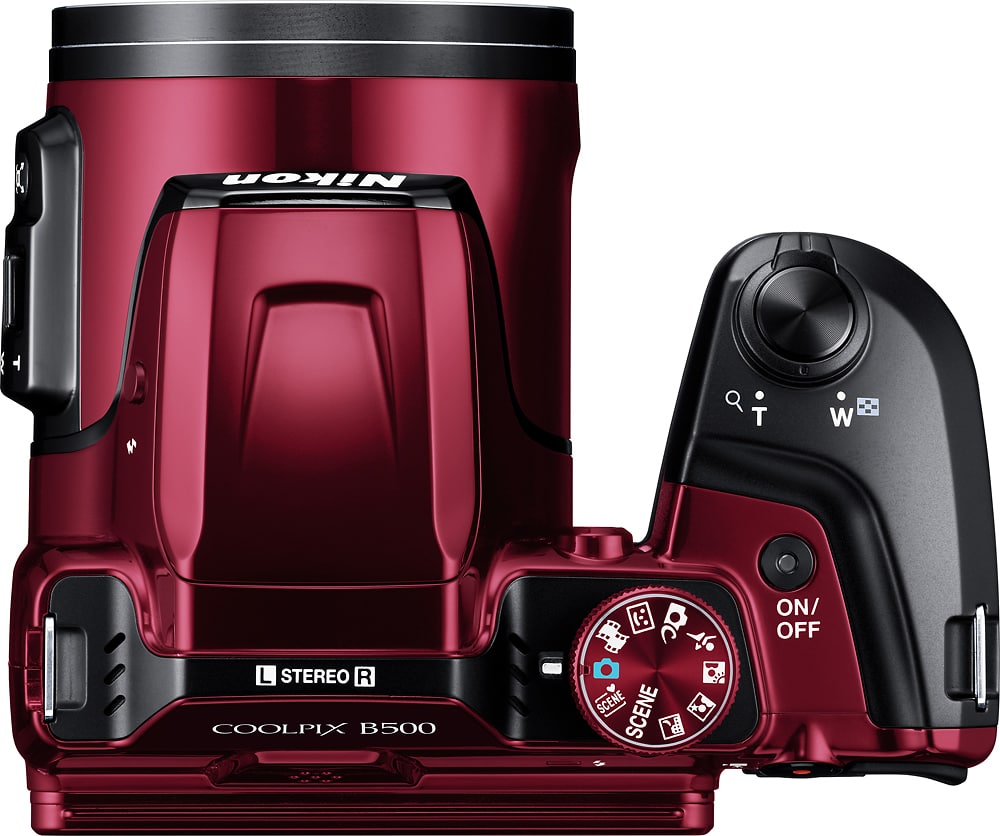
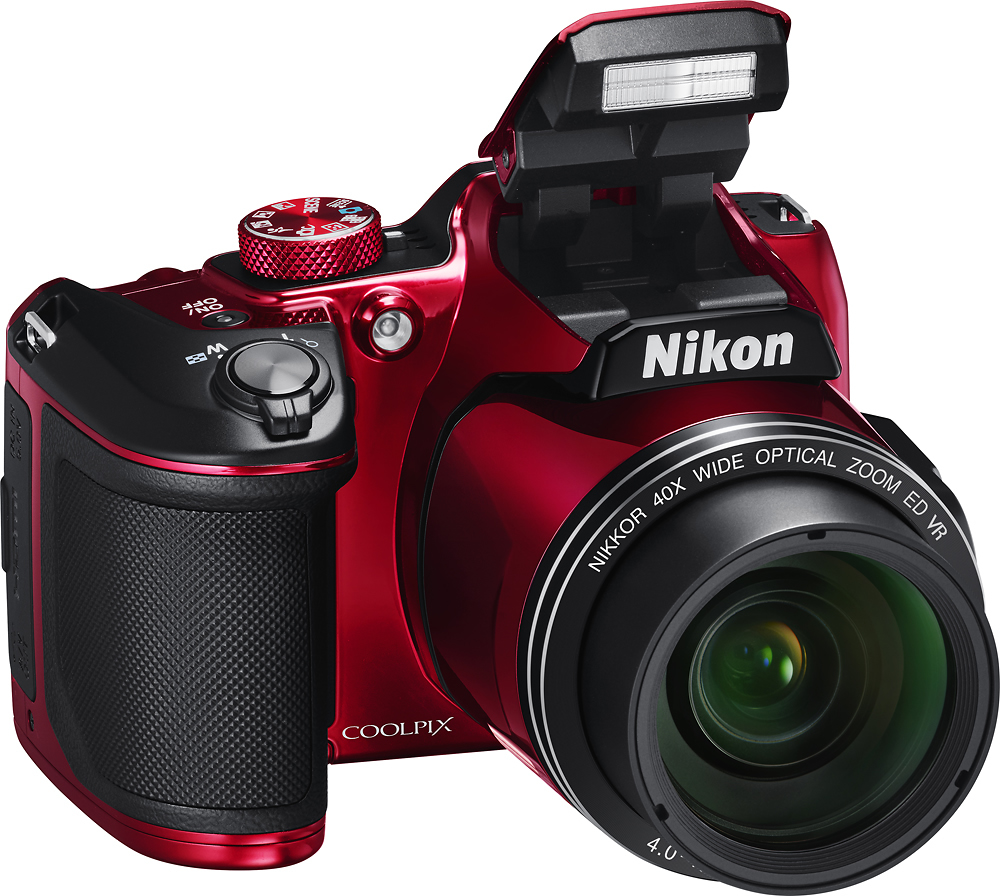
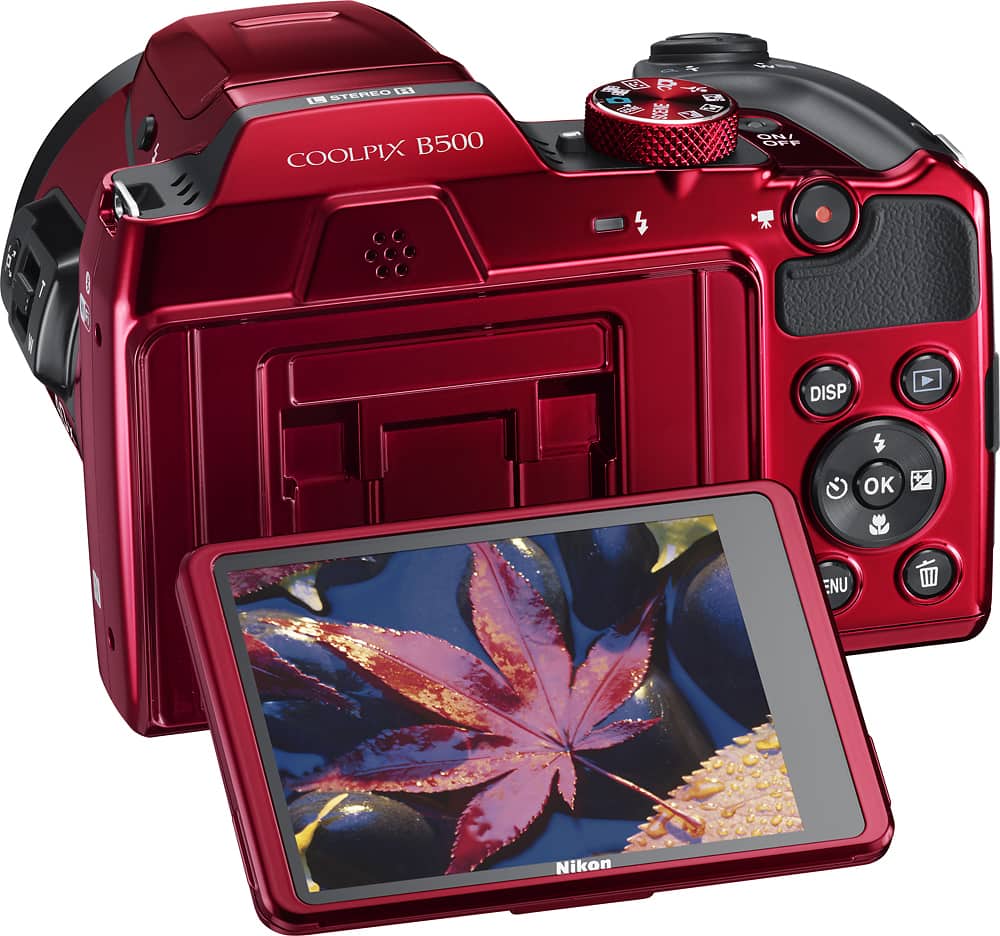
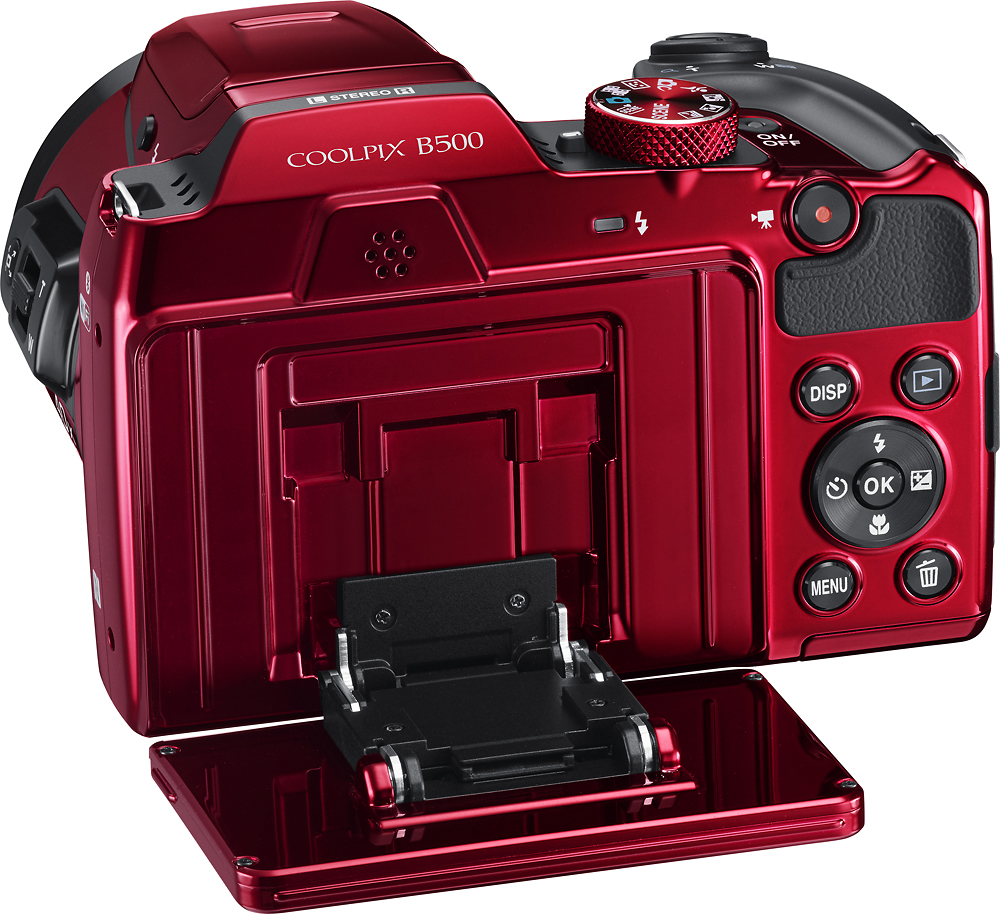
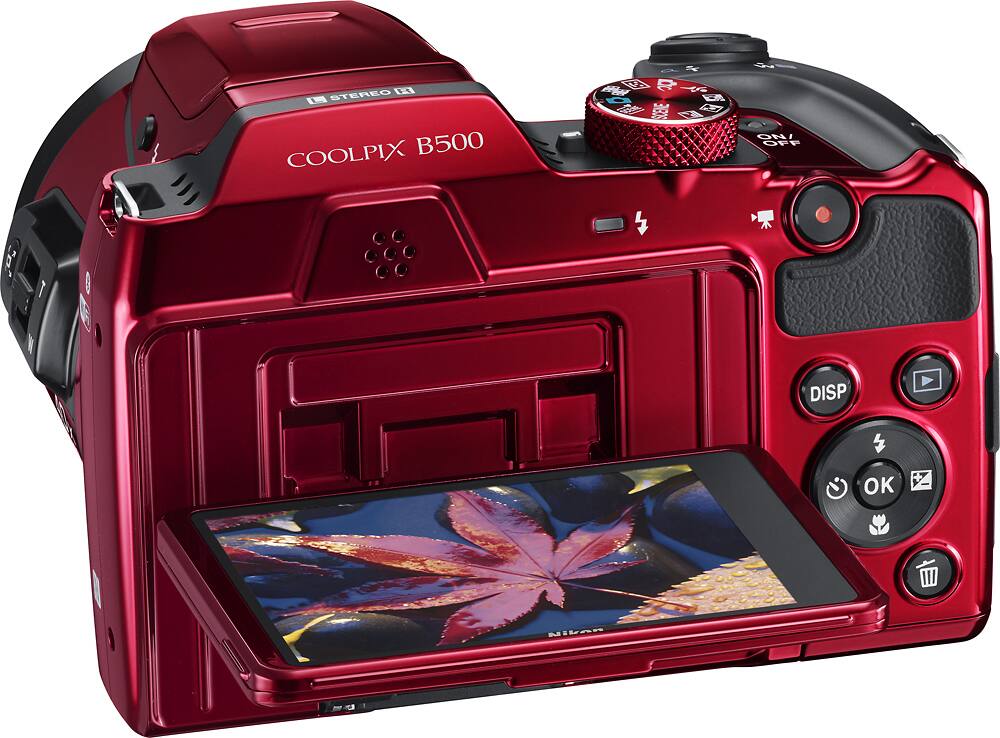
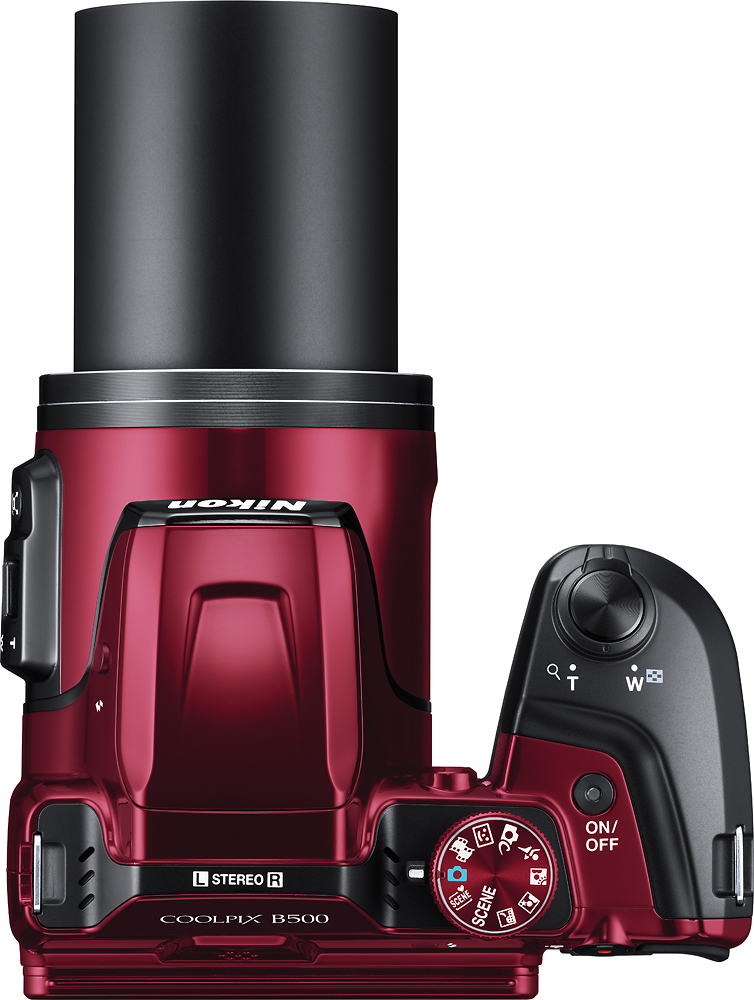
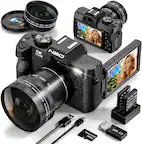
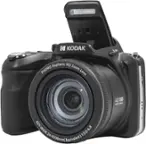
A:AnswerThe Nikon COOLPIX B500 digital camera can capture images that are razor-sharp and vibrant, even at telephoto distances. This easy-to-use, portable camera is perfect for capturing all your on-the-go daily activities, so every moment can be captured in vivid detail.
A:AnswerIt appears that the camera automatically sets a timer that counts down from 29 minutes. I have not found any way to override that time. So, from what I can tell, the longest video would be 29 minutes. I have only had the camera for a few weeks and haven't explored all of its options yet. Others may know of other features that would allow a longer video to be recorded.
A:AnswerThere is no panorama mode on this camera, as far as I can see. I have looked through all of the shooting modes and have not found panorama in any option menus.
A:AnswerThis orange light that you are seeing on your COOLPIX B500 is the AF-assist illuminator. This light automatically lights up when you press the shutter-release button under dim lighting. To disable AF assist, go to your MENU > Setup menu > AF assist > press OK and then select Off. Should you wish to turn the AF assist light back on, you can do so in the same menu by selecting Auto.
A:AnswerThe LCD screen on the COOLPIX B500 has an anti-reflective coating and 5-level brightness adjustment, helpful when shooting in bright sunlight. To adjust the brightness of the monitor, press the MENU button > Setup menu > Monitor settings > press OK, then select the desired level of brightness between 1 and 5.
A:AnswerTo start and stop video recording on the Nikon COOLPIX B500, press the red movie-record button. Once you stop the recording, the video will be saved to the SD card that is inserted into your camera. The COOLPIX B500 offers many different settings that can be adjusted to suit the situation in which you are recording. To learn more about the available settings, please contact Nikon Support.
A:AnswerNo, the screen does not totally flip. It does move up and down so that you can see what you are taking a picture of if you were to hold it above your head.
A:AnswerThe Nikon COOLPIX B500 digital camera can use Nikon ViewNX-i software to transfer your images to your computer. The oldest version this easy-to-use software is compatible with is "macOS Sierra version 10.12". For more information on image transfer options please contact Nikon Support.
A:AnswerThe COOLPIX B500 is capable of taking great photos and videos in low light with its low-light CMOS sensor. The COOLPIX B500 also has a range of scene modes that optimize the camera for the selected shooting condition. Night Landscape mode and Night Portrait mode automatically adjust the settings to compensate for the lack of light.
A:AnswerThere may be a lingering connection preventing the phone and Nikon COOLPIX B500 from successfully pairing. We recommend that you remove any existing connection with the camera. To do so, open the SnapBridge app and tap on the three dots at the top right corner. Then, select “Forget camera” and end the pairing. Then, go into the Bluetooth settings of your phone and end the pairing there as well. Once you’ve done this, you can go through the pairing process again. If this does not resolve your issue, please contact Nikon Support.
A:AnswerThe recommended battery brands for the COOLPIX B500 are Duracell and Energizer. You’ll want to make sure that you’ve selected the correct battery type that is being used in the setup menu. To do so, press the MENU button, navigate to the setup menu, and select Battery type. The three options available are Alkaline (default setting), COOLPIX (NI-MH), and Lithium. Highlight the battery type that is being used and press the OK button. If this does not resolve your issue, please contact Nikon Support.
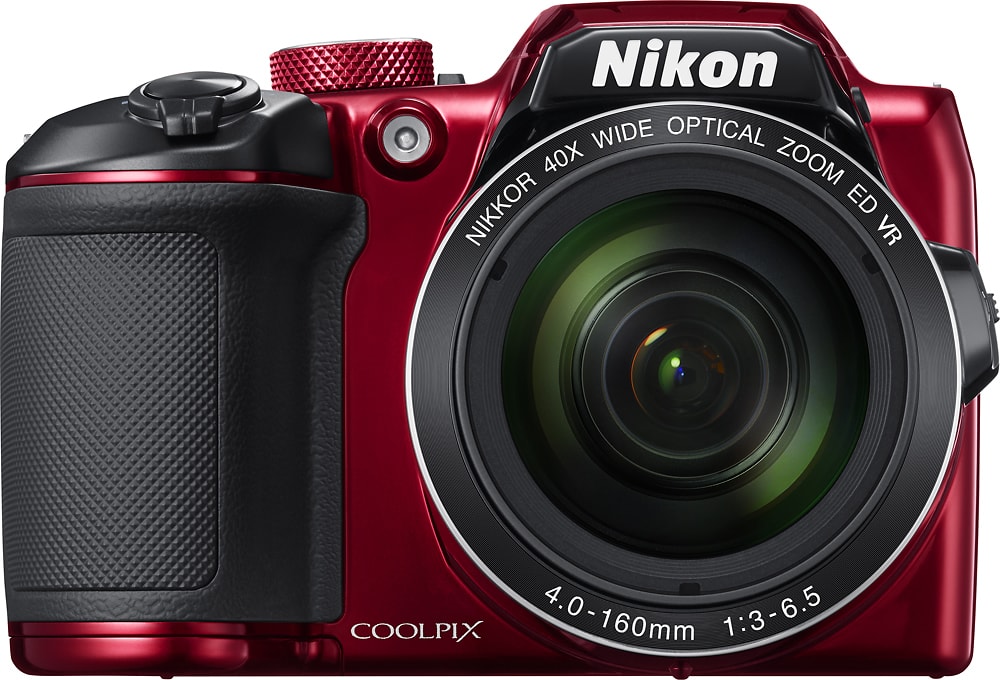
A:AnswerGreat compact camera. Chose this one over others because of the batteries. Uses AA batteries and in some places you can not use a camera which has a rechargeable battery due to no charging stations available.
A:AnswerThe Nikon COOLPIX B500 Digital Camera listed here has a 16-megapixel, backside illuminated CMOS sensor. It also has a 40x optical Zoom-NIKKOR glass lens with an additional 40x in digital zoom available, giving the user an angle of view equivalent to that of an approximately 3,600mm lens in a 35mm [135] format! This light and portable camera is easy-to-use and has Vibration Reduction (VR) to keep the camera steady for subjects near and far.