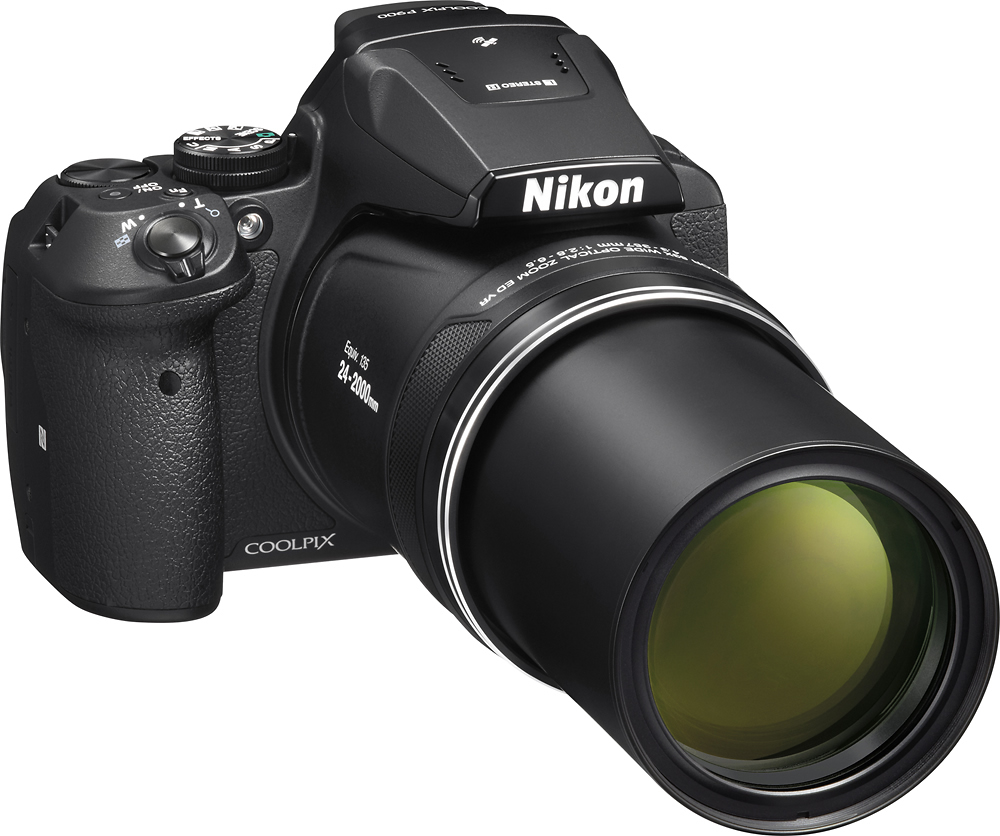
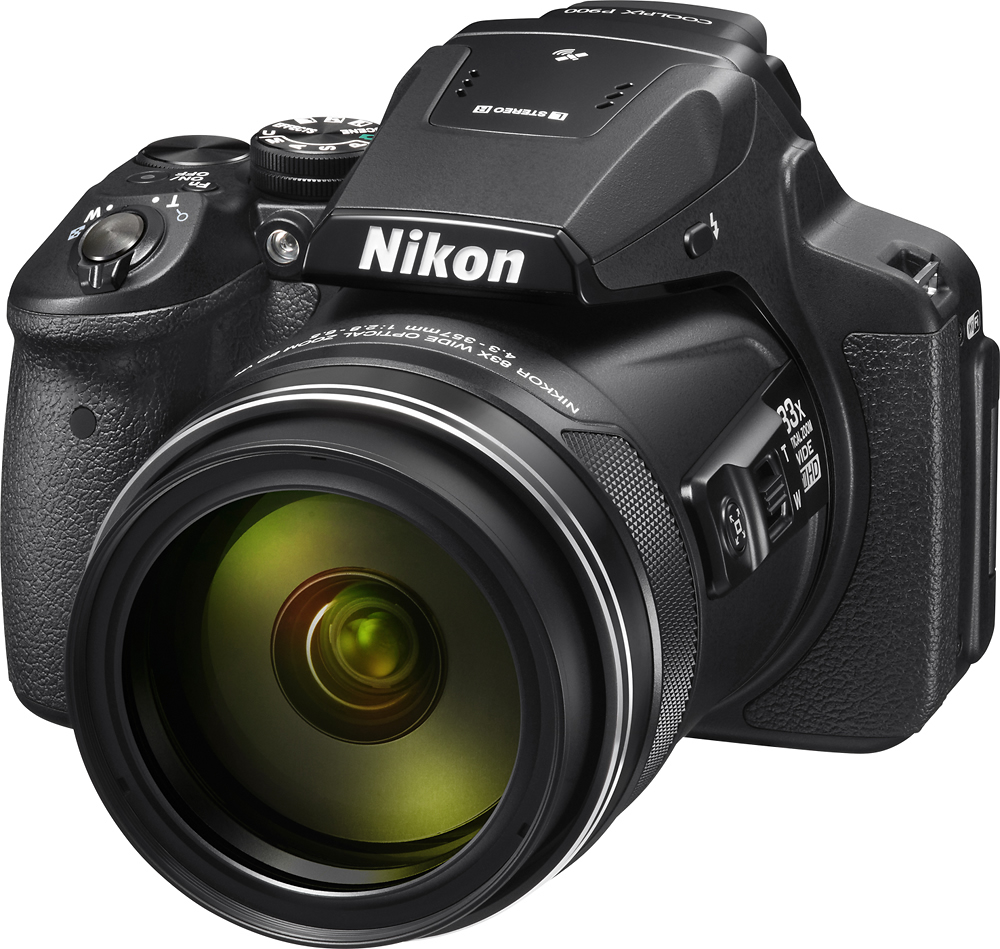
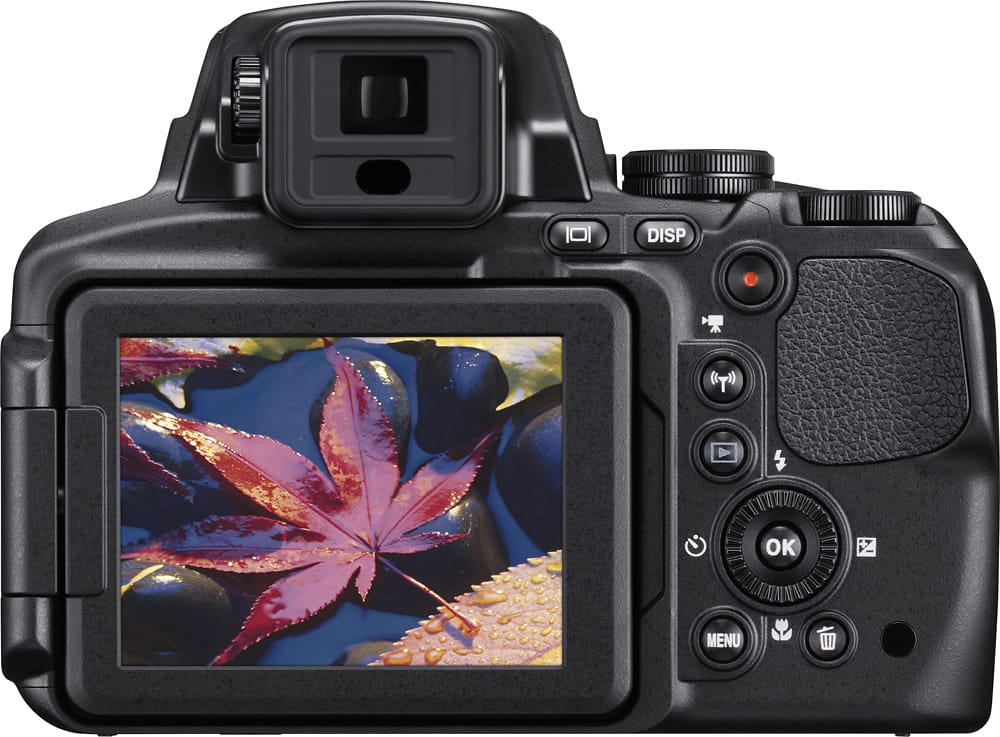
A:AnswerYes. The Nikon COOLPIX P900 camera has a Dual Detect Optical VR system that provides about 5.0 stops. This technology allows the camera to create super-sharp images and steady video footage.
A:AnswerIt is possible to use the manual focus at any point. However, the manual focus is not really manual focus. What I mean is there is no focus ring, no fine adjustment, just you zooming in or out.
A:AnswerYes. With the Nikon app you can use your mobile device as a remote. You can use it as a viewfinder and take photos with your device. The app, also allows for quick downloading of photos from the camera to your mobile device. The range will certainly vary based upon the strength of your WIFI connection.
A:AnswerThe P900 brings 99 points to the table in contrast-detect AF
Read more at https://www.shutterbug.com/content/nikon-coolpix-p900-superzoom-camera-review-full-resolution-test-images#Czcl3JFEM773HfQS.99
A:AnswerOnce images have been deleted off of the card or Nikon camera they are permanently deleted. The Nikon COOLPIX P900 has no memory space so images that taken must be placed on a memory card. Some memory cards have recovery software that may help you recover your lost images. Check out this link to learn more: https://www.nikonimgsupport.com/ni/NI_article?lang=en_US&articleNo=000002385
A:AnswerYes, you can record videos with the Nikon P900. It records in super high 1080 resolution and all you have to do to move from taking pictures to recording video is press on button on the back of the camera. It's a actually quite easy to record a quality video with the Nikon PF 900. It has been a very easy to use camera for me. I love it.
A:AnswerThis camera is perfect for a light weight alternative to a DSRL. Takes great bird pictures, zooms well and has a specific bird watching setting. I would recomend.
A:AnswerIf for serious business I would put a 10mm lens on Sony NEX7 or Nikon 7200. Sony comes with 16 or 18mm. The P900 does macro and zoom to the moon well !
A:AnswerThe Nikon COOLPIX P900 digital camera has a maximum aperture of f/8, but can vary in aperture from f/2.8 at its widest focal length to f/6.5 when zoomed to its longest focal length. To have more control over the aperture value place the camera in Aperture Priority Auto mode. This will allow you to adjust the aperture value with the multi-selector while the camera selects the shutter speed that is best for the subject or scene you are trying to capture. You can also place it in Shutter Priority Auto mode instead and let the camera automatically adjust the aperture while you control the shutter speed via the command dial. A third option is to place it in manual and control both the shutter speed (command dial) and aperture (multi-selector) yourself. To learn more about how these modes can help you get a quality image please contact Nikon Support.