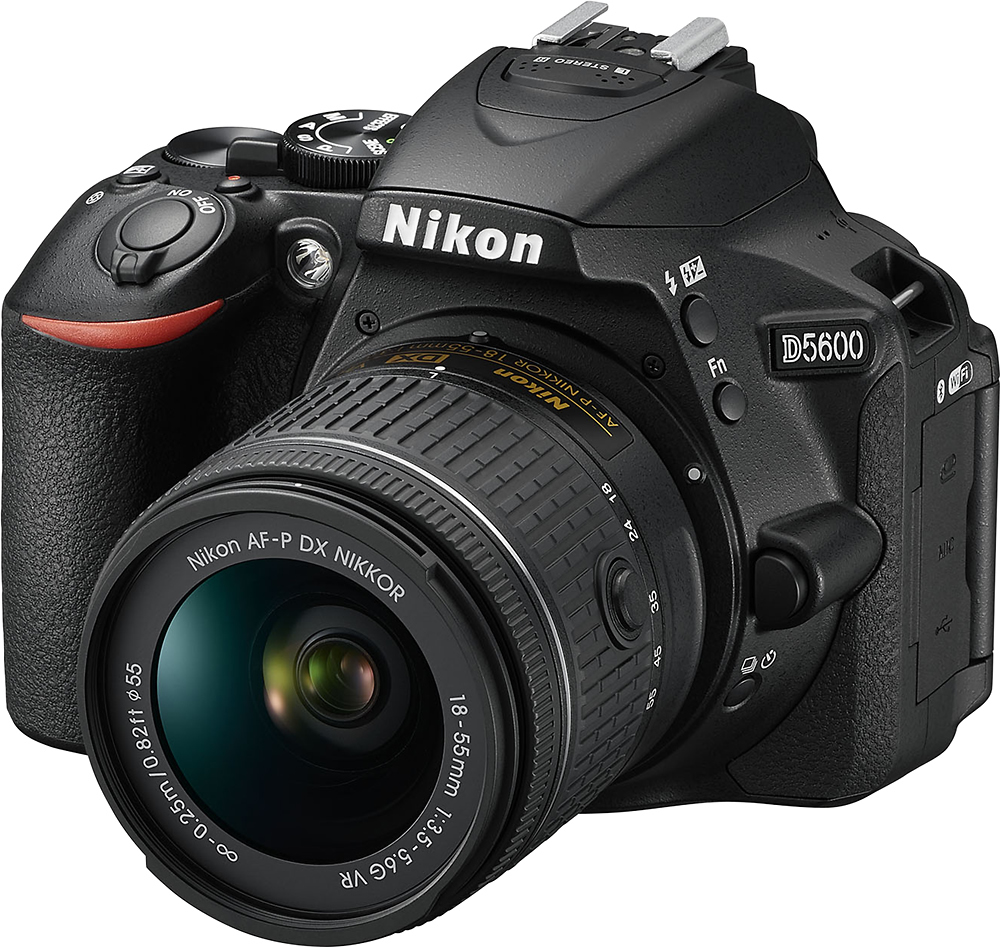
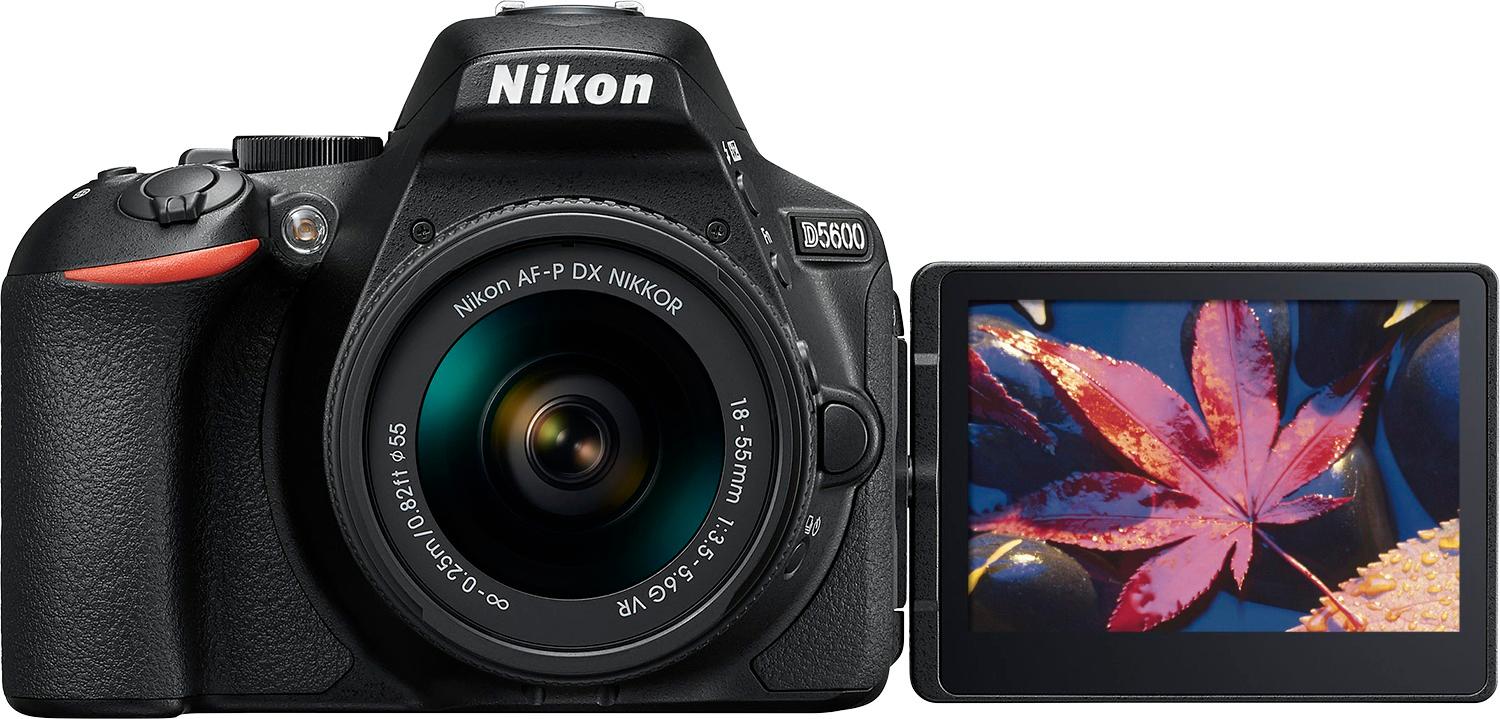
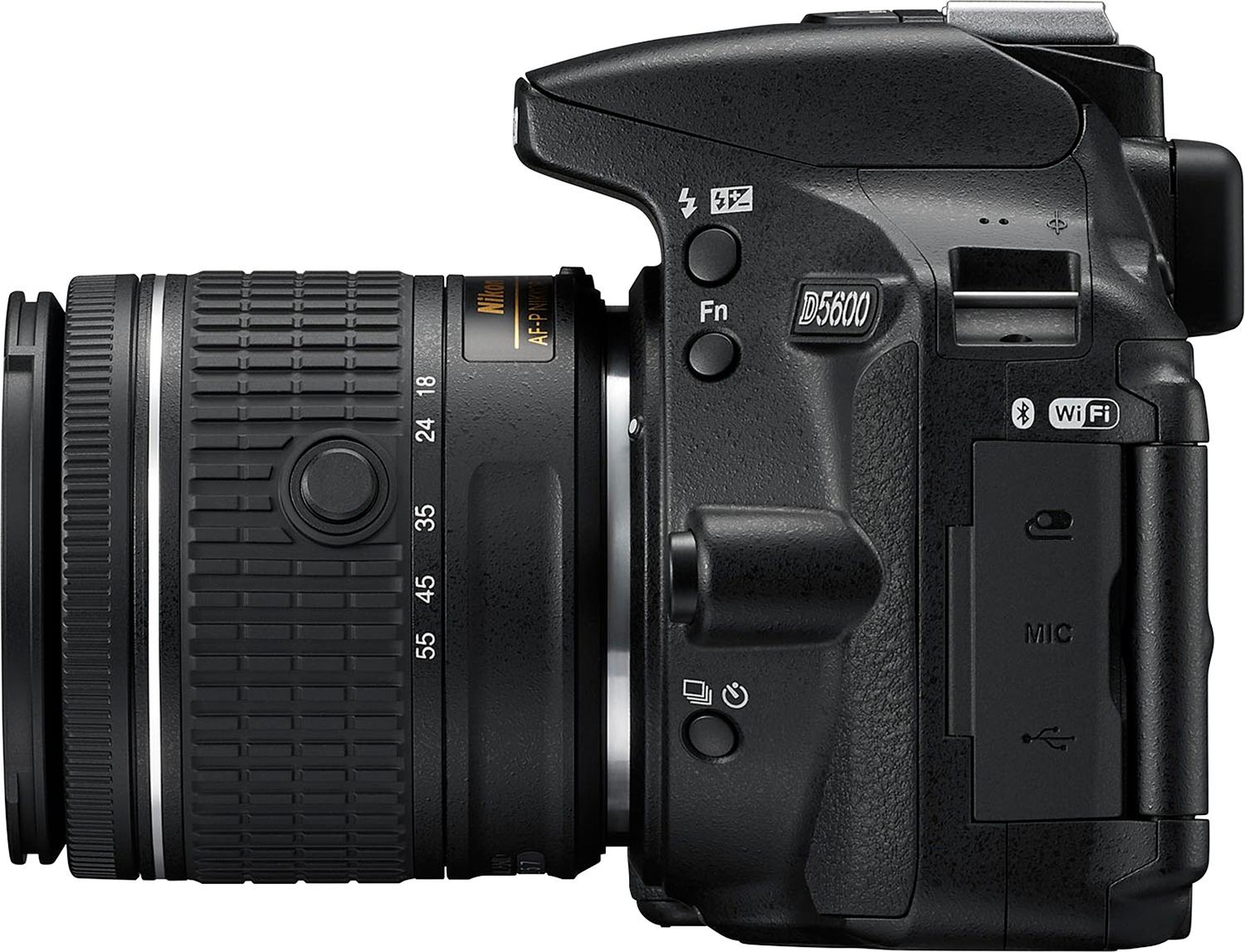
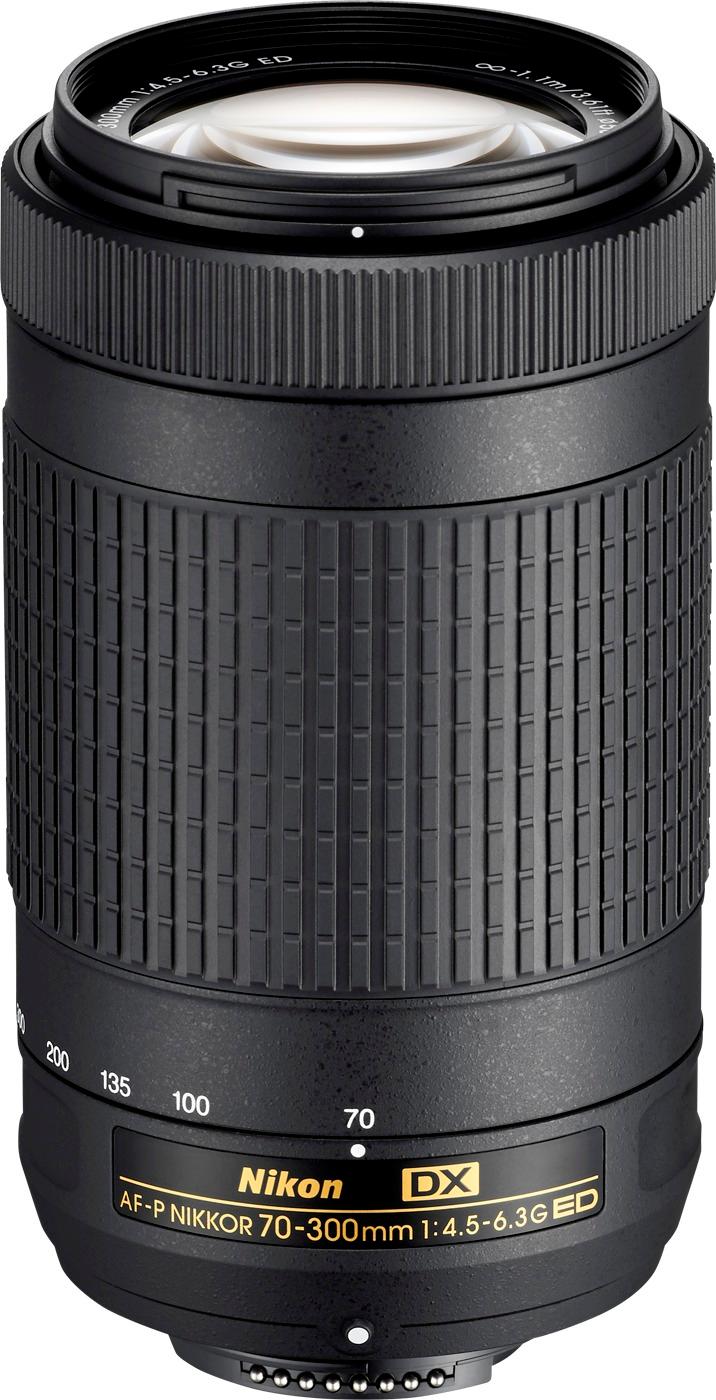
A:AnswerThe Nikon D5600 camera kit is an excellent choice for zoom photography. This kit comes with two lenses; the Nikon AF-P 18-55mm and the Nikon AF-P 70-300mm lens. Both lenses allow you to get sharp and vibrant images, both near and far. The AF-P 70-300mm listed allows you to reach subjects that are far off in the distance with sharp clarity. To learn more about aviation photography check out the following link: https://www.nikonusa.com/en/learn-and-explore/a/tips-and-techniques/taking-great-photographs-at-airshows.html
A:AnswerYes and no. I just purchased this camera and in the box are warranty cards for the camera and both lenses through Nikon. It asks what country you live in before registering all 3. In small print it says you have 10 days from purchase to register for extended warranties (5yrs).
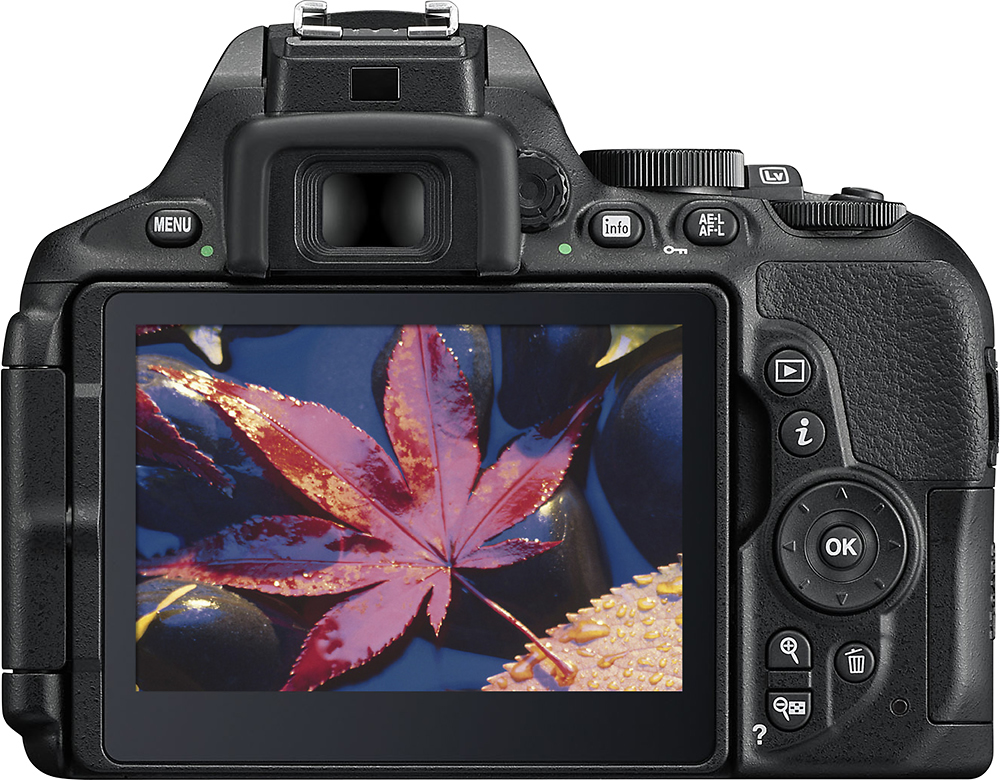
A:AnswerWell i know when i first started to mess with it i had to adjust the little wheel right by the view finder to make it clear. Either that or it's not focused on the lens or your need to hold button down for auto focus.
A:Answerwell... the answer is YES!! but you need to be a good photographer and have the right zoom... I have been using this camera for firework, and it was much easier than my Nikon N80s or even my D90. Remember it always about the accessories (lenses, zoom, light meter, tripod, etc... and so good knowledge)
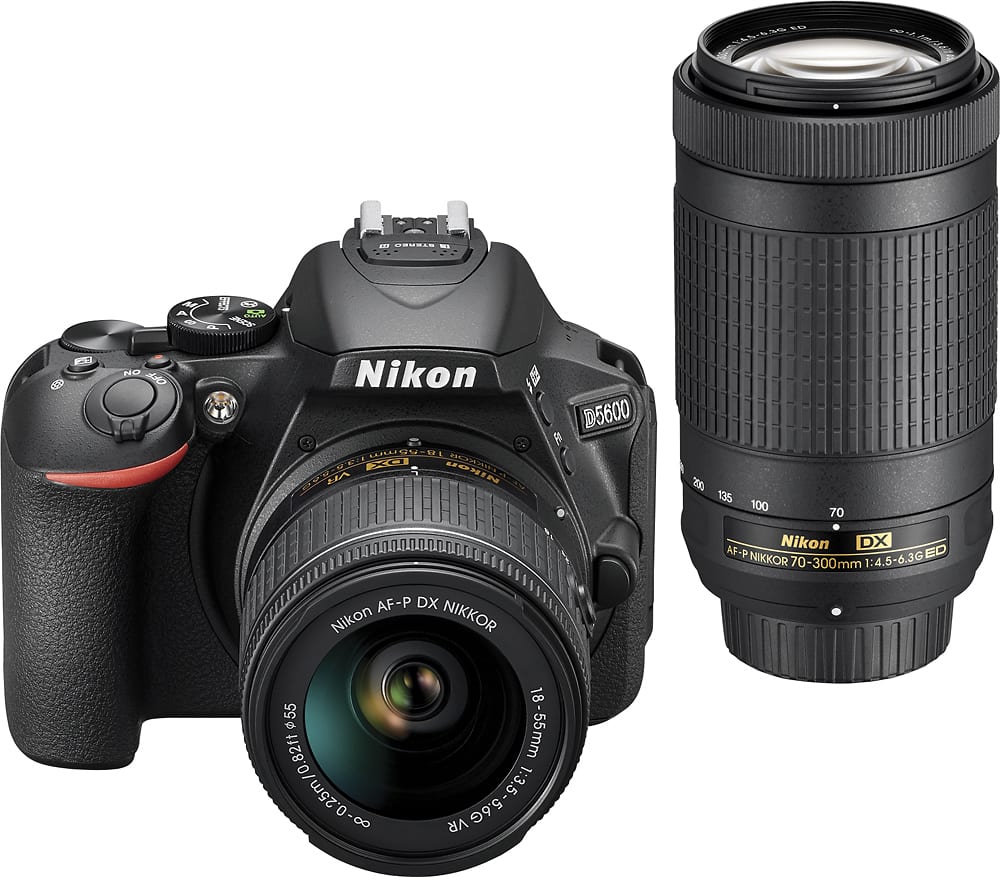
A:AnswerYes, the Nikon D5600 DSLR camera it Bluetooth compatible and has SnapBridge which allows it to connect to a compatible smartphone that's using Bluetooth technology. Just add and open the SnapBridge application on a compatible smartphone and you will have a constant connection between the camera and the smart device, so each shot you take automatically appears on your smart device. This connection, along with the built-in Wi-Fi, also allows you to use your smart device as a remote so you can be part of the image. To learn more about SnapBridge technology please contact Nikon Support.
A:AnswerThe Nikon AF-P DX NIKKOR 18-55mm f/3.5-5.6G VR lens listed in this Nikon D5600 kit has VR image stabilization, which enhances your camera's low-light capabilities and keeps your videos steady. The AF-P DX NIKKOR 70-300mm f/4.5-6.3G ED lens that is also included in this kit does not provide VR image stabilization, however, due to a quiet and fast pulse motor it can capture phenomenally sharp and vivid images, even at telephoto distances.
A:AnswerI don't work for best but but I I have this camera and love it. It's available online only but you can go to the store and have them order it that is what I did. Hope this helps.
A:AnswerI would call the nearest Best Buy and ask them for help. Our family has found the Best Buy staff incredibly helpful at the Burlington, WA outlet.
A:AnswerNikon operates factories all across the globe and each operates to the same high standard. While individual items are marked with their country of manufacture, we cannot make a blanket statement about the country of origin of a specific type/model of camera or lens.
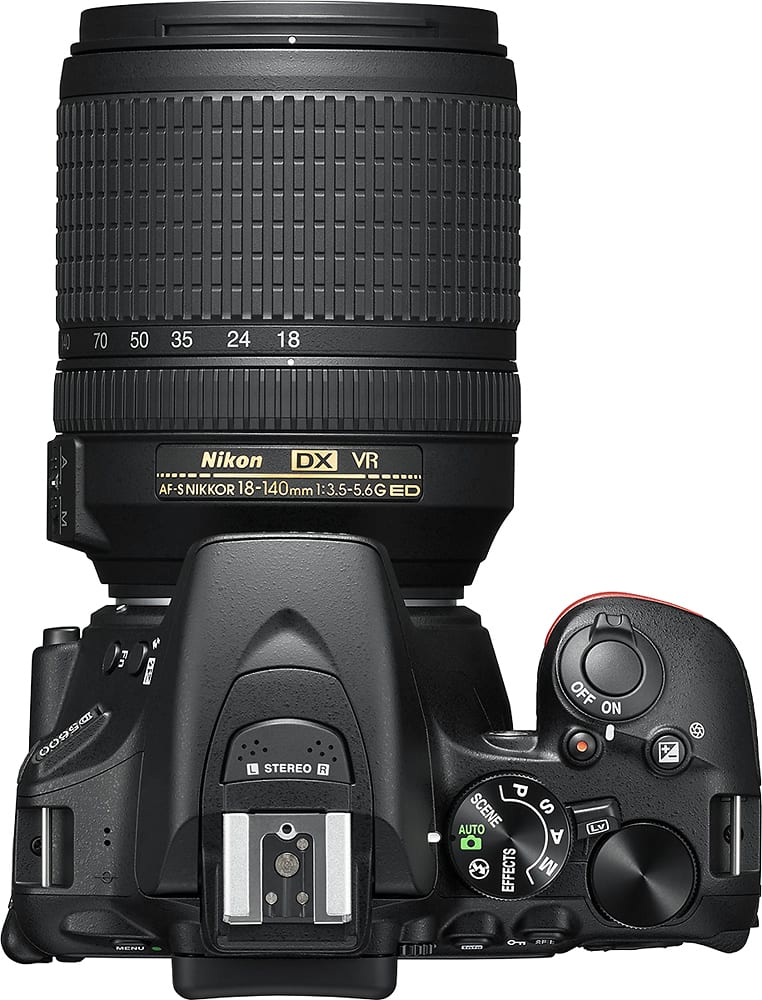
A:AnswerA brand new Nikon D5600 DSLR camera kit comes with a Nikon AF-P DX NIKKOR 18-55mm f/3.5-5.6G VR lens, which has VR technology built in, and a Nikon AF-P DX NIKKOR 70-300mm f/4.5-6.3G ED lens, which does not have VR.
A:AnswerThe D5600's built-in Bluetooth and Wi-fi allow the D5600 to connect wirelessly to compatible Android and iOS smart devices that are running Nikon's SnapBridge app. The wireless functionality does not support connecting to computers. A USB cable or memory card reader (not supplied) can be used to transfer files from the D5600 to a computer.
A:AnswerThe Nikon D5600 DSLR kit listed here includes an AF-P DX 18-55 G VR lens and an AF-P DX 70-300mm ED lens. The Nikon AF-P 18-55mm lens has VR and the Nikon AF-P 70-300mm lens does not have VR.
A:AnswerTo connect and upload images to your computer from the Nikon D5600 DSLR camera you can use a UC-E20 Micro USB Cable (not included). You can also upload images to your computer by taking the SD card out of the camera and inserting it in an SD card slot reader. Once your images are uploaded to the computer you can use a software such as ViewNX-i to edit your images. Images can also be transferred wirelessly from the camera to a compatible smart device that's running the SnapBridge app via the camera's built-in Bluetooth technology. To learn more about image transfer options please contact Nikon Support.