Save up to 50% on 3-Day Sale deals.Ends 12/7.Shop now

Main Content

Questions & Answers

Page Showing 1-20 of 375 questions
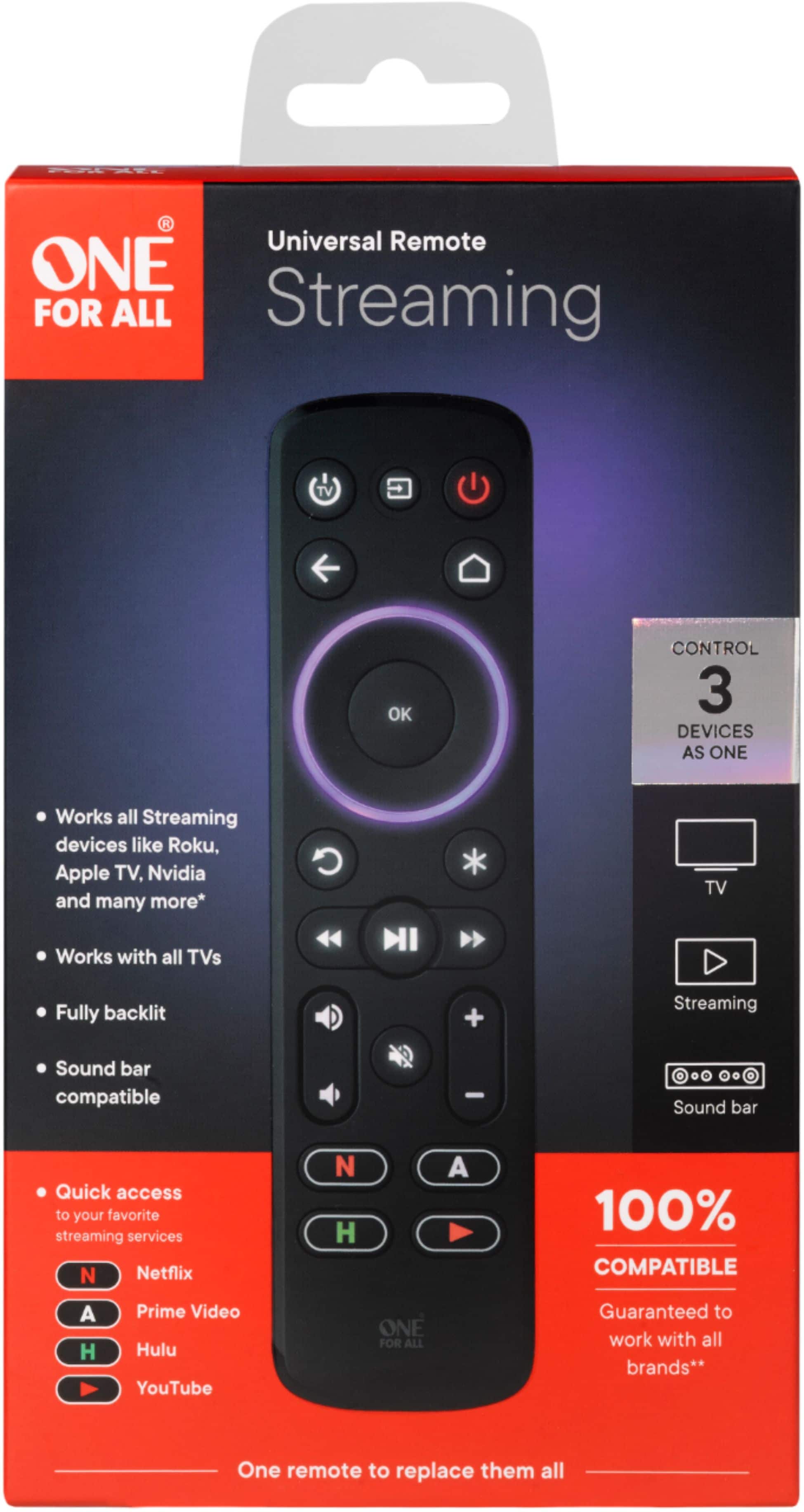
  • QuestionCan I control the volume of my devices with this remote?

    • Answer Yes, you can assign volume control to your preferred device.
    This question and answer was generated by AI based on customer and product data.
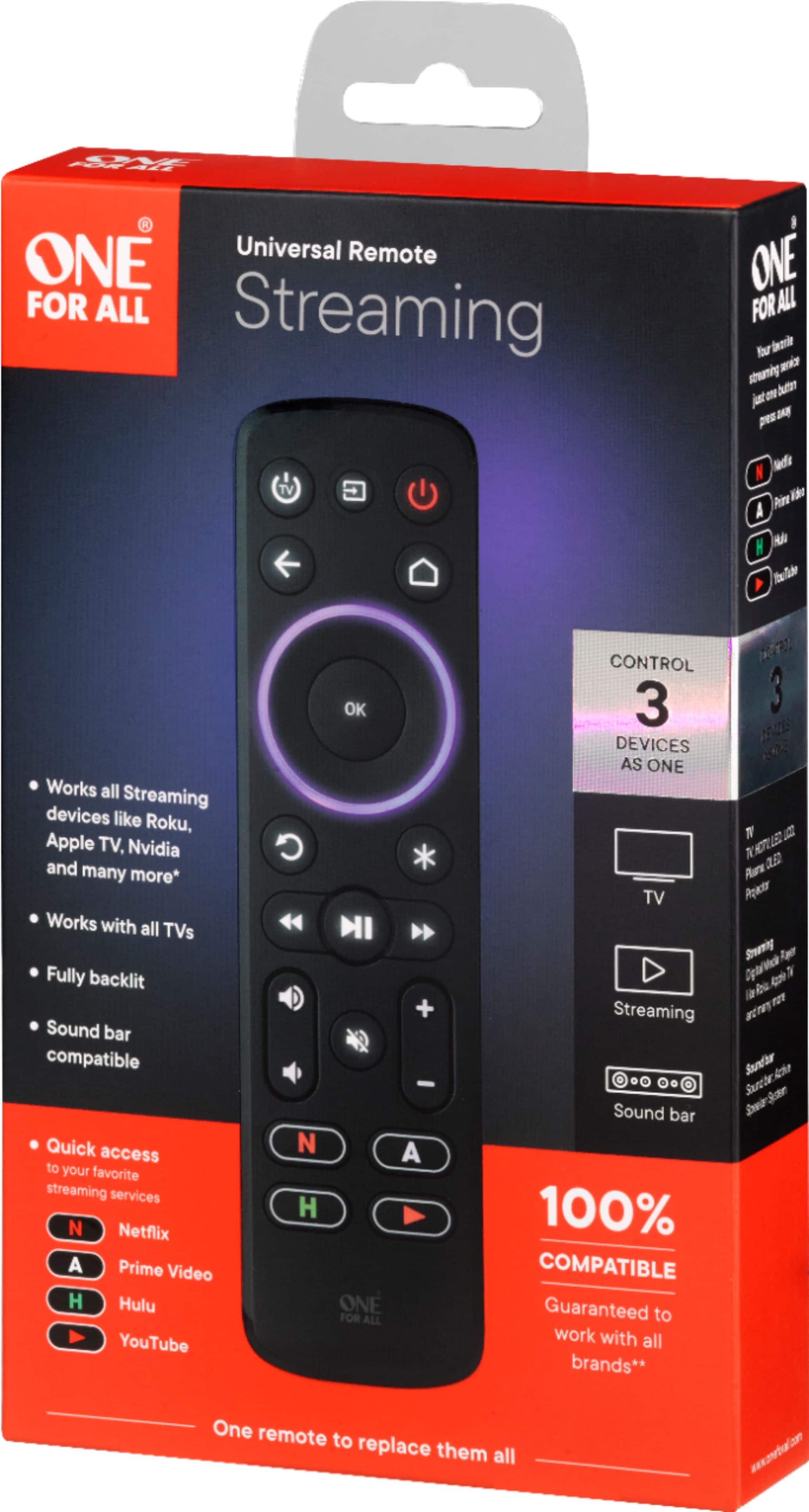
  • QuestionHow many devices can this One for All remote control?

    • Answer This remote is designed to control up to three devices.
    This question and answer was generated by AI based on customer and product data.
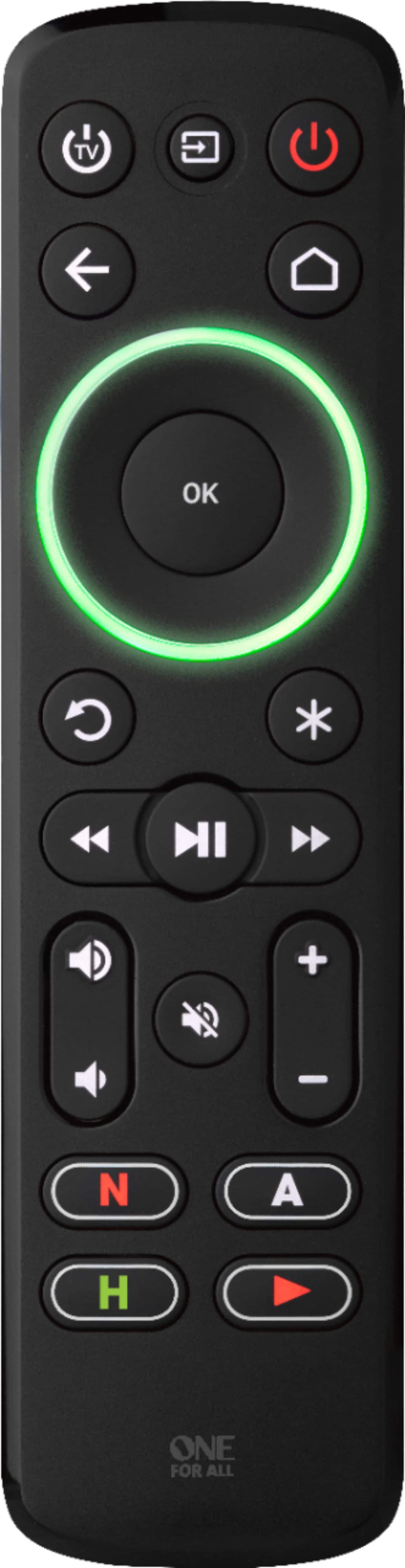
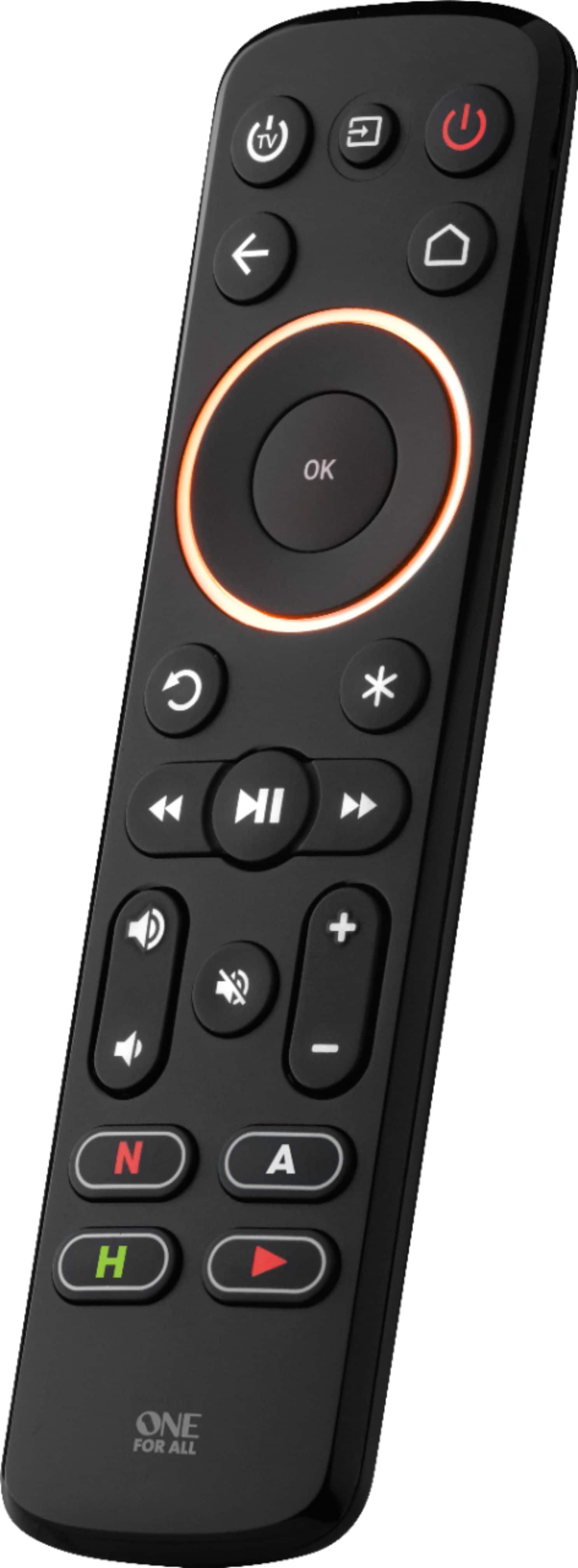
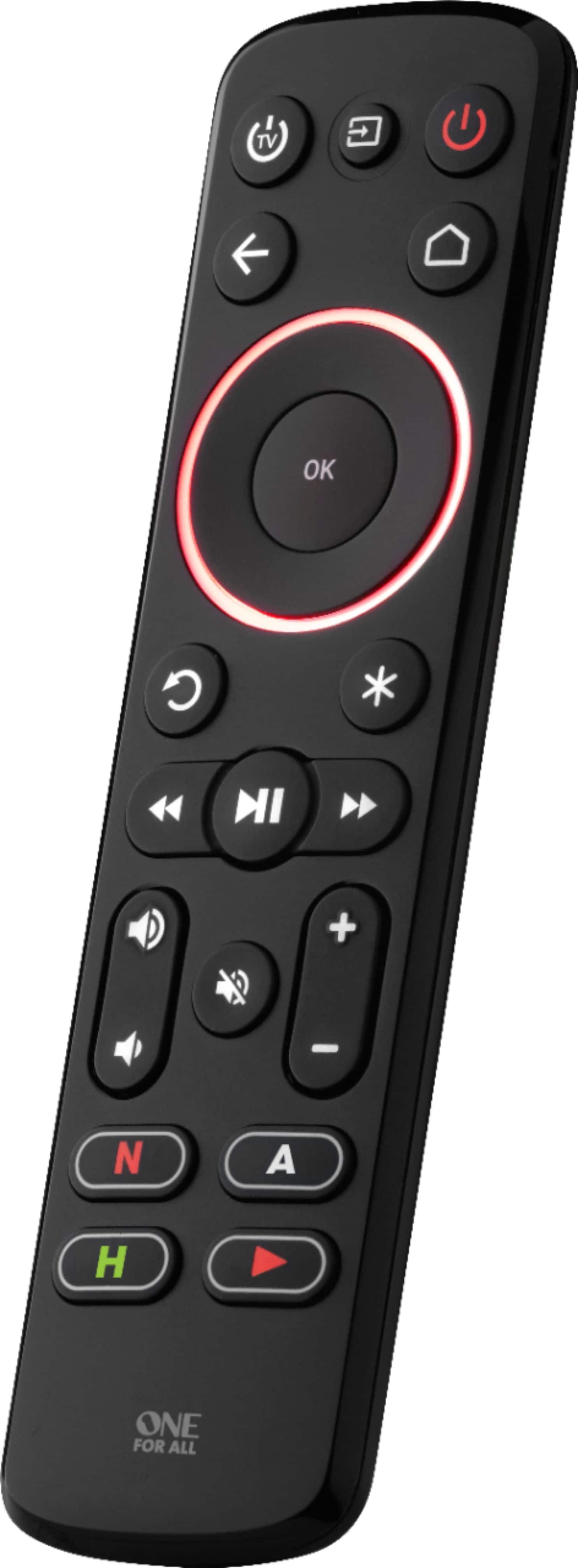
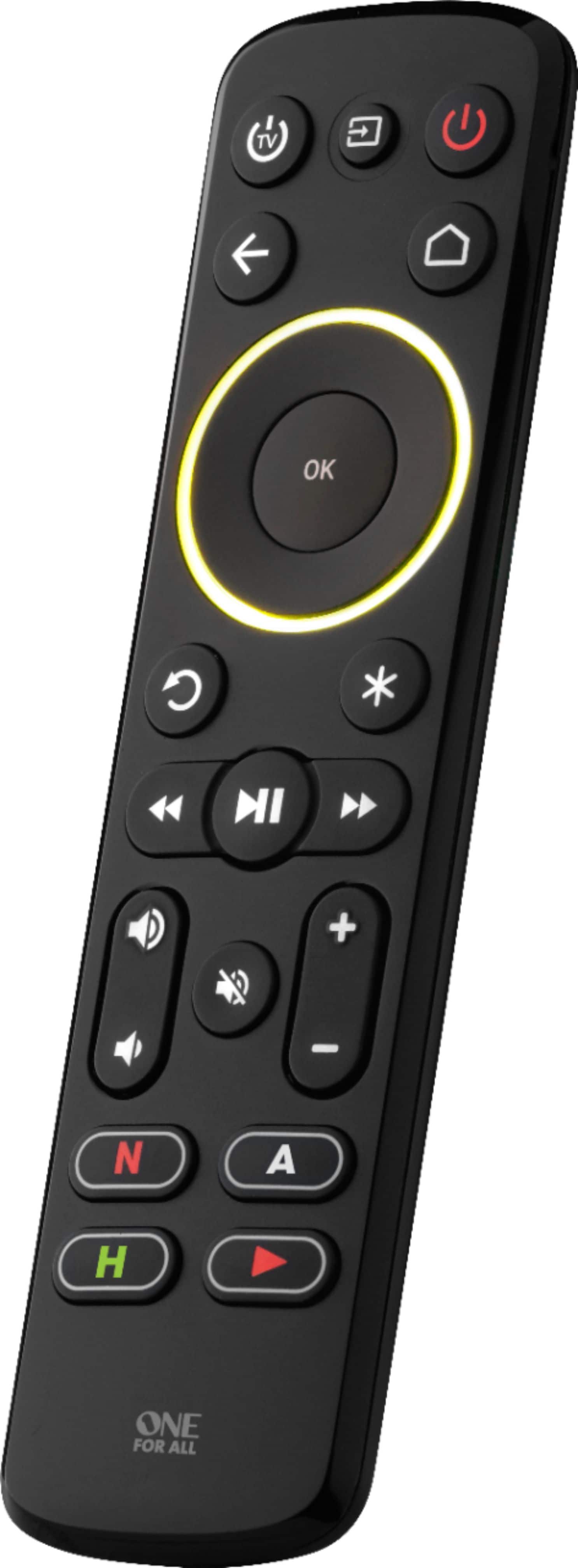
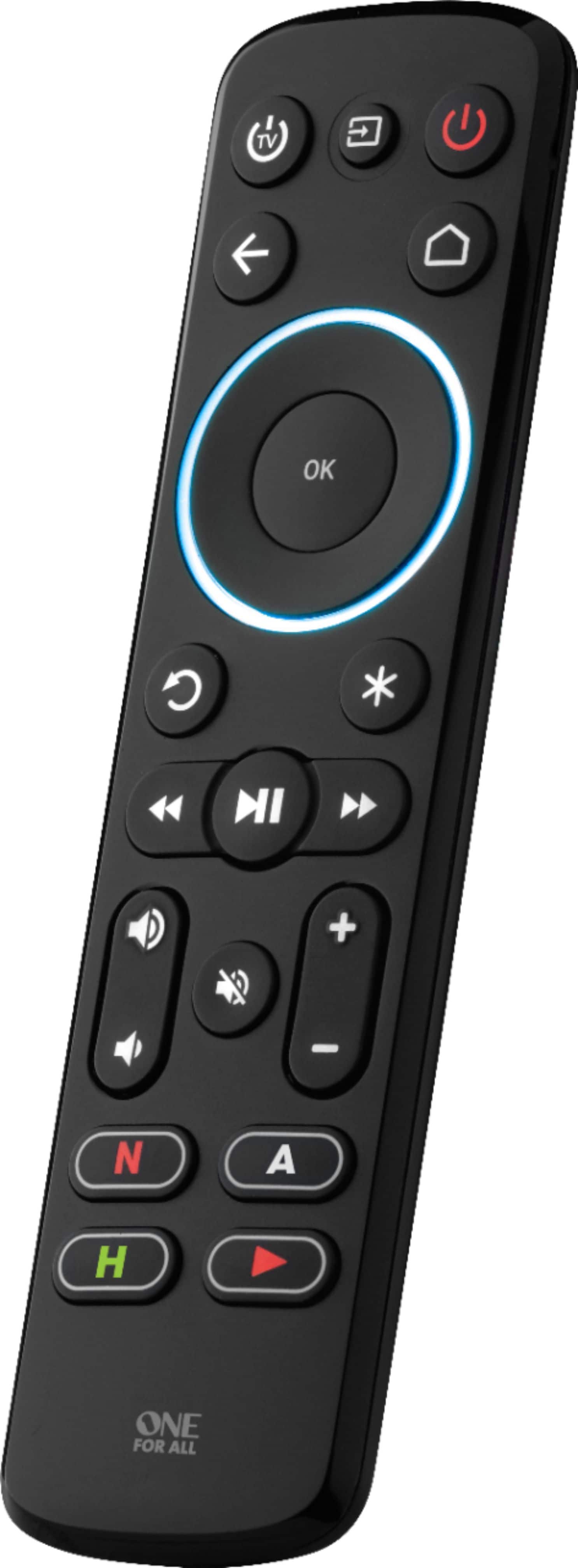
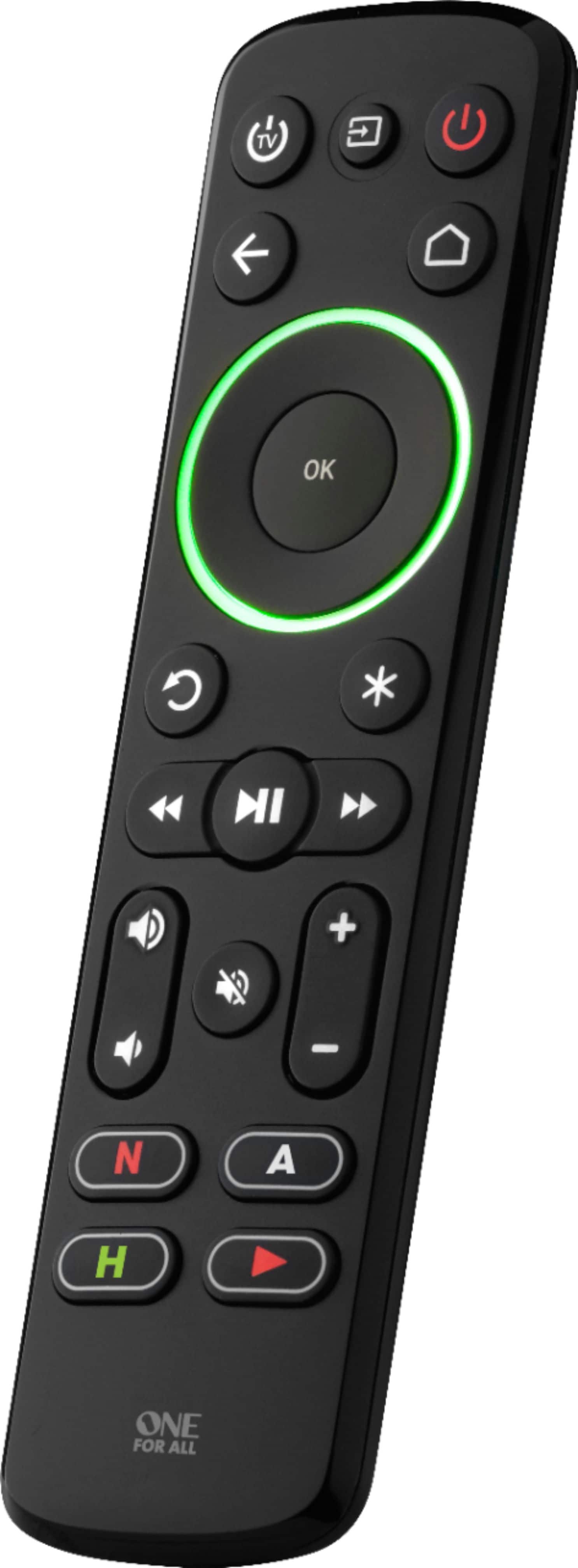
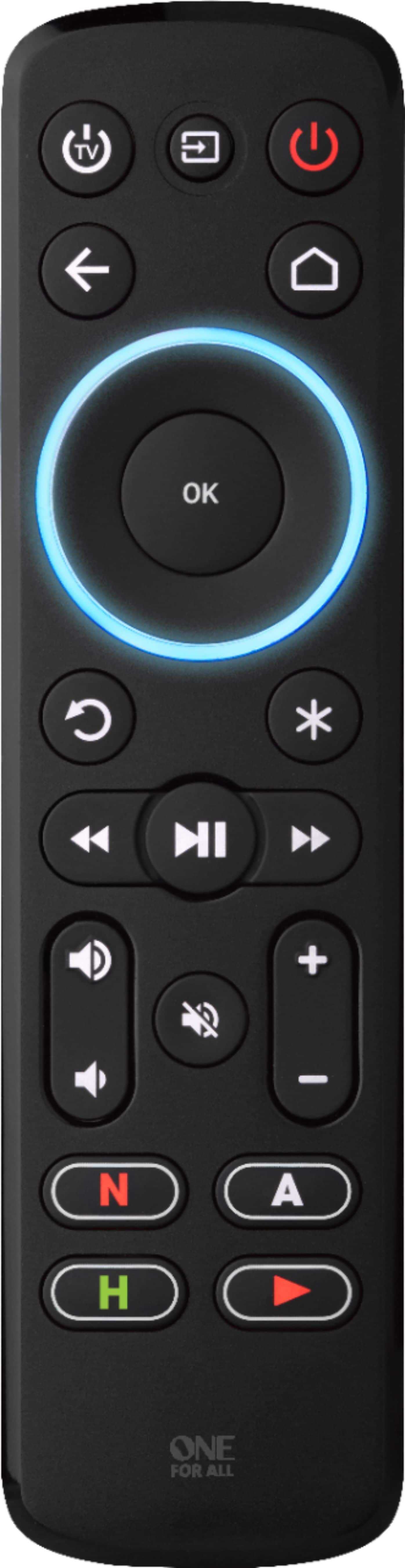
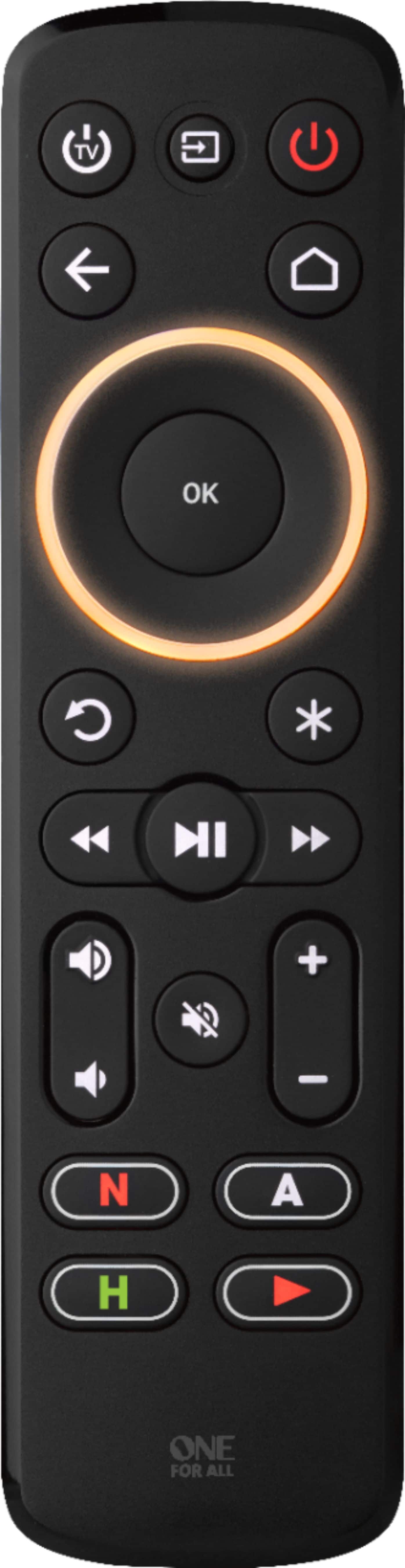
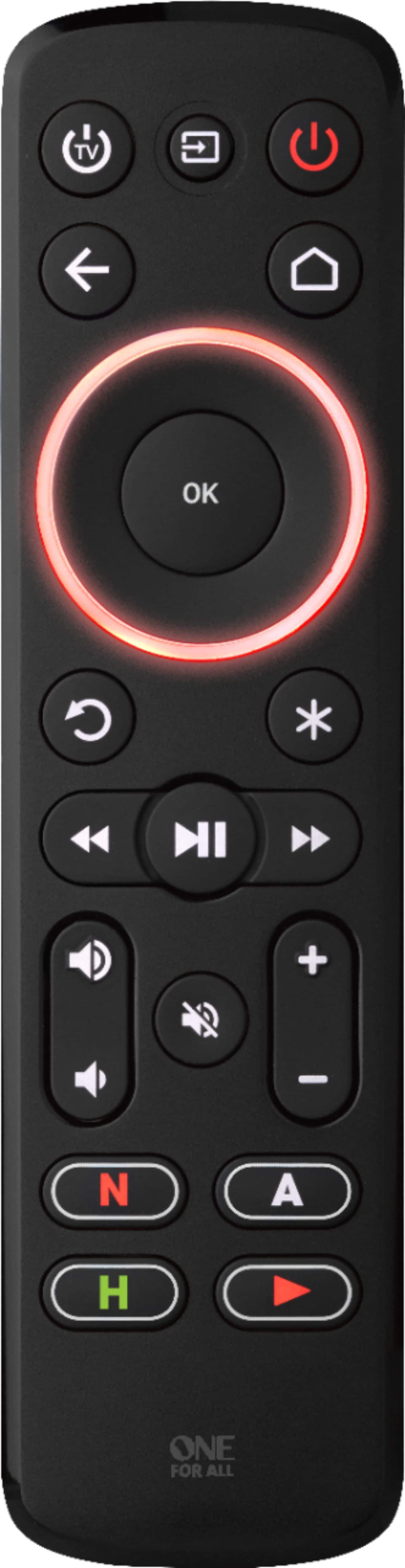
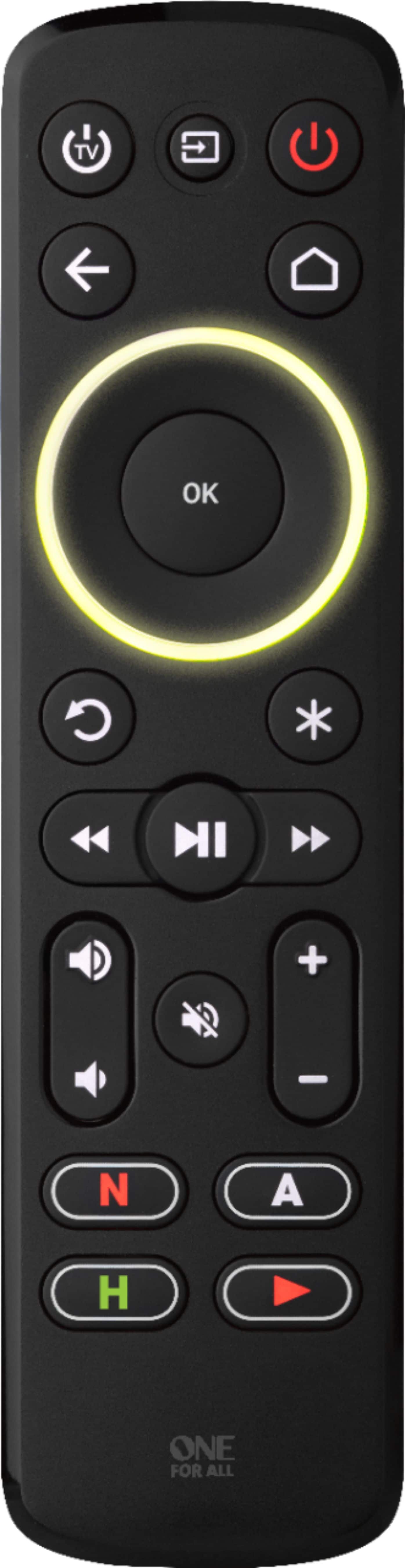
  • QuestionWhat is the benefit of the multicolored ring on the remote?

    • Answer The multicolored ring indicates which device you are currently controlling after setting up your devices.
    This question and answer was generated by AI based on customer and product data.
  • QuestionDoes this remote have a learning function?

    • Answer Yes, it allows you to copy functions from your original remote for full customization.
    This question and answer was generated by AI based on customer and product data.
  • QuestionWhat type of batteries does the One for All Streamer Remote use?

    • Answer The One for All Streamer Remote requires four AAA batteries.
    This question and answer was generated by AI based on customer and product data.
  • QuestionDoes the One for All Streamer Remote come with backlighting?

    • Answer Yes, the remote features a backlight.
    This question and answer was generated by AI based on customer and product data.
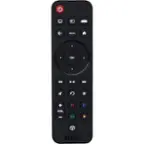
  • QuestionWill this remote work as a replacement for the Apple TV gen 4 remote?

    Asked by Sil.

    • Answer It should work just fine. I have it for my Apple TV 4K and it works great! I prefer this remote much more than the stock apple remote. You can even program the buttons on the bottom of the remote to open specific apps. Now the technical part: This remote works by IR not Bluetooth like the Siri remote. The emitter works very well so you dont really have to point the remote at the Apple TV but it does need some line of sight to work. To me, its a fair trade off to not have to worry about the bad trackpad on the Siri remote. I can only handle some many wrong clicks from a remote. Also, being as this is not a Siri remote, you lose the Siri feature but its really not that bad.

      Answered by Robert

  • QuestionWill this work with a Toshiba Amazon Fire TV?

    Asked by AskerHer3o5.

    • Answer Unfortunately the streamer will not work with a amazon fire tv as the original remote is RF and not IR. BB One For All Support

      Answered by One For All

  • QuestionDoes this remote work with any roku tv ?

    Asked by Cass.

    • Answer Yes this remote should work with roku tv's however the manual in the best buy version of the remote does not contain the codes. Here they are to set up a Hisense, RCA, Sharp or Sanyo Roku TV: 1. Hold down STB POWER and HOME until the red LED blinks twice 2. Press the HOME key 5 times 3. The LED will blink green twice and the remote should now work your Roku TV. To set up an Insignia Roku TV 1. Hold down STB POWER and HOME until the red LED blinks twice 2. Press the REPLAY key 5 times 3. The LED will blink green twice and the remote should now work your Roku TV. If you want to reset the remote to control a TCL Element, Philips, Magnavox, JVC, LG or Haier Roku TV 1. Hold down STB POWER and HOME until the red LED blinks twice 2. Press the BACK key 5 times 3. The LED will blink green twice and the remote should now work your Roku TV BB One For All Support

      Answered by One For All

  • QuestionDo this work with firestick

    Asked by Anonymous.

    • Answer No, because Firestick has no IR. But you can buy an IR receiver for Firestick like the Inteset IreTV and this remote will work with that.

      Answered by BestBuyer

  • QuestionI need to know if I will be able to change the device input on my surround sound with this, but also change input on the TV? Also, will I be able to access TV menu options?

    Asked by Trentipher.

    • Answer You can change the input with this remote, but I have not been able to access the tv menus with mine. It only works with volume and power for the tv. I’m using a Samsung smart tv and it specifically says it is optimized for Samsung TVs.

      Answered by Monchi

  • QuestionDoes it work with a Roku Streaming Stick+ 4K?

    Asked by Tonya.

    • Answer No, the Streamer Remote is a remote that controls devices via IR (InfraRed). The Roku Streaming Stick+ 4K is not compatible. The Streamer remote does control Roku boxes. Carmen - One For All Support

      Answered by One For All

  • QuestionI see this states that it is compatible with the shield, but I cannot get the shield to recognize the remote. What am I missing?

    Asked by Nvidiashielduser.

    • Answer Old Shields have IR built in. Newer models have no IR, hence won't work with an IR remote like this one. However, you can buy and plug an FLIRC IR dongle and the Shield will work with this remote.

      Answered by BestBuyer

  • QuestionCan the App buttons be programmed to other apps, such as with the YouTube button launching YouTube TV instead of YouTube? Thank you.

    Asked by Jwrbloom.

    • Answer Yes, However it will not be a direct short cut you would be programing what is called a real time macro. Basically when you press the button it will perform the actions necessary to get to the app. BB One For All Support

      Answered by One For All

  • QuestionDoes this item work with an Insignia Roku TV?

    Asked by Remote.

    • Answer yes the remote is compatible but the set up for a Roku tv is not in the best buy versions manual To set up an Insignia Roku TV 1. Hold down STB POWER and HOME until the red LED blinks twice 2. Press the REPLAY key 5 times 3. The LED will blink green twice and the remote should now work your Roku TV. note you will have to program the Roku code on the code list to the tv side of the remote to get volume and power BB One for all Support

      Answered by One For All

  • QuestionAre the keys lighted so you can use thid device in the dark?

    Asked by JohnnyD.

    • Answer I purchased this device anyway and discovered that the keys ARE in fact lighted! They light up when you press any key on the keypad!

      Answered by JohnnyD

  • QuestionIs this remote control compatible with Samsung tv

    Asked by Anonymous.

    • Answer Yes. I use it with a Samsung UN50RU7100, Roku, and Bose sound bar. No issues and easy setup.

      Answered by Redwood98

  • QuestionWill this work with chrome cast streaming

    Asked by Betty.

    • Answer Hello Betty The remote is not able to work with a Chromcast as the Chromecast works by casting from your phone and controlling through the phone.

      Answered by One For All

  • QuestionCan this work on the toshiba fire tv?

    Asked by Lisa.

    • Answer Dear Lisa, Thank you for contacting us, in regard the Streamer remote URC7935, this remote is not compatible with the Toshiba Fire TV, this device is not IR but short-rage Radio Frequency, our remotes work only with IR. Hope this answer your question Kind regards, Carolina One For All Support

      Answered by One For All

  • QuestionWill this devise work with my tv, Roku and Firestick? Wasn’t sure if it was compatible with 2 streaming devices at once. Also, is it compatible with an XBox 1

    Asked by RDH.

    • Answer No — it only operates one of the primary devices 1 - TV 1 - Streaming device 1 - audio device And it does it’s job amazingly well.

      Answered by Johnner