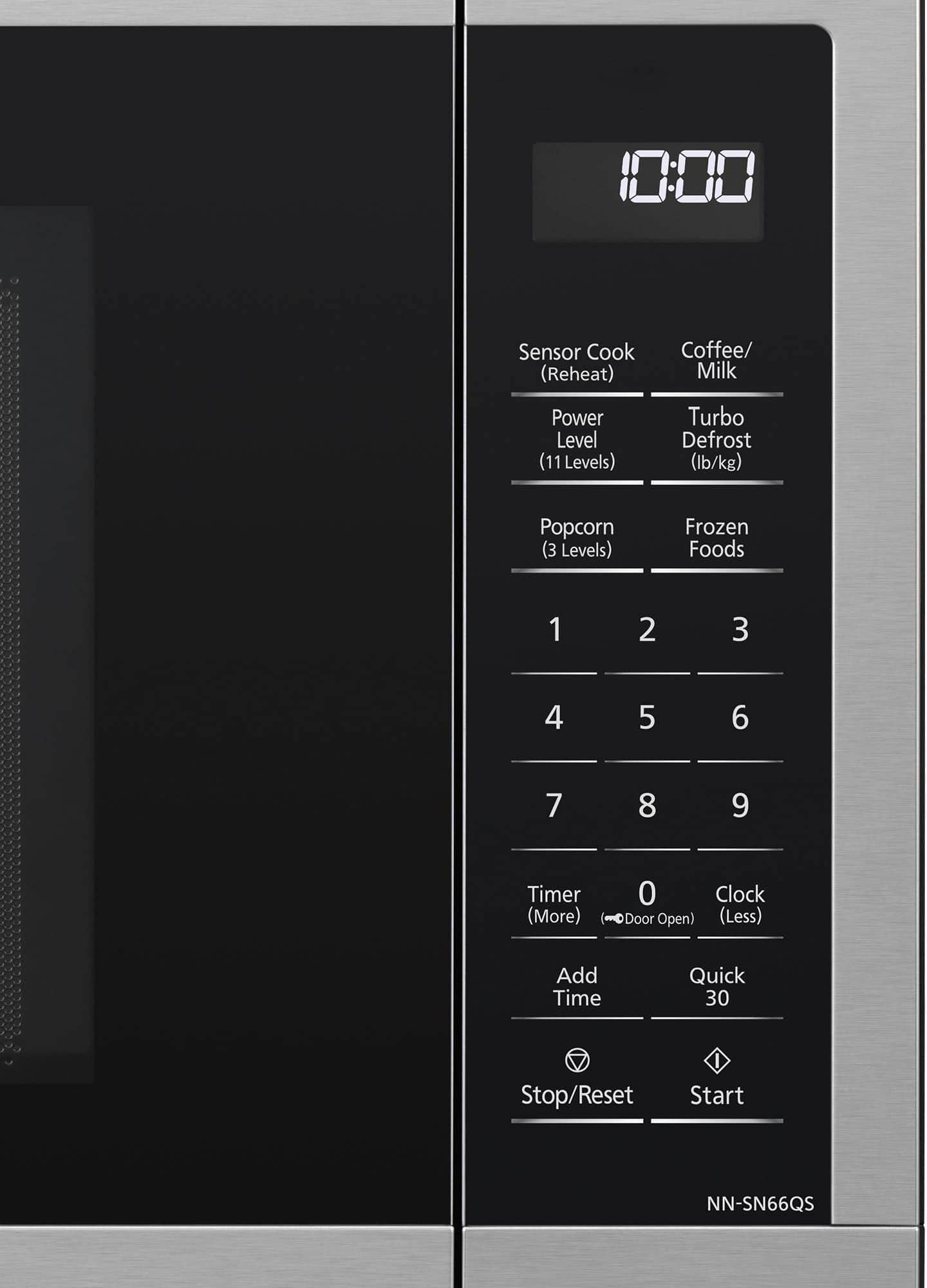
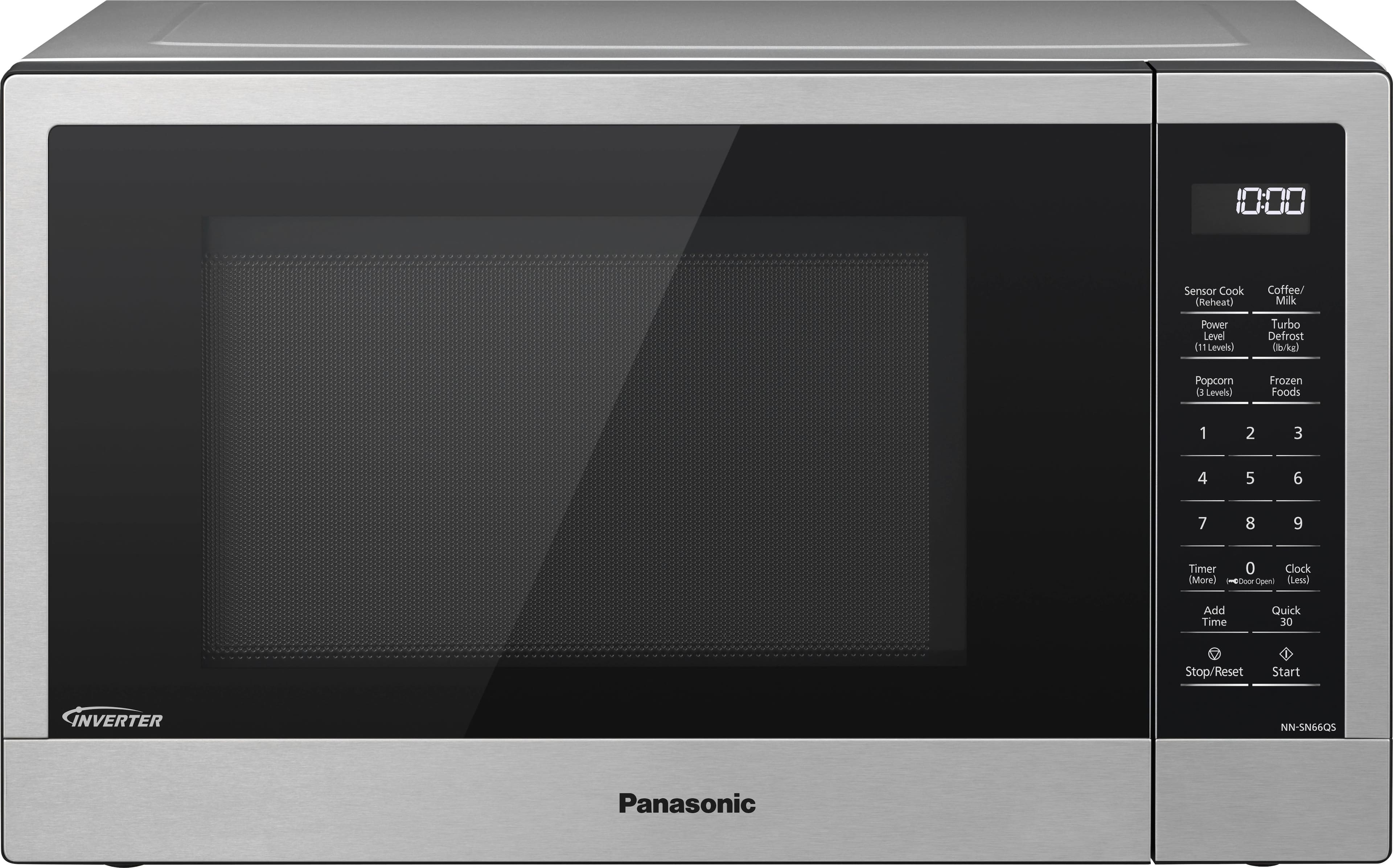
A:AnswerHello there! Yes, this microwave has a Genius Sensor. It will automatically operate whenever you use the Sensor Cook or Sensor Reheat features of the microwave (top left button on the control panel). Hope this helps! - F
A:AnswerHi Victoria! The NN-SN66QS microwave does not have an auto defrost function, only the Turbo Defrost function is available. We hope this information will be useful! - S
A:AnswerI noticed this too, but I haven't found it a problem, and if I am not using it for a bit, it has reset itself anyway. If it is on, I simply push stop and it resets.
A:AnswerMany of the smaller ones do not have a turntable. I prefer the turntable so that I don't have to keep stopping the microwave and turn the food manually. It also pays to get the inexpensive silicone food covers to keep splatters down to a minimum. Either that or covering your food with a plate or saran wrap. If your microwave is getting very dirty, you maybe leaving your food in for too long, or using too high a setting.
A:AnswerHi Lori! The keep warm feature will keep food warm for up to 30 minutes after cooking. You can set the warming time using the number pads. The keep warm feature uses Power Level 0, as it is not cooking your food, only keeps it warm. We hope this information will be useful! - S
A:Answer1 Year Parts and Labor, 5 Years on Magnetron Tube (part only)
See: https://help.na.panasonic.com/microwave-multi-ovens/microwave-ovens/nn-sn67ks-2-2/
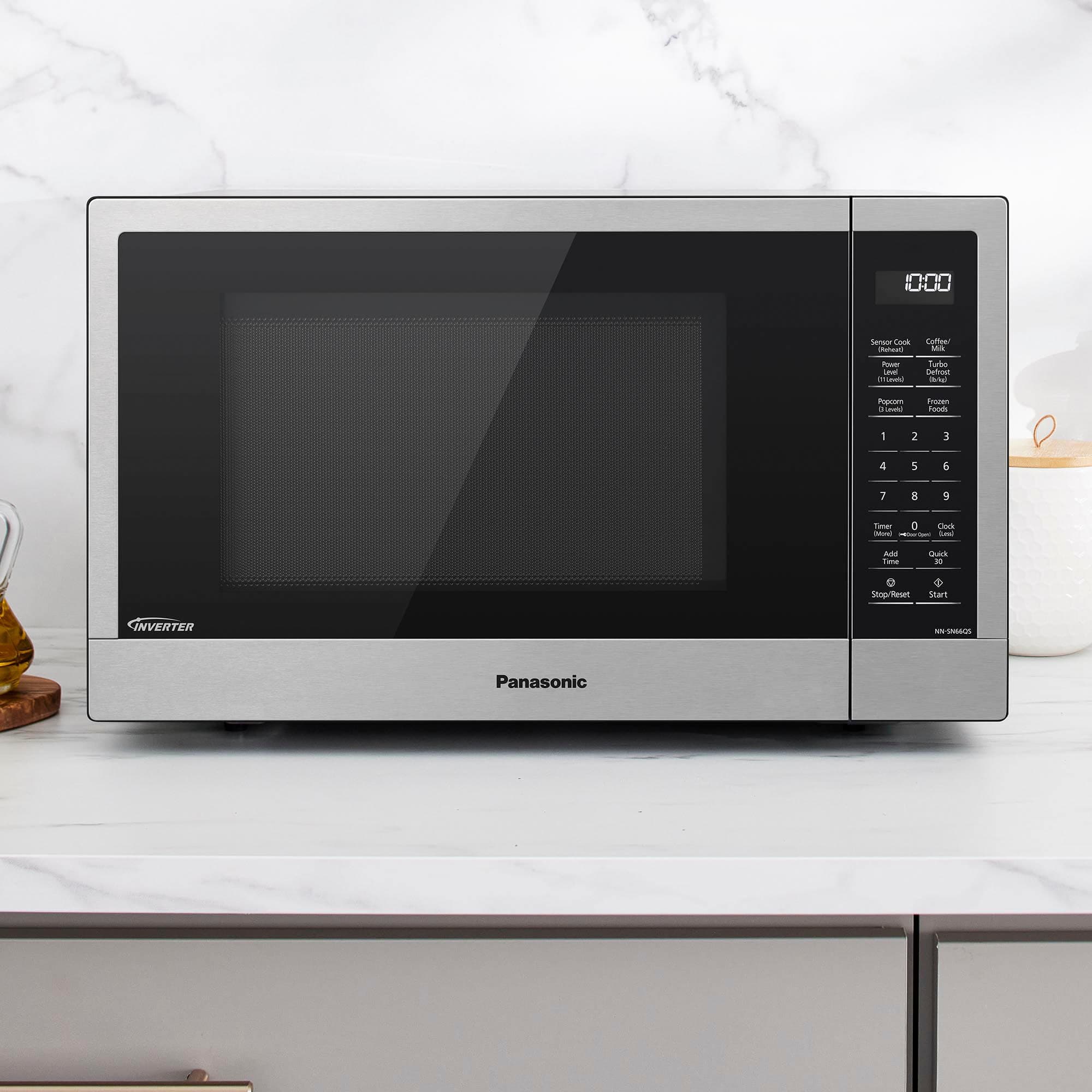
A:AnswerHello! The compatible trim kit with NN-SN66QS is NN-TK621S. The cabinet opening required (W x H x D) is 25 1/2" x 15 5/16" x 21" (648 mm x 389 mm x 533 mm). -C
A:AnswerIt does come with a small cookbook with great tips on how to cook just about everything, including rice! However, it does not have a rice cooking setting.
A:AnswerHello! If you place the microwave in a cabinet opening without a trim kit please make sure to allow 3 inches (7.6 cm) of space on both sides of the oven and 1 inch (2.5 cm) of space on top of the oven for proper ventilation. - S