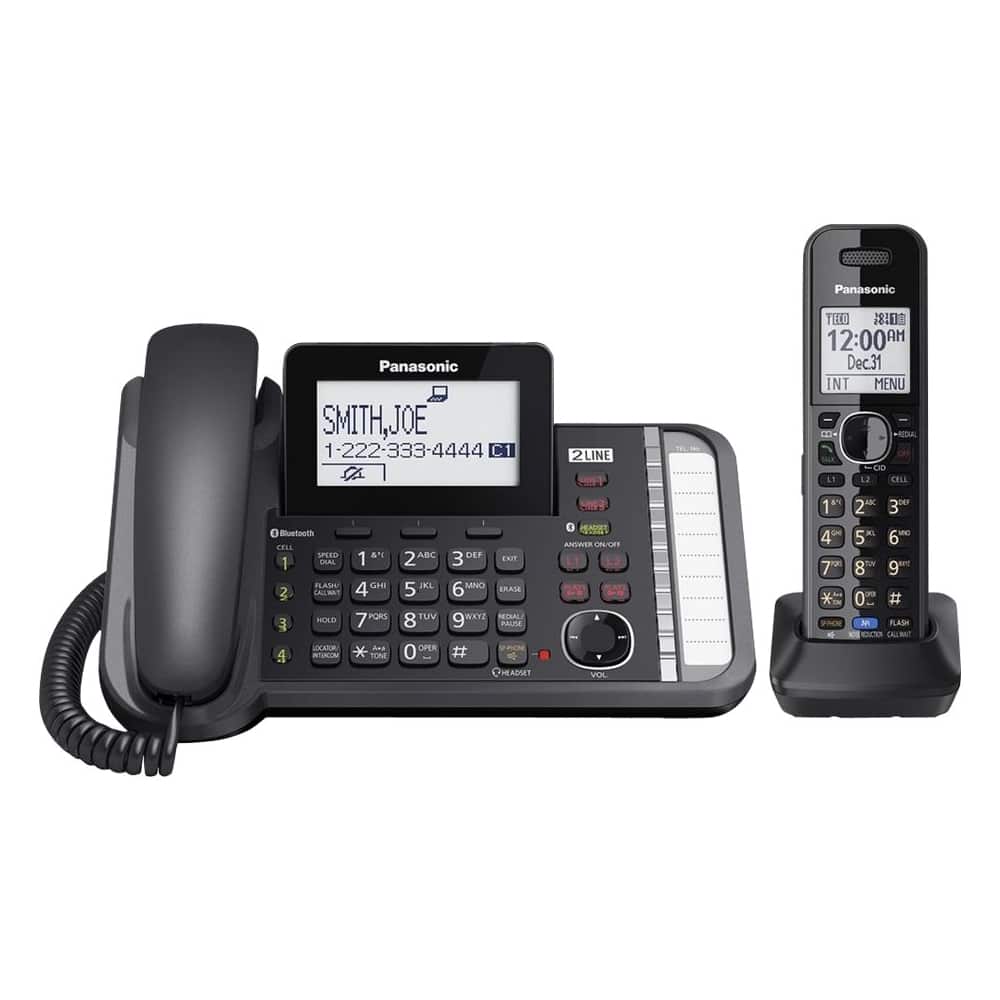
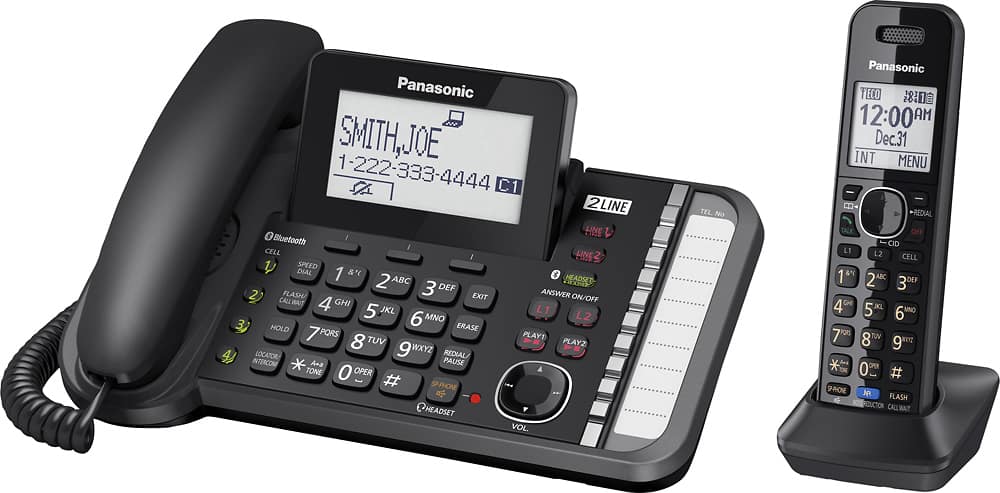
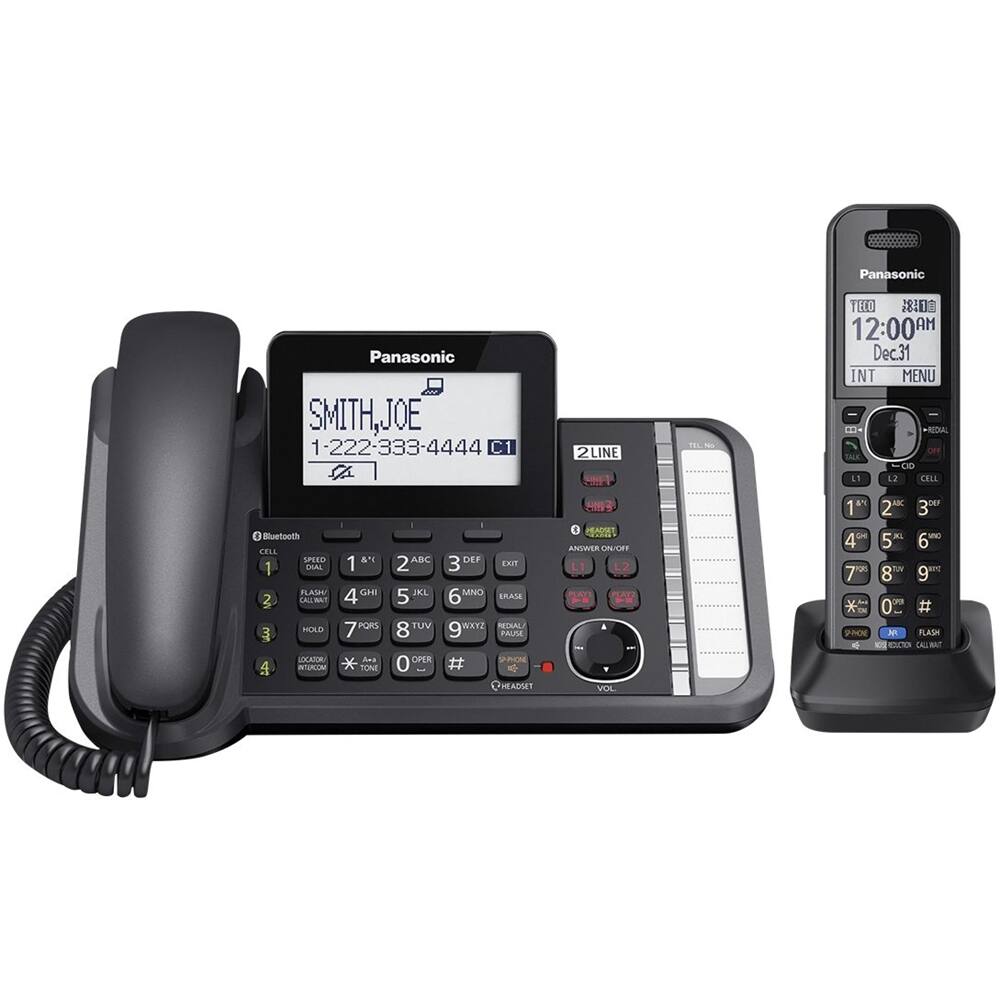
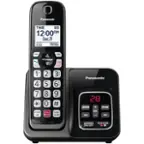
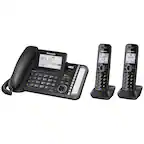
A:Answer Yes. If answering from a handset, put caller on hold, go to Menu, scroll down to Intercom, select which handset you want (we bought additional ones) to talk to person in another office. You can either go back to the call yourself or they can pick up the line that's on hold and talk. Remember, all handsets have to be set up before the intercom will work. It's a really simple system to get going. It's a couple of steps less if you're on the main phone.
I've never seen a light indicating you have a message. Just comes on the screen that you have a voice mail. We've only been using a little while, so it might have one I just don't know about yet. Hope this helps!