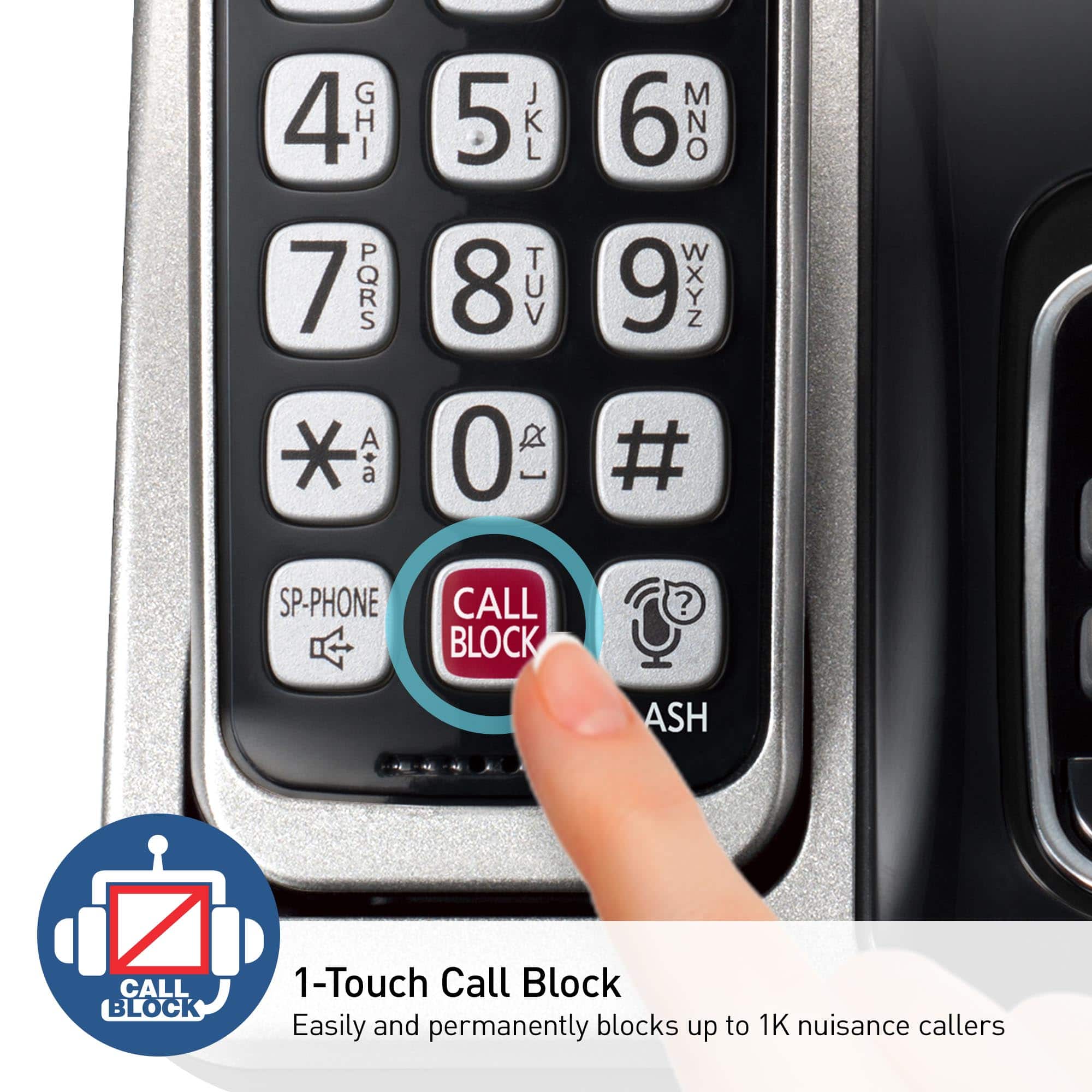
A:AnswerIncoming calls from real people will repeatedly ask them to type in the phones access code. Which is automatically set to (1) while the auto blocking feature is enabled.
A:AnswerHi! The handset KX-TGEA20 will not be compatible with this system, however, here are the handsets that will: KX-TGFA85B, KX-TGFA88B, KX-TGEA60, KX-TGEA61, KX-TGFA61B and KX-TGTA61. -A
A:AnswerI have not had to block any numbers because the Robo calls do not ring in the house, so I am not disturbed! Yea! I have all my # stored and still have room for 2400!
A:AnswerHi Becky! Yes, by registering the key detector (4 max.) to a Panasonic Digital Cordless Phone and
attaching it to an easy-to-lose item in advance, you can locate and find the mislaid item to
which the key detector is attached. The key detector model number is KX-TGA20. -A
A:AnswerHi Cindy! No, if you pair your cell, you are still using the landline service, therefore you can only block calls that are coming to your landline, not your cell. -A
A:AnswerHi! The speaker volume and clarity are good for everyday use. For customers who need a significantly louder phone, our amplified phone systems are a better option. - S
A:AnswerHi there! We recommend disconnecting your iPhone, restarting it, and rebooting the landline phone by unplugging it for about a minute. Once done, reconnect them using the Link2Cell feature to resolve the issue. - S