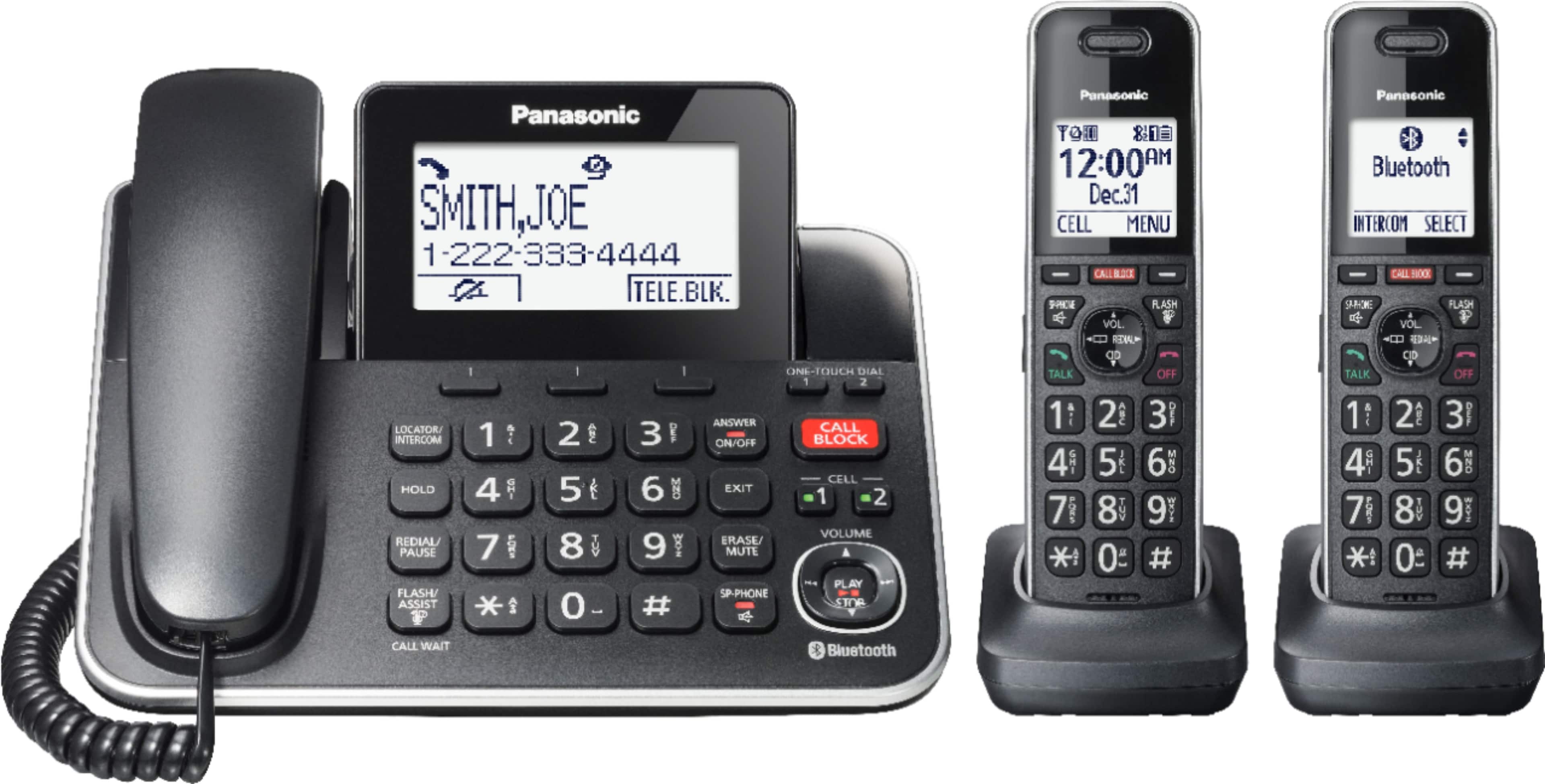
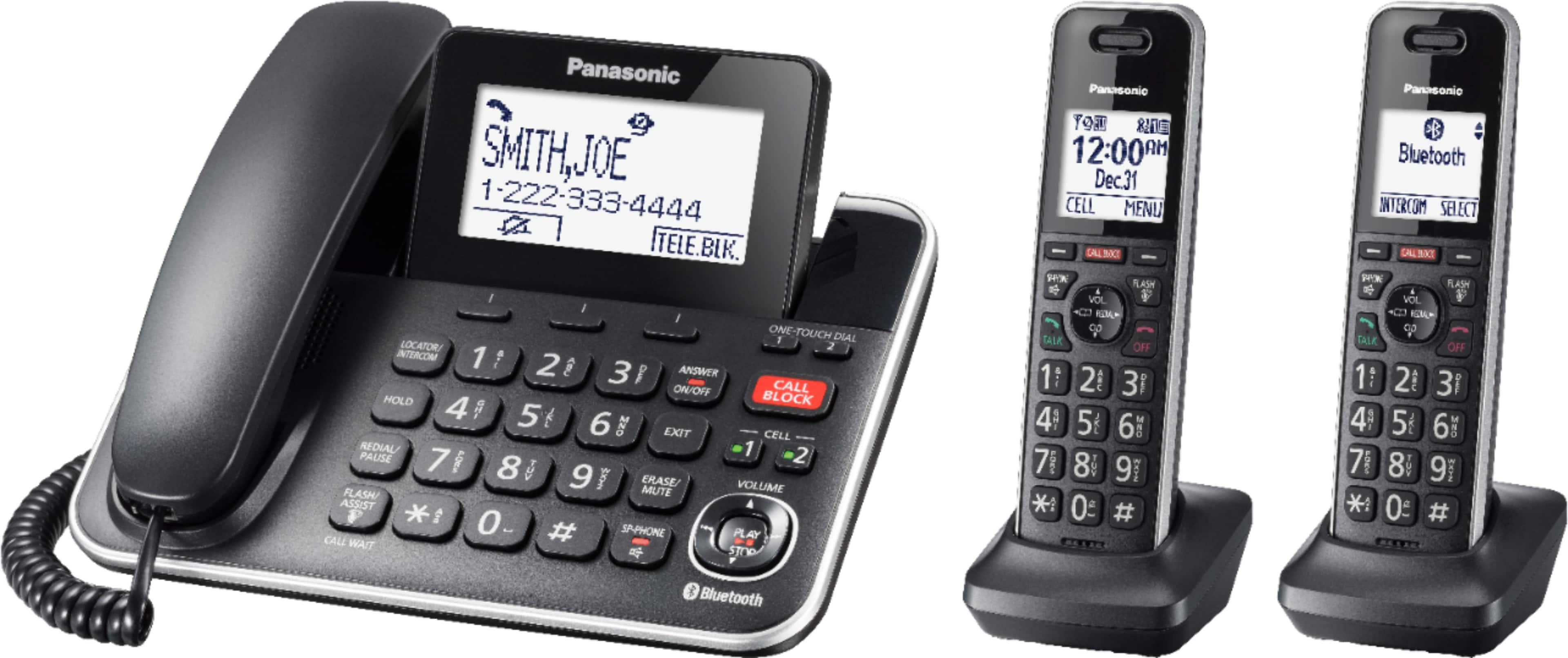
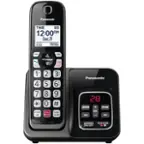
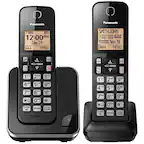
A:Answer Hello! You can choose whether the first ring sounds when a call is received. You will need to press the CALL BLOCK button on the handset, then select One ring for blocked call by pressing the DOWN arrow, choose the desired setting (Yes/No), press SELECT, then press SAVE and then the OFF button. If you require further assistance, please contact the Support Team via Live Chat on the Panasonic Website, Contact Us option, Mon-Fri, 9am-5pm EST. -C