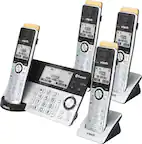
A:AnswerHi Winston! Thank you for your question. Wired headsets can be connected to the handset using the 2.5mm headset jack. Some Bluetooth headsets that are compatible include Jabra BT2070 and BT2080, Plantronics Voyager 520 and Voyager 5Pro+, and Samsung WEP-450. Please note that Bluetooth headsets must support the HSP (Headset Profile) to work properly with this phone system. - S
A:AnswerHello Deb! The corded handset will not work only with a telephone line, it requires a connection to an electrical outlet for power supply. Hope this helps! - S
A:AnswerHello! We would like to confirm that it is possible to adjust the ringer volume or turn it off completely. To turn off the ringer on a specific handset, press and hold the "0" button. Hope this helps! -C
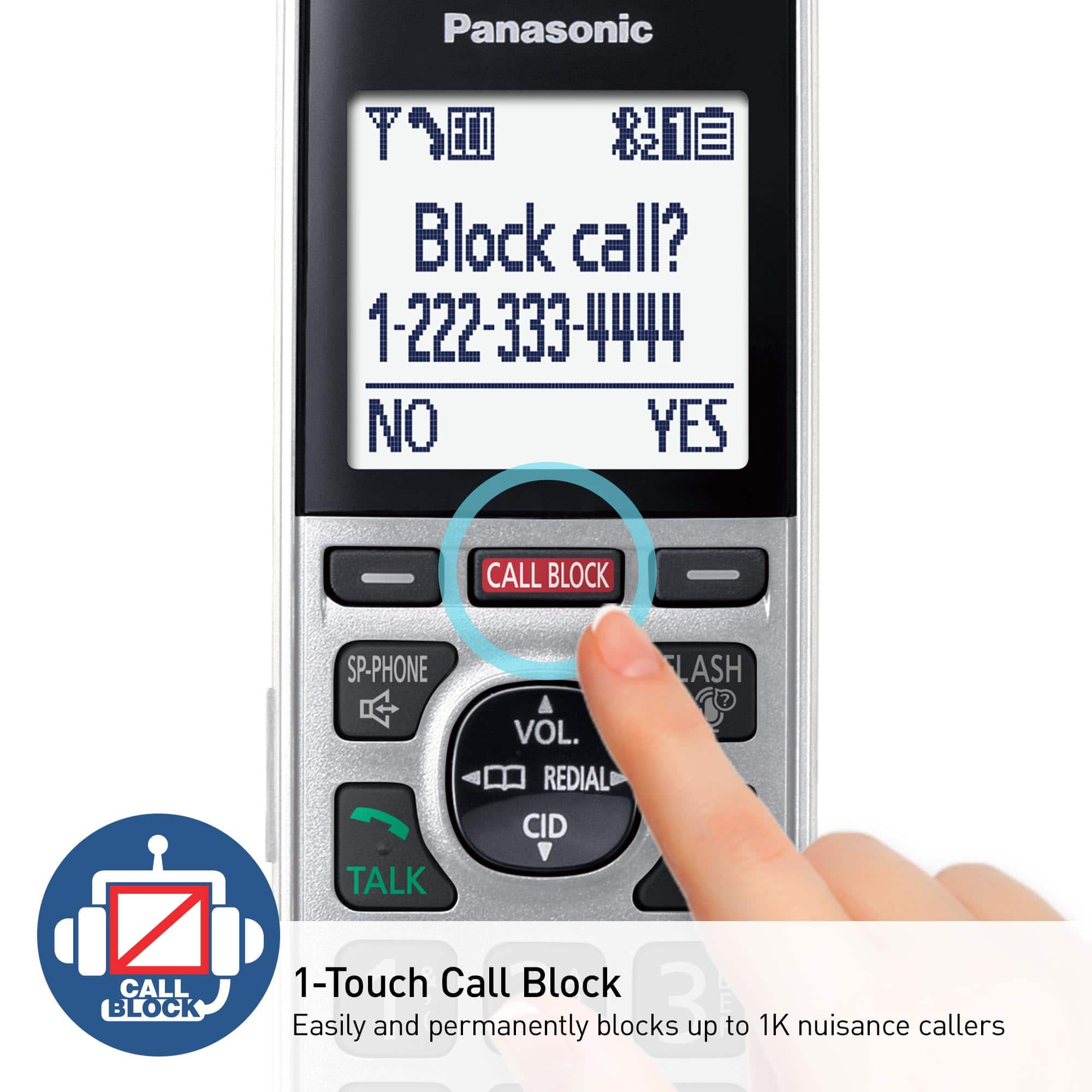
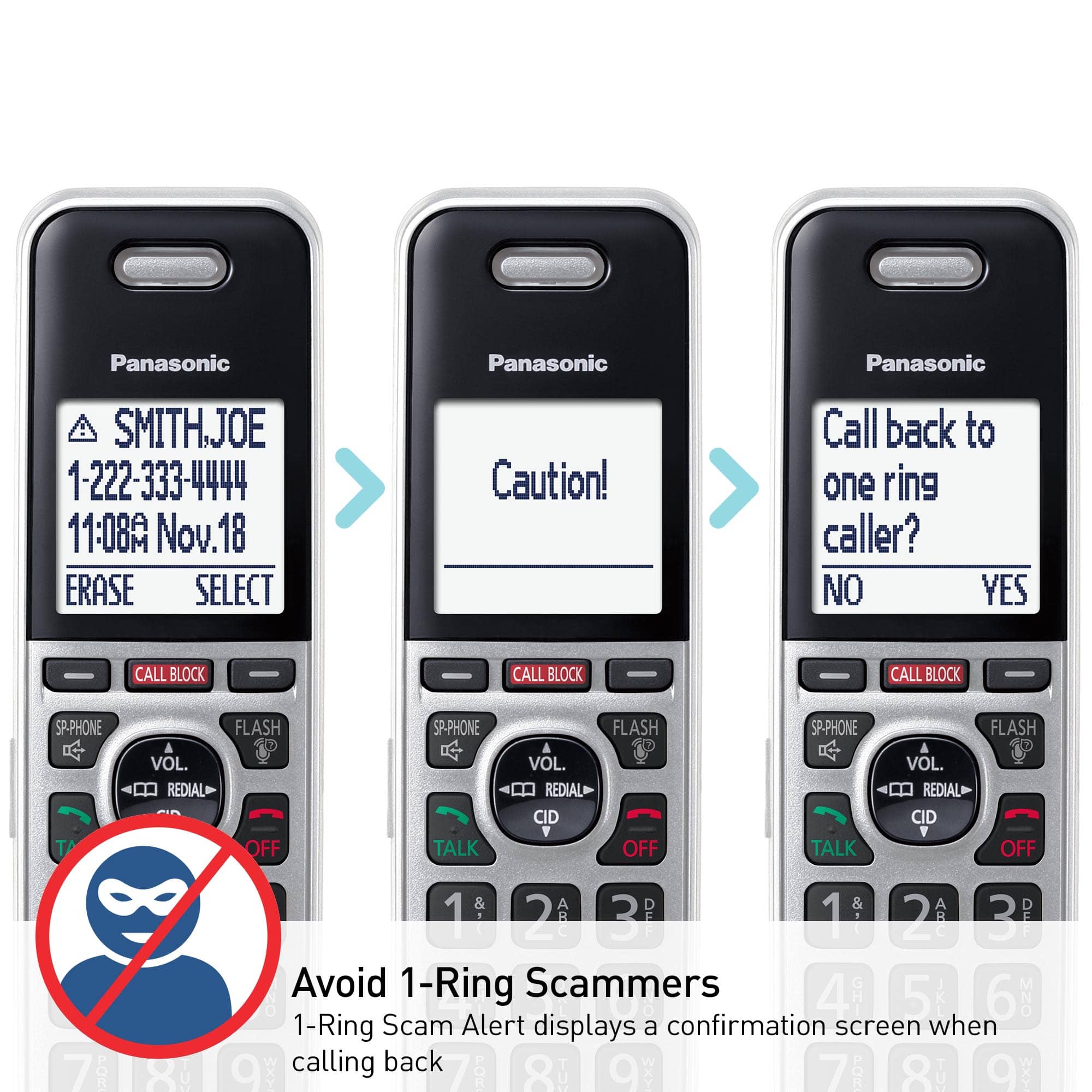
A:AnswerHello! You can choose whether the first ring sounds when a call is received. You will need to press the CALL BLOCK button on the handset, then select One ring for blocked call by pressing the DOWN arrow, choose the desired setting (Yes/No), press SELECT, then press SAVE and then the OFF button. If you require further assistance, please contact the Support Team via Live Chat on the Panasonic Website, Contact Us option, Mon-Fri, 9am-5pm EST. -C
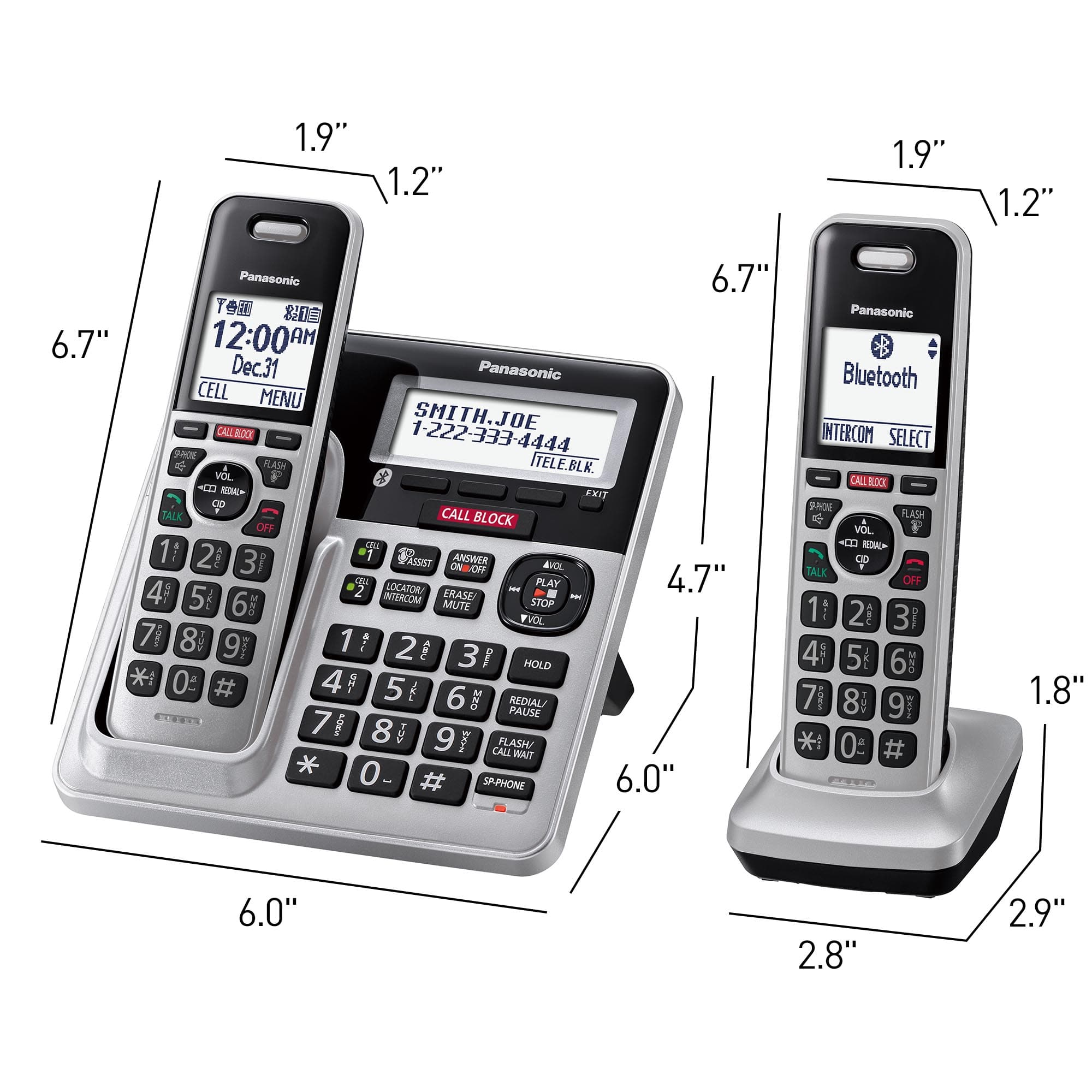
A:AnswerHi, John! The handsets do not have the Hold button. However, you can press the MENU button during an outside call, then press the up and down arrows so you can select the Hold option. Hope this helps! -C
A:AnswerI am not sure what you are asking about a booster, but I am reading between the lines and assume that you are talking about the range from the base station to the furthest hand set. The hand sets that were supplied to me seem to have a range of about 100' plus for full function through interior and exterior walls.
A:AnswerSome of the are known names, but I can usually tell by phone number it's a junk call.
Example: Directv wouldn't have a local area code. They usually are "800" numbers
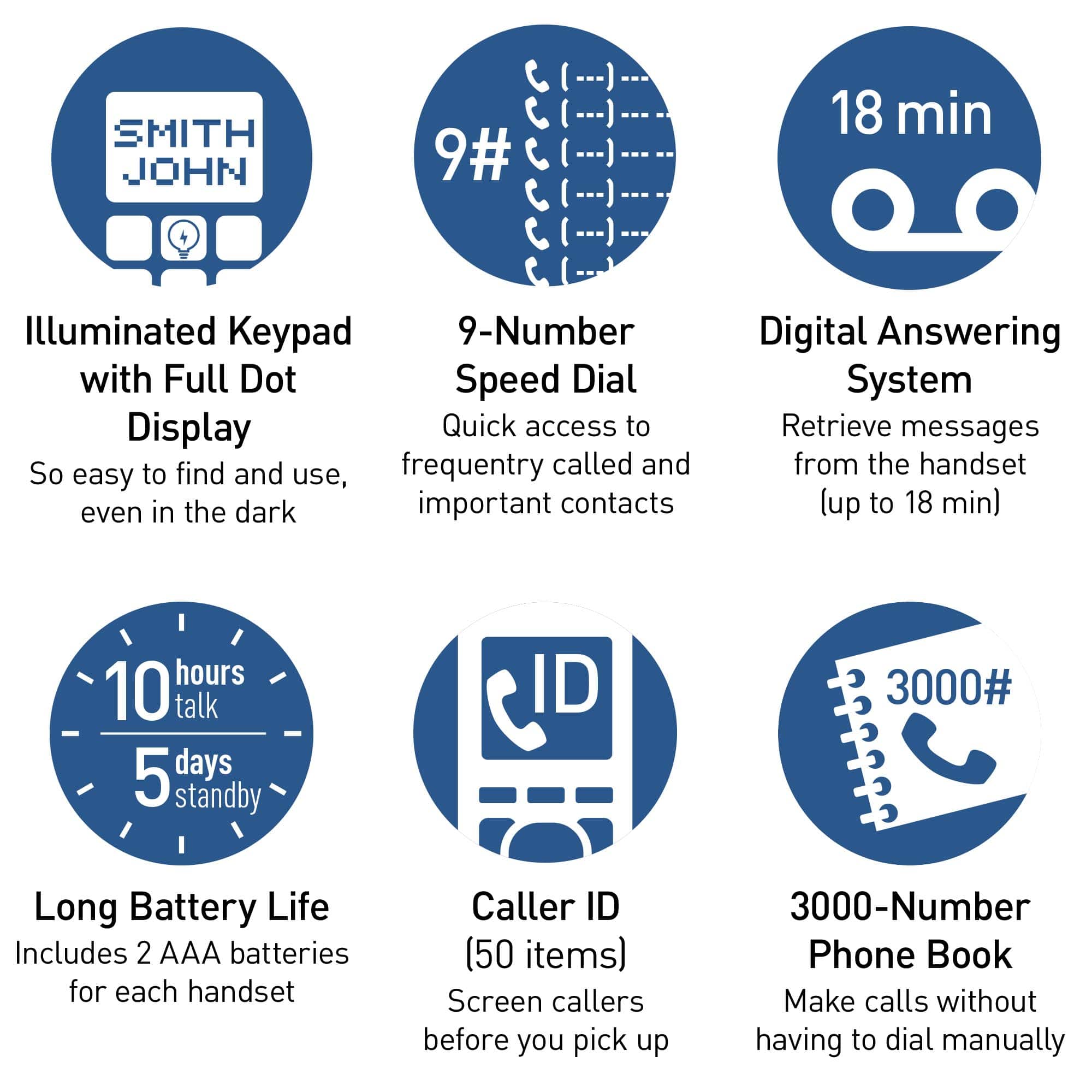
A:AnswerHello! It is possible to use the Caller ID service without the Talking Caller ID feature. The handsets use the rechageable batteries HHR-4DPA. -C
A:AnswerYou should be able to plug the phone directly into the telephone jack on the modem, but I place my modem near an existing phone jack, and just plug my modem into the existing house phone wiring, then I can locate my Panasonic phone anywhere in the house that has an existing jack. This will allow you to add additional hard-wired phones to your house anywhere there is an existing phone jack. Just unplug the connection where the original (Verizon) line connects to your house wiring first.
A:AnswerHello. If you wish to only use the voicemail service from your telephone service provider, you can turn off the phone's answering system by pressing the Answer On/Off button on the base unit. -G
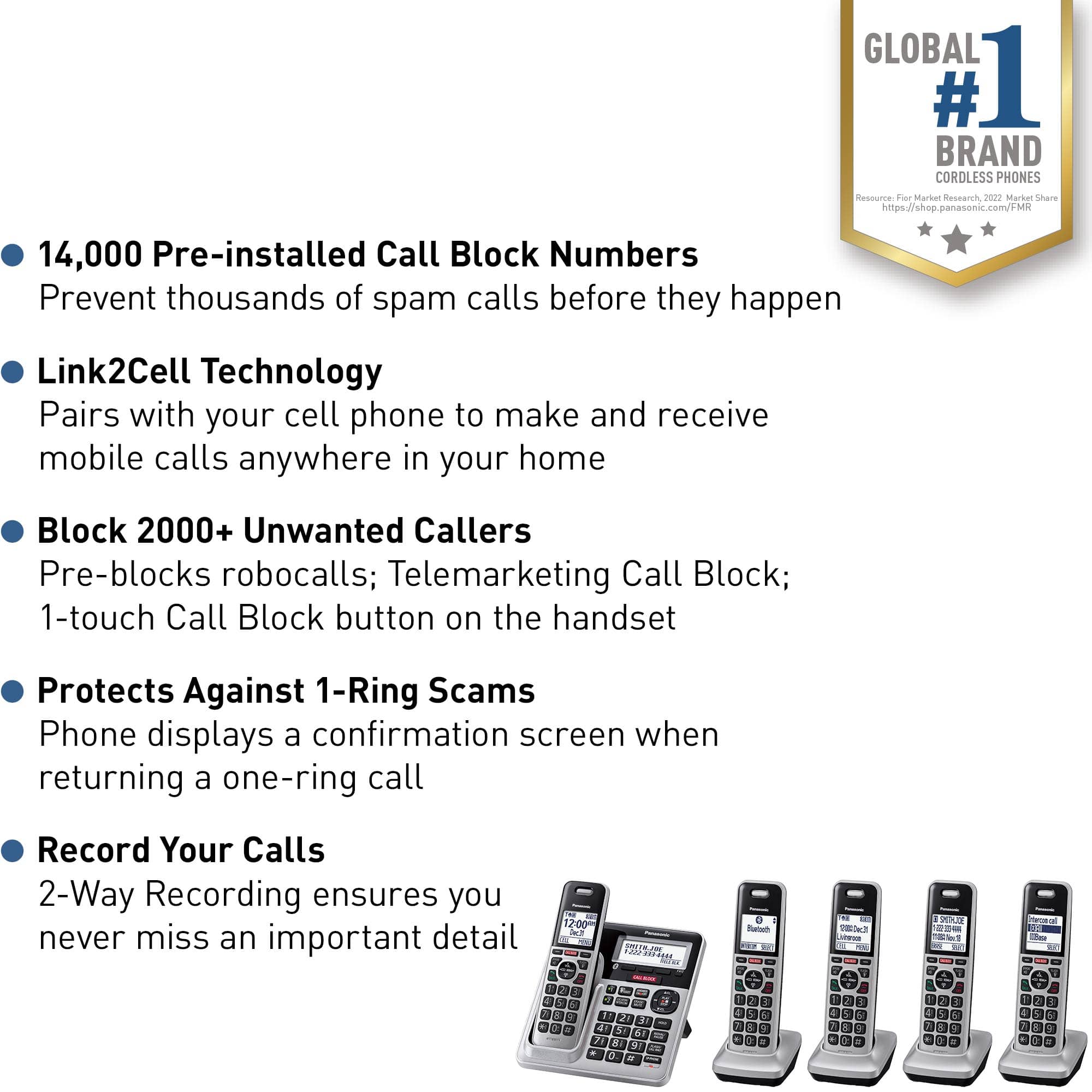
A:AnswerHello! This model has the call blocking feature that includes the following:
Manual Call Block - 2000 numbers.
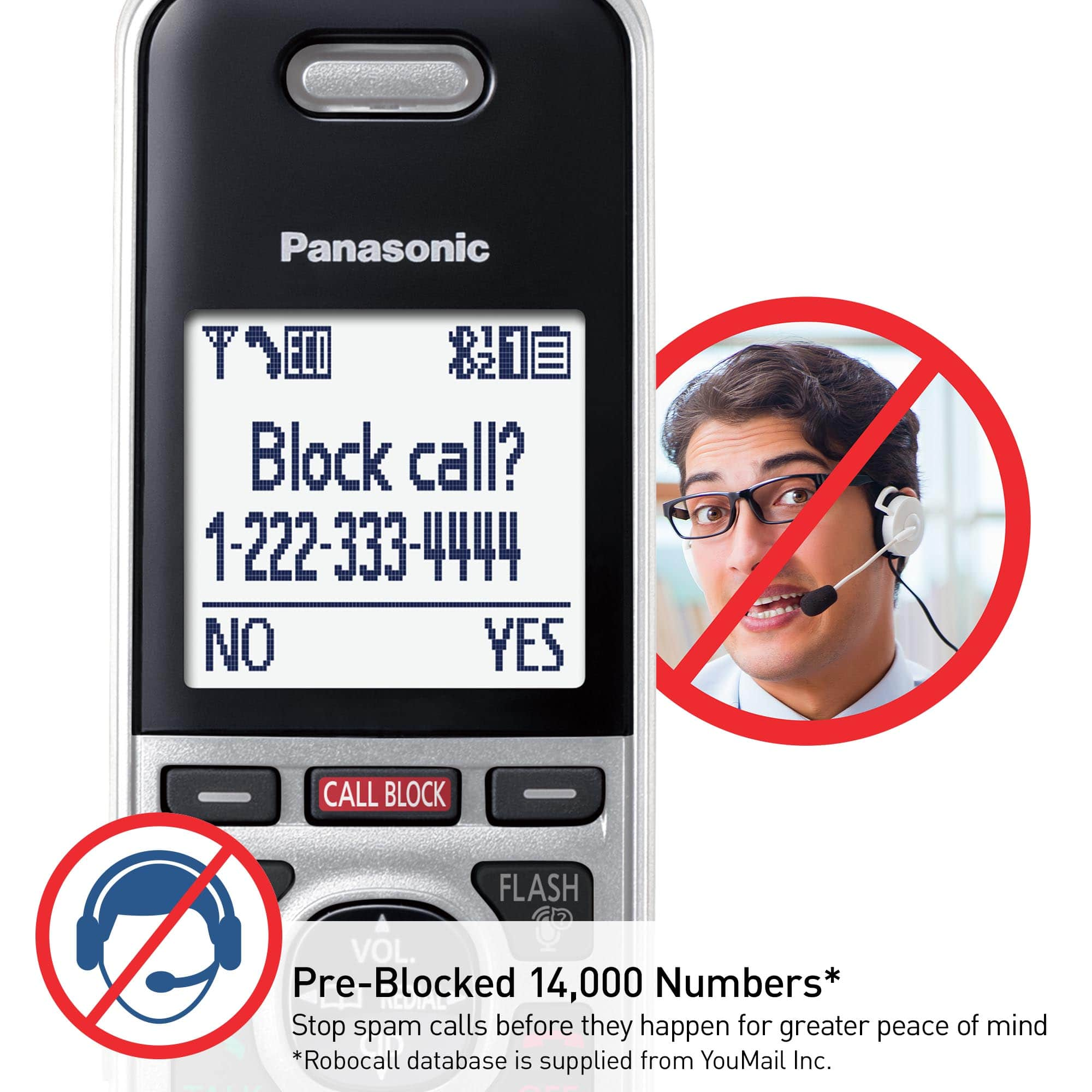
Pe-Installed Call Block List - 14000 numbers.
Automatic Call Block - Allow names and numbers list up to 100.
Telemarketing Call Block One-Ring Scam Alert
Hope this helps! -M
A:AnswerHello! Silent mode allows you to select a period of time during which the handset and/or base unit will not ring for outside calls. This feature is useful for time periods when you do not want to be disturbed, for example, while sleeping. Silent mode can be set for each unit. Using the phonebook’s group feature, you can also select groups of callers whose calls override silent mode and ring the unit (Caller ID subscribers only). -M
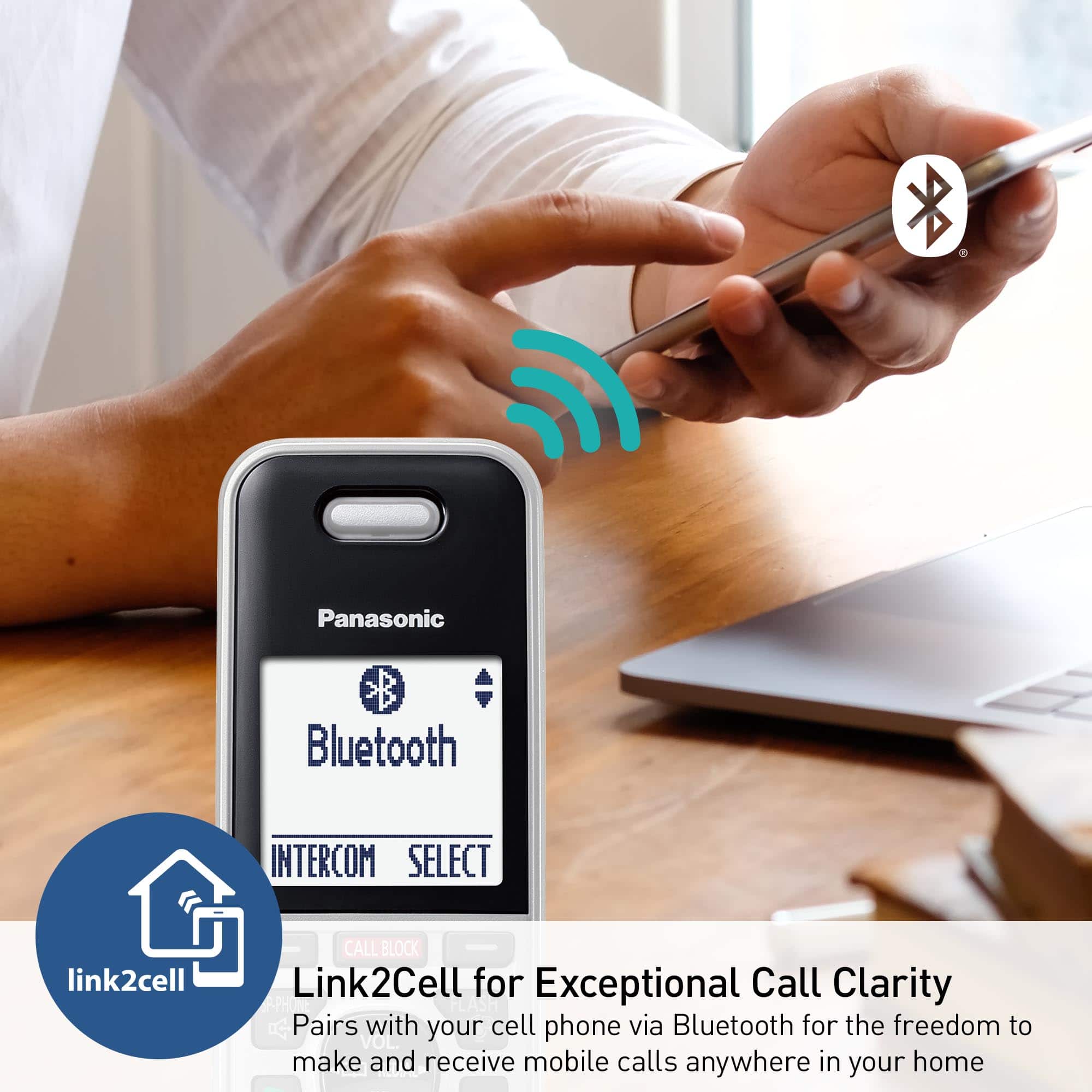
A:AnswerHello. The phone system can be used without a landline connection. You can use the LinktoCell feature and synchronize the system to your cellular phone, and use the cellular line. You can review the cell phones tested for compatibility with the KX-TGF88, on the Panasonic Telephone Cell Phone Compatibility List FAQ. -G
A:AnswerHello. The phone has the Automated call block feature, the access code can be 3 digits max. For more details please check the Automated Call Block section in the manual of the phone. -G