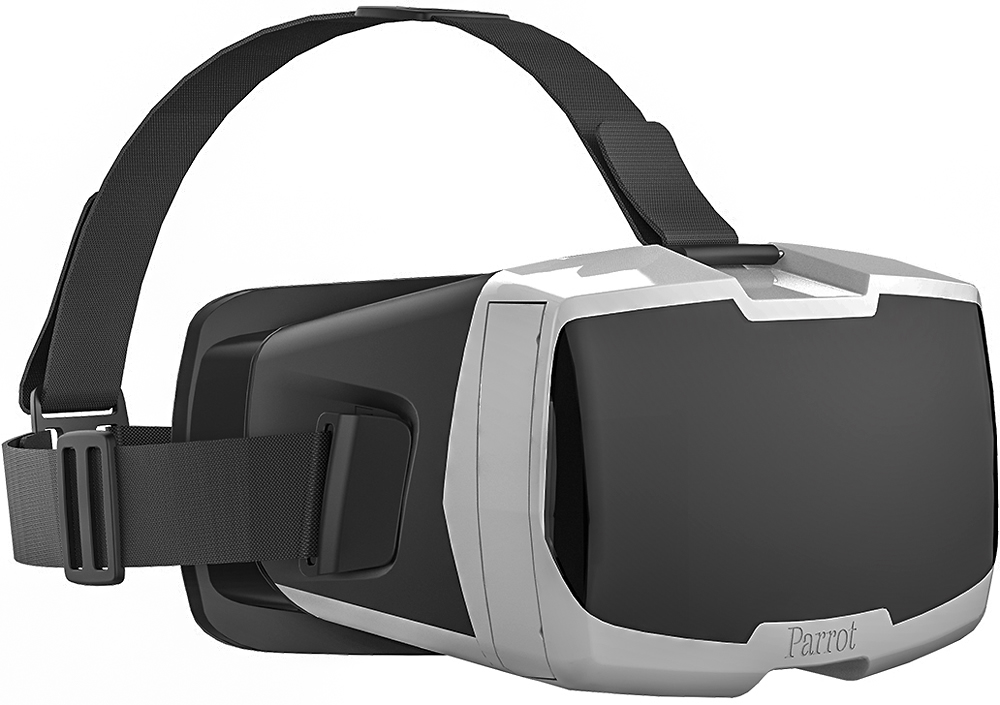
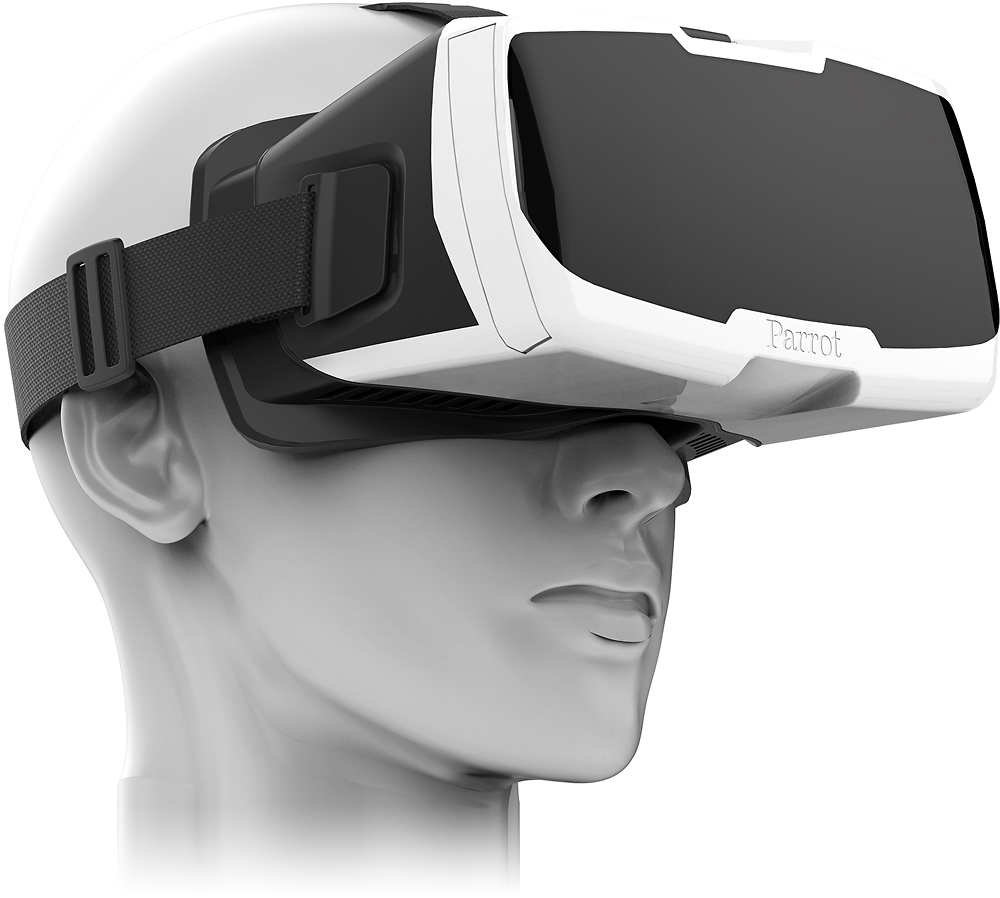
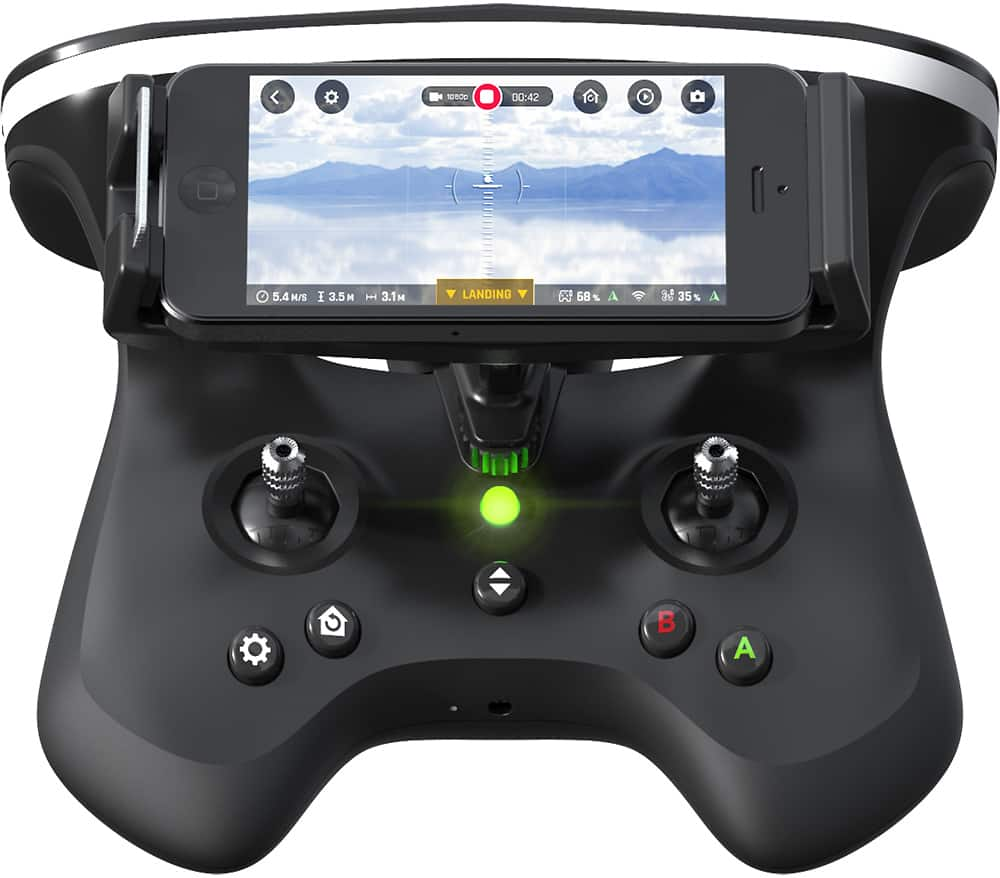
A:AnswerThe only time you will want to connect to your computer is to download the images/videos from the drone after your flight(s). This is done via the microUSB port on the drone. You do not need to use the FPV goggles to fly the drone. You can fly it with your Smartphone mounted on the sky controller if using the sky controller OR you can fly directly off of your smart device using the on-screen flight controls. I prefer the sky controller with my iPhone mounted on the sky controller. In my opinion it gives me the best control over the drone and the flight feels more real to me. This is only a personal preference.
A:AnswerYes, it has FollowMe & also FlightPlan as part of 2 addon packages you can purchase for an additional $20 each. FreeFlight Pro comes with the Bebop 2 & allows you to fly the drone & adjust many parameters. I've used the FollowMe feature (it comes with a 15 day free trial) and it works great as long as you follow the instructions & set it properly.
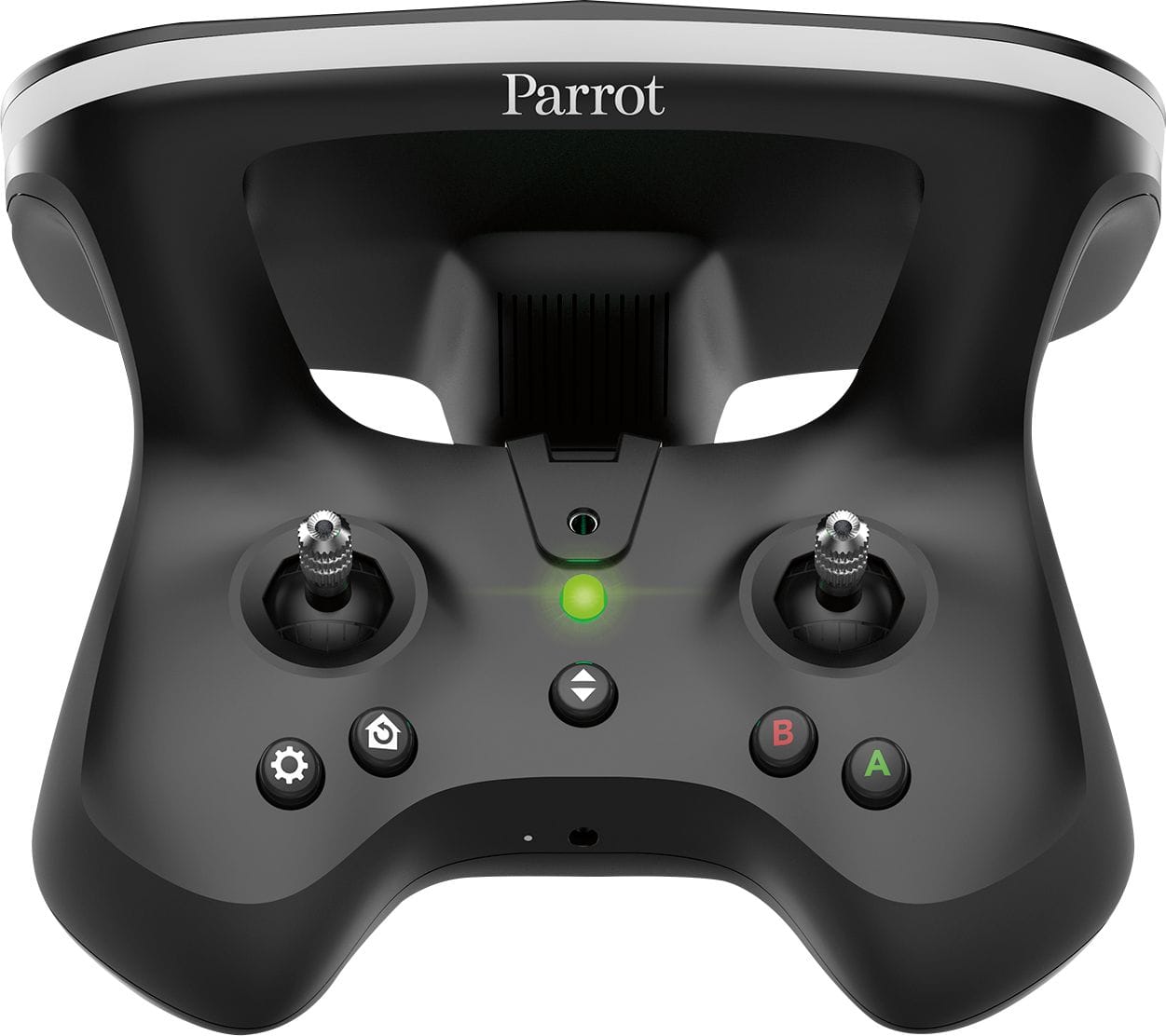
A:AnswerYes, it will fly sideways. This is known as yaw. It is achieved by moving the right joystick on the sky controller left or right. The joystick controls are: fly Up/Down and turn Left/Right on the left joystick. Fly Forward/Reverse and yaw Left/Right on the right joystick. This is a very easy drone to fly and a great starter drone if it is your first drone.
A:AnswerMy husband owns the bebop 2, when he connects his phone to the skycontroller or just uses the app to fly the drone, it saves the videos on his phone in the free flight pro app. We have been extremely happy with the drone and parrot also has top notch customer service. We highly recommend this company and the bebop 2.
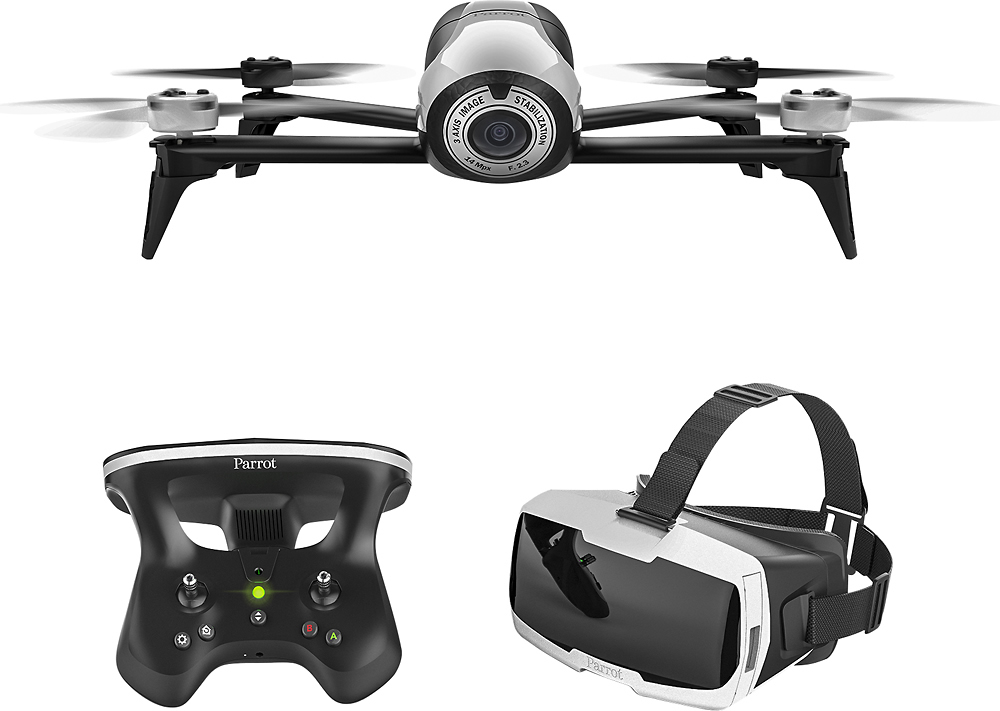
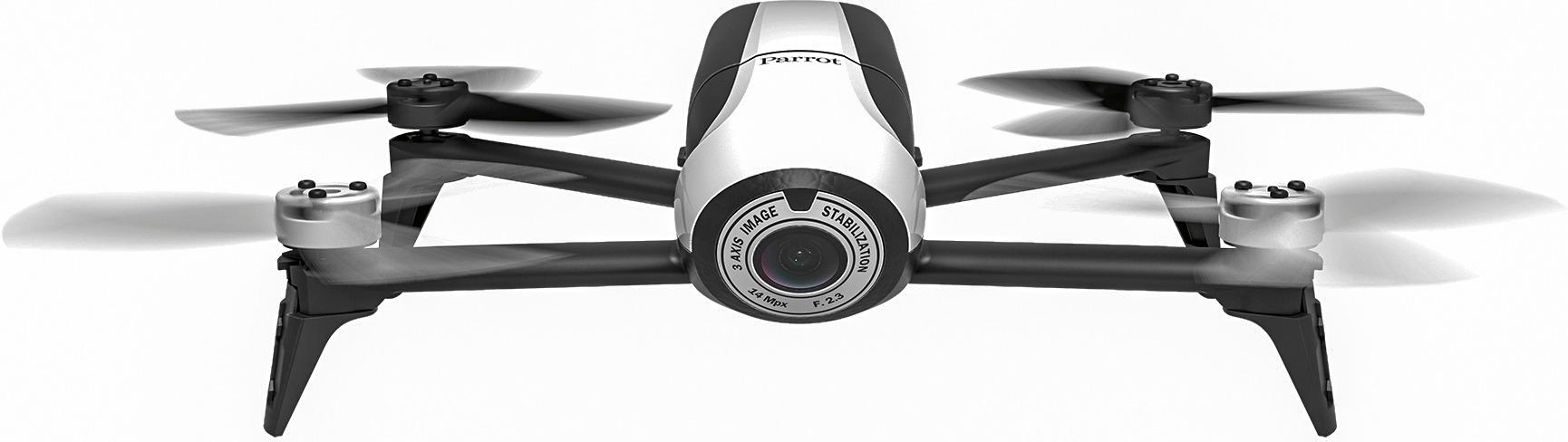
A:AnswerThis product includes the following items:
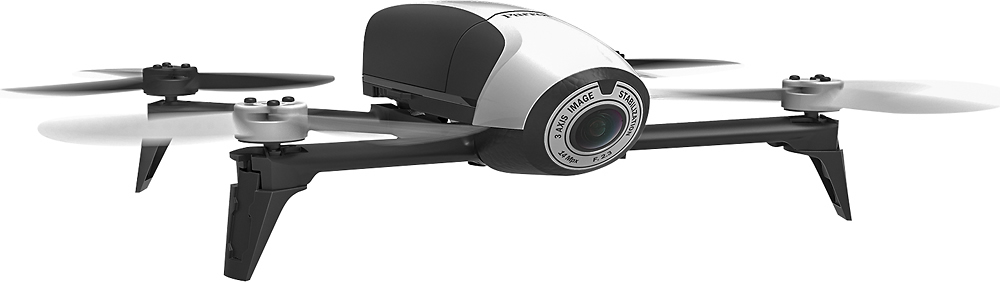
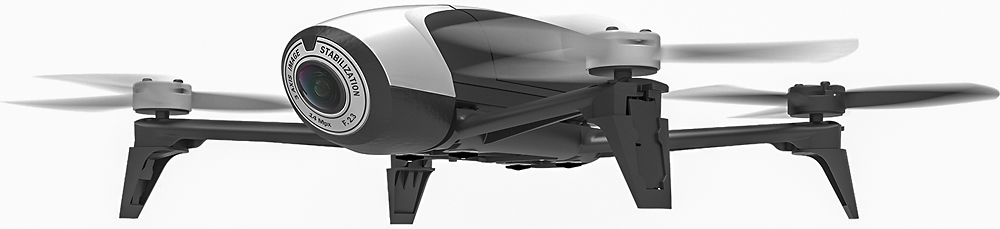
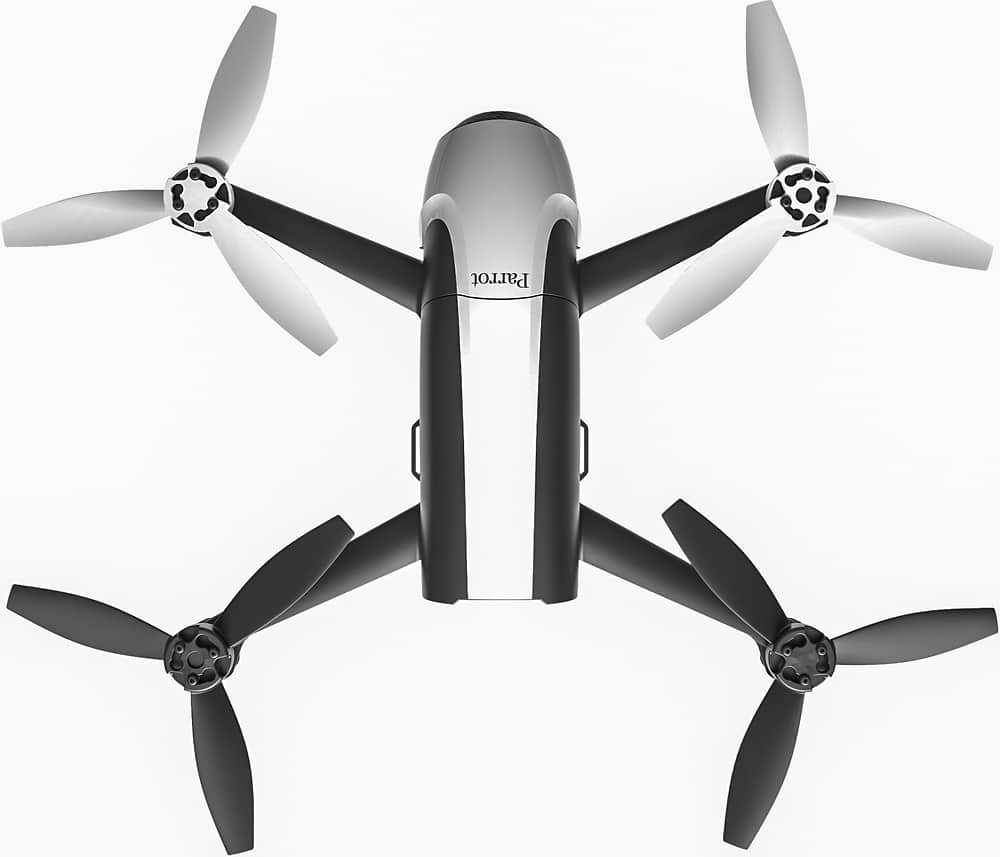
Parrot Bebop 2
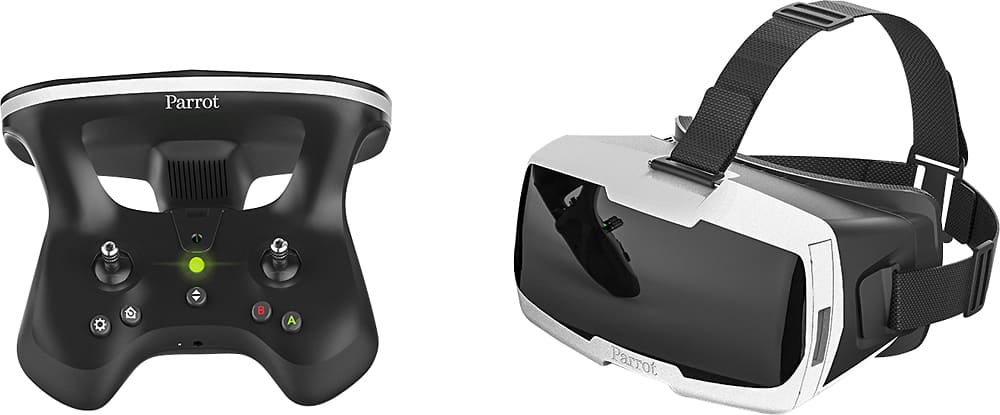
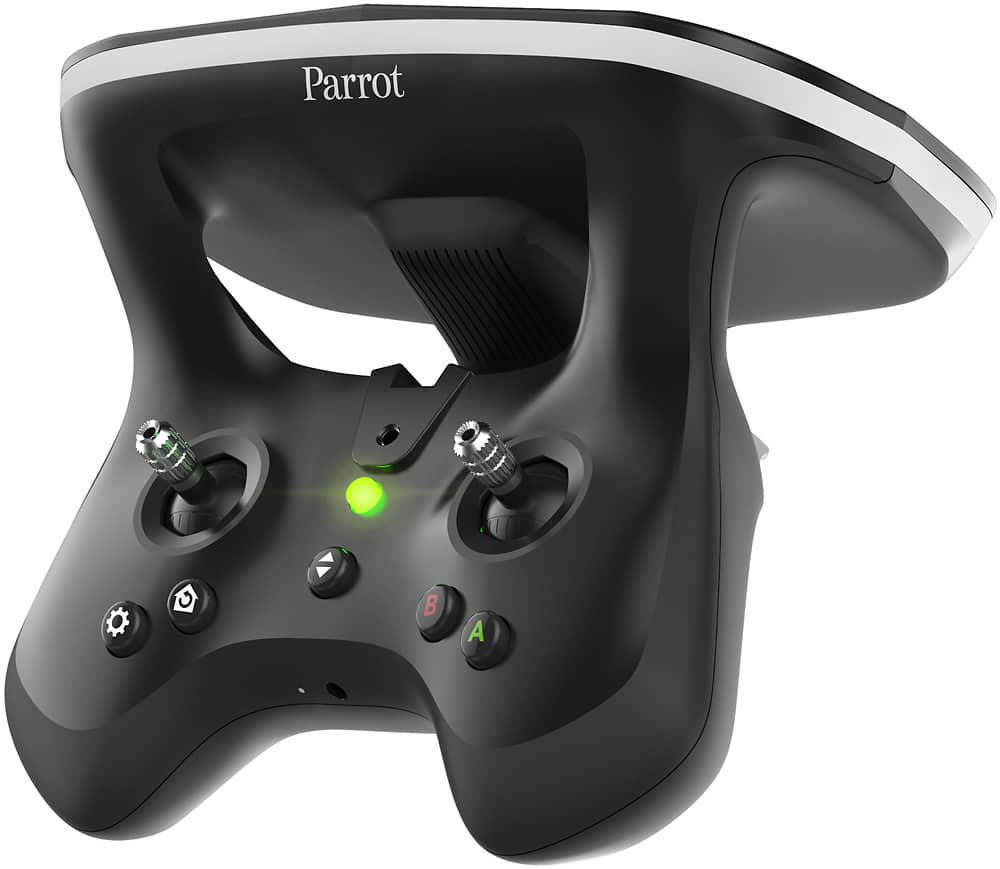
Skycontroller 2
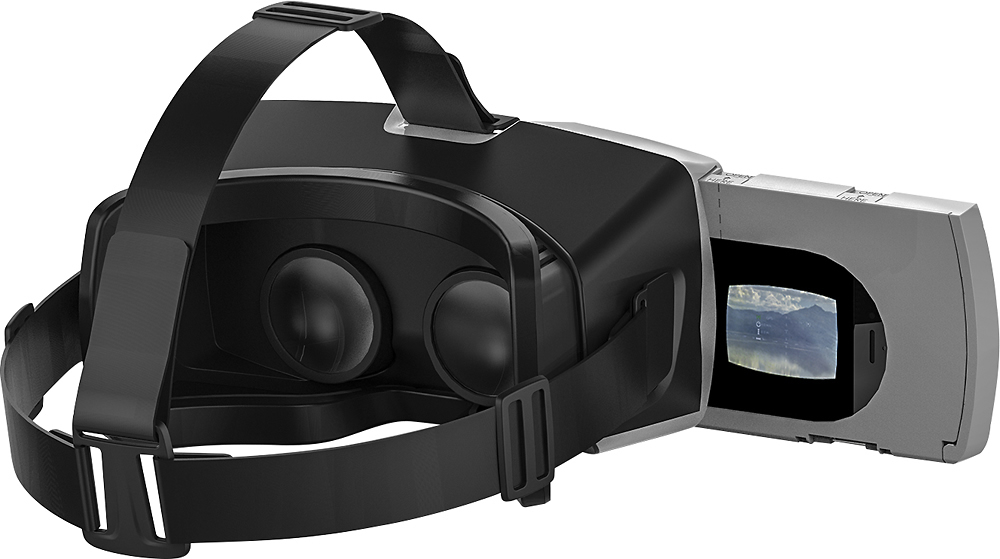
Cockpitglasses
High-capacity battery
USB cable
Charger
Owner's manual
A:AnswerIt’s very durable we have a year with it and still working very good it takes pretty good videos.
My 8 years old was learning how to use it and drop it from a very high level and nothing happens
A:AnswerYou can tilt it! On the left side of the controller on top back side there is a slider wheel that will go left and right which will pan the camera up and down. You can also adjust the brightness and contrast on the right side.
A:AnswerYou likely have the stalling motor issue. If you get a Stalled Motor error on your controller logs then its a defect, many people have had this issue as well as myself so I returned the Bebop and went DJI.
A:Answerusing the skycontroller will give you greater range than just using the phone. it is important to note a clear of site between you (skycontroller 2) and the drone will give the greatest distance.
A:AnswerAs the drone itself acts as a wireless point when you're connected to it, you'll use the FreeFlight Pro application to select and download the vids and pics to your phone!
A:AnswerI know the galaxy 5,6,7,8 9,9plus, 8plus will work! You will have to take case of off phone if you have one on it though! I am sure most phones will work fine.
A:AnswerI just bought the Bebop2 about 2 months ago and you have to download the Freeflight Pro app for your smartphone or table.
You can get the Flight Plan and the Follow Me apps but they cost about $20.00 each they are not FREE.