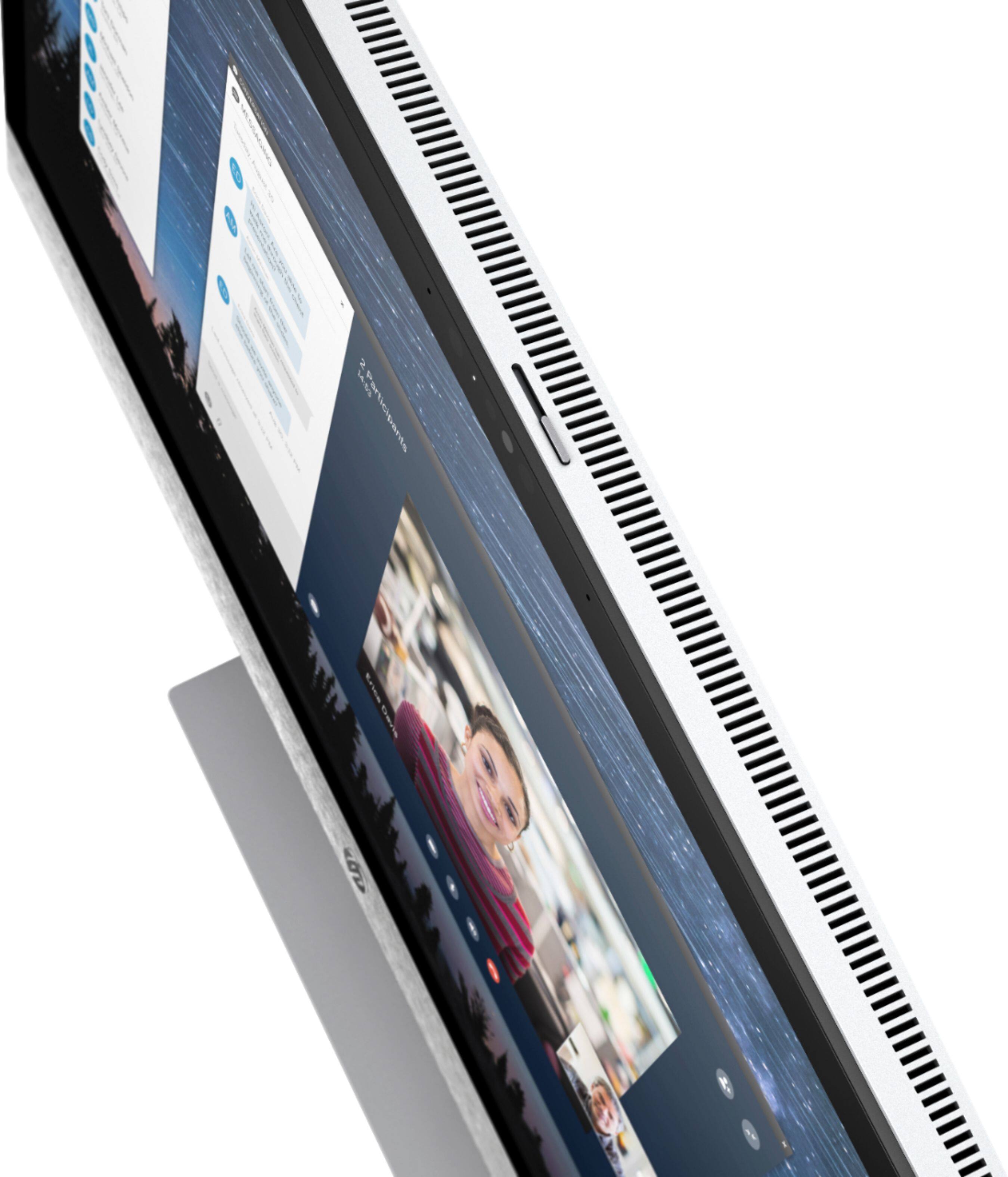
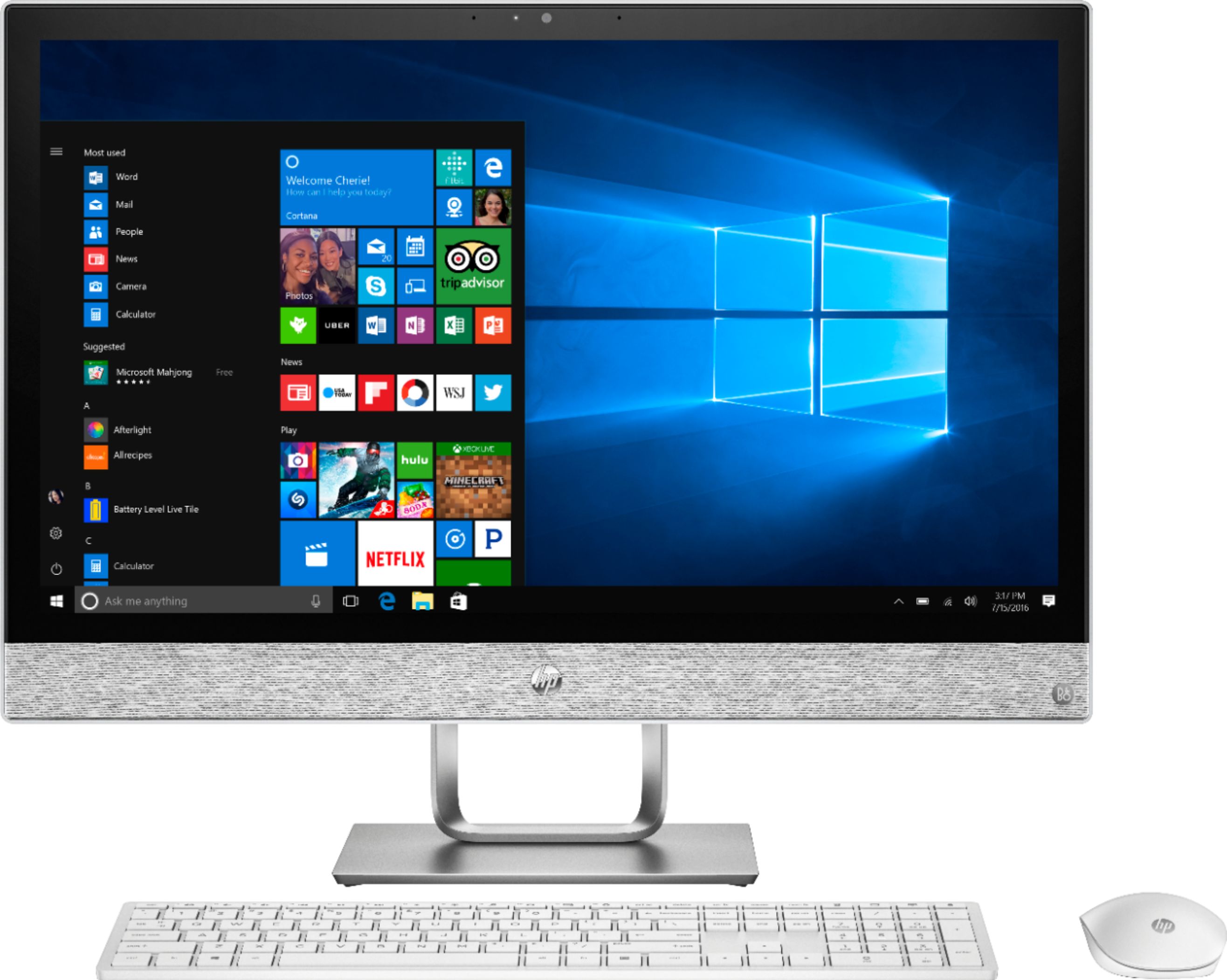
A:AnswerThis computer does not come with Microsoft Office, which is the software suite you need for Word and Excel. You can purchase your choice of Office 365 or Classic Office 2019 to go with it and you will receive a $20 discount for buying it with a computer.
A:AnswerThere is disassembly required however the motherboard does support some upgrades. Here are the full Motherboard Specifications: https://support.hp.com/us-en/document/c05966656
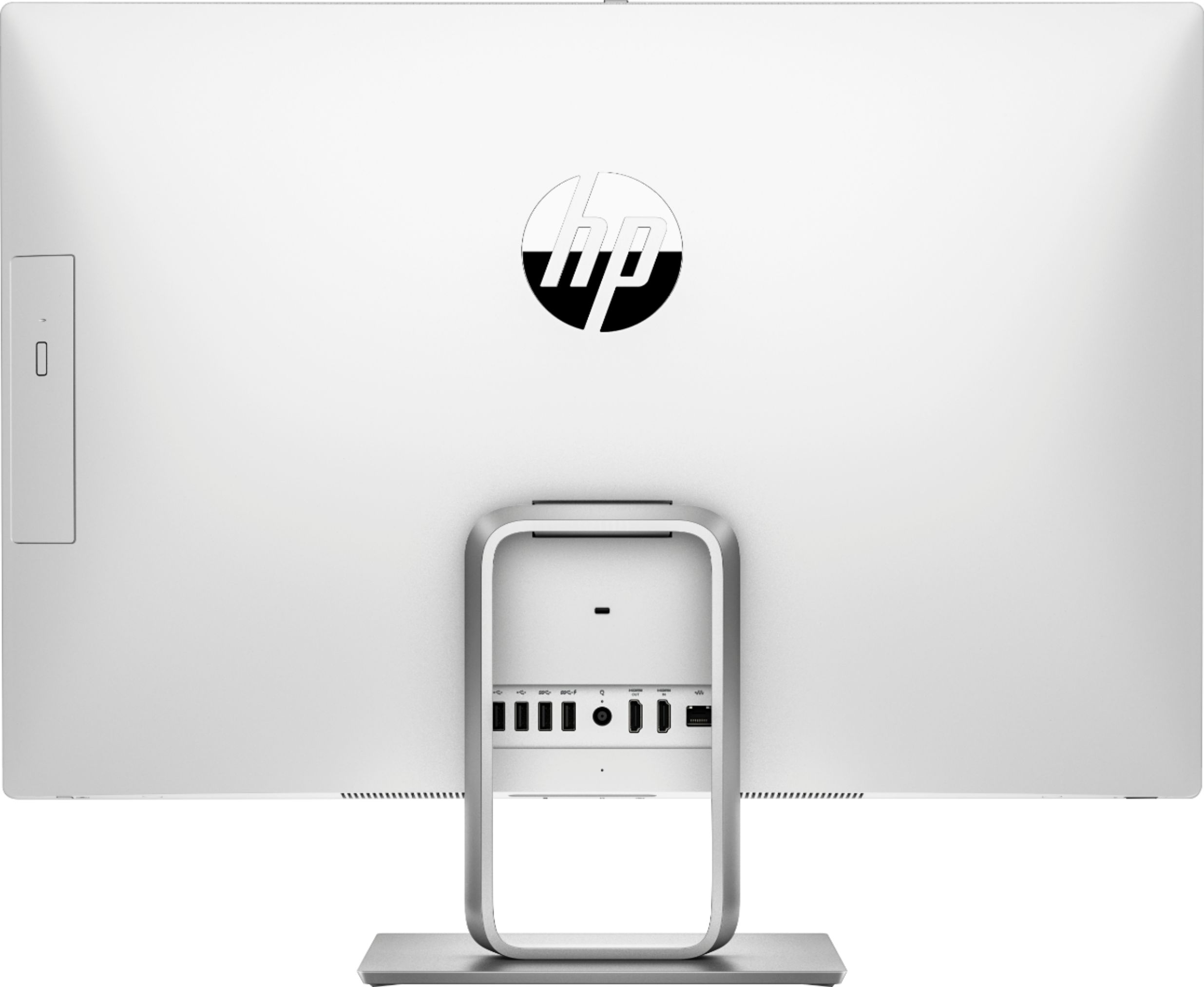
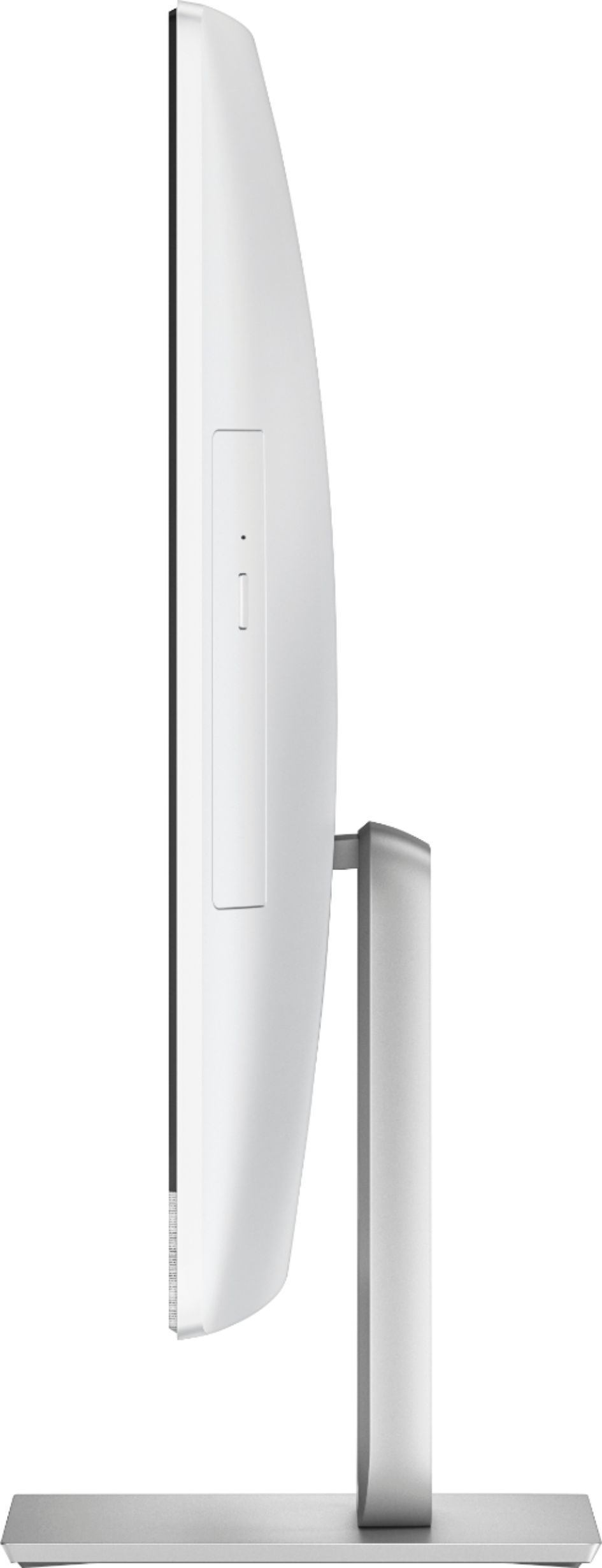
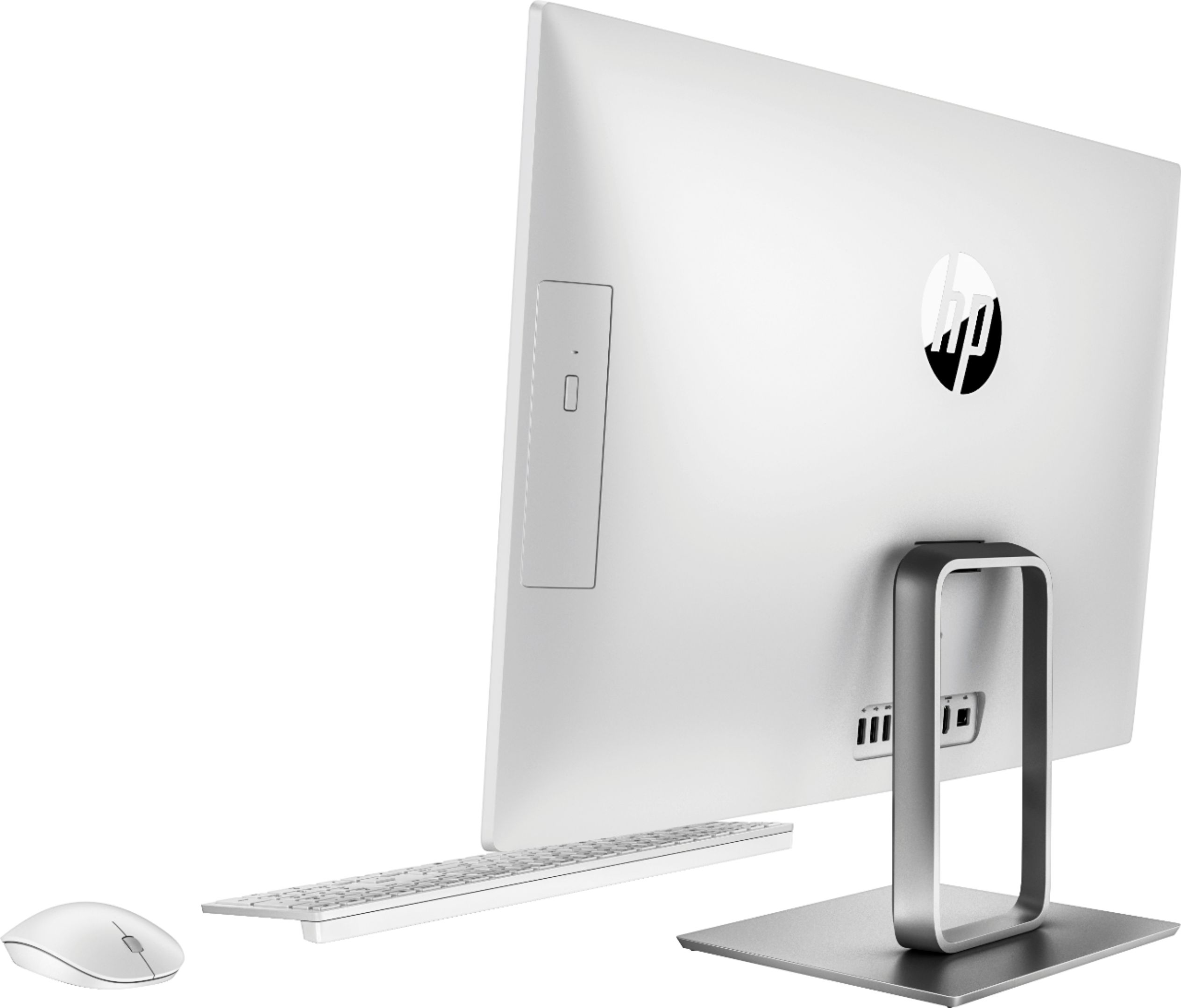
A:AnswerThere are two cross-tip screws on the bottom of the unit, under some rubber covers. If you turn the screws about 1/4 of the way, it “lifts” the thin plastic backing away from the unit. You remove the backing by slowly popping it off a little at a time and working around the entire edge. But, you must remove the stand first - four hex screws hold that on and they are simple to remove. Not sure what kind of HDD interface this unit has, but I would think it’s SATA. RAM is easily assessable, once you get the cover off, too. We removed the backing to recover a DVD that fell off of the tray, when it was loading! I hate vertical CD/DVD trays.
A:AnswerThank you for reaching out. recommend getting in contact with Best Buy support to assist you with any issues you encounter online with ordering.
A:AnswerMake sure, if there is a USB dongle, that it is plugged in firmly and the keyboard and mouse are turned on. If it is Bluetooth, make sure they are turned on, and there is an active recognition from the all-in-one. If that does not help, we recommend consulting our friends for quick assistance at Geek Squad, or you can contact our Tech Support team!
Geek Squad: https://www.bestbuy.com/site/services/geek-squad/pcmcat138100050018.c?id=pcmcat138100050018
HP Tech Support: https://support.hp.com/us-en
A:AnswerMaybe? I dont know the exact decibels this computer operates on but it should be very quiet and should never really be heard unless you would try doing more intense tasks like gaming and such on it.