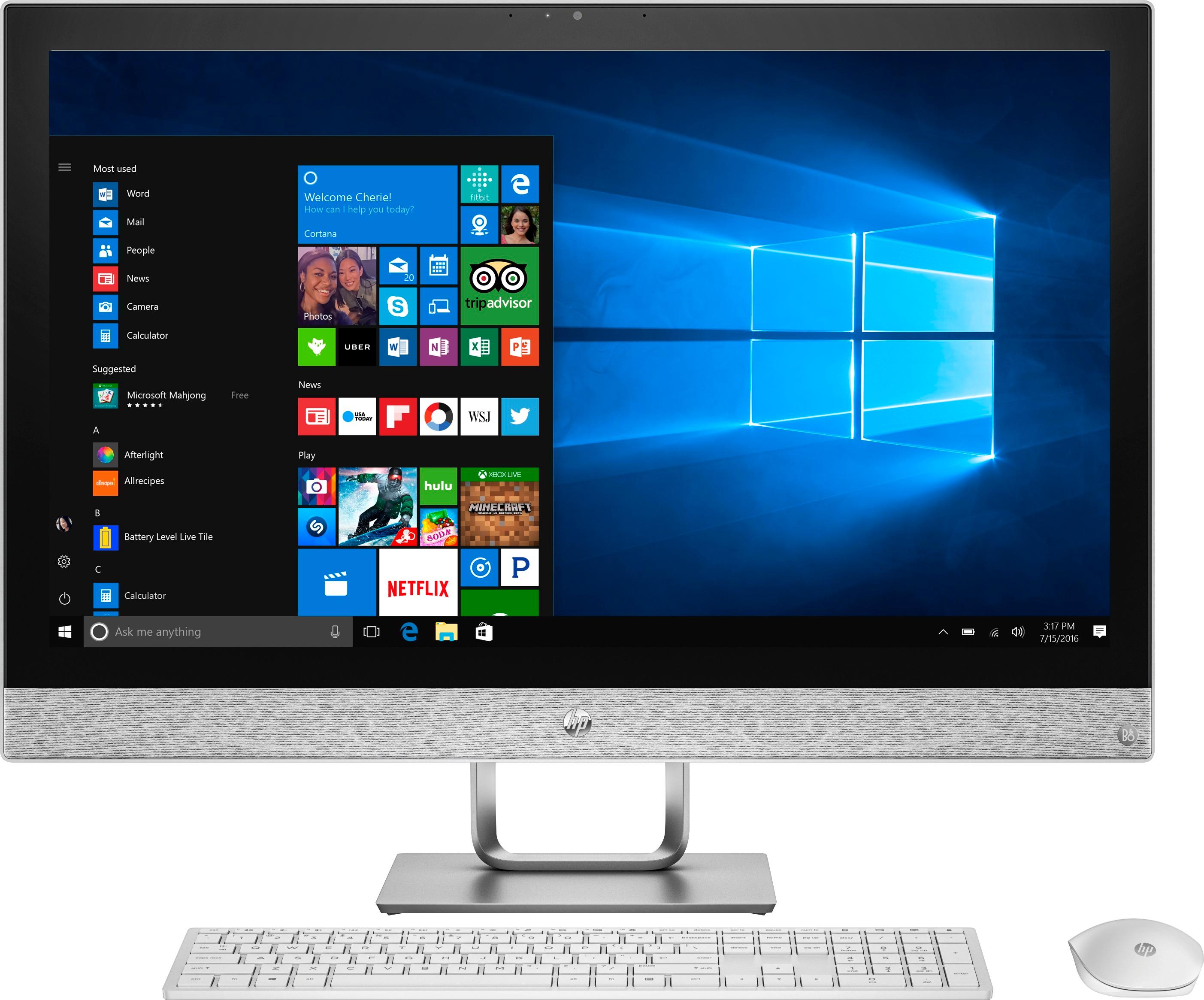
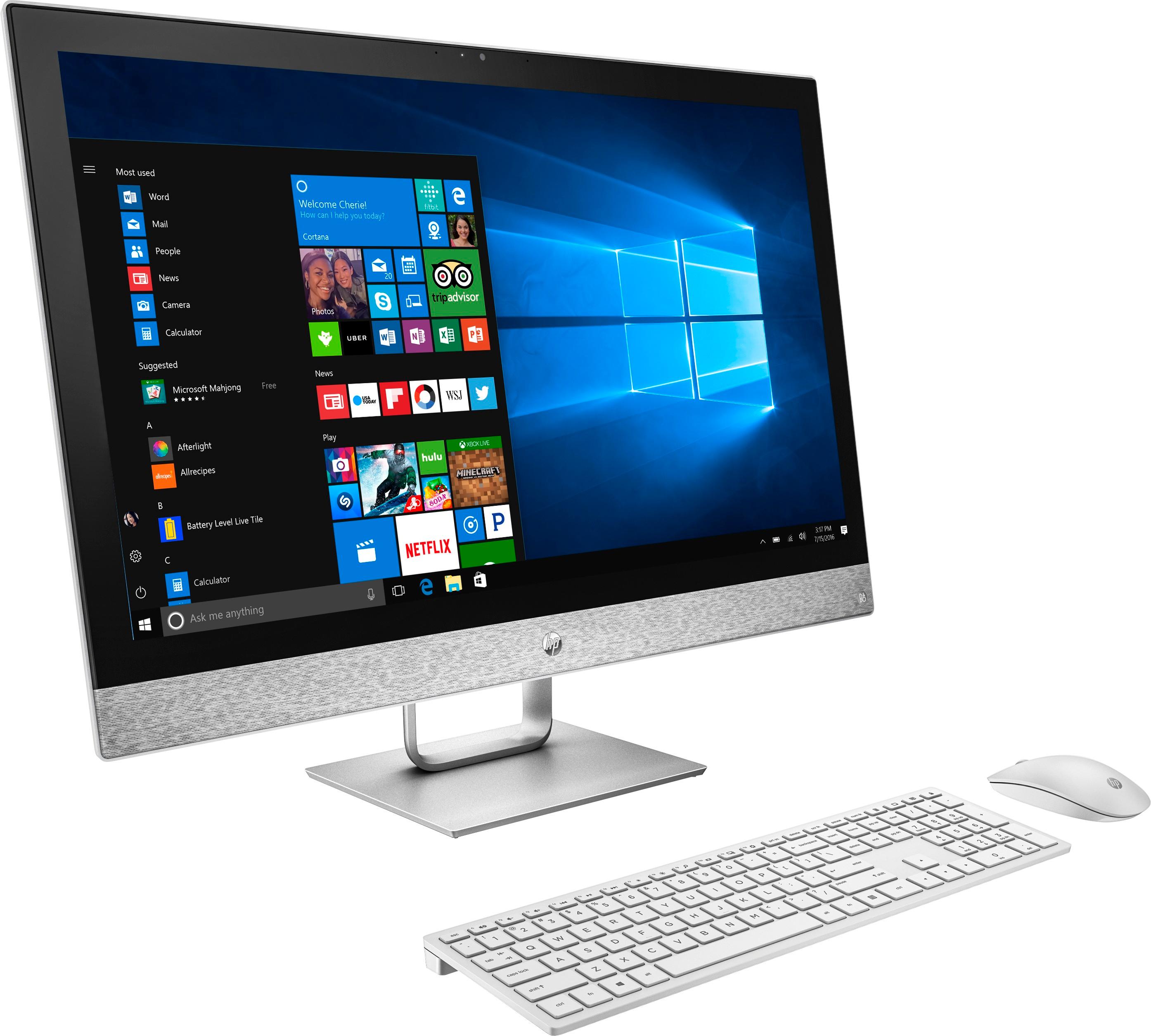
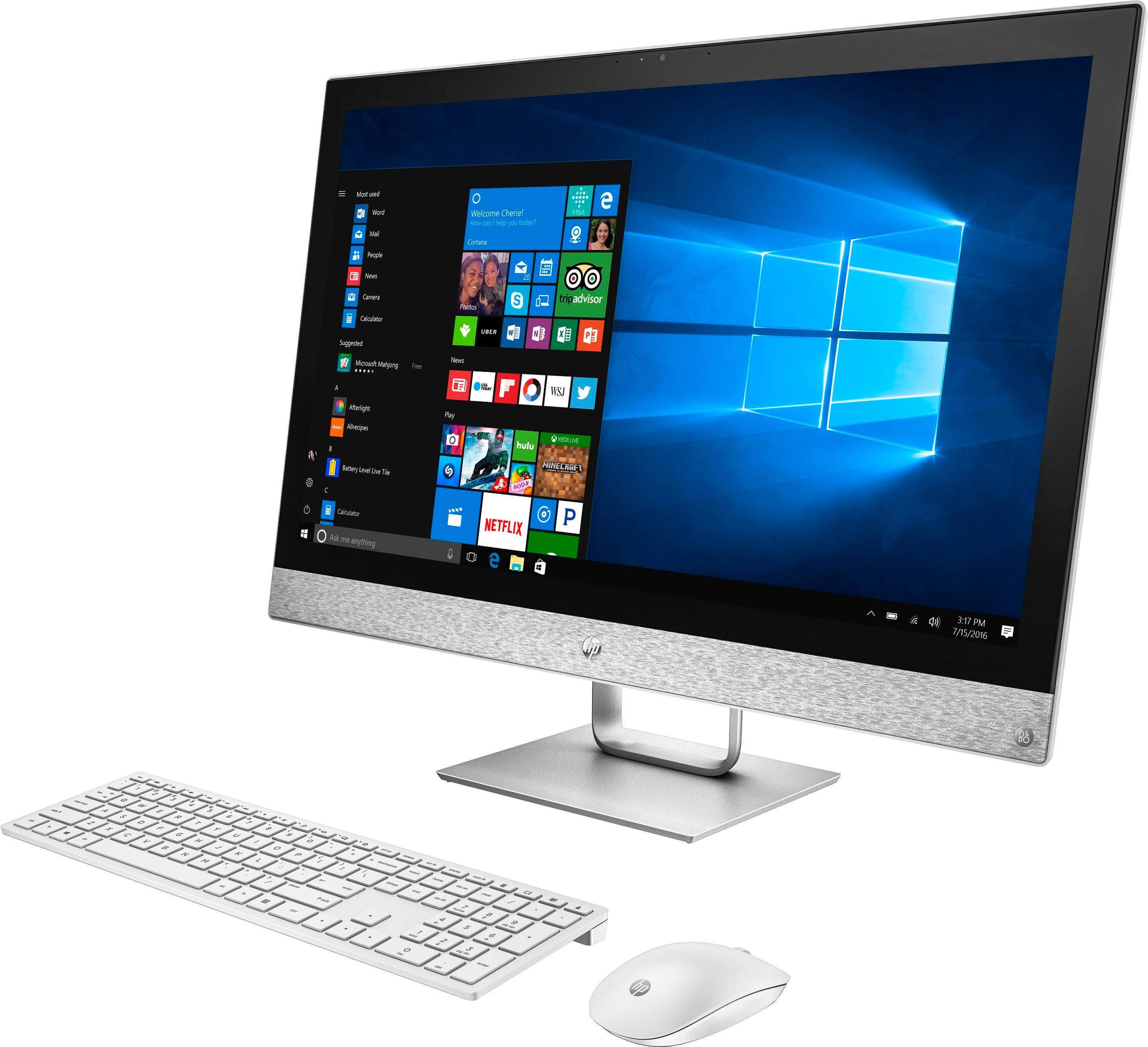
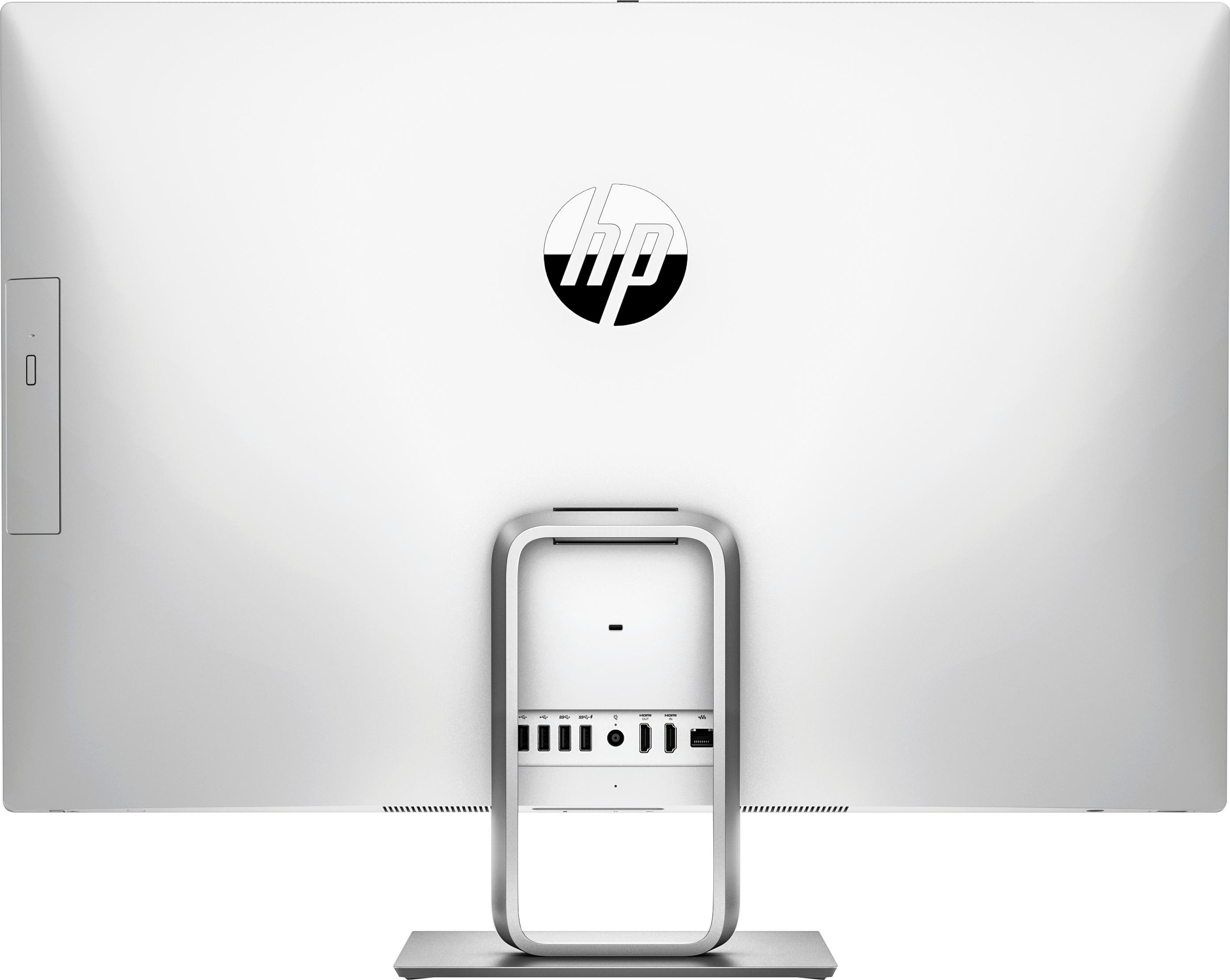
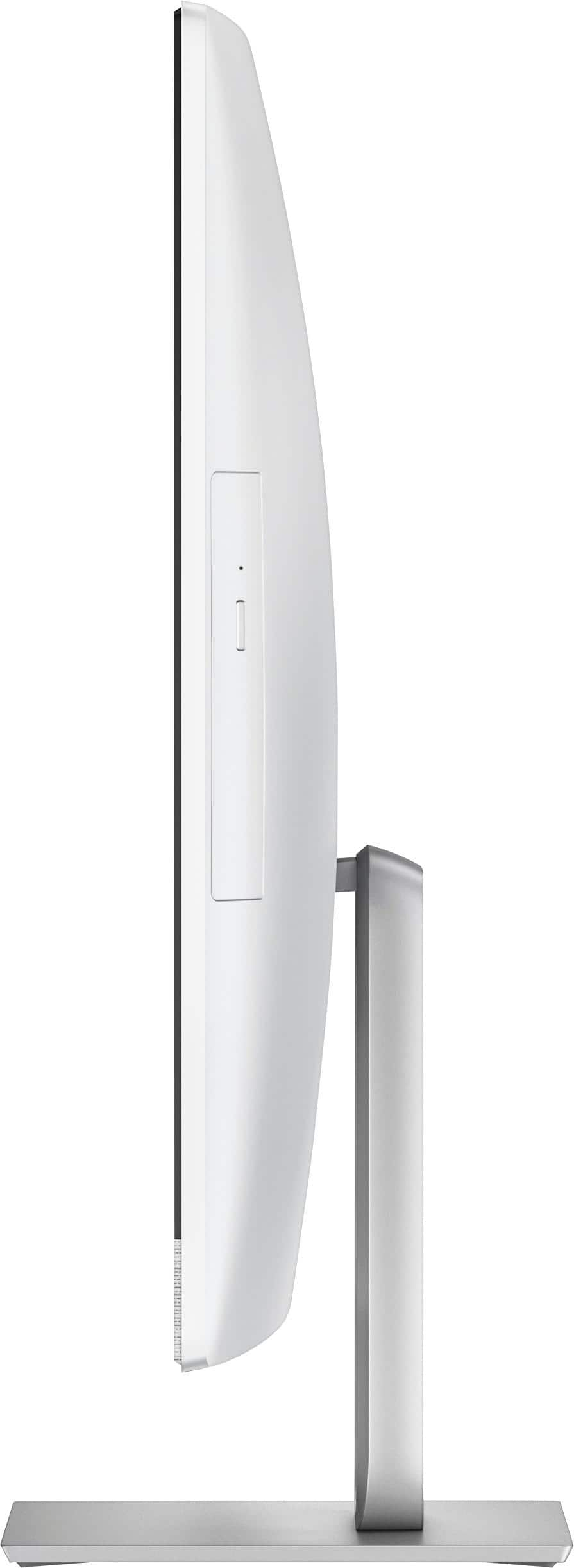
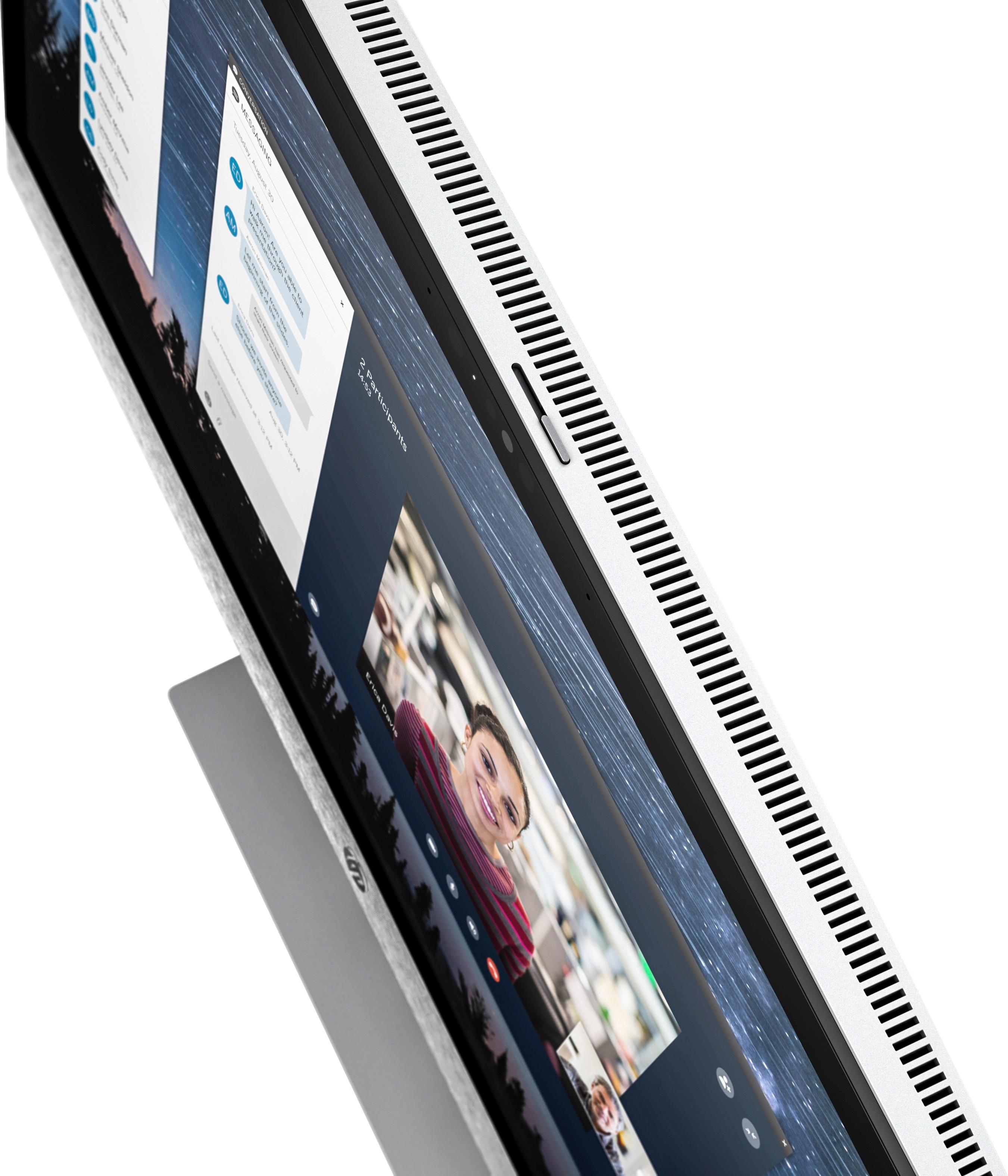
A:AnswerYou are pressing the wrong button. You are pressing a button underneath on the right side of the monitor (when you are facing it). The power button is on the left side underneath the monitor
A:AnswerYes... I understand you.. I am having the same issue with this computer and it was strange in the beginning being a new computer. I am thinking to talk with best buy because of that.
A:AnswerThank you for your question. In order to replace the 1tb HDD you would have to use a SATA to M.2 adapter. The Intel Optane module currently occupies the M.2 slot.
A:AnswerThank you for your question. This model does not have a dedicated GPU. There would be quite the performance with gaming and such versus a similar model with a dedicated GPU.
A:AnswerThank you for your question. You could replace the Intel Optane memory module. Right now Intel does not make much larger sizes but it is something you could keep an eye on as the technology progresses. If you removed the Optane storage (and the features that go with it) all together, you could install an M.2 SSD and the sky is the limit on that. 512GB is a decent number when it comes to price per GB on an SSD.
A:AnswerYes, you must pay in order to have full rights to a copy Microsoft Office. Microsoft offers Office as a full purchase or a monthy subscription.
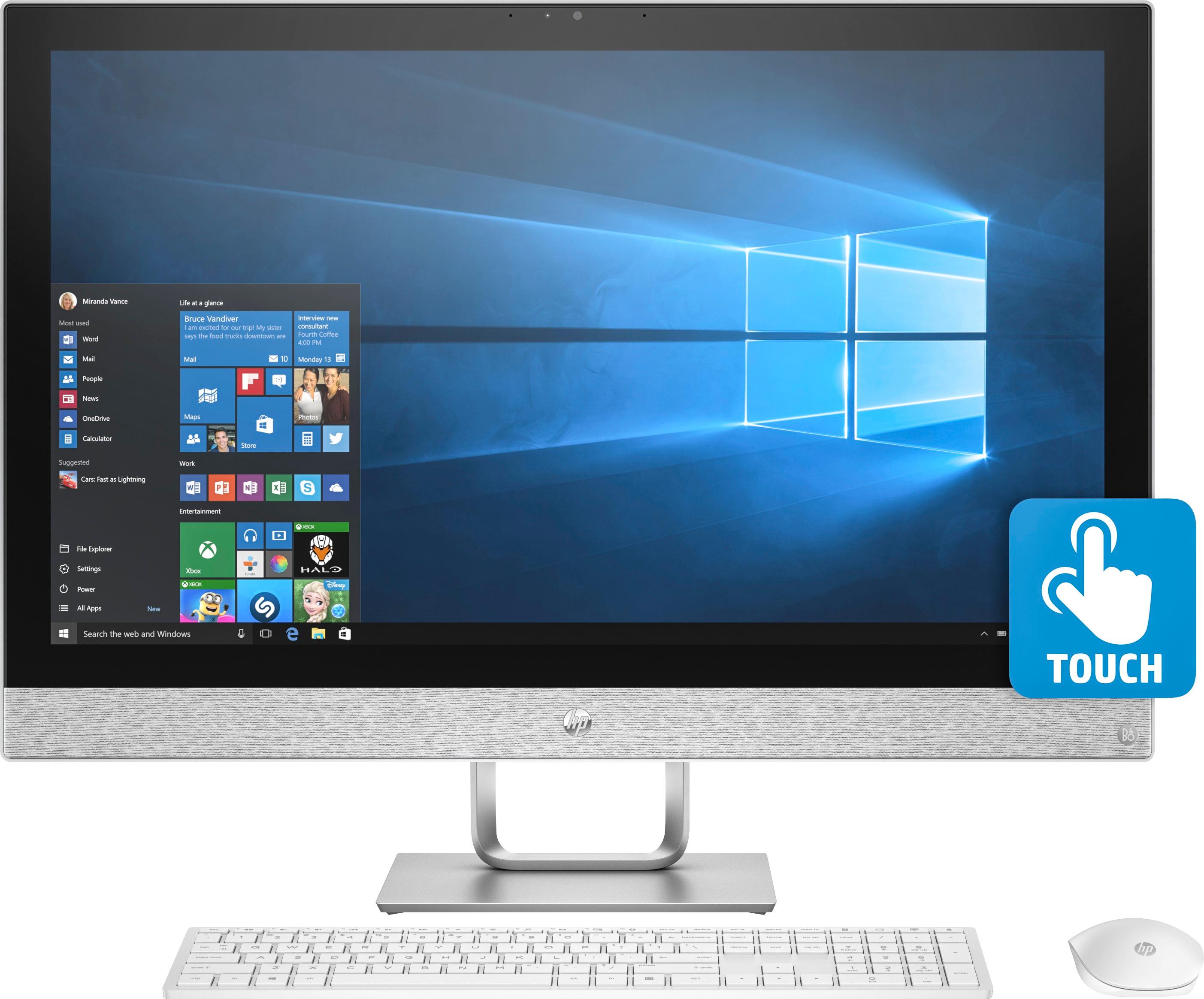
A:AnswerYes push the windows button on the bottom left. You will see a power button on the bottom left of the screen. Push this and you will see the choices sleep, shut down, restart. That is a windows10 thing. Took me a while to find it also.