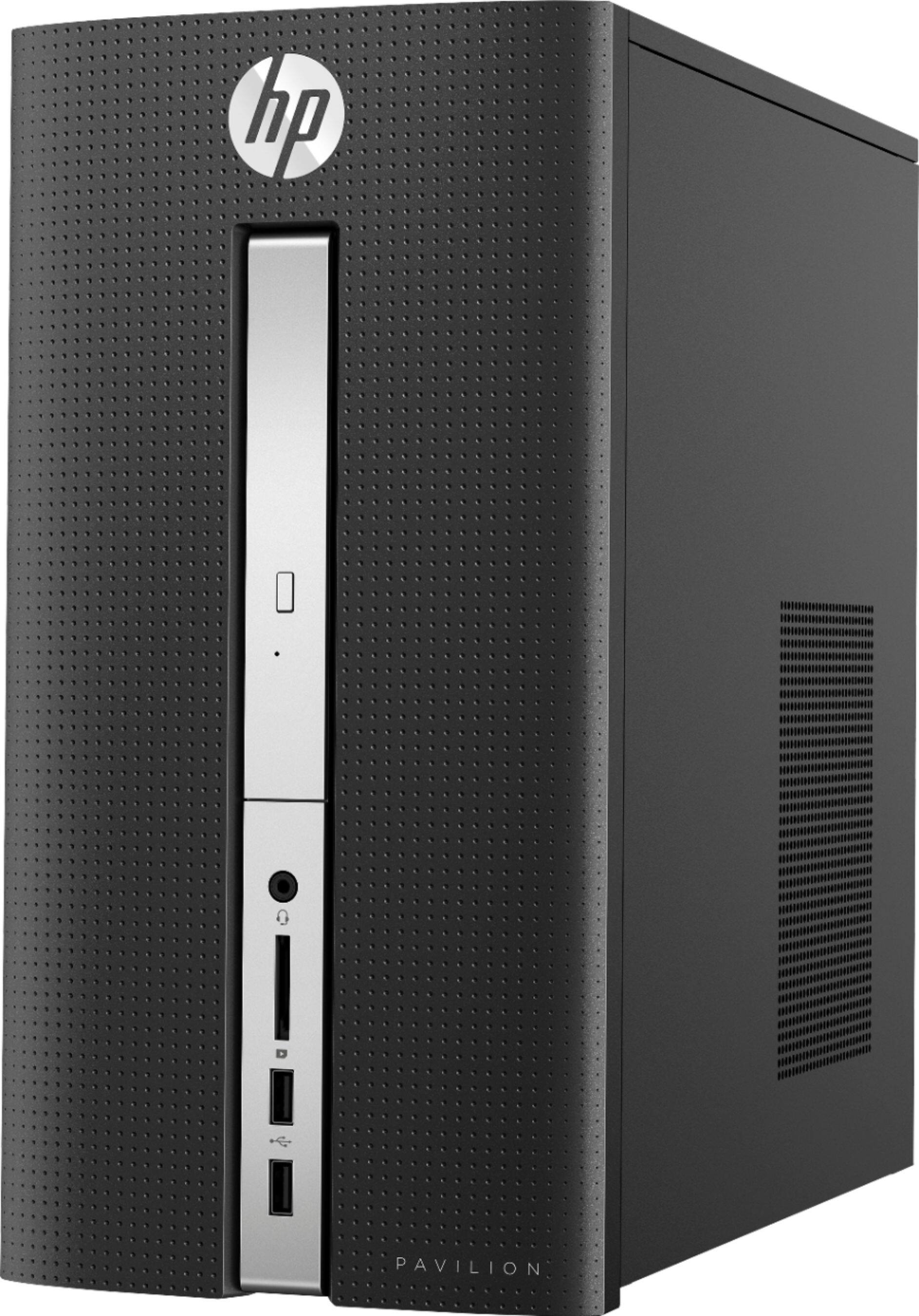
A:AnswerTo begin, SSD stands for Solid State Drive. Like a memory stick, there are no moving parts to an SSD. Rather, information is stored in microchips. Conversely, a hard disk drive uses a mechanical arm with a read/write head to move around and read information from the right location on a storage platter. An SSD does functionally everything a hard drive does, but data is instead stored on interconnected flash memory chips that retain the data even when there's no power present. These flash memory chips are of a different type than is used in USB thumb drives, and are typically faster and more reliable. SSDs are consequently more expensive than USB thumb drives of the same capacities. Like thumb drives, though, they're often much smaller than HDDs and therefore offer manufacturers more flexibility in designing a PC. While they can take the place of traditional 2.5-inch or 3.5-inch hard drive bays, they can also be installed in a PCIe expansion slot or even be mounted directly on the motherboard, a configuration that's now common in high-end laptops and all-in-ones.
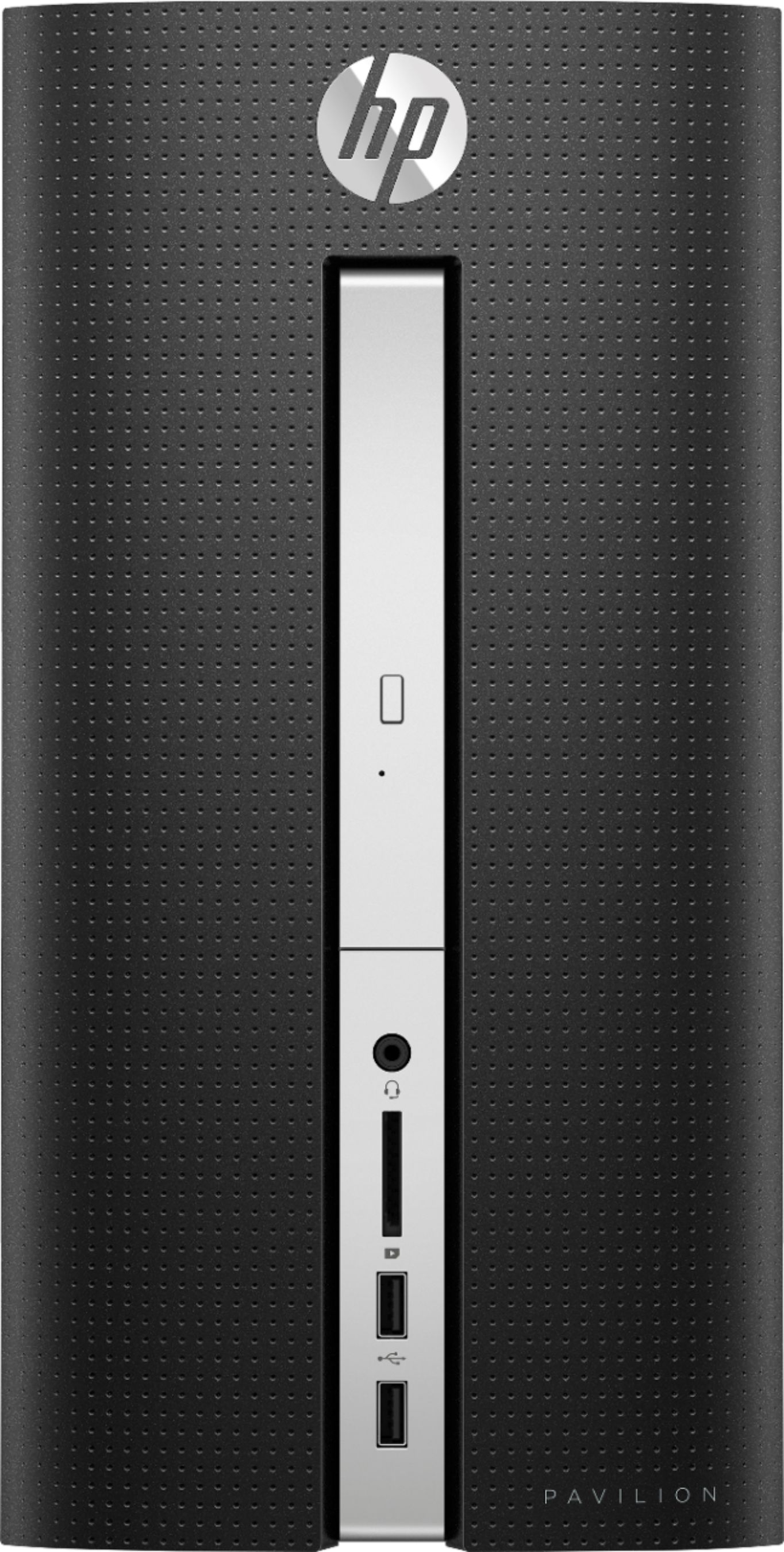
A:AnswerWindows 10 HOME edition. When I bought mine on June 28 it had version 1709 (from Sept. 2017), which I have updated to 1803 (March 2018). That major revision took about two hours to complete and added several new features while deleting the old Homegroup feature.
A:AnswerJust got mine 2 days ago and I'm very happy with it. All my data from my old computer has been transfered to the new one.
I was not to happy about going from windows 7 to 10 but I find few differences. The only thing I can say is putting in a USB you have to hold the computer because
it isn't real heavy so it doesn't move. but if that is the only problem I have in the future I won't complain. One thing you have to remember is you need a monitor,speakers and if
you want to skype ect. you have to buy a webcam.
A:AnswerHave you attempted to connect to another HDMI display? VGA to HDMI adapters are very difficult as VGA is an analog connection while HDMI is digital so often there are issues using an adapter. Typically if you have to run an HDMI connection using a USB to HDMI port is better.
A:AnswerYes, it connects to the internet wirelessly. The only wires or cords necessary are an HDMI cable to connect your display (monitor or flatscreen TV), the power cord, and if using a conventional keyboard and mouse. I suppose if you have a wireless mouse and keyboard you could eliminate those cords by utilizing a wireless keyboard and mouse. Your question was a bit vague, so I've included the different options for keyboard and pointer device in my answer.
A:AnswerThe processor is the "Brain" of the computer. It does all the processing of the tasks you throw at it. The processor is typically something that you will never upgrade so it is very important to get a good one. The Intel Core series (i3, i5, i7) as well as the AMD Ryzen series are typically great choices.
A:AnswerMost likely no or at least very poorly as this is a I-3 processor with on chip Intel Graphics so it's probably fine for 1080i but 4K doubtful. If you upgraded to a I-5 processor and a discrete GPU (It has a slot) It probably would do OK at 4K as long as the propitiatory power supply can accommodate the GPU. I think the 8gb of ram are adequate for most any use except video rendering at which this computer would be a real failure by any measure. But now the cost with the upgrades would be well over $1,000.00. Anyway for what it is it's pretty good and so is 1080 output for most uses.
A:AnswerNo ... there are TWO drives. The HDD is 1TB and there is an ADDITIONAL SSD of 128GB. If you add them up, the total storage is 1,128GB. However, some will be used up with installation of the OS and other programs.
A:AnswerSince the solid state drive have no moving parts it makes no noise. So it is the Hard Disk Drive or the fan making the noise. Mine makes no noticeable noise. I hear it humming but it is too low to hear. so if you really hear loud noise you may have defective unit.
A:AnswerAccording to the specs on the Best Buy site for this unit it has 1 HDMI and 1 VGA. It probably would run two monitors but this is a system on a chip (SOC) computer without a separate graphics card so I wouldn't expect much as Intel's on broad graphics are not very spectacular. The SOC is really intended for business users not gamer's or content creators.
A:AnswerThis PC model uses a Lubin motherboard that allows up to Intel Core i7-7700 (Kabylake) 3.6 GHz Quad Core, 65 W, with Intel HD Graphics 630. Keep in mind upgrades/changes may void the manufacturer's warranty.
A:AnswerYou need a computer with a GPU like the GTX 1060. You would have to add a GPU and likely upgrade the PSU of this computer to meet the requirements.