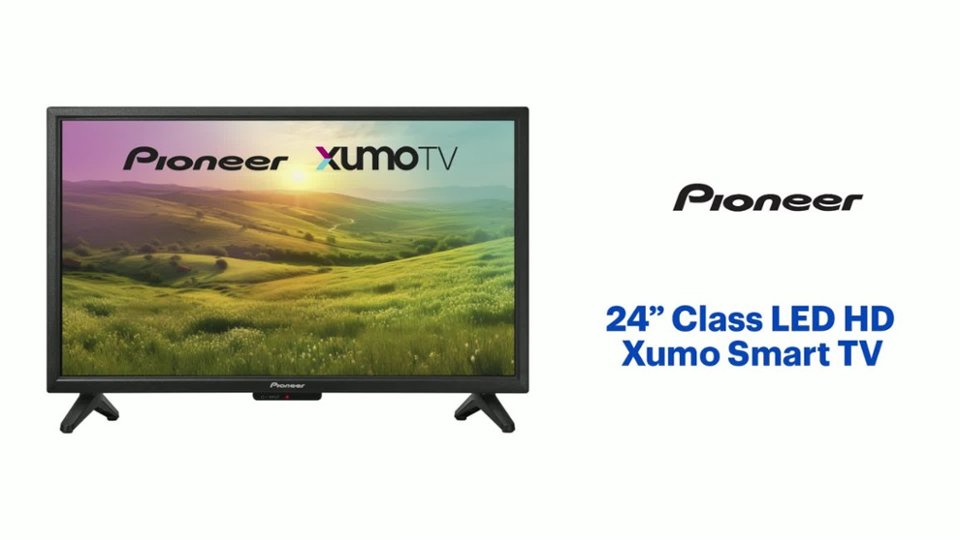
Questions & Answers
- Model:
- PN24-551-24U
- |
- SKU:
- 6569626
Q: QuestionIs this a regular TV or a Fire TV?
Asked by TomJ.
- A:Answer It is a regular smart TV
Answered by user506035
Q: QuestionIs this tv compatible with xfinity streaming
Asked by Zoef.
- A:Answer Yes
Answered by WinnieB
Q: QuestionThis TV would be used exclusively to be hooked up to a VHS/CD player ... exclusively for playing old tapes and CD's. Can that unit simply be hooked up to this TV and be good to go?
Asked by raventiger.
- A:Answer Yes
Answered by Mleffall6568
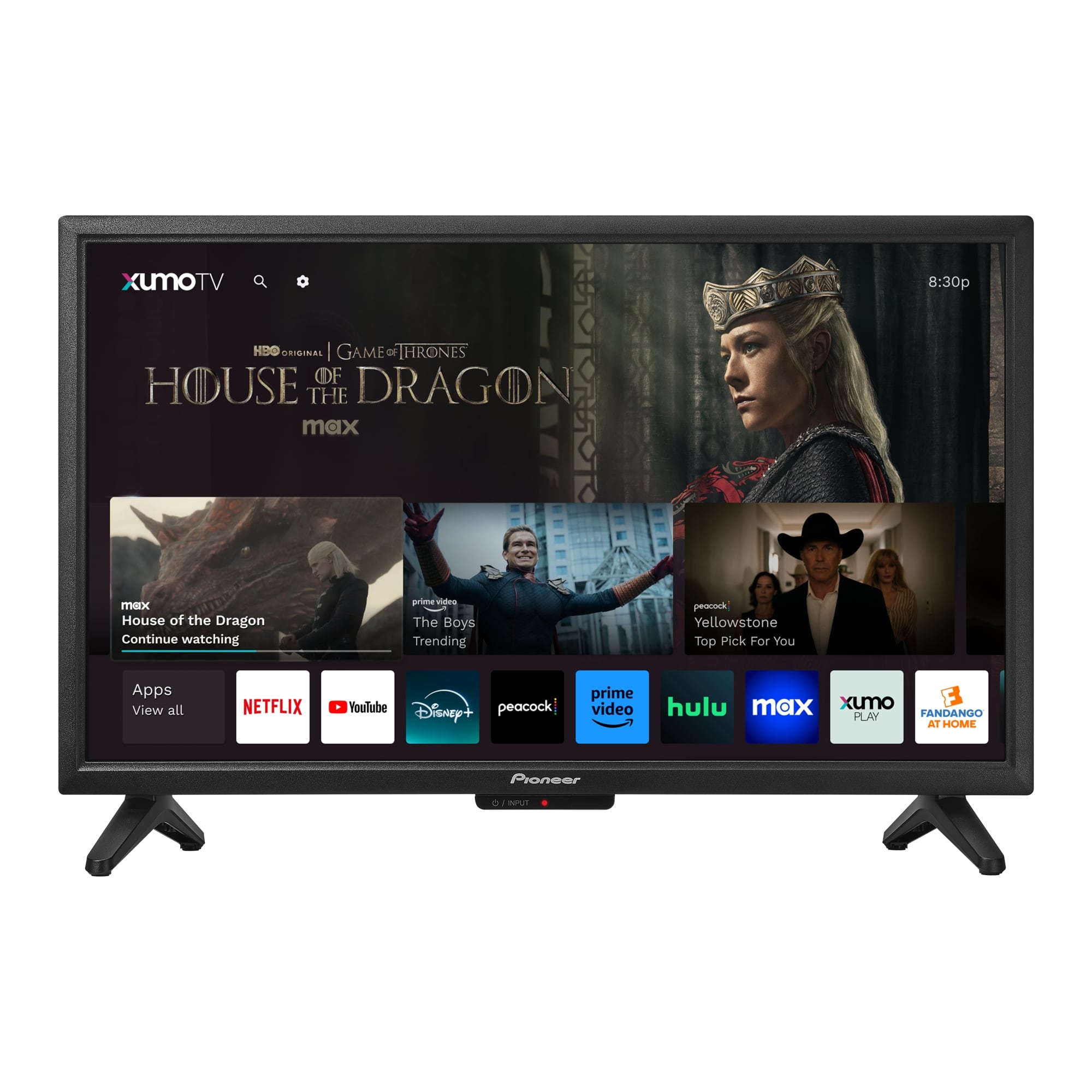
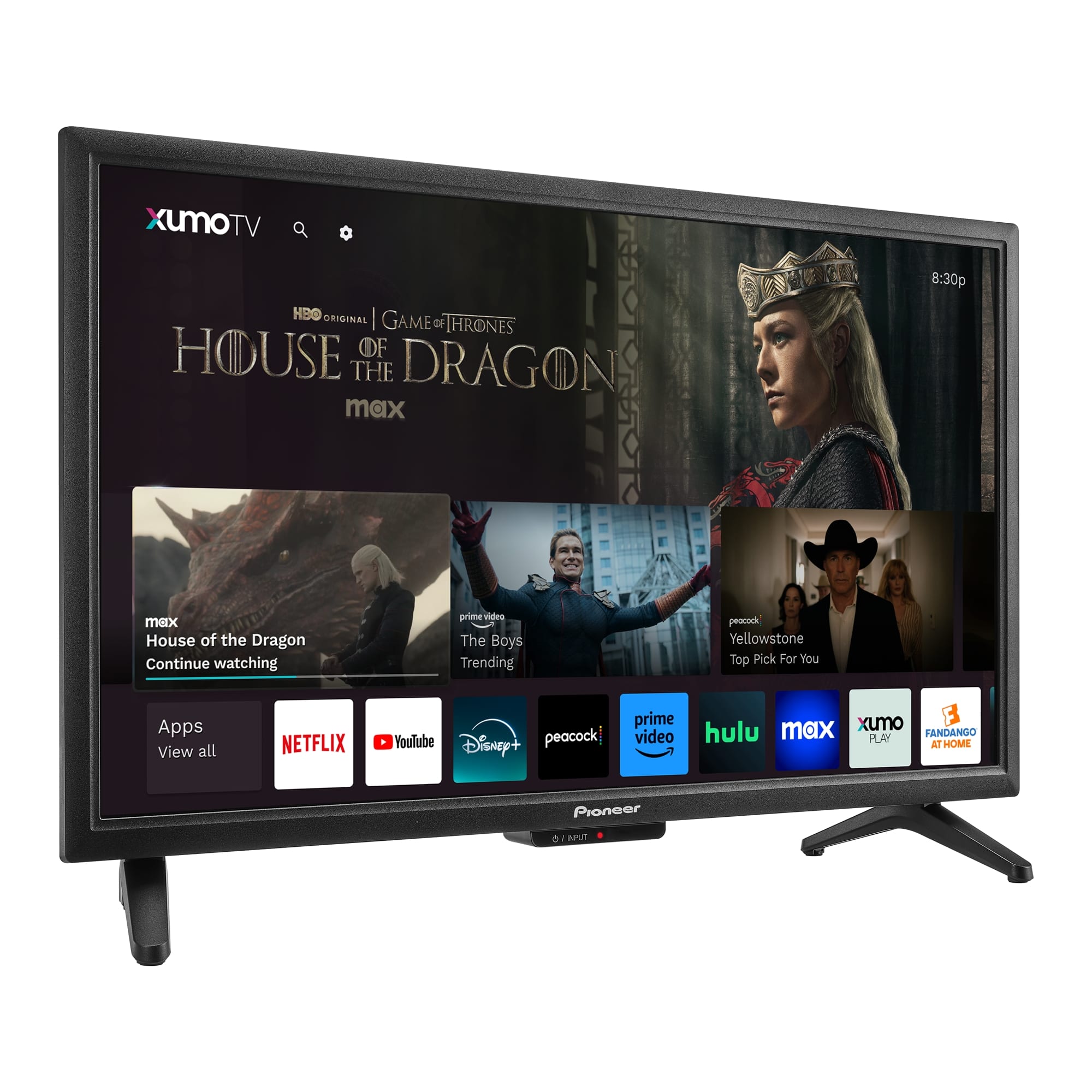
Q: QuestionDoes this TV have YouTube TV app for streaming?
Asked by Smalltvseeker.
- A:Answer Yes it has it, as far as I can see it has all the smart apps.
Answered by Redman
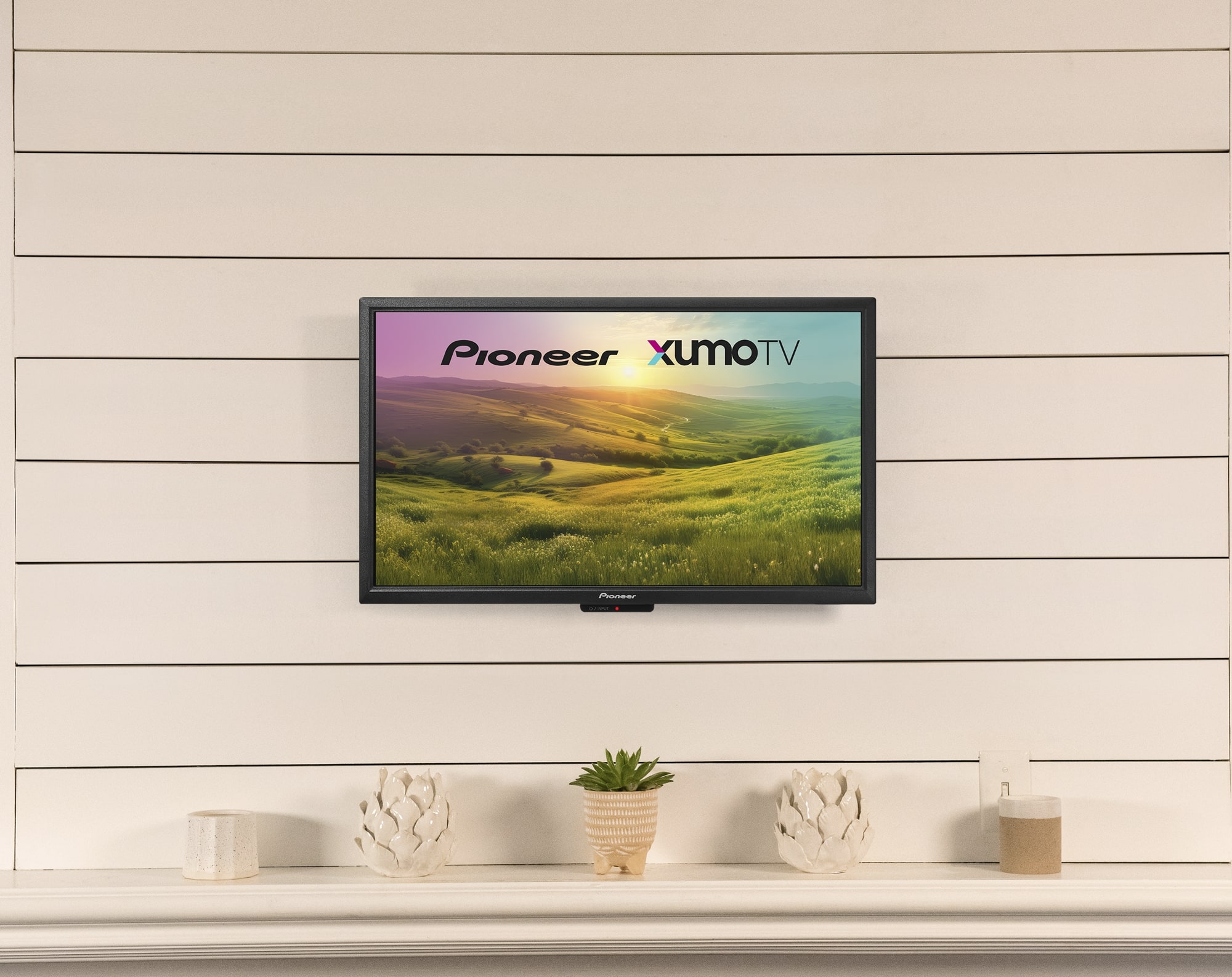
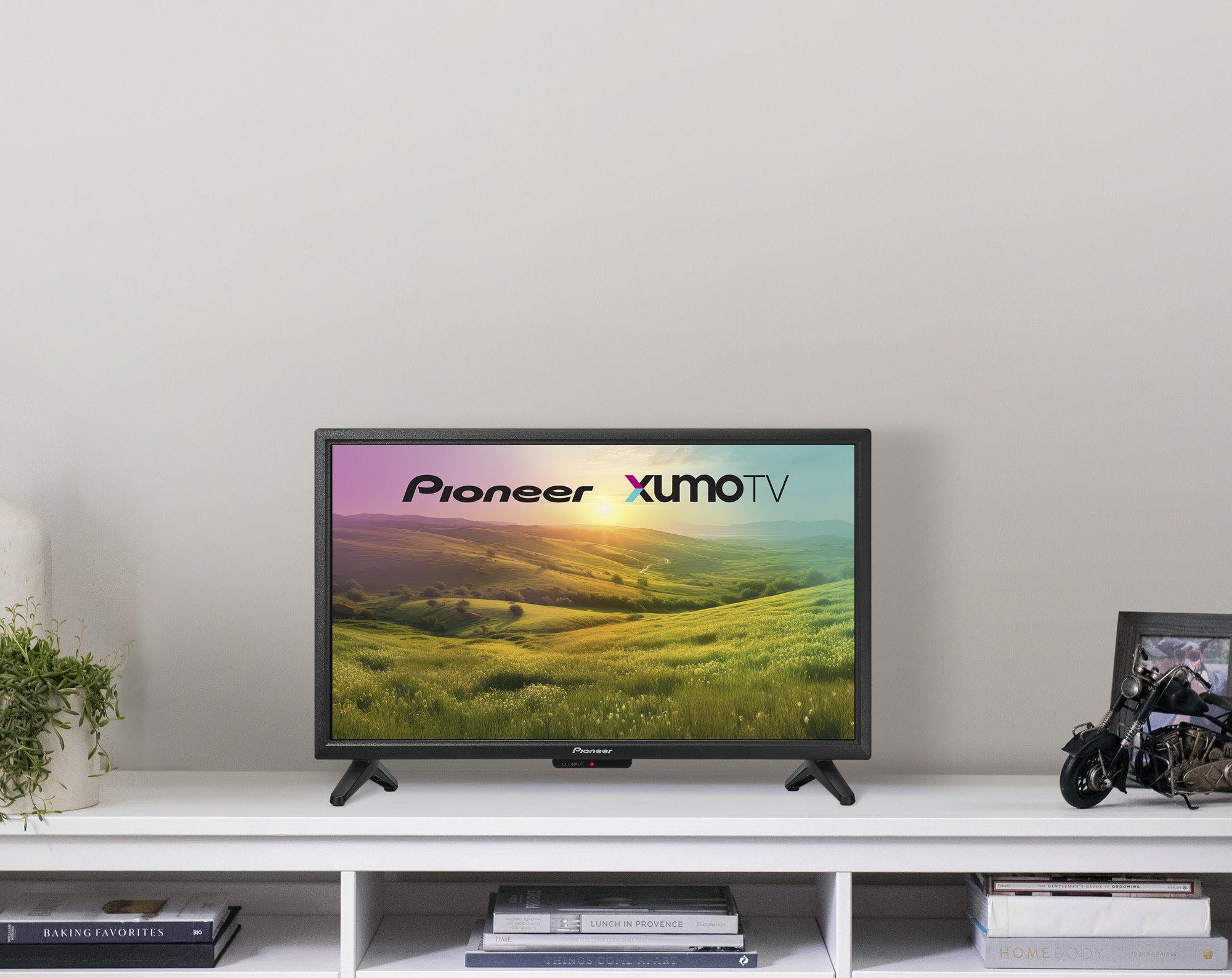
Q: QuestionCan this tv stand alone without the feet...perhaps a back piece that will allow it to stand?
Asked by Nancy.
- A:Answer No you need to use base or hang it
Answered by WinnieB
Q: QuestionLaptop connects needed. Is it available?
Asked by Bestfriendly.
- A:Answer Yes
Answered by Mleffall6568
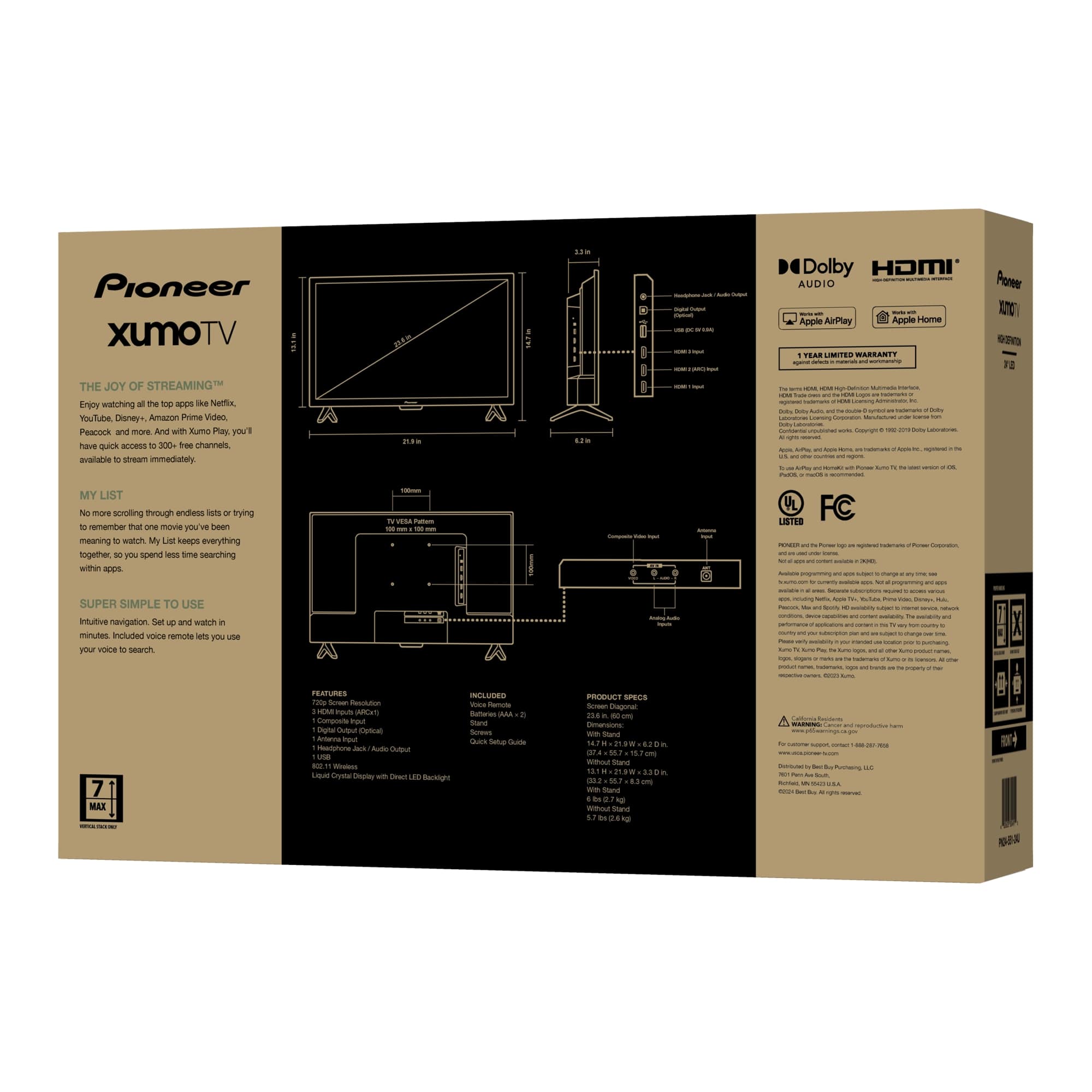
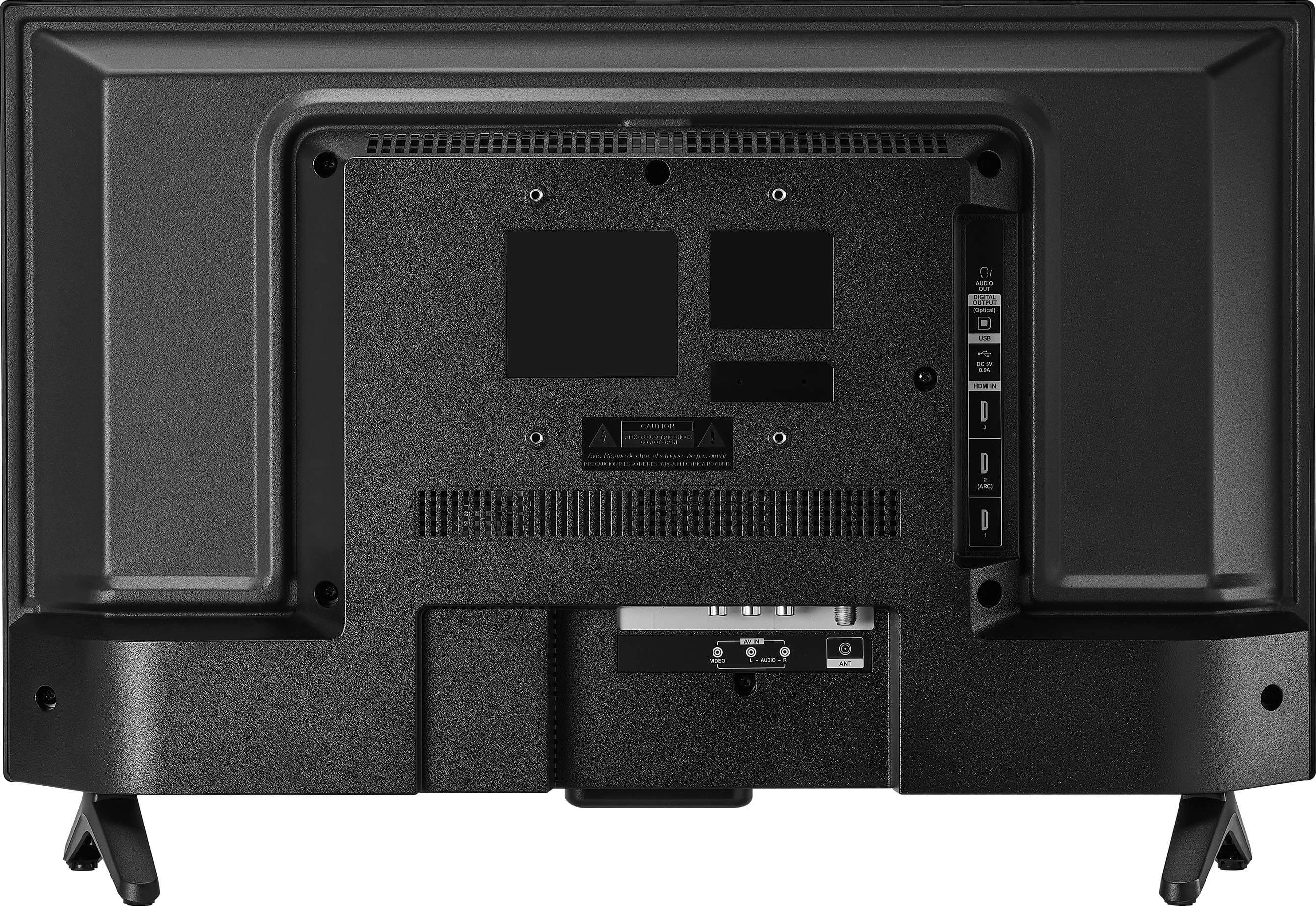
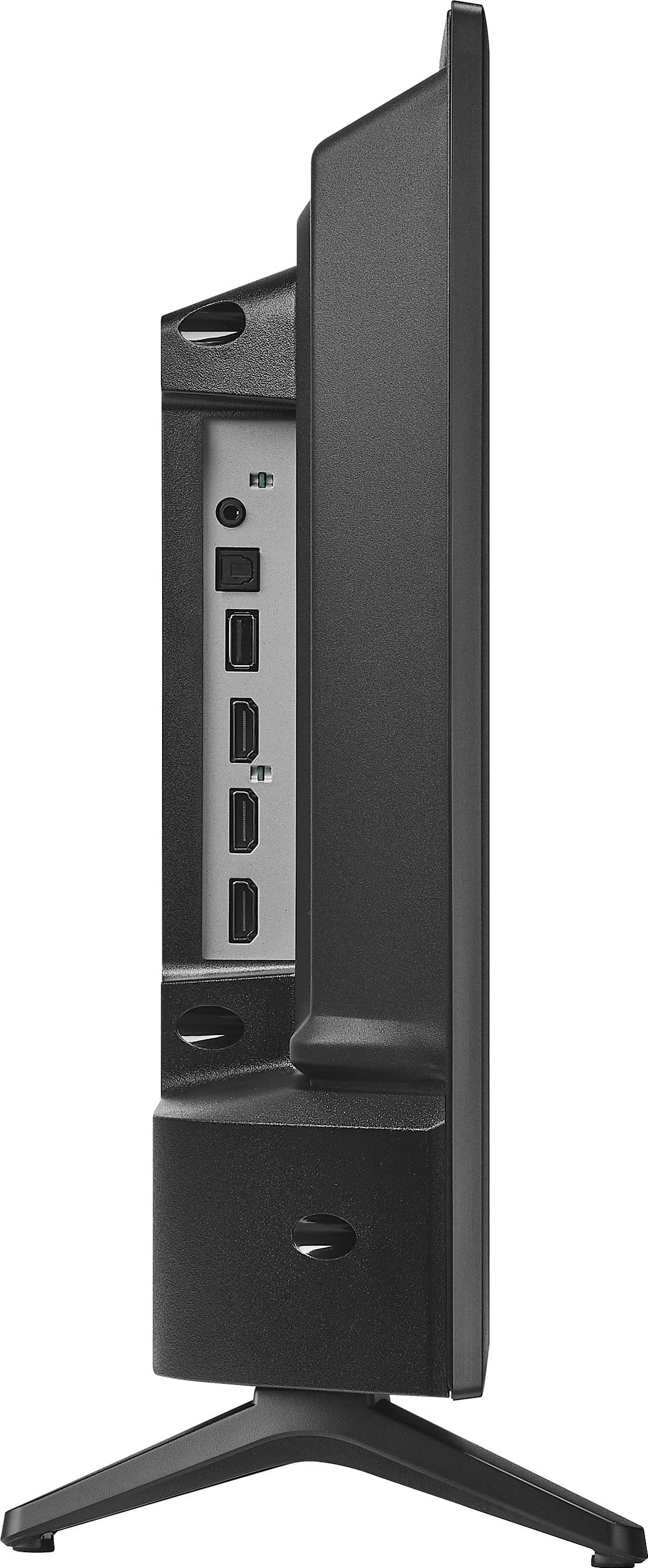
Q: QuestionCan this tv be used as a computer screen and does it include a HDMI port?
Asked by Katrina.
- A:Answer Yes, and yes.
Answered by NaplesHomeowner
Q: QuestionI bought this set since it said it had an ethernet port. I do not have Wi-Fi. The instructions say I can connect the TV to an Ethernet port, but I can not find it. Attached is a diagram of the connections from the manual. Is the Ethernet port hiding?
Asked by David12846.
- A:Answer Hi David12846, Thank you for reaching out. Based on the information provided, the Ethernet port on your Pioneer 24” Class LED HD Xumo Smart TV is located beside the RCA input. It might be labeled as "LAN" or "Ethernet. Patricia | Pioneer Support
Answered by PioneerCustomerSupport
Q: QuestionWhat type of tuner does it have? Does it have ASTC?
Asked by jen890.
- A:Answer Hi jen890! The Pioneer 24” Class LED HD Xumo Smart TV does not have built-in ATSC compatibility. This model is designed primarily for streaming content through the Xumo platform and other smart TV features. Jeth | Pioneer Support.
Answered by PioneerCustomerSupport
Q: QuestionCan this Pioneer XUMO Smart TV access the Spectrum TV App without a separate XUMO box?
Asked by Hardman.
- A:Answer Yes, your Pioneer 24” Class LED HD Xumo Smart TV can access the Spectrum TV App without needing a separate Xumo box. The Spectrum TV App is available directly on Xumo, allowing you to stream live TV and On Demand content. Patricia | Pioneer Support
Answered by PioneerCustomerSupport
Q: QuestionDo I need a monthly subscription to use the tv?
Asked by EVtv.
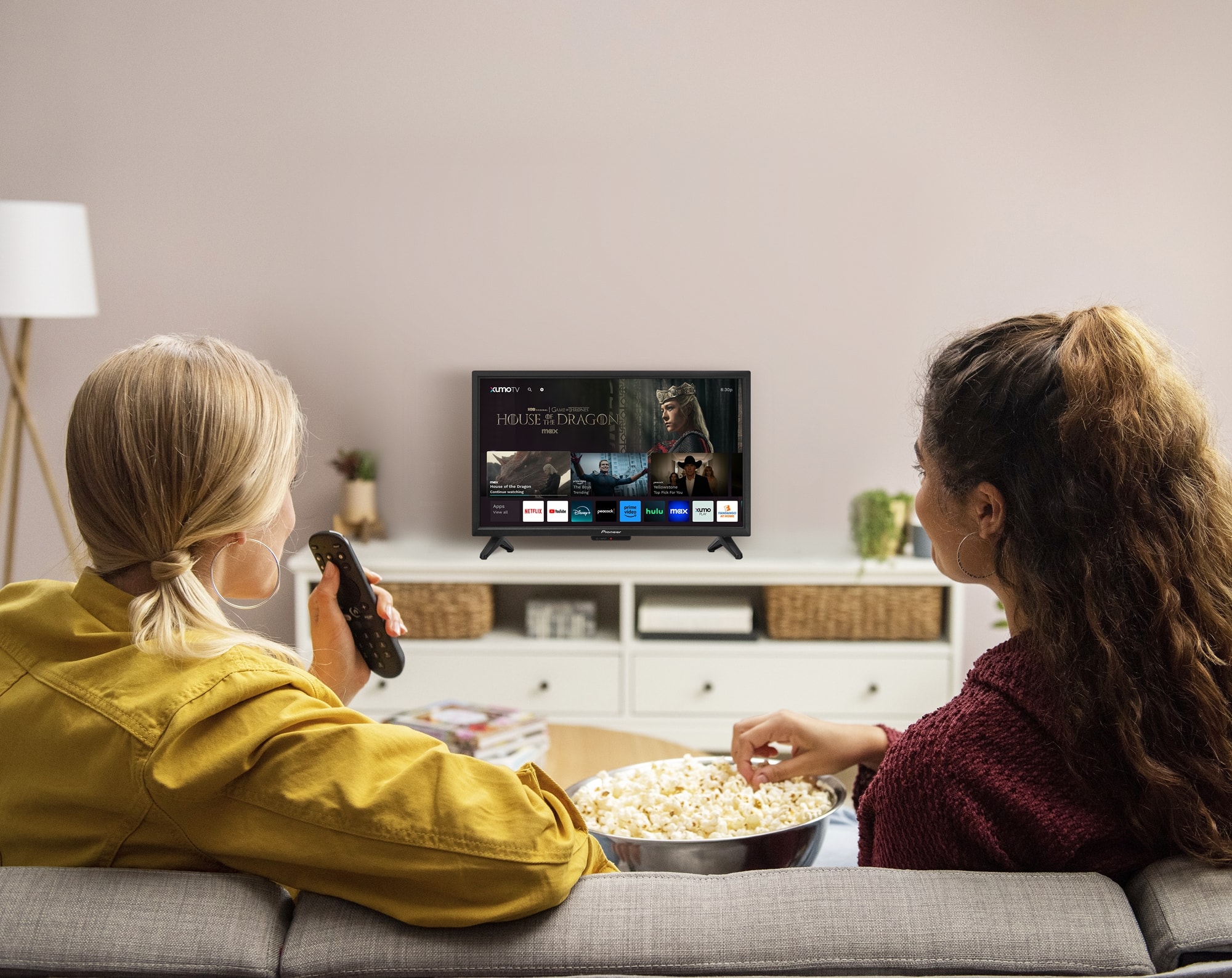
- A:Answer No, you don't need a monthly subscription to use the Pioneer - 24” Class LED HD Xumo Smart TV. This TV comes with over 250 pre-loaded apps, including popular streaming services like Netflix, YouTube, and Disney+. However, accessing content on some of these apps may require individual subscriptions. Patricia | Pioneer Support
Answered by PioneerCustomerSupport
Q: QuestionCan you browse the web on this TV?
Asked by Gil.
- A:Answer The Pioneer 24” Class LED HD Xumo Smart TV does not have a built-in web browser. However, it offers a wide range of streaming options through over 250 pre-loaded apps. Patricia | Pioneer Support
Answered by PioneerCustomerSupport
Q: QuestionIt says it will stream i-phone, what about Android?
Asked by Mark.
- A:Answer Hi Mark! Yes, the Pioneer 24” Class LED HD Xumo Smart TV supports streaming from both iPhone and Android devices. While it specifically mentions compatibility with Apple AirPlay 2 for iPhone users, it also supports screen mirroring and casting from Android devices. Jeth | Pionner Support.
Answered by PioneerCustomerSupport
Q: QuestionIs the FUBO app available on this TV?
Asked by jk.
- A:Answer Hi there. Thank you for your interest to our Pioneer 24” Class LED HD Xumo Smart TV. Yes, the FUBO app is available on the Pioneer 24” Class LED HD Xumo Smart TV. You can enjoy streaming your favorite sports and shows directly on this TV. Ivy | Pioneer Support
Answered by PioneerCustomerSupport
Q: Questiondo I need to purchase a separate hdmi cable to hook this tv into a spectrum channel box, if so what one I am technically challenged.
Asked by catmom.
- A:Answer Yes, you will need to purchase a separate HDMI cable to connect your Pioneer 24” Class LED HD Xumo Smart TV to a Spectrum channel box. We recommend getting a high-speed HDMI cable to ensure optimal performance, as these cables support higher resolutions and refresh rates, which is ideal for HD content. Patricia | Pioneer Support
Answered by PioneerCustomerSupport
Q: QuestionCan this also be used as a computer monitor for my laptop?
Asked by Janet.
- A:Answer I am sorry Janet but my tv does not have a computer port that you would need to connect to your laptop. I mainly purchased this tv so I could watch cable and off the air broadcasts on two tv's at the same time. David Green
Answered by DavidG
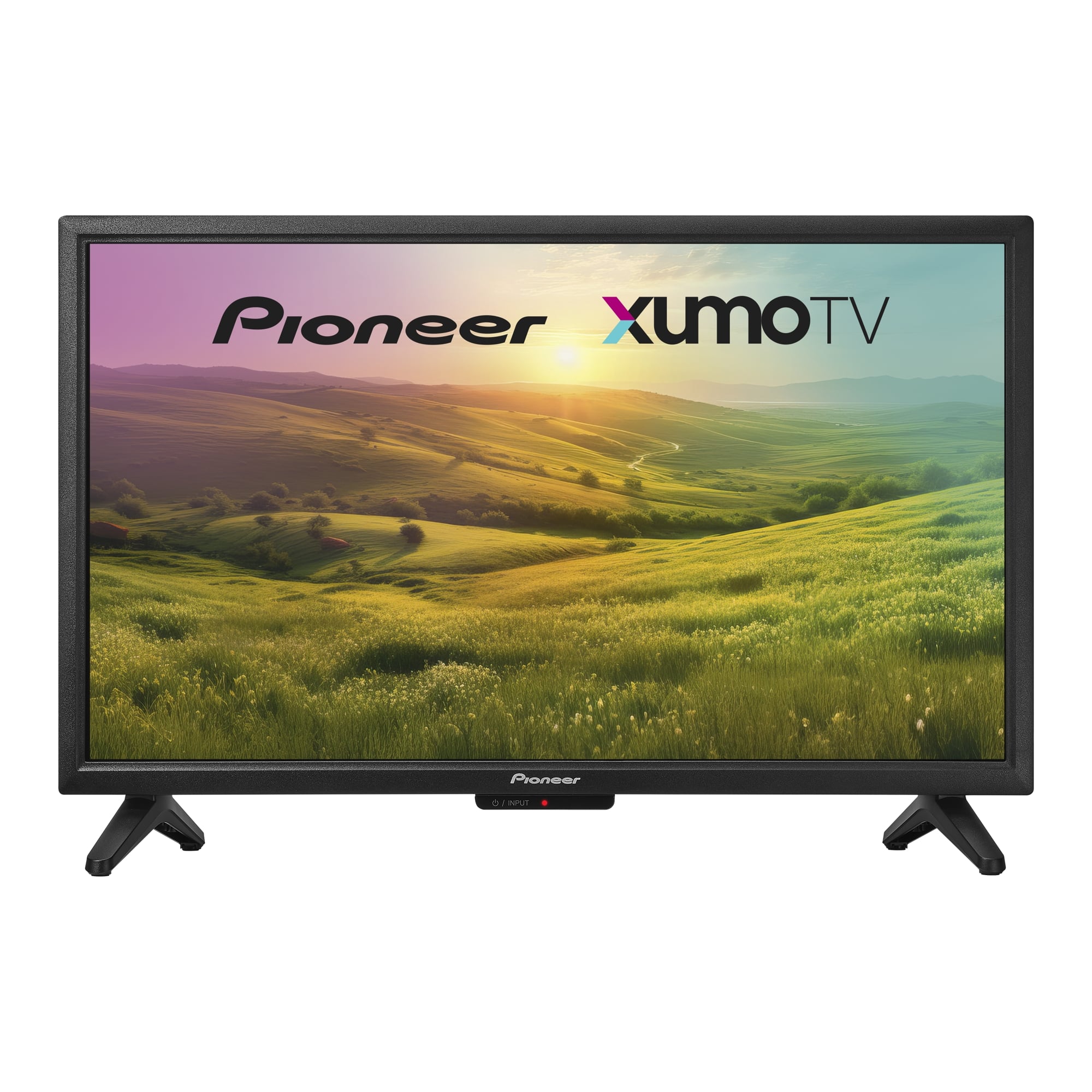
Q: QuestionCan I download apps like DirectTV stream?
Asked by RW.
- A:Answer Thank you for your inquiry! Yes, you can download apps like DirecTV Stream on the Pioneer 24” Class LED HD Xumo Smart TV. This TV supports a variety of popular streaming apps, including Netflix, YouTube, Disney+, Amazon Prime Video, and more. If you have any other questions or need further assistance, feel free to ask! - Mae | Pioneer Support
Answered by PioneerCustomerSupport
Q: QuestionHow do I change the language in the settings menu? I set it up in Spanish and want to change it to English.
Asked by Peaches.
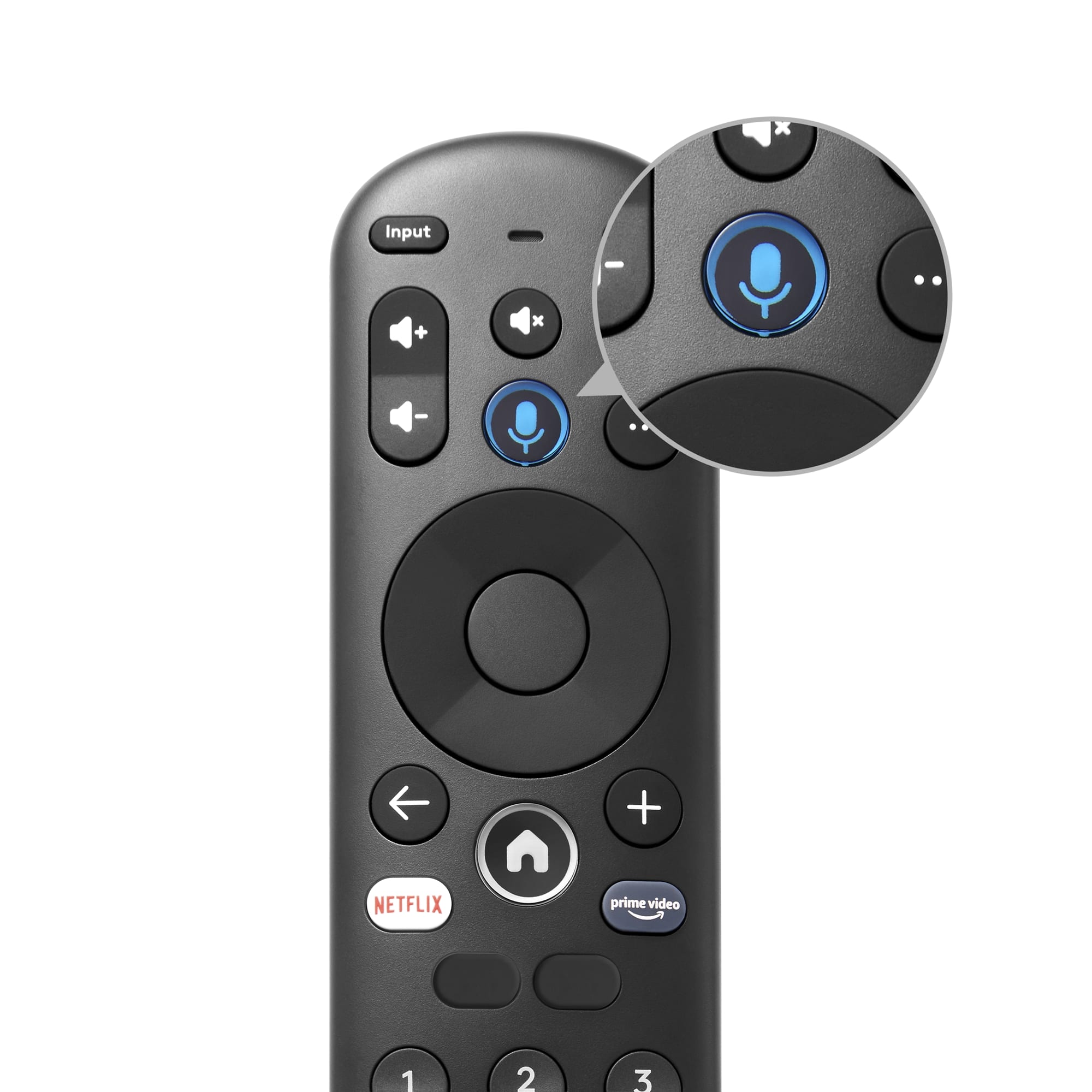
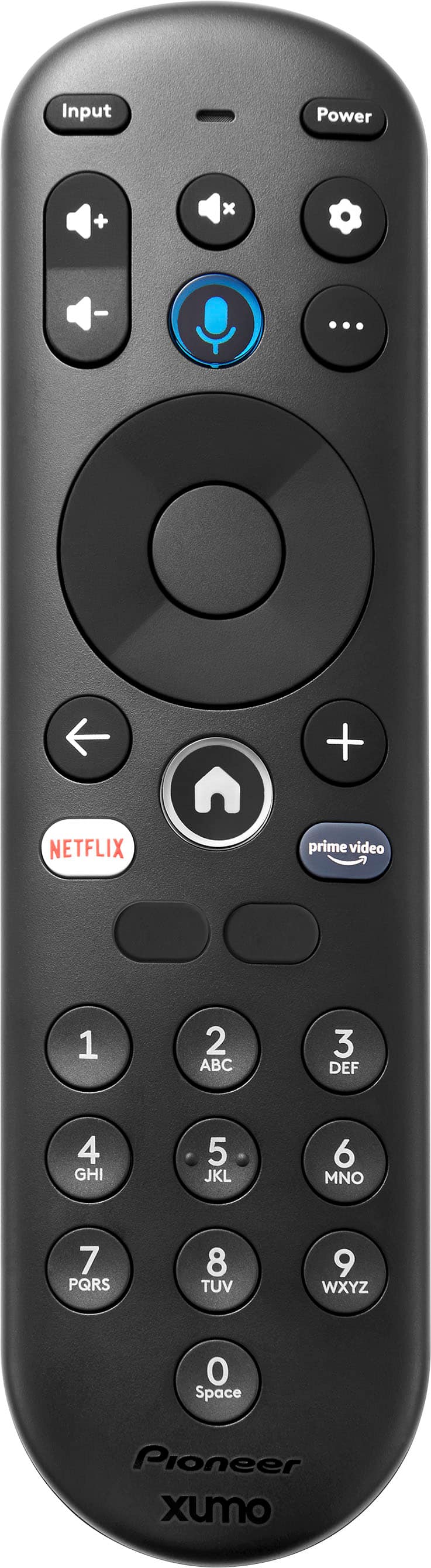
- A:Answer To change the language from Spanish to English on your Pioneer 24” Class LED HD Xumo Smart TV, follow these steps: Press the Home button on your remote to go to the main menu. Navigate to the Settings icon (gear icon) and select it. Scroll down and select "System Management". Select "Region and Language". Choose "English" from the list of available languages. Your TV should now display all menus and settings in English. If you have any other questions or need further assistance, feel free to ask! - Mae | Pioneer Support
Answered by PioneerCustomerSupport

Most-viewed items
- $1,399.99Your price for this item is $1,399.99$2,699.99The comparable value for this item is $2,699.99
- $899.99Your price for this item is $899.99$1,999.99The comparable value for this item is $1,999.99
- $179.99Your price for this item is $179.99$349.99The comparable value for this item is $349.99
- $1,718.90Your price for this item is $1,718.90$3,699.99The comparable value for this item is $3,699.99
- $399.99Your price for this item is $399.99$699.99The comparable value for this item is $699.99
- $329.99Your price for this item is $329.99$469.99The comparable value for this item is $469.99
- $119.99Your price for this item is $119.99$199.99The comparable value for this item is $199.99
- $449.99Your price for this item is $449.99$649.99The comparable value for this item is $649.99
- $599.99Your price for this item is $599.99$1,299.99The comparable value for this item is $1,299.99
- $899.99Your price for this item is $899.99$2,299.99The comparable value for this item is $2,299.99
- $1,399.99Your price for this item is $1,399.99$2,499.99The comparable value for this item is $2,499.99
- $529.99Your price for this item is $529.99$999.99The comparable value for this item is $999.99
- $329.99Your price for this item is $329.99$489.99The comparable value for this item is $489.99
- $289.99Your price for this item is $289.99$429.99The comparable value for this item is $429.99
- $1,999.99Your price for this item is $1,999.99$3,499.99The comparable value for this item is $3,499.99
- $249.99Your price for this item is $249.99$389.99The comparable value for this item is $389.99
- $799.99Your price for this item is $799.99$1,499.99The comparable value for this item is $1,499.99
- $999.99Your price for this item is $999.99$2,499.99The comparable value for this item is $2,499.99
- $999.99Your price for this item is $999.99$1,599.99The comparable value for this item is $1,599.99
- $599.99Your price for this item is $599.99$1,299.99The comparable value for this item is $1,299.99