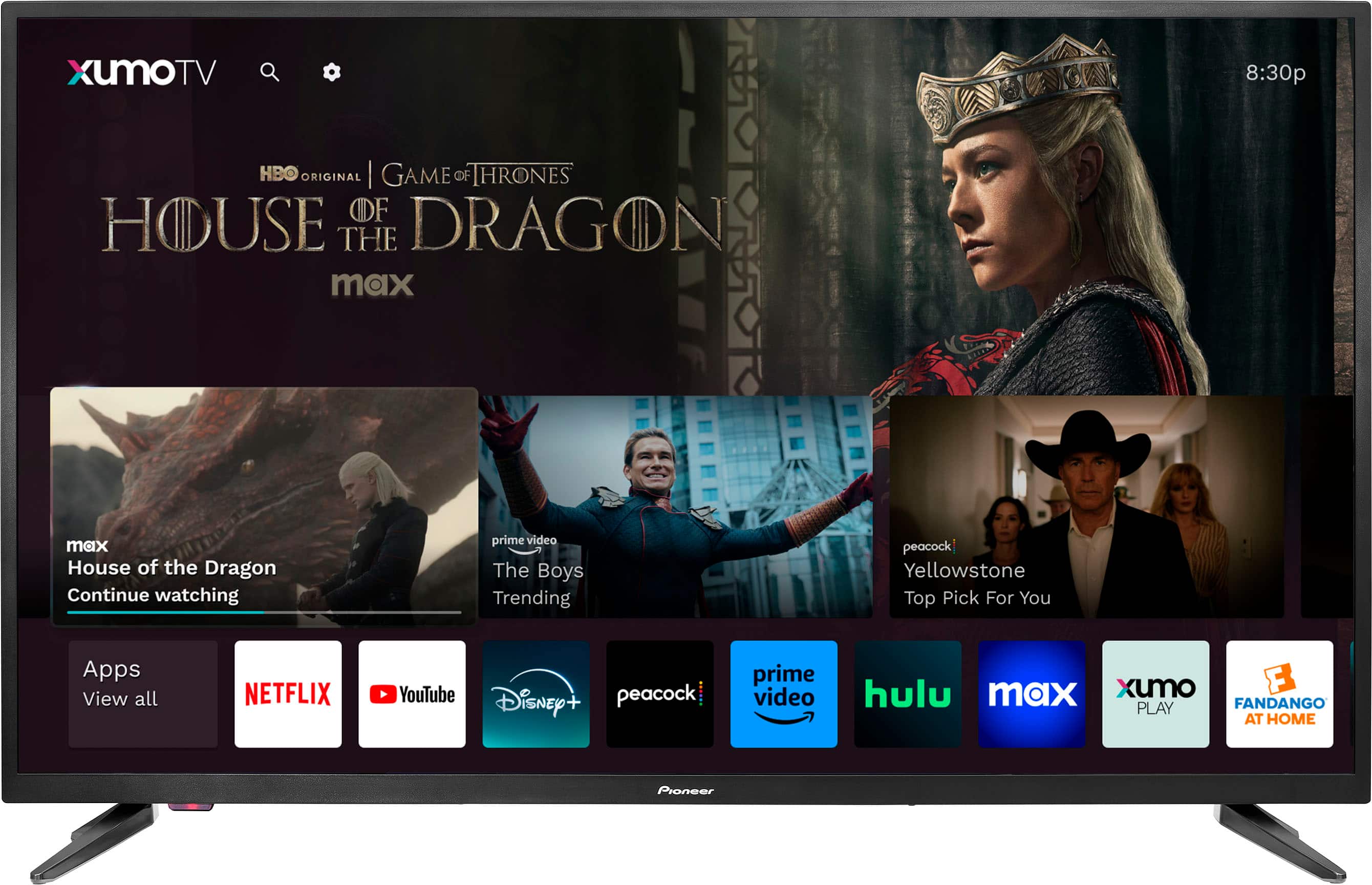
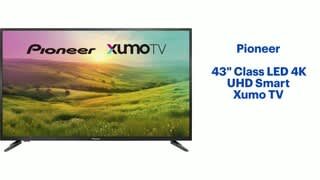
A:AnswerThe Pioneer 43" Class LED 4K UHD Smart Xumo TV supports a variety of popular streaming apps like Netflix, YouTube, Disney+, Peacock, and more1. However, it doesn't specifically list the Beachbody app as one of the supported apps.
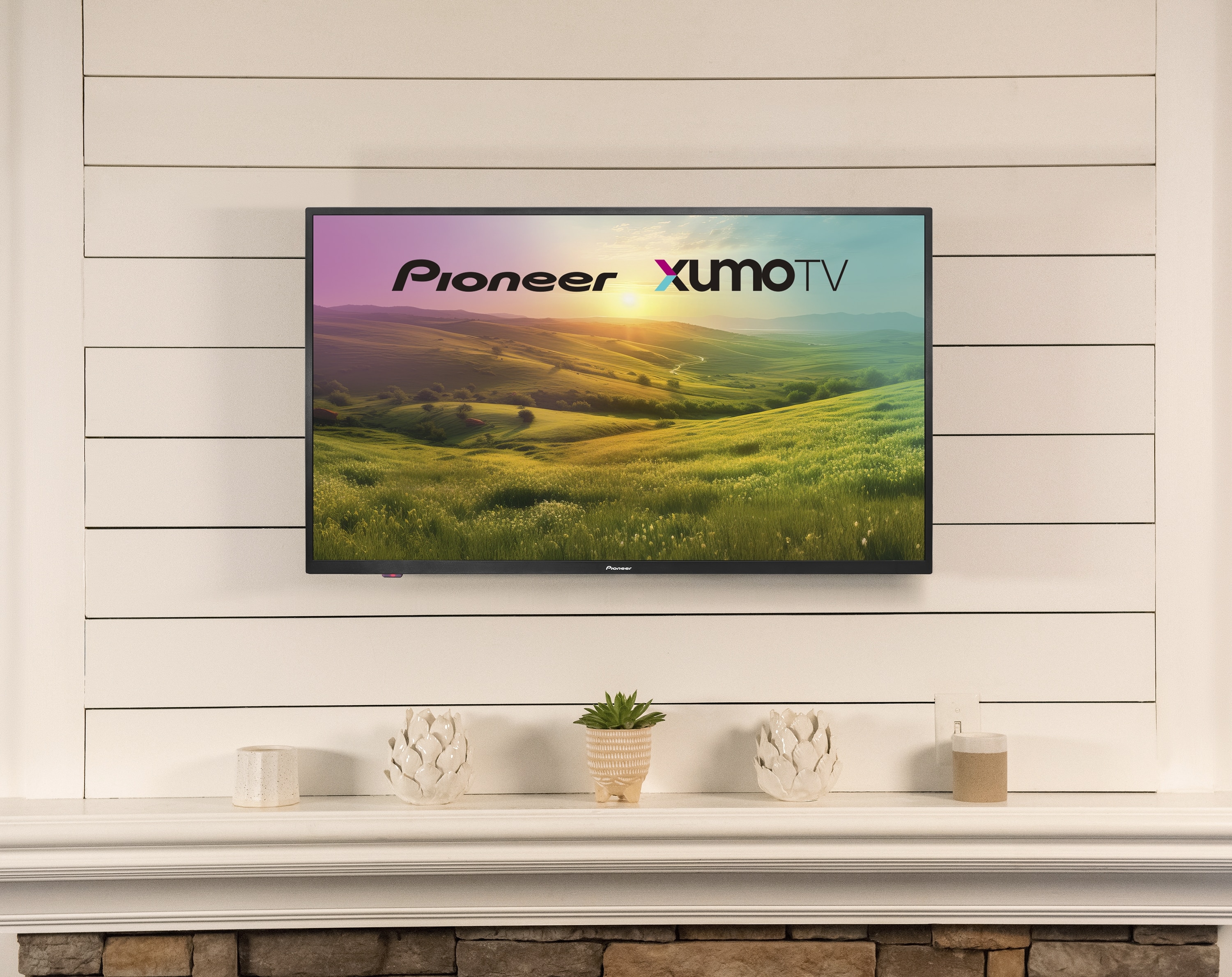
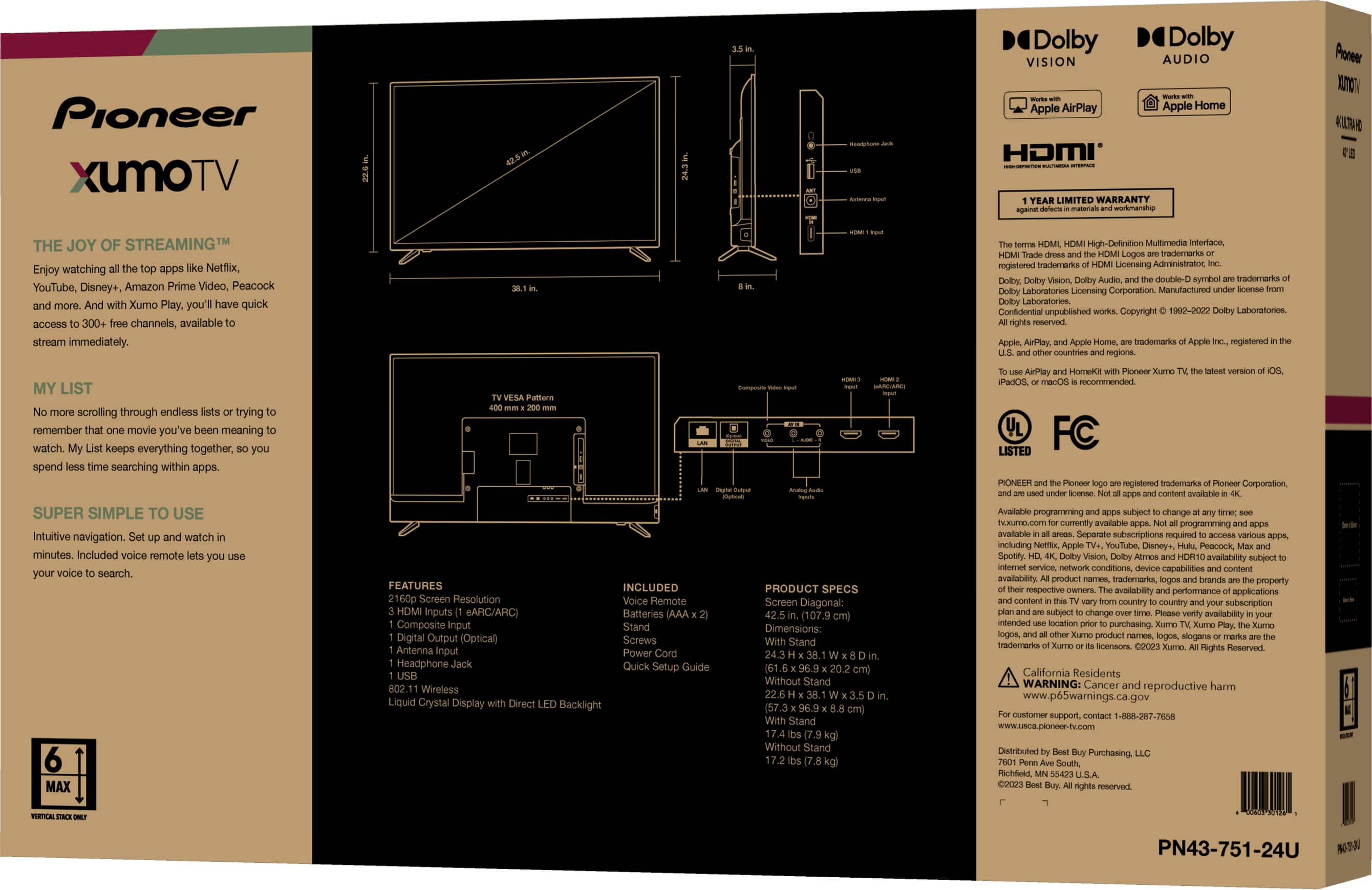
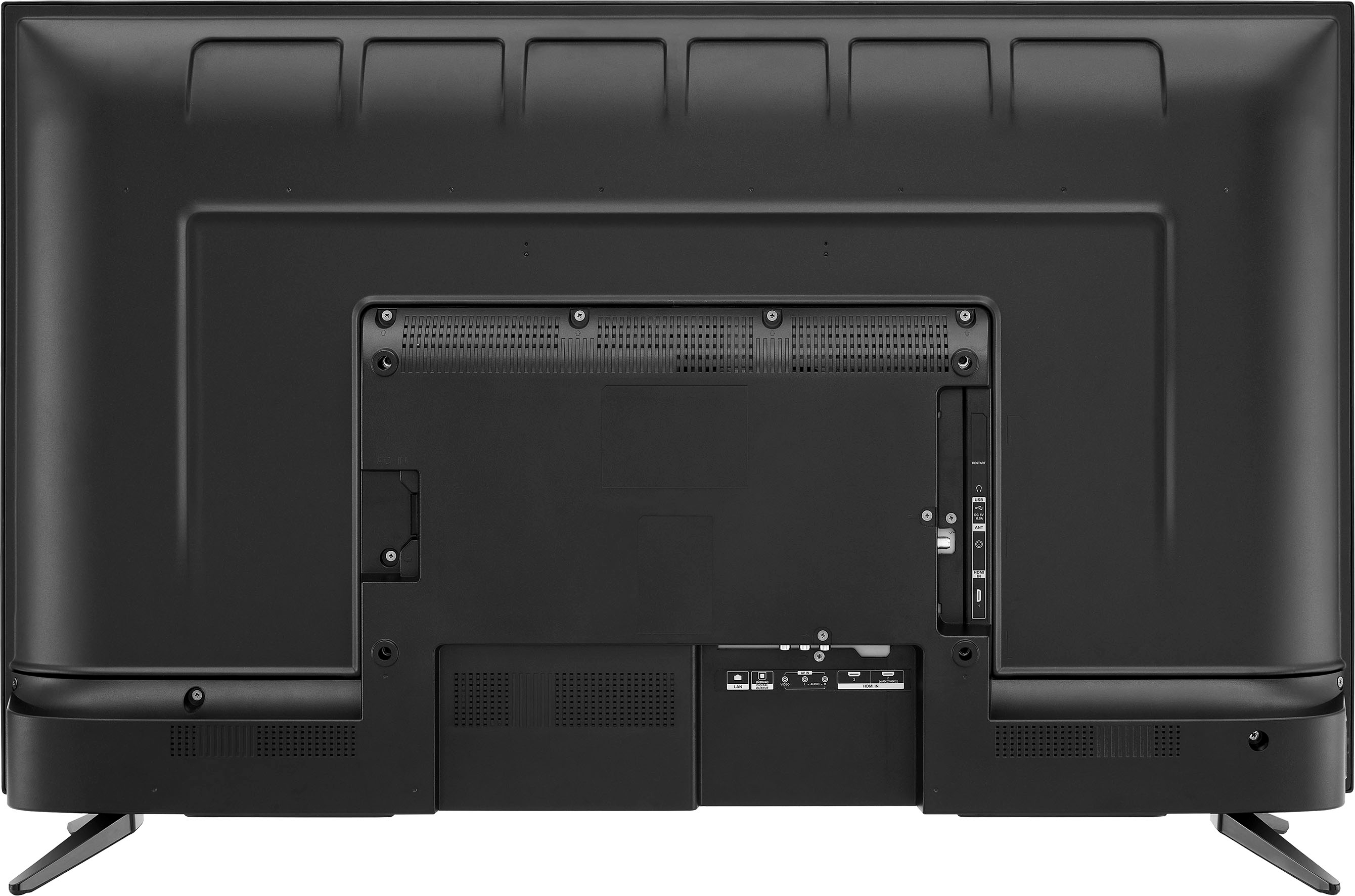
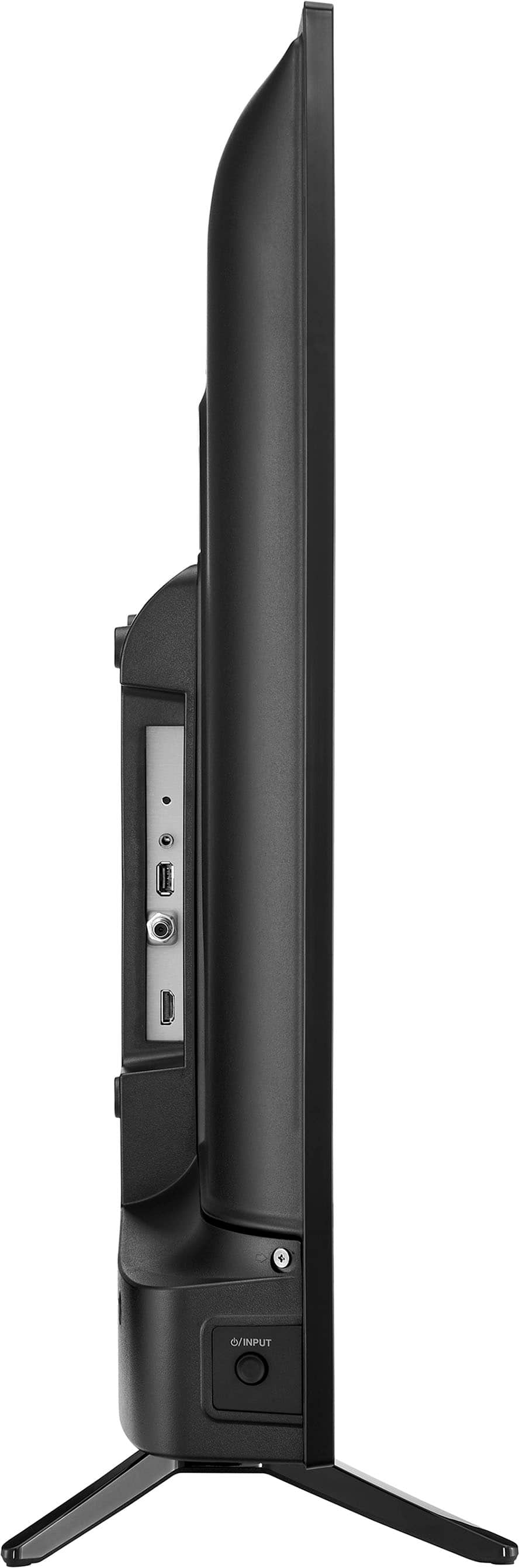
A:AnswerHi there! The Pioneer 43" Class LED 4K UHD Smart Xumo TV is designed for horizontal orientation and does not support vertical mounting.
If you have any other questions or need further assistance, feel free to ask! |Angelica| Pioneer Products|
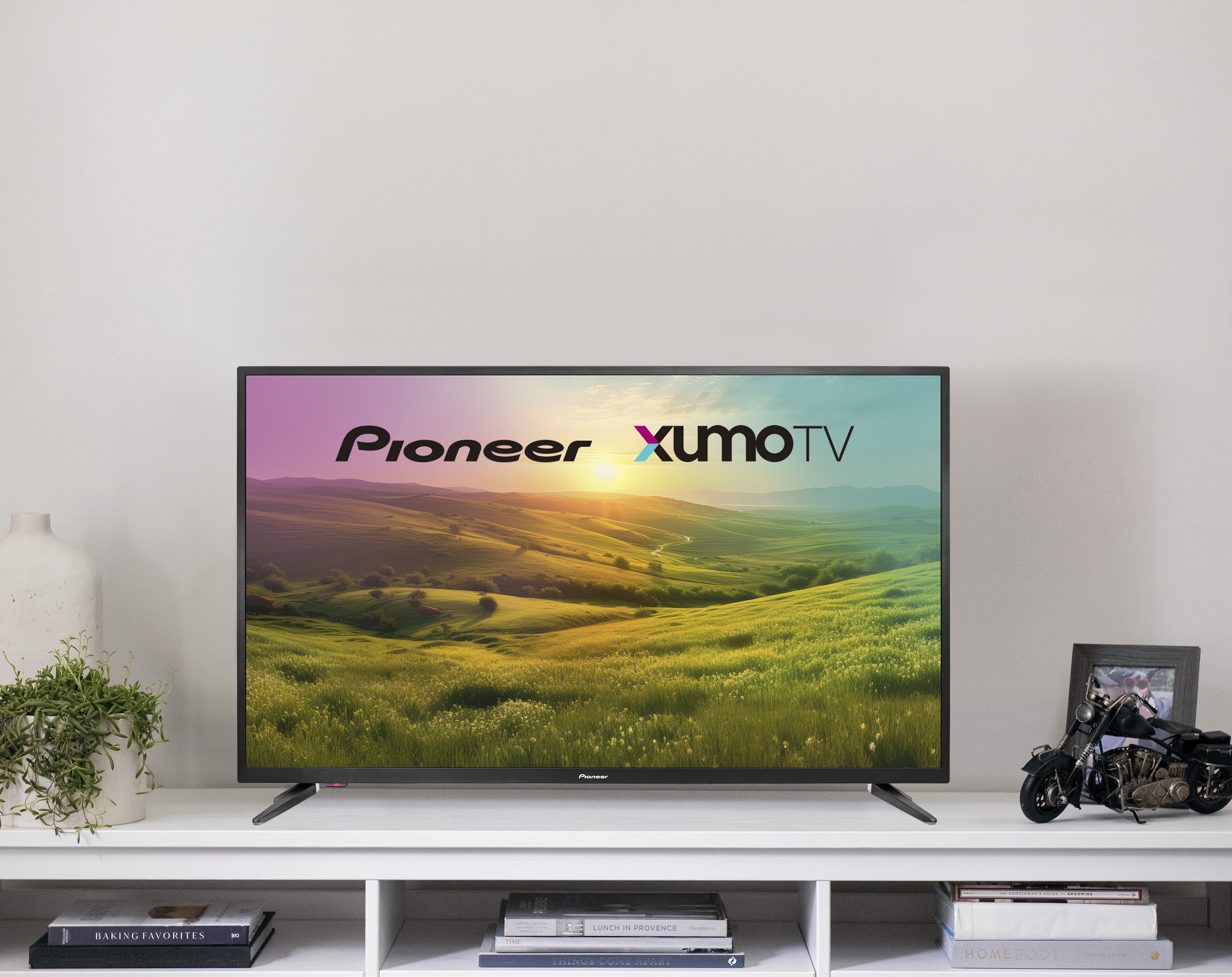
A:AnswerYes, the Pioneer 43" Class LED 4K UHD Smart Xumo TV can be used as a computer monitor. With its 4K UHD resolution, this TV can provide a sharp and detailed display for both general computer use and gaming. Also, with its 4K UHD resolution, this TV can provide a sharp and detailed display for both general computer use and gaming
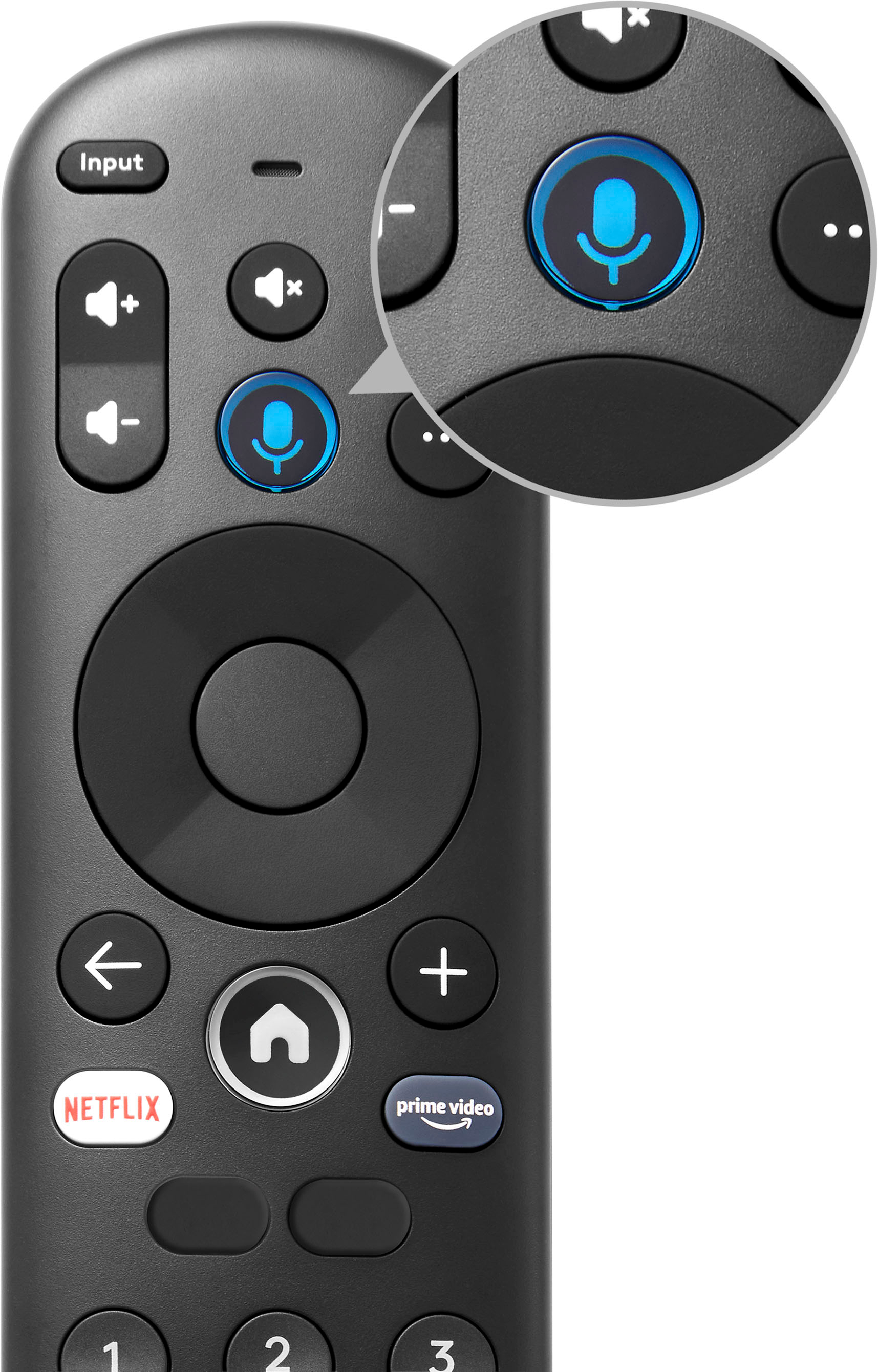
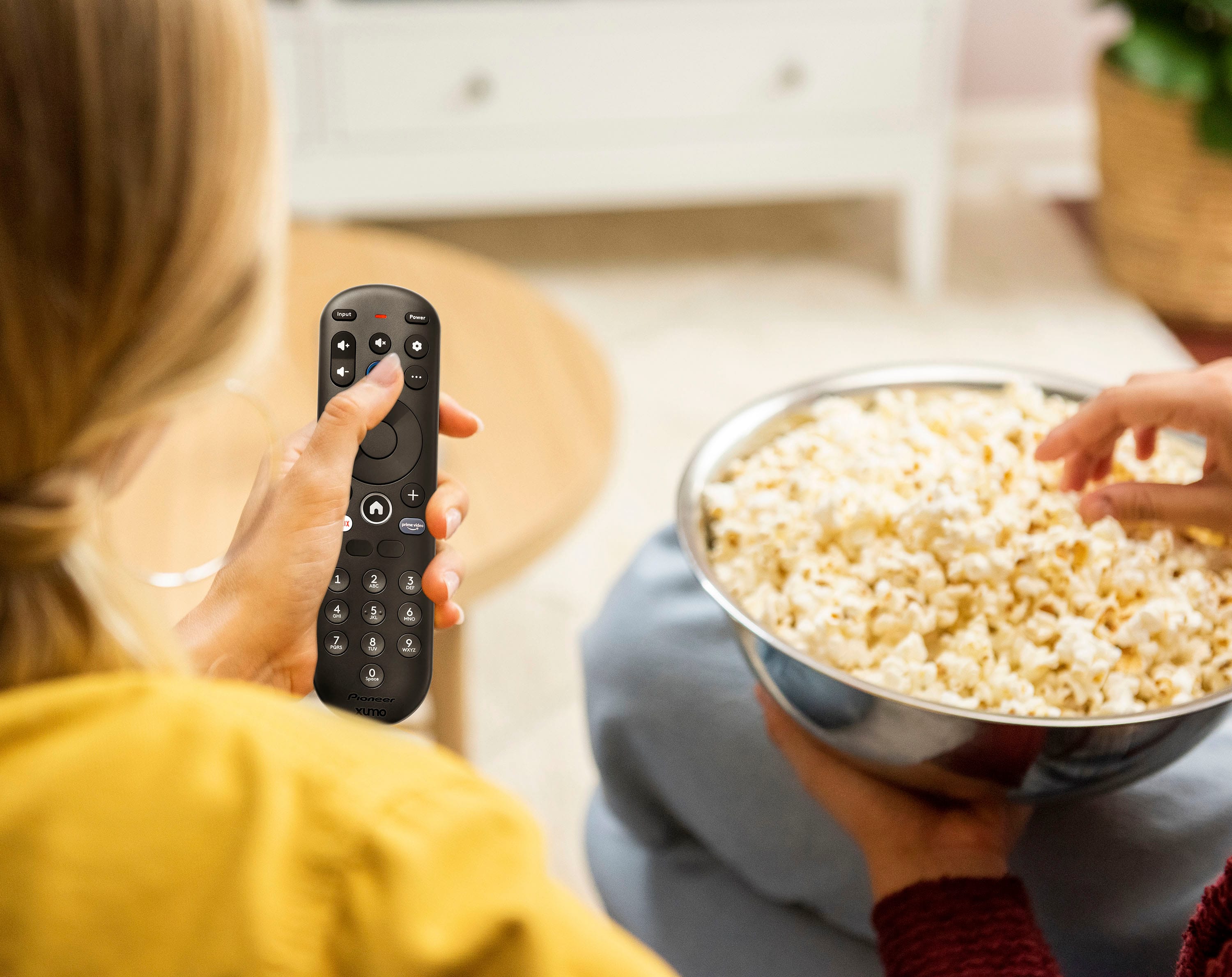
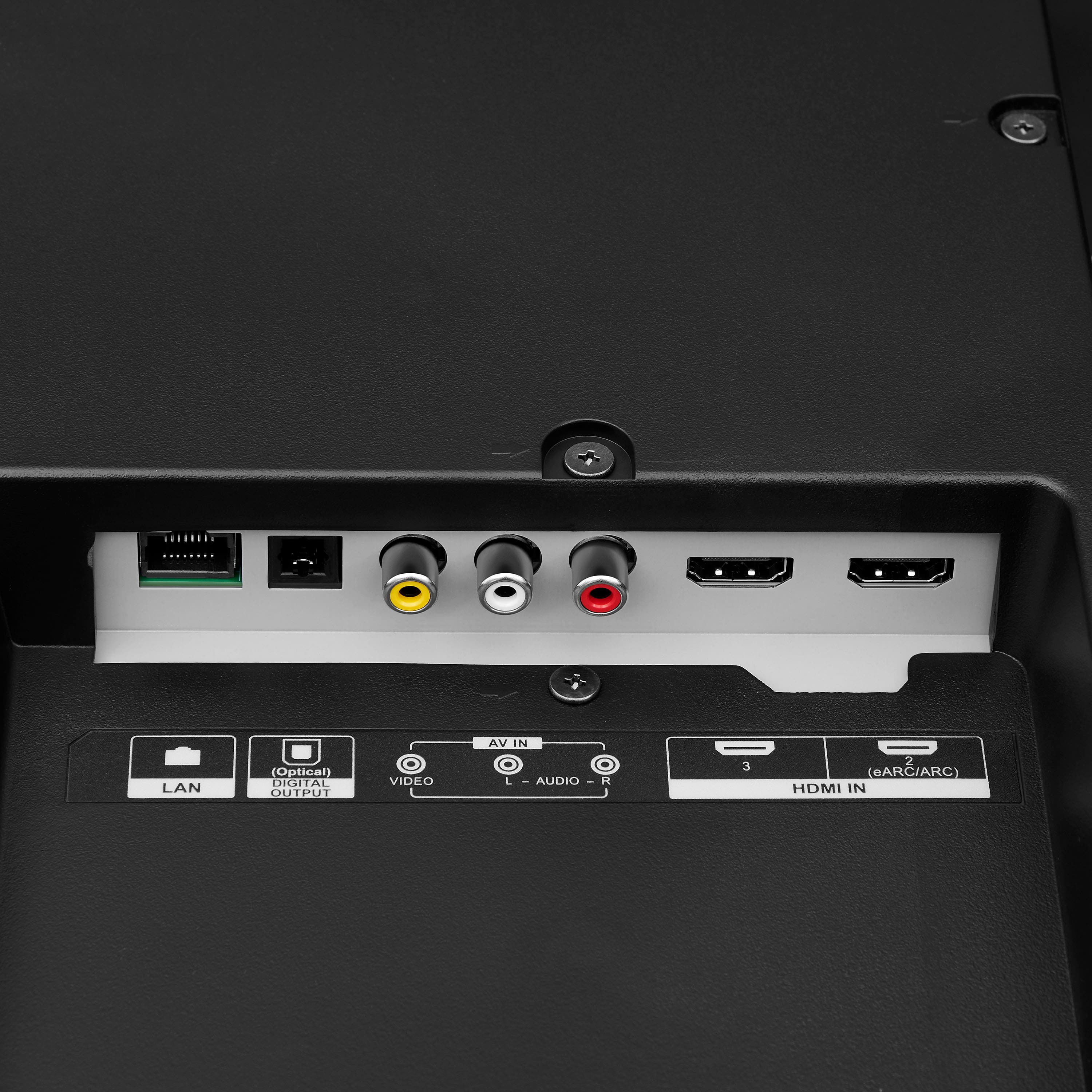
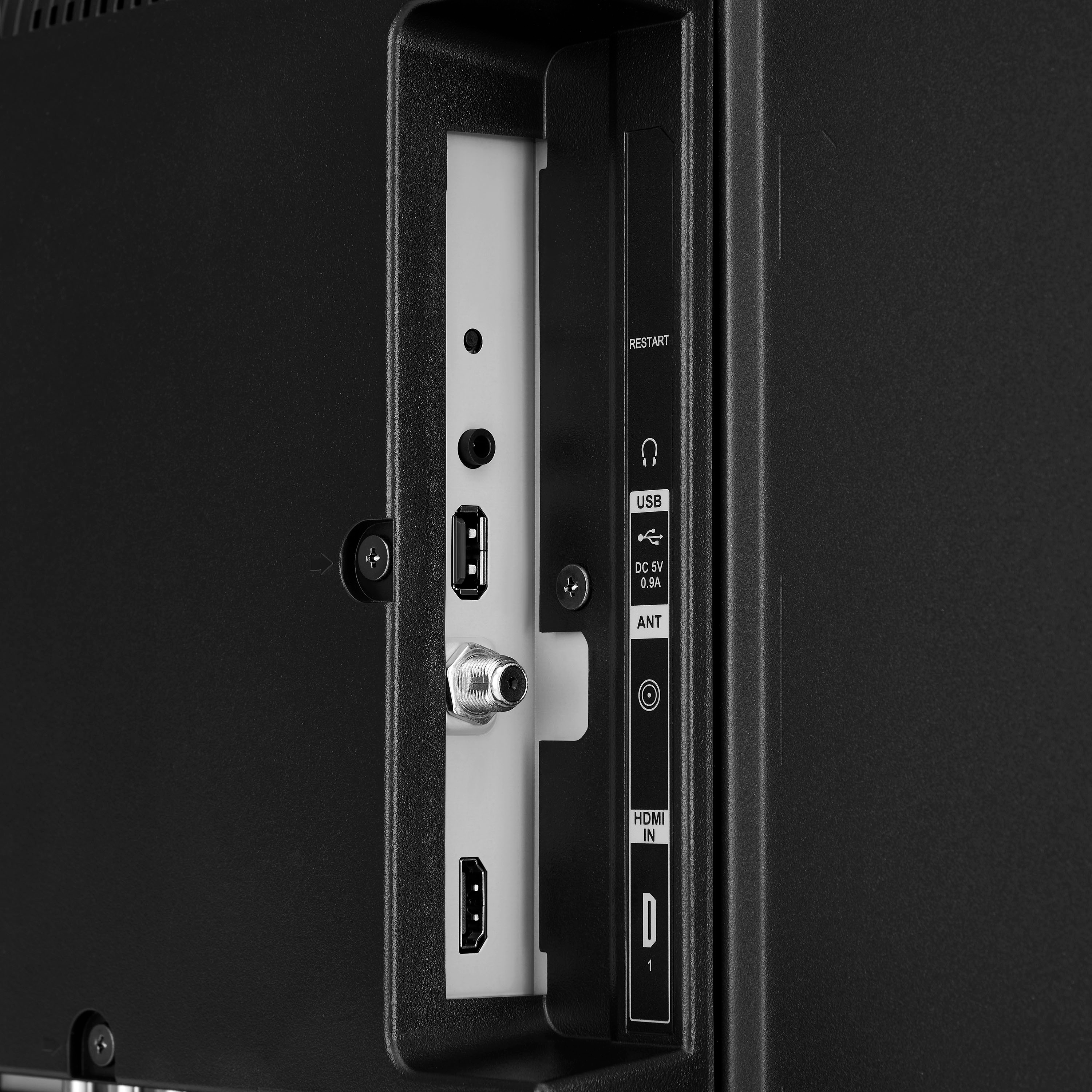
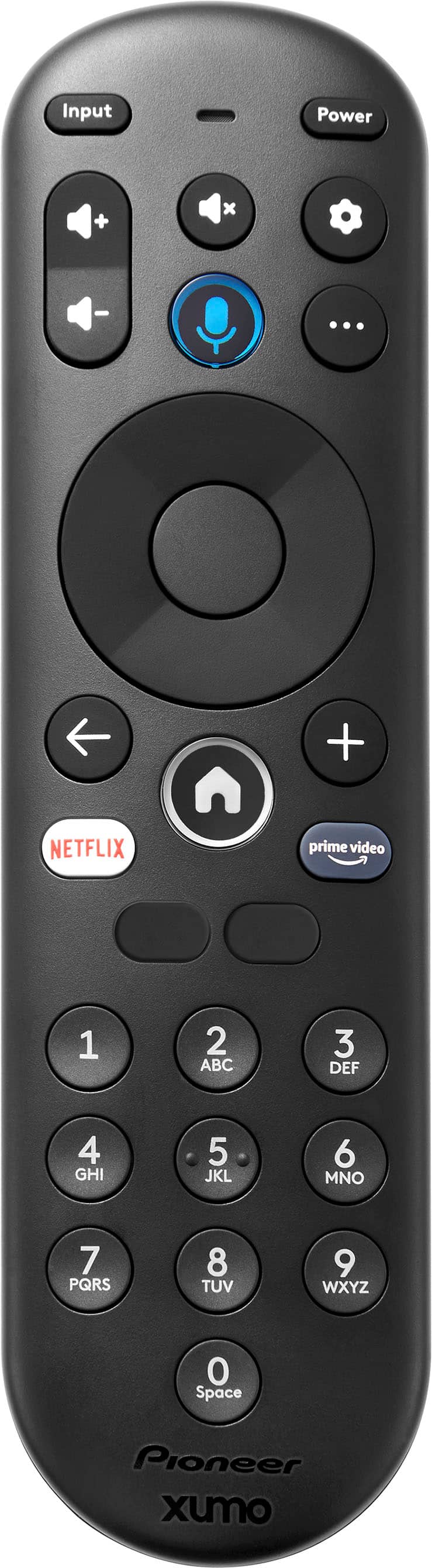
A:AnswerTo watch input from a coaxial cable on your Pioneer 43" Class LED 4K UHD Smart Xumo TV, start by connecting the coaxial cable to the antenna/cable jack on the TV and the other end to your antenna or cable TV wall jack. Turn on the TV and use the remote to navigate to the HOME screen, then select the Antenna icon. If you can't tune to channels, go to Settings > Antenna and inputs > Antenna > Scan for channels. This process will allow you to watch TV channels through your coaxial cable connection. If you have any other questions or need further assistance, feel free to ask! Patricia | Pioneer Support
A:AnswerIt sounds like your 65-inch Pioneer TV might be experiencing a connectivity issue. Try forgetting the WiFi network and reconnecting, ensuring the password is correct. If the problem persists, check for software updates or consider resetting the network settings on the TV. Patricia | Pioneer Support https://www.bestbuy.com/site/pioneer-43-class-led-4k-uhd-smart-xumo-tv/6543645.p?skuId=6543645
A:AnswerThe Pioneer 43" Class LED 4K UHD Smart Xumo TV does not have a specific "audio only" feature. However, you can still enjoy audio content by turning off the screen or lowering the brightness to its minimum setting while playing music or other audio content.
If you have any questions or need further assistance, please don't hesitate to reach out - Emman | Pioneer Support | https://www.bestbuy.com/site/brands/best-buy-brands/pcmcat1596746025285.c?id=pcmcat1596746025285
A:AnswerYou can make the TV input as default.
When you turn the TV on, it will automatically switch to the TV input a couple of seconds after the landing screen.
Settings > Antenna and inputs > default input.