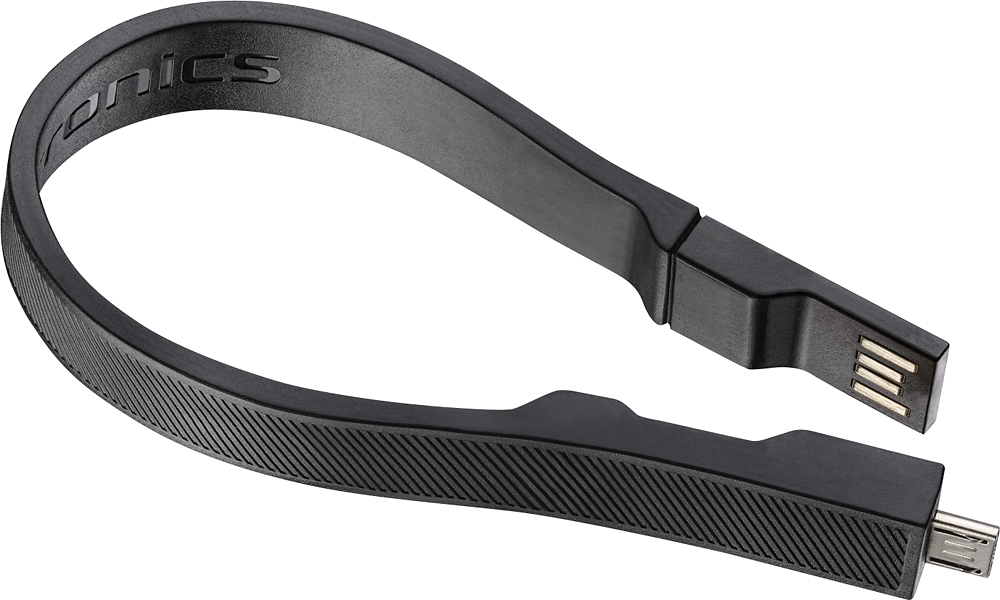
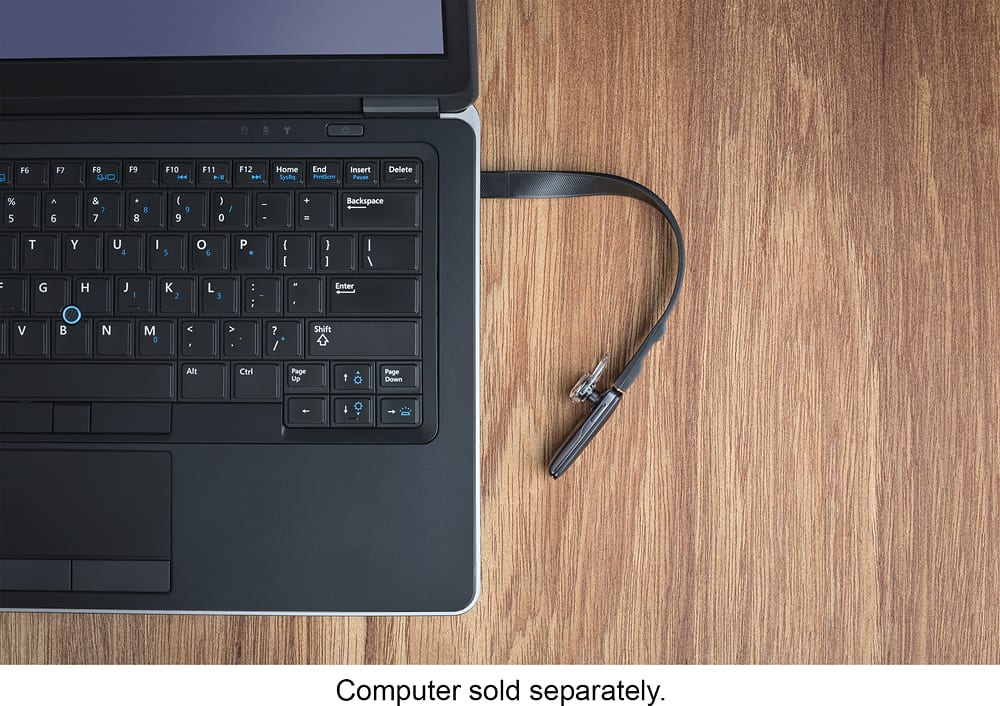
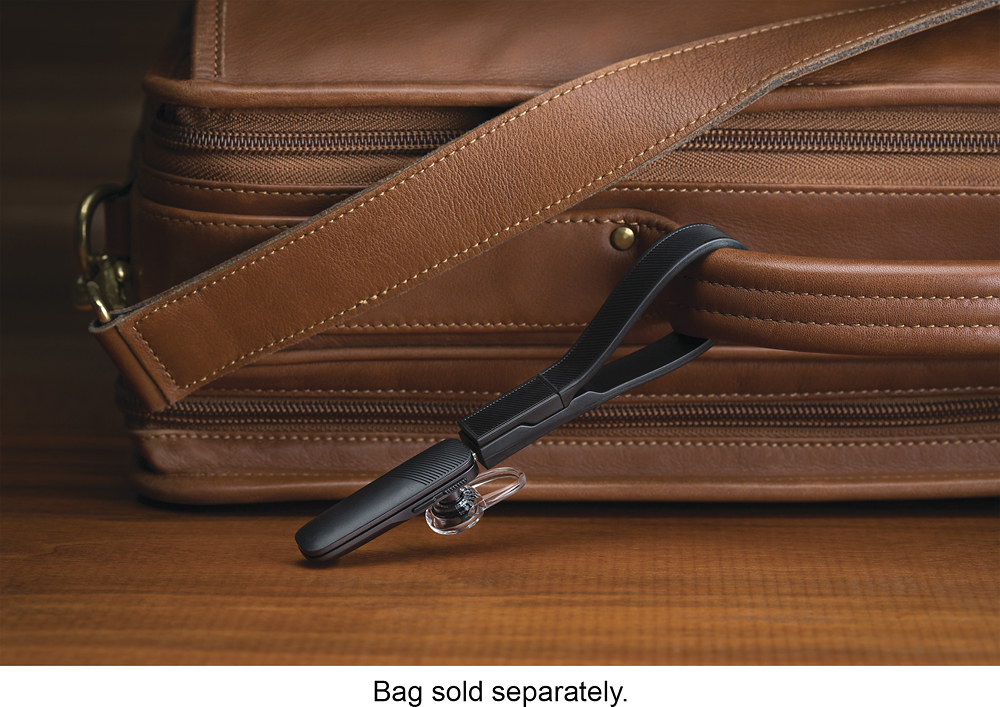
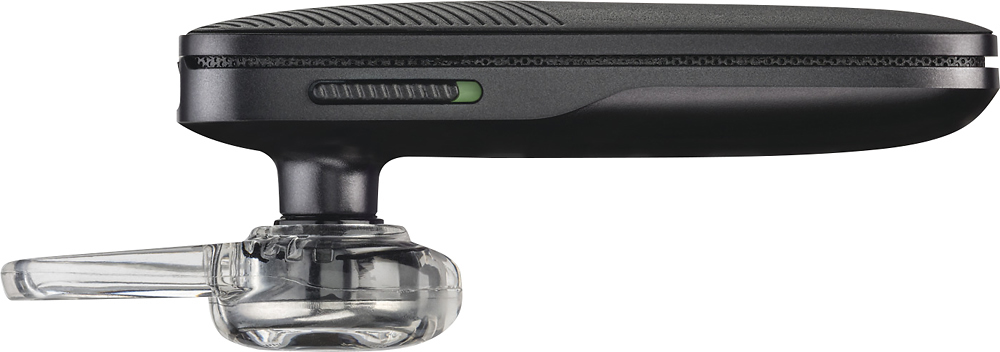
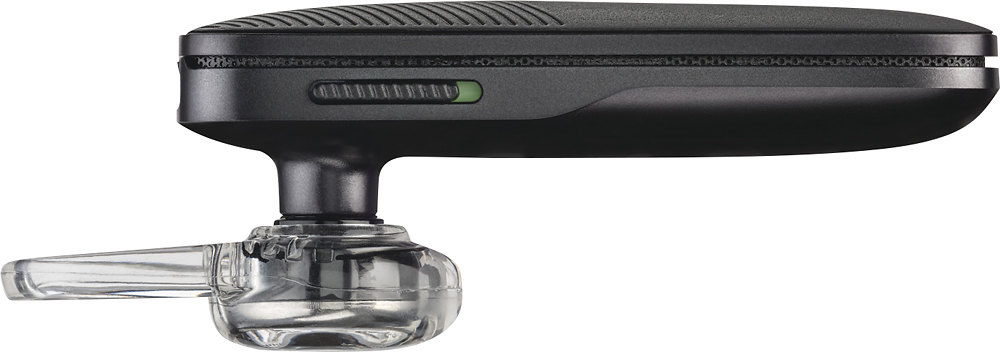
A:AnswerThis has got to have the coolest charger I have ever seen! The charger is on a small strap with a tiny USB port. I love it! Other companies take note and start making all USB's with this tiny port!
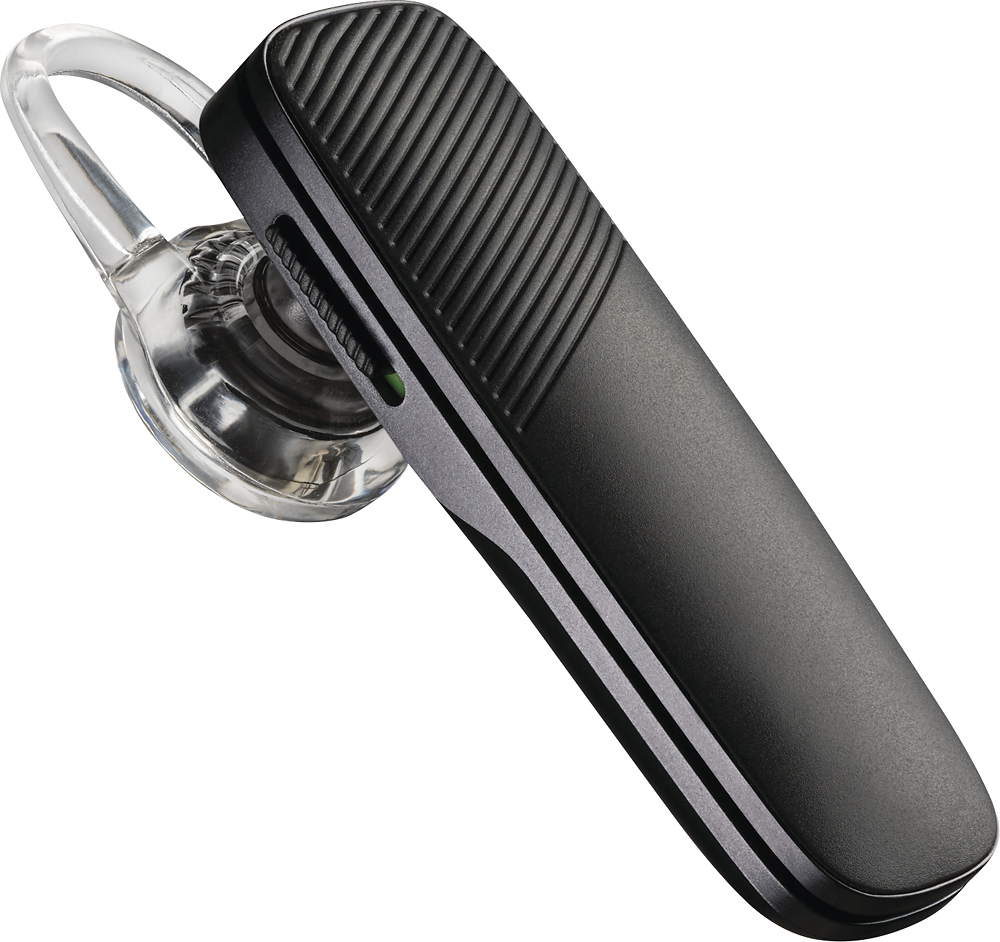
A:AnswerHello! Both units have the exact same features. The only difference is that the 505 is a Bestbuy version. Feel free to contact our Customer Care Team at: https://www.plantronics.com/us/en/support/contact if you have any other questions!
A:AnswerIn order for other devices to find and connect to your headset you will need to place it in pairing mode first, to do so just power on your headset then press and hold the call control button until the LED alternates red/blue. Please don't hesitate to contact our customer care group at www.plantronics.com/support if you require assistance!
A:AnswerThis listed model (Explorer 505) does support media audio streaming as well as calls, but our older Explorer 240/245 do not. You can find pairing instructions for our Explorer 245 on the following article: http://www.plantronics.com/us/support/kb/detail.jsp?vfurl=/articles/en_US/How_To/RN17639&c=All&lang=en_US
Please don't hesitate to contact our customer care group at www.plantronics.com/support if you have other questions!
A:AnswerI believe that would depend more on the features of your phone and not the headset. Check your phone's voice command features in your user guide and it should explain how to use voice commands. The Plantronics 505 headset is just a hands free extension of your phones microphone. Hope this helps.