A:AnswerI've personally used Macrium Reflect. But the free version might not let you clone, I dont remember.
As an alternative, I also clone via an external drive docking station (Startech, Sabrent, Orico, etc.). These sometimes have 2 modes. 1 is with you connected to the dock with your computer, and the new drive inserted into the dock.
The other is without connecting to your conputer. Just put the drive you're copying from as the master drive, and the one you want to copy to as the slave drive. The dock itself will have the designated positions, or they will be listed in documentation for your device.
Mine is an inateck dock, but about any will do.
1a. Make sure the new drive you have is of equal or greater size than your current one
1b. Format your new drive, especially if it is of a greater size (this way you do not need to expand your partition later, by default I think it will copy the whole partition from the old drive, meaning if your new one is 1tb, and this old one is 500gb then it will create a partition of 500gb onto the 1tb leaving 500gb unavailable until you increase the partition's size to 1tb)
1c. Formatting it is easy, connect the drive to a computer and when Windows finds it, right-click and then select format (quick is fine). Select NTFS, choose GPT or MBR if it asks. GPT is likely the better option.
1d. As a precaution, power off your computer or/and the drive
2. Put a drive into drive bay A (Master) and the new drive into Drive bay B (Slave) A copies to B
3. Press the button to initiate the cloning
4. Wait, probably 30 minutes or a bit longer, tour dock should show you what progress is reached. Mine has 4 LED lights, which are quarters finished.
5. Once finished, put the new drive into your computer and power on the computer.
A:AnswerIf you are new to working on computers, then I'm guessing that the Geek Squad can easily install this for you. Shouldn't take too long for them to do- probably about 10 minutes max but most likely 5 minutes for physical install...
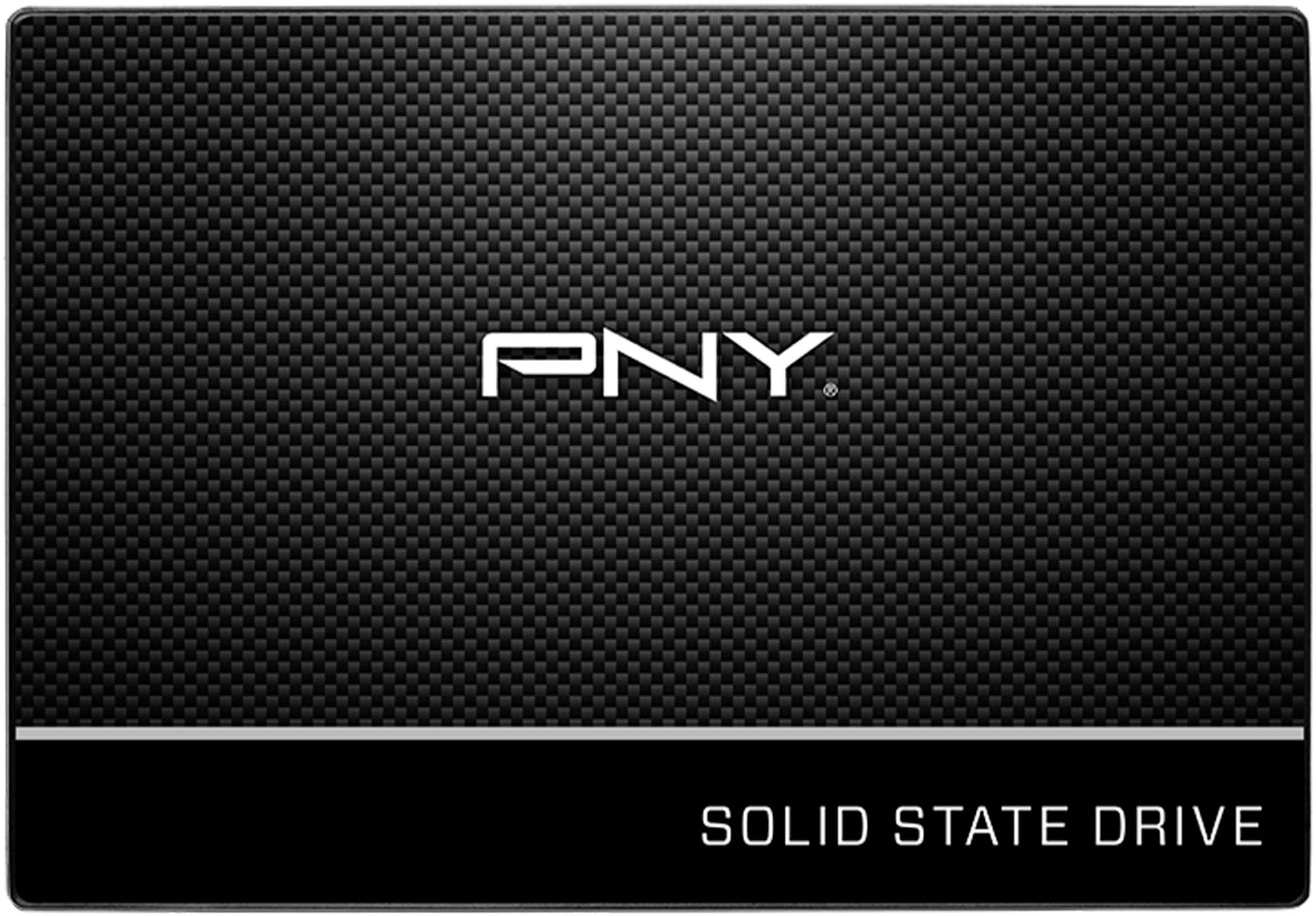
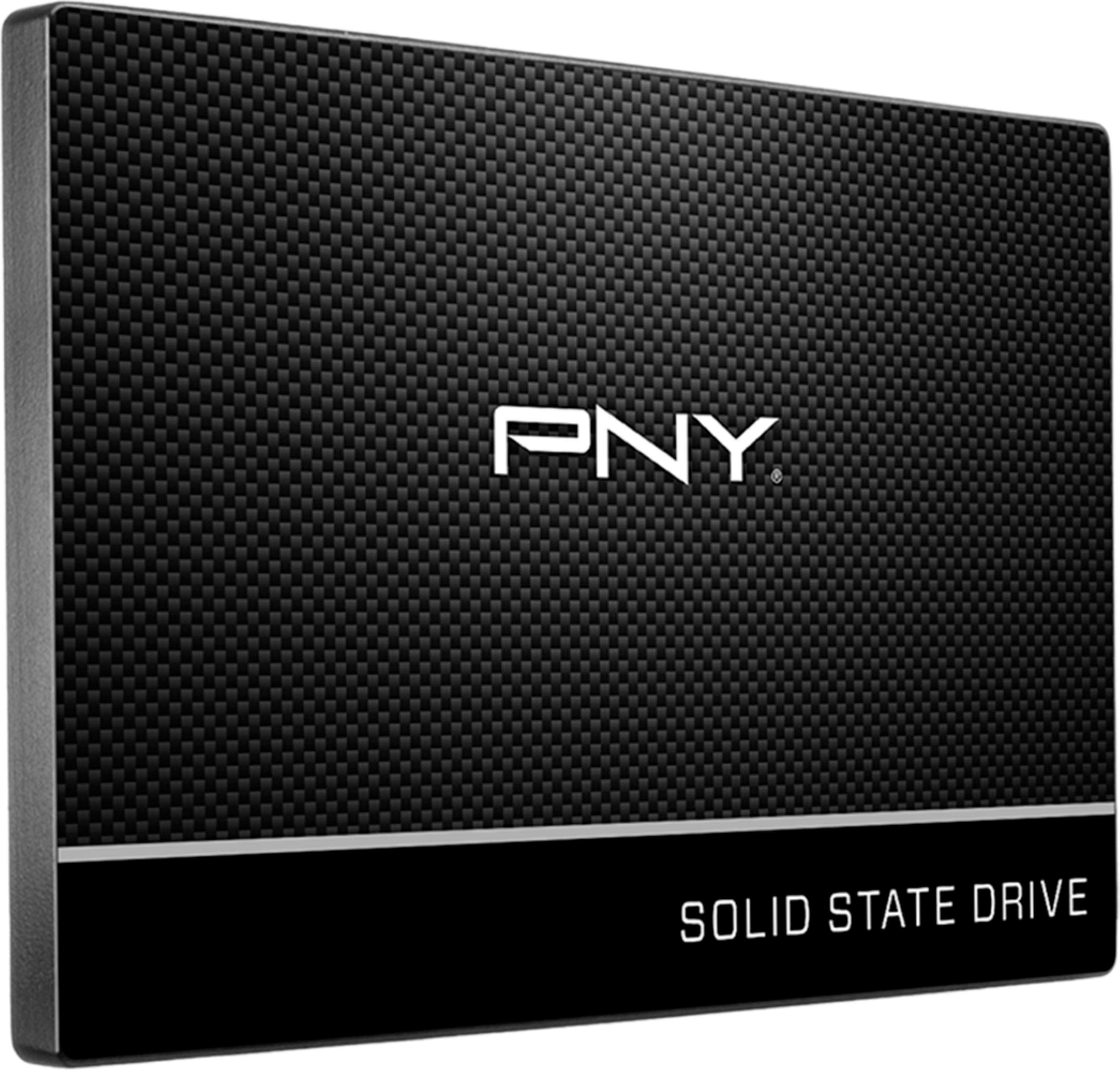
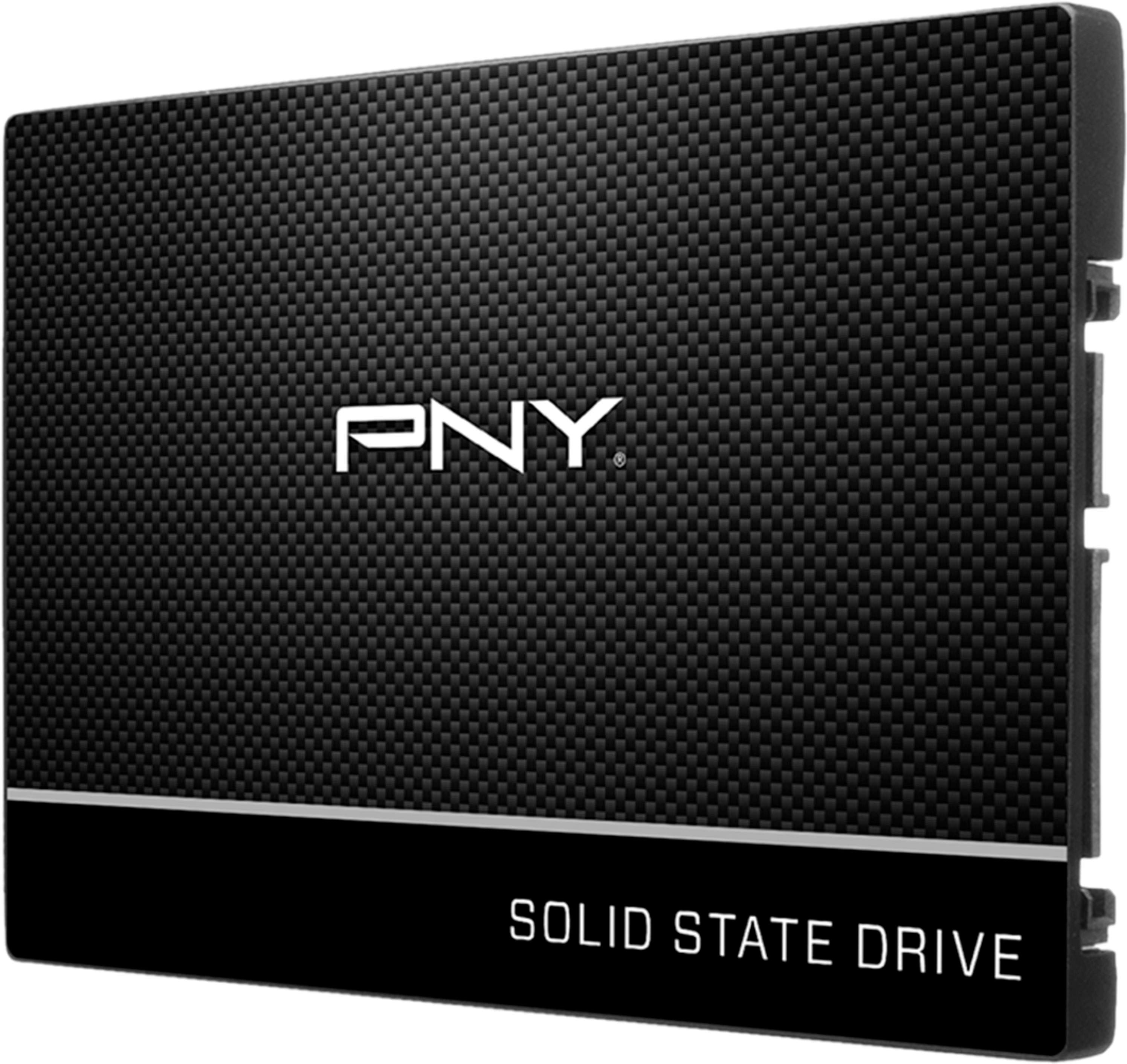
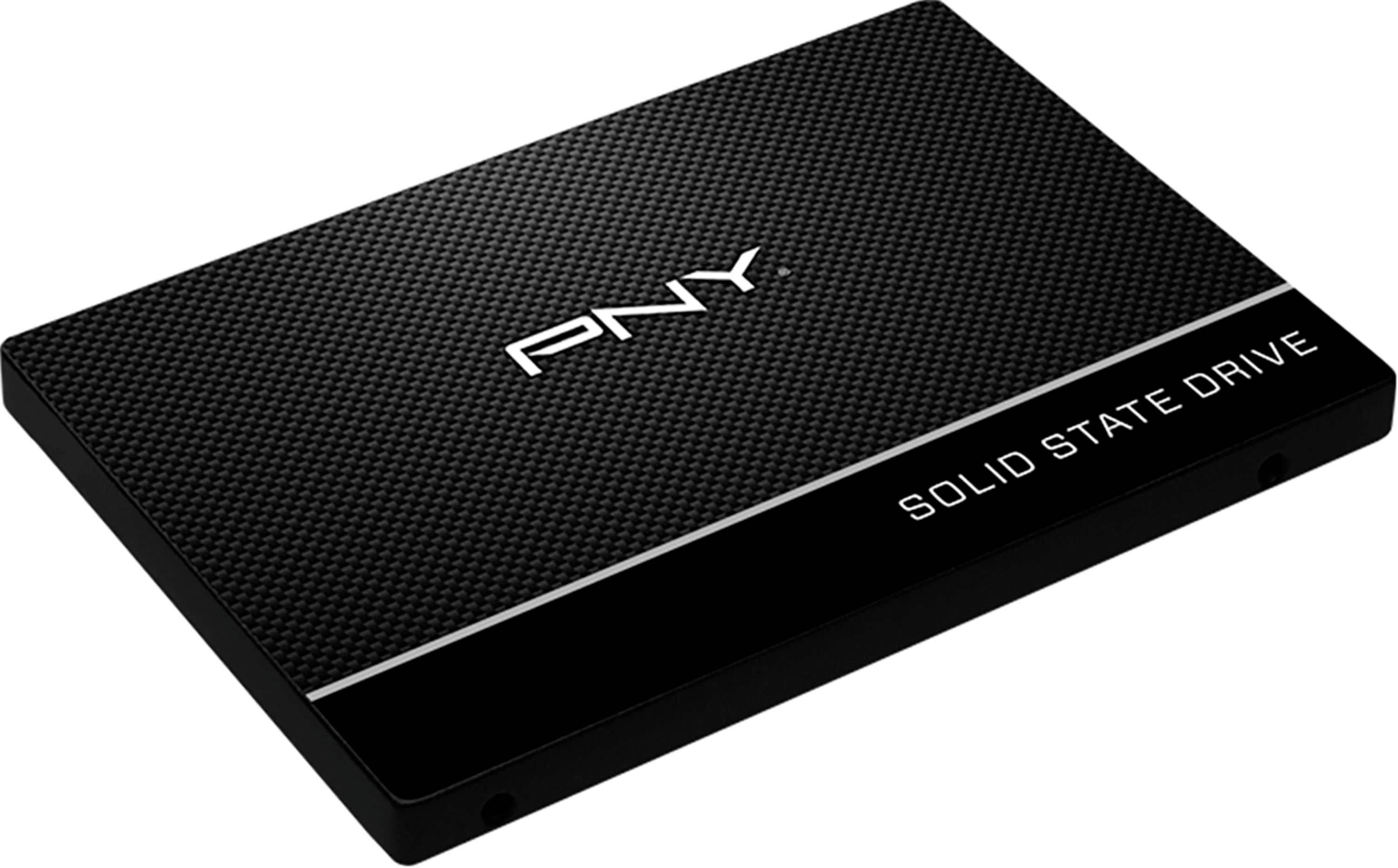
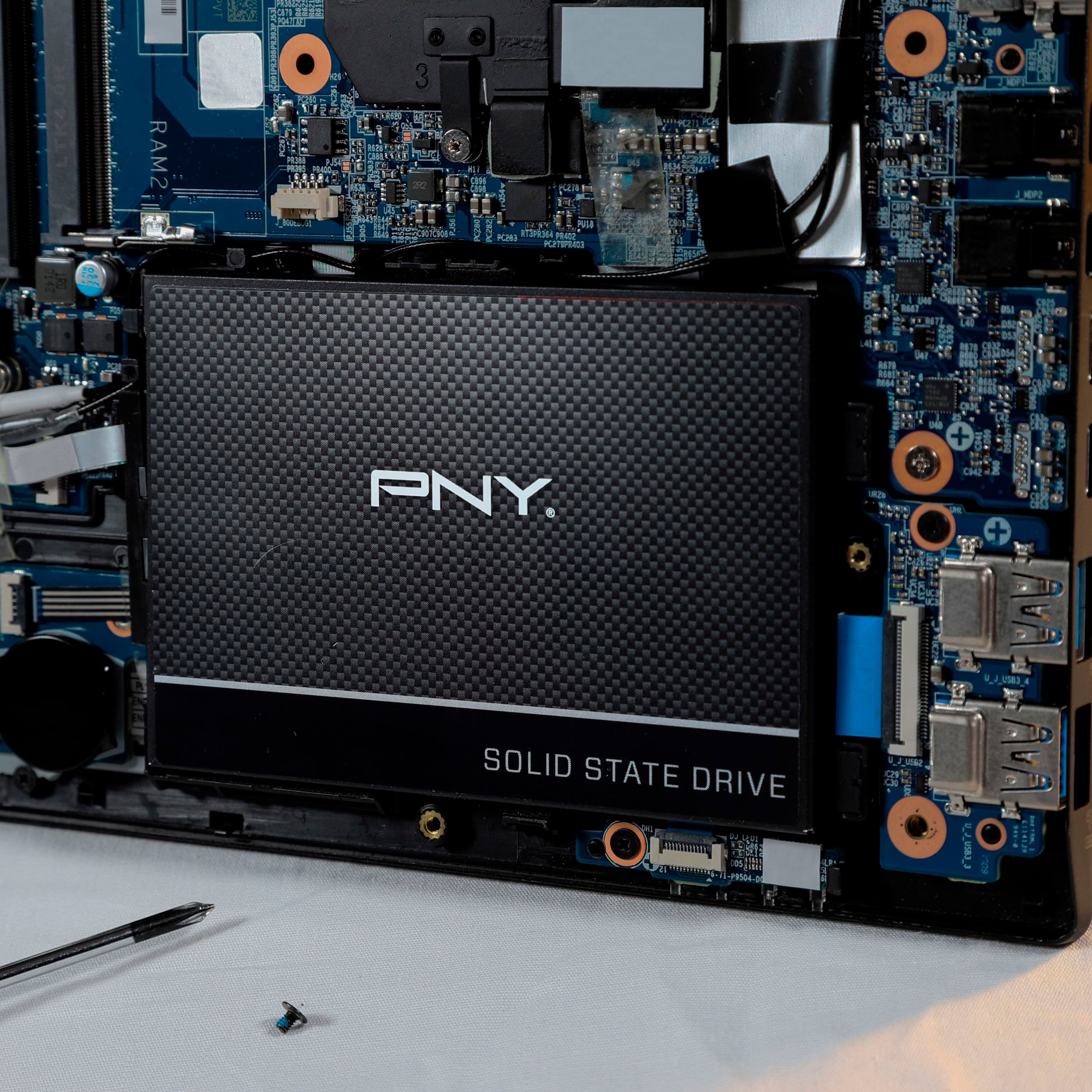
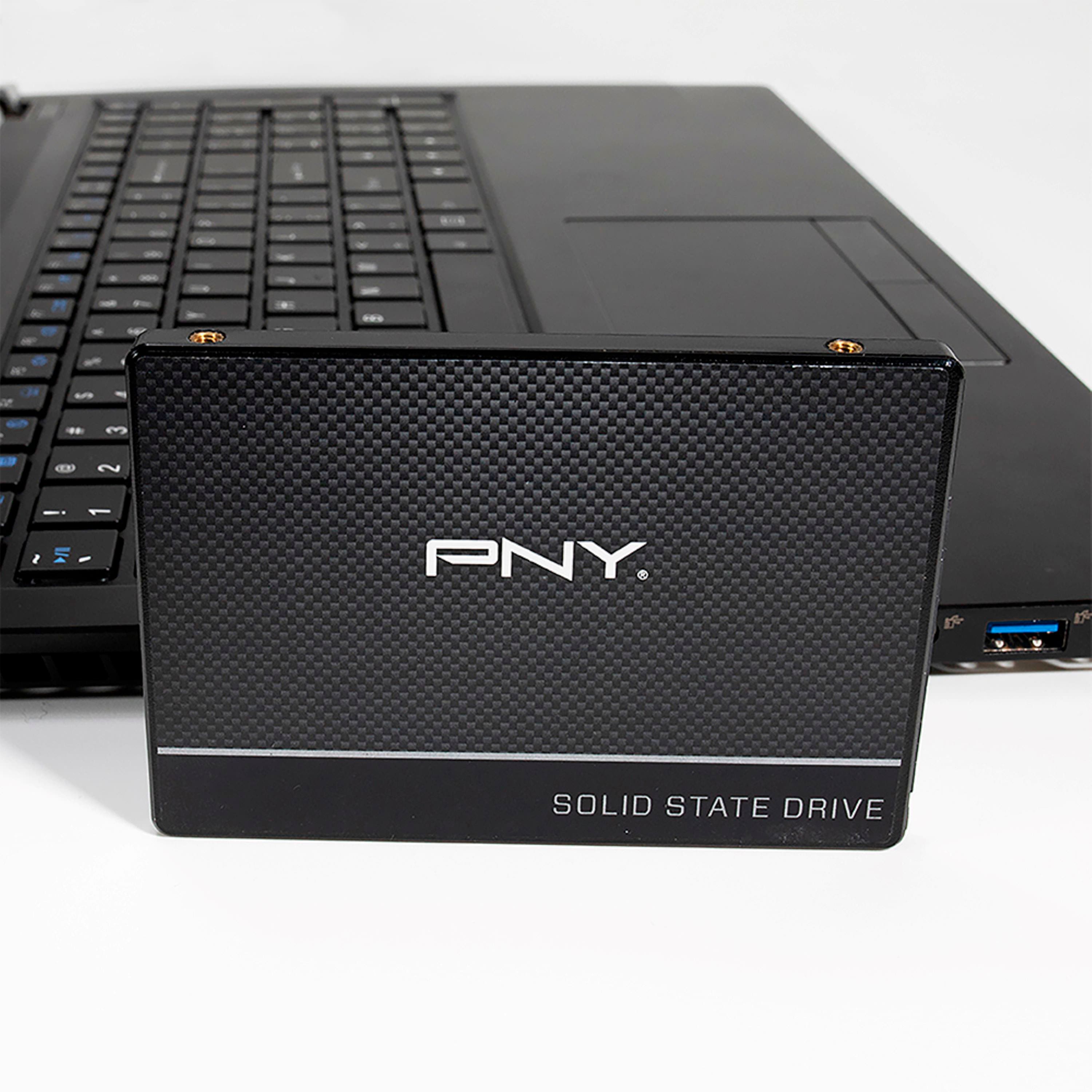
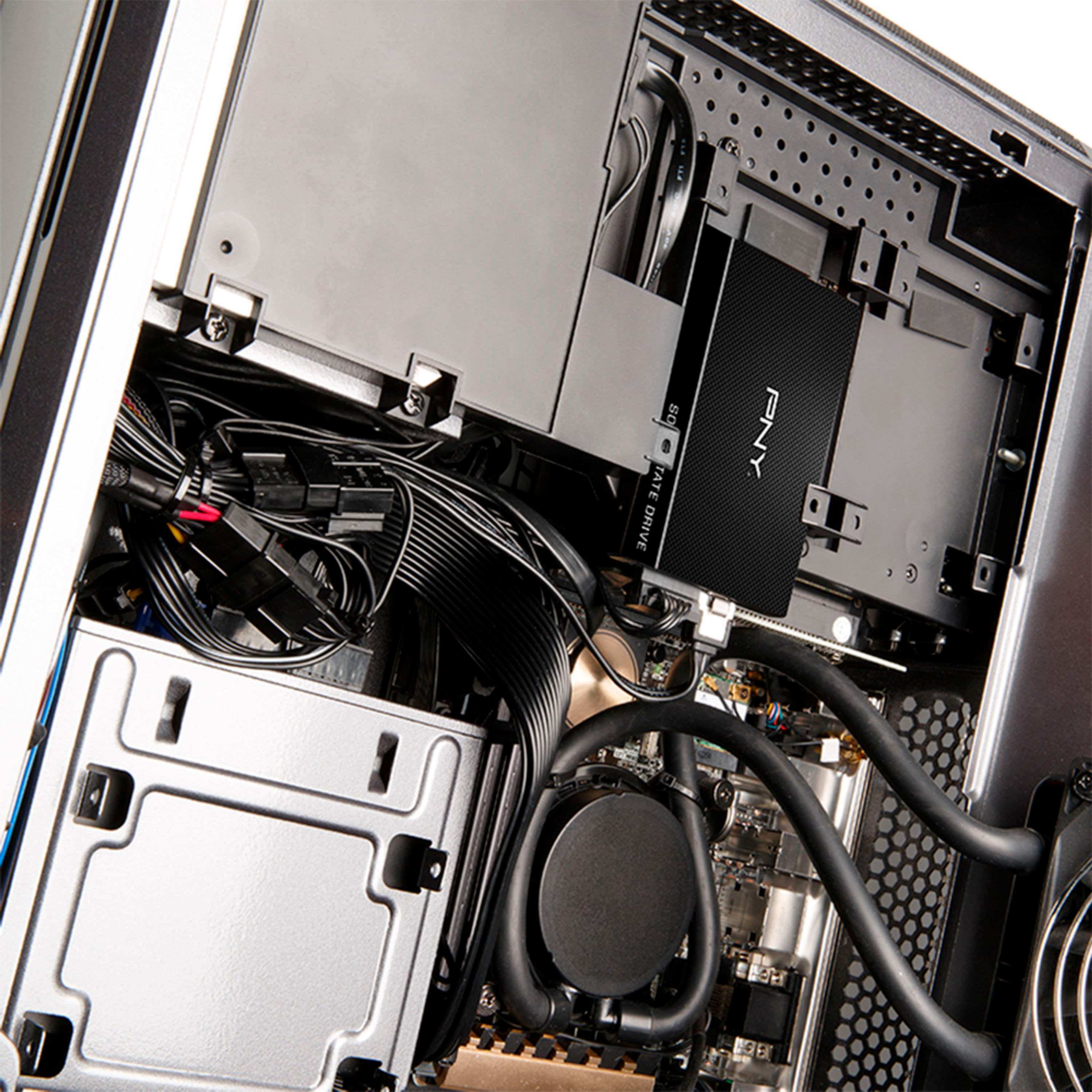
A:AnswerI don't know about your computer. This drive is a standard 2.5" drive. It has all the standard screw attach points and fits in the original 2.5" drive spot. Standard SATA connection but now it's SSD in speed and quality. Much newer laptops has the new version SSD which looks more like a RAM memory card like laptop memory card. Installation is straight forward like any new drive. Today, anyone can download the Win 10 install onto a flash drive (thumb drive) with at least 8Gb. Then, on bootup, go into setup and set the thumb drive as your boot drive.
A:AnswerCHECK YOUR MANUFACTURES WEBSITE FOR UPGRADE OPTIONS FOR YOUR PARTICULAR LAPTOP. iT MIGHT HAVE SSD OR NVME YOU NEED TO FIND OUT WHAT CAN GO INSIDE