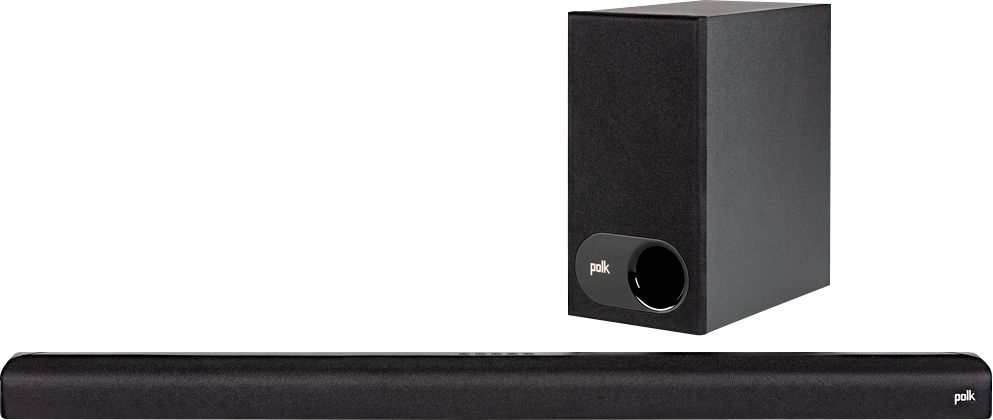
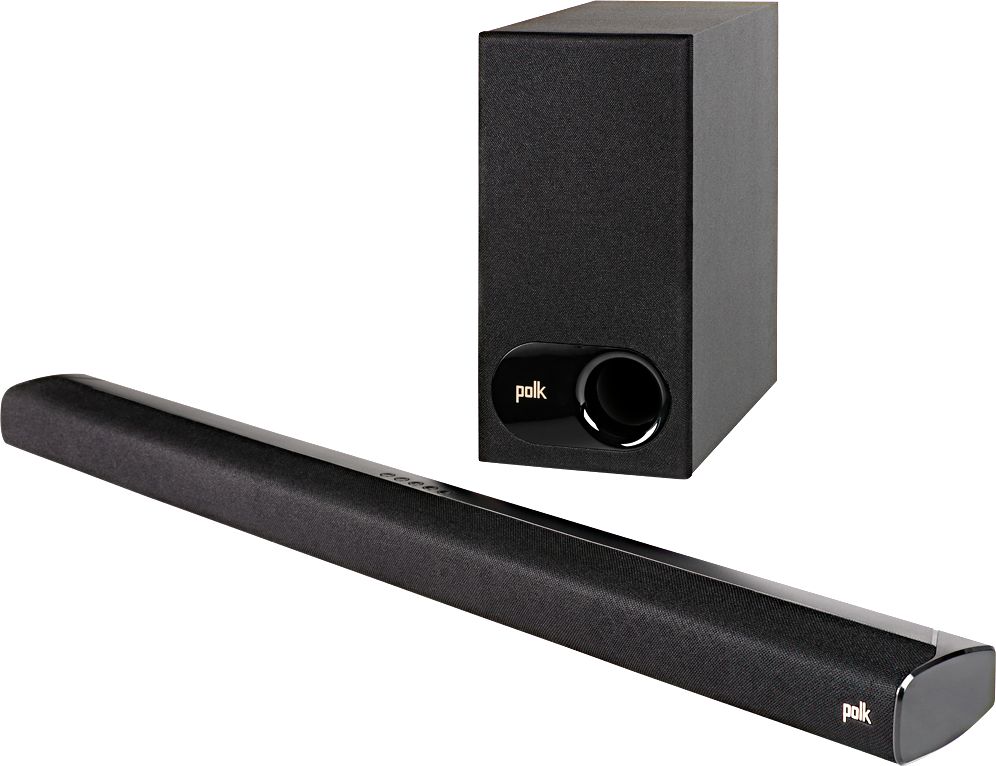
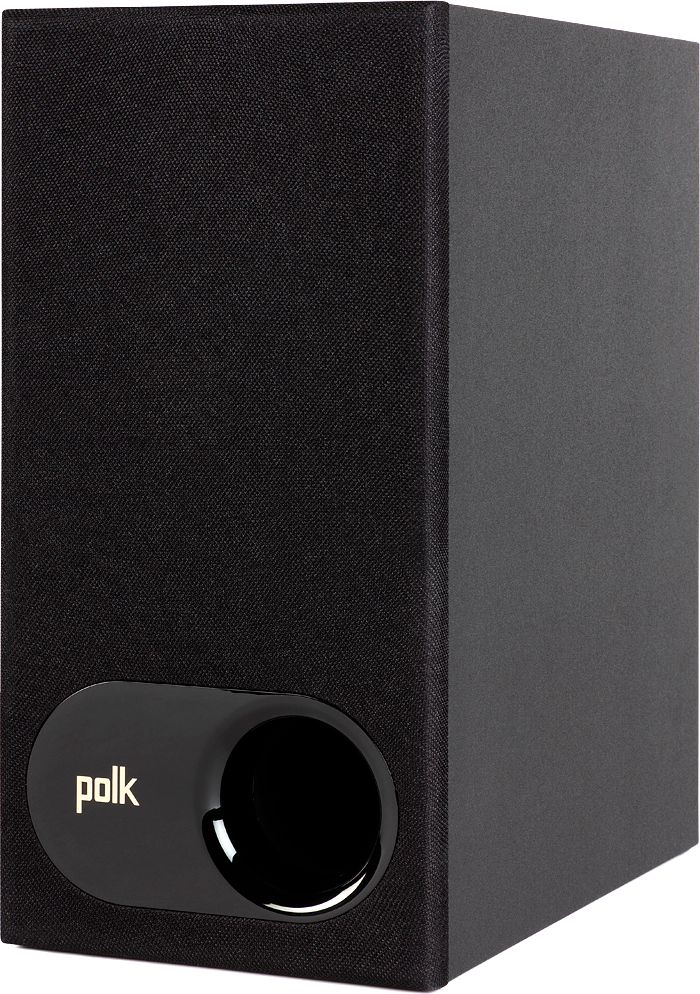
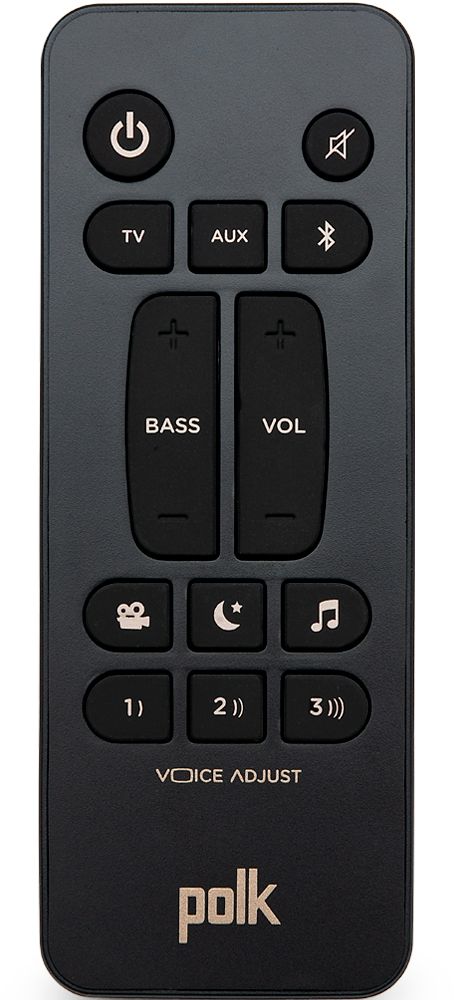
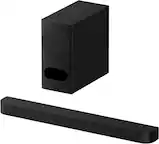
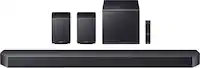
A:AnswerThis is a limitation of this Polk S2 sound bar. The TV screen only shows icons displaying the Volume + and - sign when you are adjusting the volume. There is no 'volume bar' to indicate where your volume is at.
A:AnswerHello, speakers cannot be added to the Polk Audio S2 soundbar. Consider the Polk Audio React Soundbar. The React sound provides the option to add the React wireless subwoofer and SR2 wireless rear speakers.
A:AnswerHello, the energy savings mode cannot be turned off. The soundbar will power down after not receiving a signal for 15 minutes. This is in place to help the longevity of the product and to save power.
A:AnswerAs far as I know I just purchased the sound bar, but have not experienced any issues in conjunction with the tv, maybe the TV might be the issue
A:AnswerHello and thank you for your question. You will not be able to connect rear speakers to the Polk Audio S2 soundbar. For this feature please consider the Polk Audio React soundbar with the option or adding the Polk SR2 wireless surround sound speakers and the Polk React wireless subwoofer.
A:AnswerHello and thank you for your question. The Polk Audio S2 Soundbar is compatible with all Brand or Model TV's as it is equipped with HDMI (ARC), Digital Optical, and a 3.5mm Analog input. New Samsung Smart TV's will typically have all 3 options available. The HDMI ARC is the recommended choice if available.
A:AnswerHello, I recommend to please perform a quick power cycle to resync the Soundbar and Subwoofer. Also, please check the batteries in the remote. Further assistance needed please reach out to our customer service. 1 (800) 377-7655
A:AnswerThe tv settings, go-to sound output. See what it's on. There should be a optic cable that came with the sound bar. That should bypass the tv setting.
A:AnswerHello, the Polk Audio S2 soundbar can receive a signal from any source that is equipped with either an HDMI, Optical, or Analog audio output. Most tuners will provide a RCA Analog audio output.
A:AnswerHello and thank you for your question. The S2 soundbar can only connect to the 1 wireless subwoofer. The S2 will not connect to addition speakers.