A:AnswerNot sure if this is helpful or not, but you can connect your wireless controller to the xbox with no batteries in it at all... so in a sense, all wireless controllers can be Plug and Play.
A:AnswerYou should charge the batteries first and then use them until they die before charging them again. After this you can charge them as often as you'd like without having them die.
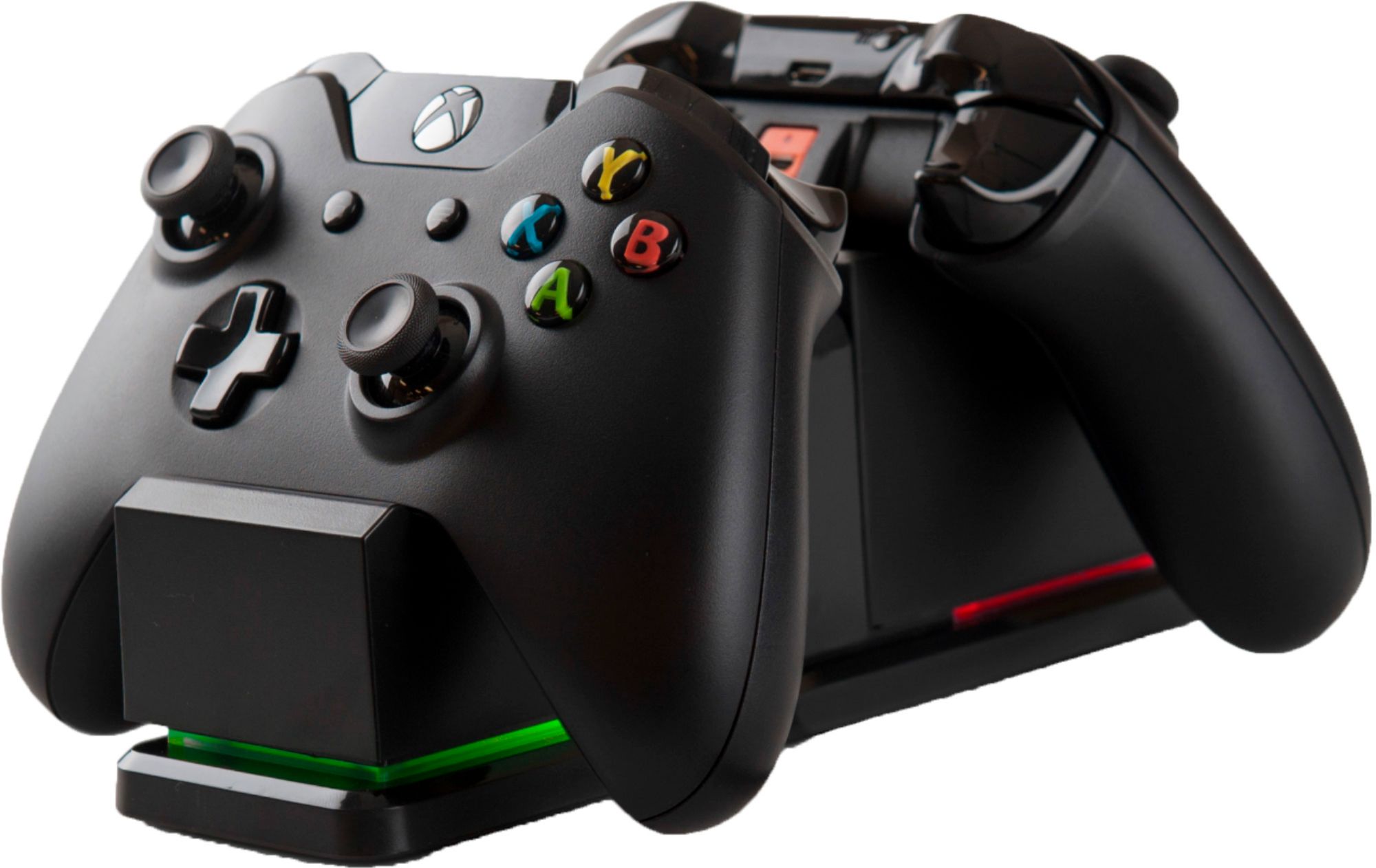
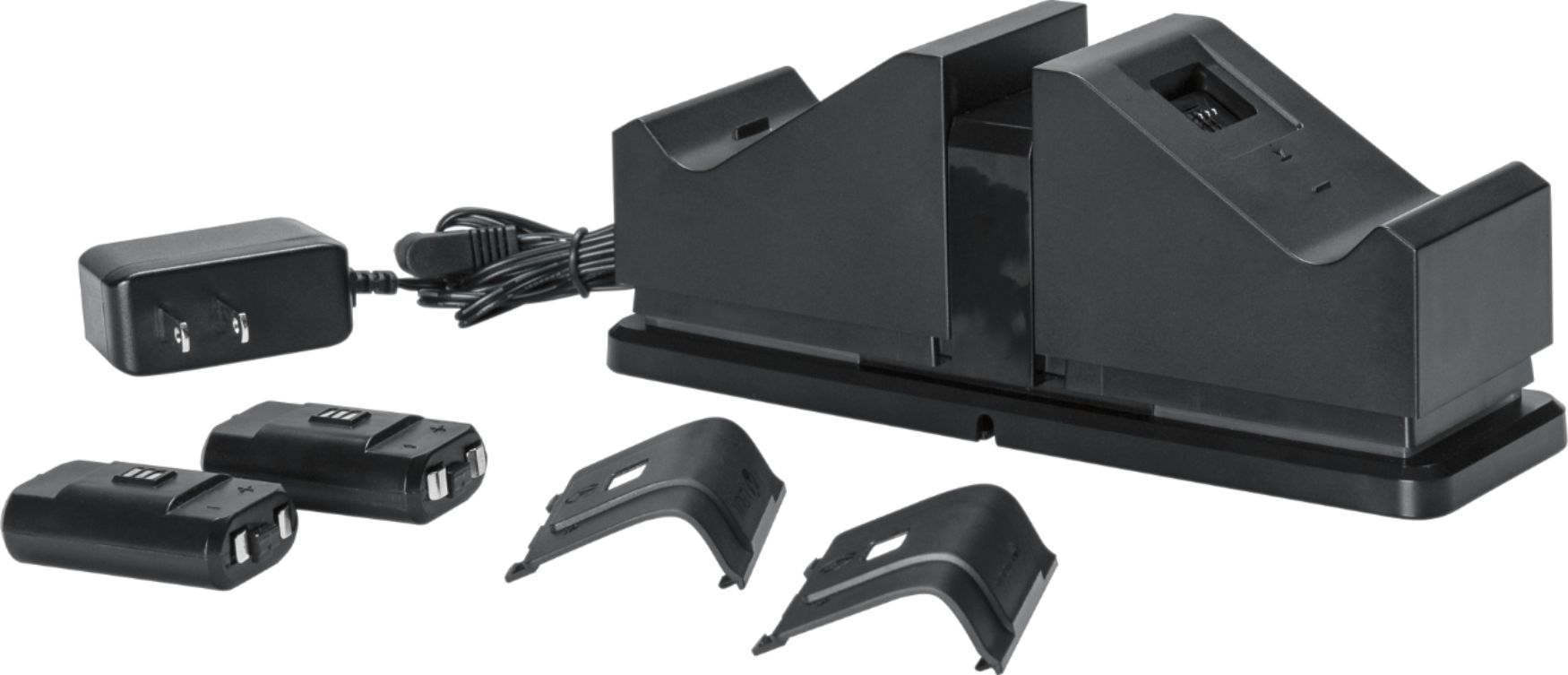
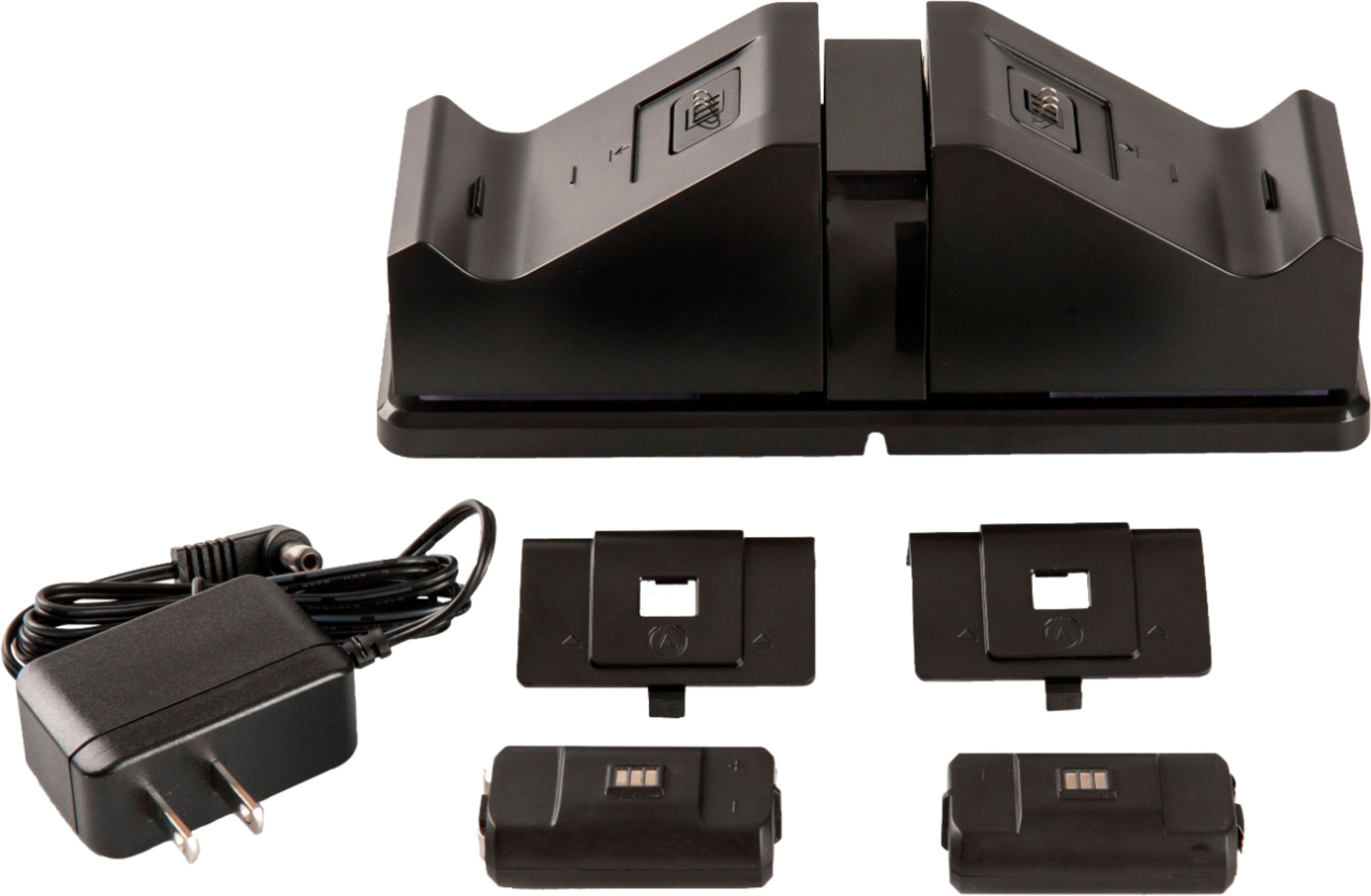
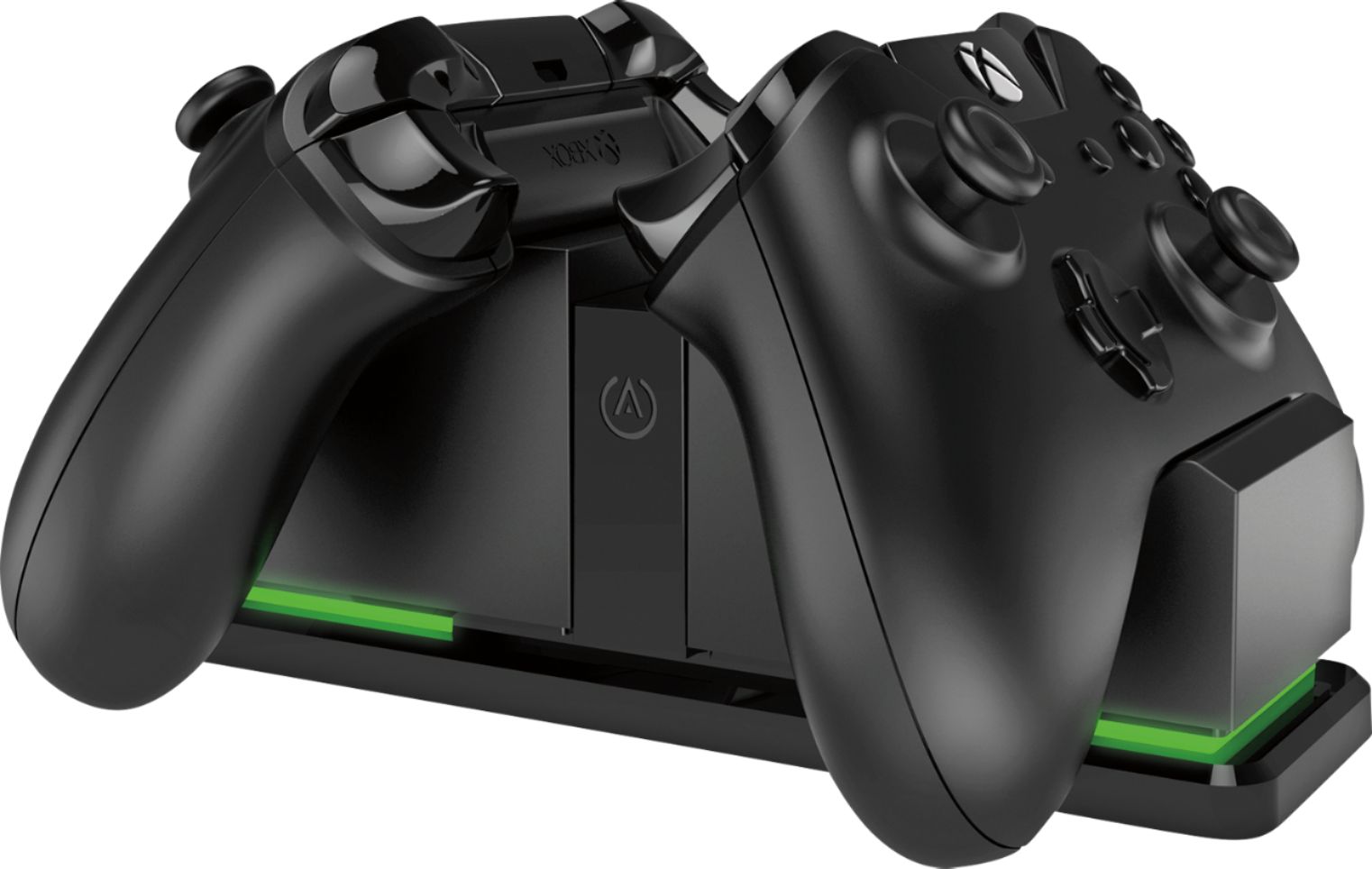
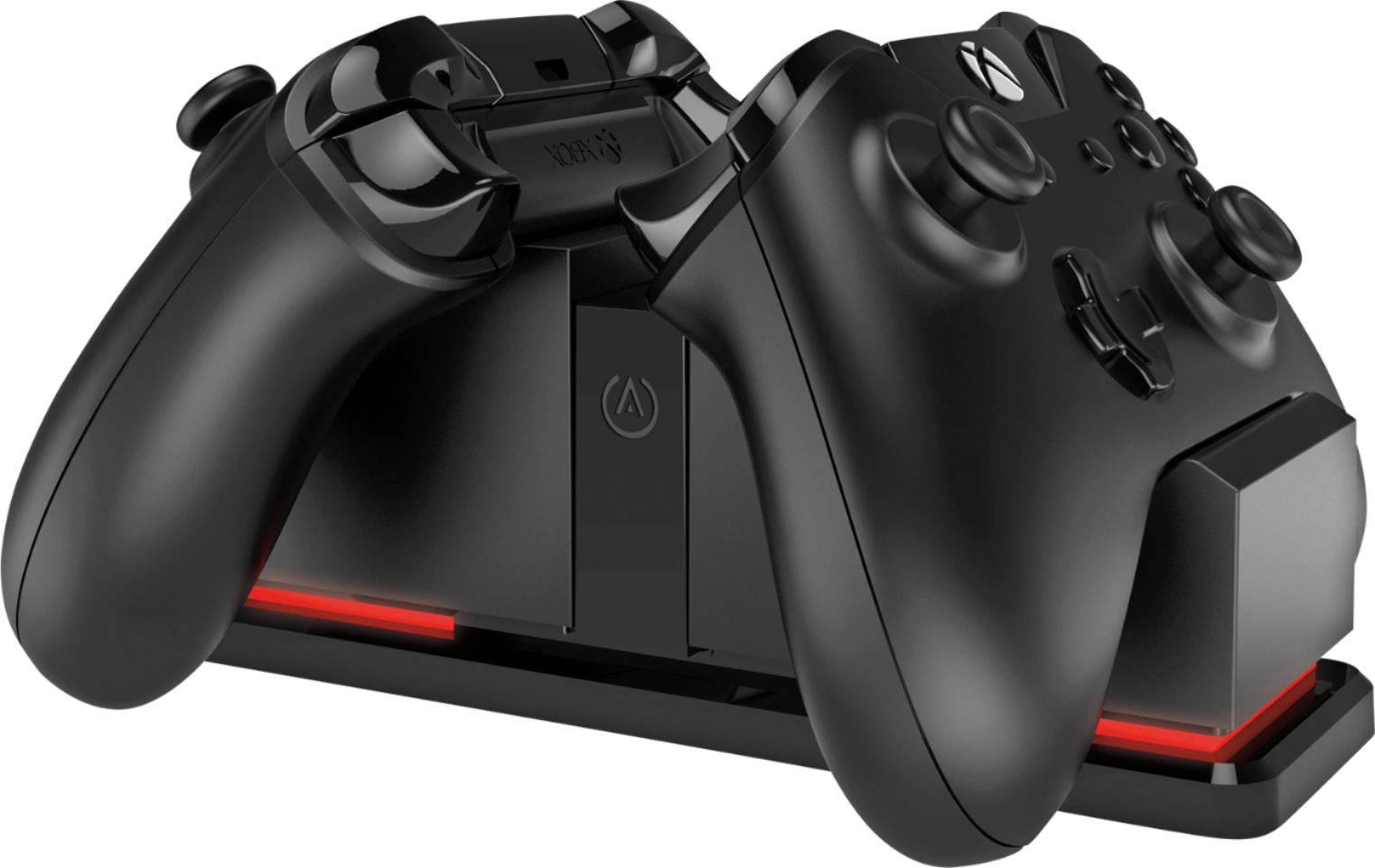
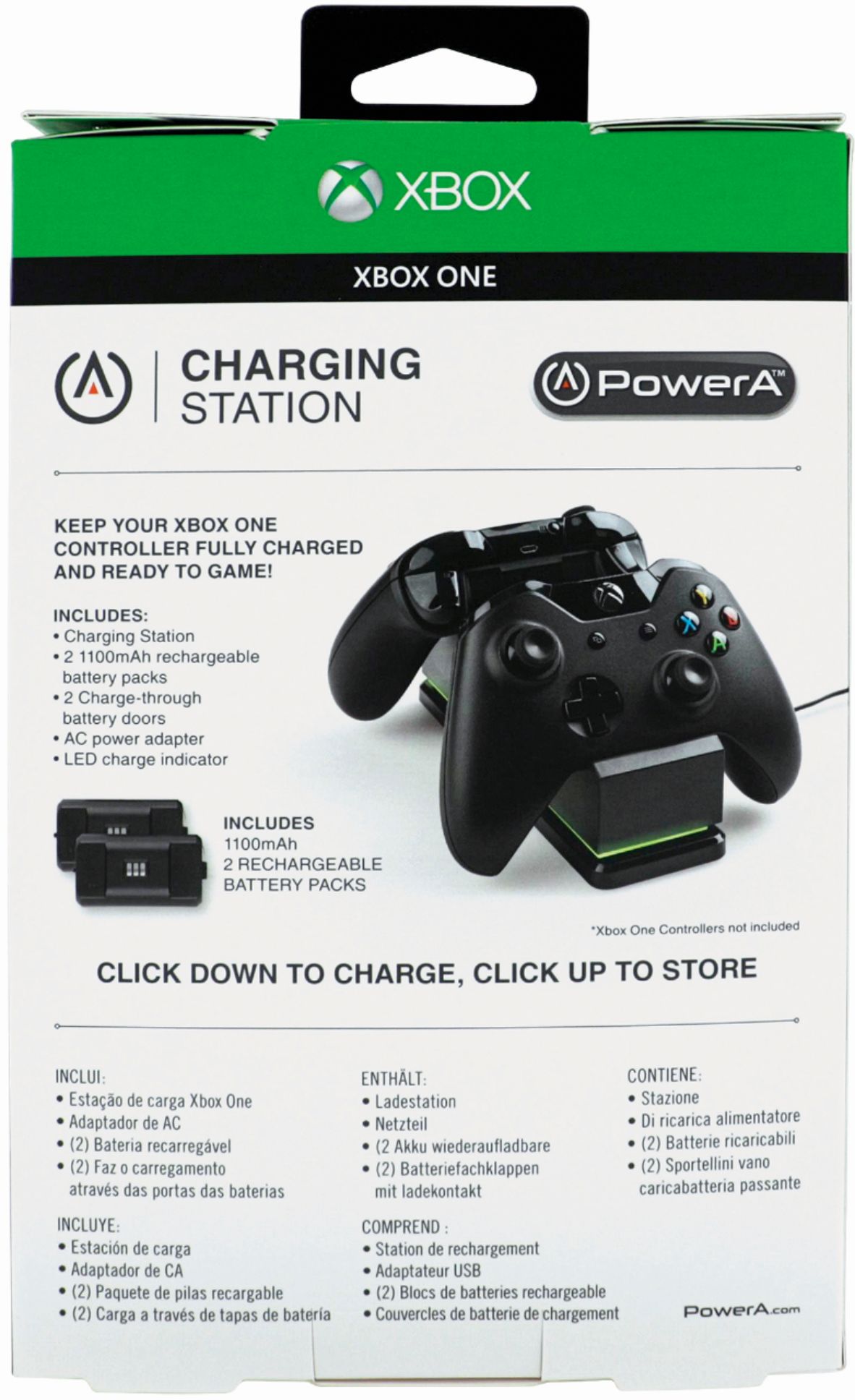
A:AnswerThe issue you are having is due to a bad connection with the base to the battery. Best way to go about fixing it is to make sure that the spring on the base is fully depressed and then making sure the controller battery cover is correctly snapped in. If either of these are not done the battery contact will not make contact with the charging station and will either flash red or not light up at all.
Hope that helps
A:AnswerIs it just staying red? Or do you get no lights at all? If no lights make sure the base is pushed into the down position and the battery is touching the charger correctly. If it's just showing red and not changing to green I would take it back and ask for another.