A:AnswerHello!
You would need to provide power to it either through a hardwire kit or through the provided cigarette socket charger. Please note that if you do not want to cover the existing mirror, the last remaining option would be to replace the current mirror. This may make this model not ideal for your use cases.
A:AnswerHello!
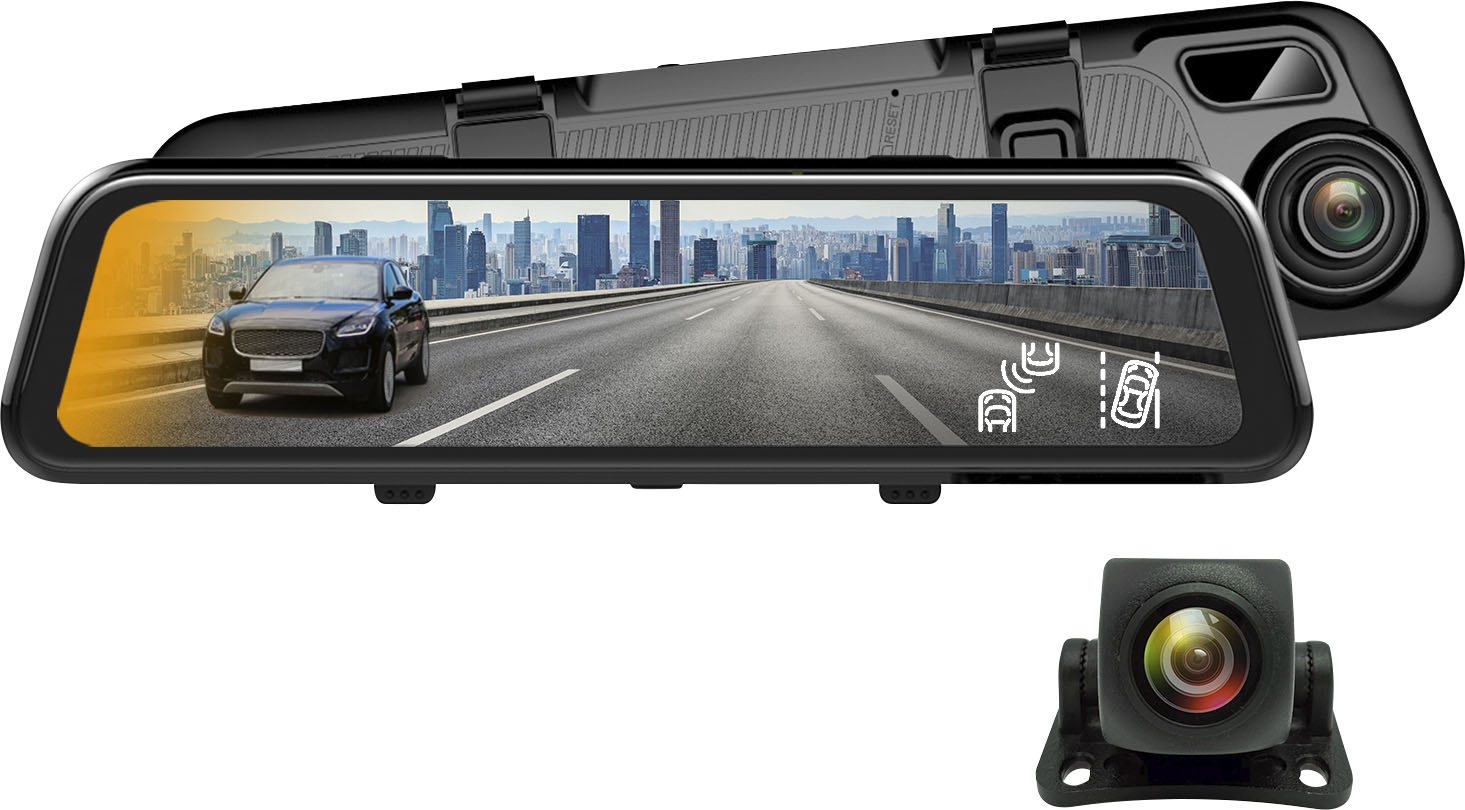
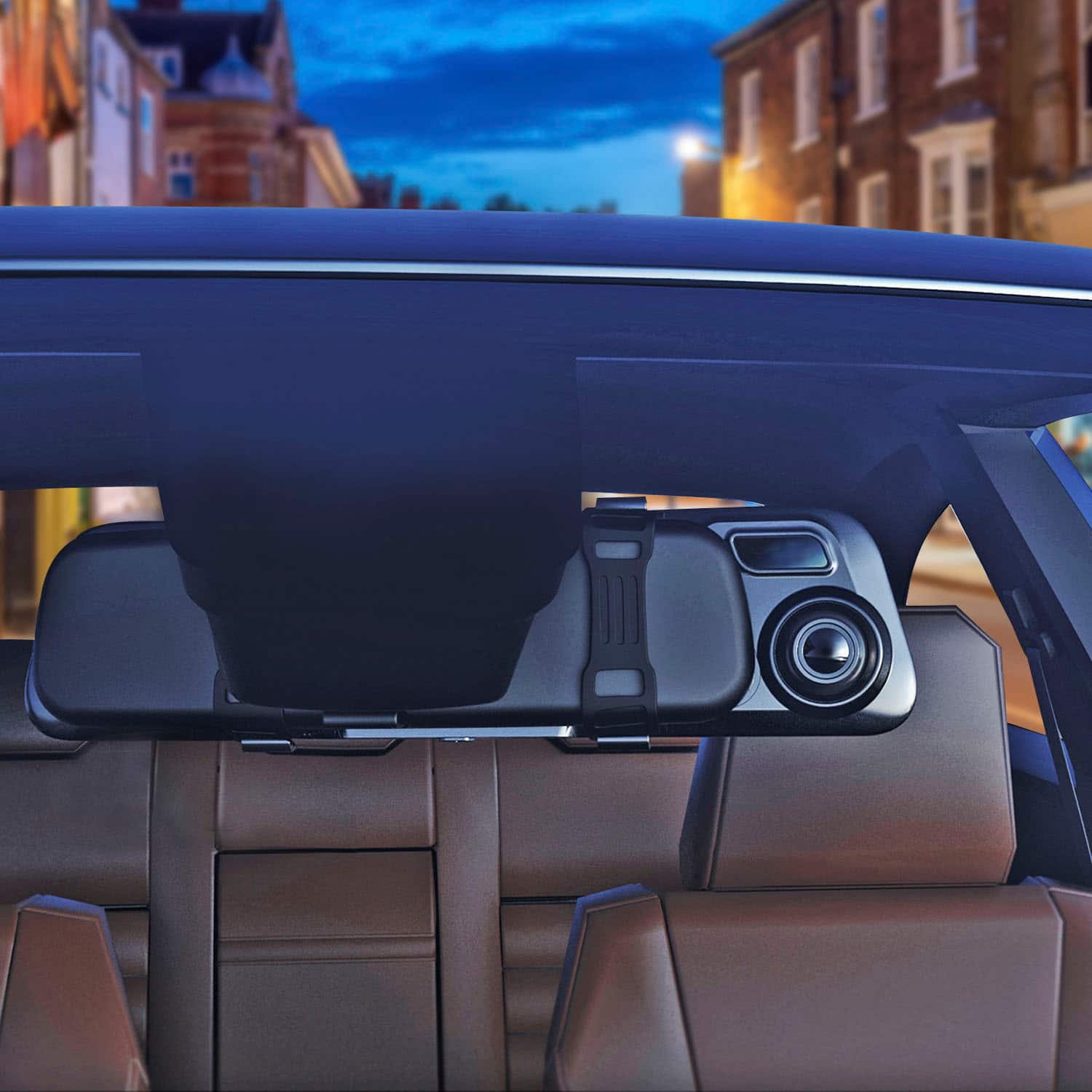
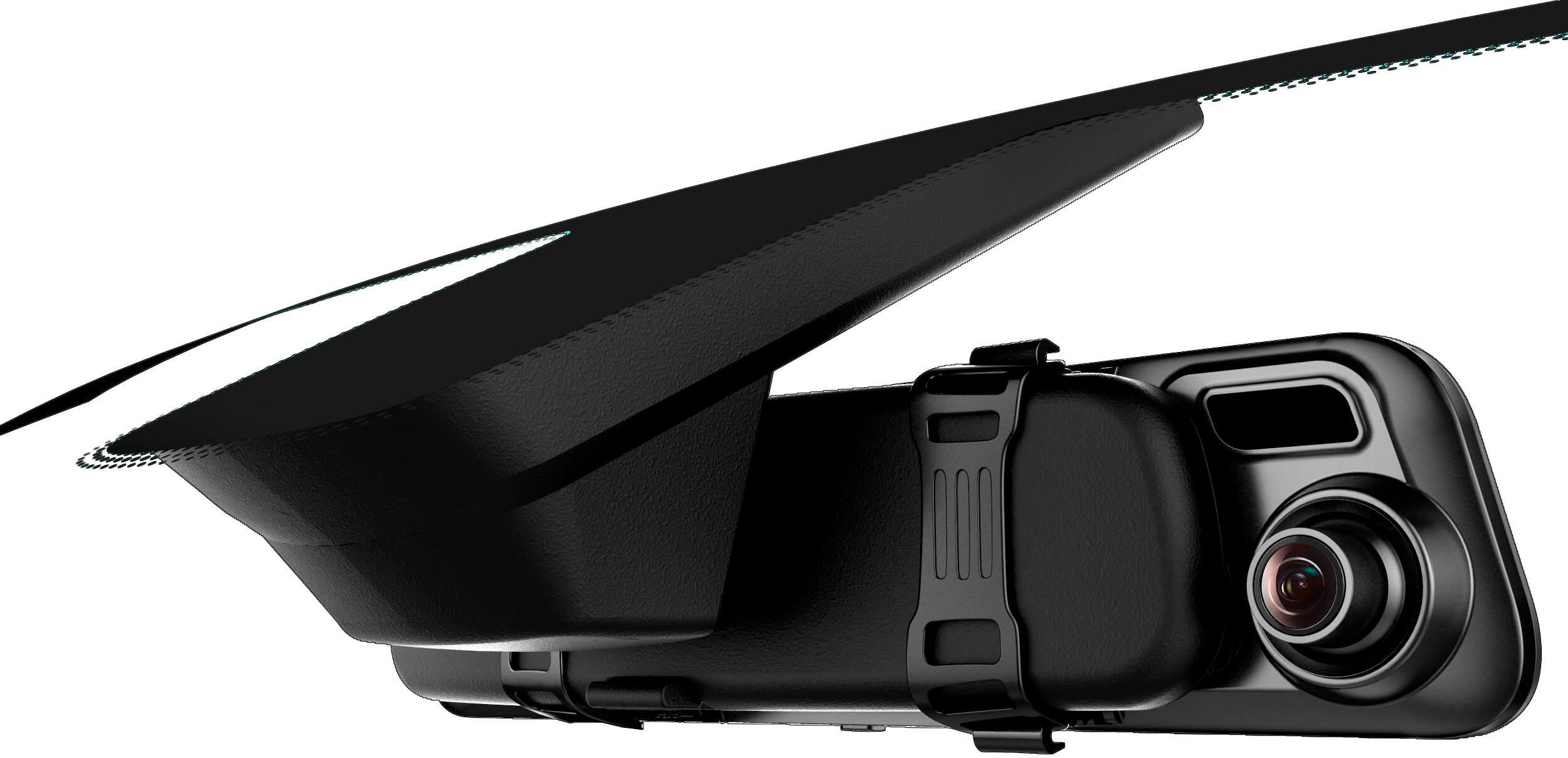
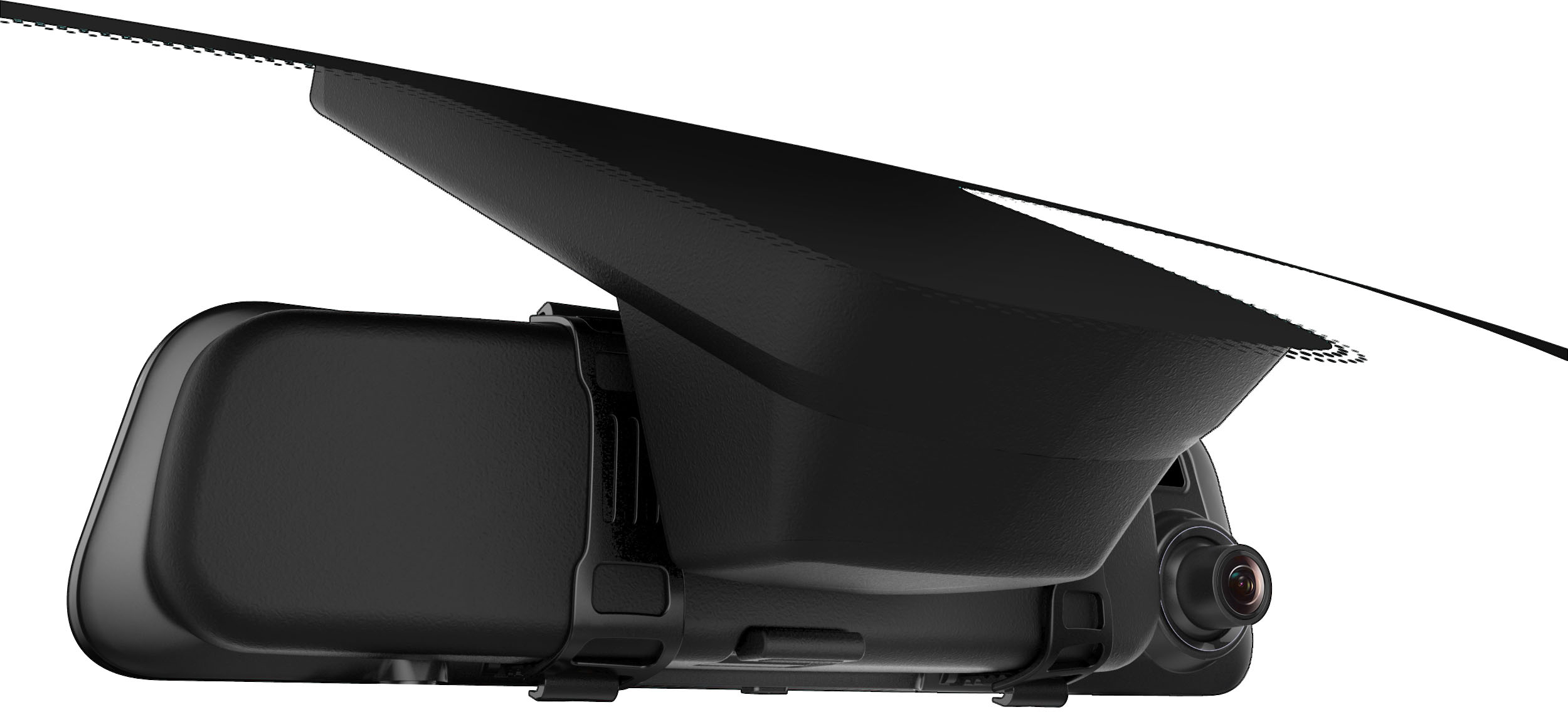
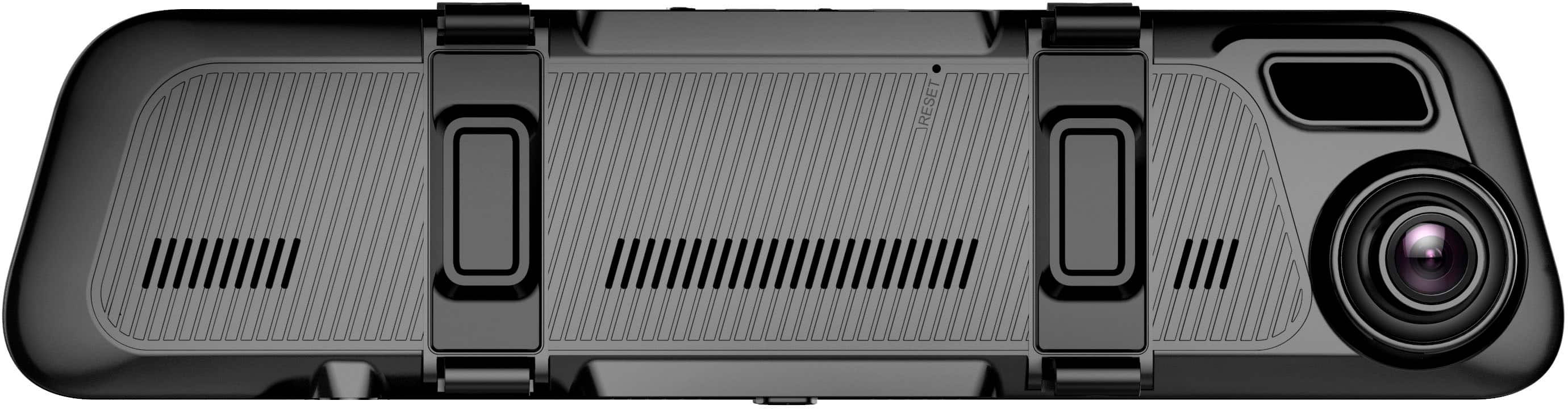
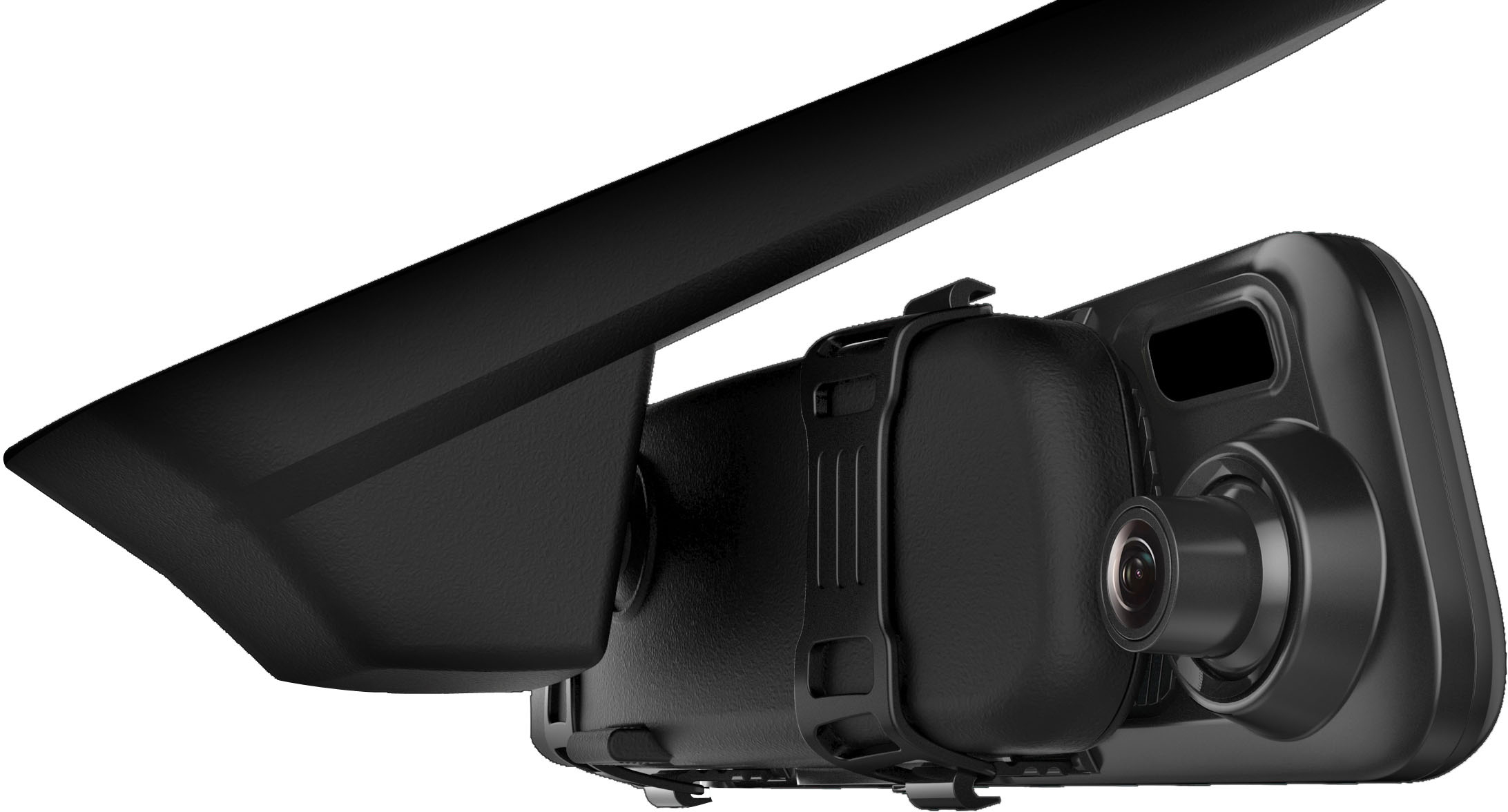
Although this unit is typically used with your rear view mirror. You can remove the plastic foam in the back to reveal screws for this unit to be mounted to replace your rearview mirror. If you have any further questions, please do not hesitate to let us know! https://www.rexingusa.com/support/contact-us/
A:AnswerHello!
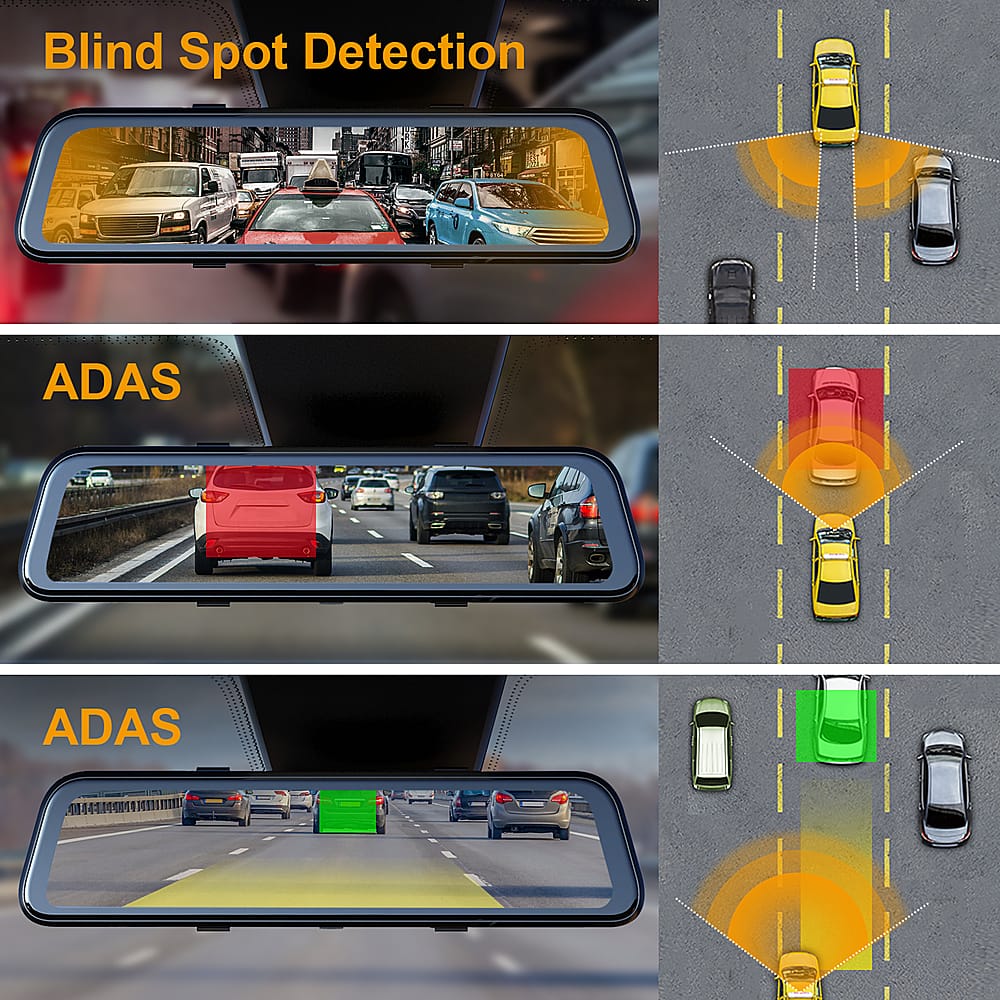
Yes, the camera can be mounted in the inside cabin but please note that the smart drive features will not be accurate as the sensors will not to be able to detect the information accurately. If you have any further questions, please do not hesitate to let us know! https://www.rexingusa.com/support/contact-us/
A:AnswerHello!
Please know that you could get this unit hardwired with a Smart or Intelligent hardwire kit through Best Buy. Please reach out to your local Best Buy for further information and prices.

A:AnswerHello!
This dashcam will not drain your vehicle's battery. However, if the hardwire kit is installed incorrectly, there's a possibility that this could happen.
A:AnswerHello,
We always suggest using our products rather than any outside products. If you have any other questions or concerns, please reach out to customer care at [email protected] or call us at (877) 740-8004. Our hours are Monday to Friday, 9:30 AM to 5:00 PM EST.
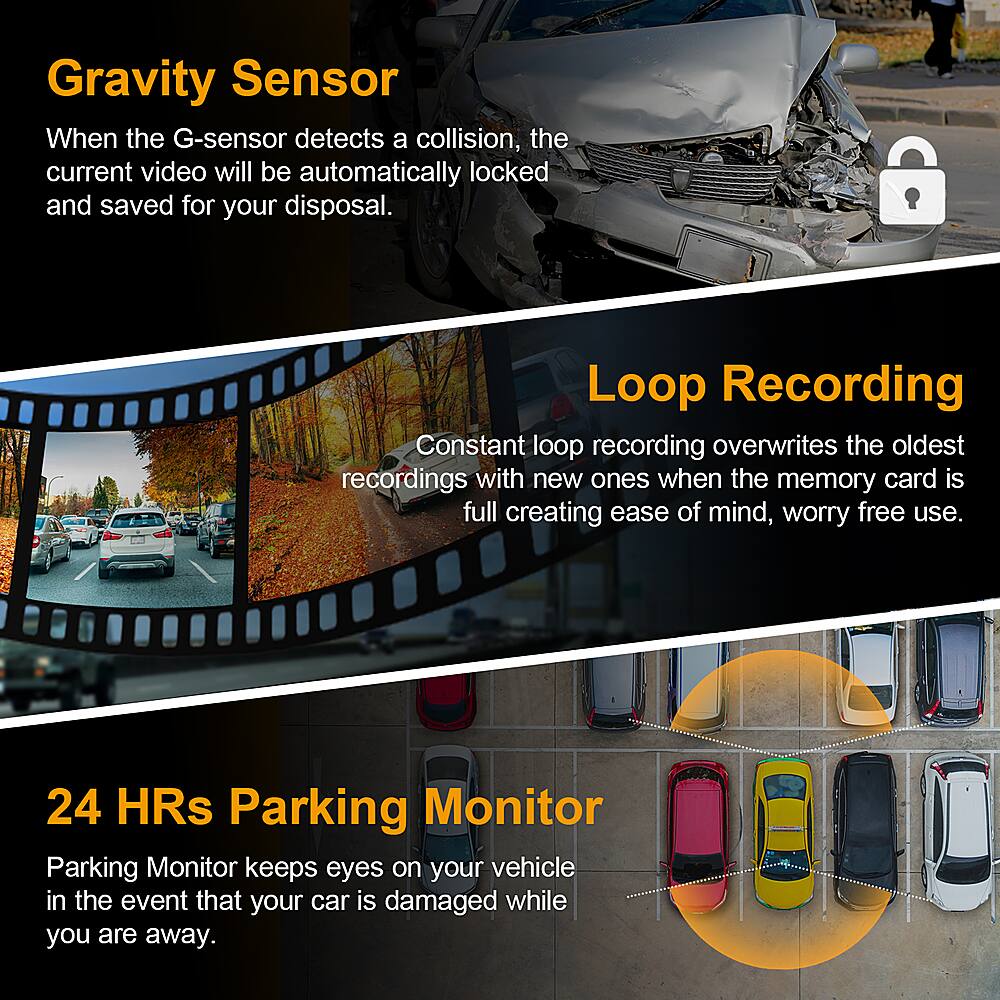
A:AnswerHello! By default our dashcams come with loop recording turned on. As long as this option has not been altered, there will not be any messages informing you that the microSD card is full. If you turned loop recording off then you will have to manually delete the videos to make up space! For further assistance please reach out to us at https://www.rexingusa.com/support/contact-us/
A:AnswerYou can find all of that information here: https://www.bestbuy.com/site/services/car-electronics-professional-installation/pcmcat59600050005.c?id=pcmcat59600050005
A:AnswerHello!
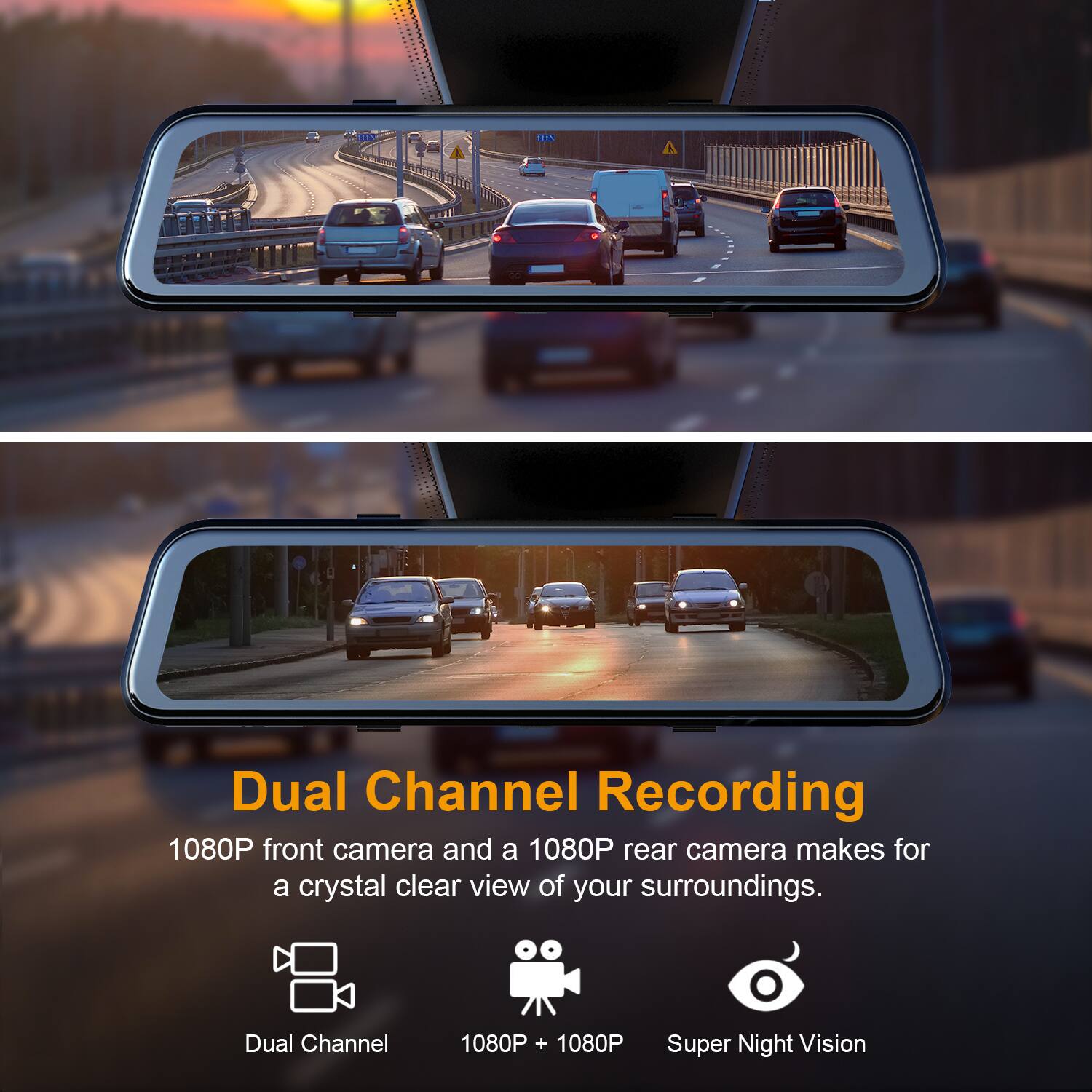
No, this dashcam only has a front and a rear camera. It does not have an inside cabin camera. For a inside cabin camera option, please look into its sister model, the M3. That unit would be better suited for your needs.
A:AnswerHello!
While technically it can, it will not be sufficient power. Please use the included cigarette socket charger or a sold-separately hardwire kit to provide power to the unit.
A:AnswerYou can find all of that information here: https://www.bestbuy.com/site/services/car-electronics-professional-installation/pcmcat59600050005.c?id=pcmcat59600050005
A:AnswerHello!
Best Buy Geek Squad should be able to install this unit with the provided items in the box. If an extension cable is needed, you may need to ask the Best Buy Techs if they would be able to install it.
A:AnswerHello!
I looked it up and I believe the size should be fine, even if the unit is sticking out a little bit from the sides, you can always make the straps tighter to compensate.
A:AnswerHello!
The M2 is able to withstand both extreme heat and cold temperatures. To be more precise, the temperatures between -20 to 176°F. If you live in an area that exceeds these temperatures, please move the dashcam from the windshield and place it inside the glove compartment or bring it inside your home.