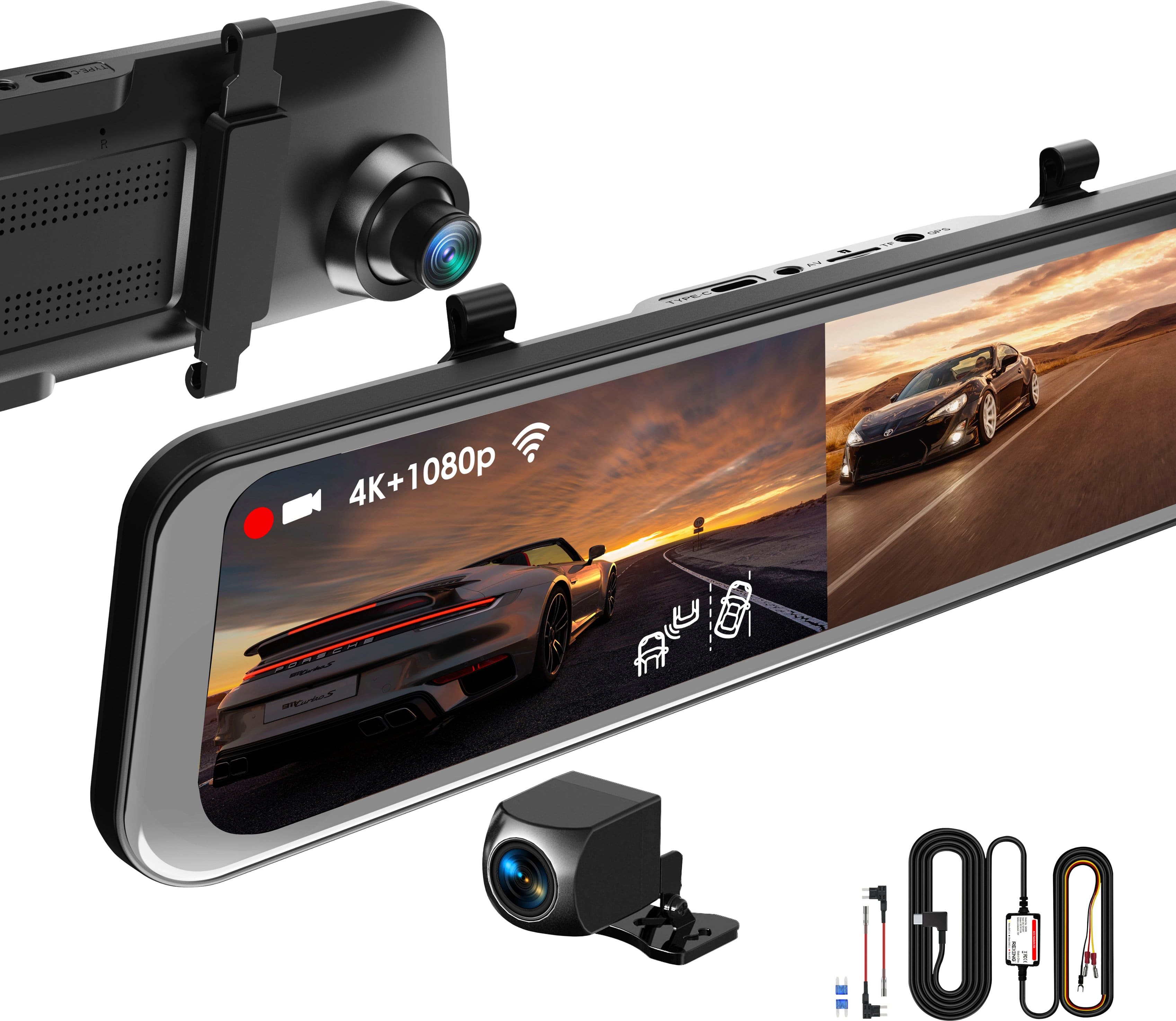
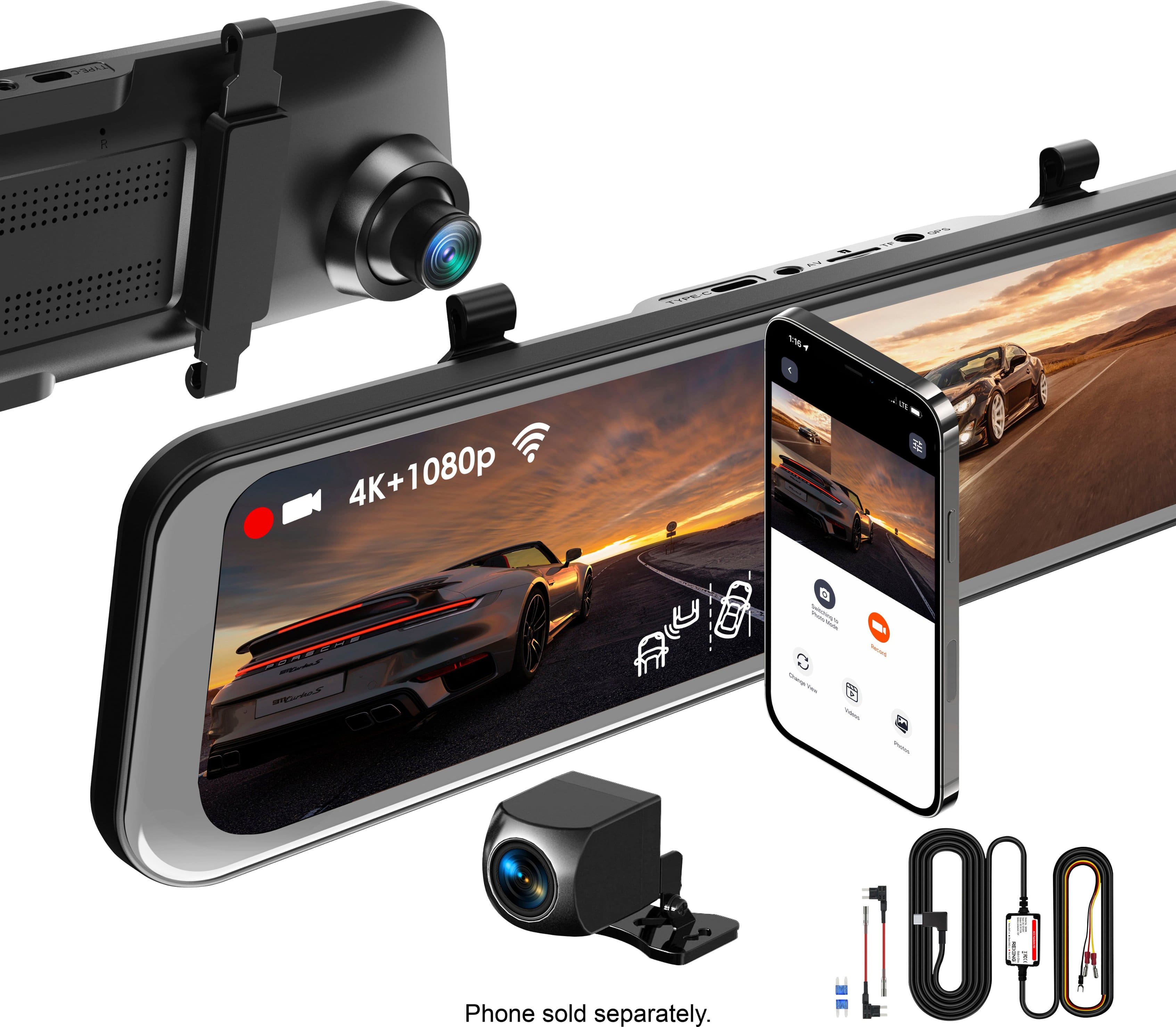
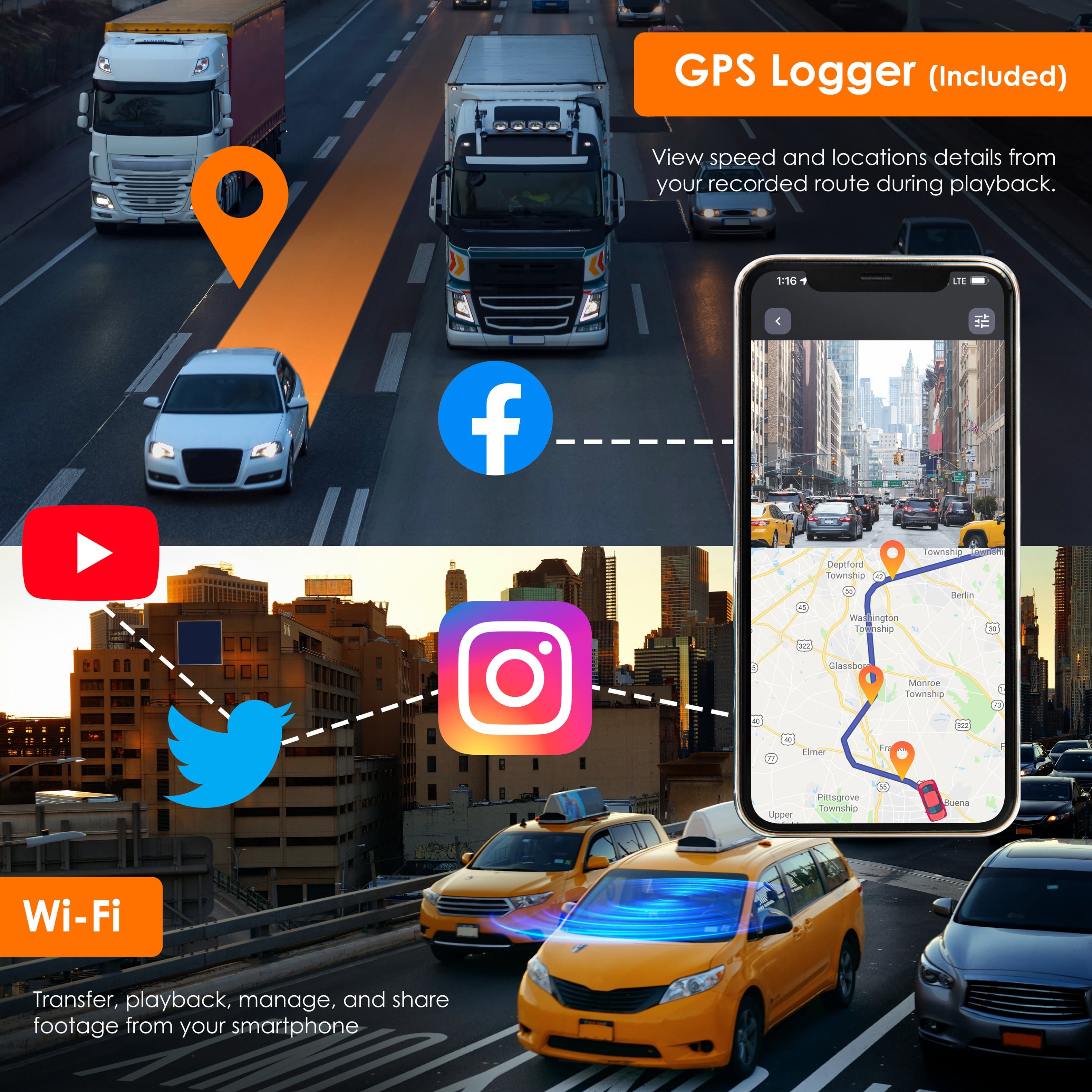
A:AnswerThe kit is included, but you need to connect one of the cables to a hot fuse or directly to your battery so that the device can monitor your battery charge.
A:AnswerHello!
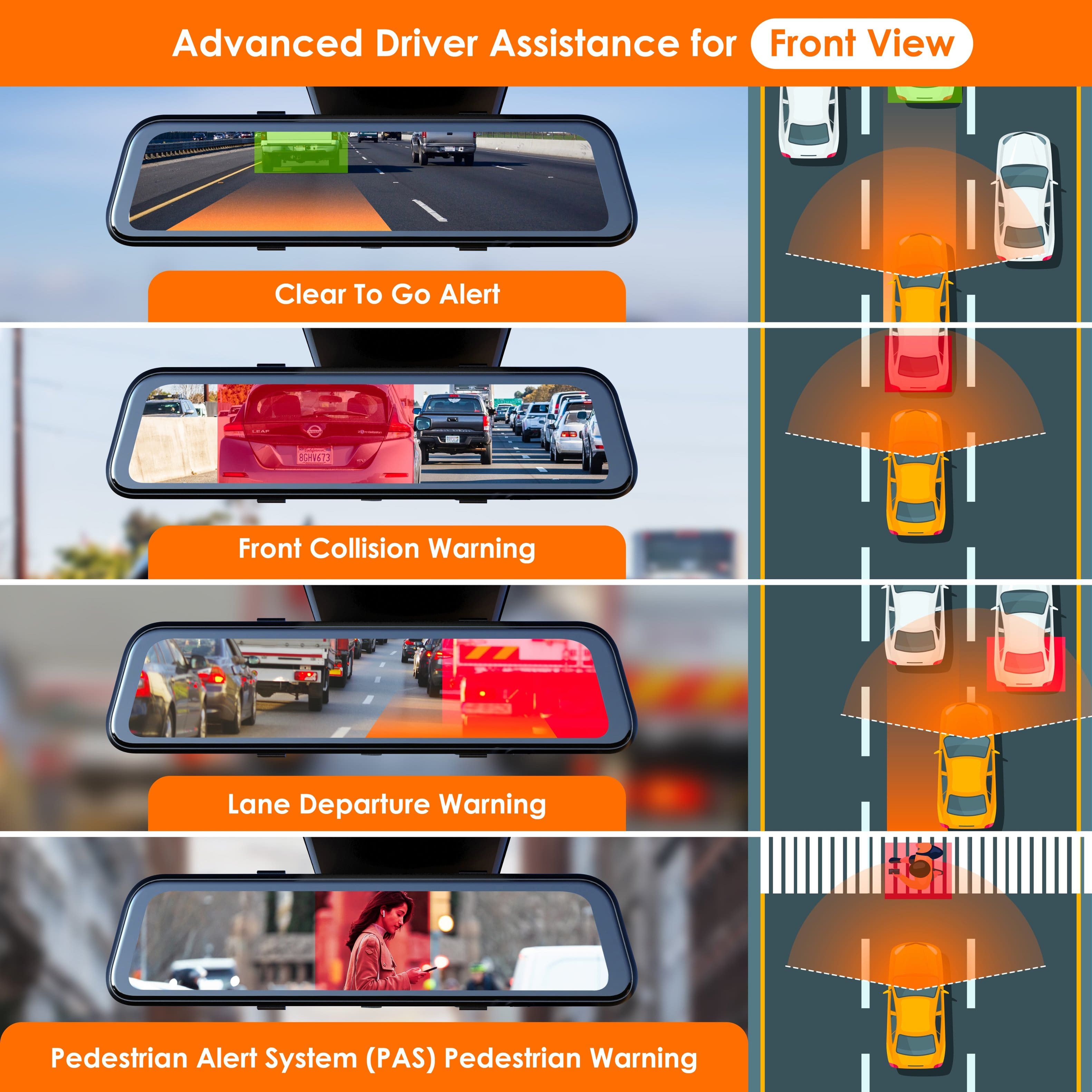
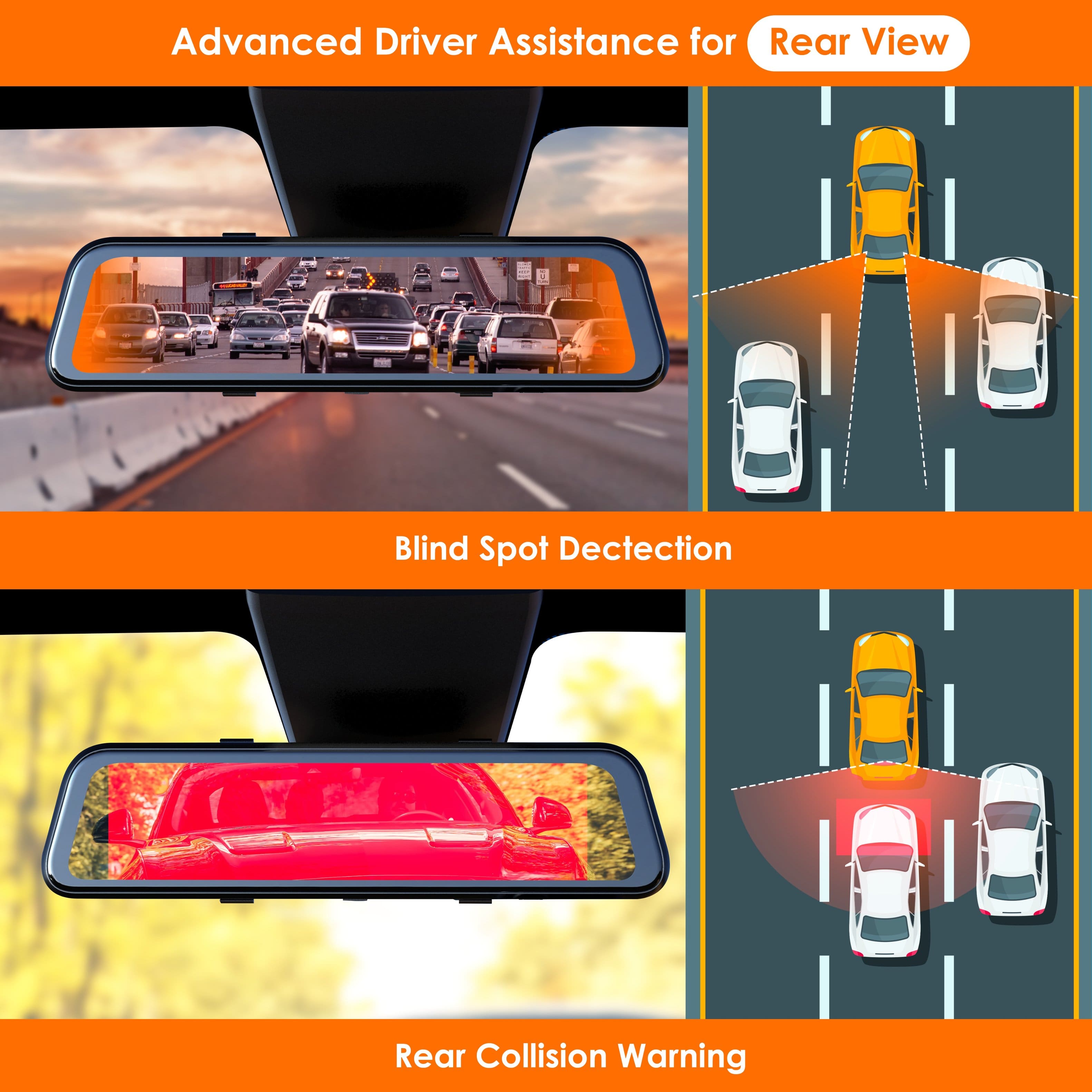
Please ensure that these settings have been enabled under the "smart drive" settings found within the main settings option. Once these are enabled, you will begin to received the notifications we described as advertised.
A:AnswerHello!
The camera attaches by wrapping around your rear view mirror with the included rubber straps. This ensure it keeps the camera in place without the need of any messy setups.
A:AnswerHello!
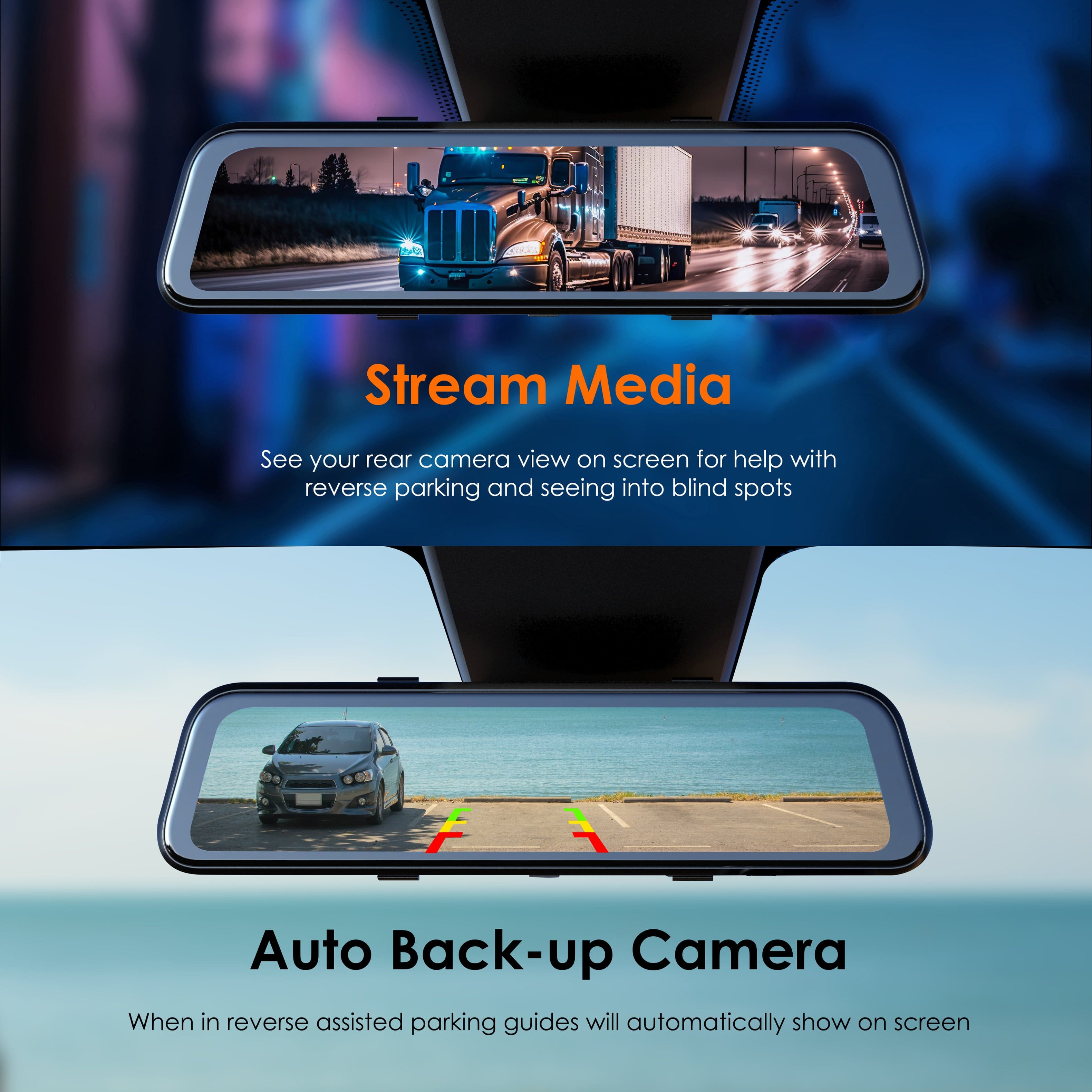
I would say that the M2 Max Pro would be a good camera for older people due to its ease of use and minimal setup requirements. As far as the backup, you will be able to see guideline showing you once this feature is hooked up to your reverse lights.
A:AnswerHello!
The m2 max pro offers both forward and rear collision warnings. Therefore, we are not sure exactly where it was described that the unit does not offer both of these features. If you have any further questions, please contact us!
A:AnswerHello!
Yes. You can always turn off the display of the dashcam while keeping the regular dashcam operations working in the background. To do this, simply press the power button at the bottom of the dashcam to turn off the display.
A:AnswerHello
Unfortunately, this model does not currently have an option to turn off the date/time. Therefore, there would not be an option to disable this behavior.
A:AnswerHello.
As of the time of writing, the dashcam does not currently have a way to adjust the guidelines. Therefore, we would recommend moving the the rear camera's placement to compensate. We apologize for the inconvenience.
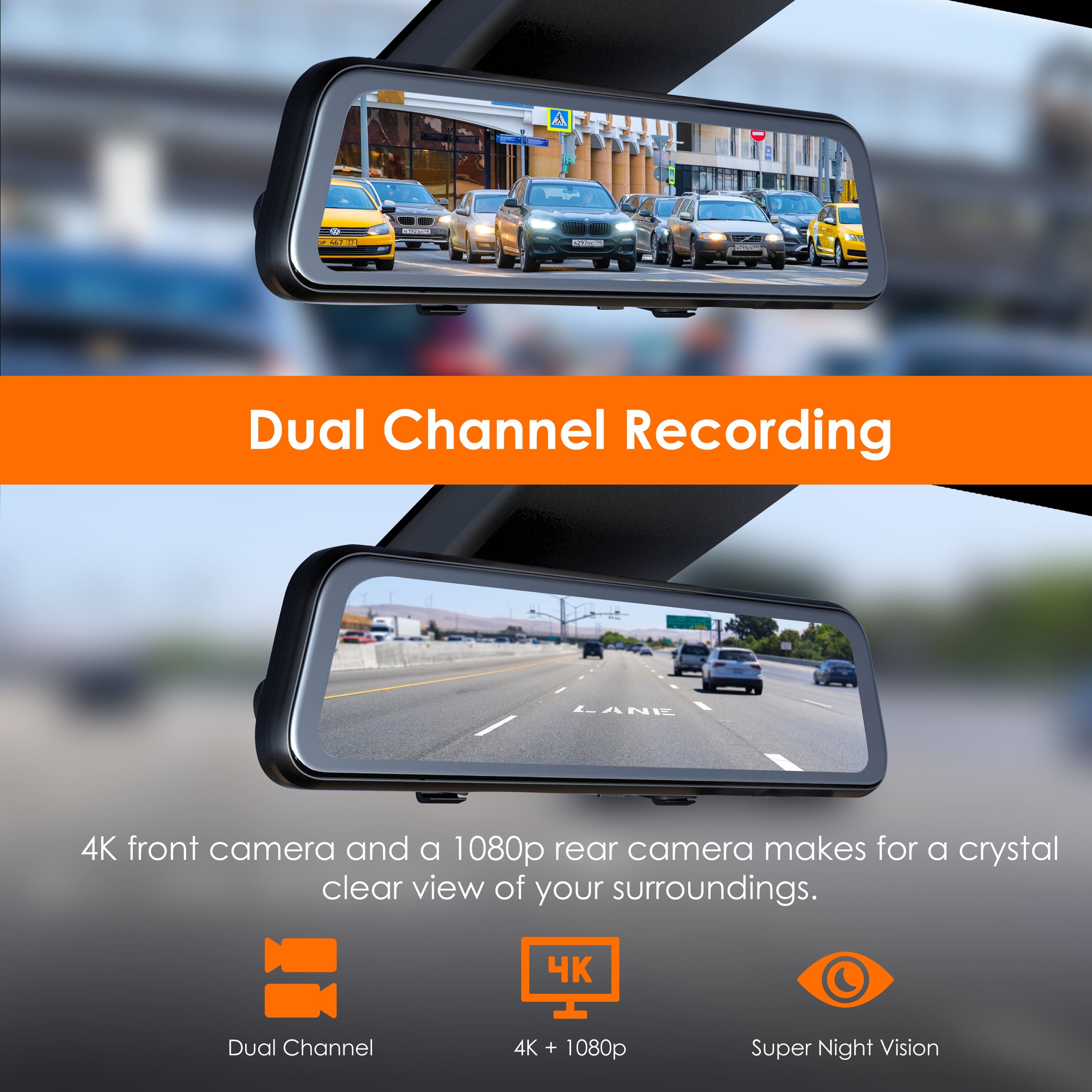
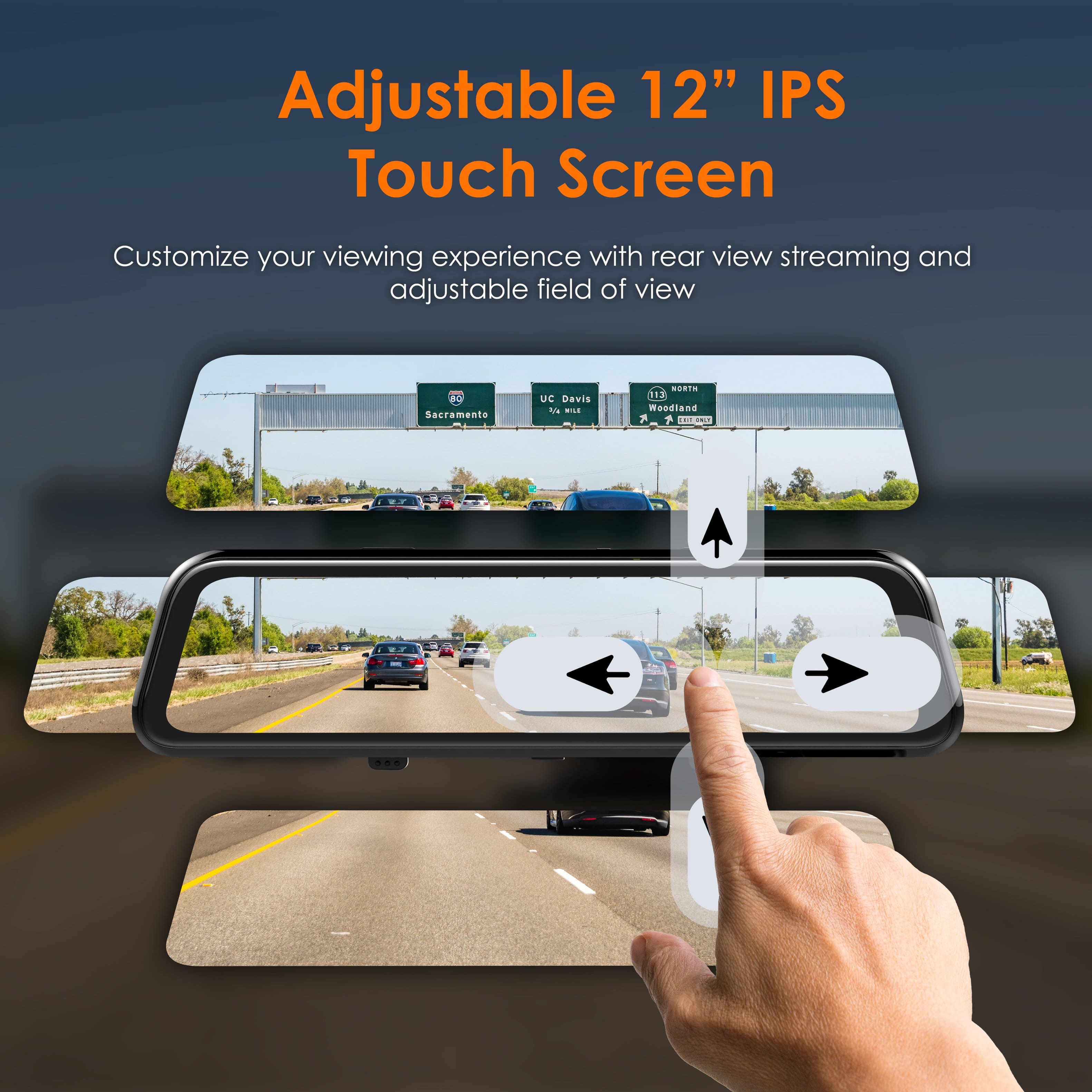
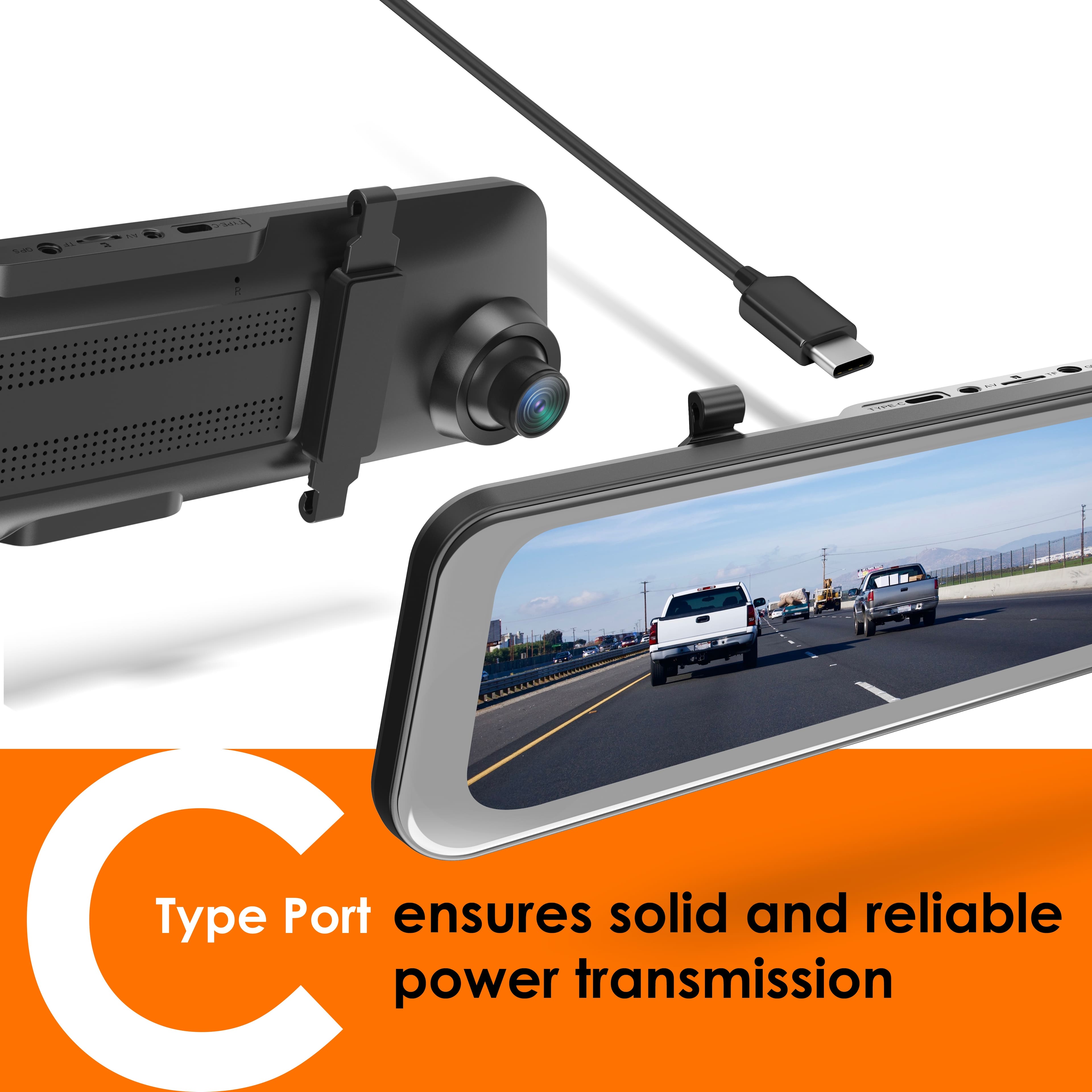
A:AnswerThe front cam is a mirror that clips into/over your vehicle's installed rear view mirror.
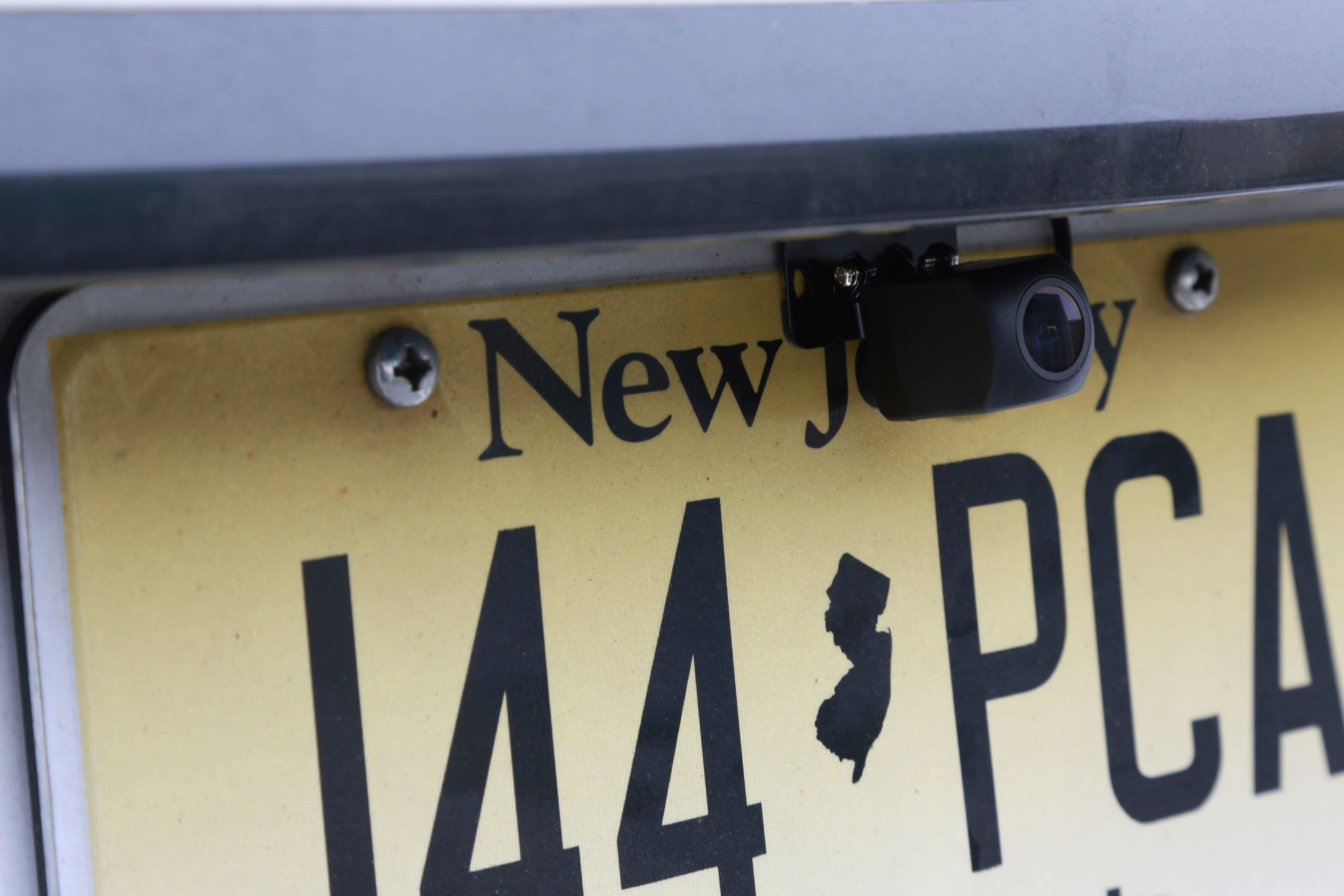
The rear cam sticks to the inside of your back windoe.