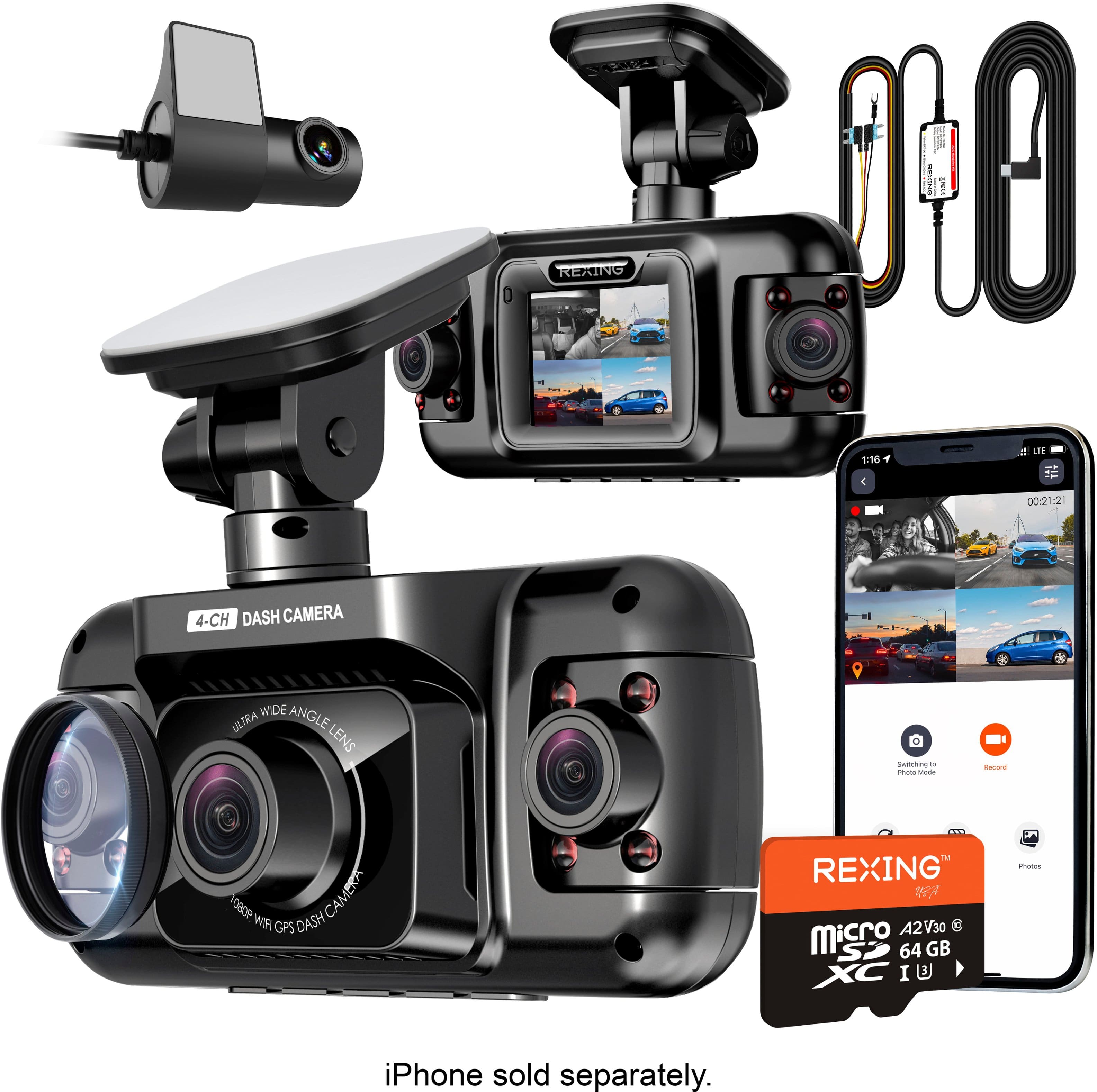
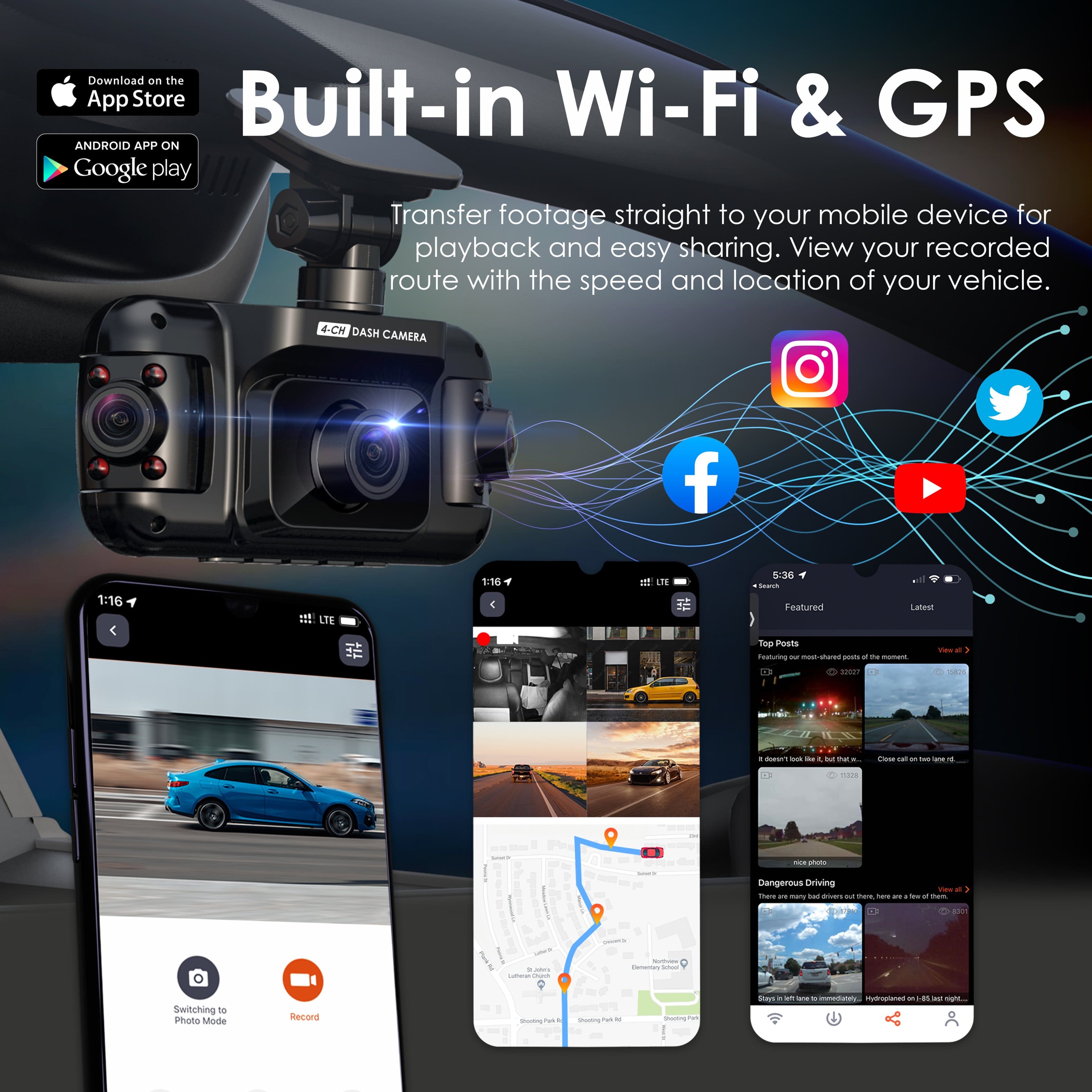
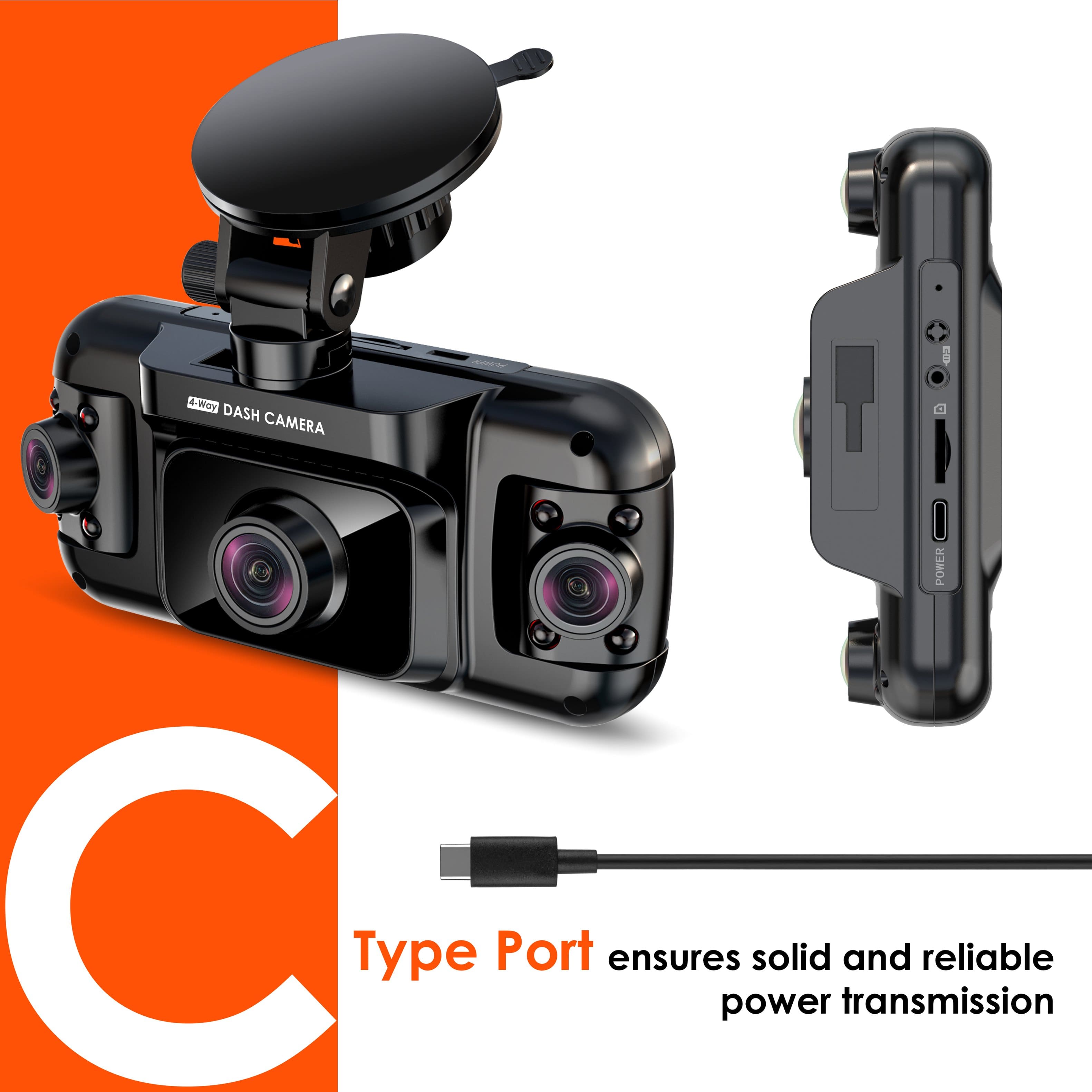
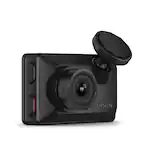
A:AnswerAll the "buttons" are on the bottom of the cam. You have to turn the cam wifi on, (the cam will not record in this mode). Then connect your phone to the cam. Then you will see playbacks on your phone. So technically you have to do this in your car. The only other way to see videos is to take the SD card out of the cam and put it into your computer with an SD card adapter.
A:AnswerFirst of all, cool nickname. My buddy’s nickname is Gumby and I gave him that nickname. Second, yes you can use the camera in a semi truck or any type of vehicle and the rear camera is optional.
A:AnswerHello, the Wi-Fi is used solely to transfer footage wirelessly from your dashcam to your phone. You don’t need Wi-Fi for the dashcam to record. If you have any other questions, please contact our customer service team.
Email (English): [email protected]
Phone: (877) 740-8004
Hours: Monday – Friday 9:30am-5:00pm EST

A:AnswerHello!
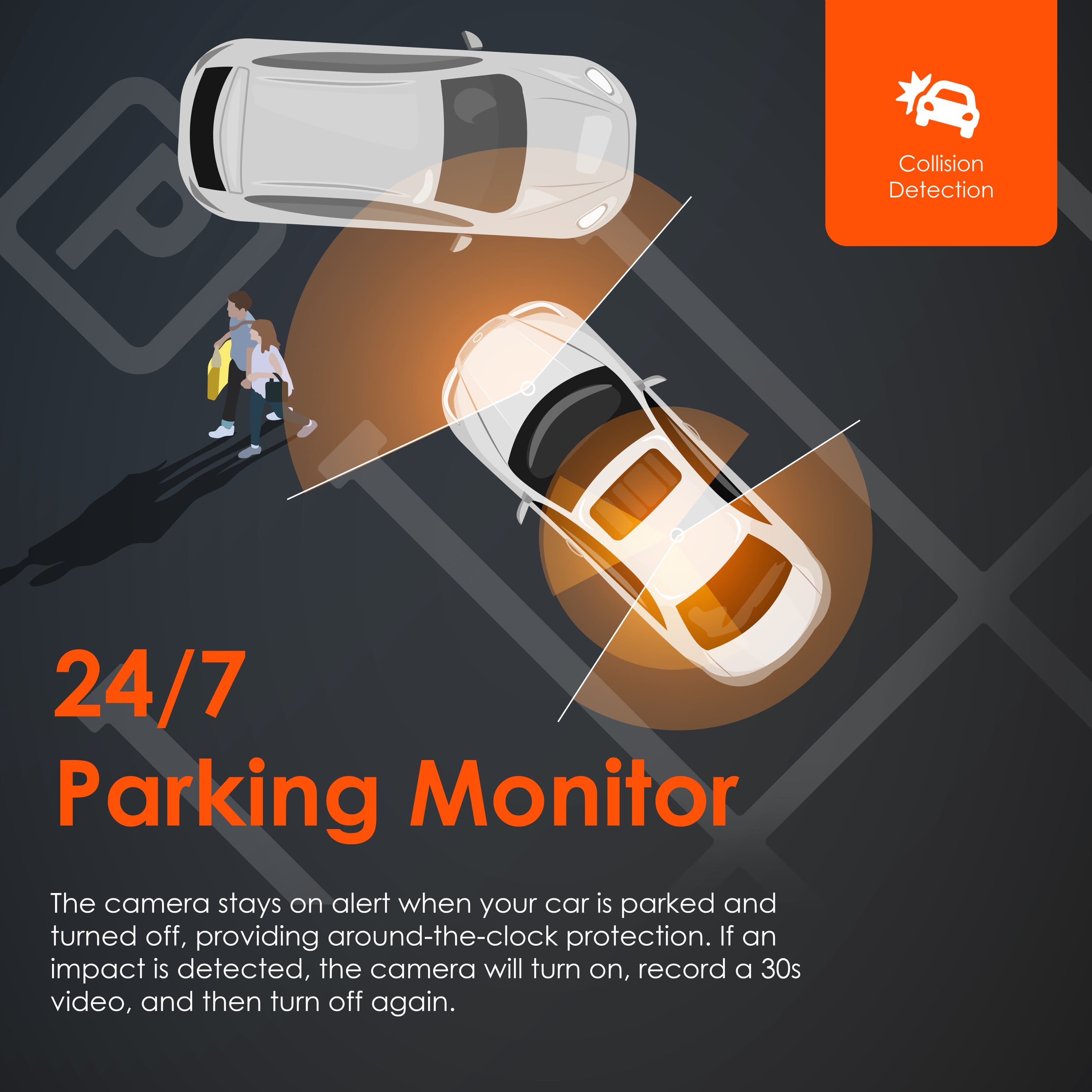
Unfortunately, no. In order for the parking mode features to work, you must use a Rexing hardwire kit. In your circumstances, the dashcam would never turn off which could lead to a drained vehicle battery.
A:AnswerHello, Javier. Unfortunately, the Rexing Connect app does not support remote viewing. You can only transfer footage from your dashcam to the app via WiFi while you are in your vehicle.
If you have any other questions or concerns, please reach out to us at:
Email (English): [email protected]
Phone: (877) 740-8004
Hours: Monday – Friday, 9:30 AM – 5:00 PM EST