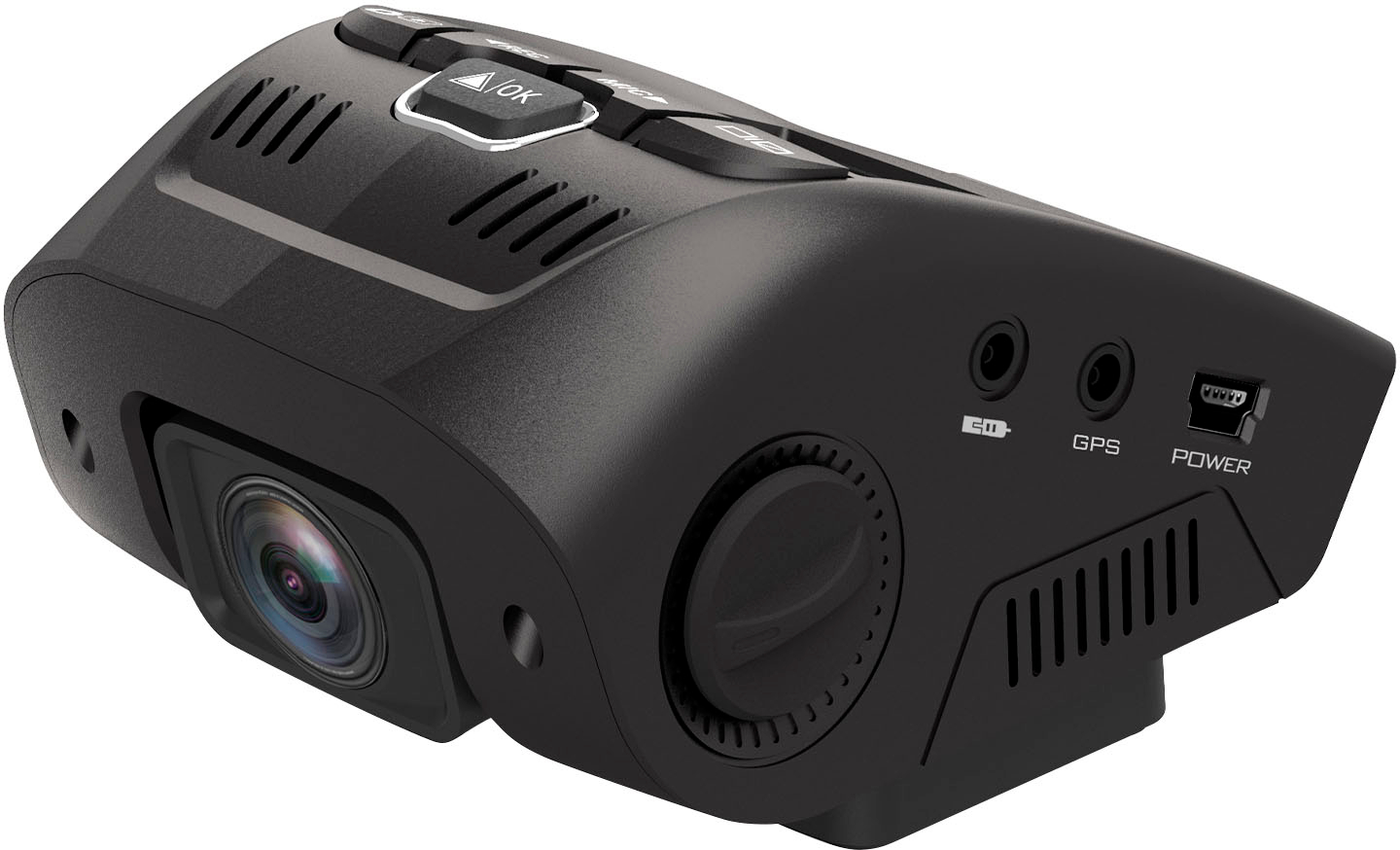
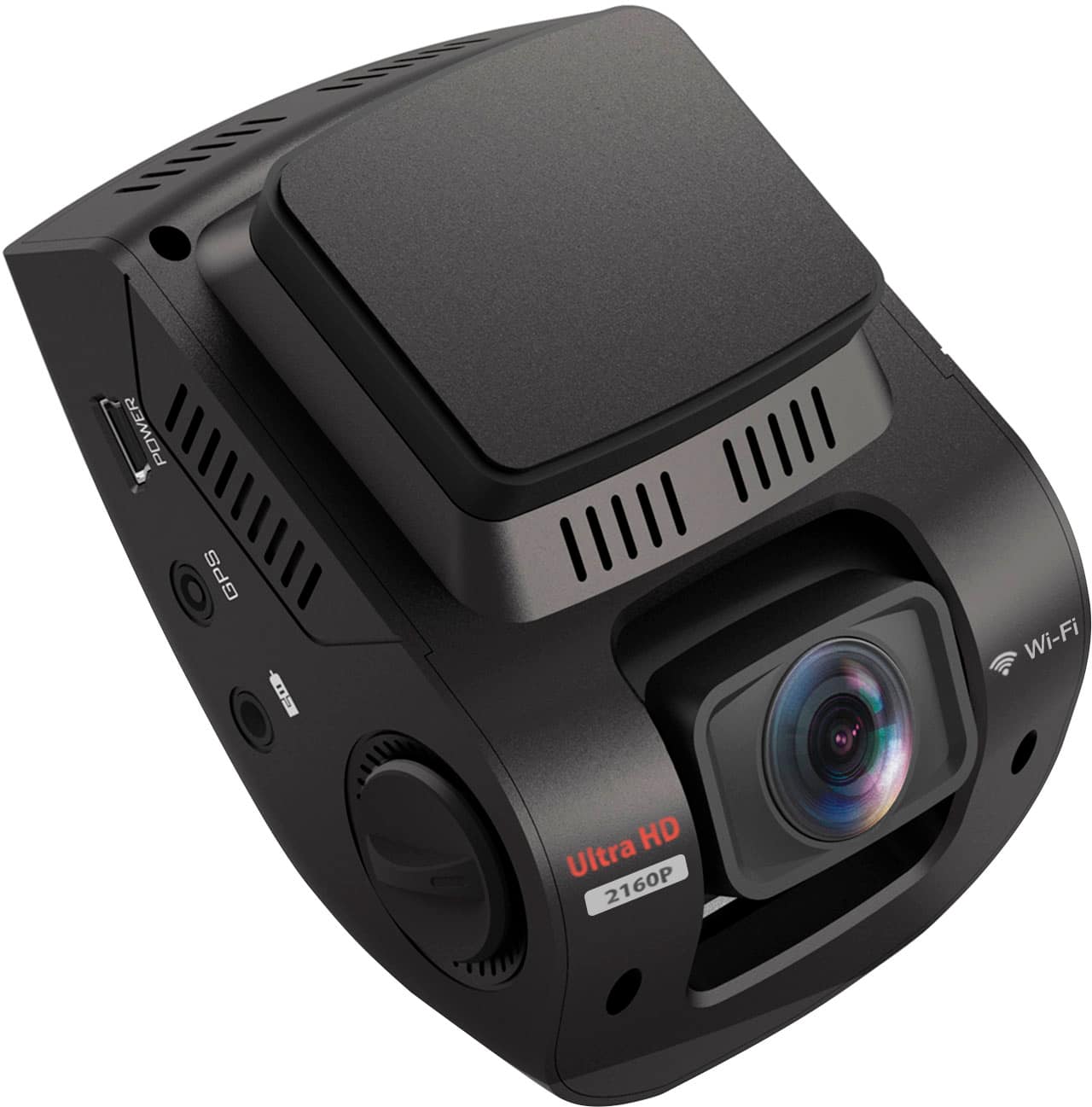
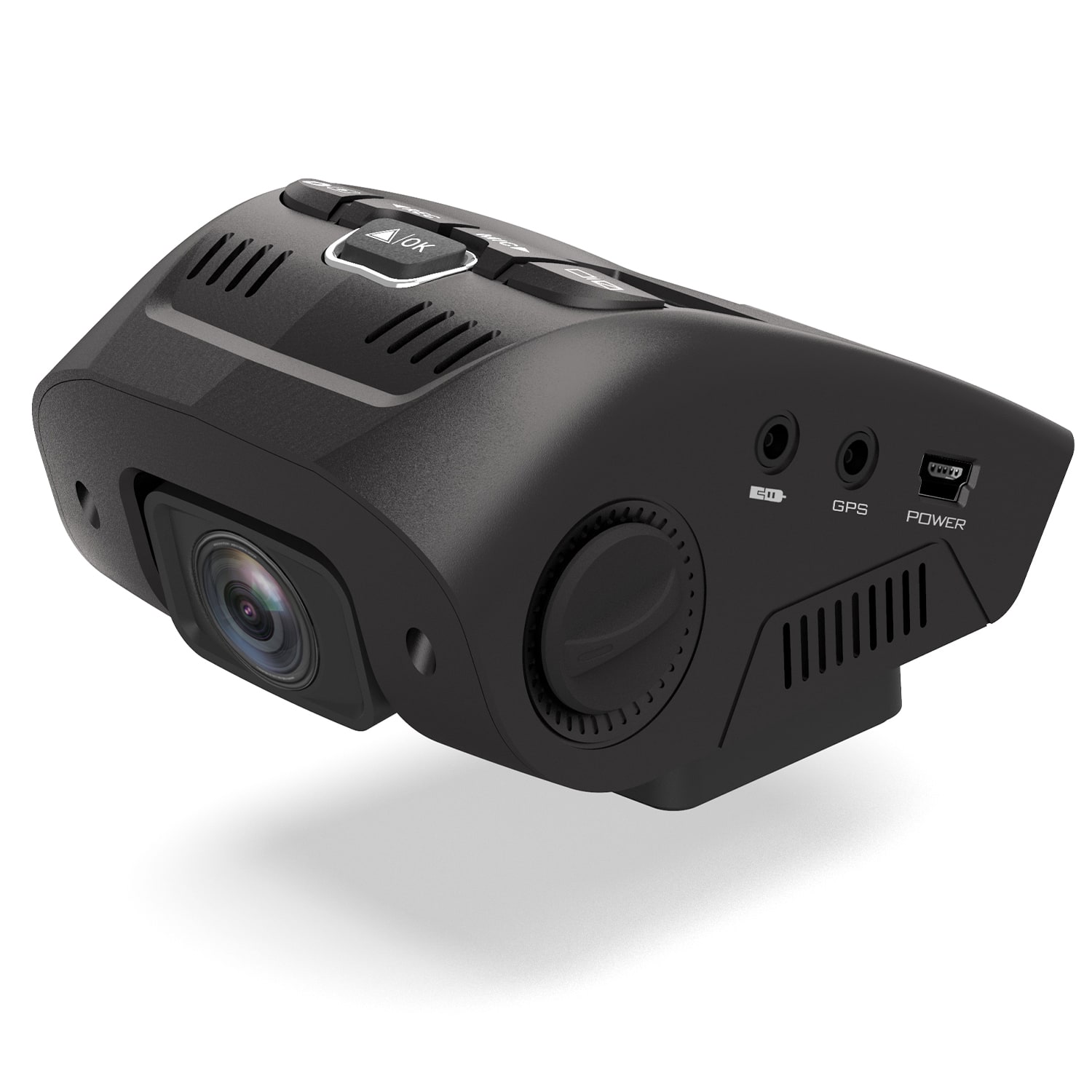
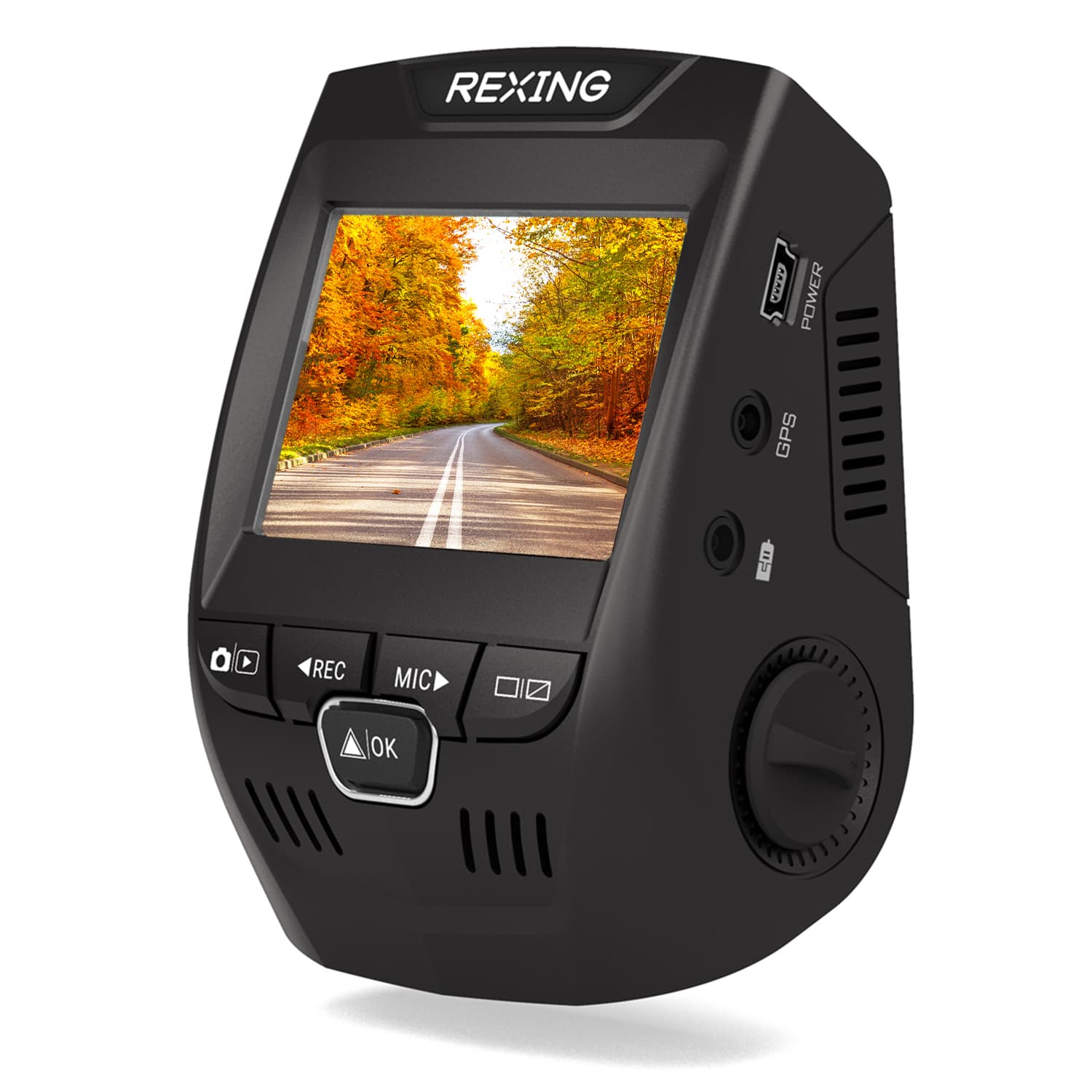
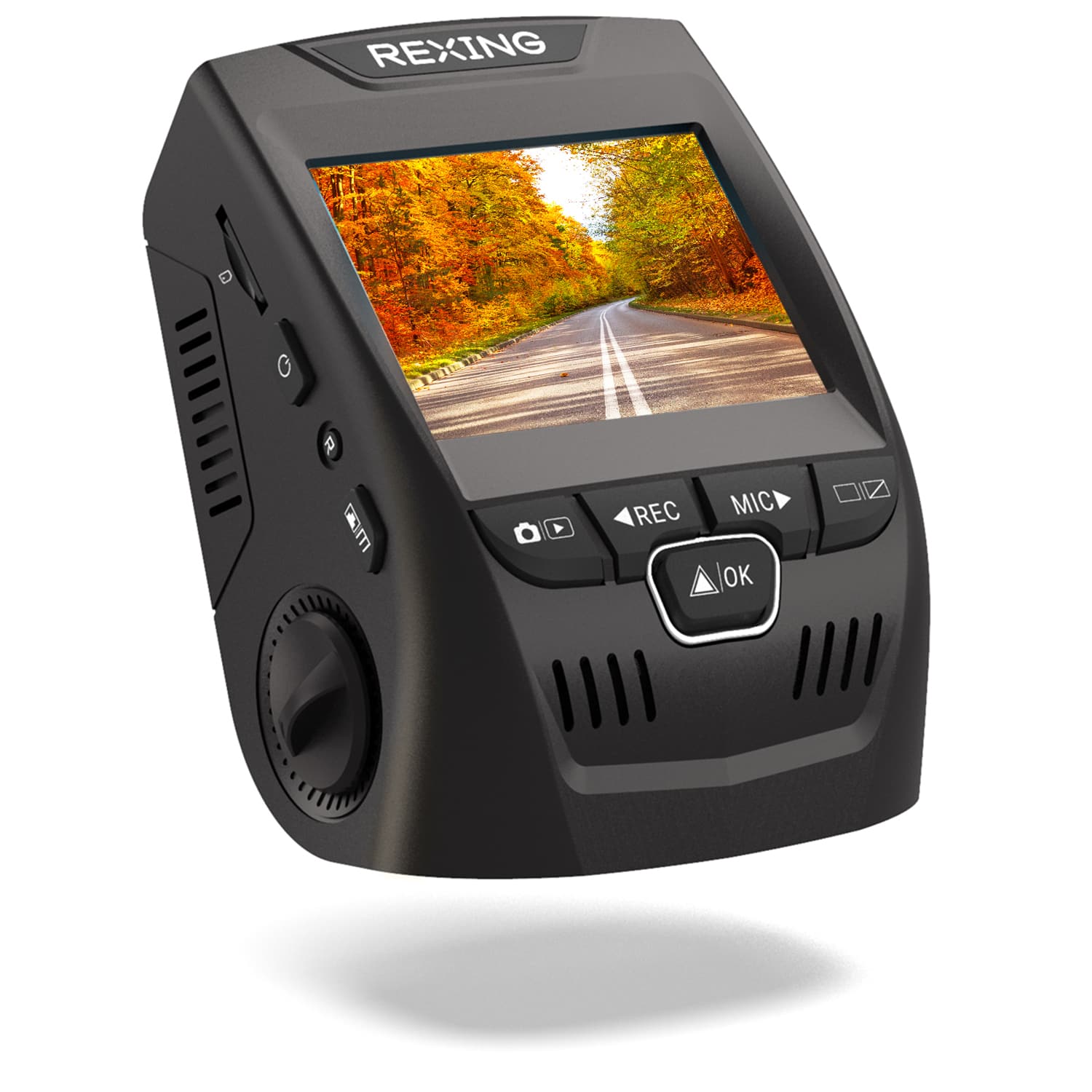
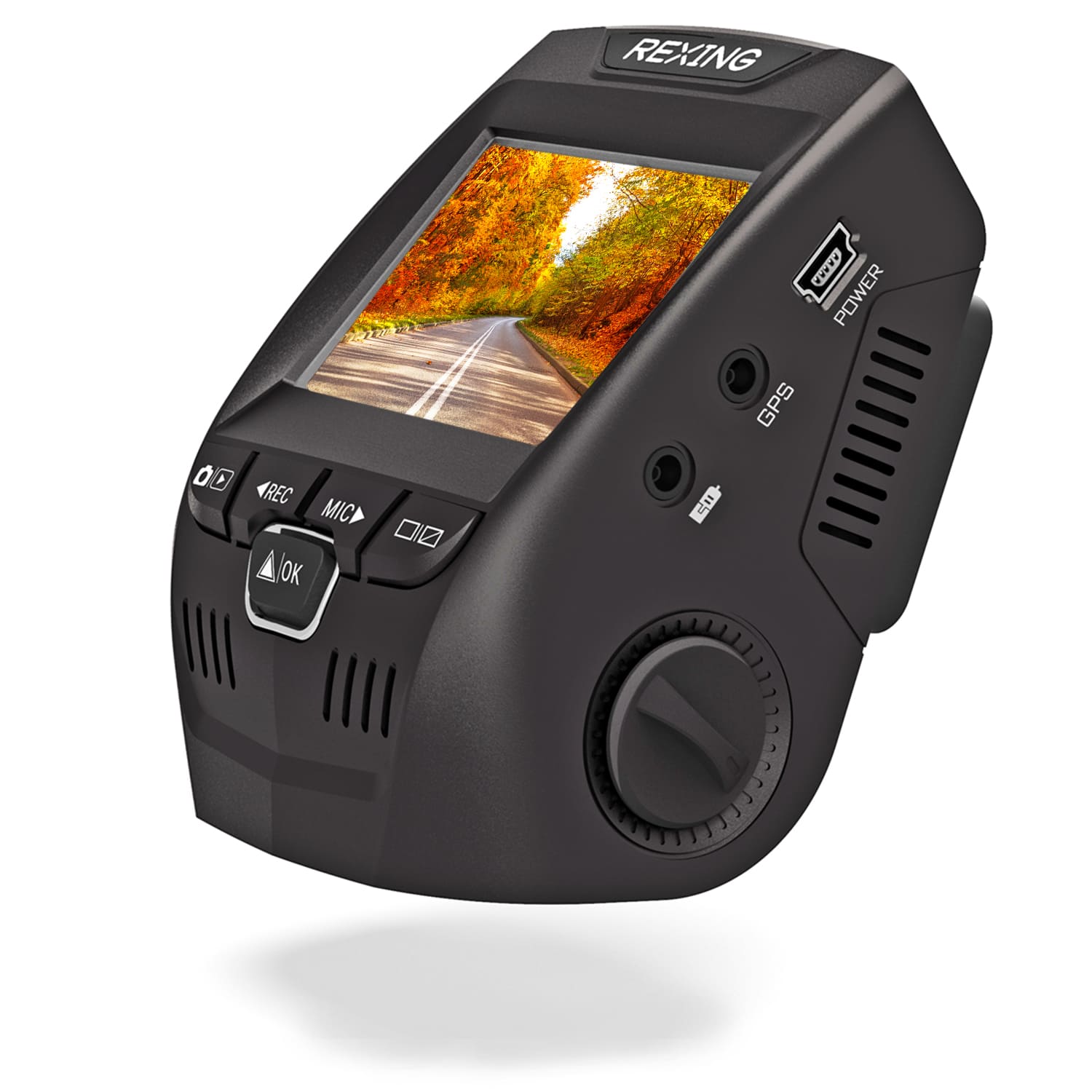
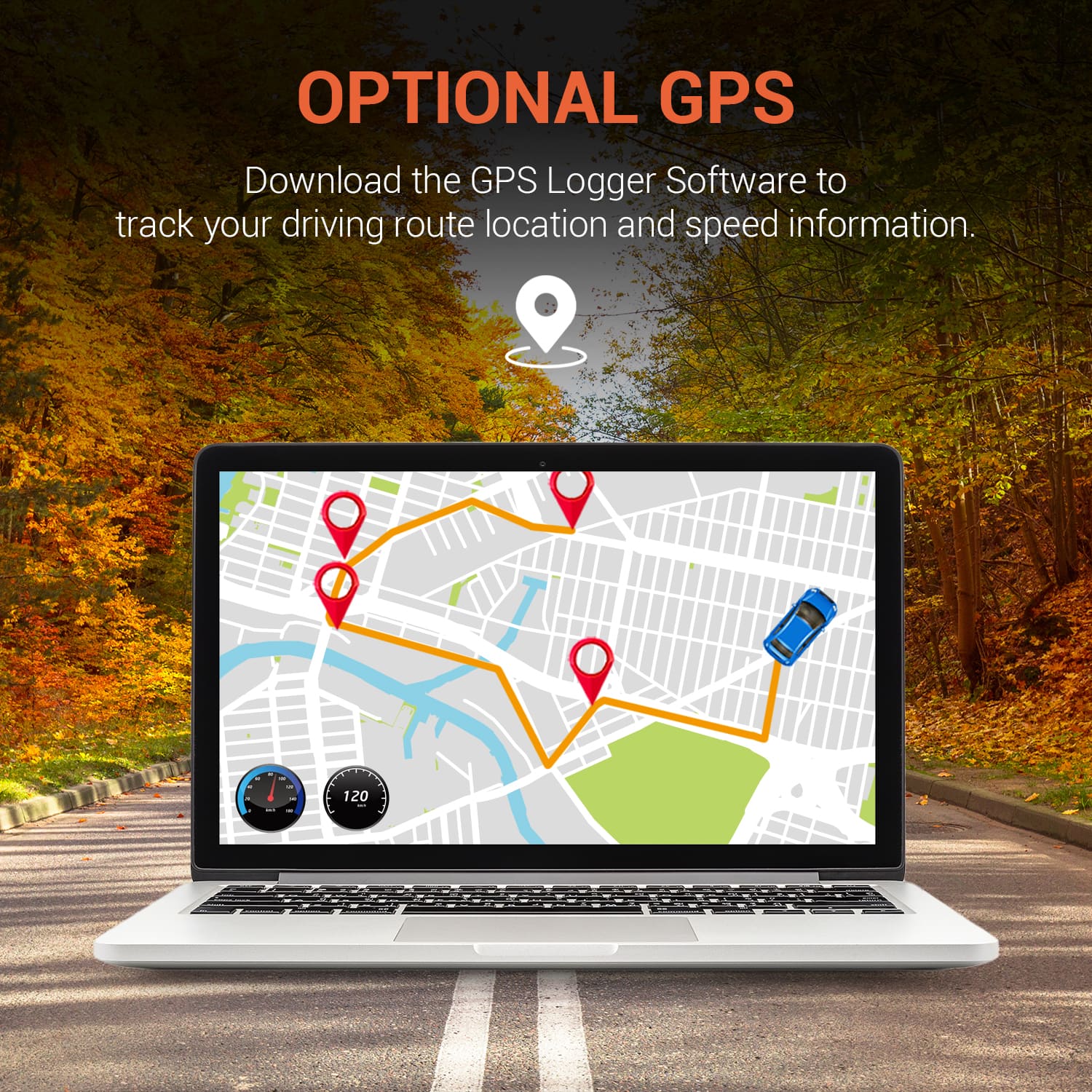
A:AnswerPlease contact support at [email protected] if your GPS is not working. It should embed your speed and latitude and longitude onto every video you watch.
A:AnswerHello!
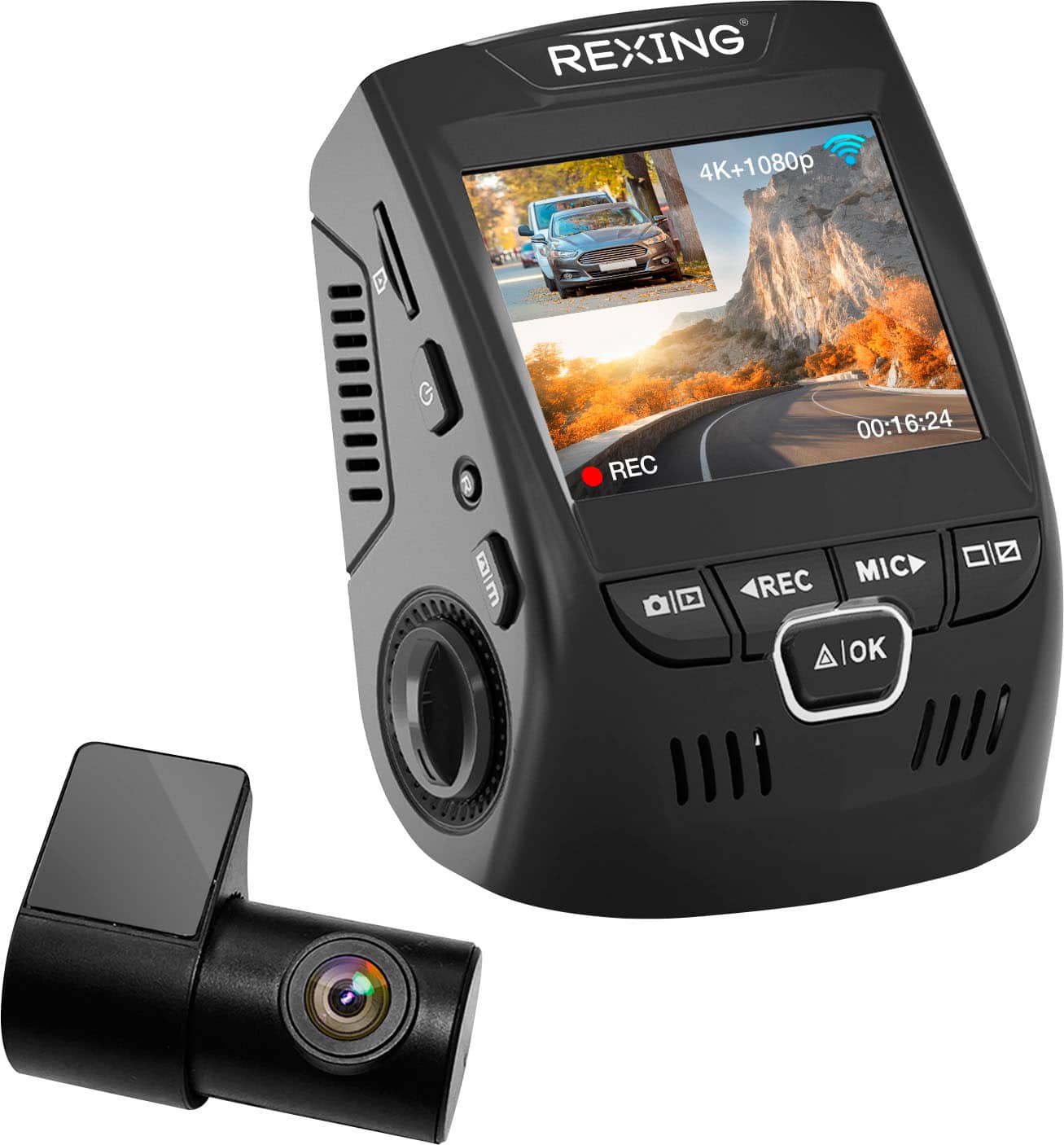
It should be fine but please note the longer the cable the more likely there is for data loss. This may be as simple as seeing noise in the picture or it turning black and white or it simply showing up as a black screen! However, please note that the rear camera is for inside cabin only as it is not waterproofed!
A:AnswerHello!
Due to the nature of the system, there could be some problems. I would recommend using a suction cup mount and to not tuck away the rear camera cables. However, it would simply just be about unplugging cables at that point.
A:AnswerHello!
This sounds like an issue related to either the microSD card or the way the dashcam is receiving power. Please try removing the microSD card, if the issue keeps happening then it is related to power. If it stops, then the microSD card is potentially damaged or incompatible.
A:AnswerWell sorry for the delayed response, there is no other way to flip the video. Re-install, scrape the adhesive….pain in the butt & that’s the only way you can make the video right
A:AnswerHello!
I highly doubt it. Unless your subwoofer would cause vibrations hard enough to move the device aggressively, there shouldn't be any problems. The dashcam does not come with motion sensors and it records in 1, 2 or 3 minute segment clips.