Black Friday is hereShop new DoorbustersShop now

Main Content

Questions & Answers

Your price for this item is $12.00
The comparable value price is $29.99
Page Showing 1-7 of 7 questions
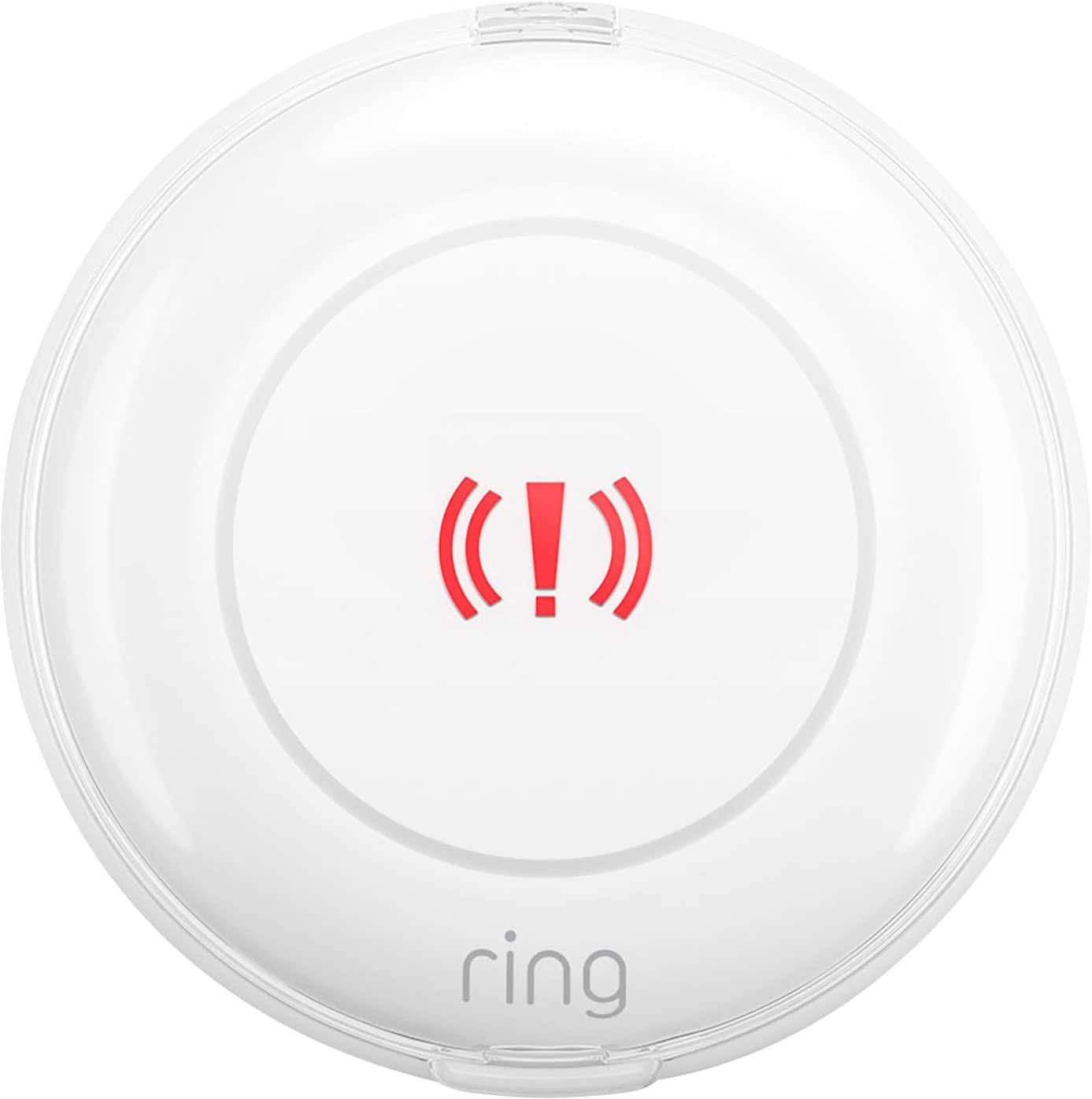
  • QuestionWhat is the primary function of this Ring Alarm Panic Button?

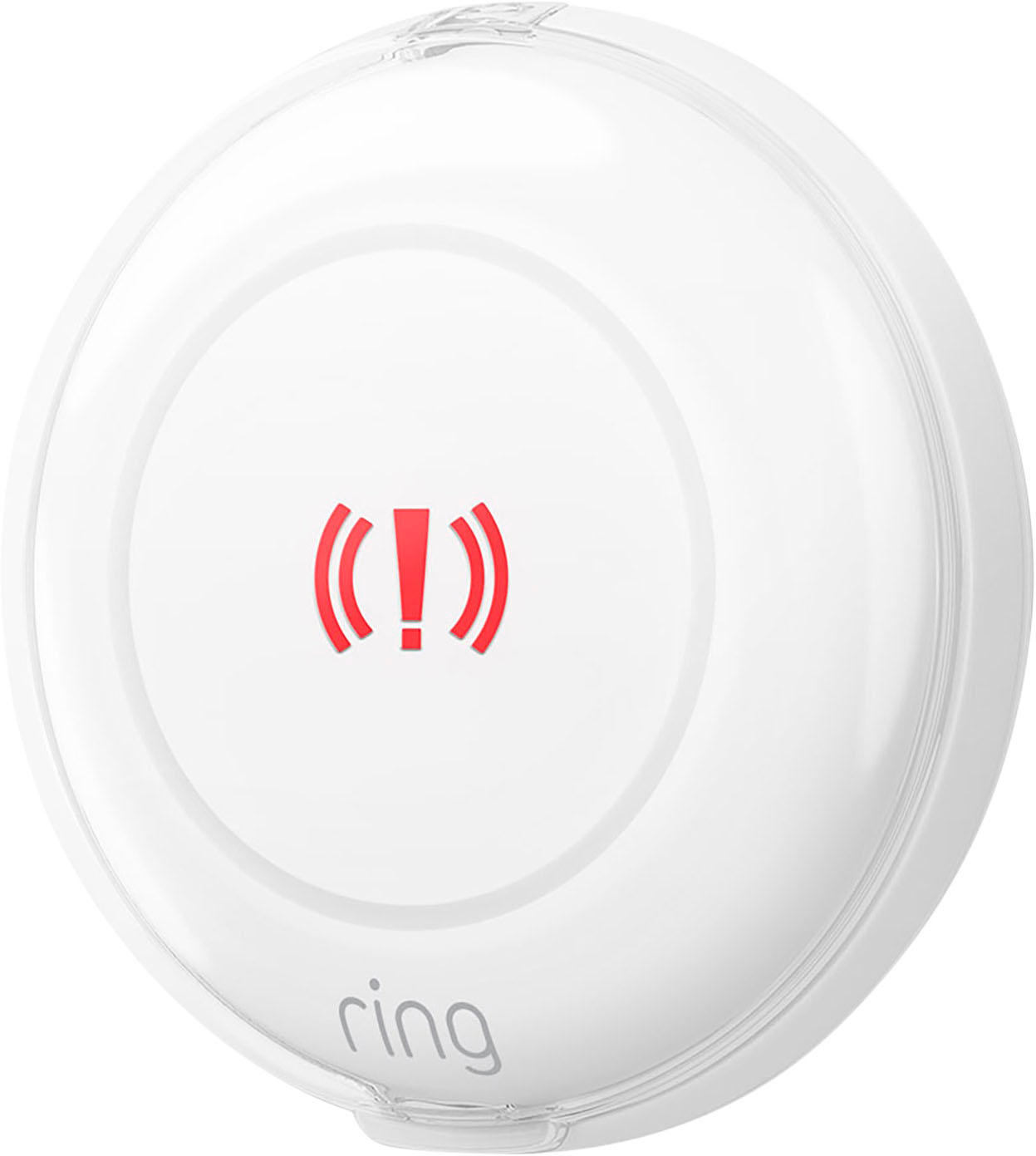
    • Answer The Ring Alarm Panic Button allows you to call for help in an emergency situation within your home.
    This question and answer was generated by AI based on customer and product data.
  • QuestionHow is the Ring Alarm Panic Button powered?

    • Answer This panic button is battery-powered, making it portable.
    This question and answer was generated by AI based on customer and product data.

  • QuestionIs the Ring Alarm included with this panic button?

    • Answer No, the Ring Alarm or Ring Alarm Pro is required but sold separately.
    This question and answer was generated by AI based on customer and product data.
  • QuestionIs this panic button compatible with Alexa?

    • Answer Yes, the Ring Alarm Panic Button (2nd Gen) is compatible with Amazon Alexa.
    This question and answer was generated by AI based on customer and product data.

  • QuestionDoes this panic button work with professional monitoring services?

    • Answer Yes, if you subscribe to Ring Protect Pro, you can request help from their monitoring team by pressing the button.
    This question and answer was generated by AI based on customer and product data.
  • QuestionWhere can I install this panic button?

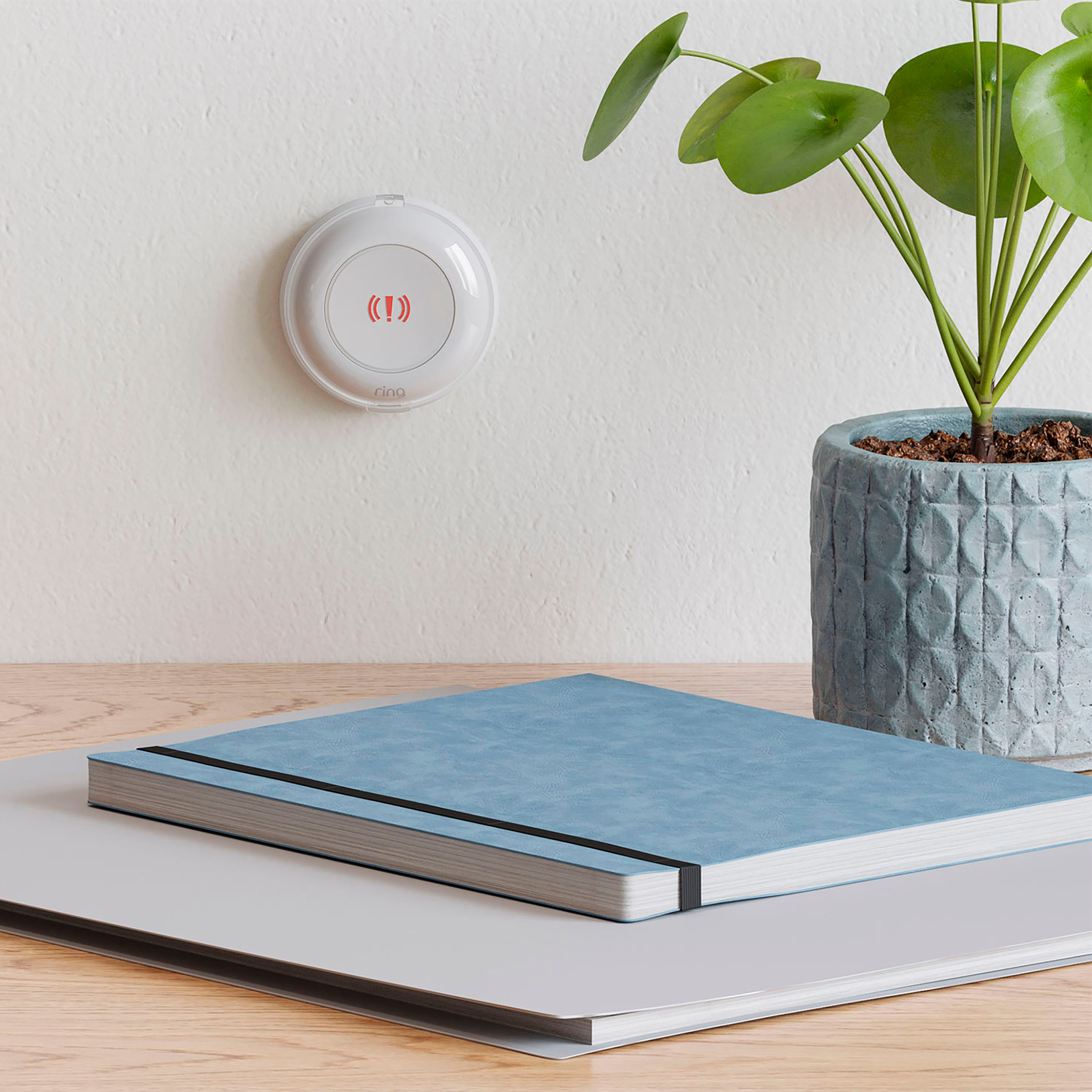
    • Answer You can place the button next to your bed, desk, or anywhere in your home where you want to feel more secure.
    This question and answer was generated by AI based on customer and product data.
  • QuestionHow would I replace battery

    Asked by Pepper.

    • Answer Hi Pepper. Good question. To replace the battery in your Ring Alarm Panic Button (2nd Generation), disarm your Ring Alarm and remove the back cover from the device by twisting the lid counter-clockwise until the top line moves to the unlock symbol. Then use a small tool, such as a micro screwdriver, to carefully remove the coin-cell batteries from the casing of your Panic Button. Insert two new coin cell batteries (CR2032), taking care to match + and - symbols with the markings on your Panic Button. Finally, replace the cover securely, twisting it clockwise until it locks in place. We invite you to reach out to our Community if any additional information is needed regarding your question. The Ring Community is our first peer-to-peer community forum, giving our customers the ability to help one another by sharing their feedback and experiences with each other. All the best, Nicole from Ring.

      Answered by Ring