A:AnswerHi Dj.
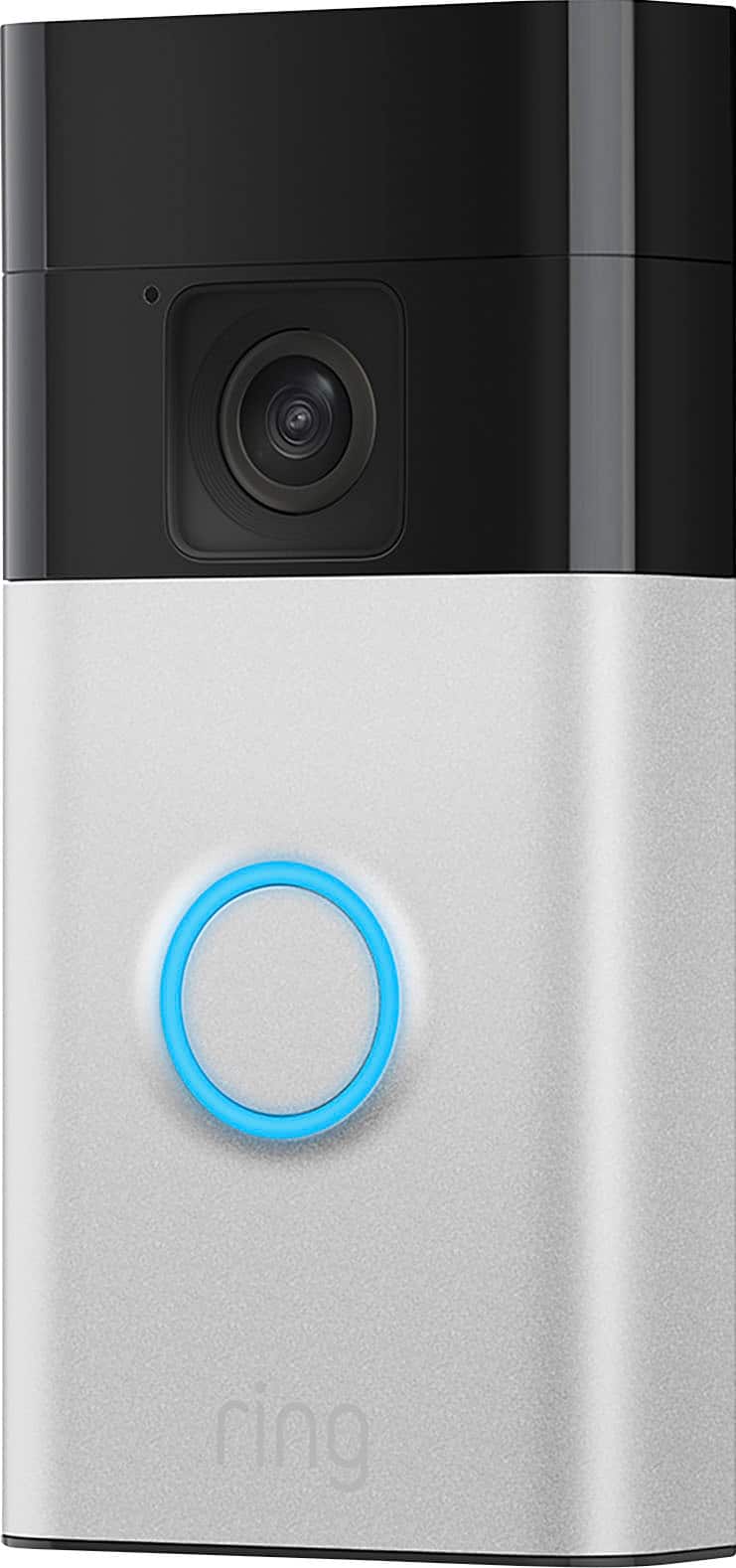
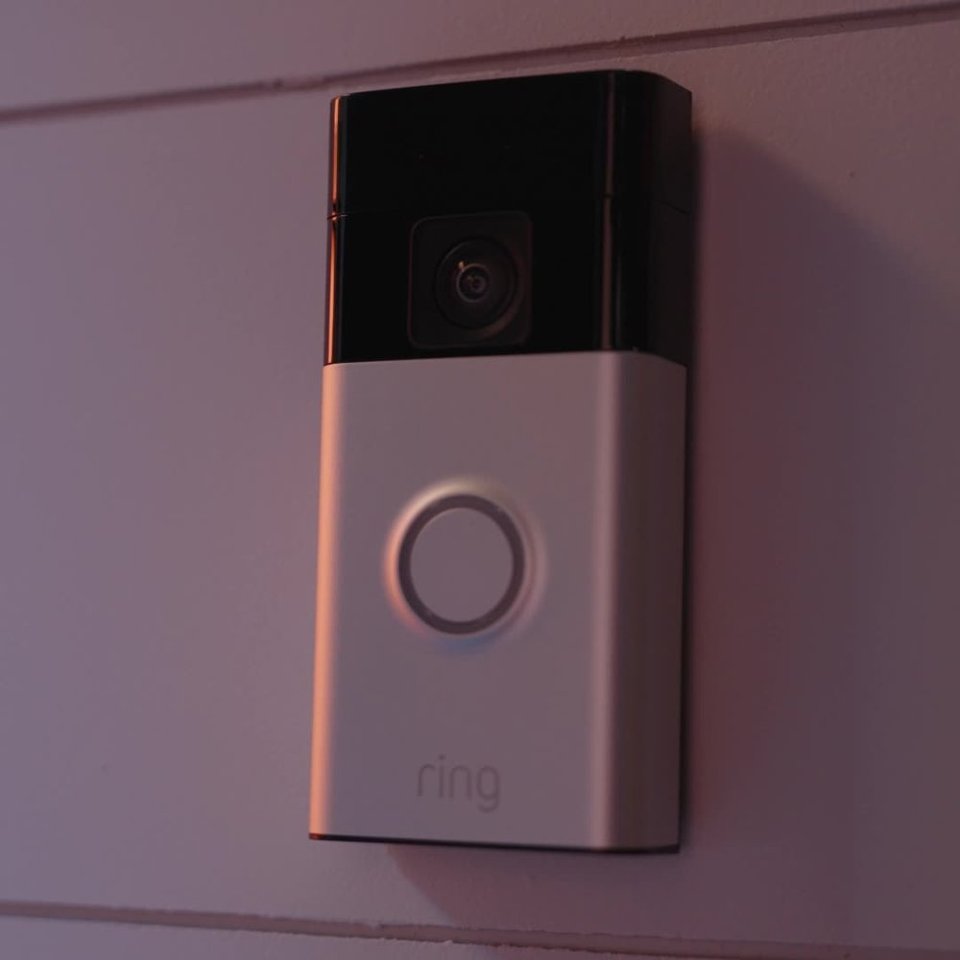
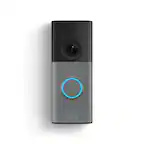
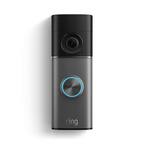
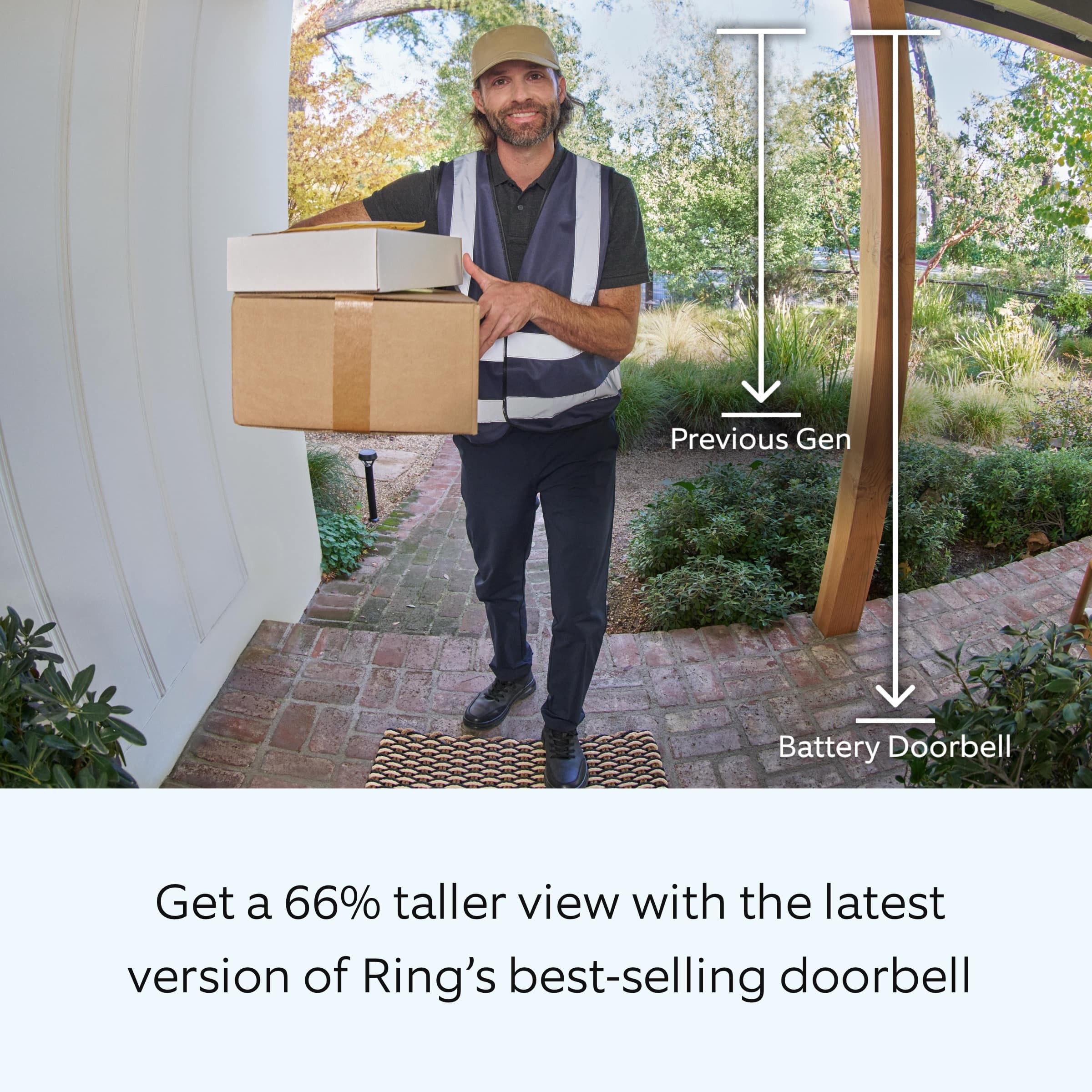
Thank you for taking the time to ask this question. The Ring Battery Doorbell is Ring's 2024 release doorbell.
If any additional information is needed regarding your question, please reach out to our community. Ring Community is our first peer-to-peer community forum, giving our customers the ability to help one another and share their feedback and experiences directly with Ring. Join the Ring Community today!
Thank you,
Amilia from Ring.
A:AnswerHi Ken01.
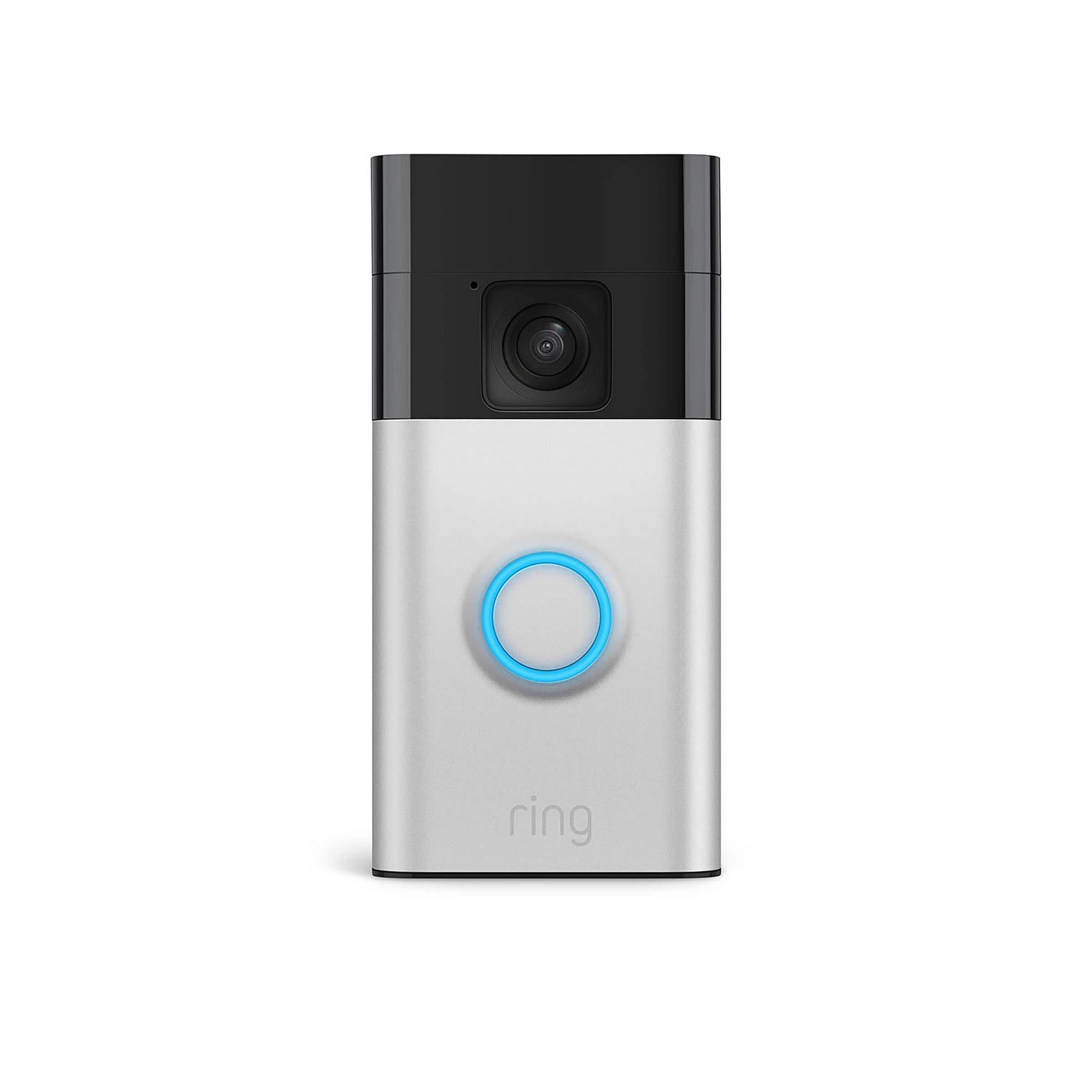
Thank you for reaching out to us with your question. Yes, the Ring Battery Doorbell is designed with the ability to be hardwired. A hardwired transformer (8 to 24 VAC, 50/60Hz, 5VA to 40VA) is required. We have included the instructions here for installing the Ring Battery Doorbell to an existing doorbell:
1. Download the Ring app.
2. Scan the QR code.
3. Remove protective film.
4. Fully charge the battery.
5. Choose a location for your doorbell.
Install your doorbell without connecting to an existing chime:
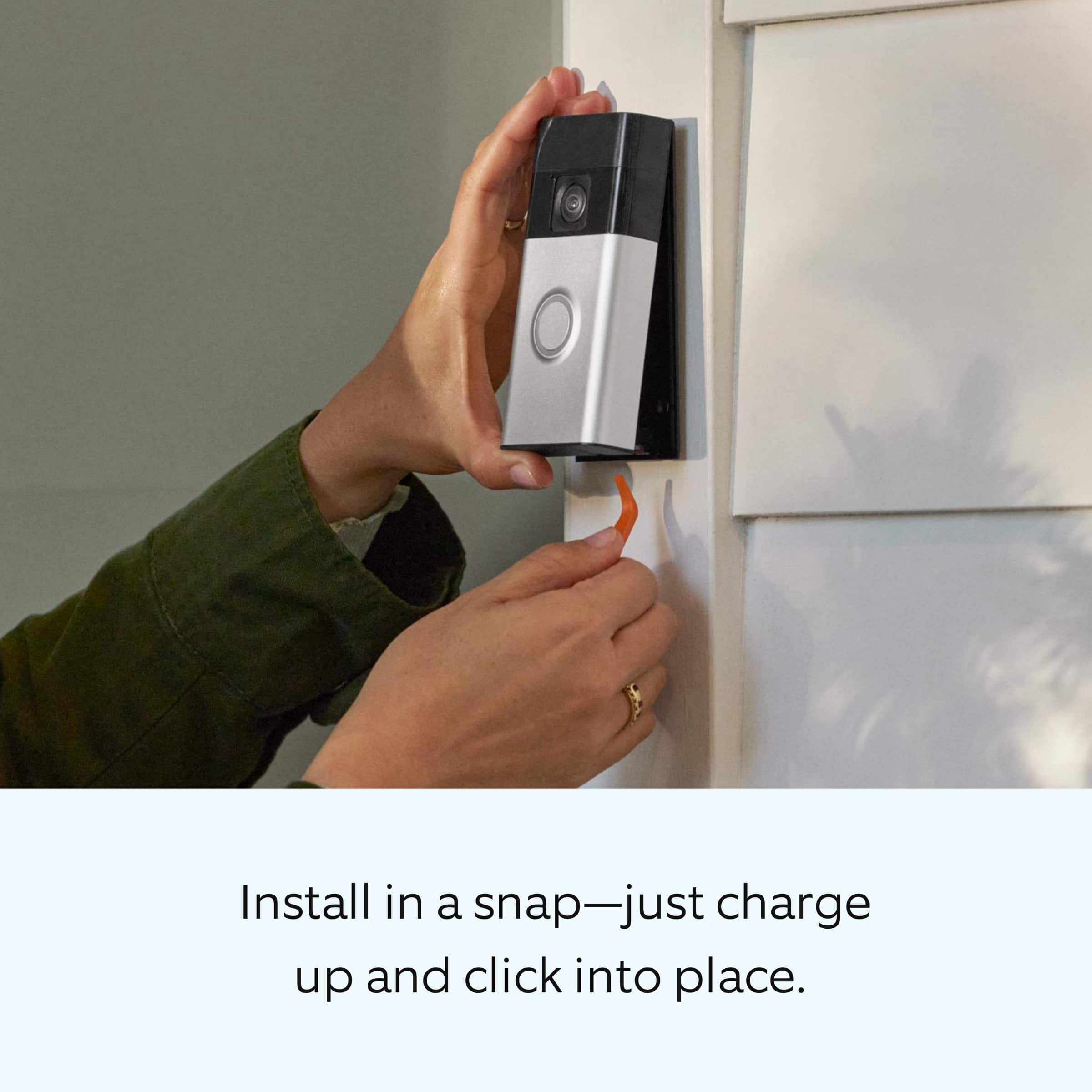
6a. Install the mounting bracket. Then, attach your doorbell to the bracket.
On stucco, brick, or concrete, use a ¼ in (6 mm) masonry bit to drill holes for the included wall anchors.
7a. Press until you hear a click to secure.
Install your doorbell and connect to an existing chime
6b. Shut off power at the breaker.
CAUTION! You’ll be working with electrical wires during the install process. If you are uncomfortable or inexperienced with doing so, consult with a licensed electrician. Do not wire your Ring Doorbell to a DC-powered intercom system.
7b. Install the mounting bracket. Then, connect your doorbell to existing wires and attach.
If any additional information is needed regarding your Ring Battery Doorbell question, please reach out to our community. Ring Community is our first peer-to-peer community forum, giving our customers the ability to help one another and share their feedback and experiences directly with Ring.
Thank you,
Melissa from Ring.
A:AnswerHi Will.
Thank you for your question. Yes, you can add multiple Ring cameras and doorbells to your location. You can also link your Ring devices for additional security. We have included a link here to an article on our website with more information on linking your Ring devices: https://ring.com/support/articles/1zghb/How-to-Link-Your-Ring-Devices-for-Enhanced-Security.
We invite you to reach out to our community if any additional information is needed regarding your question. The Ring Community is our first peer-to-peer community forum, giving our customers the ability to help one another by sharing their feedback and experiences with each other. You can find it here: https://community.ring.com/.
Thank you,
Melissa from Ring.
A:AnswerHi Neighbor.
Thank you for taking the time to reach out to us with your question. The operating temperature range of the Ring Battery Doorbell is -4°F to 122°F (-20°C to 50°C). Prolonged exposure to direct sunlight and other conditions may increase the temperature of your device and affect performance.
We invite you to reach out to our community if any additional information is needed regarding your question. The Ring Community is our first peer-to-peer community forum, giving our customers the ability to help one another by sharing their feedback and experiences with each other.
Thank you,
Melissa from Ring.
A:AnswerHi Pam.
Thank you for taking the time to reach out to us with your question. The Ring Video Doorbell (2nd Gen.) does not have the option to store videos locally. With a subscription to the optional Ring Protect Plan, videos will be stored on the Ring cloud for up to 180 days. You will also have the option to download and share videos by following these steps:
From a web browser:
Sign in to your Ring account.
Go to History and select Manage .
Select the videos you want to save.
Select Download.
You may need to re-enter your password.
Videos are time stamped and downloaded to your computer as a .zip file. Once unzipped, each .mp4 file can be opened and viewed individually.
From the Ring app:
Go to the menu.
Select History.
Scroll to the video you want to share, then tap more.
Select Share then download. A pop-up screen will appear.
If any additional information is needed regarding your question, please reach out to our community. Ring Community is our first peer-to-peer community forum, giving our customers the ability to help one another and share their feedback and experiences directly with Ring.
Thank you,
Melissa from Ring.
A:AnswerHi Ferd.
Thank you for taking the time to ask this question. The Ring Battery Doorbell is not compatible with a 5GHz wifi connection. The Ring Battery Doorbell requires an 802.11 b/g/n wifi connection at 2.4GHz and a minimum upload speed of 2 Mbps for optimal performance.
If any additional information is needed regarding your question, please reach out to our community. Ring Community is our first peer-to-peer community forum, giving our customers the ability to help one another and share their feedback and experiences directly with Ring. Join the Ring Community today!
Thank you,
Amilia from Ring.
A:AnswerHi Beth.
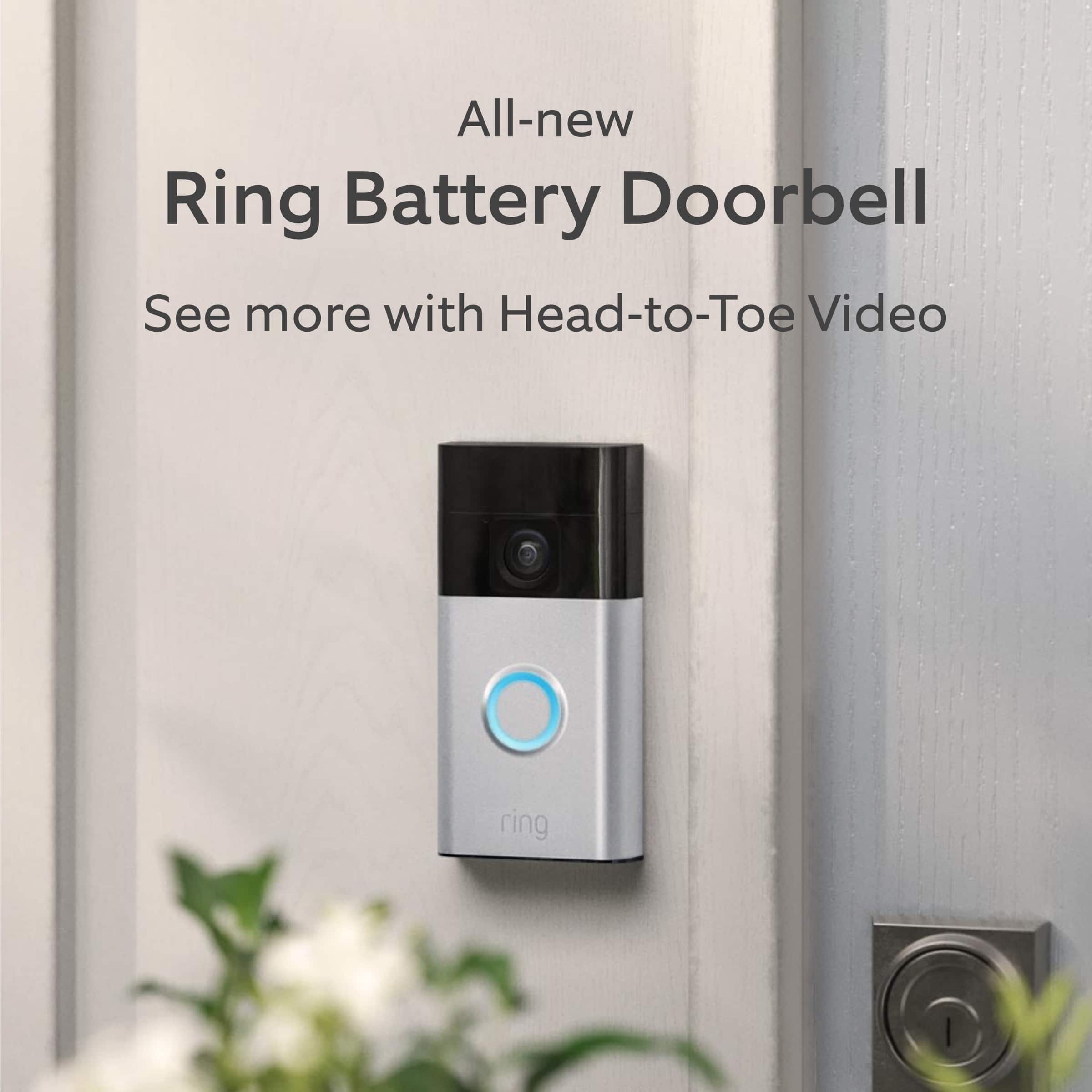
We appreciate the time you have taken to ask this question. The Ring Solar Charger for Battery Doorbell with the USB-C power connector is compatible with the Ring Battery Doorbell.
If any additional information is needed regarding your question, please reach out to our community. Ring Community is our first peer-to-peer community forum, giving our customers the ability to help one another and share their feedback and experiences directly with Ring. Join the Ring Community today!
Thank you,
Amilia from Ring.
A:AnswerHi Dollbaby.
Thank you for taking the time to reach out to us with your question. Yes, the Ring Battery Doorbell comes equipped with the mounting bracket and the screws. We have included a link here to an
article on our website with the installation instructions for the Ring Battery Doorbell: https://ring.com/support/articles/9s4tp/installing-battery-doorbell.
If any additional information is needed regarding your Ring Battery Doorbell question, please reach out to our community. Ring Community is our first peer-to-peer community forum, giving our customers the ability to help one another and share their feedback and experiences directly with Ring. You can find it here: https://community.ring.com/.
Thank you,
Melissa from Ring.
A:AnswerHi Battery.
Great question. The Ring Battery Doorbell has a built-in rechargeable battery. To charge the device, remove it from the mounting bracket and charge it using a micro USB charging cable.
We invite you to reach out to our Community if any additional information is needed regarding your question. The Ring Community is our first peer-to-peer community forum, giving our customers the ability to help one another by sharing their feedback and experiences with each other.
All the best,
Nicole from Ring.
A:AnswerI would love this answered since the stipjd box does not say im not sure I bought the right solar charger I’m not sure I bought the right system if these people who are supposed to be working for ring answered the question you did not ask is the head to toe newest Betterry doorbell usbc connections a 2 generation ring can’t seem to know that or I’m just taking this s down sending it back get a arlo tbst has the in info on all the packaging and instrustructjokm im frustrated with theee people they are so over paid and can’t answer a simple questing is it or nor answer I don’t have all my life to google people help like you