Main Content

Questions & Answers

Page Showing 1-4 of 4 questions
  • QuestionDoes this time work with a 5 gigahertz Wi-Fi?

    Asked by Jackson.

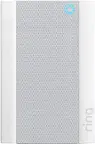
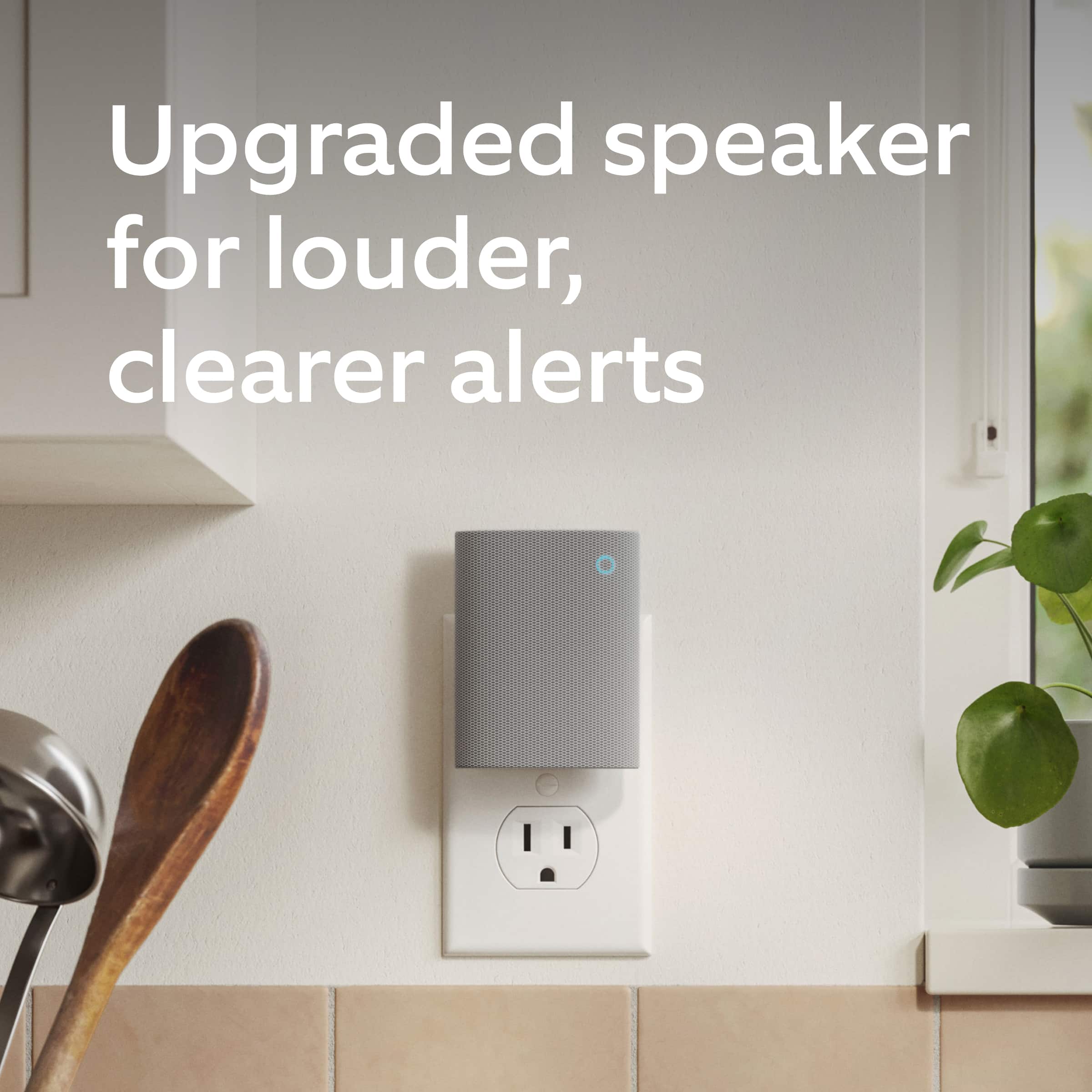
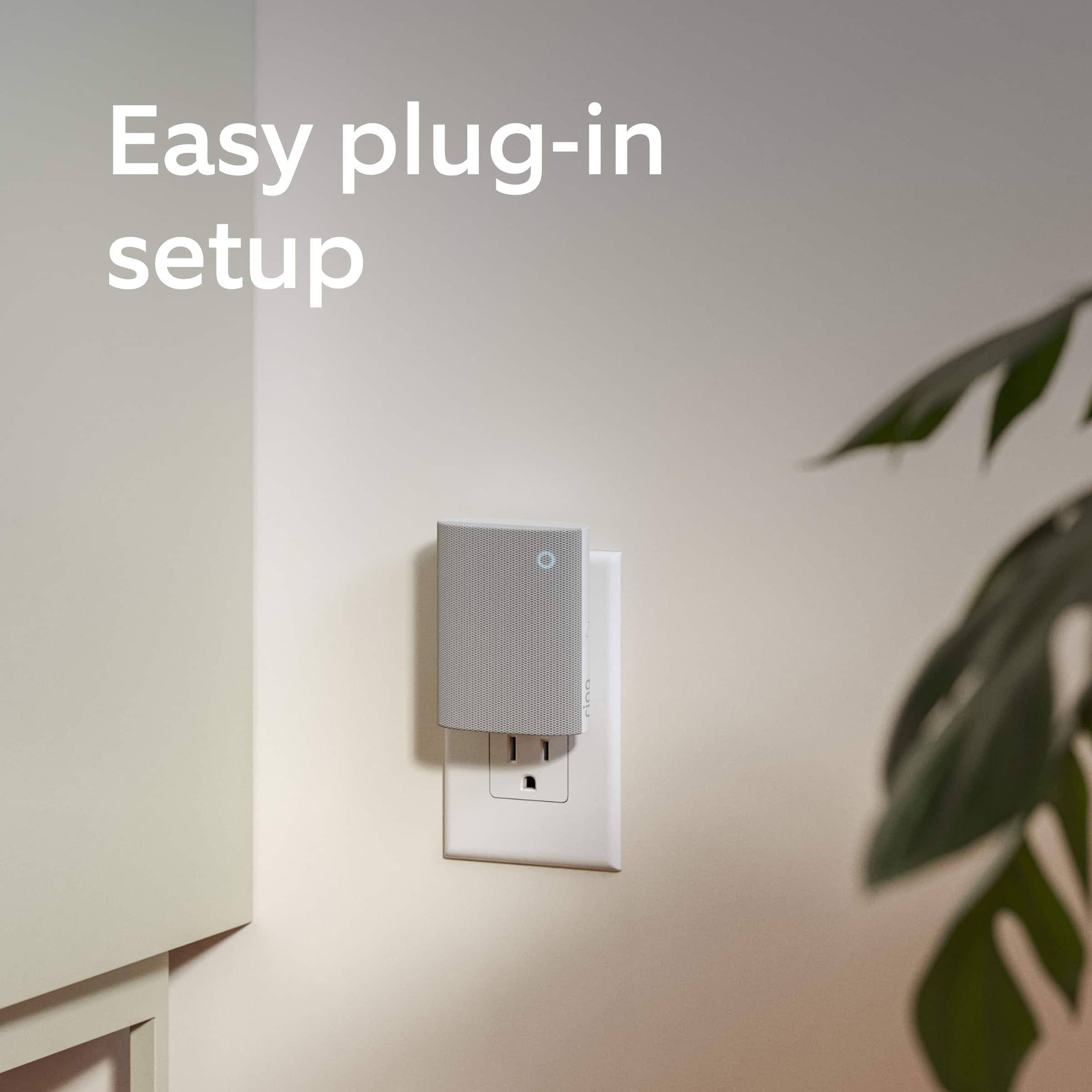
    • Answer Hi Jackson. Thank you for taking the time to ask this question. No, the Ring Chime (3rd Gen) is not compatible with a 5GHz wifi connection. The Ring Chime (3rd Gen) requires an 802.11 b/g/n wifi connection at 2.4GHz and a minimum upload speed of 2 Mbps for optimal performance. If any additional information is needed regarding your question, please reach out to our community. Ring Community is our first peer-to-peer community forum, giving our customers the ability to help one another and share their feedback and experiences directly with Ring. Join the Ring Community today! Thank you, Amilia from Ring.

      Answered by Ring

  • QuestionPlan to swap out my 2 ring chime pro for the newer chime 3gen. Is the older chime part of your trade in program?

    Asked by 54jg48.

    • Answer Hi 54jg48. Thank you for taking the time to ask this question. In this particular case, we'd suggest you reach out to Best Buy's customer service: 1-888-237-8289 or https://www.bestbuy.com/services/triage/home. We are confident that they will be able to provide you with a resolution to this concern. If any additional information is needed regarding your question, please reach out to our community. Ring Community is our first peer-to-peer community forum, giving our customers the ability to help one another and share their feedback and experiences directly with Ring. Join the Ring Community today! Thank you, Amilia from Ring.

      Answered by Ring

  • QuestionCan 2 people be notified at same time or can only one person actually be alerted

    Asked by Dbel.

    • Answer Hi Dbel. Thank you for taking the time to reach out to us with your question. Yes, you have the option to share one or more Ring devices with as many shared users as you like. A shared user cannot change system settings or account information but can, receive notifications, view cameras and view and share videos. Access to particular cameras can be granted or taken away by the owner. If you have a Ring Alarm system, the shared user can also arm and disarm the Ring Alarm system and unlock any lock they've been given access to by the owner. Here is a link to learn more about shared users: https://ring.com/support/articles/clv68/adding-and-managing-shared-and-guest-users. If any additional information is needed regarding your question, please reach out to our community. Ring Community is our first peer-to-peer community forum, giving our customers the ability to help one another and share their feedback and experiences directly with Ring. You can find it here: https://community.ring.com/. Thank you, Amilia from Ring.

      Answered by Ring

  • QuestionDoes this chime work with my existing doorbell, or do I have to disable it first?

    Asked by Lenny.

    • Answer Hi Lenny. Thank you for your question today! Yes, the Ring Chime (3rd Gen) can be used with your existing mechanical in-house chime. The Ring Chime (3rd Gen) can also be paired with any of your older Ring cameras or doorbells. After connecting your Ring Chime to your Ring account you can select any number of your devices to ring that chime with motion or doorbell ding events. If any additional information is needed regarding your Ring devices please reach out to our community. Ring Community is our first peer-to-peer community forum, giving our customers the ability to help one another and share their feedback and experiences directly with Ring. Sincerely, Matthew from Ring.

      Answered by Ring