A:AnswerWe have the same setup. You can choose to alert on motion, as well as button press. We have silent hours set so motion is disabled on the chime during the night and only alerts to our cell phones.
A:AnswerNo you would need to buy the ring doorbell pro which is for a wired installation. It would use your current doorbells wiring system to power it.
A:AnswerI'm also HOH. The default ring is pretty loud and it carries for a couple of rooms. I just added a second one for the other side of the house. The volume and specific sound type are settable in the phone app. I don't think you can set it any other way. And you need to have their doorbell as well of course.
A:AnswerHi Mile,
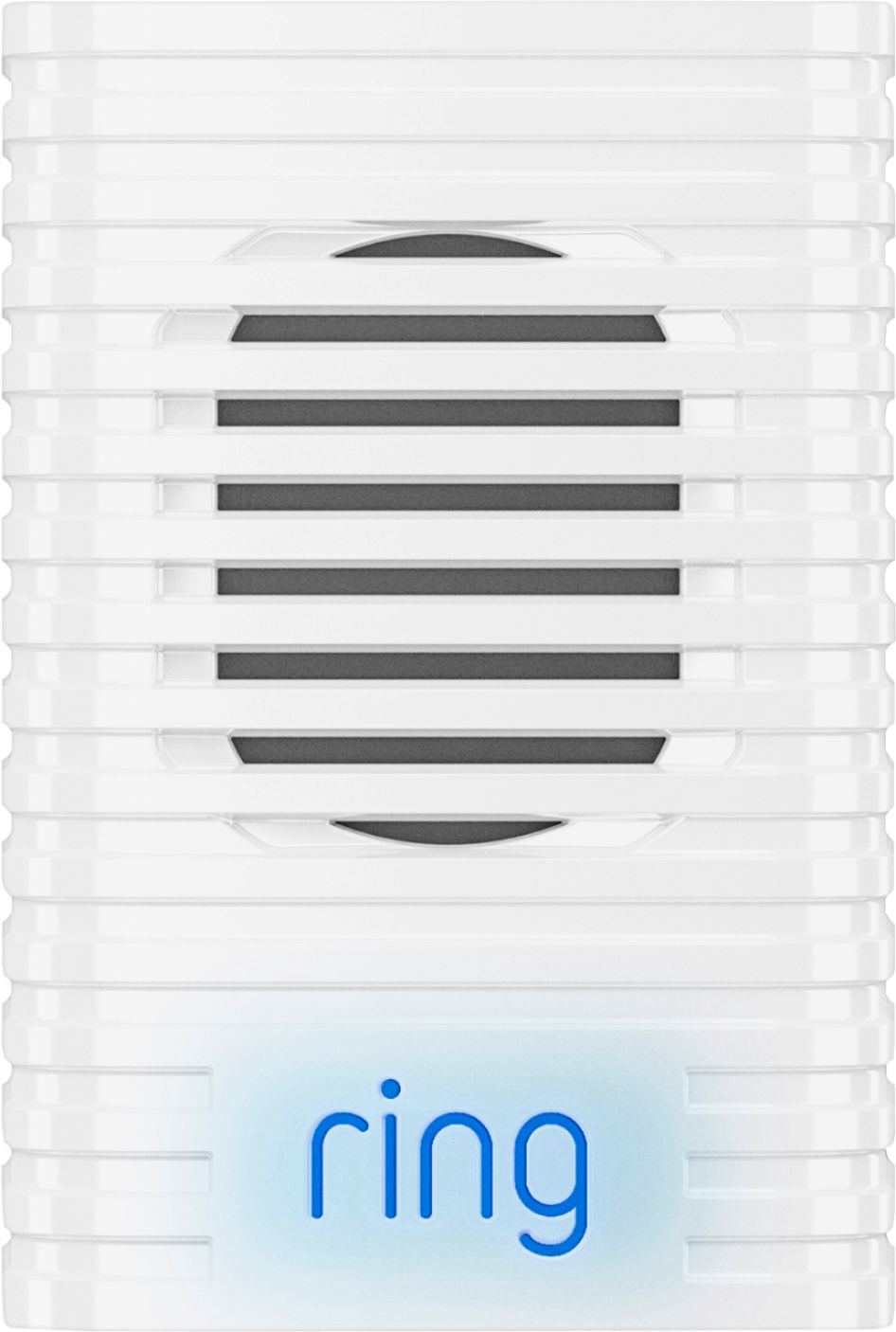
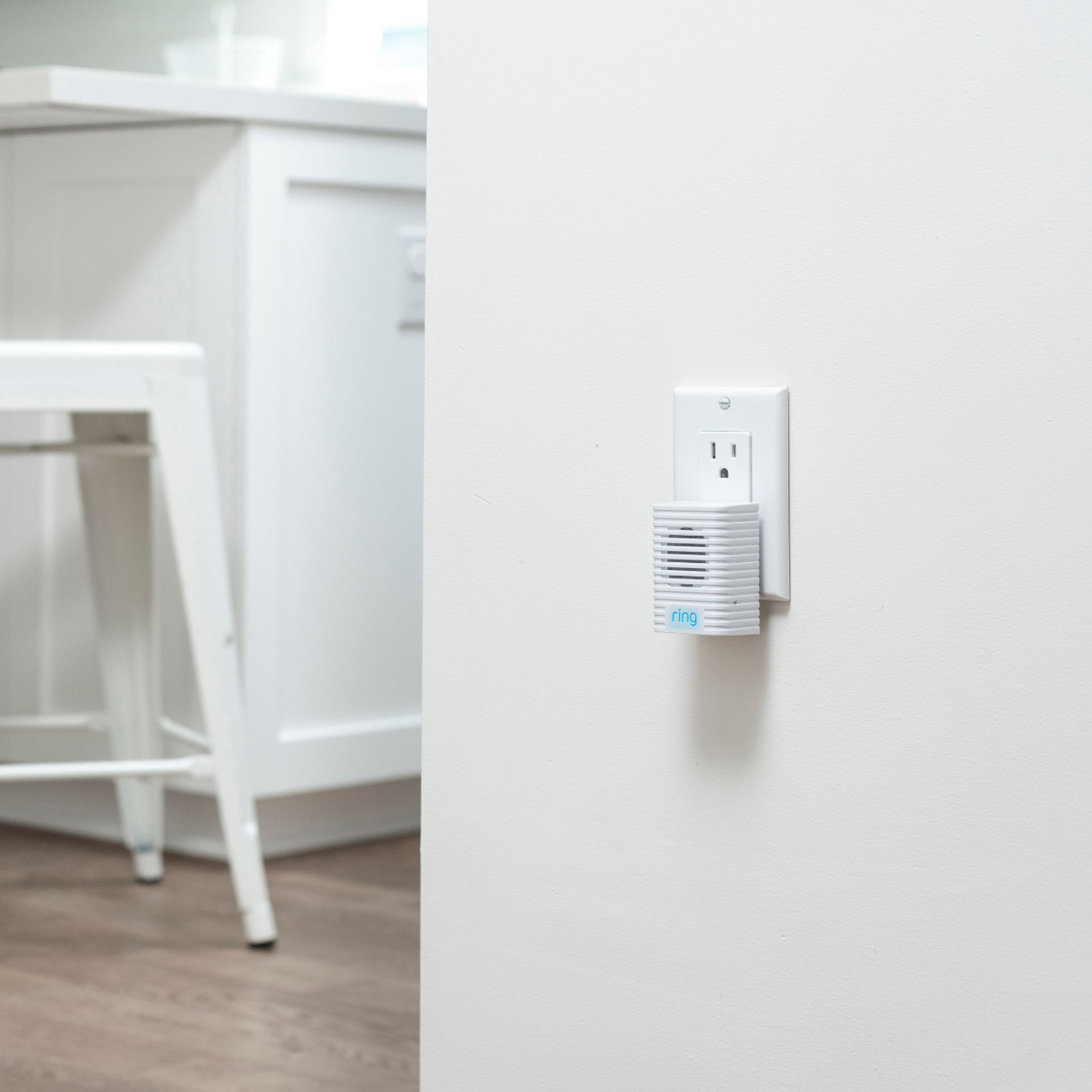
Ring Chime is intended for indoor use only. Ring Chime plugs into any standard power outlet and connects to all your Ring Doorbells and Cameras so you can hear security notifications in any room of your home, even if you’re not near your phone.
Bilan J, Customer Satisfaction Specialist
[email protected]
A:AnswerThe Ring Chime/Pro is designed to work only for the Ring branded items. If you are looking for something to work with your brand, let me know what you have and I can make some recommendations based on your needs.
Go here: https://support.ring.com/hc/en-us/sections/360002553792-Chime-and-Chime-Pro
A:AnswerI think you can connect multiple ring doorbell to the same chime so long as all three are on the same WiFi connection and you can set the chime to ring differently for either doorbell
A:AnswerNo, this is just the chime that connects to the Ring Smart Doorbell in case your home doesn't have a built in electric doorbell system. It plugs into a wall and makes a noise when the ring you put on the door's button is pressed.
A:AnswerHi Chime,
Thanks for reaching out.
Ring Chime is a wireless notification device that can connect to all of your Ring devices. You do not need to have a doorbell in order for your Ring Chime to function.
Thanks,
Kaitlyn R., Neighbor Satisfaction Specialist
[email protected]