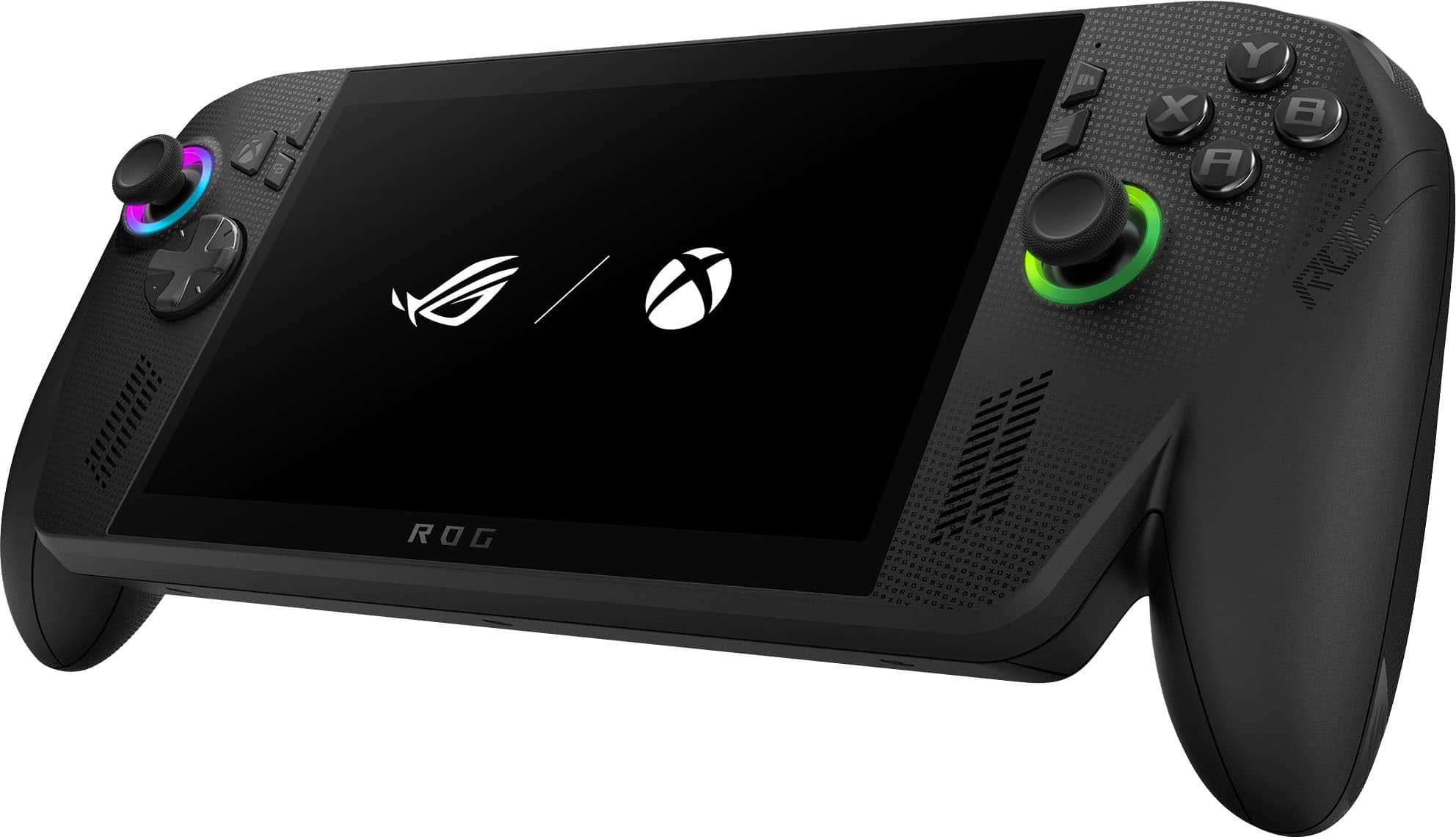
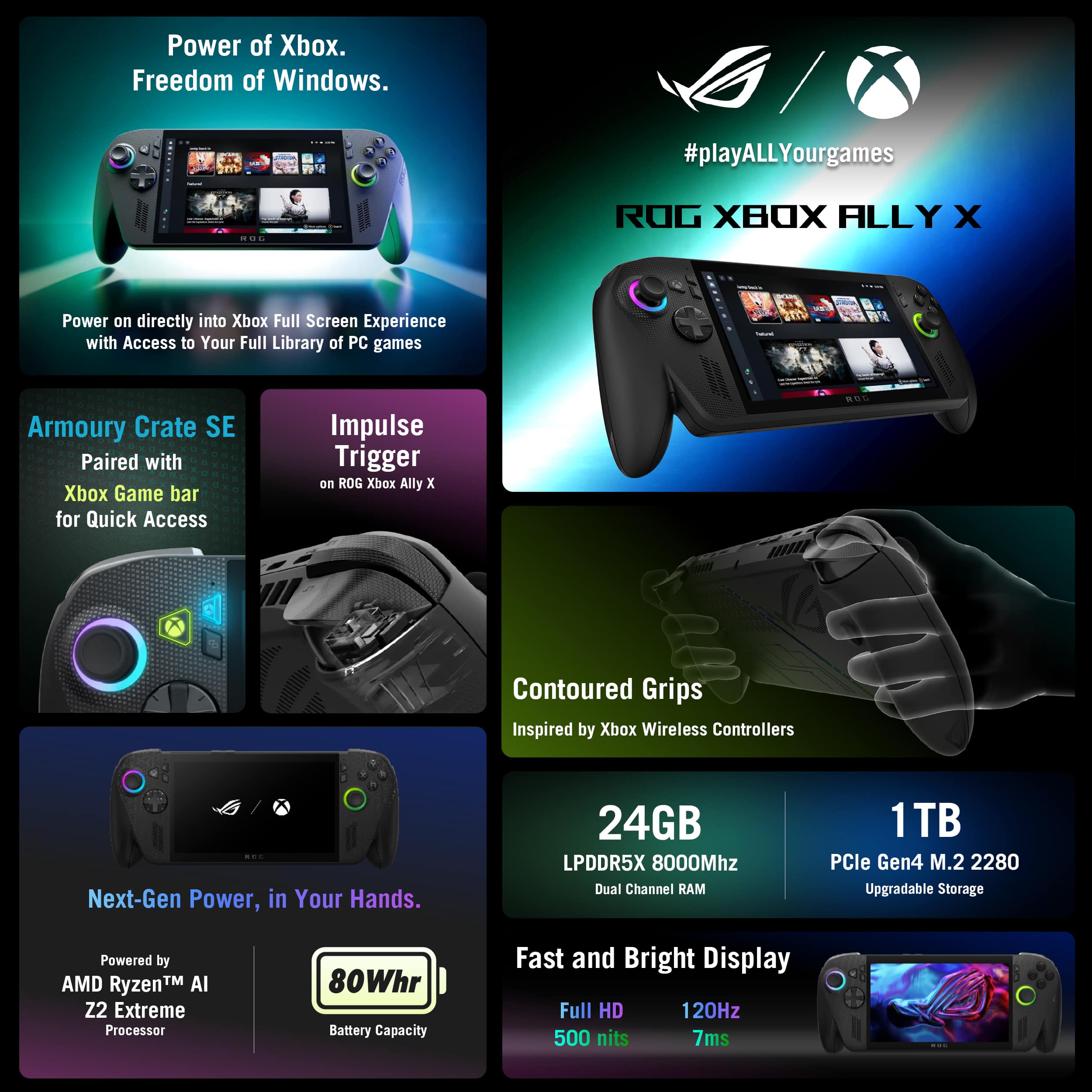
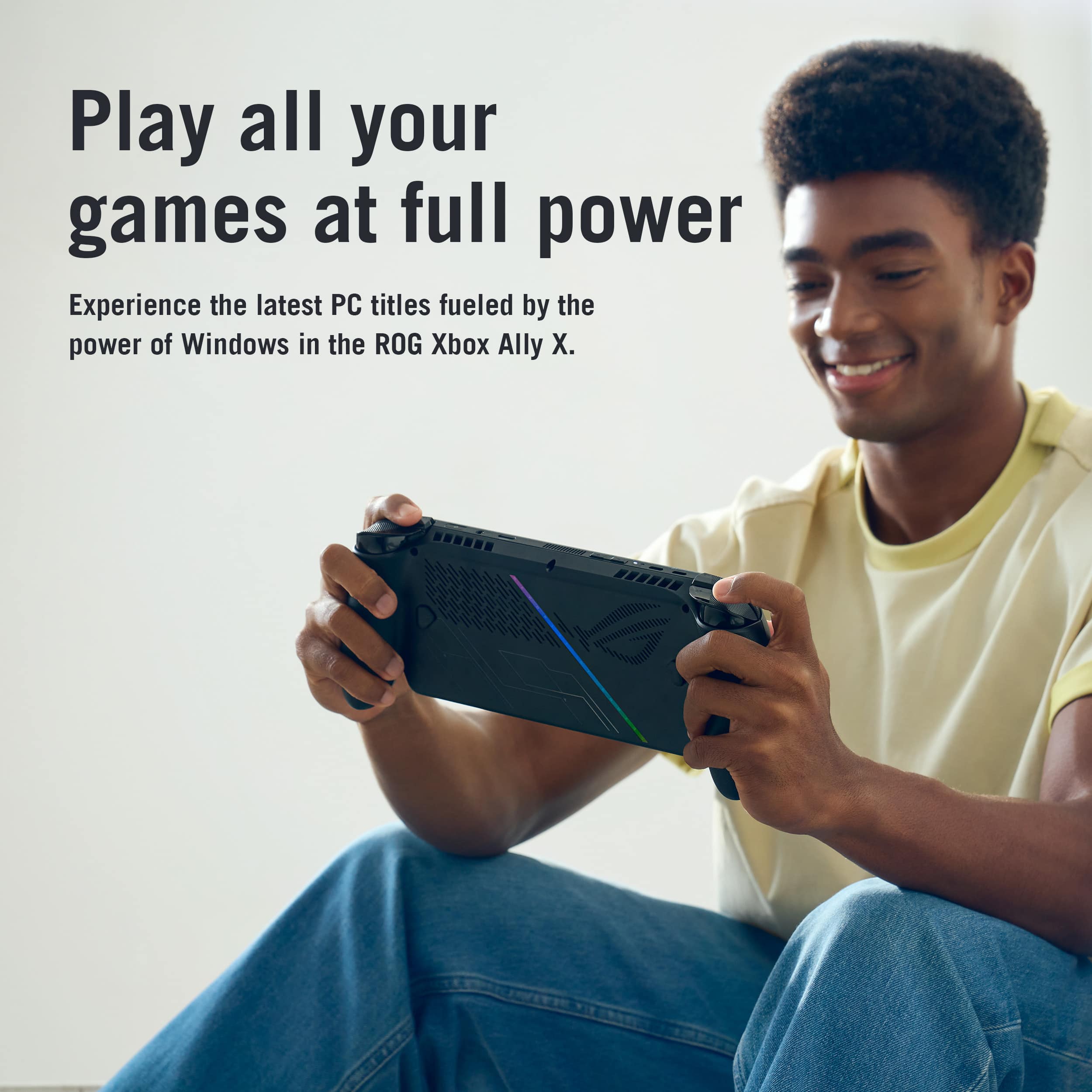
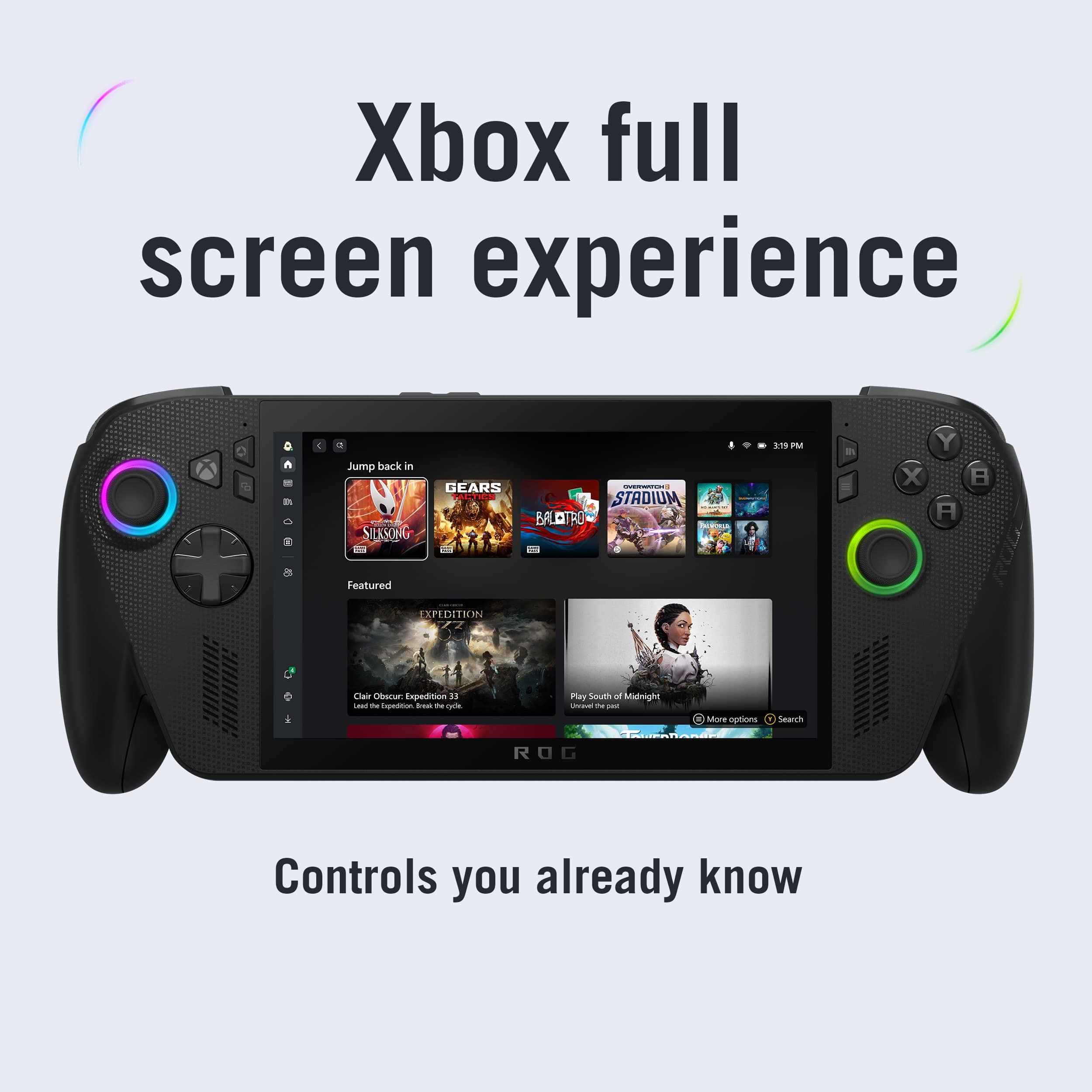
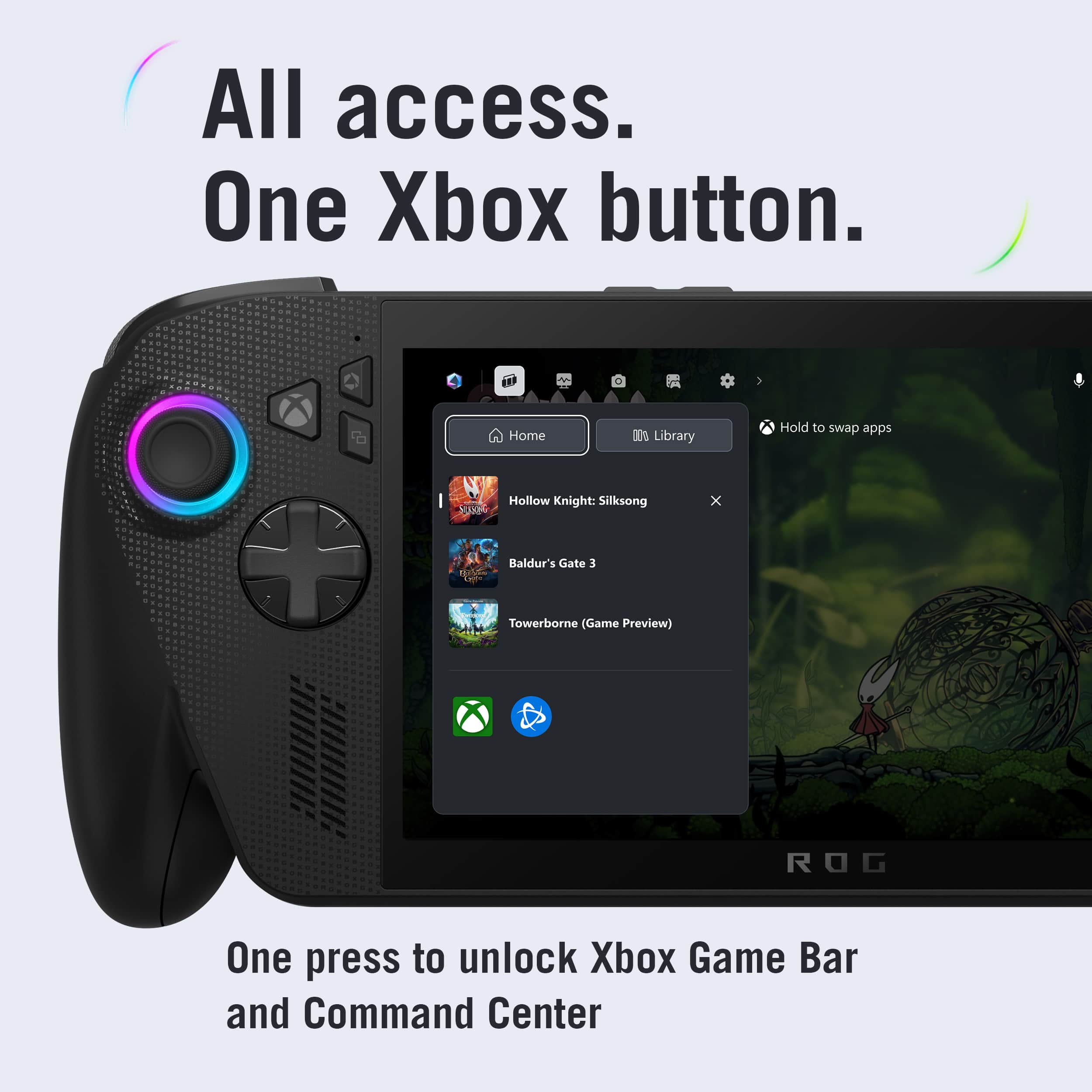
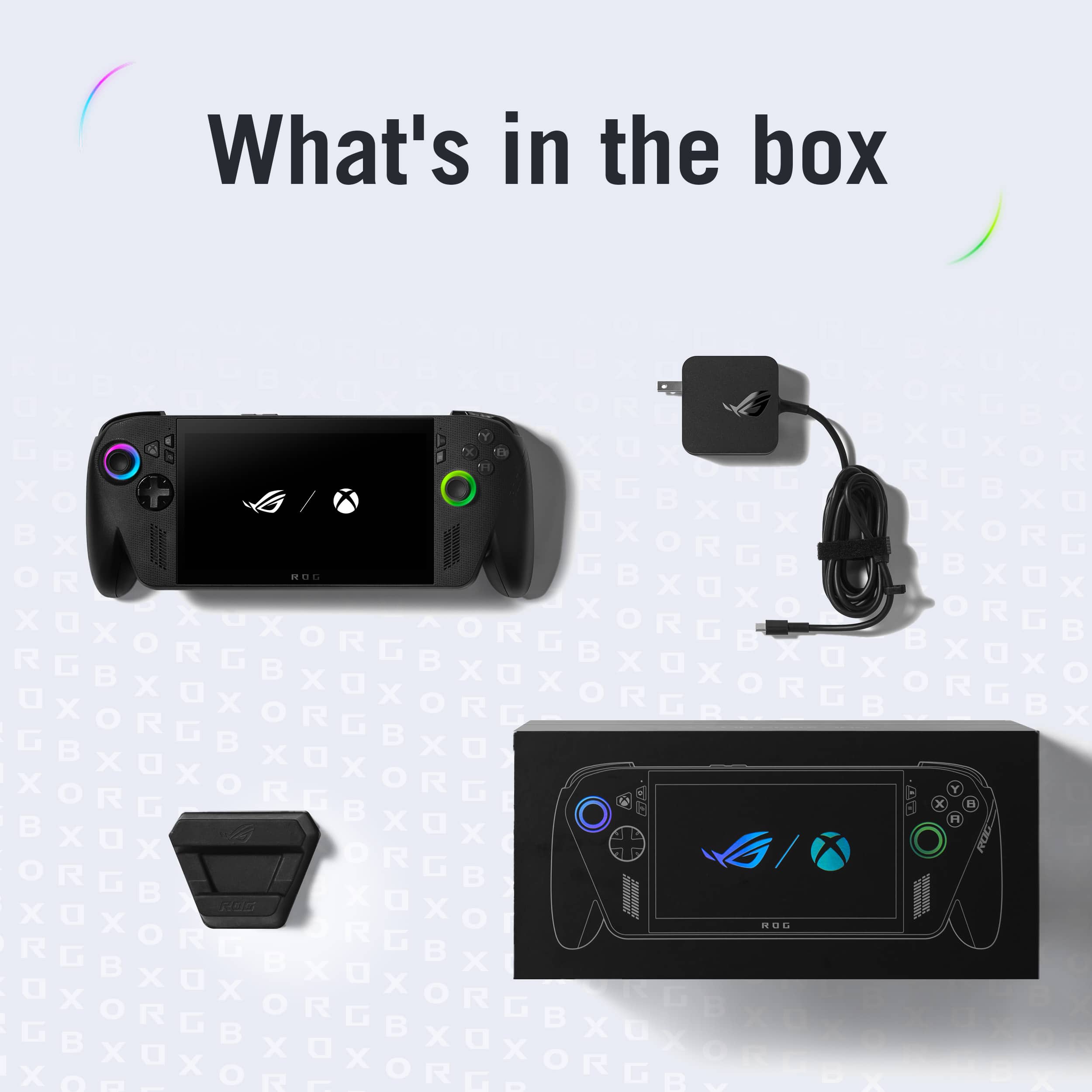
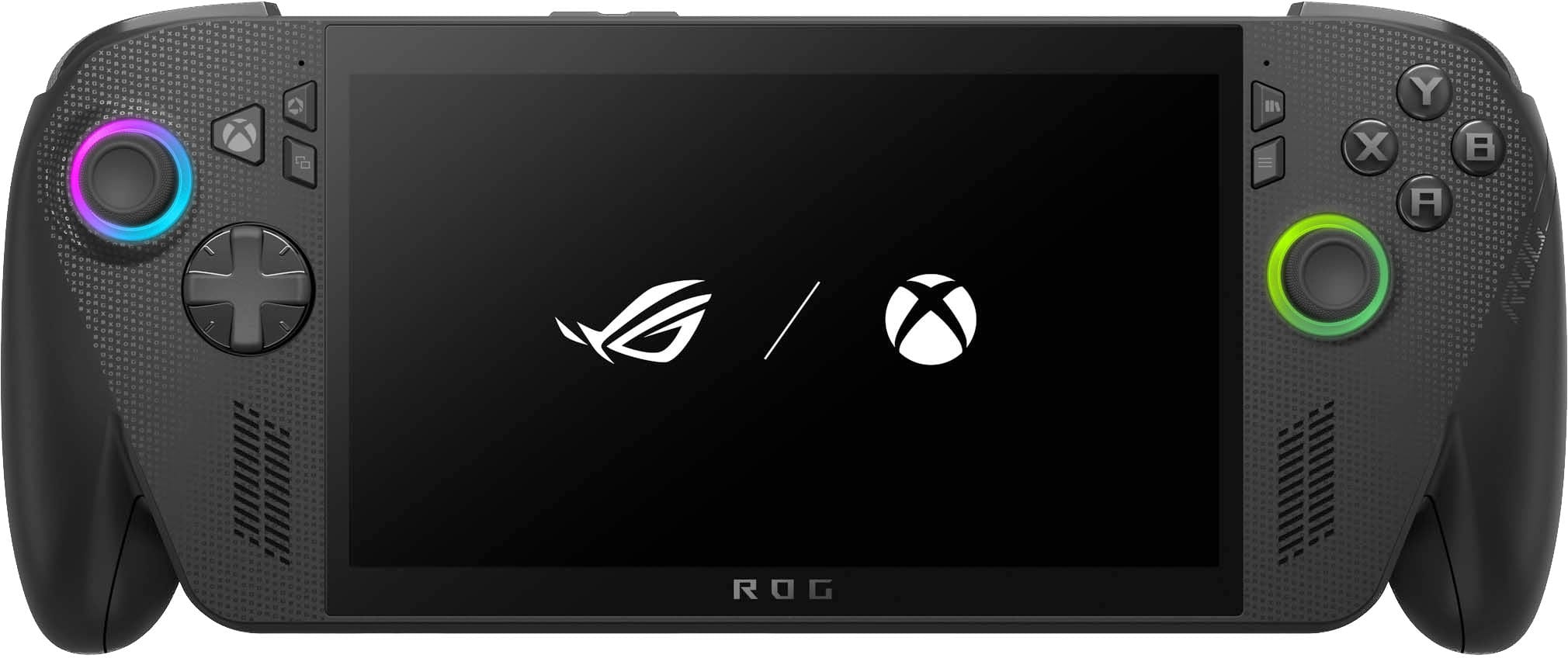
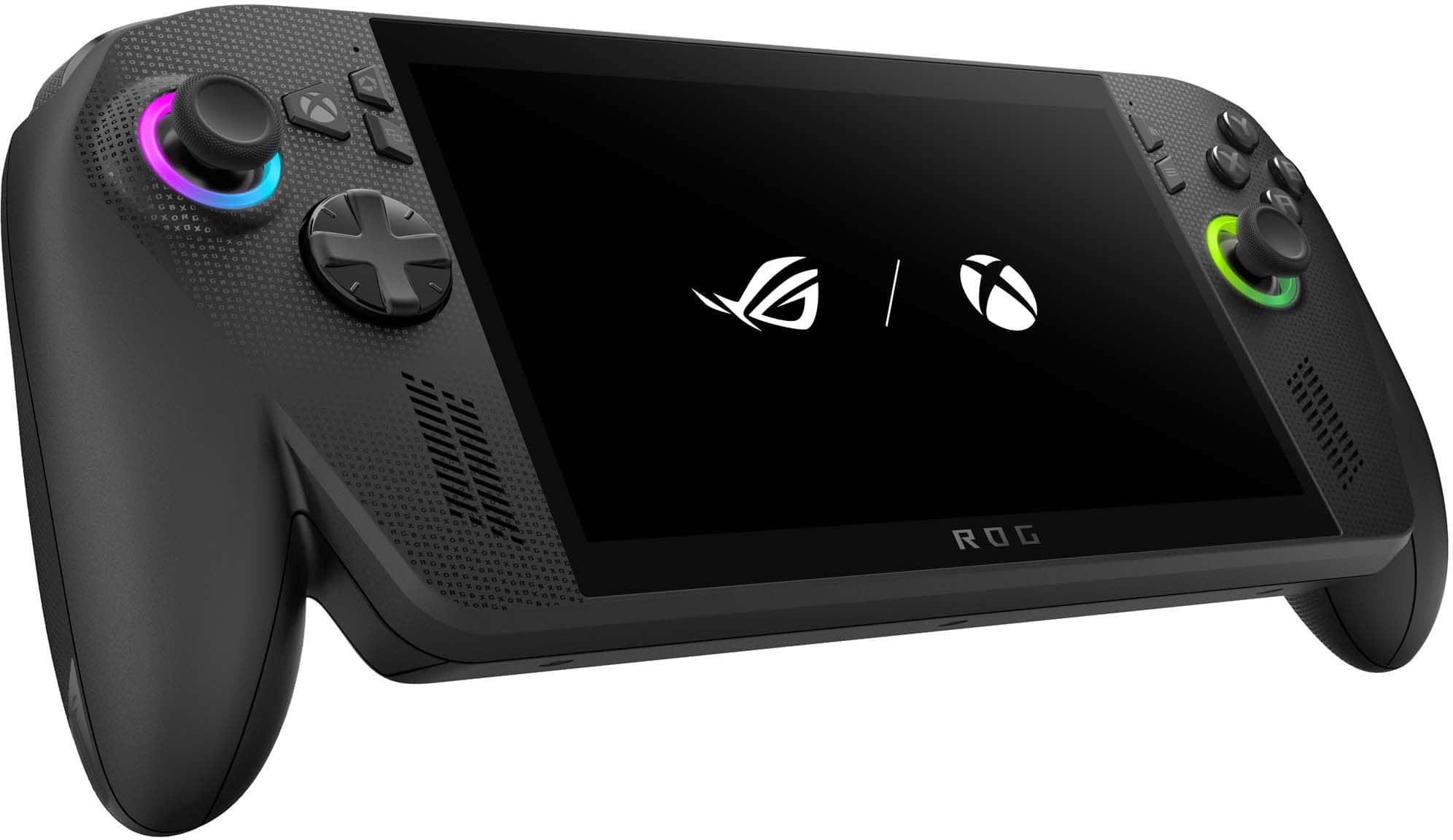
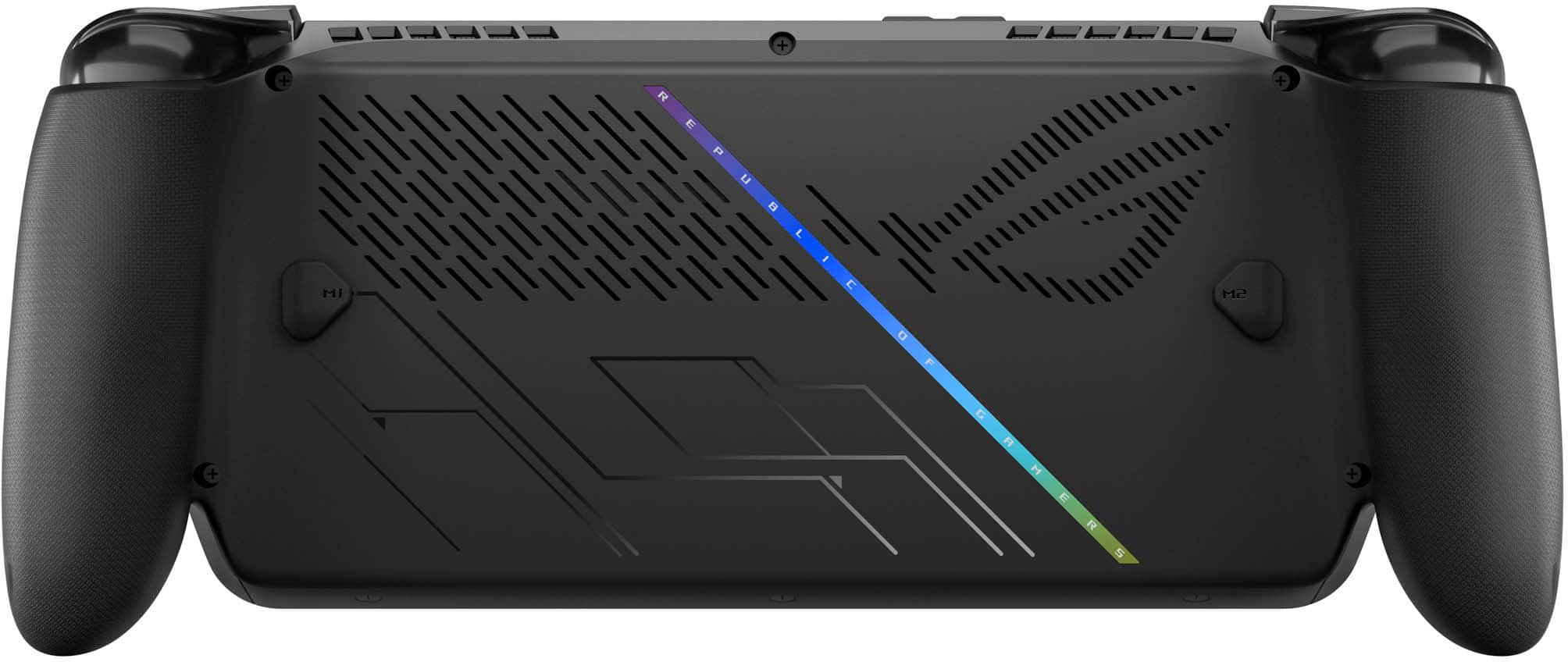
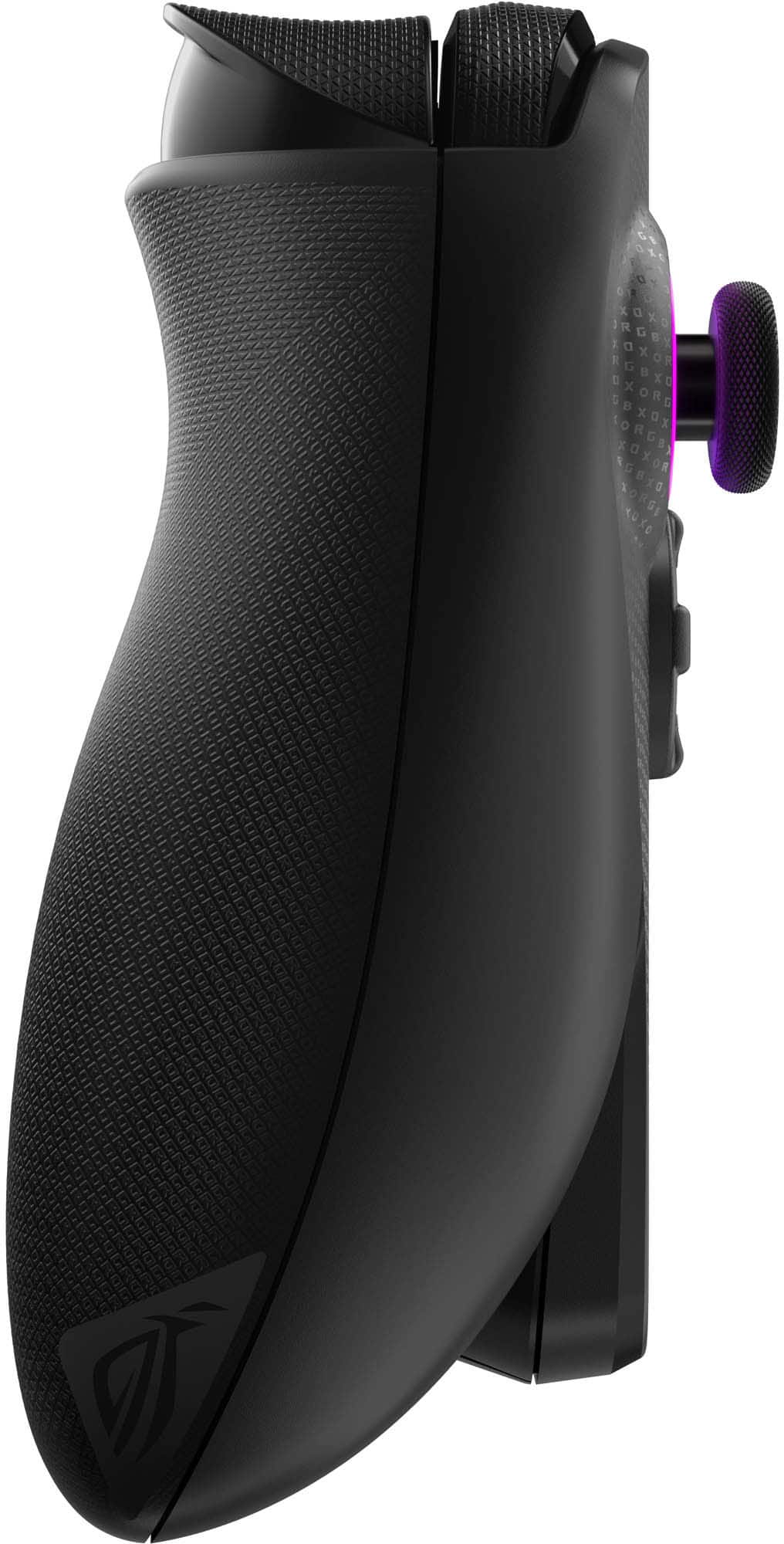
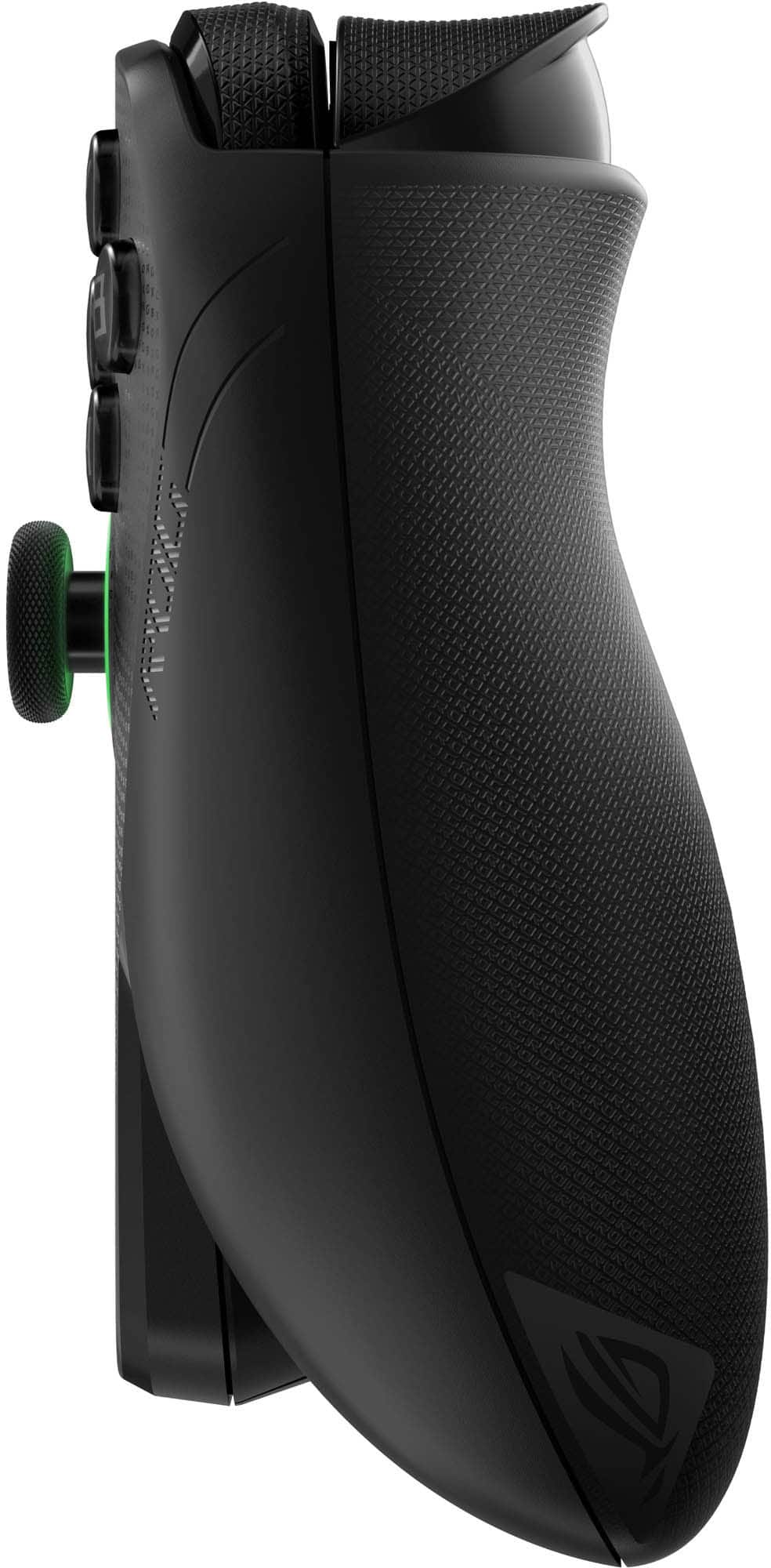
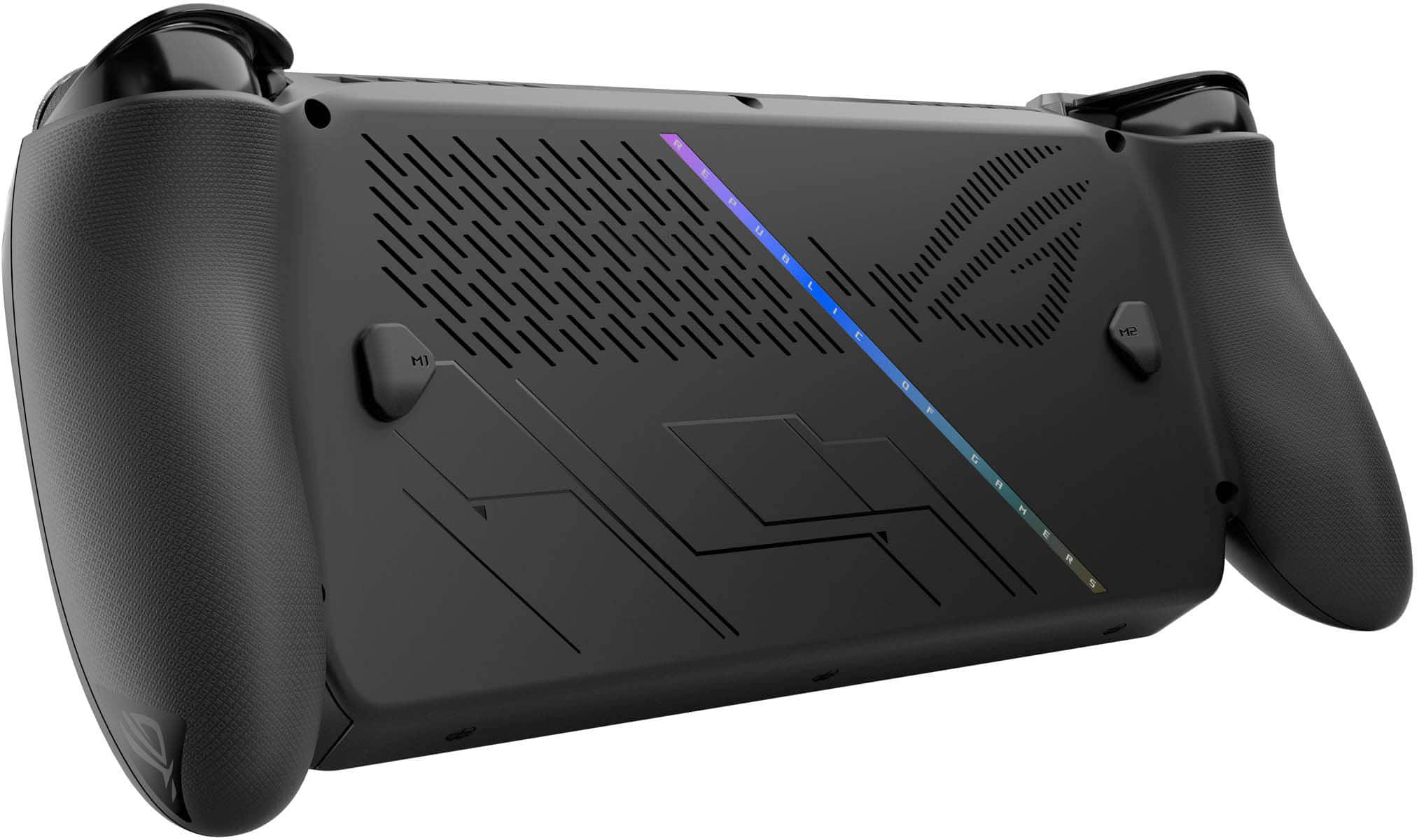
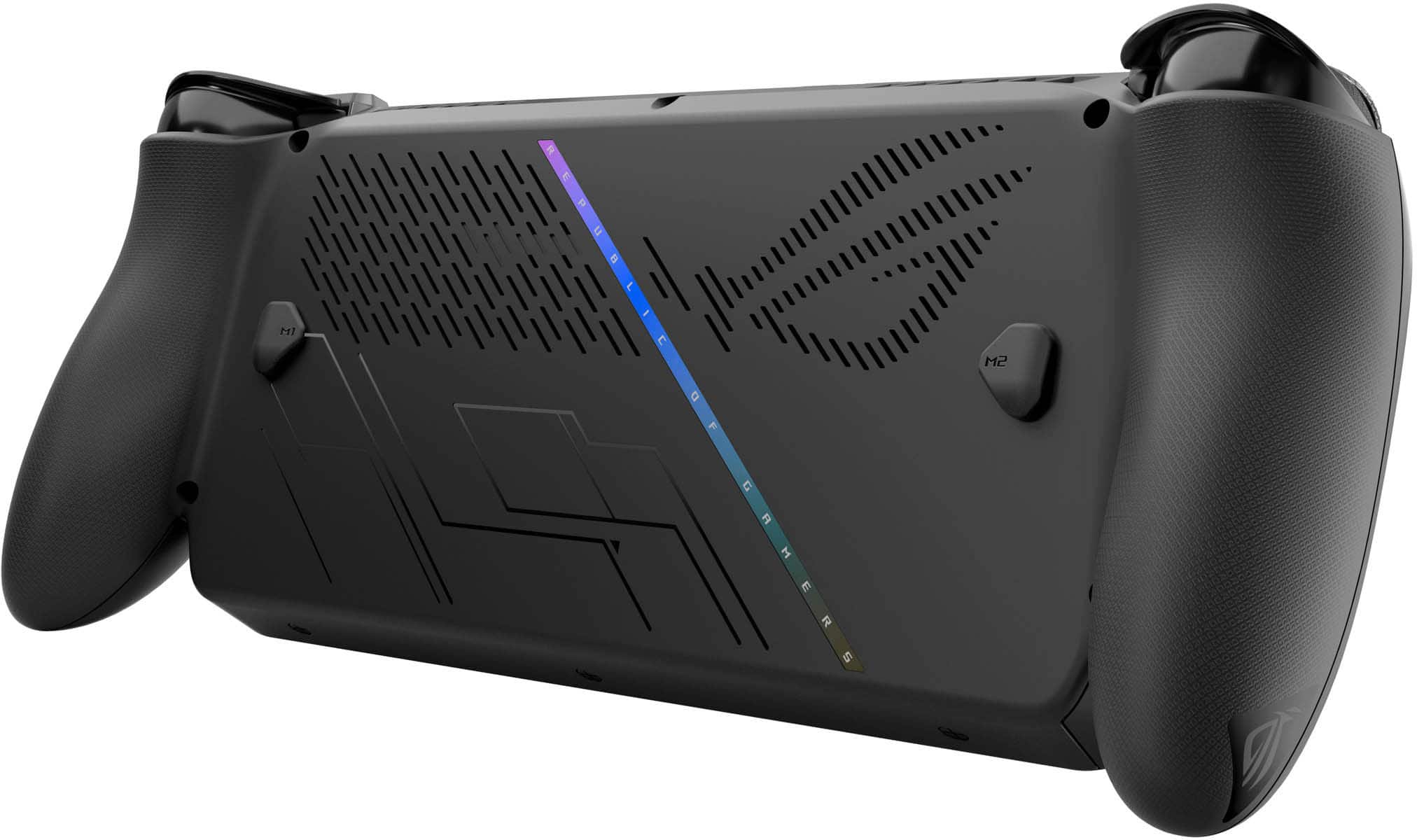
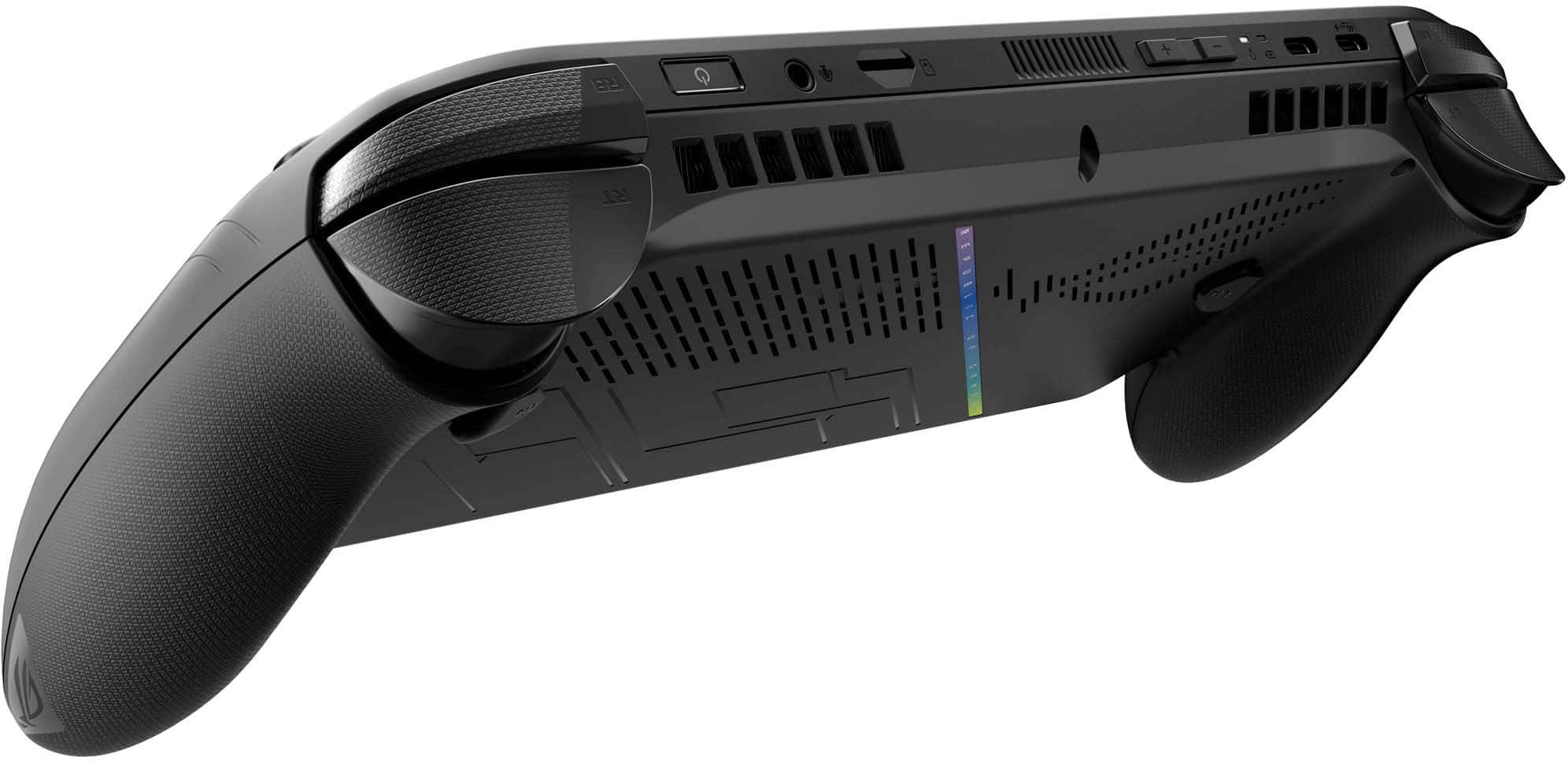
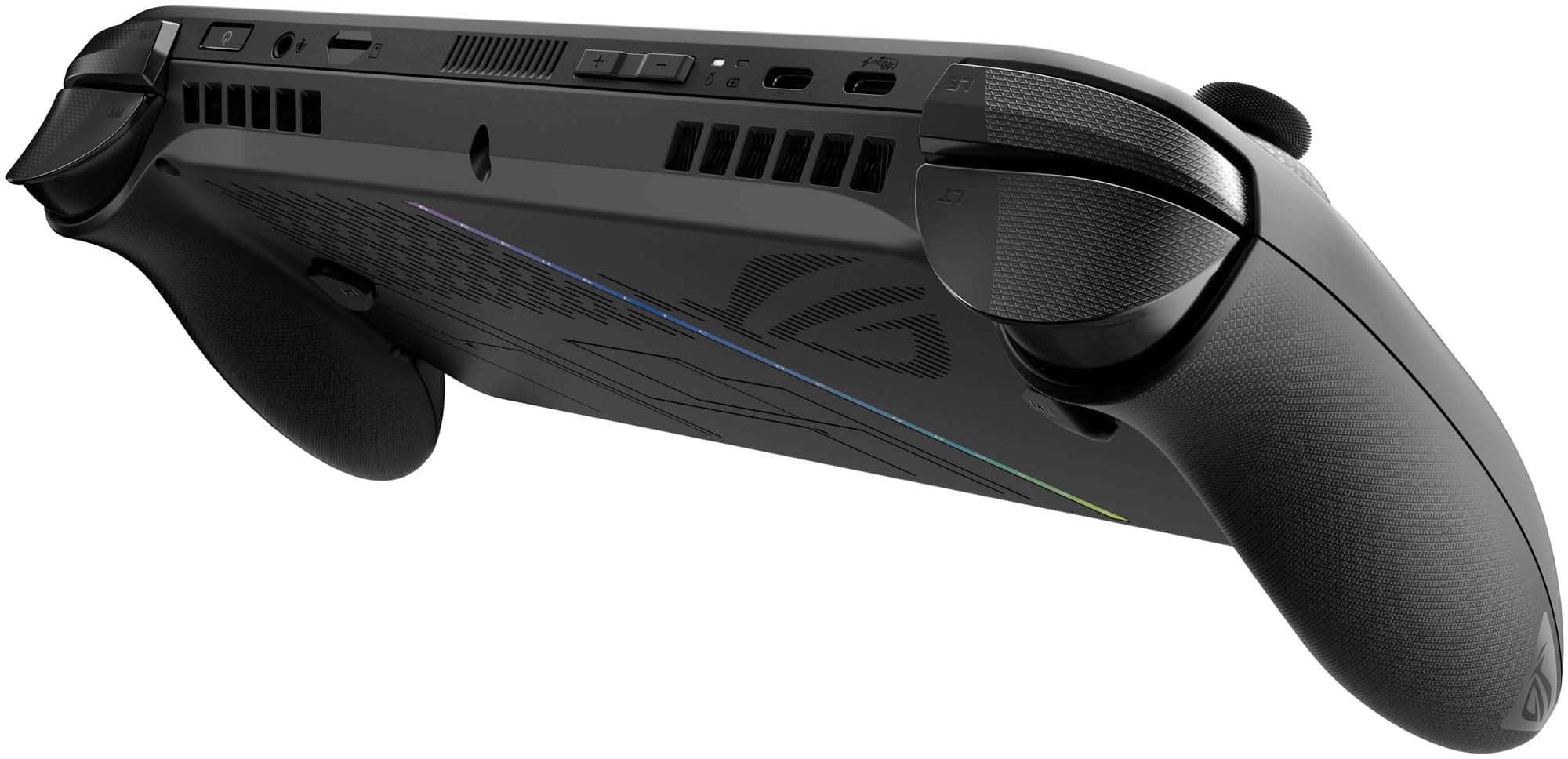
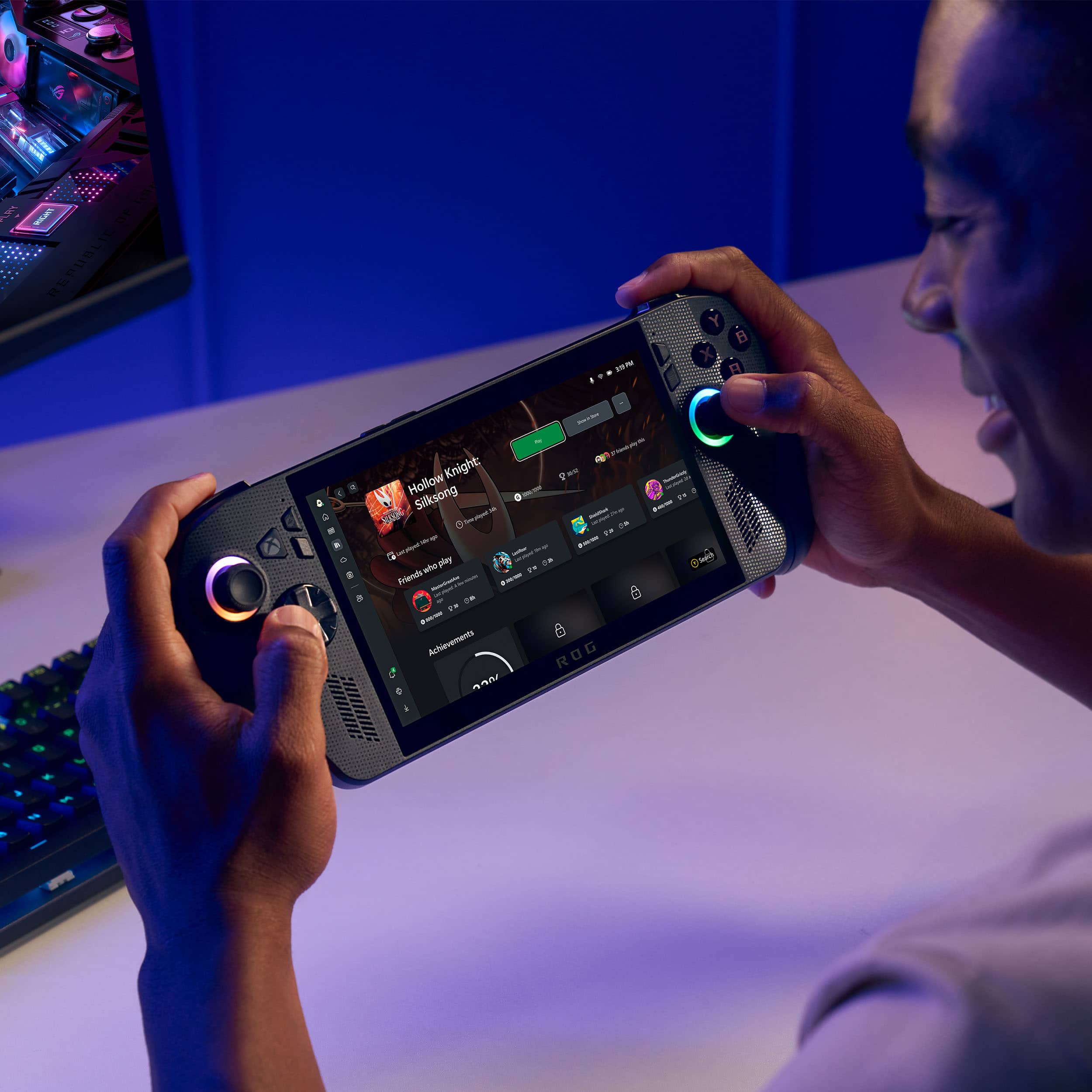
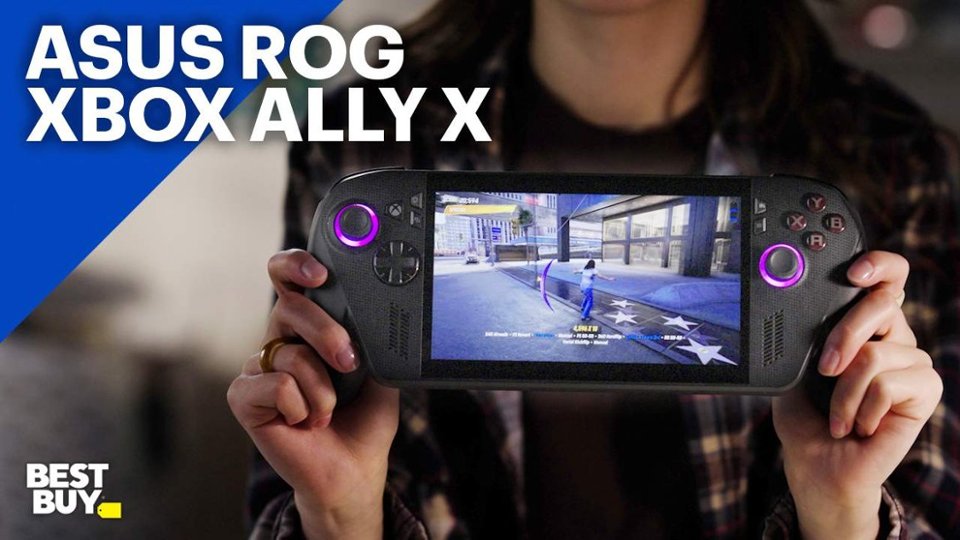
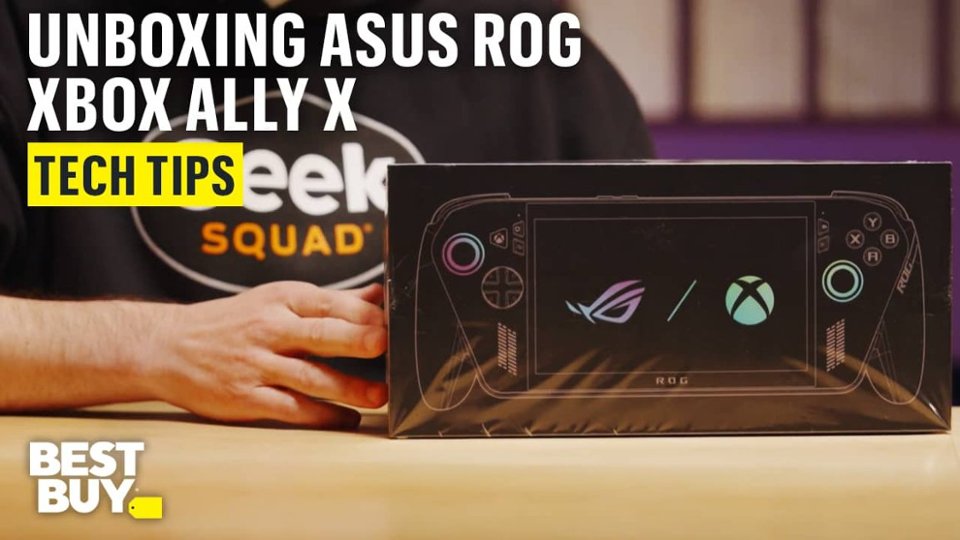
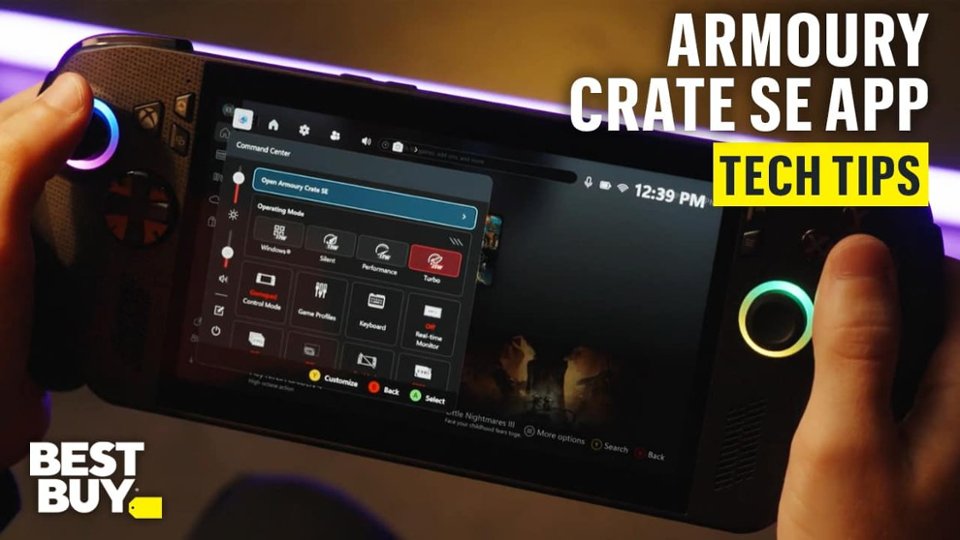
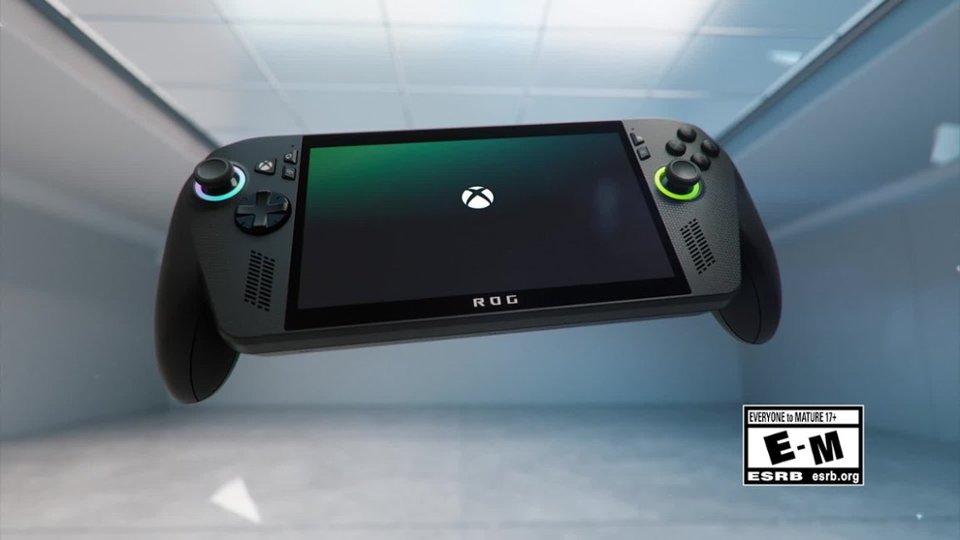
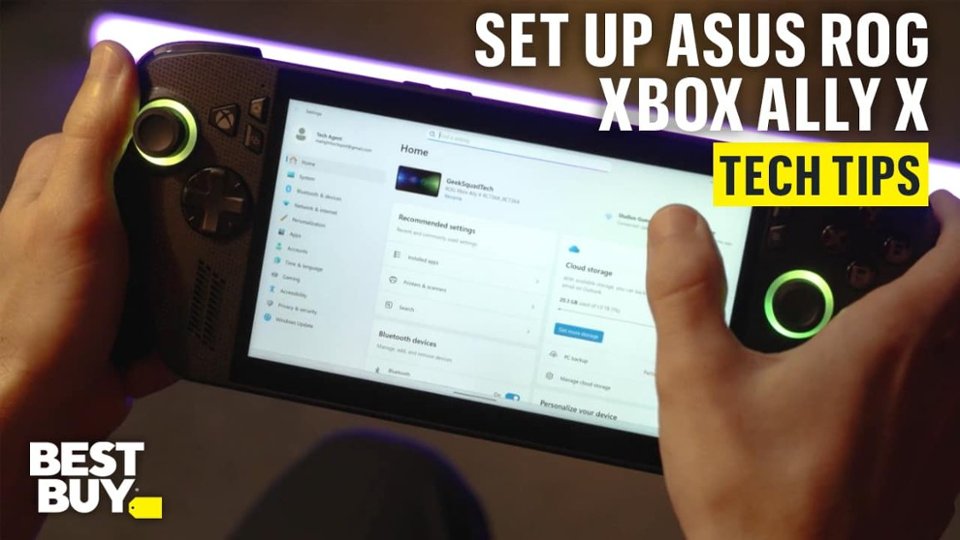
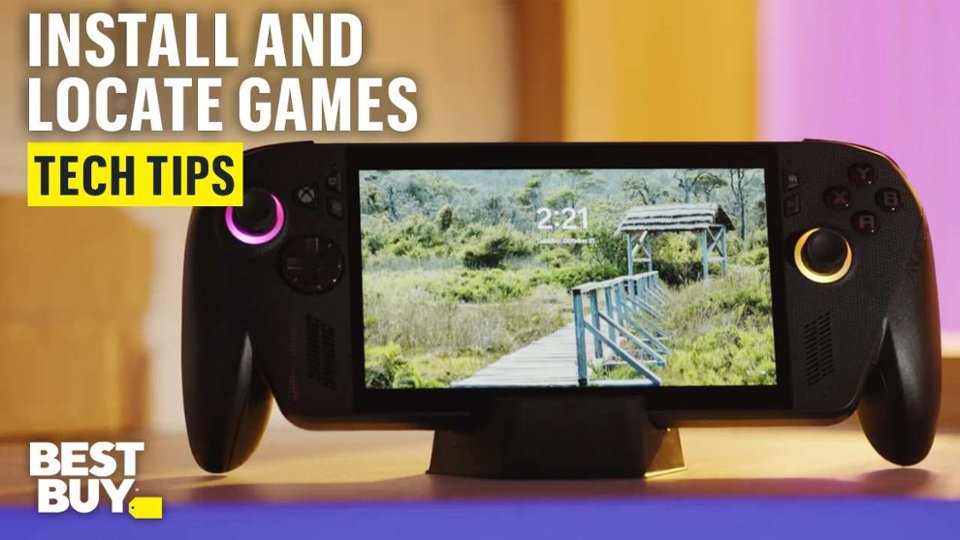
A:AnswerThe ASUS ROG Xbox Ally X is compact and portable, but it’s not pocket-sized. It is designed for handheld use and is best carried in a bag or case.
A:AnswerNo, you cannot play the new EA Sports College Football 25 game natively since it is not available on PC, and the Asus ROG Ally X is a Windows-based handheld device.
A:AnswerYes, they are considered different devices and the Xbox account linked to the devices can simultaneously have the same account logged in. However Play anywhere titles might not allow for simultaneous use as the cross save functionality might not work adequately.
A:AnswerYes, you can play offline story-based games on the ROG Ally X without Wi-Fi. As long as the games are downloaded and installed, they will run without an internet connection.
A:Answerit is a pc/laptop device, plays games locally, can use steam, epic games, gog storefronts and/or the xbox or nvidia streaming services…to be specific no it’s not streaming only and can run games locally
A:AnswerThis item is totally different from the PS Portal Remote. It is a PC gaming device that allows you access to XBOX remote play and to XBOX cloud along with the benefits of PC gaming thru Steam, GOG, etc… Check out the Microsoft xbox website & ROG website for further information
A:AnswerThe ASUS ROG Xbox Ally X runs Windows 11 and does not support direct installation of PlayStation games. However, you can stream PlayStation titles using PS Remote Play or PlayStation Plus Premium, as long as you have a PlayStation console and an active PSN account.
A:AnswerNo, the ROG Xbox Ally is not limited to 2-channel stereo audio through HDMI. To get surround sound, you need a compatible dock that supports multi-channel audio passthrough. Also, you can connect the Xbox Ally to an audio/video receiver (AVR) with HDMI inputs for proper surround sound processing.