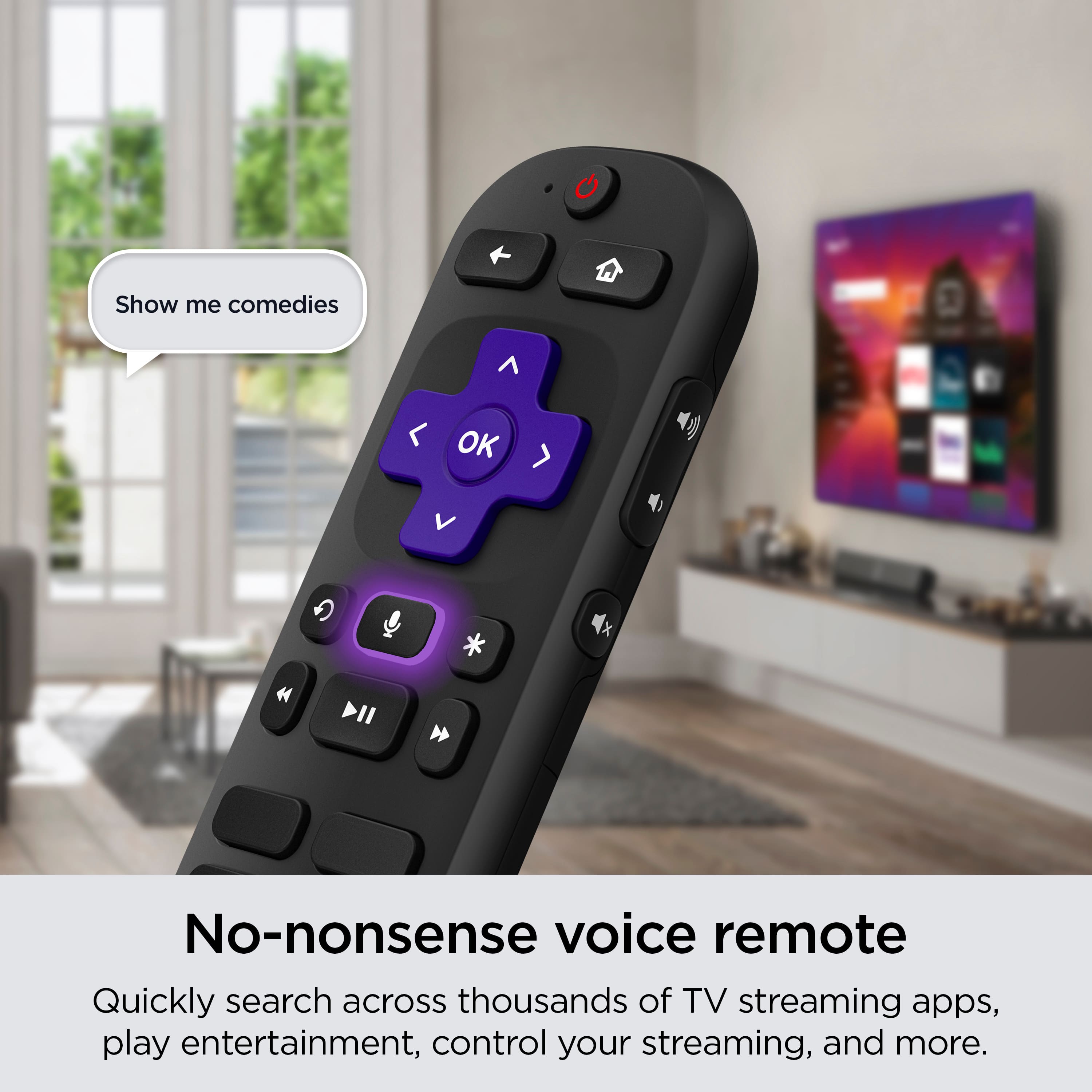
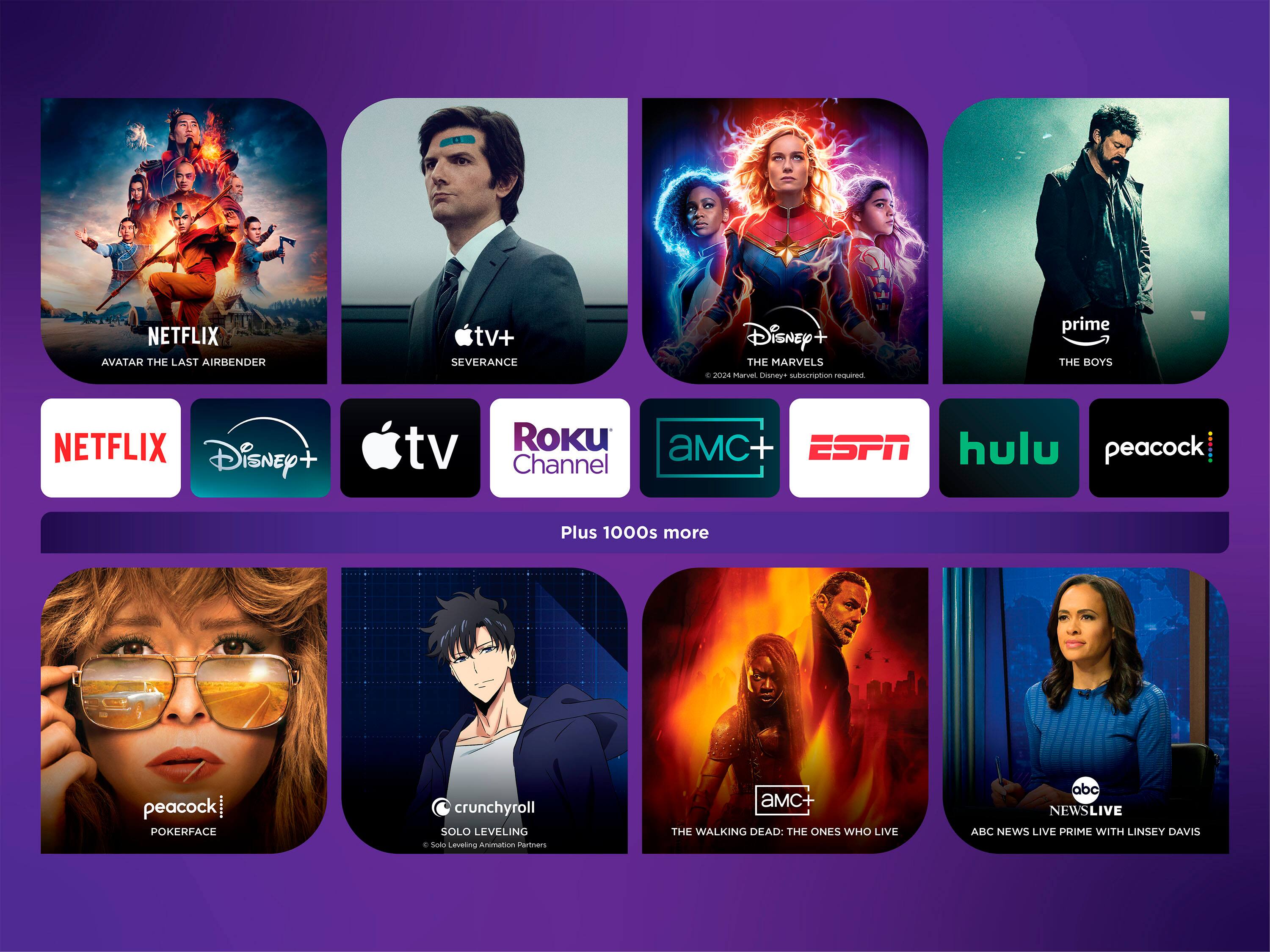
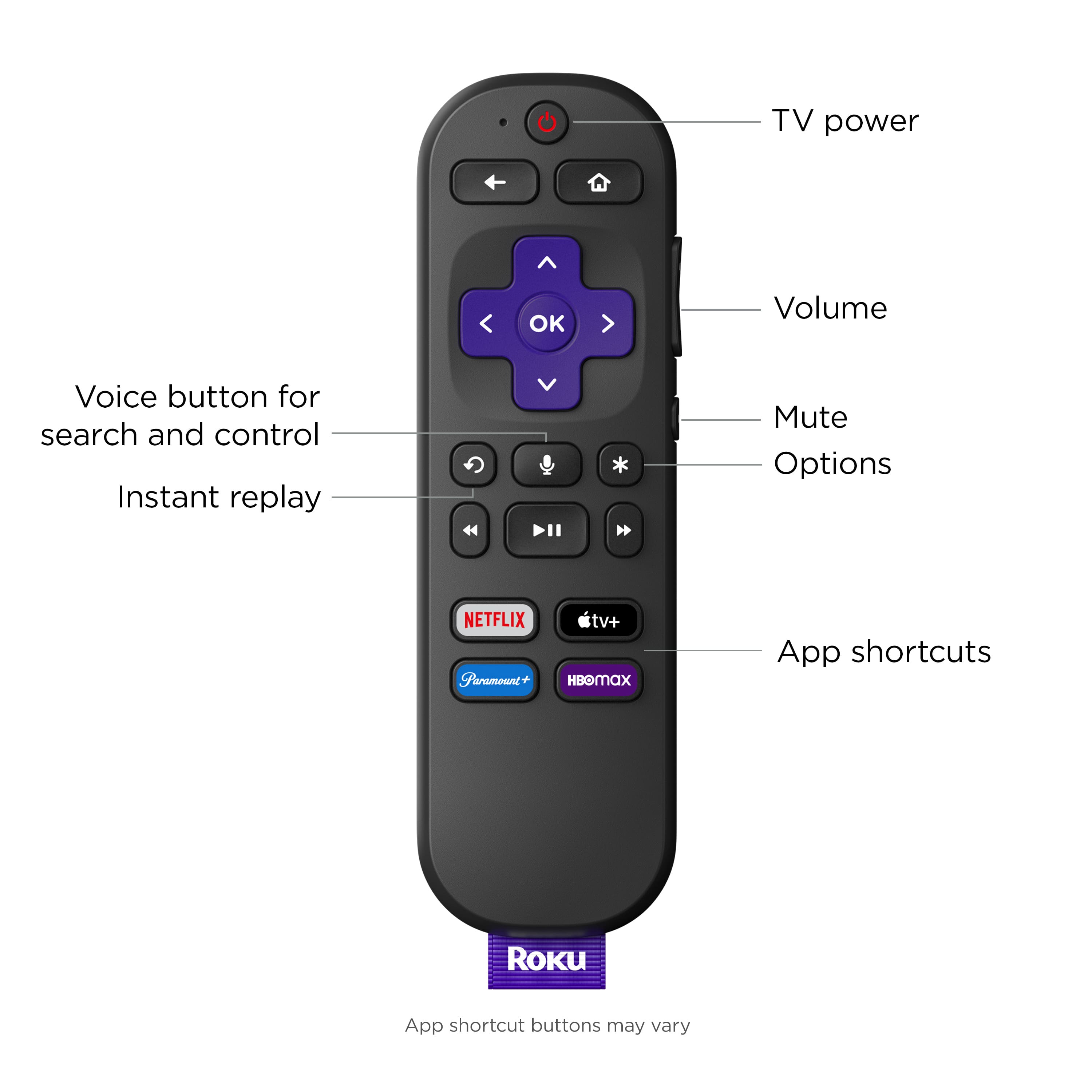
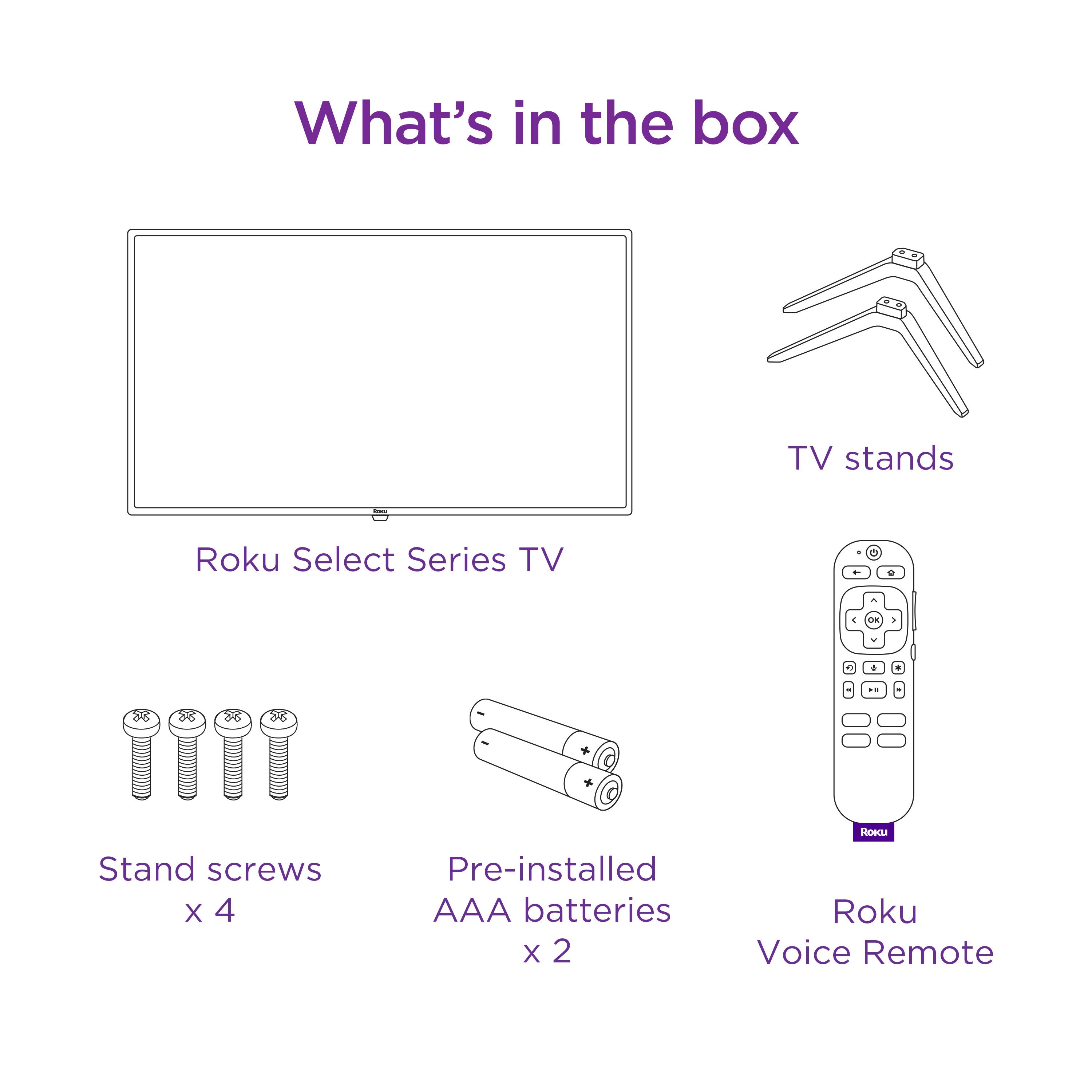
A:AnswerGreat question! Yes, this Select Series model comes with a voice-enabled remote allowing for commands such as “open Disney+”, “launch HBO Max”, “switch to antenna TV”, "switch to Blu-ray player" and many more! Check out our support site for a list of more voice commands that can be used.
A:AnswerTwo ways to secure broadcast channels. 1/ with a digital antenna connected via the coax connector. 2/ via a streaming service, like Youtube TV. If you live close to a metro area, the picture quality off of a digital antenna is quite good........and free.
A:AnswerIt is not backlit. It is the typical Roku remote - i need the cable remote to work the cable box but the Roku has volume, TV on/off, mute, and everything needed for streaming channels.
Yes. Sling can be added to streaming channels.
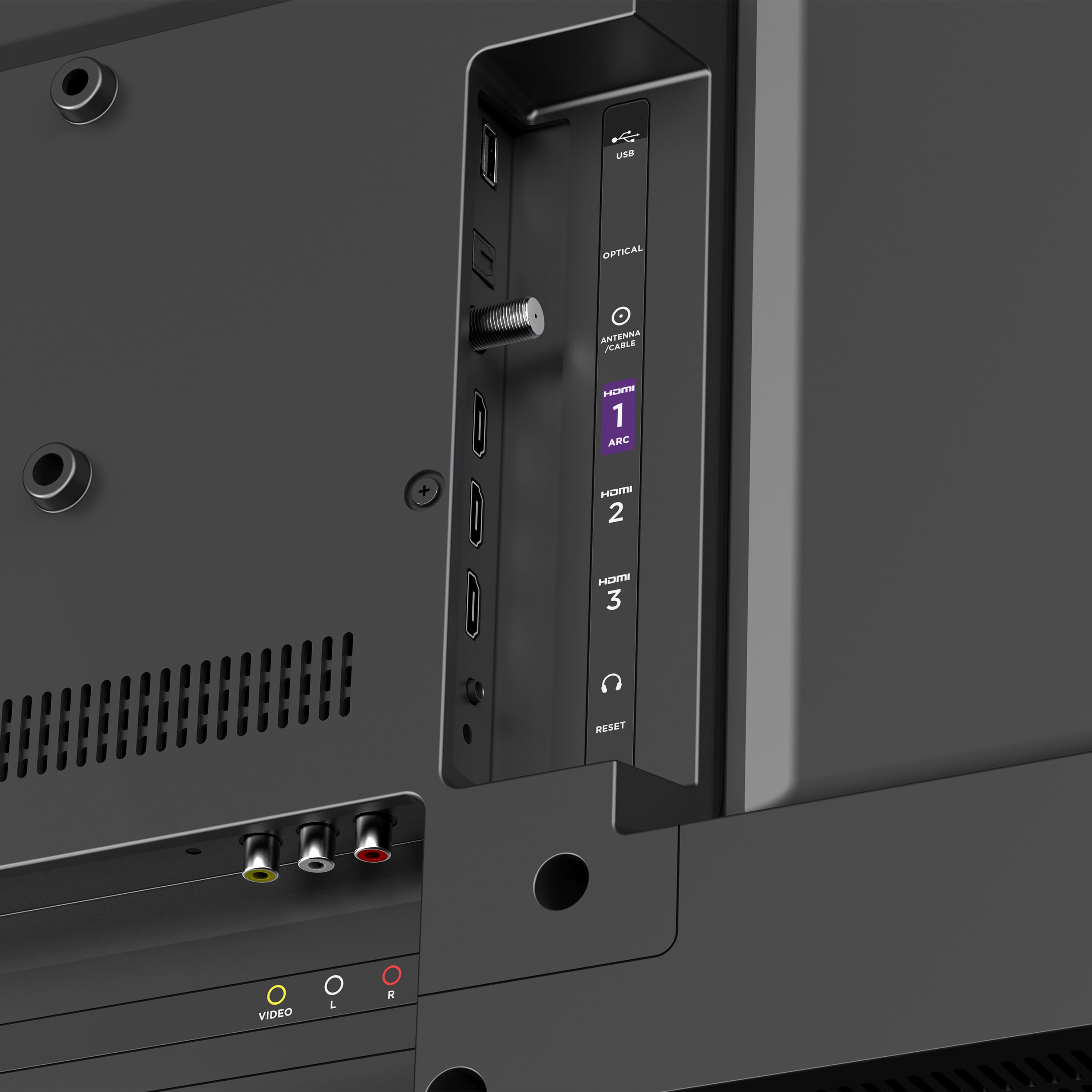
A:AnswerYes! This Select Series model comes with an input for a coaxial cable as well as a standard composite input and 3 HDMI ports allowing for a range of connectivity options!
A:AnswerRoku: Not a helpful answer.
Both Wi-Fi and Bluetooth use radio frequencies.
Bluetooth is 2.402 GHz to 2.48 GHz, using a number of different standards.
Wi-Fi operates on 2.4, 4, 6, 42, and 71 GHz, using a number of different IEEE standards.
A:AnswerHello there! This model does not have the built-in capability to connect directly, but you can use your Bluetooth headphones with this TV when you download the free Official Roku Mobile App. We hope you enjoy your solo streaming!
A:AnswerHello! When you activate your new Roku-branded TV, you can set your preferred language. Doing so will enable your selection on the Roku interface, spoken audio, and closed captions and subtitles.
If you're looking to block content that contains mature language, there are a few options available using parental controls. Visit our support website to learn more about setting up your preferred language or setting up parental block restrictions. Happy Streaming!