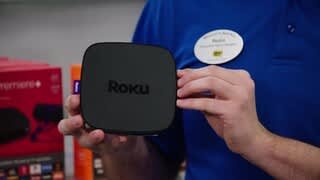
A:AnswerHere's a link to RoKu's support site about connecting USB devices that should answer your questions.
https://support.roku.com/article/230160368-why-does-my-roku-streaming-device-not-recognize-my-external-usb-drive-
A:AnswerI would check with your phones service provider. They may need to enable it on the backside. Or you havent setup the blurays WiFi connection properly. Forget the connection, find your hot spot again and enter the password you chose or is provided in hotspot settings from phone if its auto generated.
A:AnswerI would say its similar to regional DVD releases and what content can be found based on where its sold and local laws. Those that travel international may want to make sure a device works in the regions they travel, otherwise it wouldnt apply as region specific devices would be what is available to you for purchase at national retailers, or if you needed to check region if you were buying online and possibly from a seller in another country or overseas.
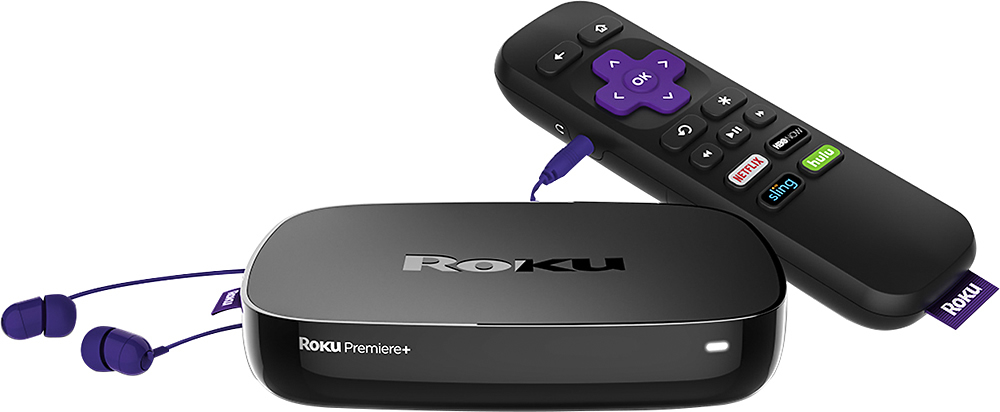
A:AnswerThe earbuds or any other stereo headphones with a muni plug will fit the jack in the remote and if you walk into an adjacent room, the audio stays on.
A:AnswerEach TV requires it own device for simultaneous viewing. However, you can move a Roku between TV's in your home. You can take a Roku with you when you travel, just remember that you will need Internet acces.
A:AnswerYour Roku will pick up any available WiFi signal, so the trucks top Internet shouldn't be an issue. The Roku has a small of amount of local storage, and once you exceed that it has to reload some apps when you want to use them. Usually this will happen with apps which are not used as often as others. You can bypass this issue by installing and SD card (micro SD to be exact.)